Search history
Clear allSearch by image
XDrag and drop an image here or upload an image
Max 5MB per image
UploadSign In | Join

Search history
Clear allSearch by image
XDrag and drop an image here or upload an image
Max 5MB per image
UploadSign In | Join
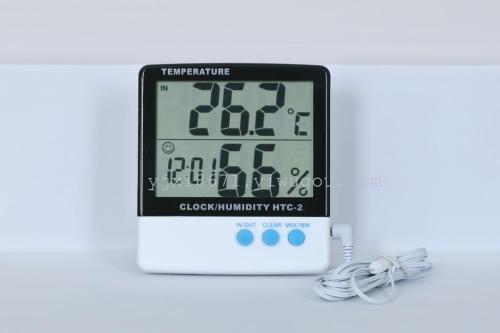
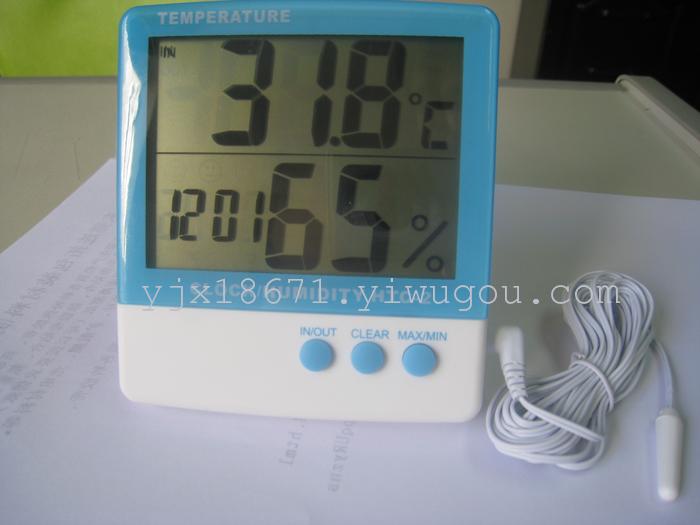
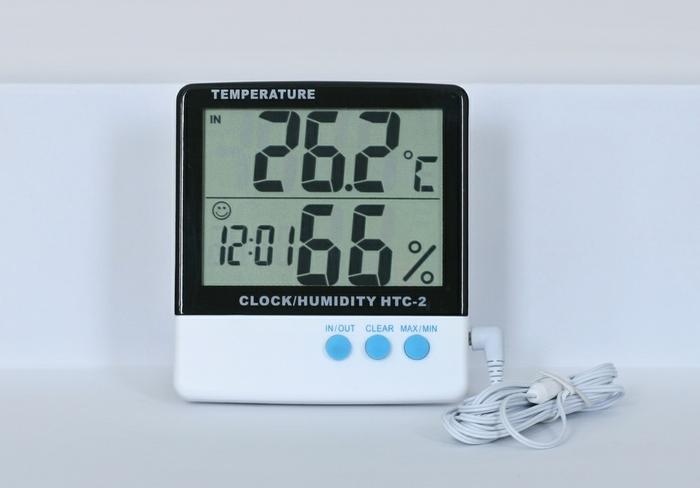
HTC-2Temperature and Humidity Meter Instruction Manual
1large screenLCDDisplay.The product displays both indoor and outdoor temperature and humidity at the same time.
2Temperature measurement range: Indoor:0Celsius to50Celsius (32°F~122°F)
Outdoor: -50°C to 7°C0"Celsius (-58°F~158°F)
Humidity: 10-95%
3Accuracy: Temperature ±1℃. (15~35℃) Humidity: ±5% (40~80%)
Other: ±1 = 2°C. Other: ±8%
4Resolution: Temperature 0.1°C. Humidity 1%.
5Usage: The product has a support plate and a hook hole, which can be used for placing a flat surface and hooks.
6The product is powered by a 1.5V AAA (7#) battery.
7The product's temperature display can be selected in Celsius/Fahrenheit. The selection key is located at the back of the product, with a label.
Function operation:
After the product is displayed full screen, press the MAX/MIN key to display MAX. This represents the highest temperature and humidity of the measuring environment.
Display MIN, representing the lowest temperature and humidity of the measuring environment.
RESETThe key is to clear the current environment's maximum and minimum temperature and humidity. The screen displays MAX, and pressing the RESET key once,
The highest temperature and humidity memory has been cleared. The screen shows MIN, and after pressing the RESET button, the lowest temperature and humidity memory has been cleared.
IN/OUTPress the key to select indoor temperature measurement, press again to select outdoor temperature measurement. To measure outdoor temperature, insert the outdoor temperature sensor cable.
Humidity High-Low Chart:
The product is equipped with a 1.5m outdoor temperature sensing line.
Update time:


TOP