
Search history
Clear allSearch by image
XDrag and drop an image here or upload an image
Max 5MB per image
UploadSign In | Join

Search history
Clear allSearch by image
XDrag and drop an image here or upload an image
Max 5MB per image
UploadSign In | Join
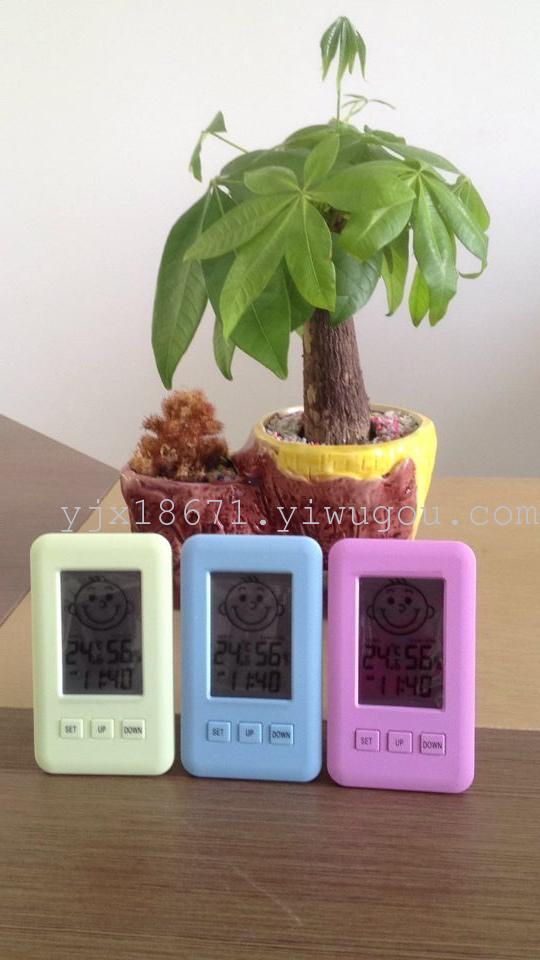
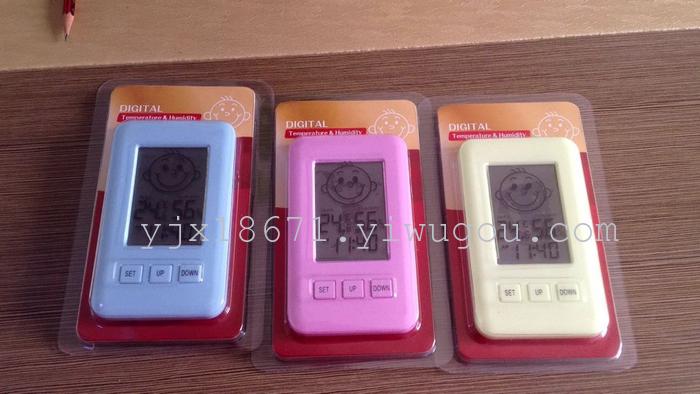
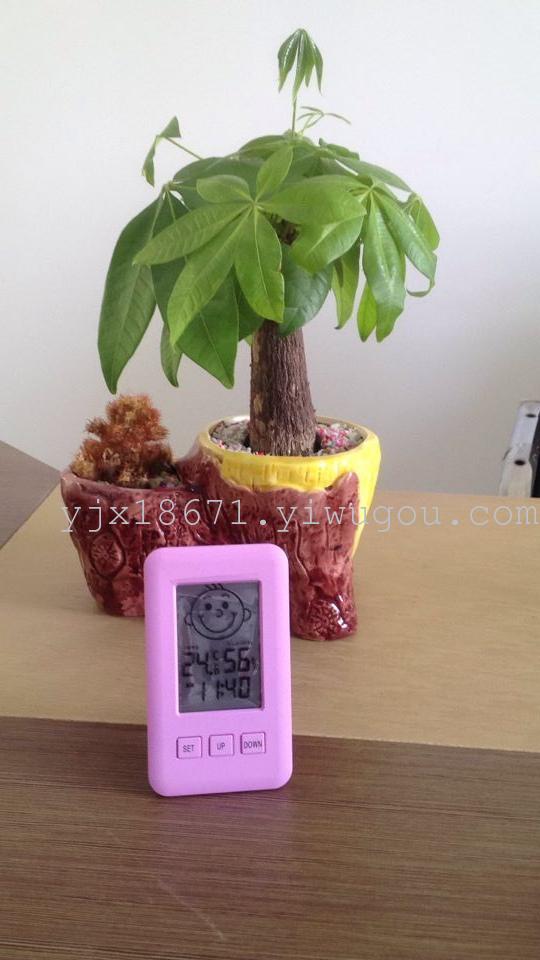
Smile and cry: two expressions.
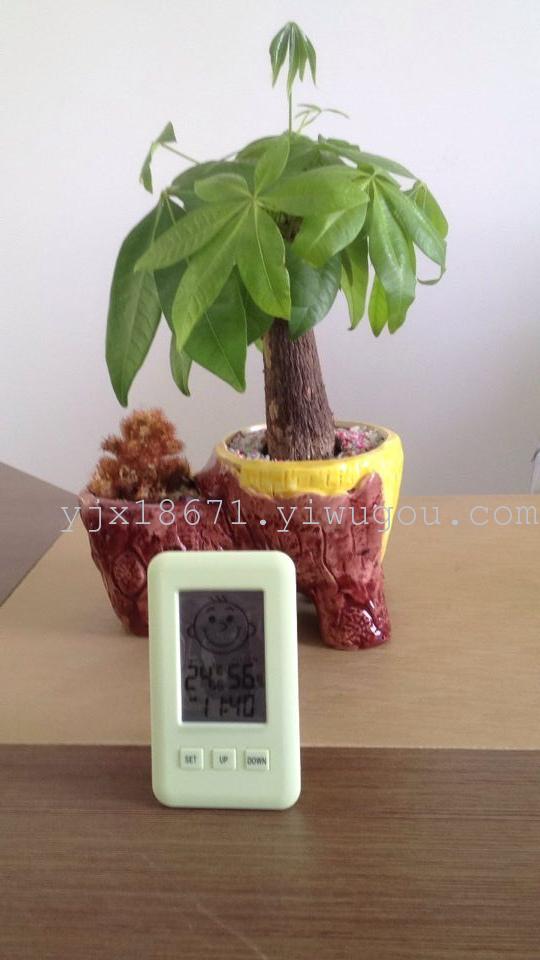
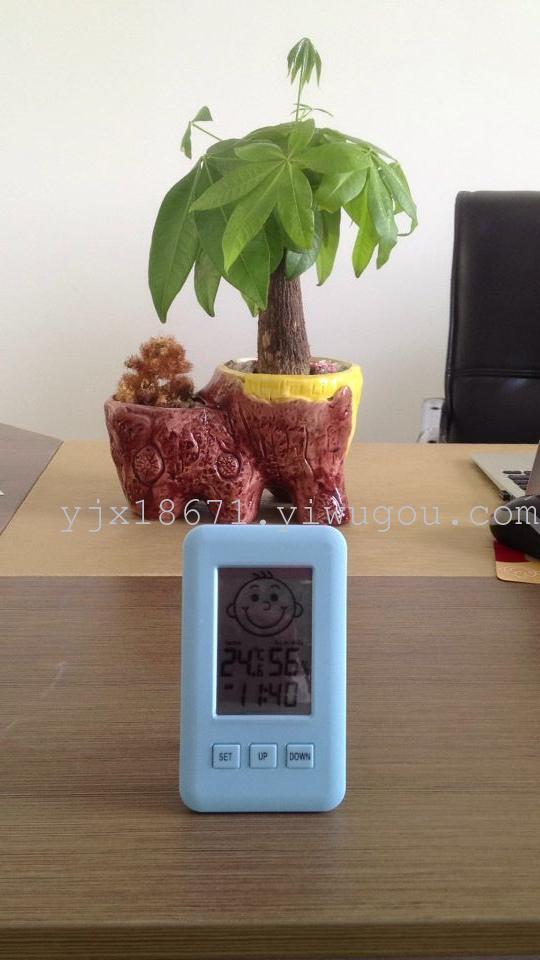
1. Comfortable humidity: 40% to 70%RH. At this time, the cute baby smiles are displayed.
2. When the humidity is below 40%RH or above 70%RH, the baby's unhappy expression will be displayed, which is very cute.
3. When the humidity is below 20% or above 90%RH, the LCD displays "LO".
In the case of 2 and 3, I remind you to find a way to change the indoor humidity, which can make your life more comfortable.
Product operation instructions, very simple!
After installing a 7-volt battery, the LCD screen normally automatically displays the current humidity, temperature, and 24-hour time format at 12:00.
Change the settings as follows:
1. Press the '+' key to switch between 12-hour and 24-hour time display.
2. Press the '-' key to switch between Celsius/Fahrenheit (C/F) temperature display.
3. Time setting: Press and hold the "SET" button for 3 seconds, and the clock numbers will flash. Press the "+/-" button to change the numbers to the current correct clock time.
Press the "SET" key again lightly, and the minute number will flash. Press the "+/-" key to change the number to the current correct minute time.
4. Time setting has not been completed, and the screen will return to the original time display after 20 minutes of inactivity.
Update time:


TOP


