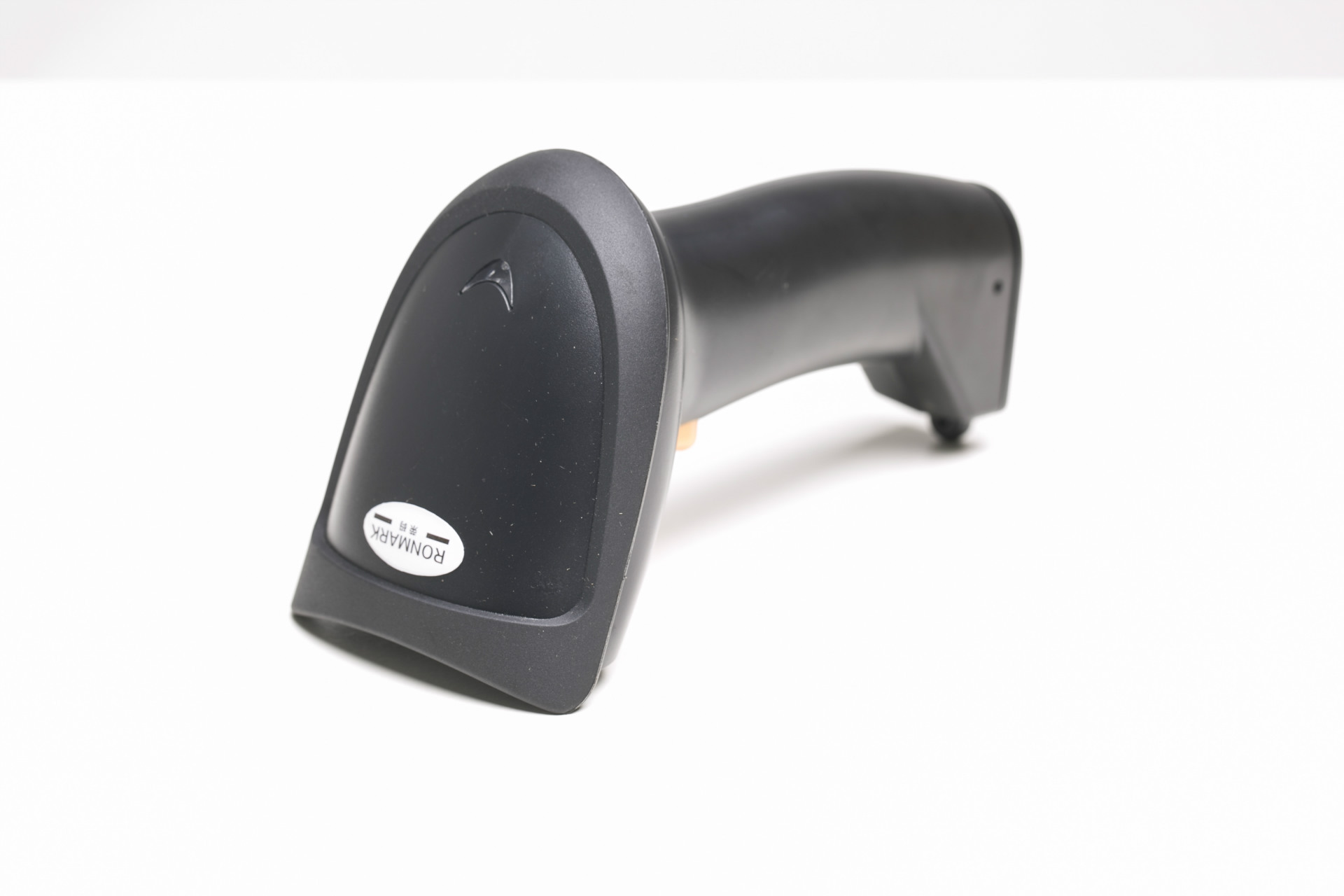
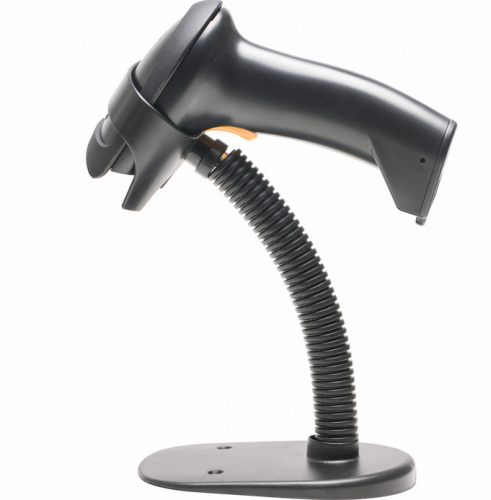
Scanner Operation Method:
1USB Scanner is a 2.0 high-speed data connection, which can be directly connected to desktop computers, laptops, and POS machines. It is plug-and-play and does not require installation of driver programs. If the scanner does not display data after it emits light and sound, please scan the initialization setting code on the scanner manual. If the barcode contains letters, please set the input method to English mode or capital letters.
2Please select the serial port scanner RS232 for the 2nd generation electronic cash register interface. After receiving the gun, connect the gun line to the COM port of the cash register, and turn to page 9 of the scanner user manual to scan the "initialization setting code", then scan the "serial port mode barcode" to complete the setting.
3Keyboard port PS2 (round port) can be connected to desktop computers and also to some 2nd generation cash registers. Desktop computer users, please note that when selecting the PS2 keyboard port, please confirm that your keyboard is also a PS2 round port. If your keyboard is a USB port, the PS2 round port of the scanner will not be usable.
4The wireless scanner gun is already paired with the receiver before it leaves the factory, and it can be used directly. If it doesn't work, refer to the instructions on page 20 of the manual to re-pair it.
Special Note: Please do not scan the barcode on the instruction manual at random after receiving the scanner. The barcode on the instruction manual is the function setting barcode of the scanner. If you accidentally scan it incorrectly, simply scan the barcode labeled "Restore Initial Settings" to reset the scanner.