
Search history
Clear allSearch by image
XDrag and drop an image here or upload an image
Max 5MB per image
UploadSign In | Join

Search history
Clear allSearch by image
XDrag and drop an image here or upload an image
Max 5MB per image
UploadSign In | Join
X Email Mobile
Yiwu Sihui Electronics Firm 14yr.
Contacts Yang Juxian Chat
Mobile 86-13516927842
E-mail yangjuxian18671@163.com
yjx186718

Usage Method:
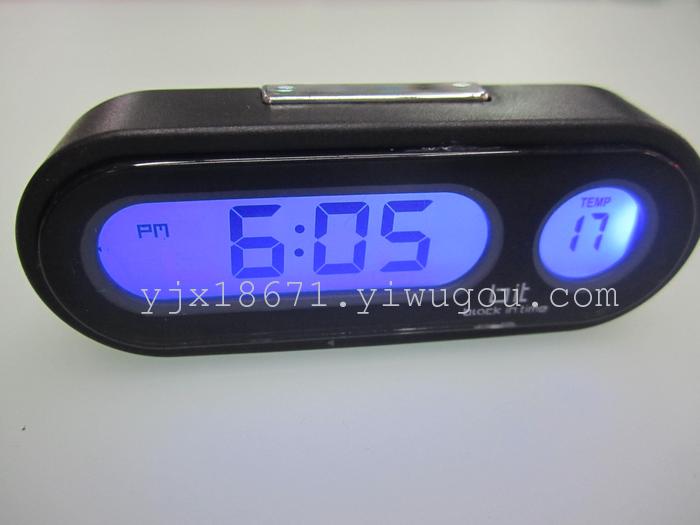
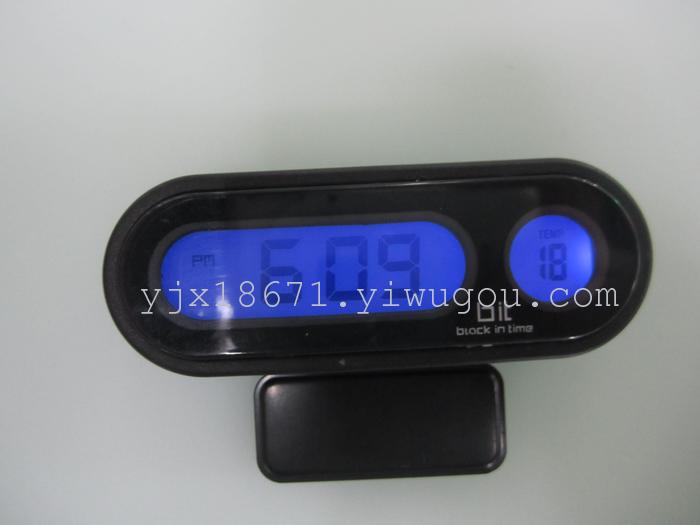
1. Clock Function: The device has a 12/24-hour format switch (default is 12-hour format).
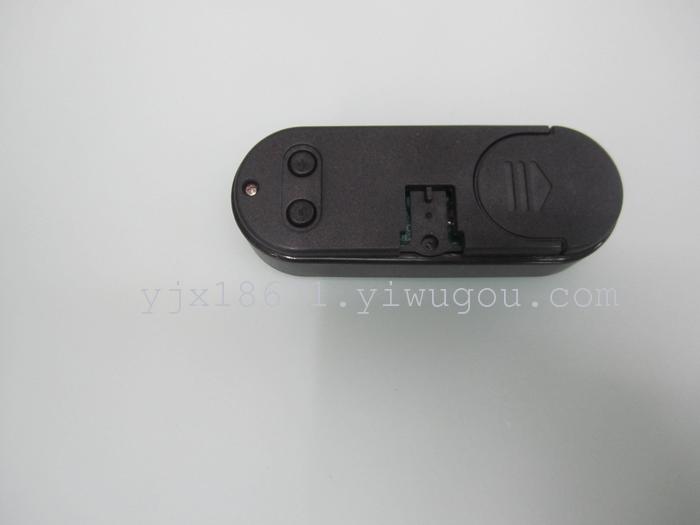
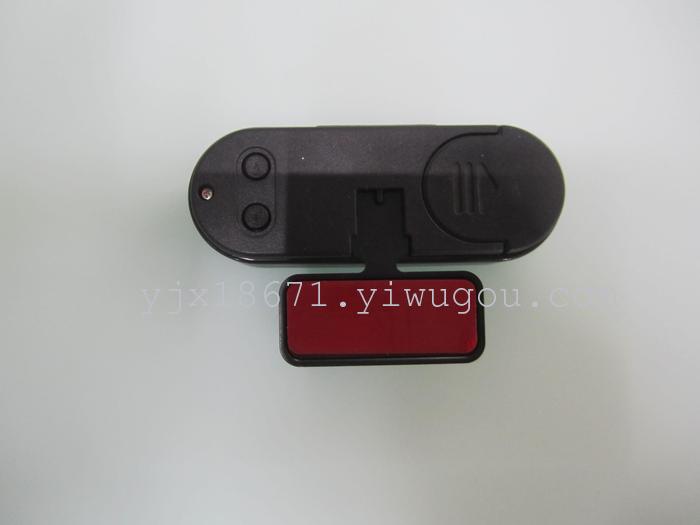
2. Clock Settings: Press A for three seconds to set the hour. Press B to adjust the hour value. Then press A to set the minutes. Press B to adjust the minutes (the seconds will be cleared when adjusting the minutes). Then press A to confirm and exit the setting. When adjusting the value, hold down B to quickly add. When setting, if the value exceeds, 60 seconds without pressing any key, automatically confirm and exit the setting.
3. In the non-setup state, pressing the backlight key 4 displays a blue light.
4. Temperature Function: Automatic Temperature Measurement Range from -20°C~50°C, precision ±1%.
Update time:


TOP


