Search history
Clear allSearch by image
XDrag and drop an image here or upload an image
Max 5MB per image
UploadSign In | Join

Search history
Clear allSearch by image
XDrag and drop an image here or upload an image
Max 5MB per image
UploadSign In | Join
X Email Mobile
| Number | Unit-price | Total | |||
| I want to buy: | × | 58.0 | = | 0 |


A new item has been added to your Shopping Cart. You now have items in your Shopping Cart.
Shop 2962, Street 11, Zone E, Gate 17, Phase I, International Trade City
QQ: 237509425
E-mail: shiqian20088@126.com
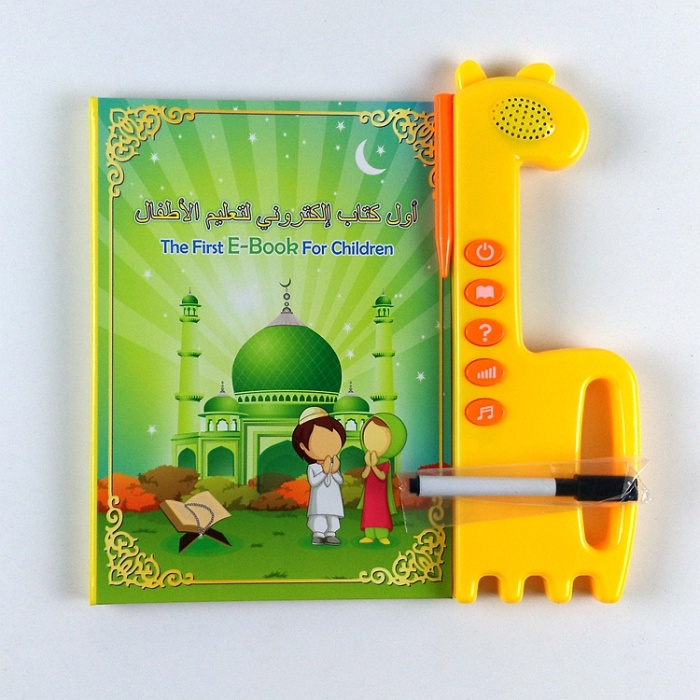
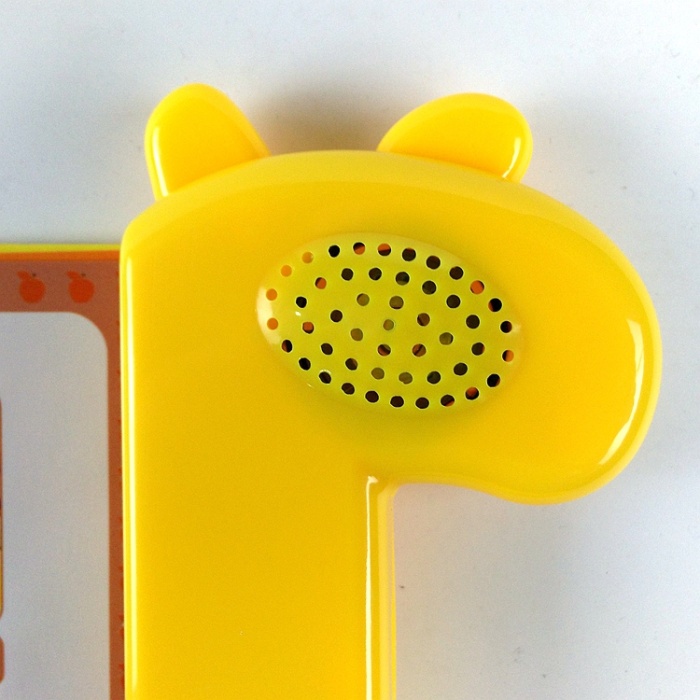
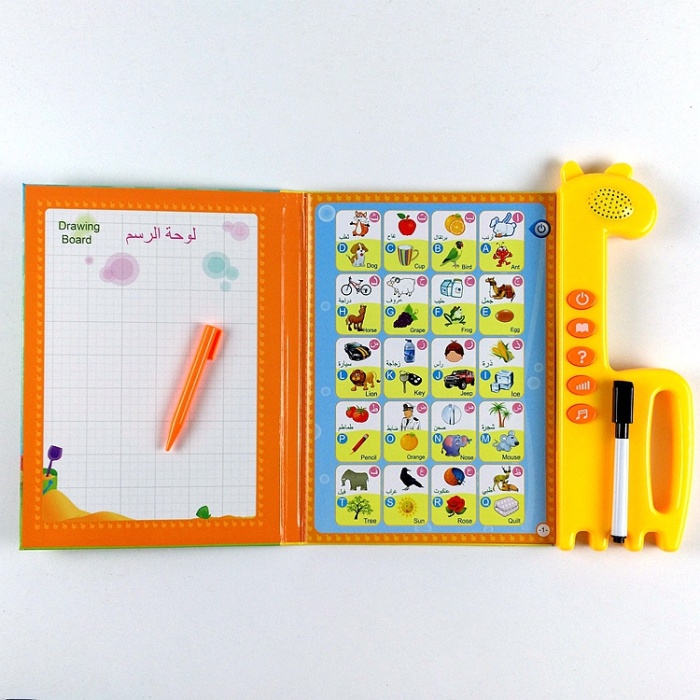
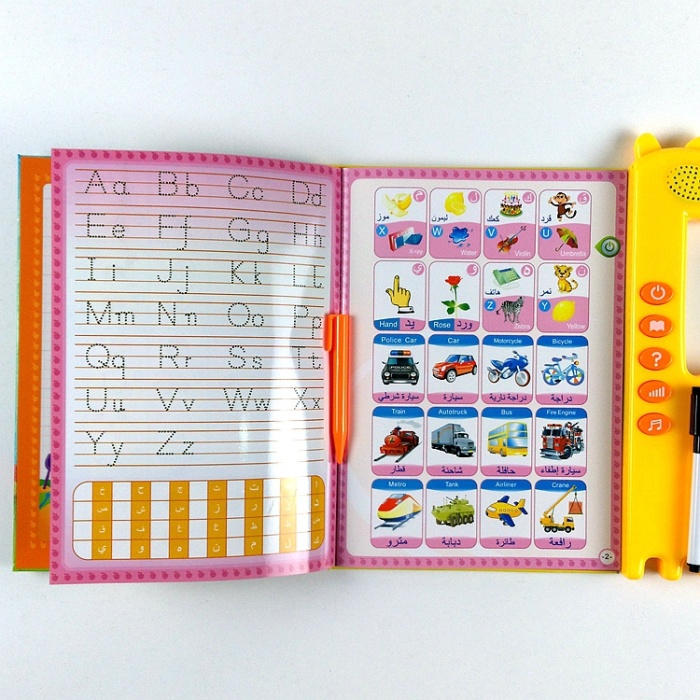
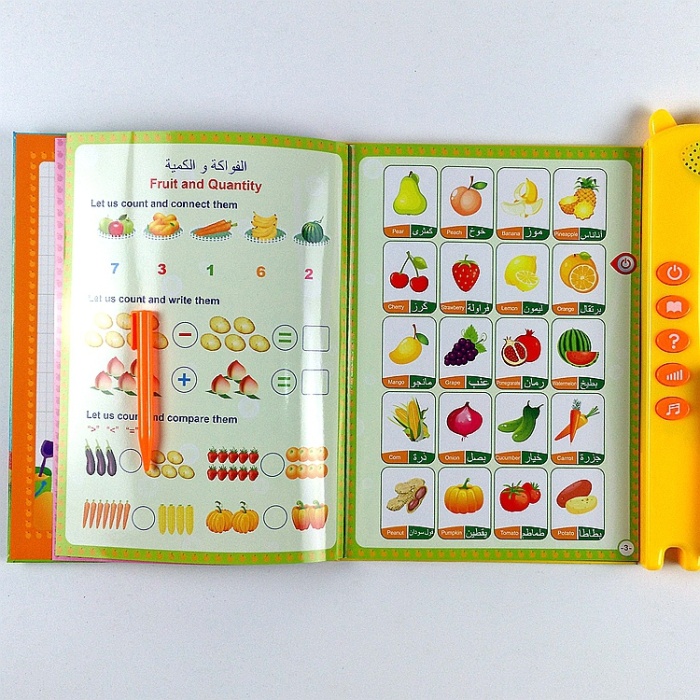
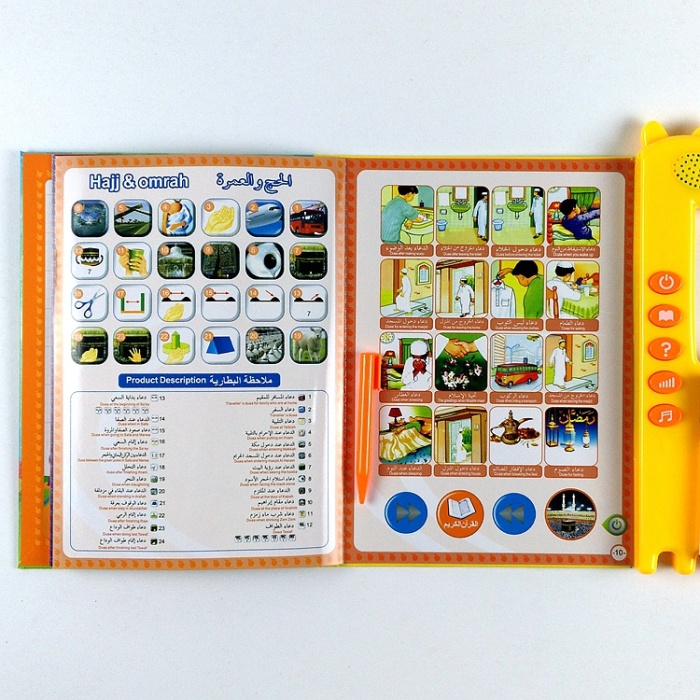
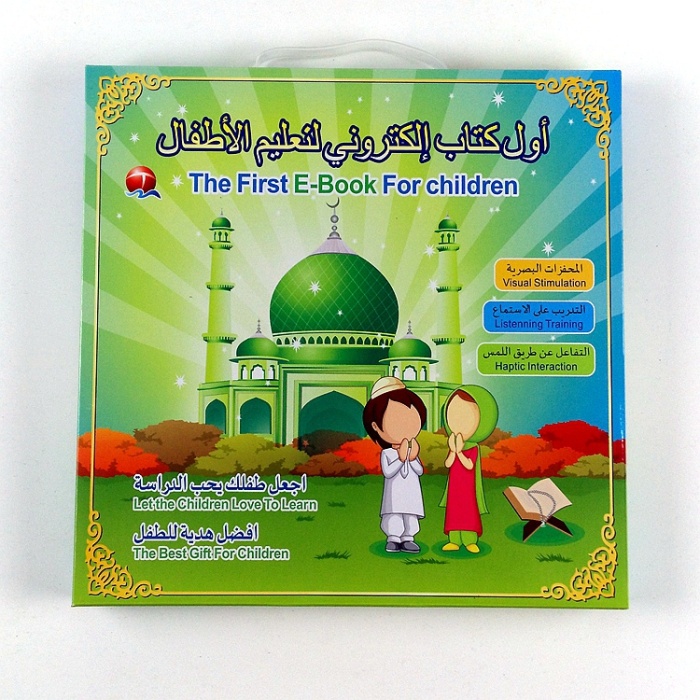
How to use the Muslim children's point-reading pen:
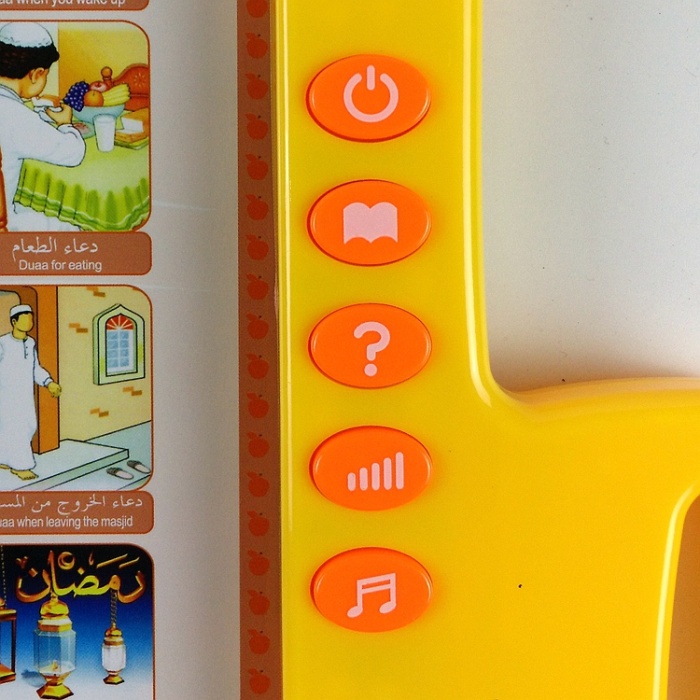
The first button on the right is the power button.,The second key is the switch key for Arabic and English.,The third key is the one to ask questions when learning (e.g., "Where is F?")..The fourth button is the volume control button.The fifth key is the music key (includes hymns, English Arabic alphabet songs, etc.)
Click on the page you want to hear first. There is a switch-like icon near the host on the right side of the page. Then click anywhere else and it's done! To switch to the next page, repeat the operation.
Update time:


TOP