
Search history
Clear allSearch by image
XDrag and drop an image here or upload an image
Max 5MB per image
UploadSign In | Join

Search history
Clear allSearch by image
XDrag and drop an image here or upload an image
Max 5MB per image
UploadSign In | Join
X Email Mobile
Hailan Electrical Appliance Firm 15yr.
Contacts zhouaibiao Chat
Mobile 86-13735758480
E-mail 1040472497@qq.com
WeChat 13735758480
Market Opportunities
Have you ever heard the story of "God's Brush, Ma Liang"? Have you ever thought about the day when you could draw a object so real that you could hold it in your hand?
If you are a parent, would you like to buy your child a 3D drawing pen to let them create their own toys or patterns?
If you're a young person, would you like to create a three-dimensional pattern by hand as a gift and hold it in your hands to give to your lover?
If you are a student, would you like to give your teacher or family a three-dimensional item that incorporates your feelings?
The main difference between the first-generation pen and the second-generation pen:
Difference 1: 1st-generation pens can only use ABS supplies, do not have LED displays, and cannot see real-time temperature.
Difference 2: The 2nd generation pen adds an LED display, allowing you to view and adjust the temperature anytime and anywhere, which is convenient and quick.
Difference 3: The 2nd generation pen can use ABS and PLA supplies, and PLA is colorless, odorless, and non-toxic, which is healthy and environmentally friendly.
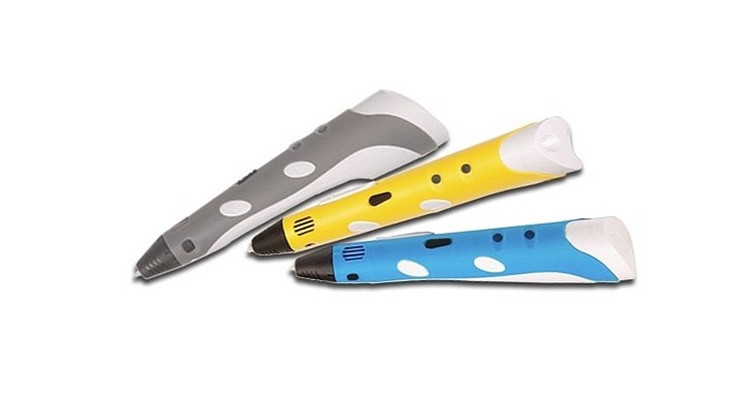
Product Specification: RB-100A
Specifications:
1. Discharge method: hot melt extrusion and accumulation molding
2. Molding Method: Three-dimensional Molding
3. Print Range: Unlimited
4. Silk Spinning Speed: Adjustable
5. Print Consumables: ABS/PLA 1.75mm Material
6. Heating temperature: within the range of 160-250 degrees
7. Equipment operating voltage: 12V 3A
8. Nozzle Direct: 0.7mm
Product Material: Plastic Shell
Net weight: 0.4kg
Gross Weight: 0.45kg
Packing Size: Length 22cm Width 17cm Height 6.3cm
13. Full Case Specification: 1 case contains 30 pieces; Outer Box Dimensions: Length 53.00cm * Width 46.00cm * Height 36.00cm
14.55kg gross weight, net weight 13.5kg
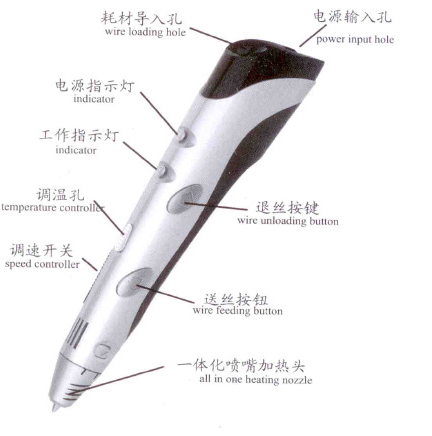
Product Feature Diagram:
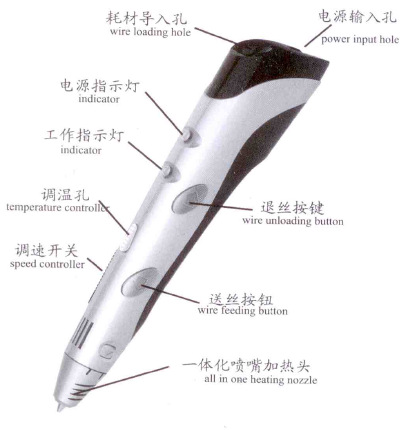
Operating Instructions:
Product Packing List:
1.1 3D Printer Pen
2.1 12V/3A Power Adapter
3.1 sets of 3-color * 3-meter test consumables
1 instruction manual (English version)
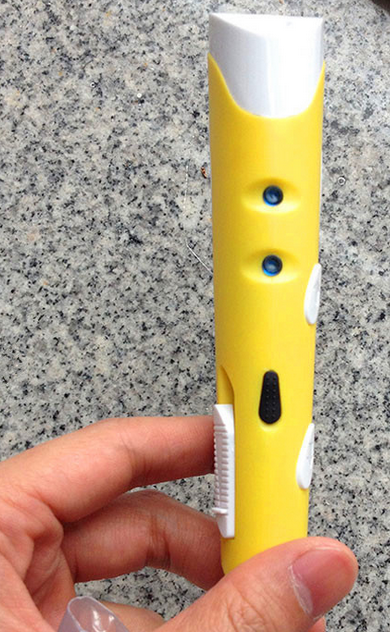
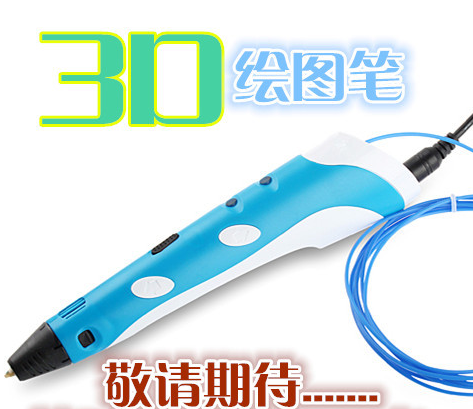
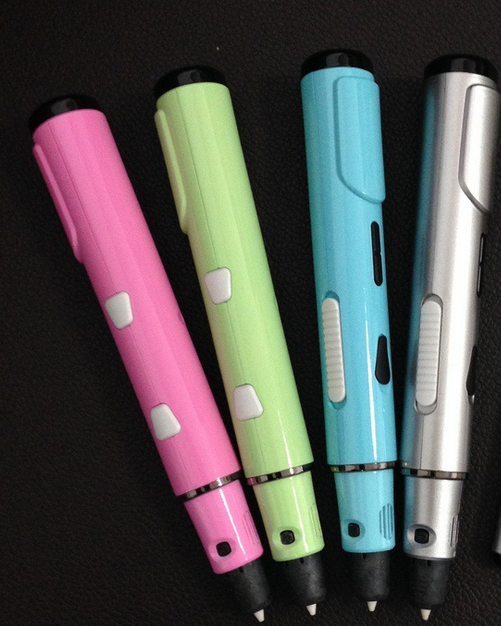
Product Real-life Photos:
Update time:


TOP


