
Search history
Clear allSearch by image
XDrag and drop an image here or upload an image
Max 5MB per image
UploadSign In | Join

Search history
Clear allSearch by image
XDrag and drop an image here or upload an image
Max 5MB per image
UploadSign In | Join
X Email Mobile
| Number | Unit-price | Total | |||
| I want to buy: | × | 18.0 | = | 0 |


A new item has been added to your Shopping Cart. You now have items in your Shopping Cart.
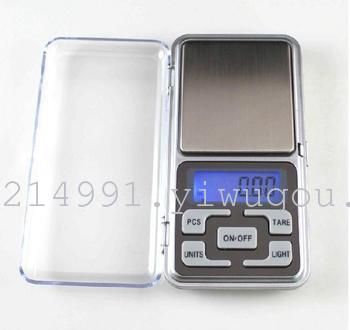
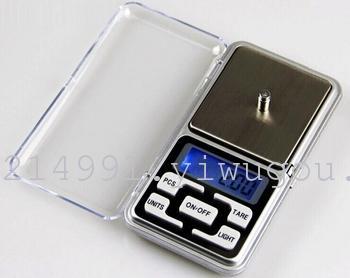
Operating Instructions:
Place the scale on a level surface. 100/0.01, 200/0.01, 300/0.01, 500/0.01 prices differ
1. Press the "ON/OFF" key, and wait for 5 seconds to display 0.0.
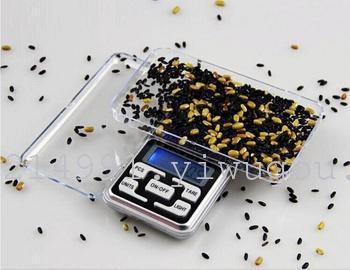
2. Place the heavy object on the tray surface, and when the "O" appears in the upper left corner, it indicates the weight of the object.
3. Use the M (UNITS) key to change the measurement unit, g/oz/ozt/dwt/ct;
4. Press T (TARE) to force zeroing.
5. PCS Count Key
6.LIGHT blue backlight display keys
7. Press 'ON/OFF' to turn off the device when it is on.
Correction Method:
Press ON/OFF for 3 seconds without releasing until the LCD screen displays "500,100g". At this point, place a 500g, 100g weight on the tray, and the value will flash to display "PASS". The current weight value (500.0, 100g) will also be displayed. Calibration is complete. (If the scale is inaccurate due to excessive temperature differences or other reasons, use this function.)
Update time:


TOP


