Search history
Clear allSearch by image
XDrag and drop an image here or upload an image
Max 5MB per image
UploadSign In | Join

Search history
Clear allSearch by image
XDrag and drop an image here or upload an image
Max 5MB per image
UploadSign In | Join
X Email Mobile
| Number | Unit-price | Total | |||
| I want to buy: | × | 74.0 | = | 0 |


A new item has been added to your Shopping Cart. You now have items in your Shopping Cart.
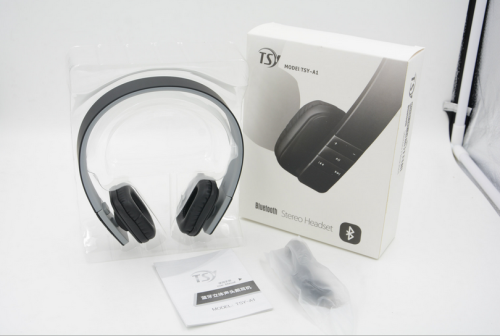
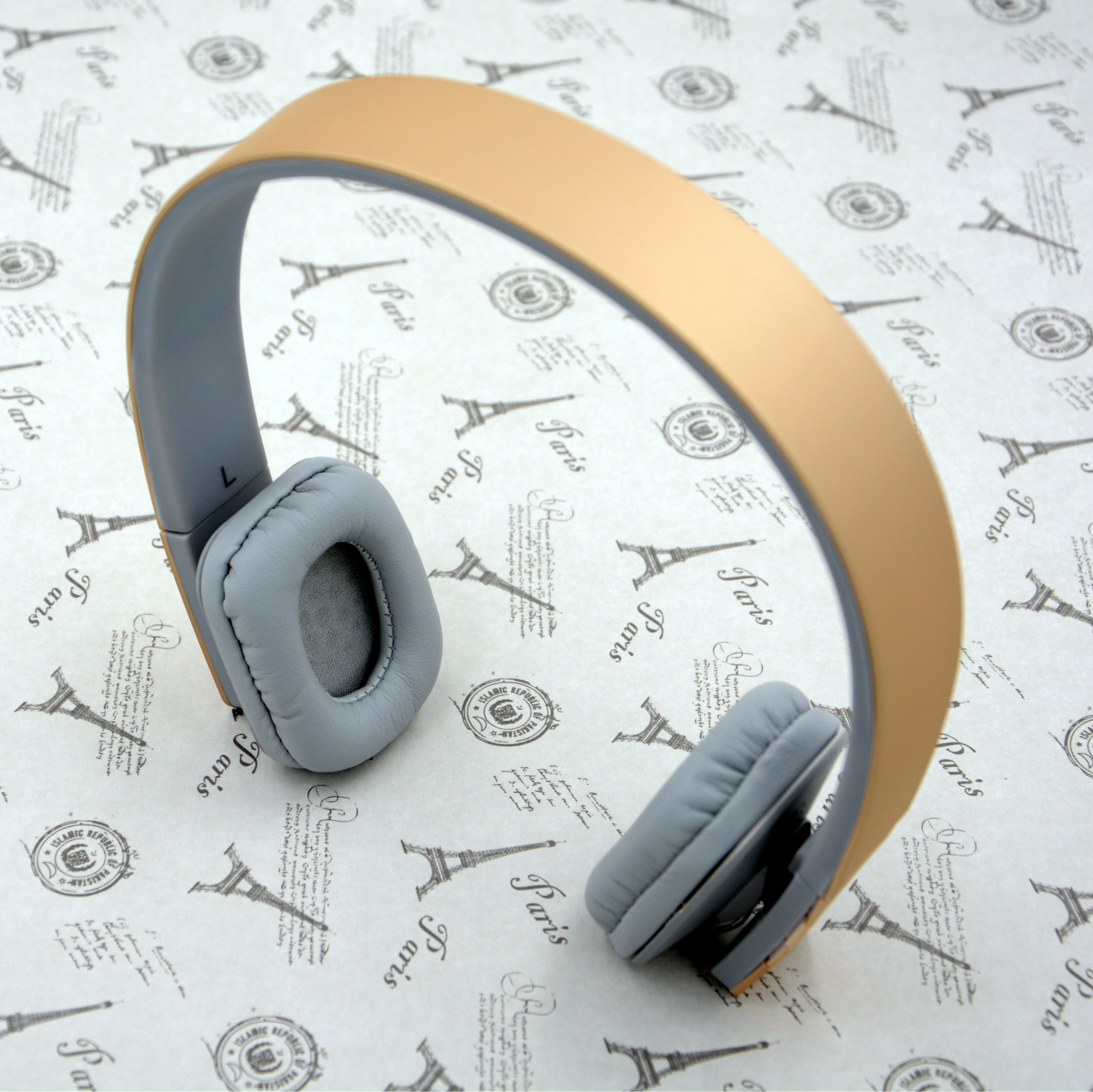
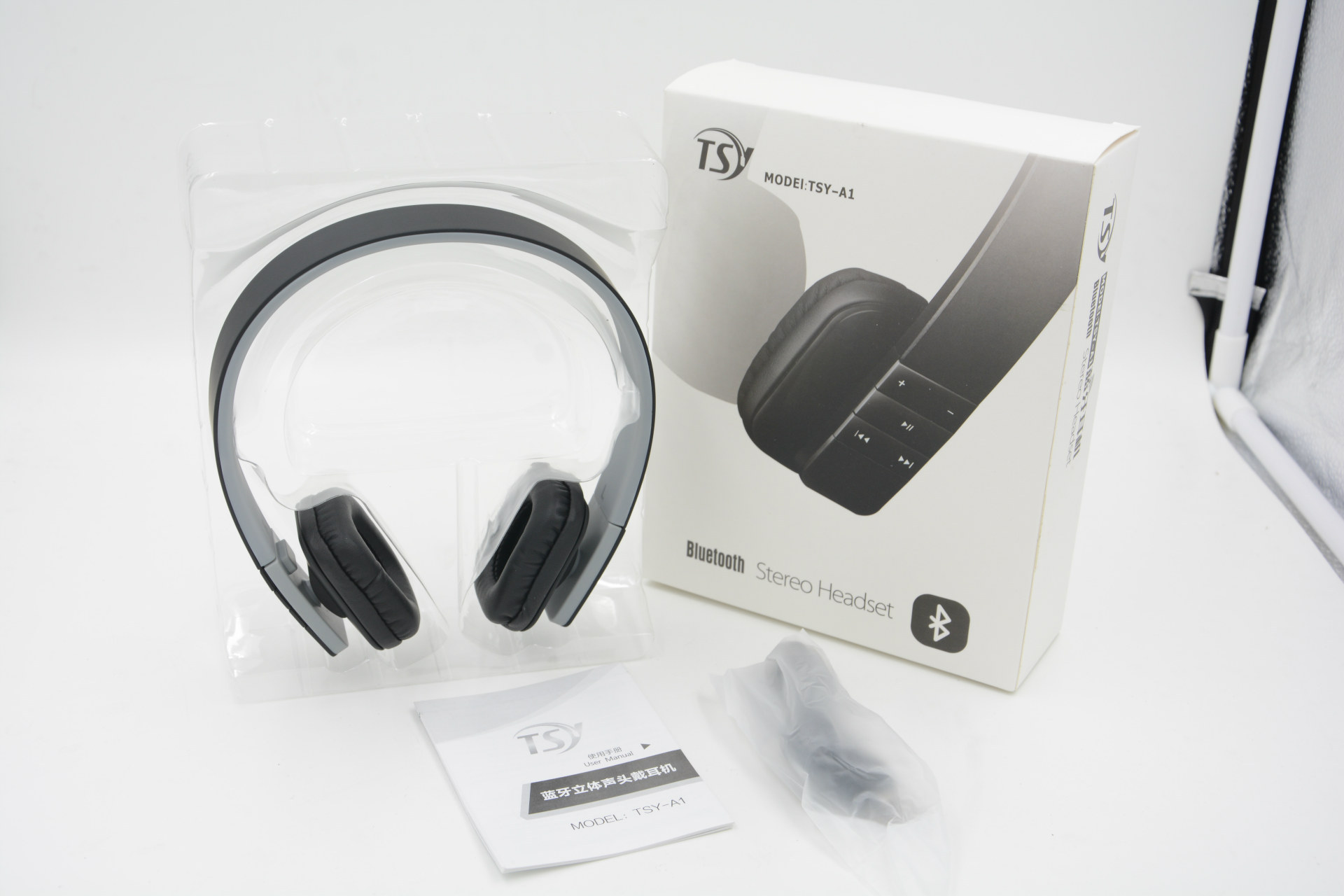
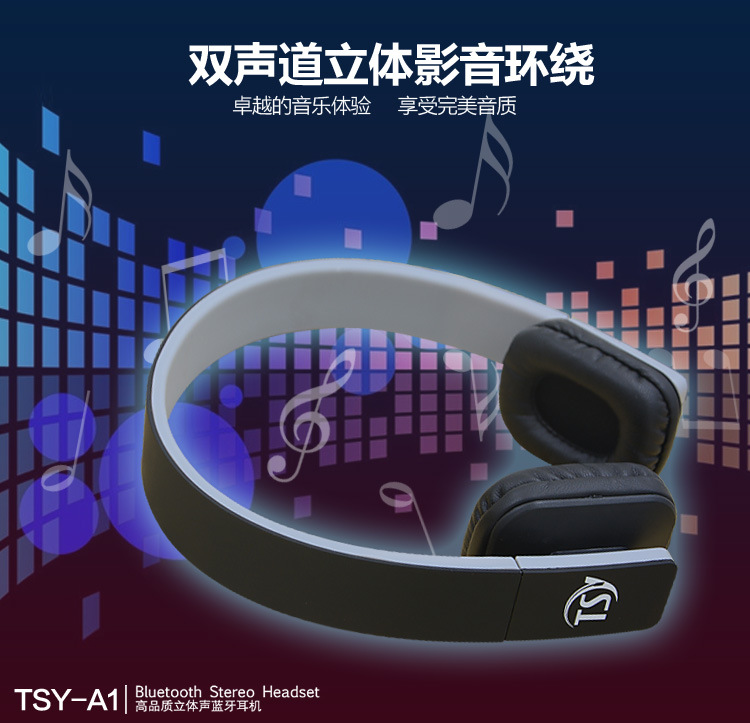
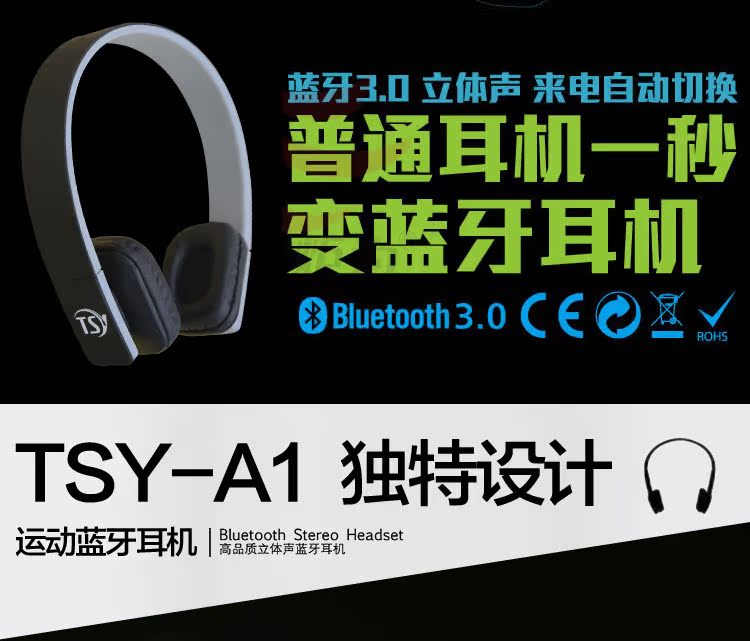
Bluetooth Headphones Stereo TSY High-Fidelity Bluetooth Universal Headphones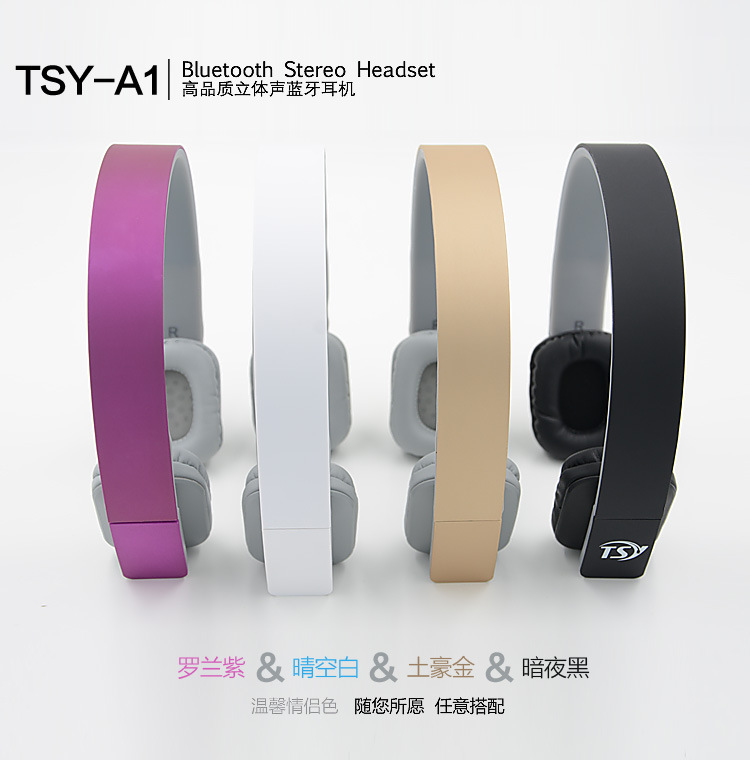


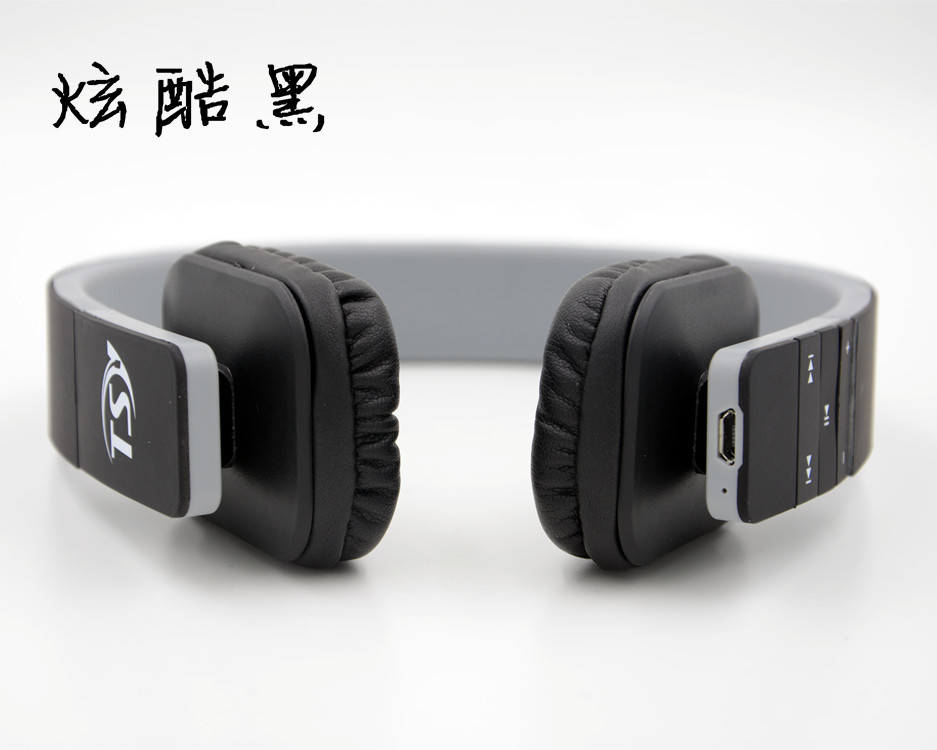
Product Specification Diagram:

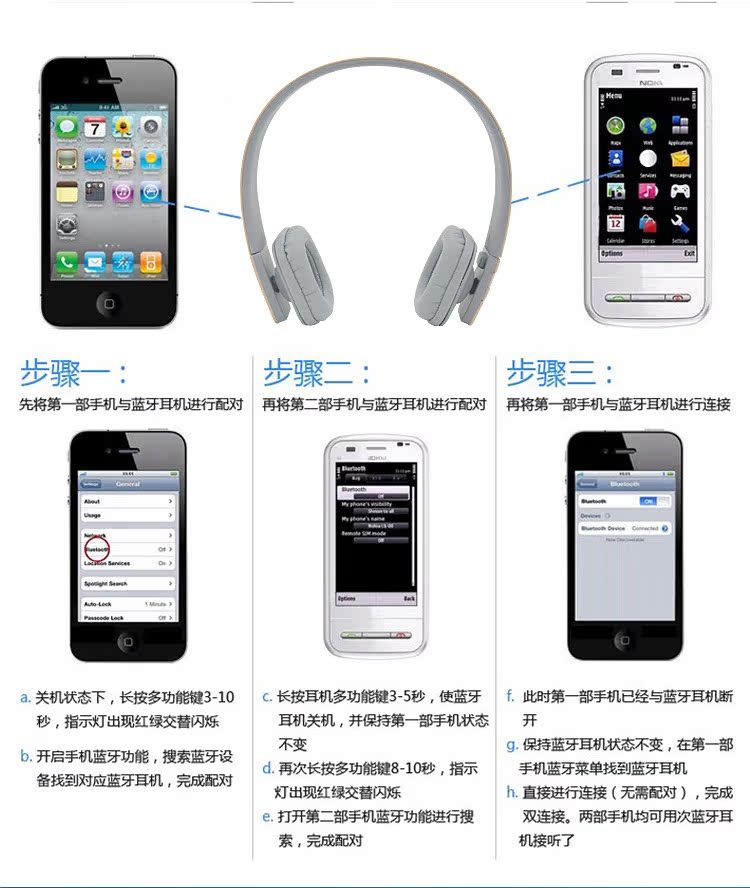
Product Usage:
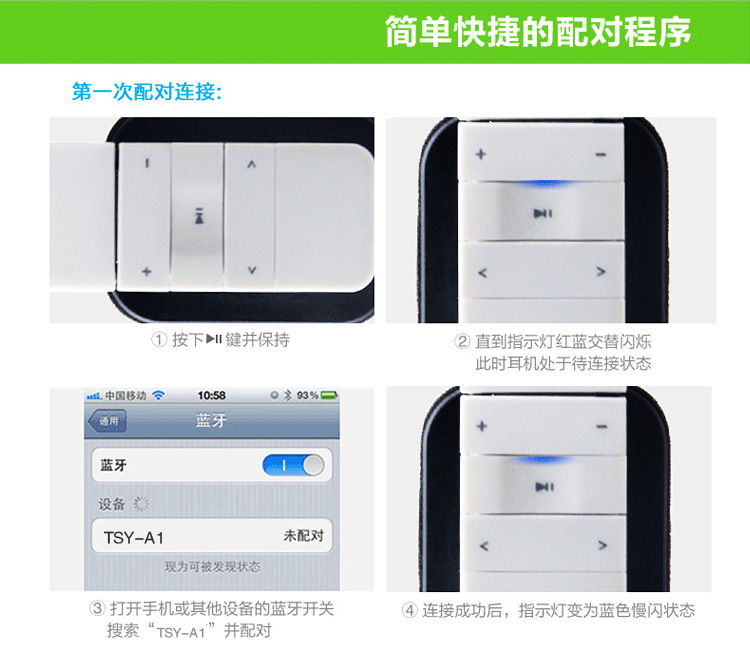
Headphone Features:
1. Built-in microphone (same as on a smartphone)
Connect your phone to make calls, connect your computer to speak, easily switch between music and call functions, allowing you to answer without taking off your headphones.Call someone.
2、Remote Control
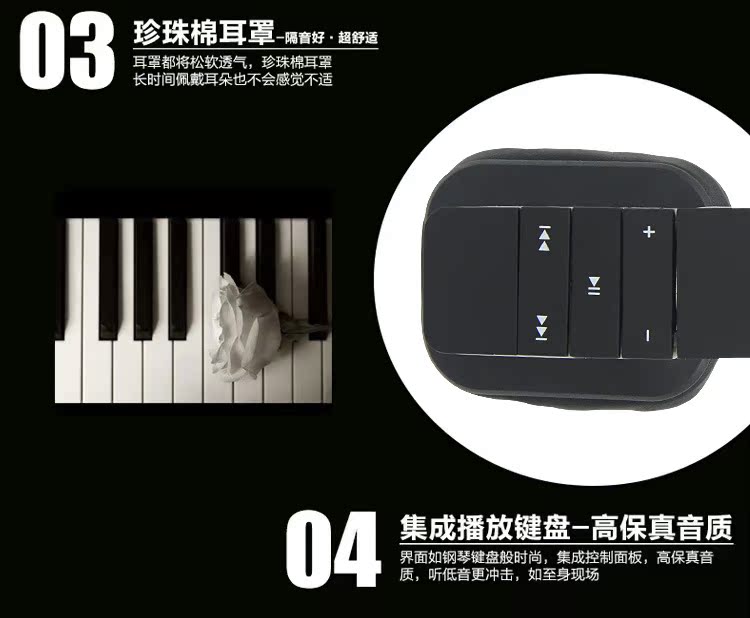
Answer the call, adjust the volume, switch tracks, all can be selected on the TSY-A1 headphones, you no longer need to operate your smartphone and computer.Looking for a song to listen to.
3、Convenient Charging
Connect the included USB charging cable to any USB charging device (a computer or USB charger) to easily charge the headphones.
FAQ:
1. Why is there no sound when my product turns on?
Ensure charging for 3 hours for the first time, as the device may not turn on if it is completely discharged.
2. Does the headset play without sound?
Check if the playback device has successfully established a connection with the Bluetooth headphones. If not, please...
Reconnect and ensure that you are connected to the playback device you need.
3. How to identify when a Bluetooth headset is fully charged?
The charging indicator light turns from red to blue, indicating that the Bluetooth headset is fully charged.
Update time:


TOP