
Search history
Clear allSearch by image
XDrag and drop an image here or upload an image
Max 5MB per image
UploadSign In | Join

Search history
Clear allSearch by image
XDrag and drop an image here or upload an image
Max 5MB per image
UploadSign In | Join
X Email Mobile
| Number | Unit-price | Total | |||
| I want to buy: | × | 14.5 | = | 0 |


A new item has been added to your Shopping Cart. You now have items in your Shopping Cart.
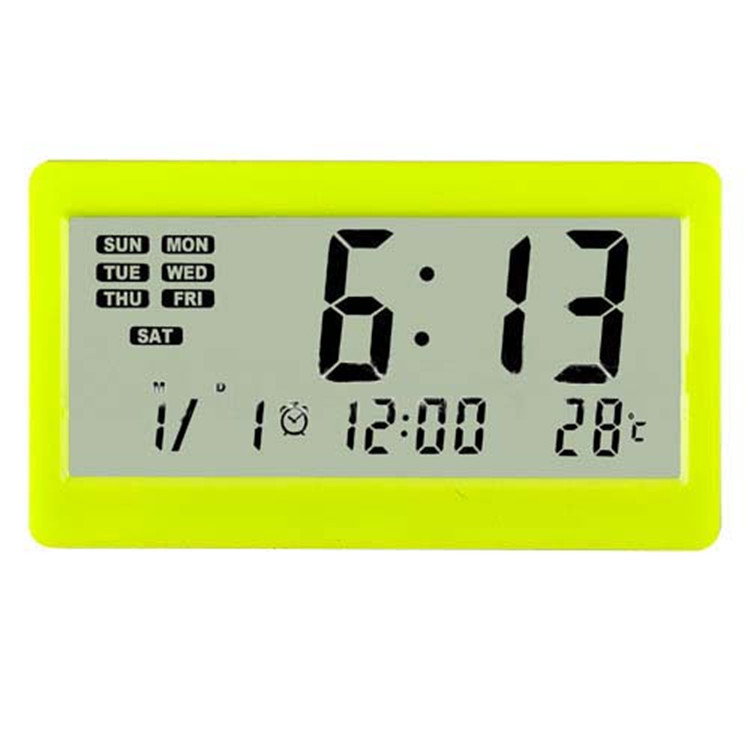
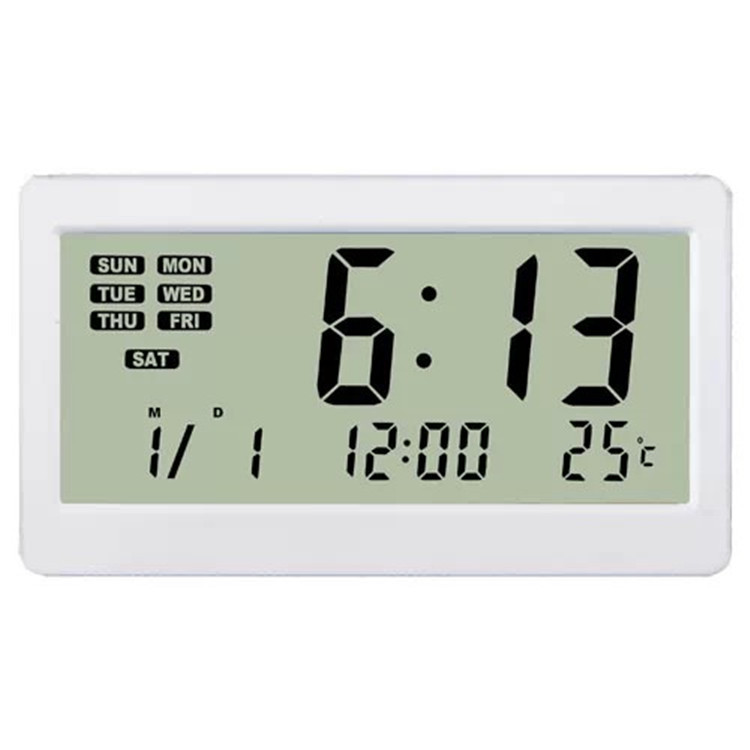
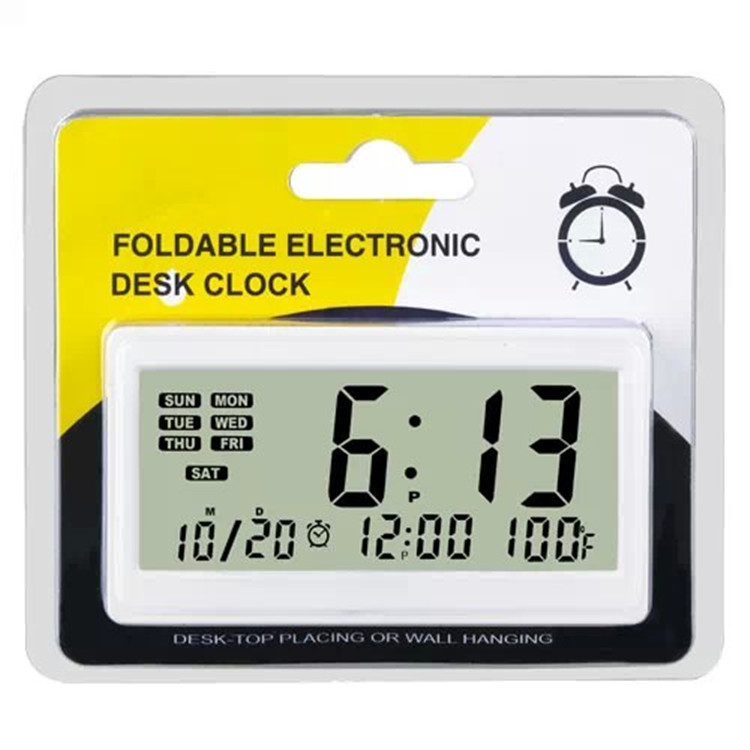
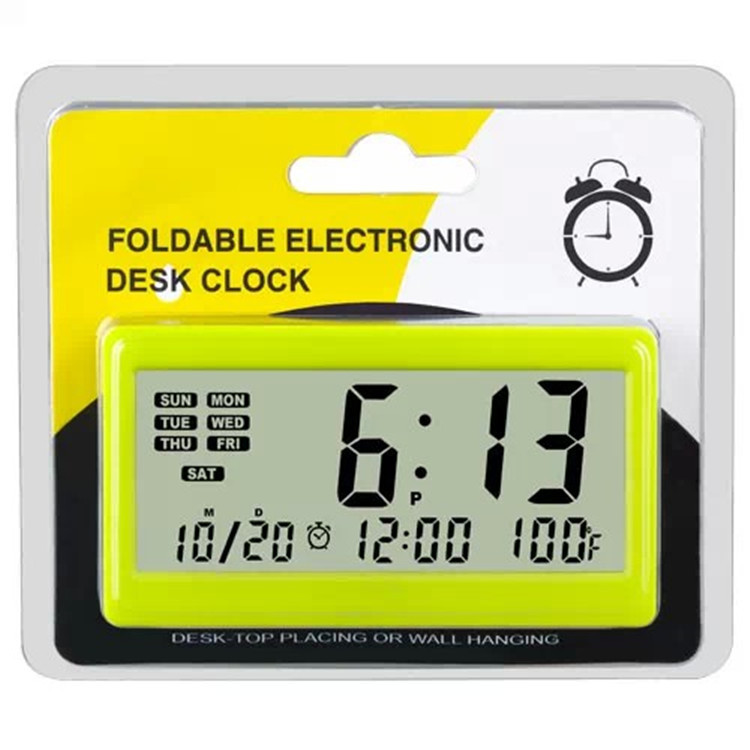
The Impact of Temperature and Humidity on Physiology
According to the research of physiologists, high indoor temperatures can affect the human body's temperature regulation function, causing elevated body temperature, vasodilation, accelerated pulse, and accelerated heart rate due to poor heat dissipation. In winter, if the indoor temperature is often maintained at over 25℃, people will feel tired, dizzy, lethargic, and have poor thinking and memory. At the same time, due to the considerable temperature difference between indoor and outdoor, the body finds it difficult to adapt, which can easily lead to colds and flu. If the indoor temperature is too low, the function will decline, the pulse and breathing will slow down, the subcutaneous blood vessels will contract, the skin will be overly tense, and the resistance of the respiratory tract mucosa will weaken, which can easily lead to respiratory diseases. Therefore, scientists have set the lower limit temperature for "cold tolerance" and the upper limit temperature for "heat tolerance" at 11℃ and 32℃ respectively.
While paying attention to the temperature regulation of the indoor, we should also pay attention to the humidity. In summer, when the indoor humidity is too high, it will inhibit human heat dissipation, making people feel very hot and irritable. In winter, when the indoor humidity is high, it will accelerate heat conduction, making people feel cold and depressed. When the indoor humidity is too low, due to the large loss of water in the upper respiratory tract mucosa, people will feel dry mouth, tongue dryness, even sore throat, hoarseness and nasal bleeding, and are more prone to catch a cold. Therefore, experts believe that the upper limit value of relative humidity should not exceed 80%, and the lower limit value should not be lower than 30%.
However, human perception is not simply affected by temperature or humidity, but the result of the combined effects of both factors. Through experimental measurement, the most comfortable indoor temperature and humidity are: in winter, the temperature is 18 to 25 degrees Celsius, and the humidity is 30% to 80%; in summer, the temperature is 23 to 28 degrees Celsius, and the humidity is 30% to 60%. More than 95% of people feel comfortable in this range. In air-conditioned rooms, when the room temperature is 19 to 24 degrees Celsius and the humidity is 40% to 50%, if we consider the impact of temperature and humidity on human thinking activities, the most suitable room temperature should be high working efficiency. 18 degrees Celsius, and the humidity should be 40% to 60%. At this time, people's mental state is good, and their thinking is most agile.
Operating Method
Press the MAX/MIN button to display the maximum value since the last time the temperature/humidity was cleared (CLEAR).
Update time:


TOP


