
Search history
Clear allSearch by image
XDrag and drop an image here or upload an image
Max 5MB per image
UploadSign In | Join

Search history
Clear allSearch by image
XDrag and drop an image here or upload an image
Max 5MB per image
UploadSign In | Join
X Email Mobile
Hailan Electrical Appliance Firm 14yr.
Contacts zhouaibiao Chat
Mobile 86-13735758480
E-mail 1040472497@qq.com
WeChat 13735758480
In this company, we pledge to each new and existing customer: 
One, All the wireless push-to-share devices produced by our company are equipped with the latest firmware and operating system, offering stronger compatibility.
When iOS 10 is released, our devices will all support online upgrades to the latest system.
Two, Our device cloud system is supported by the latest and most powerful dual backup servers in the world, and our products are sold worldwide.
Don't worry, it works in different countries.
Three, The current products do not require the download of an APP to use, making them more convenient and quick to use.
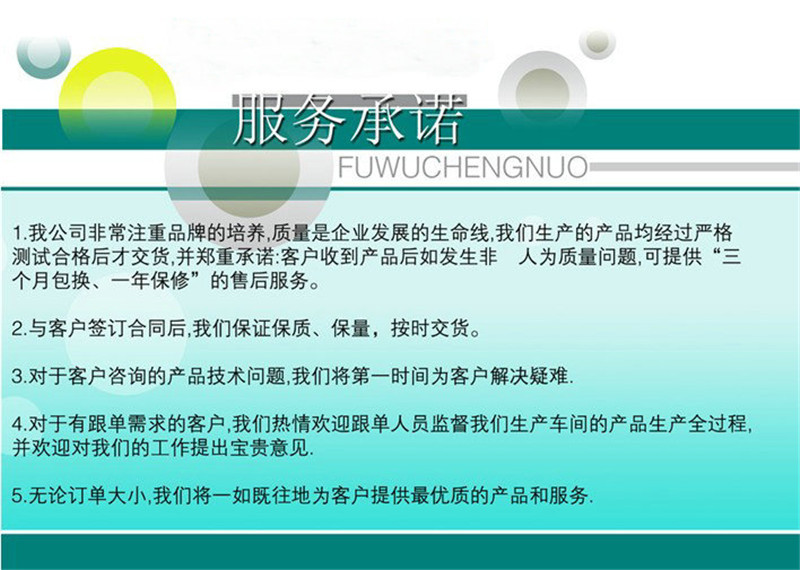
FourthWe have strong technical support and perfect after-sales service.
Welcome new and existing customers to visit our company to discuss and take on OEM/ODM orders. Quantity discounts and free screen printing of LOGOs are available.
Please rest assured to purchase from us, whether you are a new or existing customer. We hope to establish a long-term partnership with you. ! I wish all the bosses a happy life!
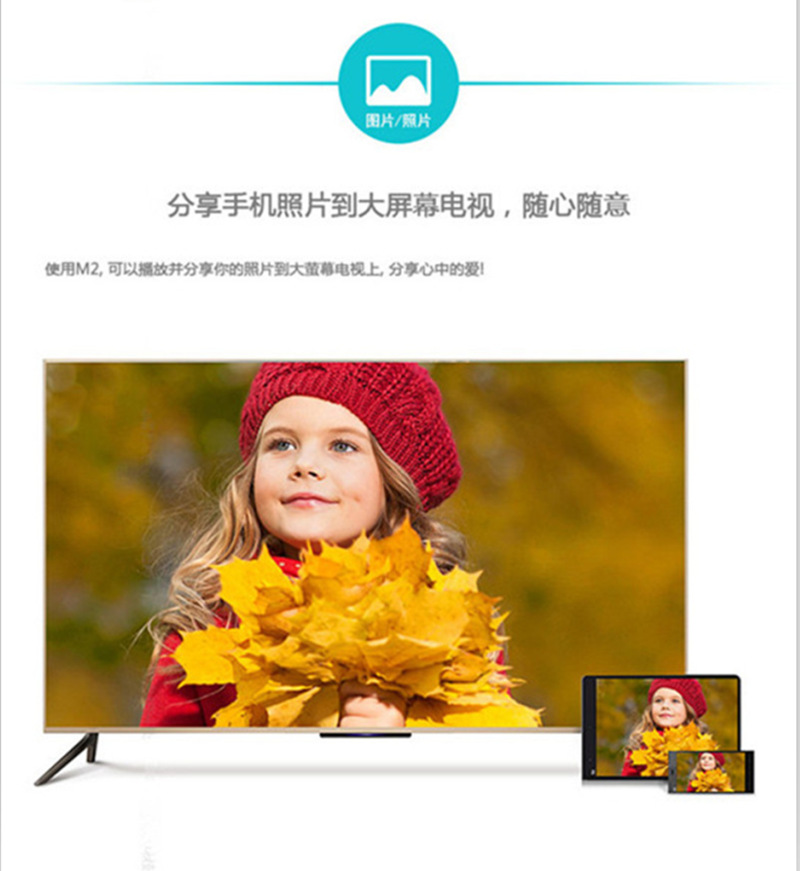
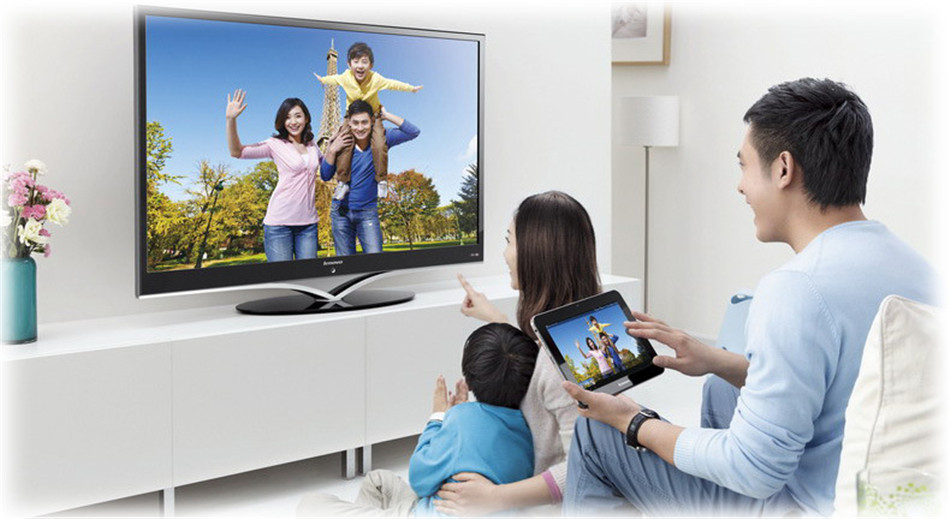
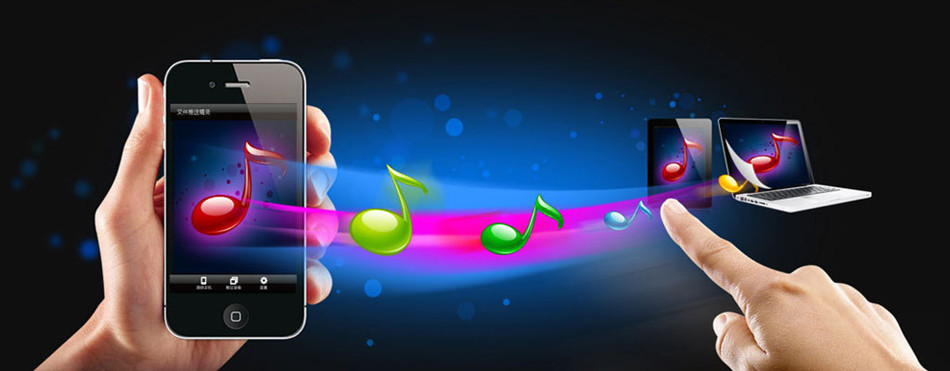
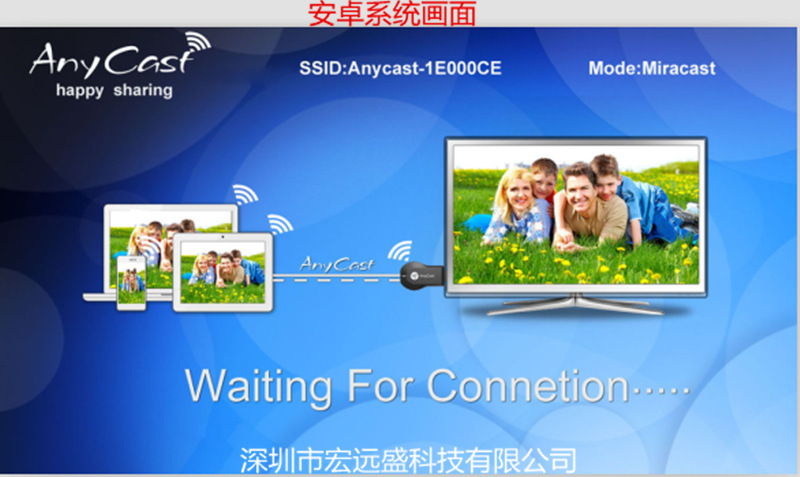
推送宝AnyCastThrough the embedded inter-connect protocol, achieveAndroidandIOSandMacandWindowsIntelligent accessory products for screen and multimedia content interconnection and interaction between various platform devices and televisions, projectors, and remote control functions. It is based onWi-Fi 2.4GHzWireless transmission technology, compatibleDLNAAgreementAirPlayandMiracastFunction, can be used to charge mobile phones, PCWirelessly connect various multimedia devices such as tablets, TVs, and projectors to achieve cross-platform screen sharing or content interaction. It is possible to display images that are only displayed on small screens of smartphones and tablets on larger screens.SlashMusicSlashVideoSlashWeb pageSlashtake photosSlashWirelessly transmit documents and other content to large screen TVs or projectors. A wireless high-definition...“Receiver”Make your life and work fun. We design through the smartphone.WIFIchannelPlease provide the Chinese text you want to translate, and I will translate it into English for you.Make every phonePlease provide the Chinese text you want to translate, and I will translate it into English for you.Just openWIFI,Connect our adapterPlease provide the Chinese text you want to translate, and I will translate it into English for you.It is possible to mirror the desktop data of mobile phones, tablets, and laptops, such as smartphones, tablets, and laptops, onto a television or large screen monitor..In a wireless home network environment, you can also watch online movies and TV shows, turning a regular TV into a smart one.Our company's AnyCast products, after testing and customer feedback, are currently the best in the market.The latest system, the most smooth and stable wireless screen casting. No need to install any apps or software.,Can be completed at the same timeSlashPush, very convenient to operate.Life is enriched with the wireless screen mirroring device.AnyCast)more精colorfulExclamation mark!!
推送宝(AnyProduct Features of Cast——————————————
1.Low-power chips, low heat generation.
2"内置"的英文翻译是 "built-in".150Mbps 802.11nHigh-speedWi-FiHigh-sensitivity gain antenna
3.SupportDLNA, AirPlay, Miracast, MirrorOp, iMiediasShareInterconnect Protocols
4A powerful tool for transmitting small screens (mobile phone screens) to large screens (TV screens)
5When pushing media, the mobile phone does not occupy the charging traffic, and the mobile phone becomes a remote control.
6. Hard decoding, supporting smooth playback of all smartphone-shot videos and photos.
7. Compatible with multiple streaming media formats, enjoy unlimited free access to a vast amount of internet movie and TV resources.
8. Supports 720/1080P high-definition output, enjoy perfect picture quality.
9. Supports WPS for one-click encryption, enabling quick configuration and connection with a router or AP.
10. Fashionable and compact design, a great companion for both home and travel.
11. Easy to install, simply plug into any HDMI port and connect to your home WiFi network.



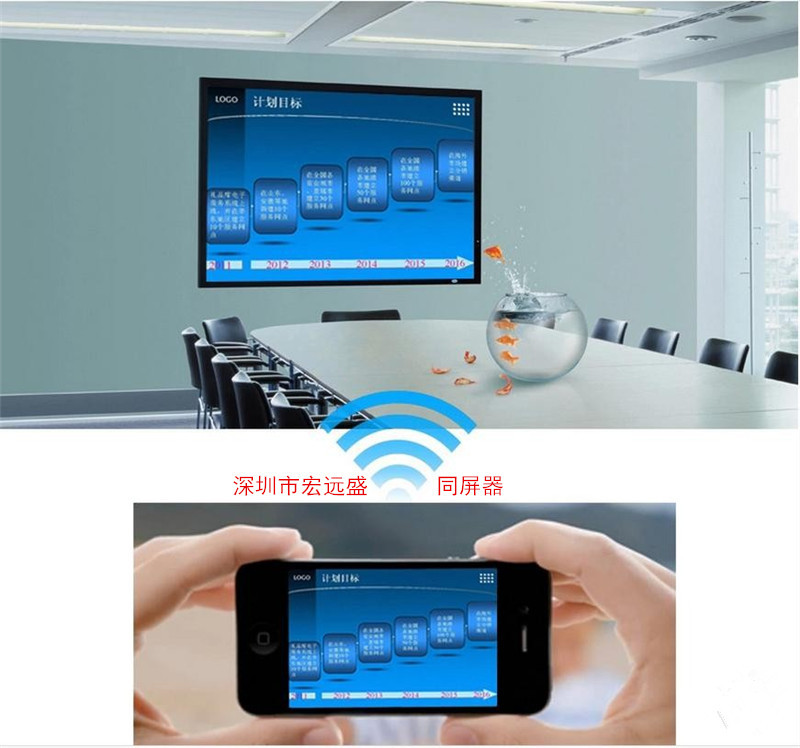
Are you still troubled about carrying a heavy laptop to attend various meetings and presentations? You no longer need to carry her with you. Now, you can simply put the demonstration part of the materials on your mobile phone and tablet, and you can display the content you need on the projector through Hongyuan Sheng's wireless screen sharing function!
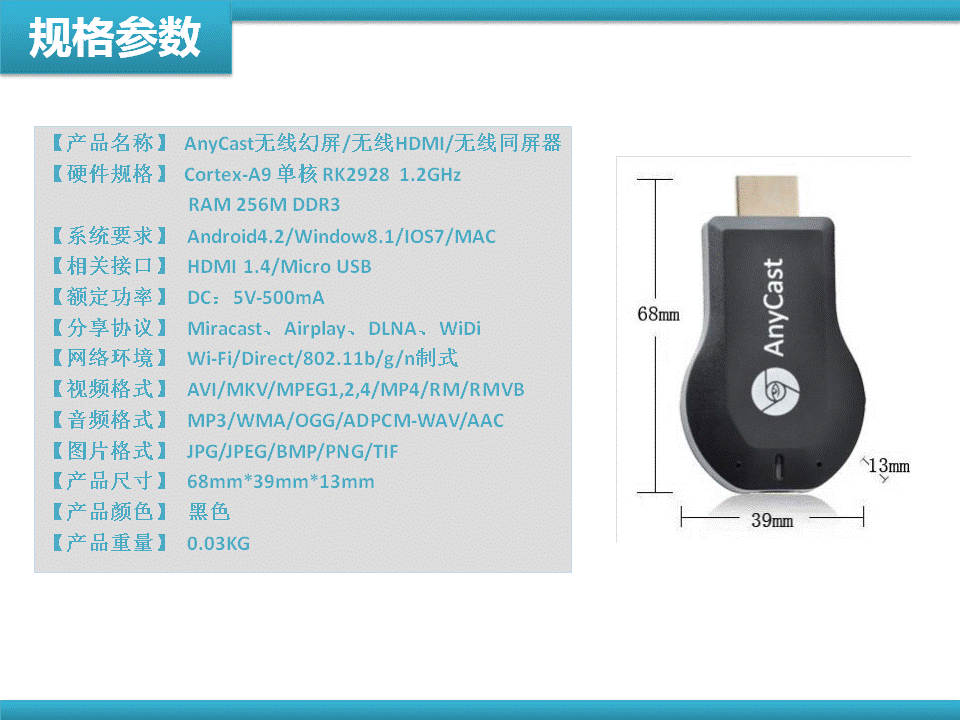
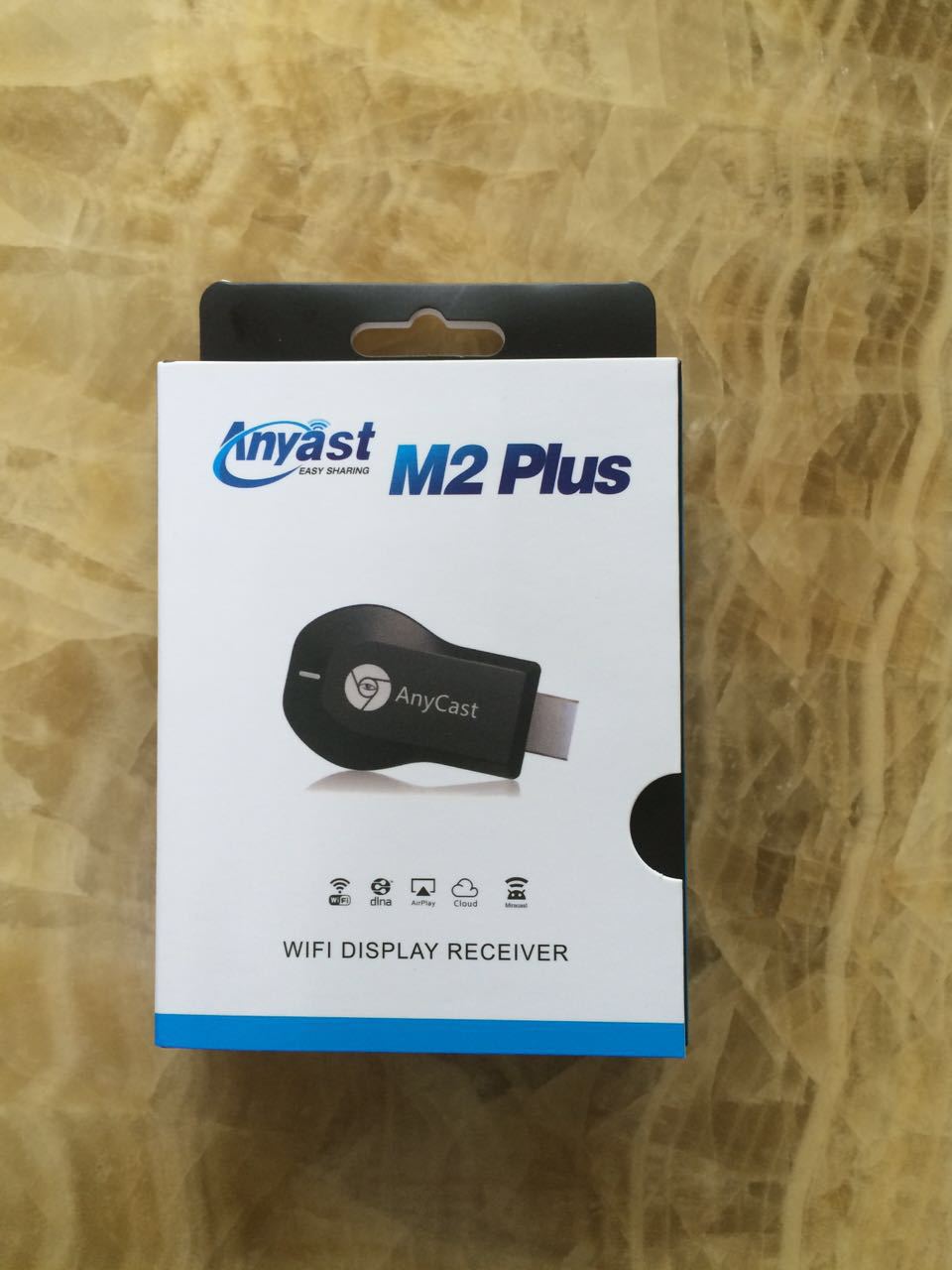
Push AnyCast Physical Product Photography————————————————————————————
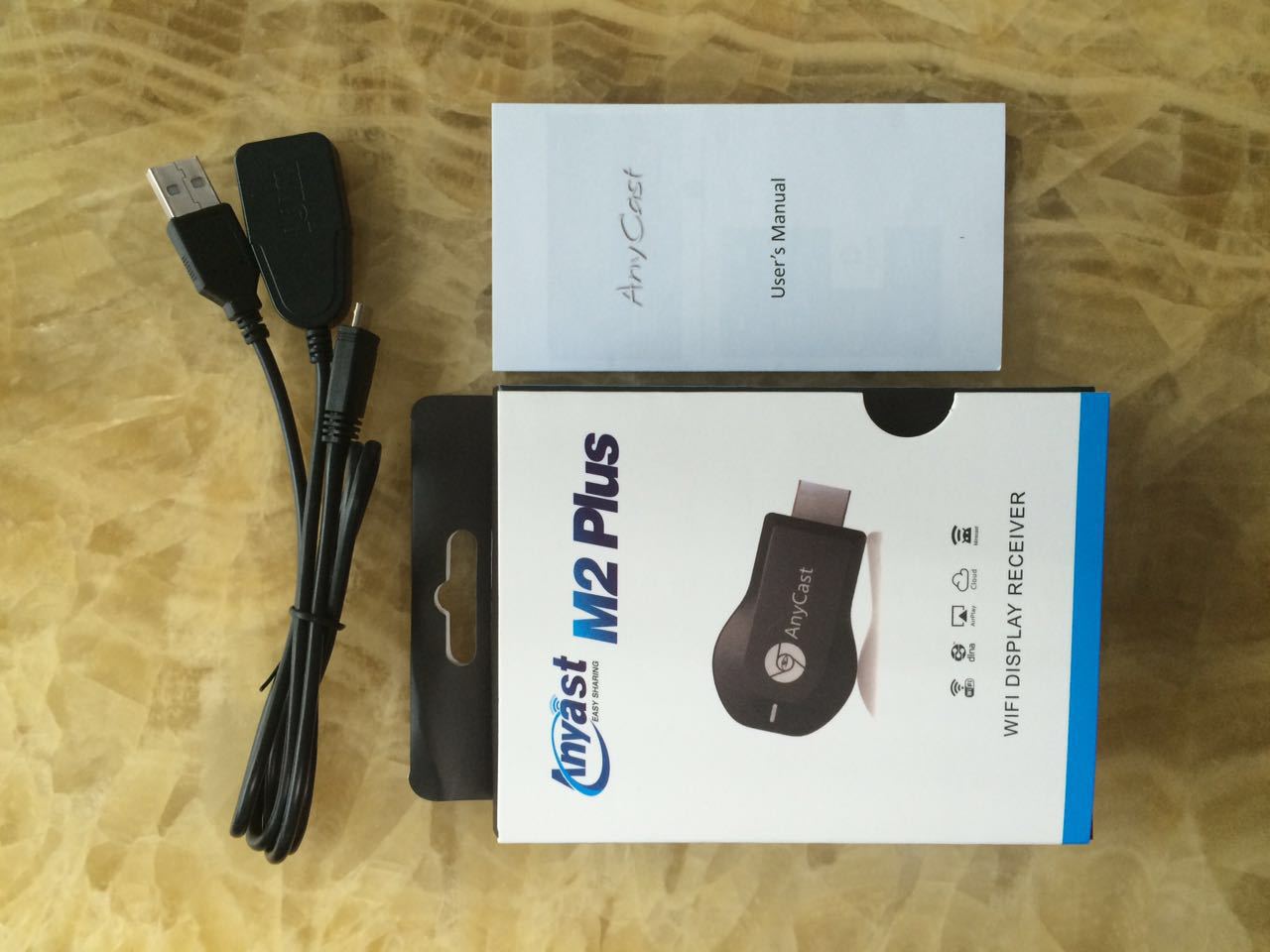
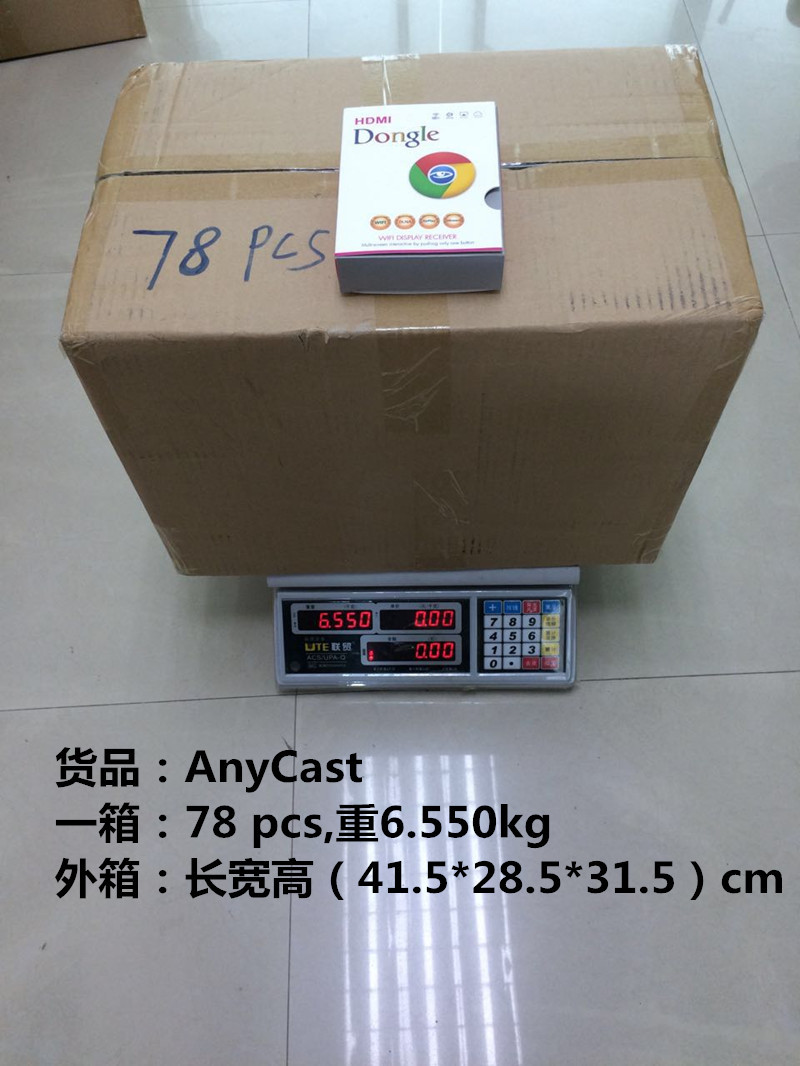
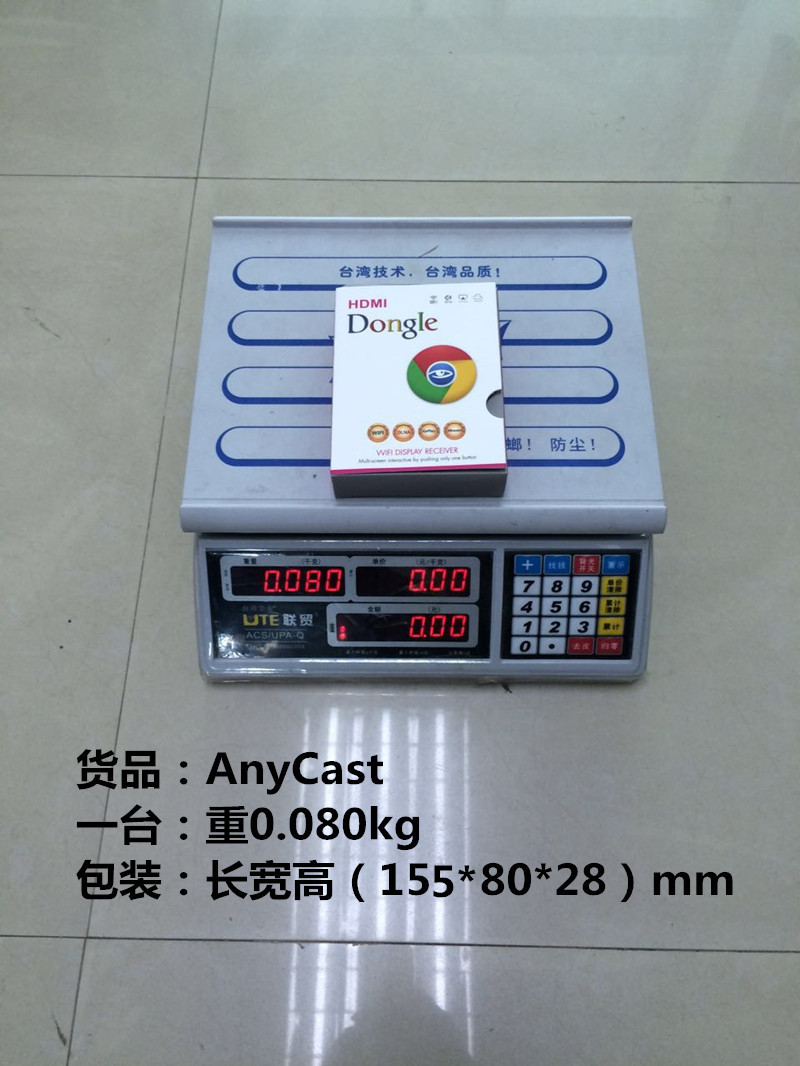

Operation Method:
How to connect an iPhone:
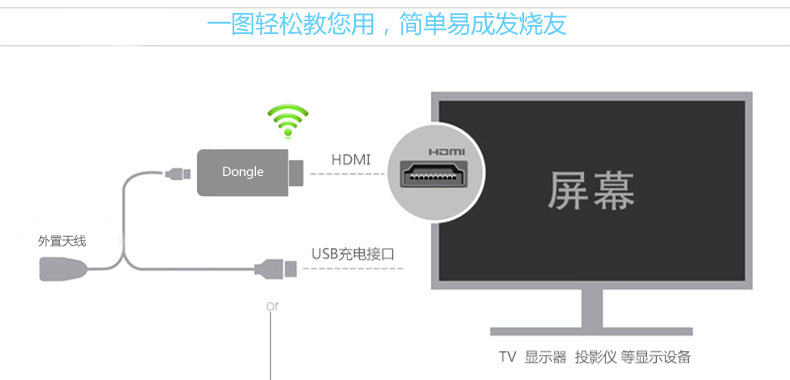
Step 1: Insert the Push-to-Talk device into the HDMI input port of your TV, projector, or vehicle, and connect the WiFi antenna and USB power cable.
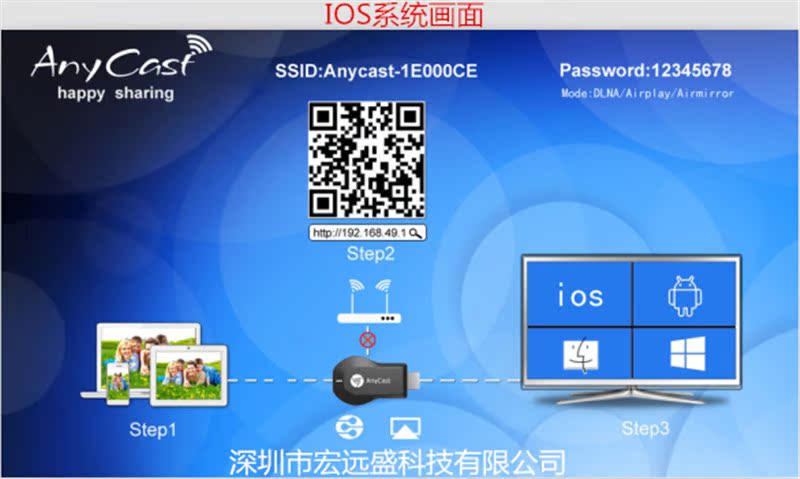
Step 2: Turn on the power switch for the TV, projector, or vehicle-mounted devices. The screen will display the image of our equipment, and the top of the screen will display the device username (Anycast****) and the password ********.
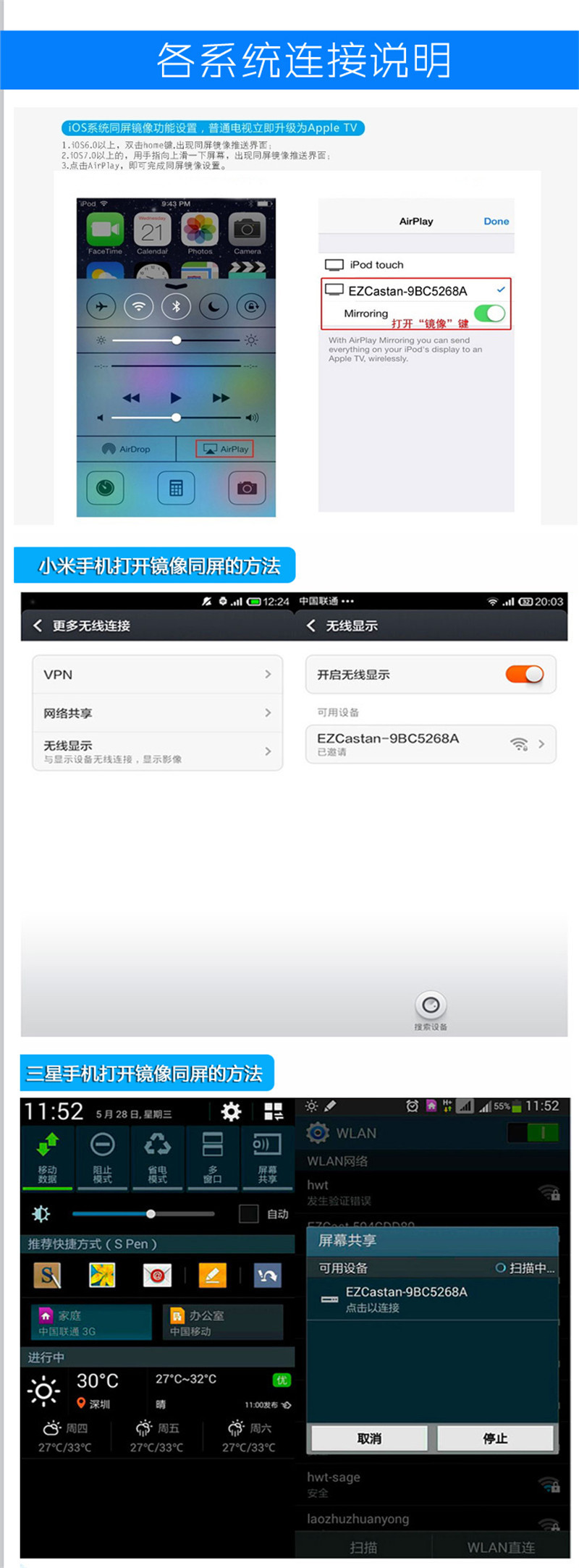
Step 3: Open your Apple (iOS 7.0 or later) mobile phone, go to Settings - WiFi - select the network, tap our device's WiFi username (Anycast****), enter the password ********* to connect, after connecting, slide your finger lightly from the bottom of the phone up, you will see the (AirPlay) icon, then click the (AirPlay) icon and you will see our device's WiFi username, choose our device's WiFi username, then turn on the mirror and click to complete the screen sharing.
Step 4: Connecting to the same screen using home or company WiFi: First, based on your phone's WiFi connection with our device, open your mobile browser and enter the URL 192.168.49.1 to search for your home WiFi username. Then, click on the WiFi username and follow the prompts to enter the password to connect to your home WiFi. When connected, the middle device (Pushbao) between the upper-right corner of the TV device and the last icon will be connected, rather than the previous disconnected state. After connecting, exit the mobile interface. When all three devices in the upper-right corner are displayed as connected, proceed to the fifth step of operation. If the first icon is disconnected from the second, please return to the setting—WiFi—search and select the Pushbao WiFi username to connect to the upper operation can be performed in the fifth step.
Step 5: Gently slide your finger up from the bottom of the phone, and you will see the (AirPlay) icon. Click on the (AirPlay) icon, and you will see the WiFi username of your device. Choose the WiFi username of your device, then turn on the mirror by clicking 'Done' to achieve screen sharing.Android system devices please refer to the following table
>>Miracast功能(无线显示)设置方法举例
Please note when operating an Android system device: please switch the screen to the right side for the Android system (as the device powers on by default with the iOS system on the left). To switch, press the button at the back of the device once. The screen will automatically switch to the Android system. If pressing once doesn't work, press it twice, or remove and reinsert the Pushbao device. As soon as the startup screen appears, press the switch button once, and you will see the screen switch to the Android system.
Note: The names and methods for turning on the screen-mirroring function based on the Miracast protocol vary among different smartphone and tablet manufacturers.
Brand (Mobile Phone/Tablet) Setup Method
【Samsung】 Settings -> More settings -> AllshareCast or Settings -> Screen mirroring/screen sharing
HTC" -> "HTC" -> "Settings" -> "Media Output
【SONY】 Setup -> Display -> Screen Mirroring
Setup -> More Settings -> Miracast or Settings -> Display -> Wireless Display or Settings -> Display -> Project Screen
【OPPO】 Settings -> More -> WLAN Display
【Xiaomi】 Settings -> WLAN -> Press the Menu key -> WLAN Display or Settings -> Display/More Settings -> Wireless Display/Screen Projection or Settings -> More Wireless Connections -> Wireless Display
【Gionee】 Settings -> Display -> Wireless Display or Settings -> Display -> Project Screen
【ZTE】 Settings -> Display -> Wireless Display or Settings -> Display -> Project Screen
【大可乐】 设置->显示->无线显示 或者 设置->显示->投射屏幕
Huawei Settings -> Display -> Wireless Display or Settings -> Display -> Project Screen
Lianxiang" -> "Settings" -> "Display" -> "Wireless Display" or "Settings" -> "Display" -> "Project Screen
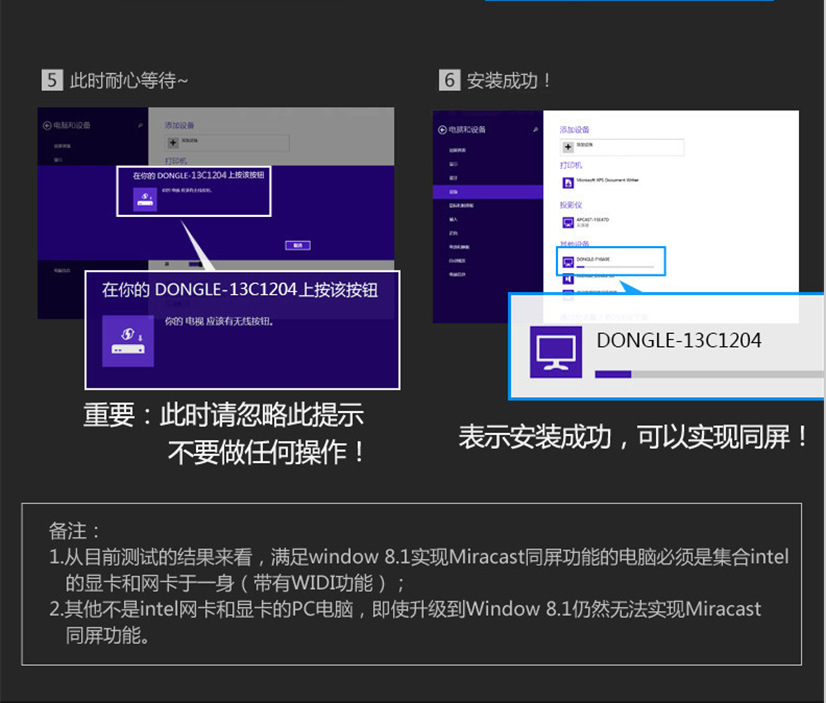
At present, most of the mobile phones on the market have adopted the system version of Android 4.2 or above, except for some special brands that have renamed the Miracast function mentioned above. Basically, they use the native wireless display function. You can tune in the Miracast function by going to Settings -> Display -> Wireless Display/Project Screen.
Boot Screen

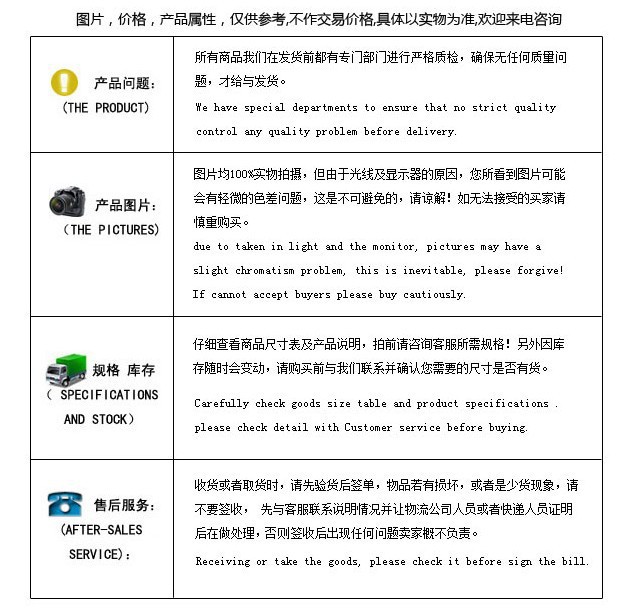
1. Freight and Express Delivery
Except for products specifically noted, all product quotes are defaulted to not include shipping fees. Shipping rates and calculation methods vary depending on the location and the logistics company, and the following policies apply to our store:
①Large quantity goods: default to select Debang Logistics, Tien-Dihua Yu Logistics, and Longbang Logistics.
②When the default courier or logistics company of our store does not reach a certain area, we will choose other courier or logistics companies.
③When you have decided to purchase an item, please first consult our customer service online to confirm the shipping fee. If the order does not include shipping fees, we will notify you later to pay the shipping fee.
④If you have any questions about shipping costs, please consult our customer service online orQQConsulting846482355Mobile phone: Manager Zhang13538058906landline0755-88878996-818
Two, Shipping time
①【周一至周六】每天上午10点30分到下午6点发货,6点后的订单第2天发货"
Translation:
"① [Monday to Saturday] Shipment is available from 10:30 AM to 6:00 PM daily, and orders received after 6:00 PM will be shipped the next day.
② [Arrival Time]: Currently, domestic express delivery is theoretically 3 to 4 days to arrive (excluding remote areas), and provincial express delivery is available by tomorrow morning! If it falls on a weekend, there may be a delay of 1 day!
③ [Friendship Tip] The seller cannot control the speed of the courier company. If there are any logistics issues, the seller will try their best to assist in resolving them. For any negative feedback caused by the courier, we will not accept it under any circumstances!
④ Please inspect the parcel before signing for it, especially the outer packaging for any damage. If you find any problems, please refuse to sign! Complaints about damage to the item or discrepancies in quantity after signing are not accepted by the seller!
3. After-sales and Return & Exchange Principles
① After the buyer receives the goods, due to their subjective dissatisfaction, such as feeling that the texture of the thread is not as good as expected, or thinking that the product will suit them before purchasing, but upon receipt, it turns out to be different. And so on, the buyer is responsible for the return shipping fees for the return and refund.
If the product experiences fading or quality issues, or if there are any mismatches in connectors (except for intentional damage), we will take responsibility for exchanging the goods for free. This is provided that the same problem occurs in a batch of goods. If a small number of individual products experience issues, we require customers to accumulate after-sales service until a certain quantity is reached, and then return the goods for exchange. Each party is responsible for the shipping costs for after-sales service.
For custom-made products, we will first send samples to the customer, and if they are suitable, they can place an order to purchase. We need to collect a 30% deposit first, and the remaining amount can be settled through Alipay.
Product Customization Instructions
We can offer custom functionalities, custom appearance colors, and productlogoCustomization, packaging customization, etc. Moreover, the production quality control and the delivery are fast.
Update time:


TOP


