
Search history
Clear allSearch by image
XDrag and drop an image here or upload an image
Max 5MB per image
UploadSign In | Join

Search history
Clear allSearch by image
XDrag and drop an image here or upload an image
Max 5MB per image
UploadSign In | Join
X Email Mobile
Hailan Electrical Appliance Firm 15yr.
Contacts zhouaibiao Chat
Mobile 86-13735758480
E-mail 1040472497@qq.com
WeChat 13735758480
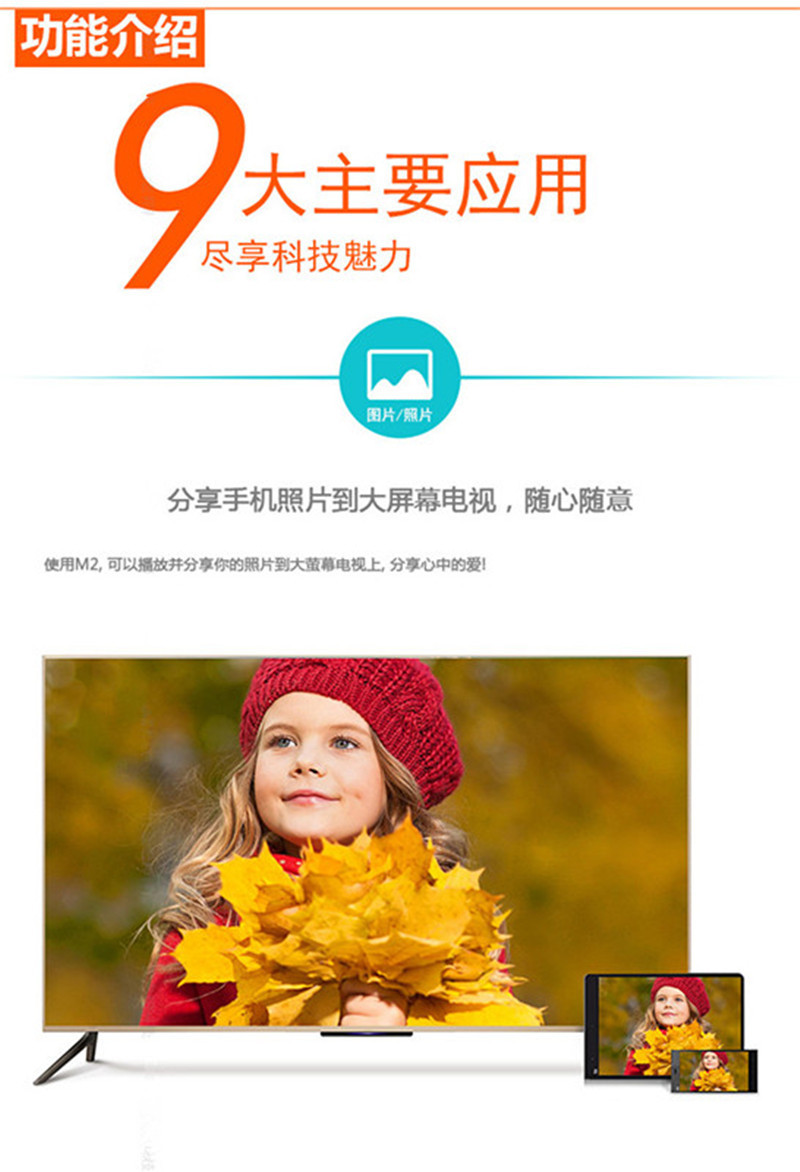
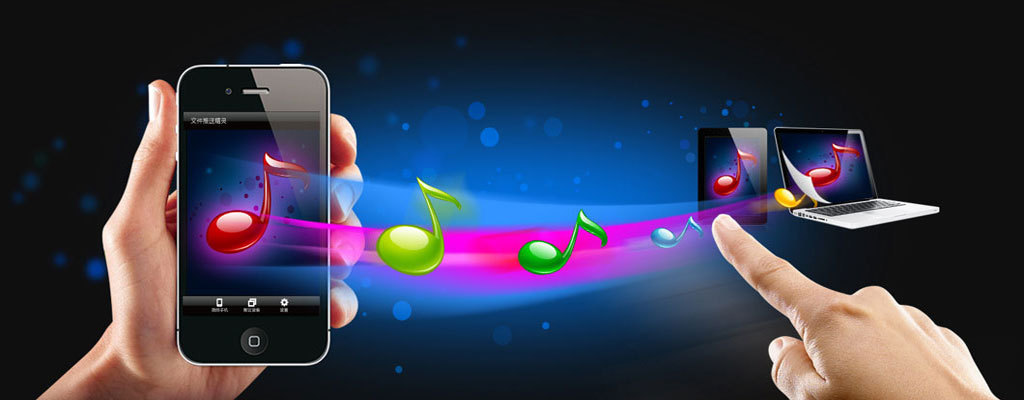
推送宝AnyCastThrough the embedded inter-connect protocol, achieveAndroidandIOSandMacandWindowsIntelligent accessory products for screen and multimedia content interconnection and interaction between various platform devices and televisions, projectors, and remote control functions. It is based onWi-Fi 2.4GHzWireless transmission technology, compatibleDLNAAgreementAirPlayandMiracastFunction, can be used to charge mobile phones, PCWirelessly connect various multimedia devices such as tablets, TVs, and projectors to achieve cross-platform screen sharing or content interaction. It is possible to display images that are only displayed on small screens of smartphones and tablets on larger screens.SlashMusicSlashVideoSlashWeb pageSlashtake photosSlashWirelessly transmit documents and other content to large screen TVs or projectors. A wireless high-definition...“Receiver”Make your life and work fun. We design through the smartphone.WIFIchannelPlease provide the Chinese text you want to translate, and I will translate it into English for you.Make every phonePlease provide the Chinese text you want to translate, and I will translate it into English for you.Just openWIFI,Connect our adapterPlease provide the Chinese text you want to translate, and I will translate it into English for you.It is possible to mirror the desktop data of mobile phones, tablets, and laptops, such as smartphones, tablets, and laptops, onto a television or large screen monitor..In a wireless home network environment, you can also watch online movies and TV shows, turning a regular TV into a smart one.Our company's ezCast/Anycast products, after testing and customer feedback, are currently the best in the market.The latest system, the most smooth and stable wireless screen casting. No need to install any apps or software.,Can be completed at the same timeSlashPush, very convenient to operate.Life is enriched with the wireless screen mirroring device.ezCast/AnycastIt's even more exciting!!
Push TreasureProduct Features————————————————————————————
1.Low-power chips, low heat generation.
2"内置"的英文翻译是 "built-in".150Mbps 802.11nHigh-speedWi-FiHigh-sensitivity gain antenna
3.SupportDLNA, AirPlay, Miracast, MirrorOp, iMiediasShareInterconnect Protocols
4A powerful tool for transmitting small screens (mobile phone screens) to large screens (TV screens)
5When pushing media, the mobile phone does not occupy the charging traffic, and the mobile phone becomes a remote control.
6Supports multi-threading, and does not affect the operation of other functions on the phone when pushing media.
7Supports multiple phones to connect simultaneously, sharing the brilliance of each other.
8Hard decoding, supporting the smooth playback of all smartphone-shot videos and photos.
9Compatible with multiple streaming formats, enjoy unlimited free access to a vast array of internet movie and TV resources.
10Support"720/1080P" can be translated into English as "720/1080P".High-definition output, enjoy the perfect picture quality.
14SupportWPSOne-click encryption, quickly connect to the router orAPConfigure connection.
TwelveFashionable and compact design, a great companion for both home and travel.
13Easy to install, just plug into anyHDMIInterface and connect to home useWIFINetwork.



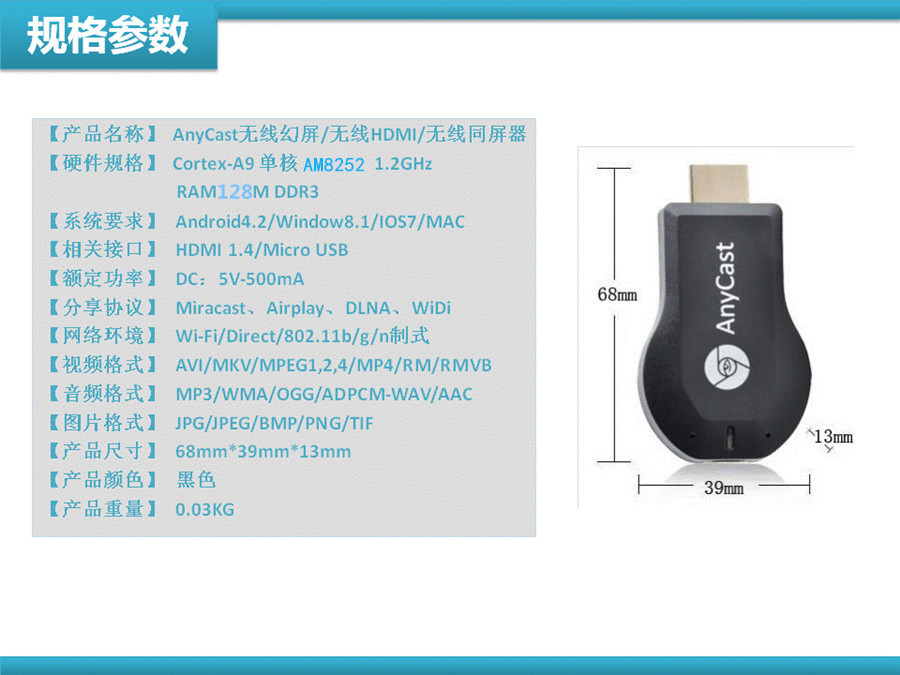
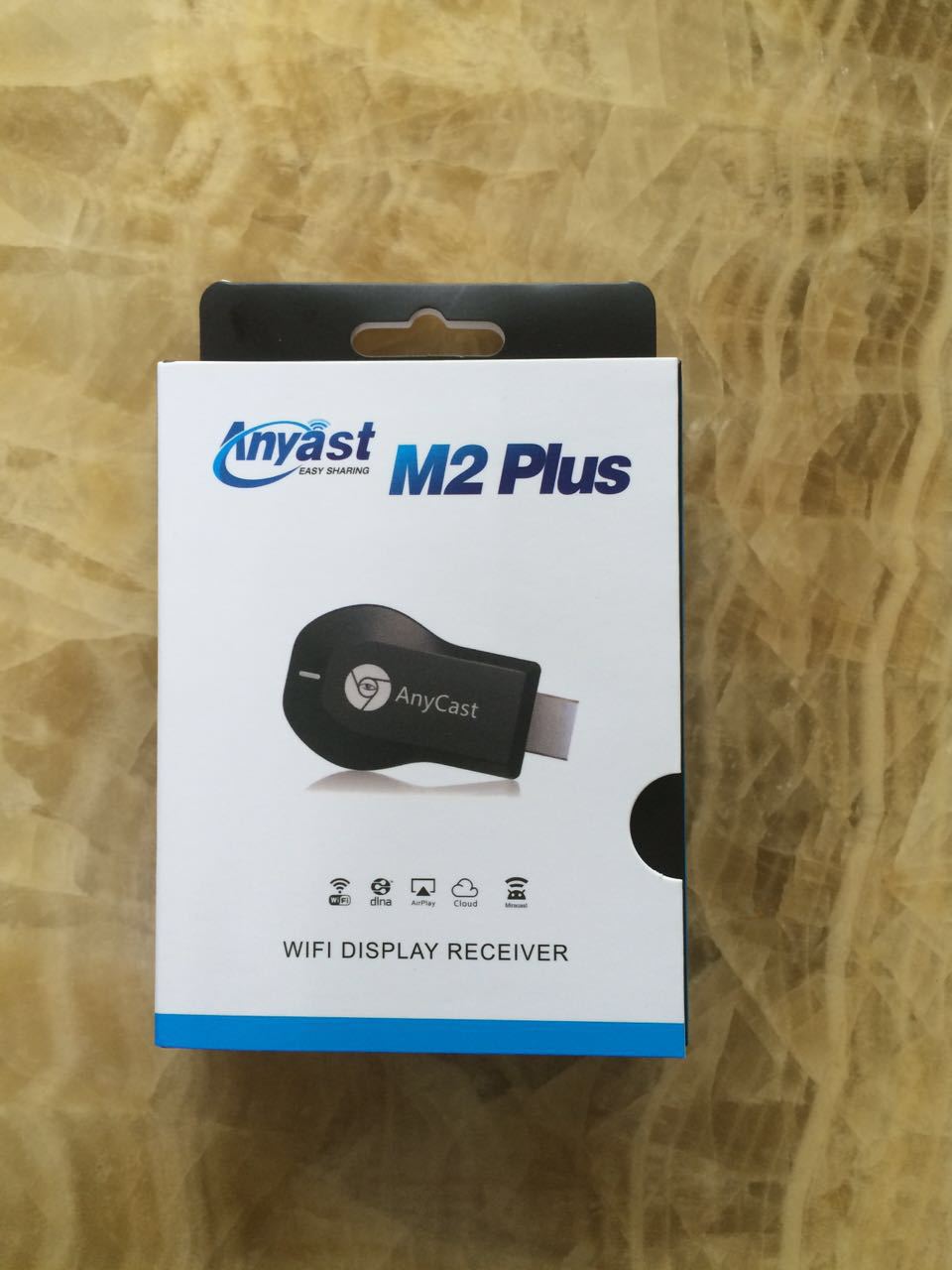
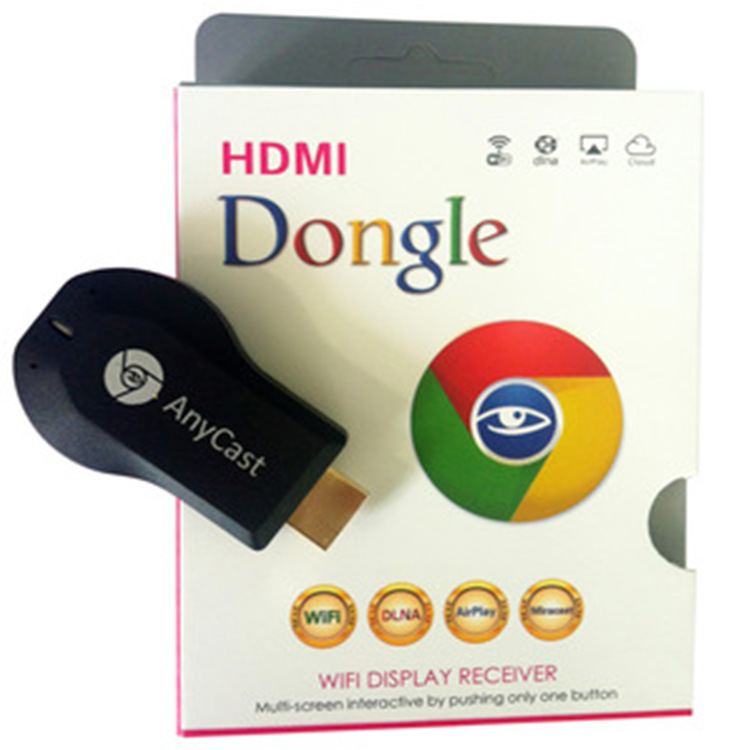
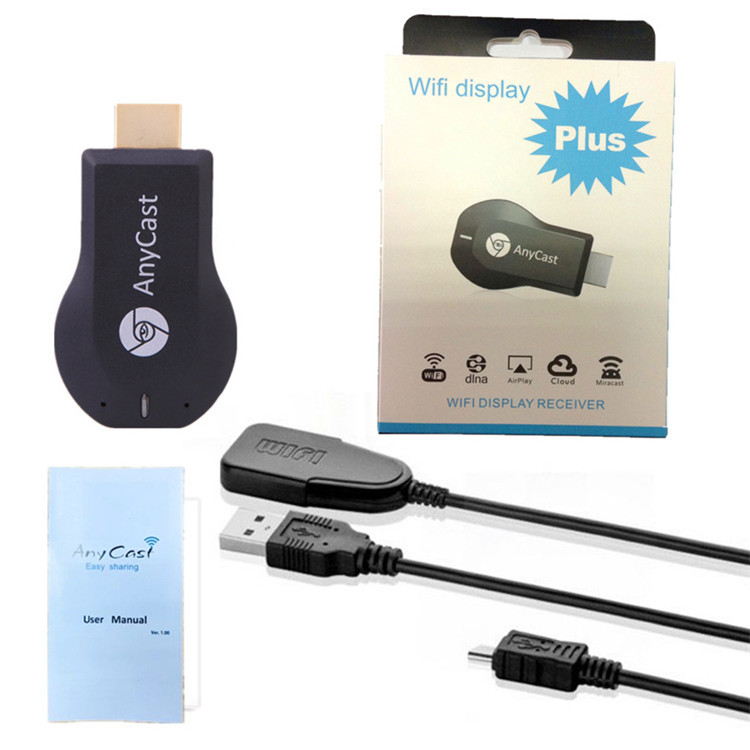
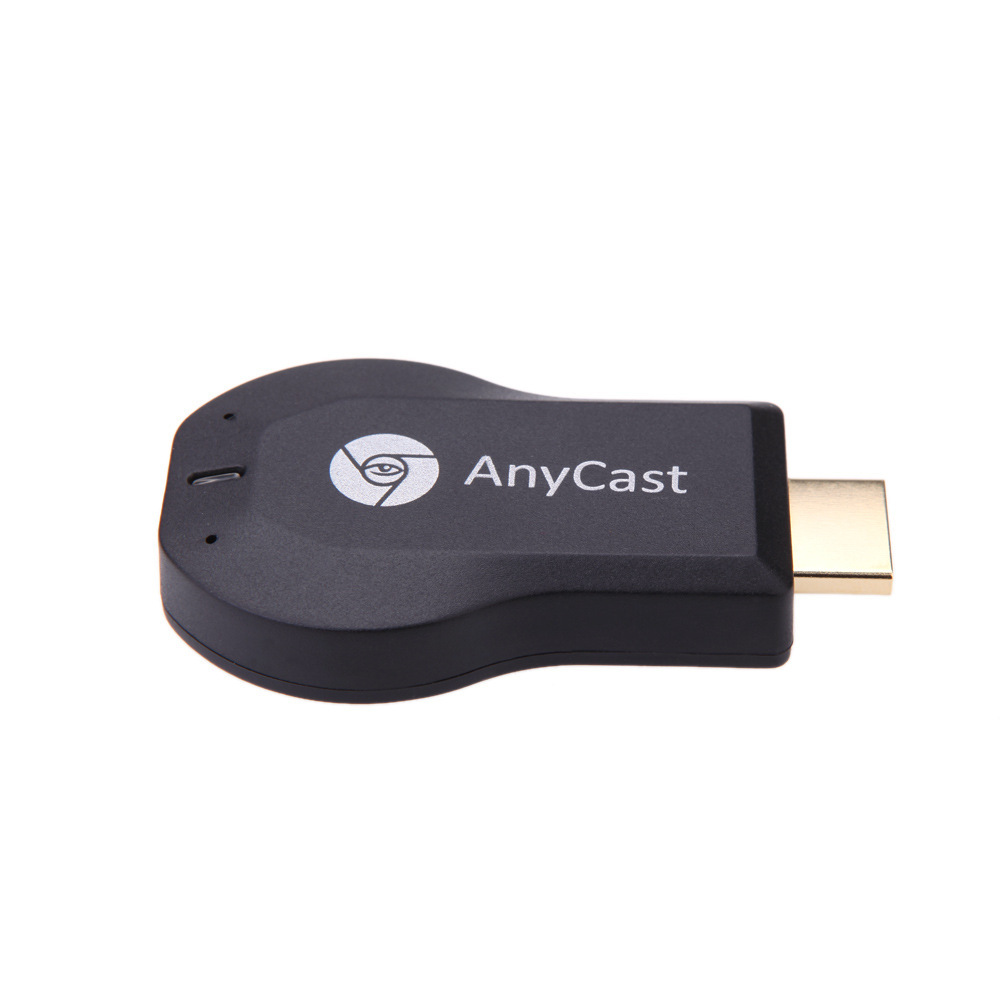
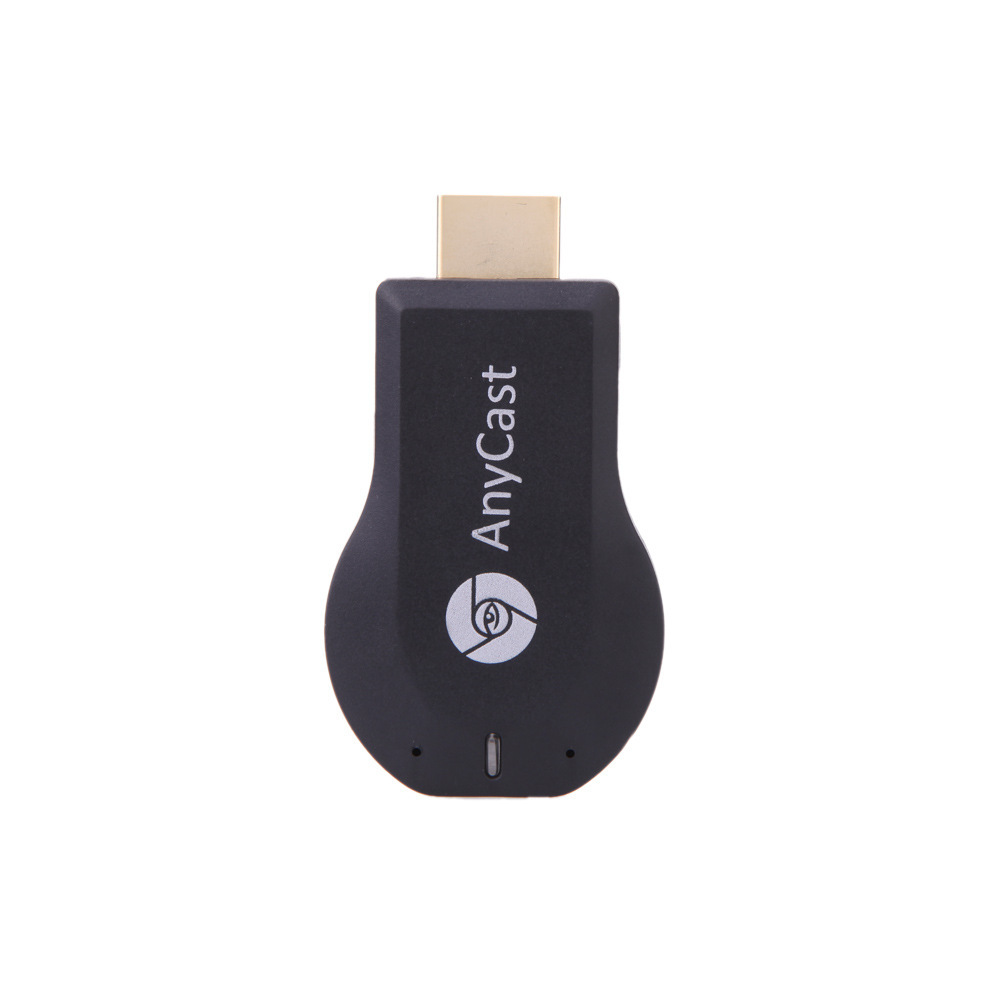
Push-to-Talk (ezCast) Physical Product Photography————————————————————————————
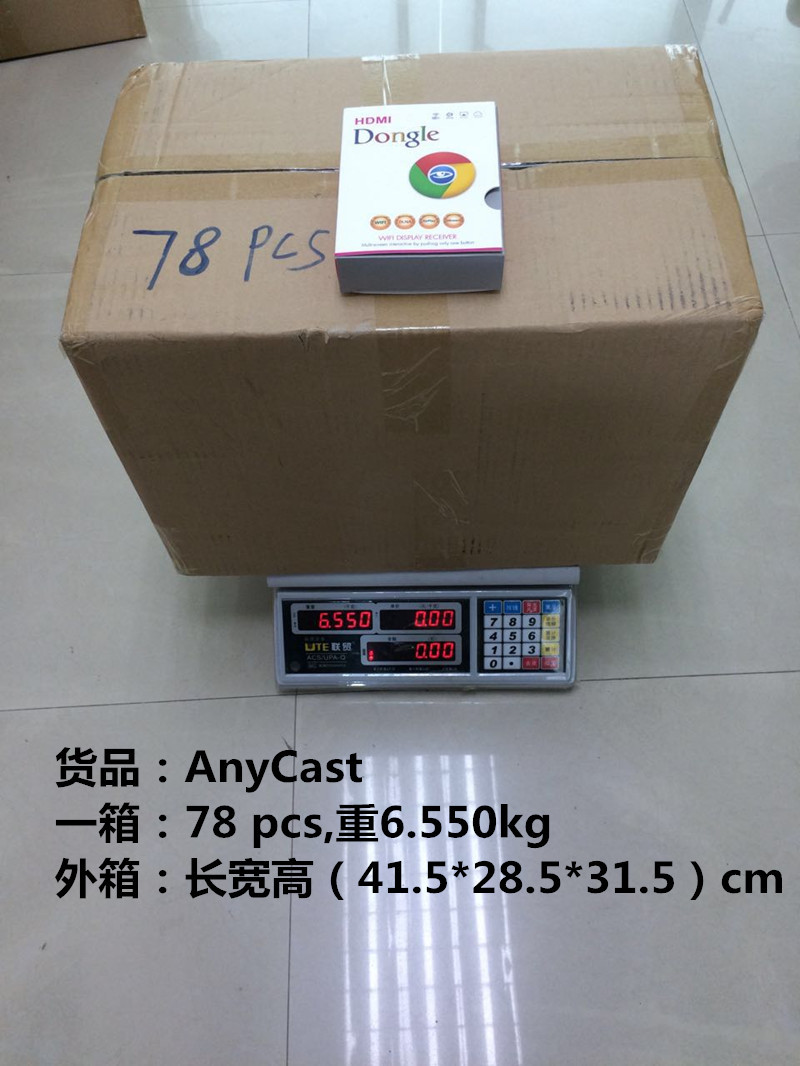
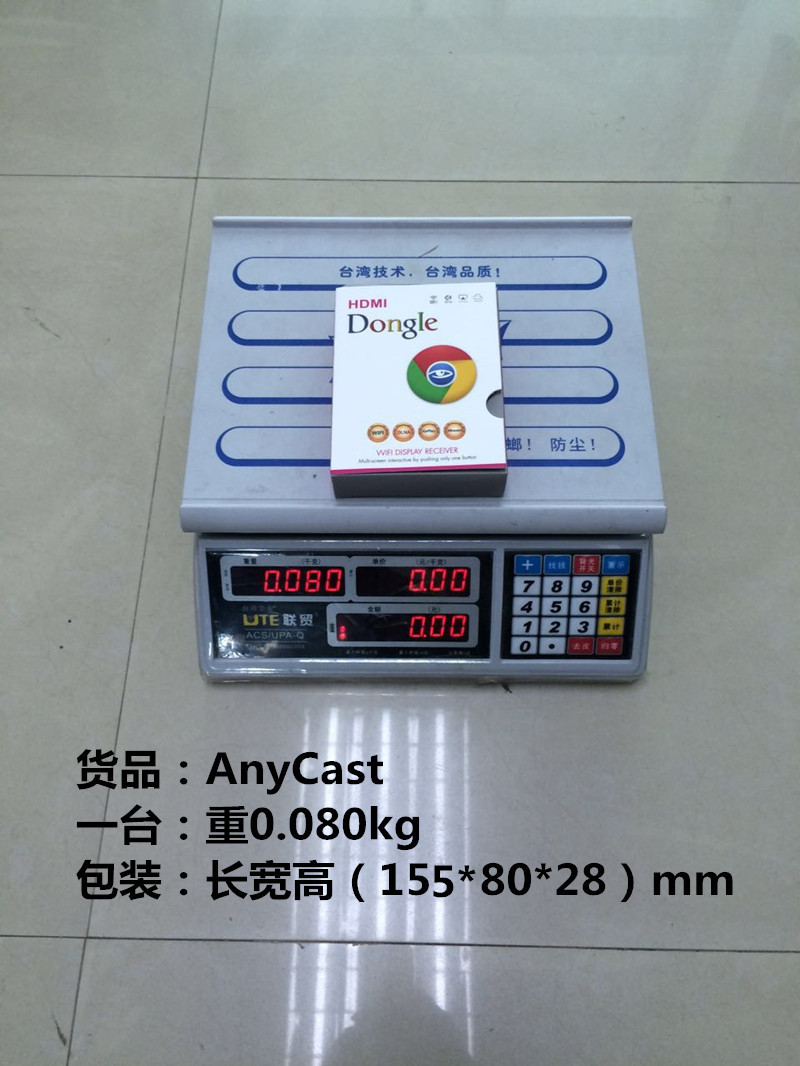
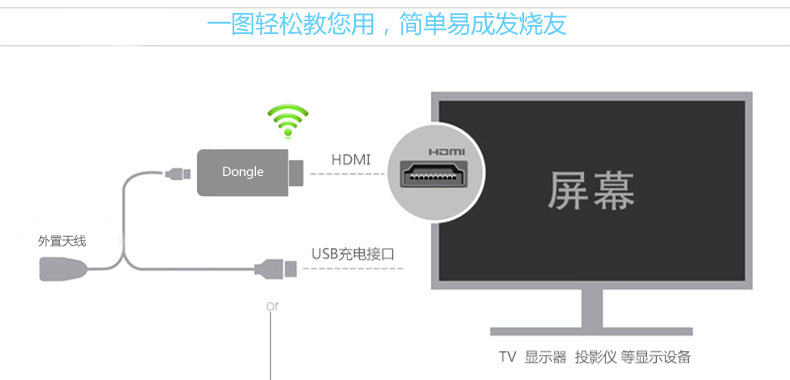
Operation Method:
Step 1: Insert the Push-to-Talk device into the HDMI high-definition interface of the television.
Step 2: The wireless connector needs to be connected to the power adapter (standard 1A) before connecting to the power source.
Step 3:
1. Connect to the product's WiFi when the device username and password are displayed on the screen.
2. Open the URL 192.168.203.1 to search for your home WiFi username. After clicking on the icon, enter the password as prompted to connect to the WiFi. When connected, the middle device (Pushbao) between the upper-right corner of the TV device and the last icon should be connected, not in the previously disconnected state. After connecting, exit the mobile device interface. At this time, all three icons in the upper right corner should show that they are connected, and then proceed to the next "3" operation. If there is a disconnect between the first icon and the second icon, please return to the setting – WiFi Local Network – search for the WiFi username of Pushbao to connect, and then you can proceed to the next "3" operation.
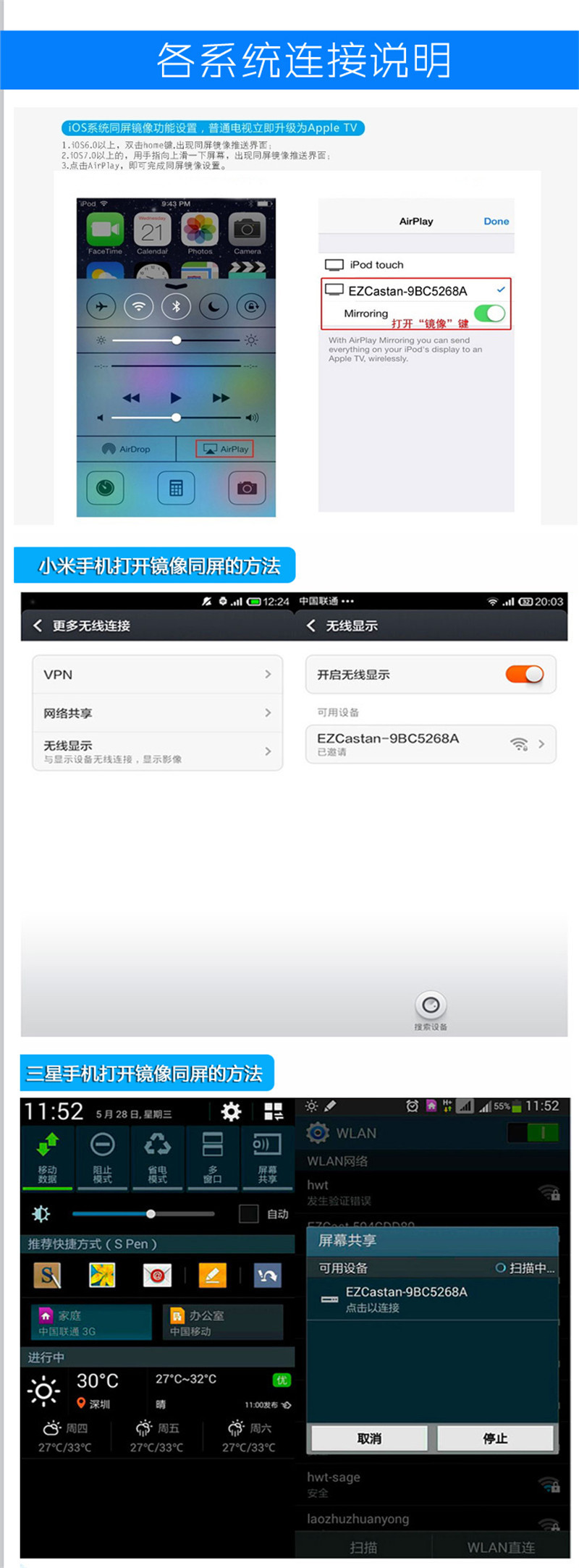
3. On an iPhone/iPad, drag down from the top of the screen to reveal the Control Center, and select the AirPlay icon on the right to enable mirror mode for screen sharing.Android phones please refer to the following table
|
Brand (Mobile Phone/Tablet)
|
Setting Method
|
| 【Samsung】 | Setup -> More settings -> AllshareCast or Setup -> Screen mirroring/screen sharing |
| 【HTC】 | Setup -> Media Output |
| 【SONY】 | Set->Display->Screen Mirror |
| 【LG】 | Setup -> More Settings -> Miracast or Settings -> Display -> Wireless Display or Settings -> Display -> Project Screen |
| 【OPPO】 | Settings -> More -> WLAN Display |
| Xiaomi | Settings -> WLAN -> Press the Menu key -> WLAN Display or Settings -> Display/More settings -> Wireless Display/Screen Projection or Settings -> More Wireless Connections -> Wireless Display |
| Jinli | Settings -> Display -> Wireless Display or Settings -> Display -> Project Screen |
| ZTE | Settings -> Display -> Wireless Display or Settings -> Display -> Project Screen |
| 【大可乐】 | Settings -> Display -> Wireless Display or Settings -> Display -> Project Screen |
| Huawei | Settings -> Display -> Wireless Display or Settings -> Display -> Project Screen |
| Lenovo | Settings -> Display -> Wireless Display or Settings -> Display -> Project Screen |
At present, most of the mobile phones on the market have adopted the system version of Android 4.2 or above, except for some special brands that have renamed the Miracast function mentioned above. Basically, they use the native wireless display function. You can tune in the Miracast function by going to Settings -> Display -> Wireless Display/Project Screen.

Daily Q&A
1What help does IPUSH Push provide?
Answer: Business presentation, gaming features, fitness functions, sharing capabilities, live streaming, and on-demand features.
2What systems does the product support?
Answer: This product supports the four major operating systems: Windows, Mac, OS, iOS, and Android.
3Are you experiencing screen flickering or abnormal screen display?
Answer: Please check if the HDMI connection is correctly plugged in and fully seated, and if the device's output resolution matches the television's settings.
4Has the device restarted?
Answer: Please check if the power supply supports a current greater than 1A. If not, please connect another device to provide power.
5Can't use Miracast function?
Answer: Please check if the corresponding operation device's system is Android 4.2 version or above, and whether the operation device supports this function.
6When pushing locally, does it encounter issues such as stuttering or long cache times?
Answer: It is recommended to use an HDM extension cable to place the DONGLE in an unobstructed location to ensure that the WIFI signal is in the best condition, or to try to move closer to the DONGLE to achieve the best results.
7Does the network on-demand service experience lagging or long buffering times?
Answer: This is due to the fact that there are too many WiFi signals around you, leading to congestion, or the signal from the router is too weak. Please adjust the position of the router to ensure that the DONGLE can receive a stronger WiFi signal, which will solve the problem.
8The WIFI connection of PUSHINGBAO keeps dropping after connecting immediately?
Answer: This is usually because the password is entered incorrectly. Please re-enter the correct password: 12345678.
9Some video websites can't push the content through?
Answer: This is because the video website does not support the DNLA protocol, and the push must support the DNLA protocol.
10Can't play the video I shot?
Answer: There are some differences in the compression formats used by various mobile phones. This product cannot guarantee to support all formats, and we will strive to optimize it.
11and Cannot find device name?
"Answer: Suggest checking if the network card cable is properly plugged in, or if the device is in the ''“Supports: AndroidSlashMicrosoft”In the mode, the phone isWIFIThe device name cannot be found in the settings.
12.After turning onPlease provide the Chinese text you want to translate, and I will translate it into English for you.How to find the password?How to find this setting
Answer:OurHDMIThe adapter is connected to the television and the monitor.Please provide the Chinese text you want to translate, and I will translate it into English for you.NeedUSBSupply powerPlease provide the Chinese text you want to translate, and I will translate it into English for you.equipped withUSBCharging cable,(5V 500MA)There is a power cord on the back of the TV.USBPower Supply Port.Turn the television on.HDMIpatternPlease provide the Chinese text you want to translate, and I will translate it into English for you.Can pop up our product imagesSISD:EZCASThis is ours.WIFIModelPlease provide the Chinese text you want to translate, and I will translate it into English for you.The password will be displayed at the same time..Through the phoneWIFIConnectedPlease provide the Chinese text you want to translate, and I will translate it into English for you.That's all you need to use.
13.My mobile phone and laptop.Does it need to be connected every time?WIFI
Answer:The first connection requiresWIFIchannelPlease provide the Chinese text you want to translate, and I will translate it into English for you.Output password connection.The second time it has a memory functionPlease provide the Chinese text you want to translate, and I will translate it into English for you.Our internal chip design4GofDDR3DDR4 memoryPlease provide the Chinese text you want to translate, and I will translate it into English for you.So, there's no need for a second connection.Please provide the Chinese text you want to translate, and I will translate it into English for you.Direct usePlease provide the Chinese text you want to translate, and I will translate it into English for you.
14equipmentWIFICan't connect, always exits immediately after connecting?
Answer: This is usually because the password input is incorrect. Please re-enter the correct connection password.
15Some video websites can't push the content through?
Answer: This is because the video website does not support...DLNA/AirplayAgreement, the ability to push online on-demand must be supported.DLNA/AirplayAgreement
16Can't play the video I shot?
Answer: There are some differences in the compression formats used by various mobile phones, and this product cannot guarantee support for all formats. We will strive to optimize.
17and“Supports: AndroidSlashMicrosoft”Function not working?
Answer: Suggest checking if the device is in.“Supports: AndroidSlashMicrosoft”In this mode, the device can be converted through button operation. This product cannot guarantee support for all mobile phones on the market, and we will strive to improve.
Update time:


TOP


