
Search history
Clear allSearch by image
XDrag and drop an image here or upload an image
Max 5MB per image
UploadSign In | Join

Search history
Clear allSearch by image
XDrag and drop an image here or upload an image
Max 5MB per image
UploadSign In | Join
X Email Mobile
| Number | Unit-price | Total | |||
| I want to buy: | × | 180.0 | = | 0 |


A new item has been added to your Shopping Cart. You now have items in your Shopping Cart.
Highlight" 或 "Big Selling Point
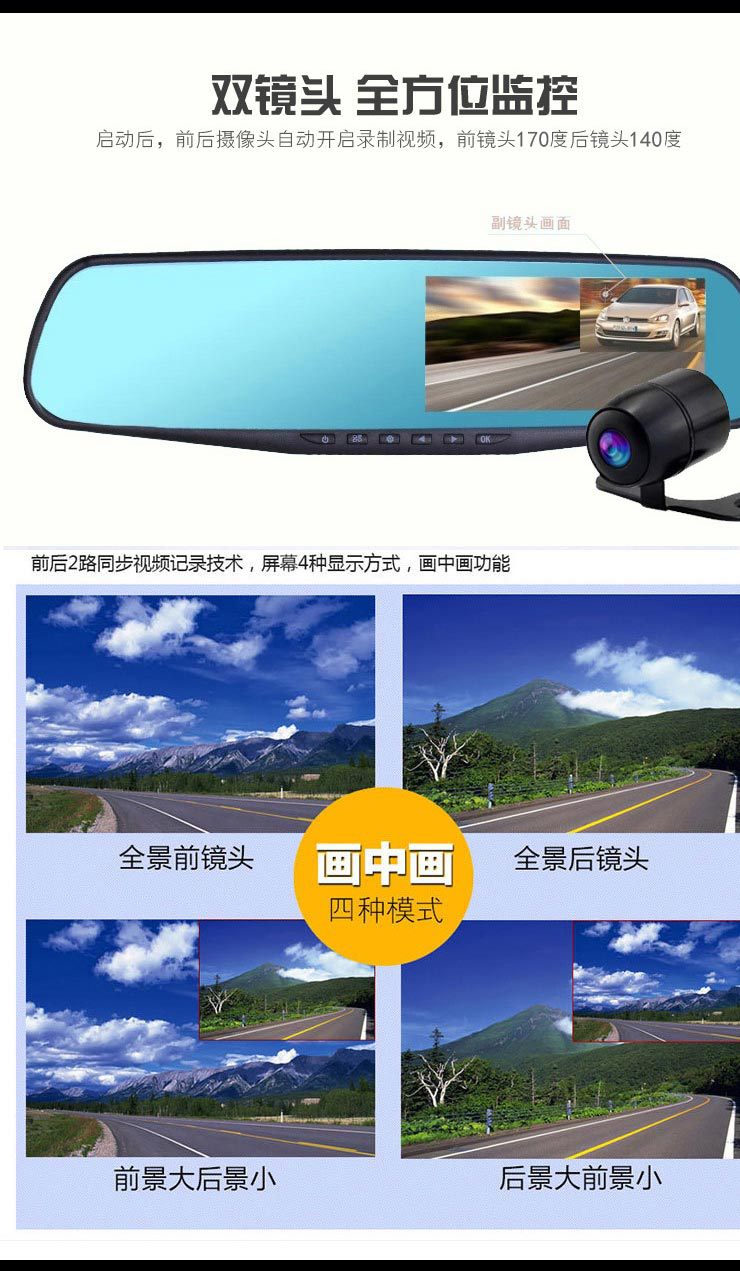
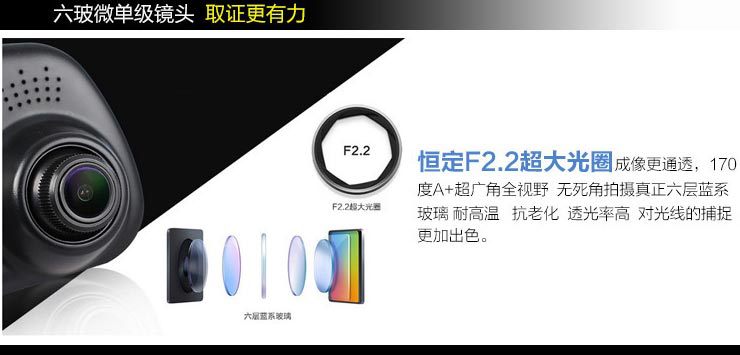
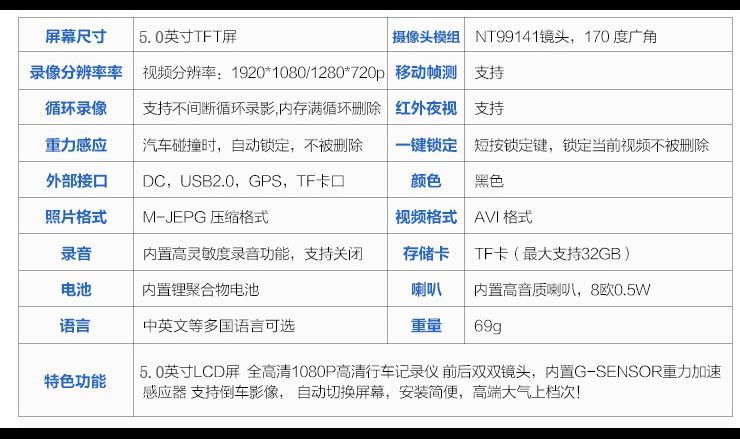
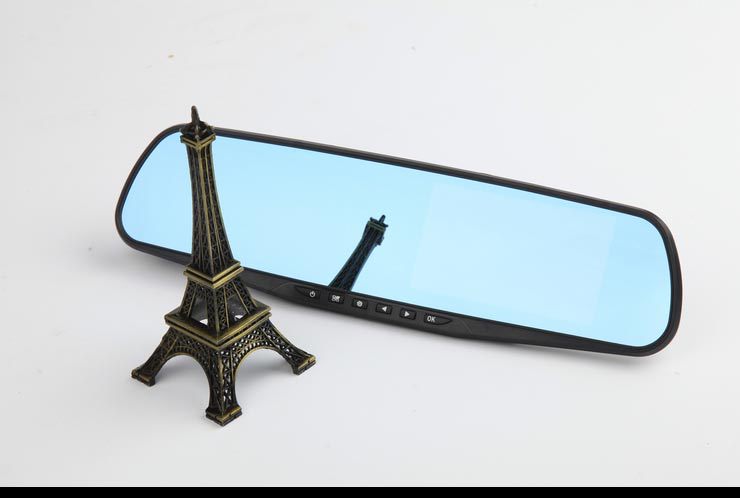
A. Adopts high-end blue mirror material, high-definition camera, and a specially designed ultra-wide 170° wide-angle lens.
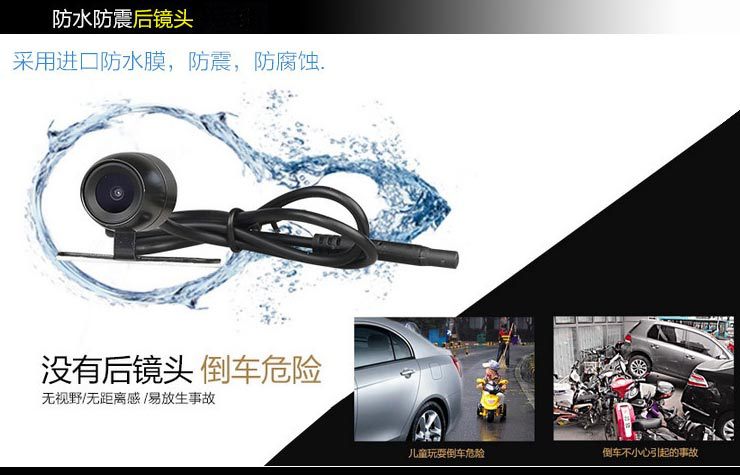
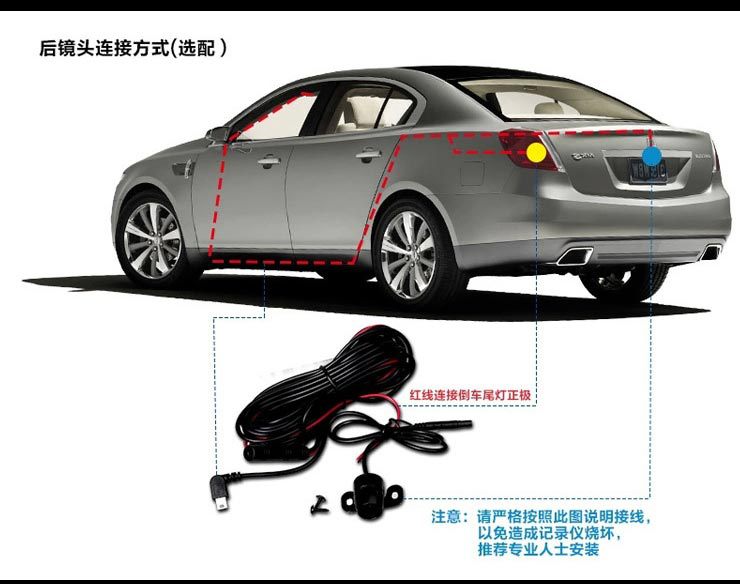
B. Dual-lens version enables rear view while reversing, installation is incredibly simple, retaining the original vehicle appearance.
C. Dual high-definition front and rear cameras, automatic coverage, continuous loop recording, never stops, for insurance fraud.
D. Uses high-temperature resistant electronic components at 85°C, safe, stable, durable, and unaffected by exposure to direct sunlight.
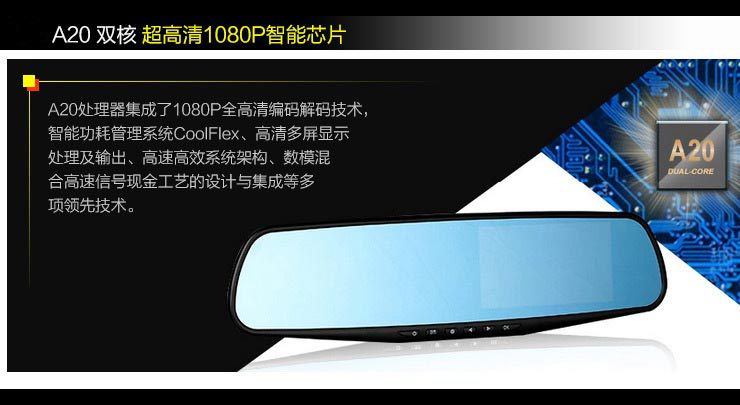
At the same time, using H.264 high-definition encoding, it increases the recording time and reduces the write-erasing of the memory card, extending the life of the memory card!
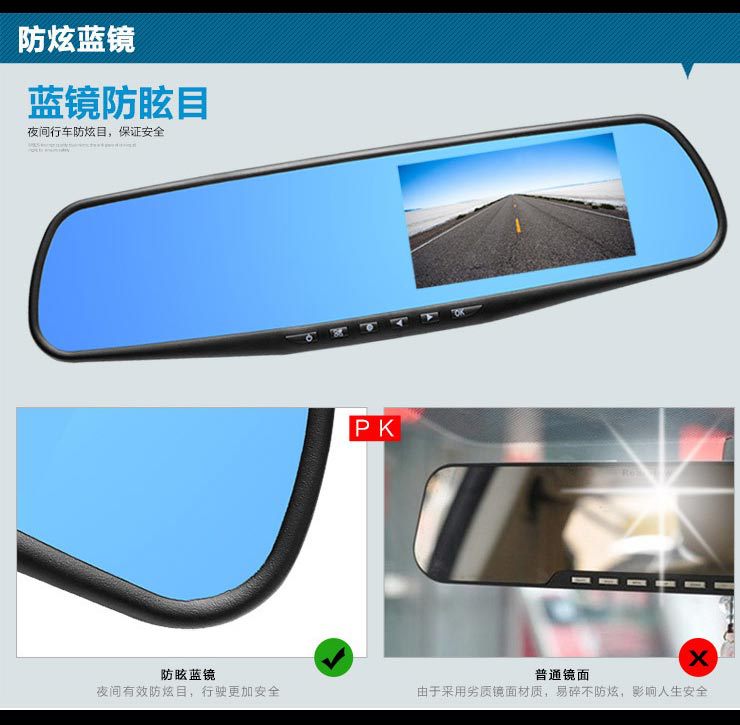
It also adopts the global leading blue mirror anti-glare technology, so you no longer fear the headlights of oncoming vehicles at night. The blue mirror looks more beautiful and fashionable! After installation, it is the original appearance of the car!
Installation Guide
1. Shut off the car engine.
2. Insert the memory card into the recorder slot.
【Note】Please use a high-speed memory card (Class6 or above), with a capacity of at least 512MB.
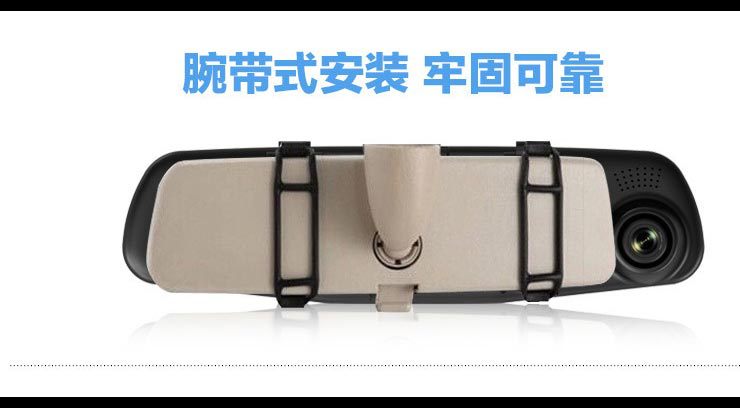
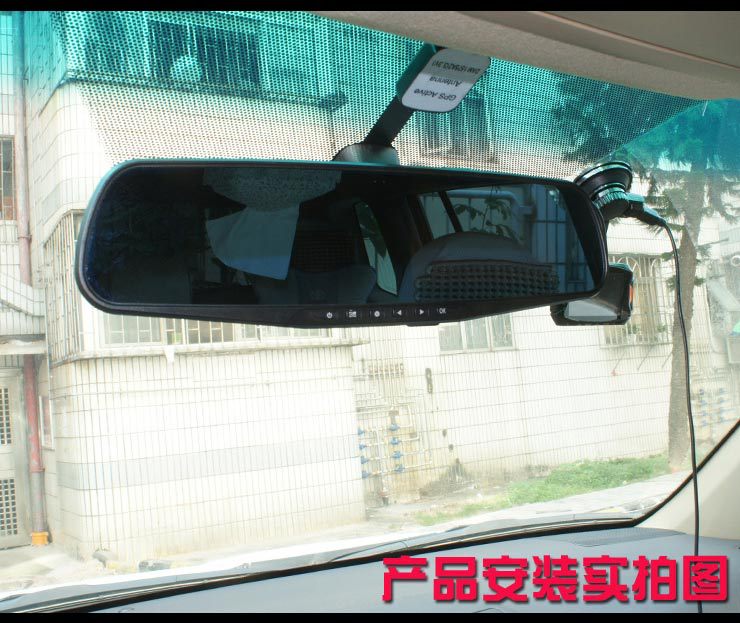
3. Fix the recorder to the original rearview mirror of the car.
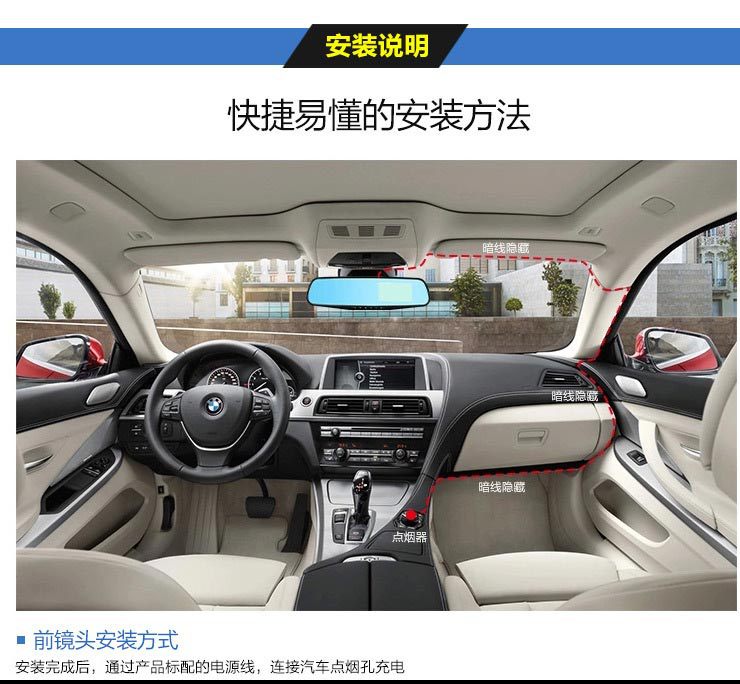
4. Insert the car charger into the car's cigarette lighter.
5. Connect the recorder's USB port to the vehicle's charger using the extension cord.
【Note】When wiring, you can lay the charging extension cord along the edge of the car windshield.
6. Install the rear-facing camera at the rear of the vehicle, and be sure to orient it correctly. The wiring can be laid along the vehicle's roof. After installation, connect the rear plug to the rear-facing camera interface of the recorder.
Adjust the camera position to ensure that the camera is level with the ground.
8. Start the engine and check if the machine is correctly installed.
【Note】When the machine is installed correctly, the system operation indicator light will be lit; the machine will start up and enter the recording state.
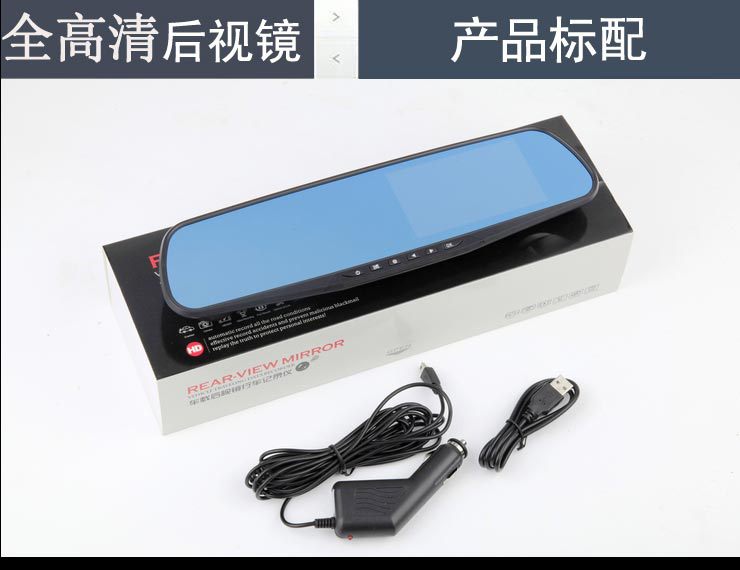
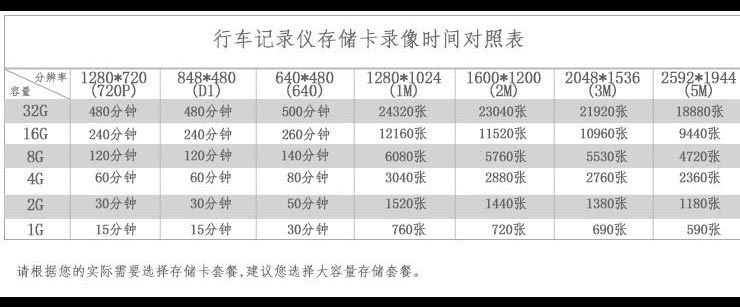
Warm TipThe complete set of this dual-lens driving recorder does not include a memory card.
Update time:


TOP


