
Search history
Clear allSearch by image
XDrag and drop an image here or upload an image
Max 5MB per image
UploadSign In | Join

Search history
Clear allSearch by image
XDrag and drop an image here or upload an image
Max 5MB per image
UploadSign In | Join
|
black
黑色 |
CN¥ 0.0 |
|
blue
蓝色 |
CN¥ 0.0 |
|
orange
橙色 |
CN¥ 0.0 |
|
rose red
玫红色 |
CN¥ 0.0 |
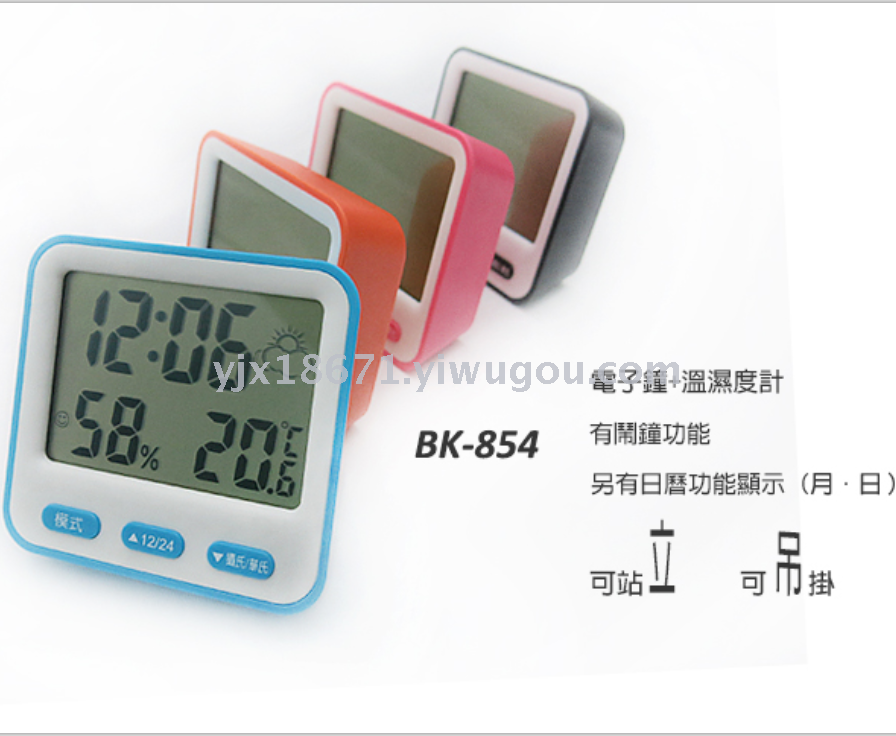
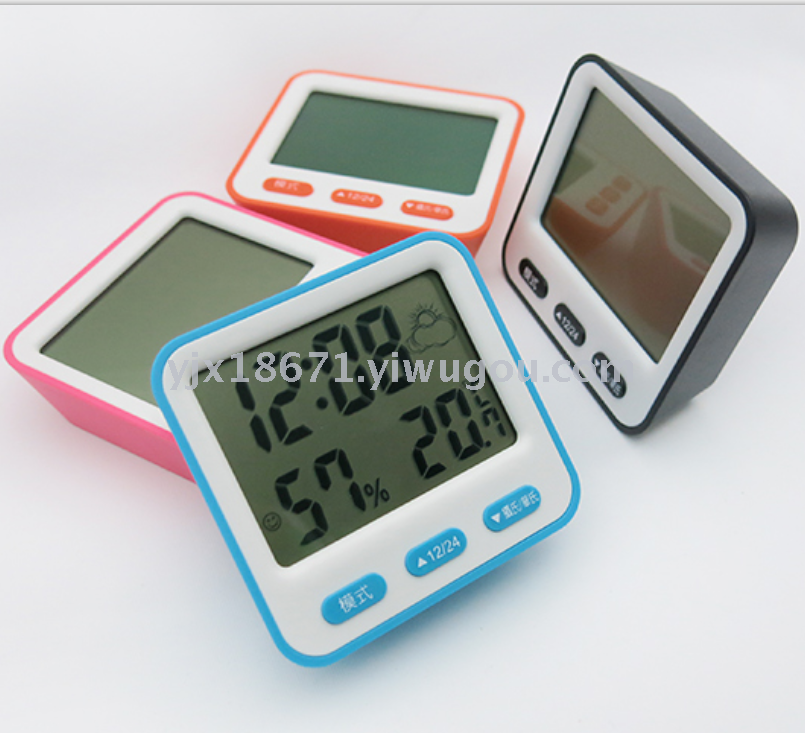
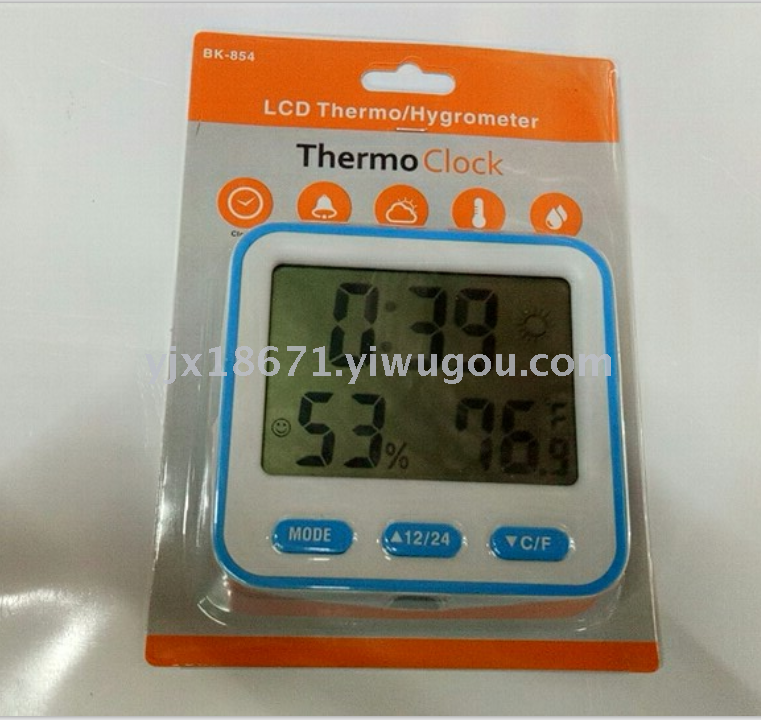
Product model: BK-854
Product size: 95*89*32MM
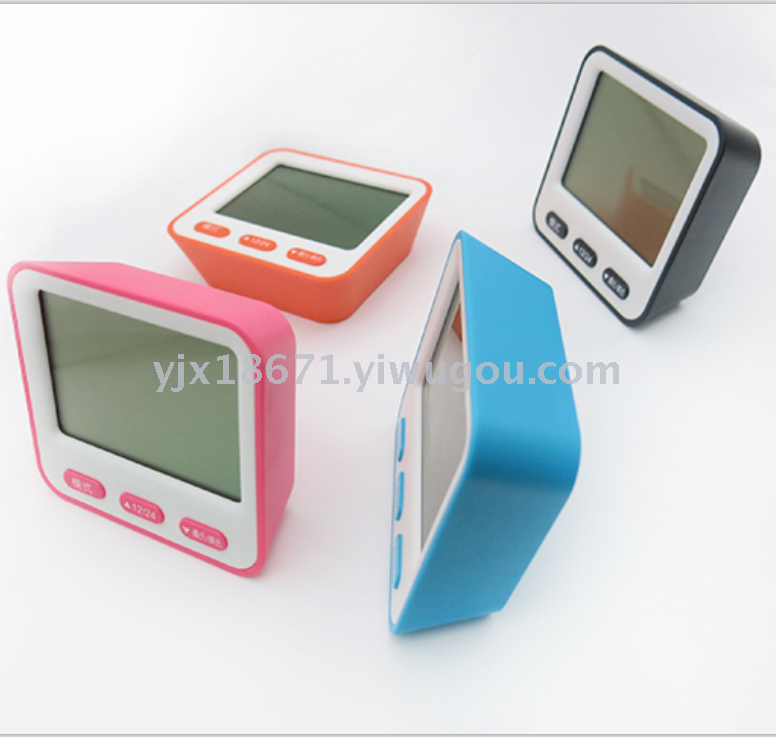
Product color: black, blue, orange, and pink.
Product packing: 200PCS
Single weight: 102g
Packing: Cardboard + Bubble Shell
1. Operation
Press the MODE button to switch between three display modes. The modes are as follows (in order): Clock, Calendar, Alarm.
Section 2: Setting the Time Format
In clock mode, press the MODE button for about 4 seconds to start setting the time: Time: Minutes (00:00)
Press the 12/24 or C/F key to select various values.
Press the MODE (mode) key to adopt the displayed setting value and jump to the next item.
Section 3: Setting the Calendar
Calendar Mode: Press and hold for about 4 seconds to start setting the calendar MODE button; Year/Month/Day
Press the 12/24 or C/F key to select various values.
Press the MODE (mode) key to adopt the displayed setting value and jump to the next item.
Press the MODE button to save the settings and return to the normal display.
Section 4: Control and Display
Display of the scene
② MODEF (Mode) Button
③▲12/24 key (increase set value)
④▼C/F key (decrease set value)
⑤ Battery Compartment
Measurement opening (excluding)
⑦ Supports (Removable)
⑧ Magnet
Five, Switch between 12/24-hour display formats
Long press the 12/24 key to switch between 12-hour and 24-hour formats, with AM or PM appearing before the time.
Six, Set the Alarm
In the alarm mode, press and hold the MODE button for about 4 seconds to start setting the alarm. Hours/Minutes
Press the 12/24 or C/F key to select various values.
Press the MODE (mode) key to adopt the displayed setting value and jump to the next item.
Press the MODE button to save the settings and return to the normal display.
Seven, Alarm
In time or calendar mode, press the 12/24 key to switch the alarm on or off. If one of these symbols appears on the screen, the corresponding function is activated.
If the alarm is activated, it will automatically stop after approximately 1 minute.
Temperature Measurement
When pressing the C/F key, choose between (Celsius) and (Fahrenheit) in any mode.
|
Shell Material |
ABS |
|
Shell size |
96*9*30mm |
|
Weight (without battery) |
102g |
|
Power supply |
3.0V AAA*2 |
|
Working temperature |
0℃±40℃ |
|
Measurement temperature range |
0℃±50℃ |
|
Measuring humidity range |
20%~99% |
Update time:


TOP


