
Search history
Clear allSearch by image
XDrag and drop an image here or upload an image
Max 5MB per image
UploadSign In | Join

Search history
Clear allSearch by image
XDrag and drop an image here or upload an image
Max 5MB per image
UploadSign In | Join
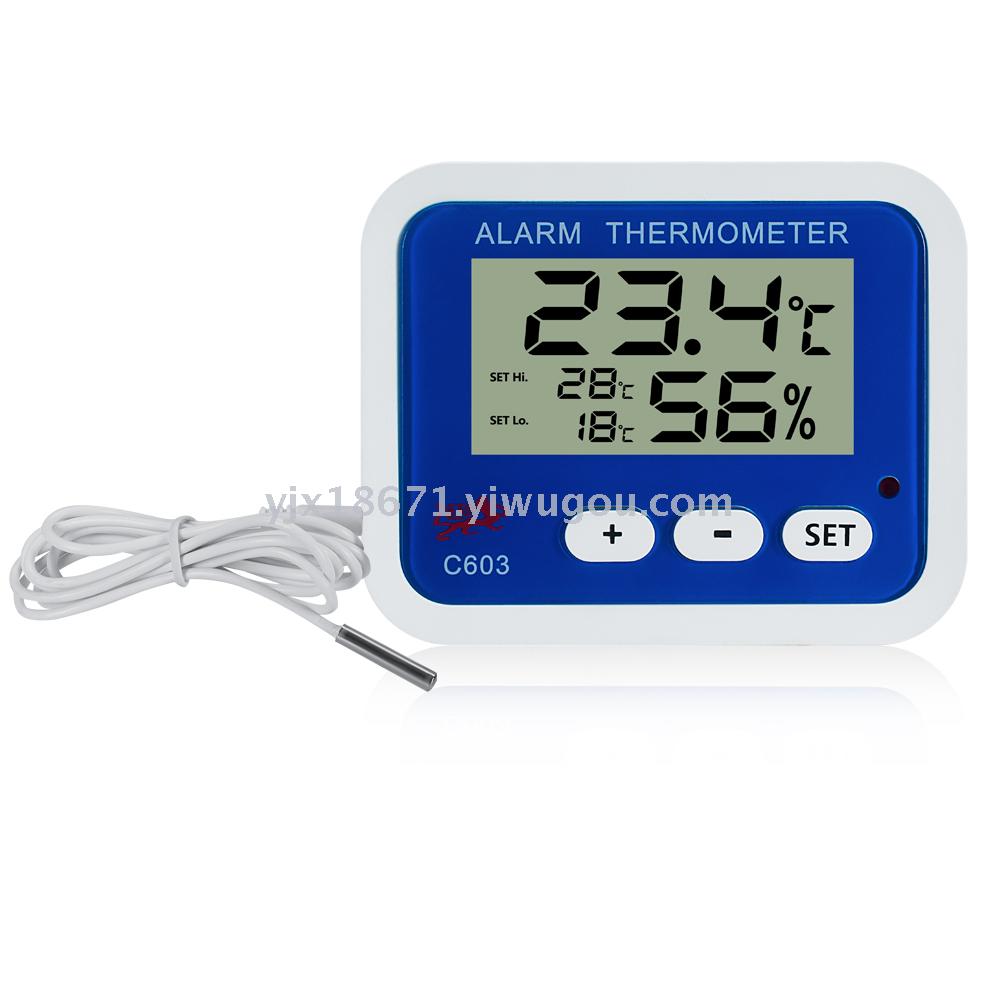
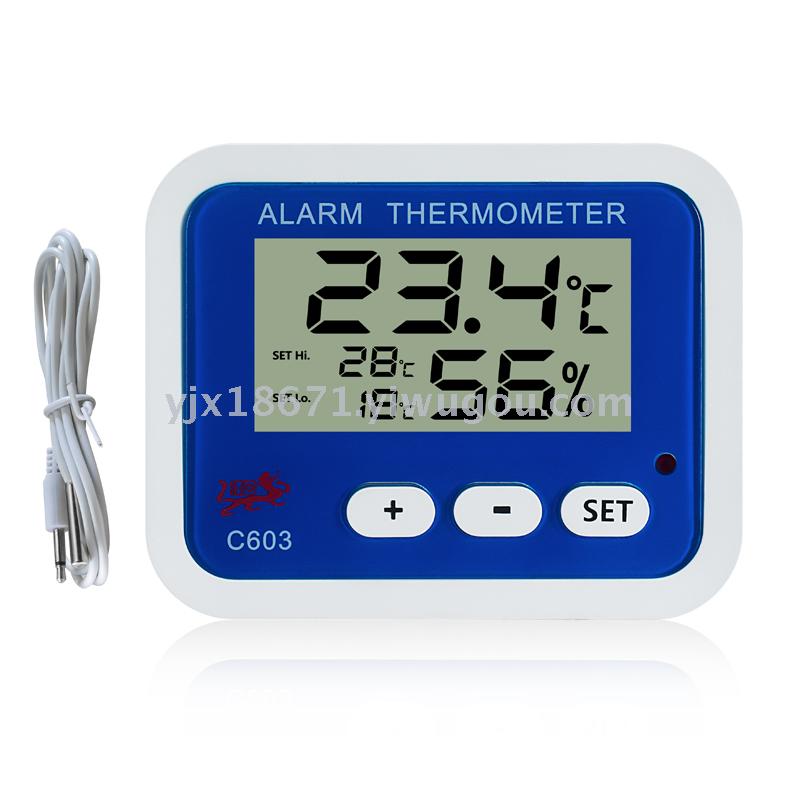
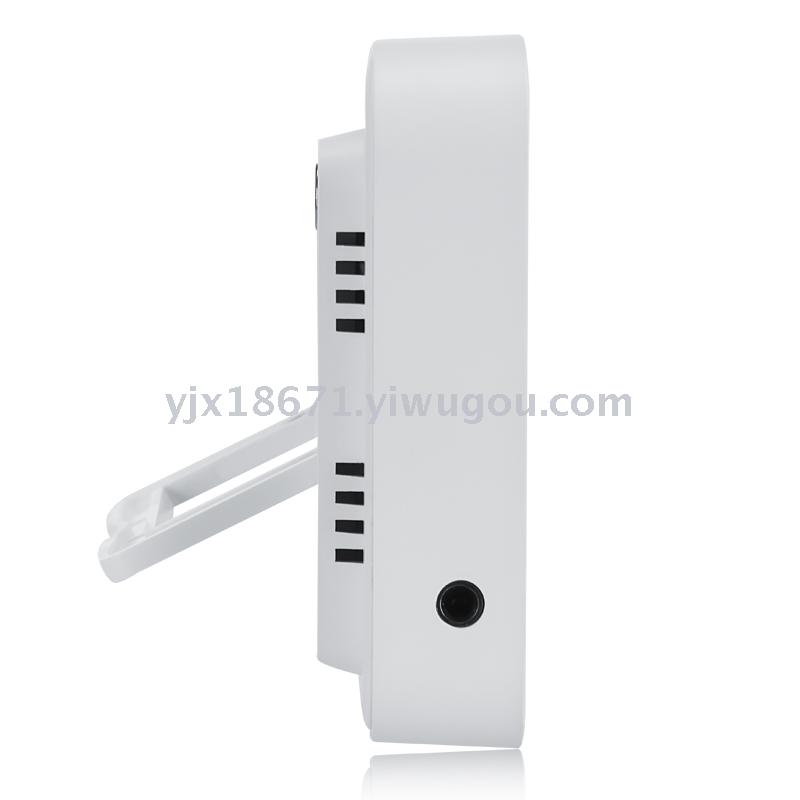
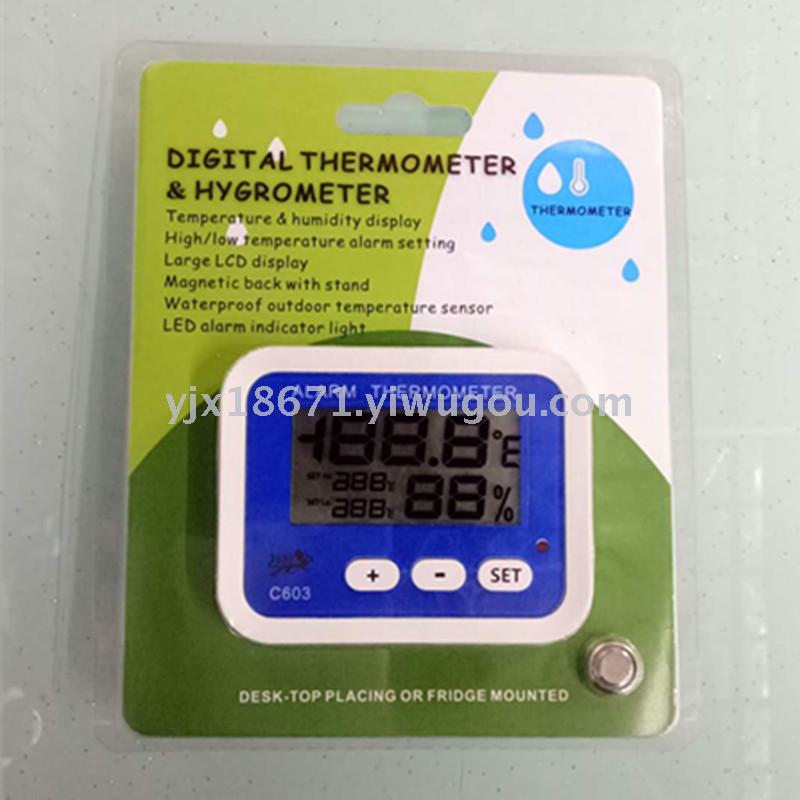
Basic functions:
Temperature and Humidity Display (Selectable Indoor/Outdoor Temperature Mode)
High and low temperature automatic alarm (default high temperature 28℃, low temperature 18℃)
It can set any high or low temperature alarm.
Celsius/Fahrenheit temperature switch display
LED light indicator for alarm
Temperature measurement range:
Indoor temperature mode: -10°C to 50°C (+14°F to +122°F)
Outdoor temperature mode: -40℃~70℃ (-40℉~+158℉)
Humidity measurement range: 20% RH~95% RH
Dimensions: 78×62×18mm
Battery: 1.5V (AG13) × 1
Features:
* temperature & humidity display (alternative indoor/outdoor temperature mode)
*Temperature Alarm Function (Default Setting: Highest 28°C; Lowest: 18°C)
* Setting the random temperature range
* temperature unit ℃/℉ changeable
* LED alarm indicator light
Temperature Range:
indoor mode:-10℃~50℃(+14℉~+122℉)
outdoor mode:-40℃~70℃(-40℉~+158℉)
Humidity: 20% RH~95% RH
Product Dimension: 78×62×18mm
"Power-supply: 1.5V(AG13)×1
Basic Function
Temperature and Humidity Display (Selectable Indoor/Outdoor Temperature Mode)
High and low temperature automatic alarm function (default high temperature 28℃, low temperature 18℃)
The temperature alarm range can be set to any high or low temperature.
Celsius/Fahrenheit temperature switch display
LED light indicator for alarm
Operating Method
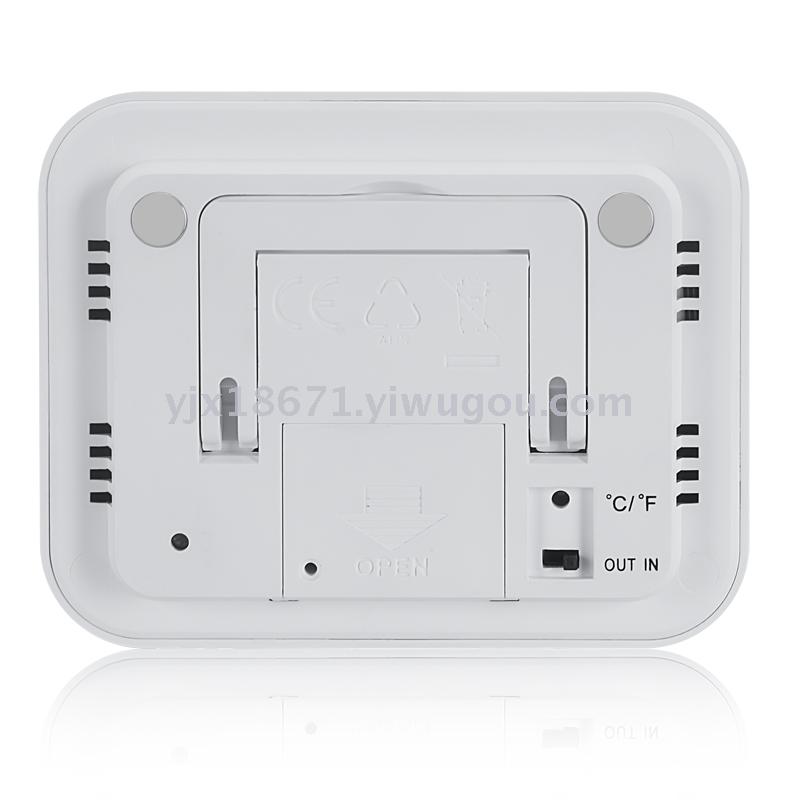
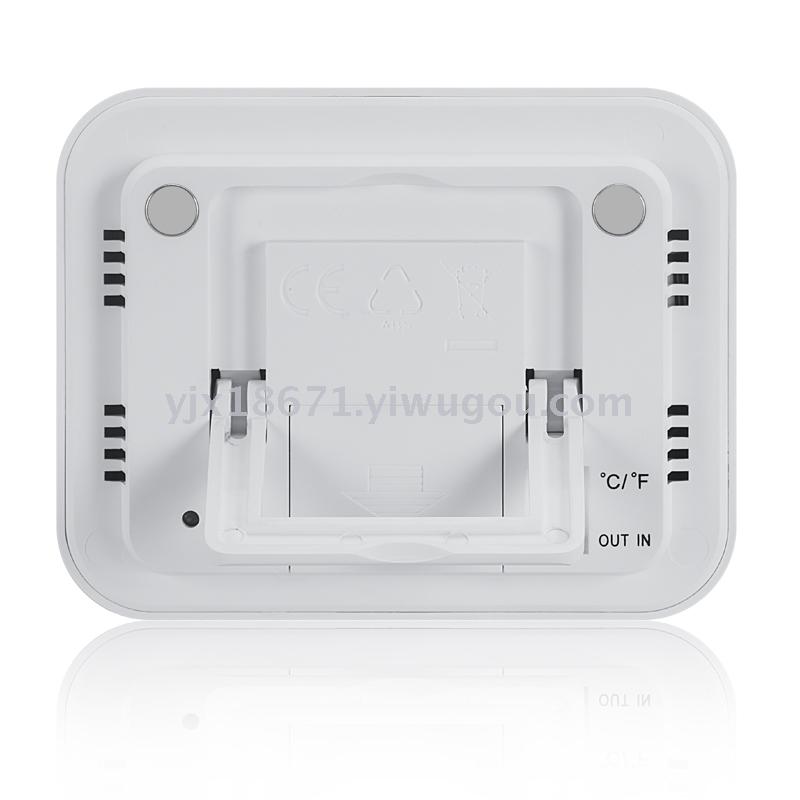
1. Push the battery cover open in the direction indicated on the back of the machine, then replace the battery and the battery cover, and the machine is ready to use.
2. Button Function:
[SET] Set the upper and lower temperature alarm range;
Increase the value of the set project.
Reduce the value of the set item.
Switch temperature units to display in Celsius (℃) or Fahrenheit (℉).
Toggle the switch to switch between indoor and outdoor temperature display.
3. Press and hold [SET] for 2 seconds in the initial state, and the temperature value of the "SET Hi. High-temperature setting" position (the highest temperature alarm value) begins to flash. Press [+] / [-] to increase / decrease the highest temperature value, and long press to speed up the value adjustment; then press [SET] once more, the temperature value of the "SET Lo. Low-temperature setting" position (the lowest temperature alarm value) begins to flash. Press [+] / [-] to increase / decrease the lowest temperature value, and long press to speed up the value adjustment; finally, press [SET] once to confirm the setting.
4. When the [IN/OUT] switch is turned to the 'IN' position, the display shows the indoor temperature, and the temperature alarm range on the screen corresponds to the indoor temperature alarm range. Conversely, when the [IN/OUT] switch is turned to the 'OUT' position, the display shows the outdoor temperature, and the temperature alarm range on the screen corresponds to the outdoor temperature alarm range.
5. When switching between indoor/outdoor temperatures, the screen will switch to the corresponding temperature display within 10 seconds.
6. When the actual temperature exceeds the set temperature alarm range (higher than the "SET Hi." position or lower than the "SET Lo." position), the LED light will flash for 10 seconds the first time with the alarm, and simultaneously, the temperature at the "SET Hi." or "SET Lo." position will continue to flash. Press any key to stop the alarm and the LED light flashing. If the actual temperature continues to exceed the temperature alarm range, the LED light will flash once every hour with the alarm.
Update time:


TOP


