Search history
Clear allSearch by image
XDrag and drop an image here or upload an image
Max 5MB per image
UploadSign In | Join

Search history
Clear allSearch by image
XDrag and drop an image here or upload an image
Max 5MB per image
UploadSign In | Join
X Email Mobile


A new item has been added to your Shopping Cart. You now have items in your Shopping Cart.
Briefly introduce the following usage:
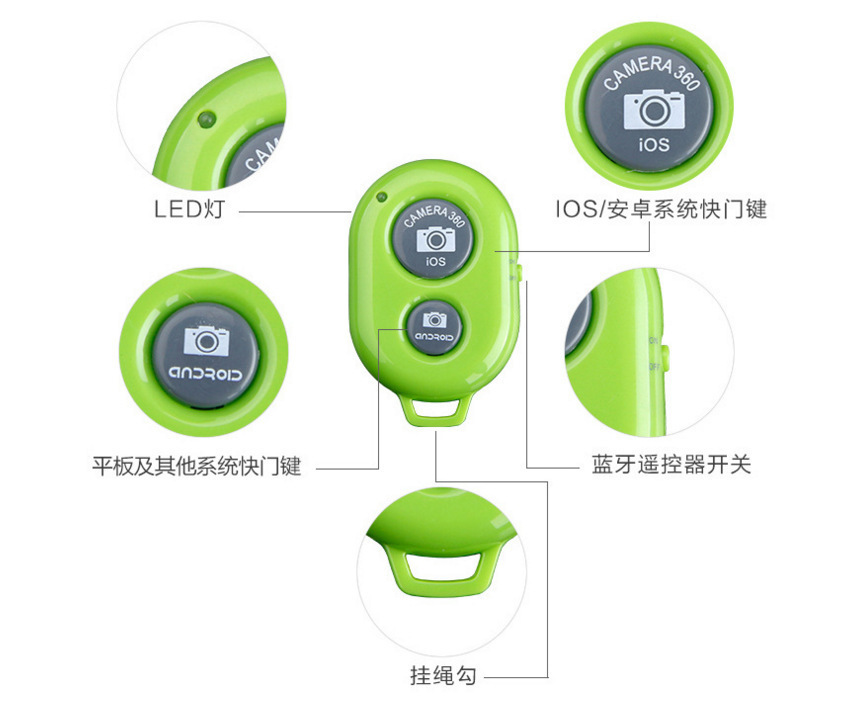
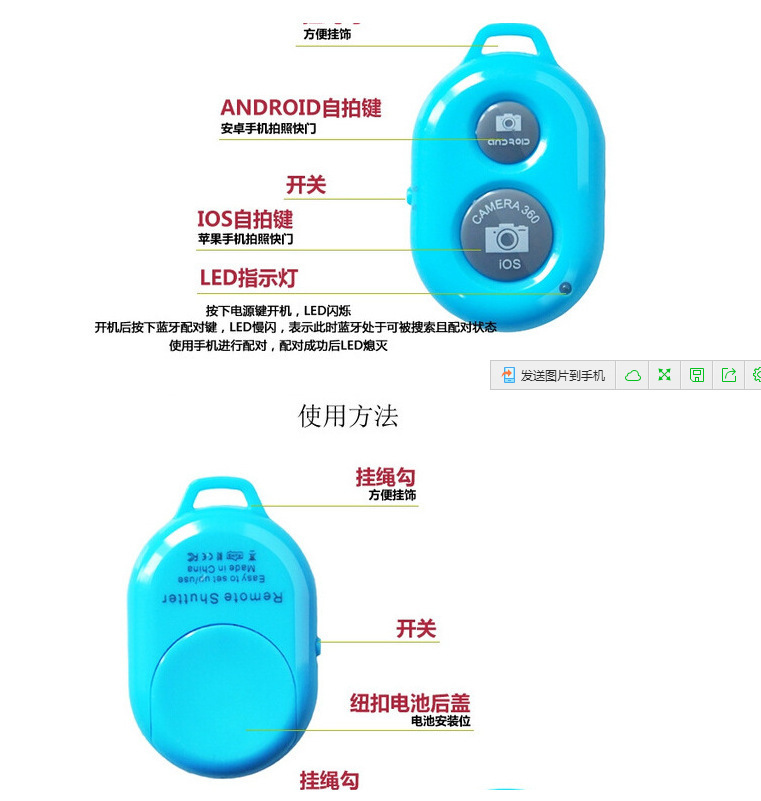
1: turn on the remote control switch and the blue indicator of the remote control flashes.
2: turn on the bluetooth, search for new devices, and connect.
3. After pairing and connecting, open the mobile camera software.
4: the iphone can take photos by pressing the shutter button of the remote control.
5: most android phones can also take photos by pressing the shutter button directly.
6: please download the camera360 software for some mobile phones that cannot control photos. Then, open the camera Settings in camera360 and set the volume button function to take photos.
Update time:


TOP