
Search history
Clear allSearch by image
XDrag and drop an image here or upload an image
Max 5MB per image
UploadSign In | Join

Search history
Clear allSearch by image
XDrag and drop an image here or upload an image
Max 5MB per image
UploadSign In | Join
X Email Mobile
SHUOFENG ELECTYONIC TECHNOLGY CO.LTD 12yr.
Contacts Diana Chat
Mobile 86-18358005552
E-mail 1048612396@qq.com
1048612396

WhatsApp 8618358005552
List of GPS Tracker Features
1. GPS + AGPS + base station positioning, with accurate location accuracy.
2. Remote audio pickup: Click on audio pickup in the APP, enter the phone number that can receive calls, and when the device dials that number, you will be able to hear the surroundings of the device.
3. Historical trajectory review: save the device operation history for the past 3 months.
5. Electronic fencing: set the area range; an alarm will be triggered if it exceeds this range.
6. Power-saving mode; defaults to positioning every ten minutes; the upload interval can be adjusted.
Advantages of GPS Locator
1. The size is extremely small, and the GPS positioning is accurate within 10 meters, enabling location tracking worldwide.
2. Remote control, remote recording.
3. Computers and mobile apps make it easier to check items.
4. Setting up a management account makes managing multiple devices much easier.
Coordination and integration of small size and long standby time
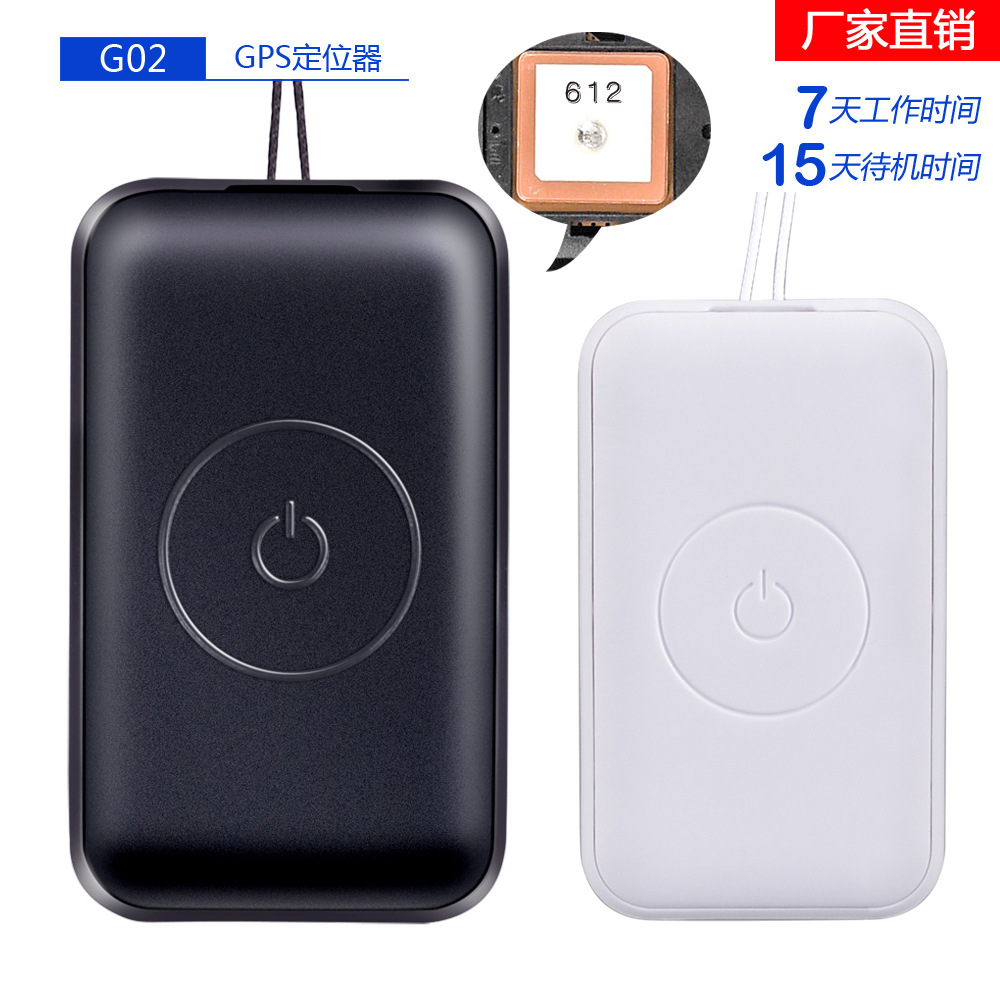
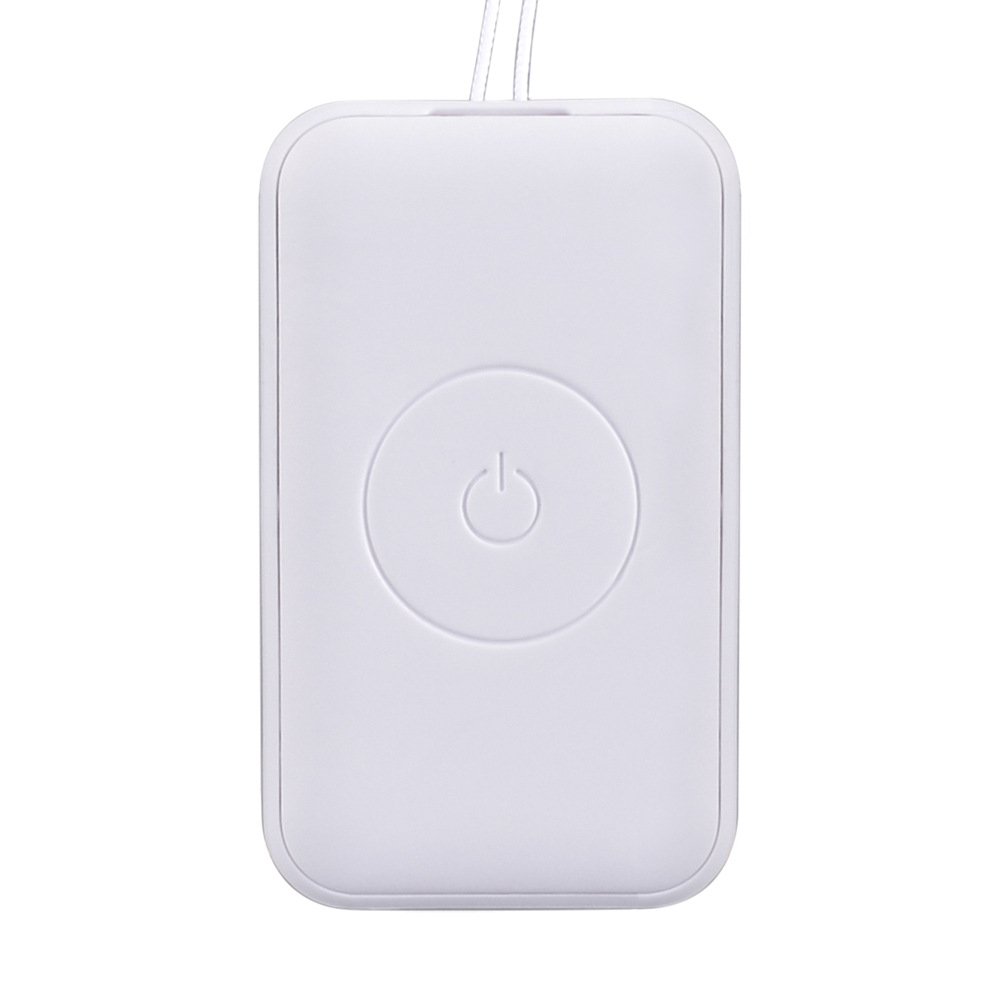
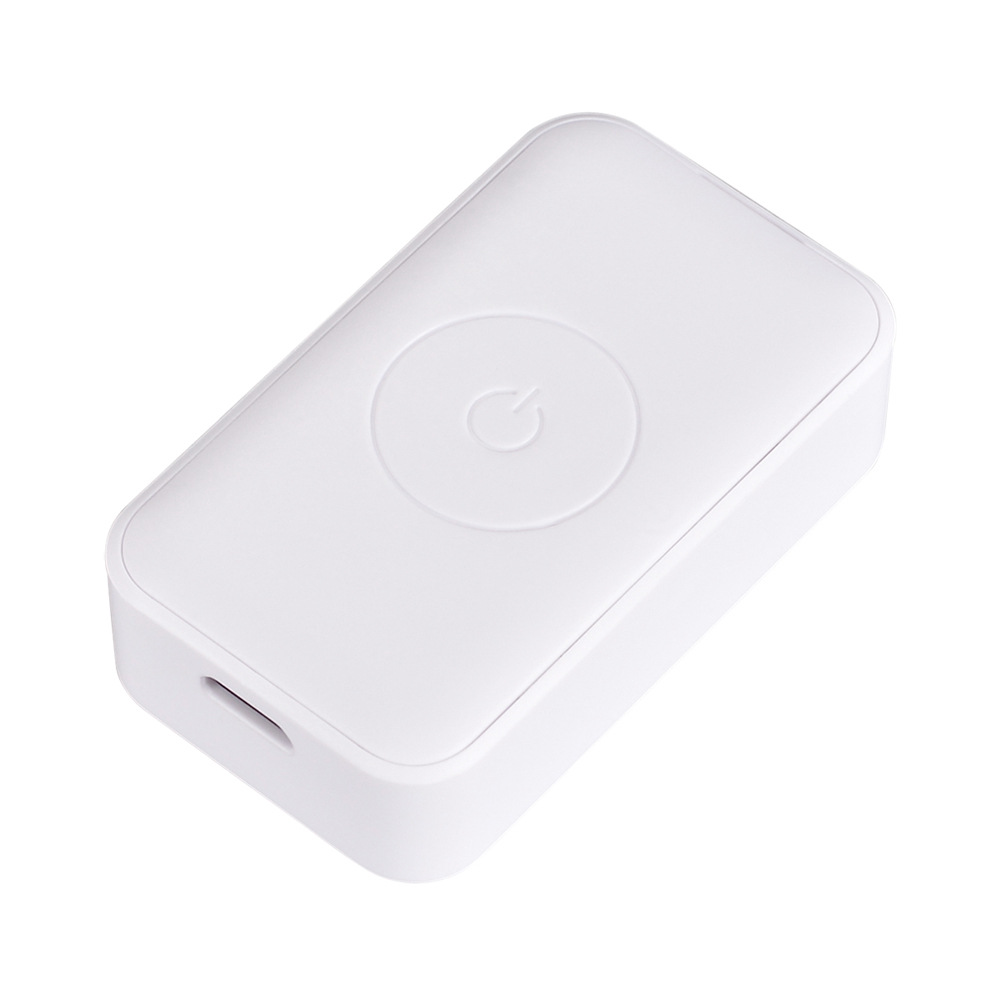
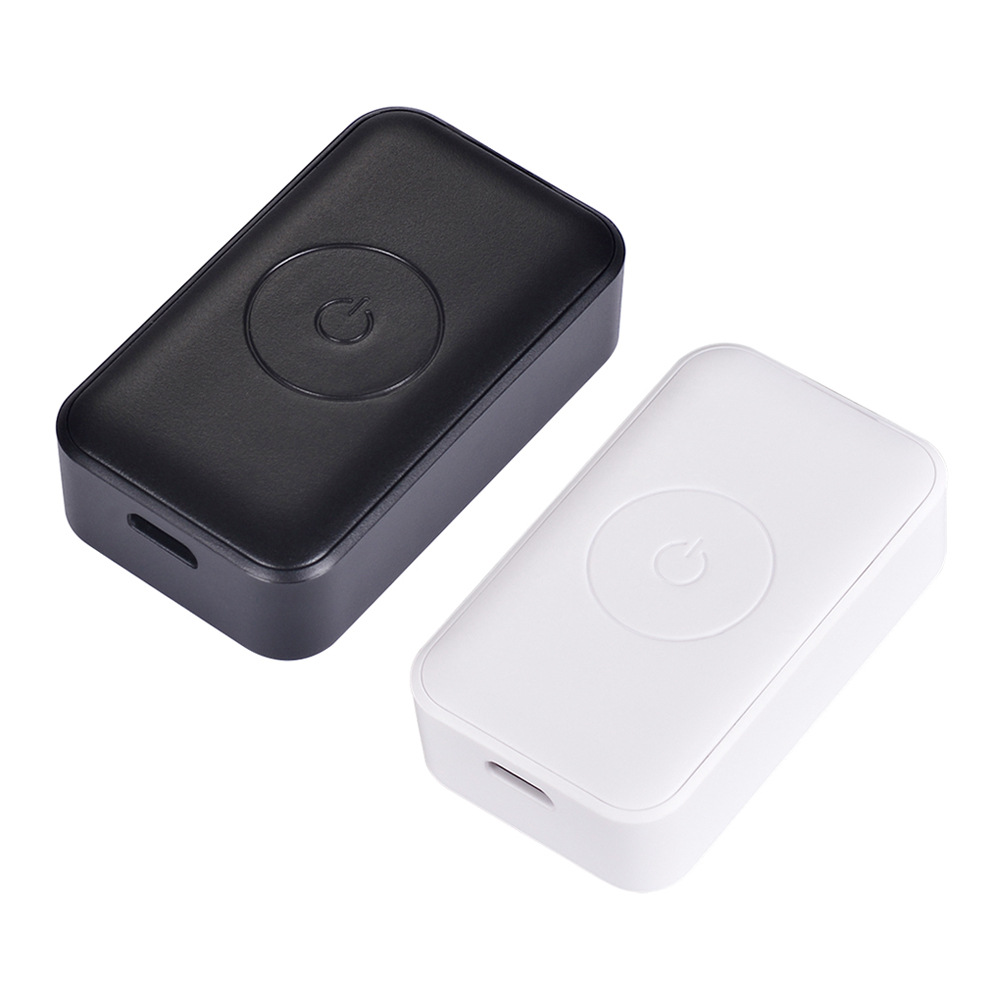
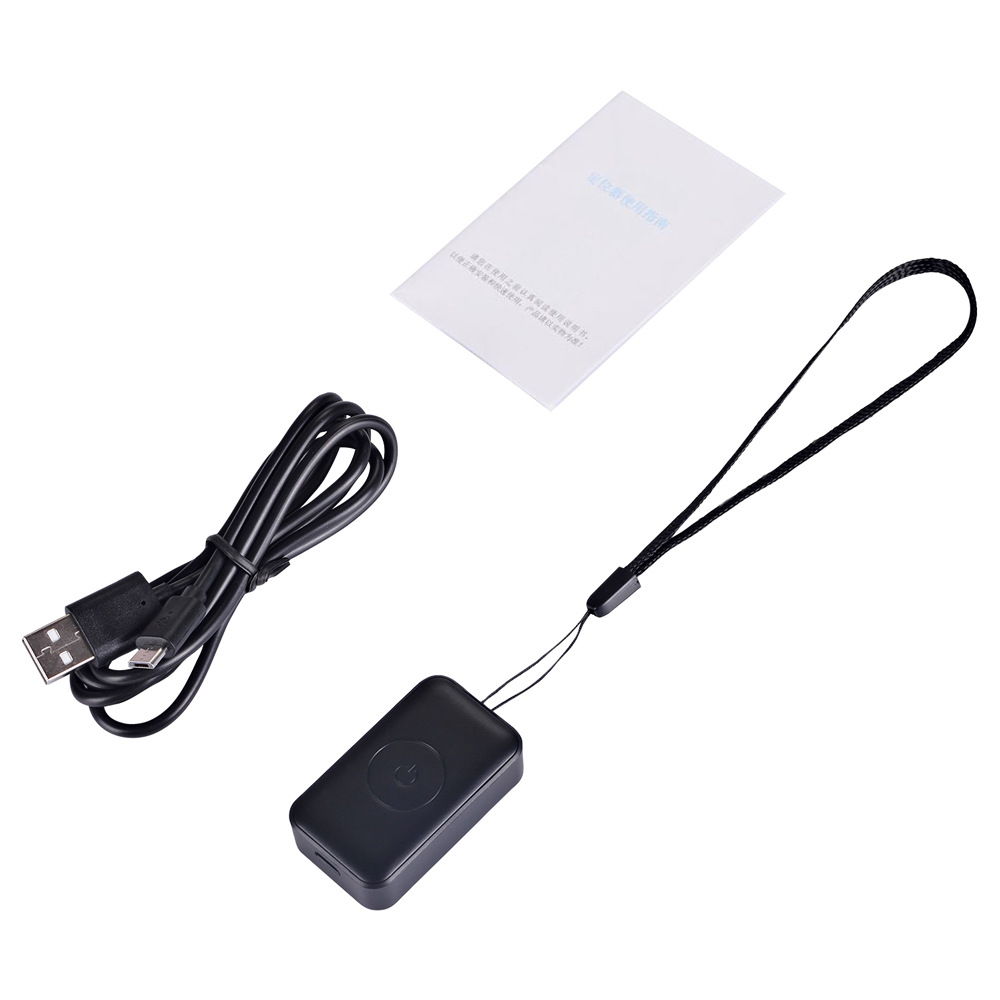
Size: 50*29.3*15.3 mm
Working hours: 7 days (upload positioning data once every 10 minutes)
Standby time: 15 days
1. Product Features
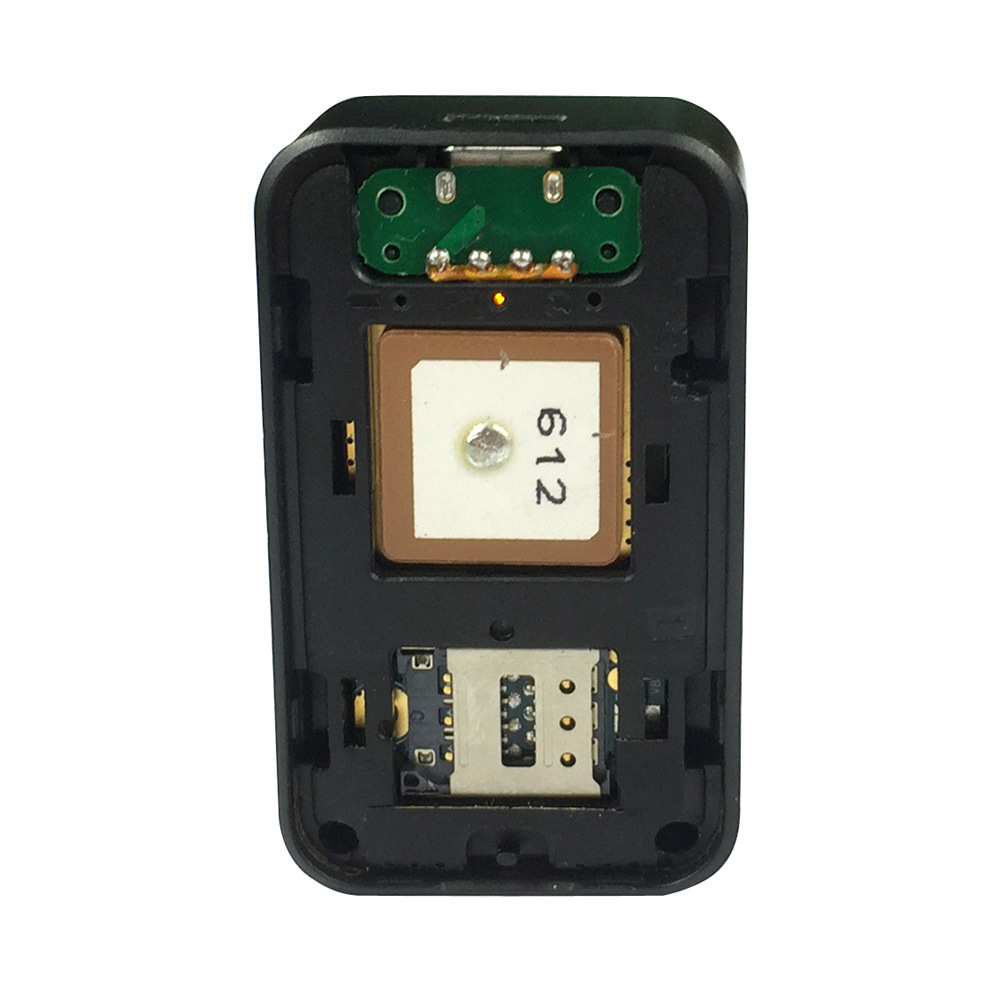
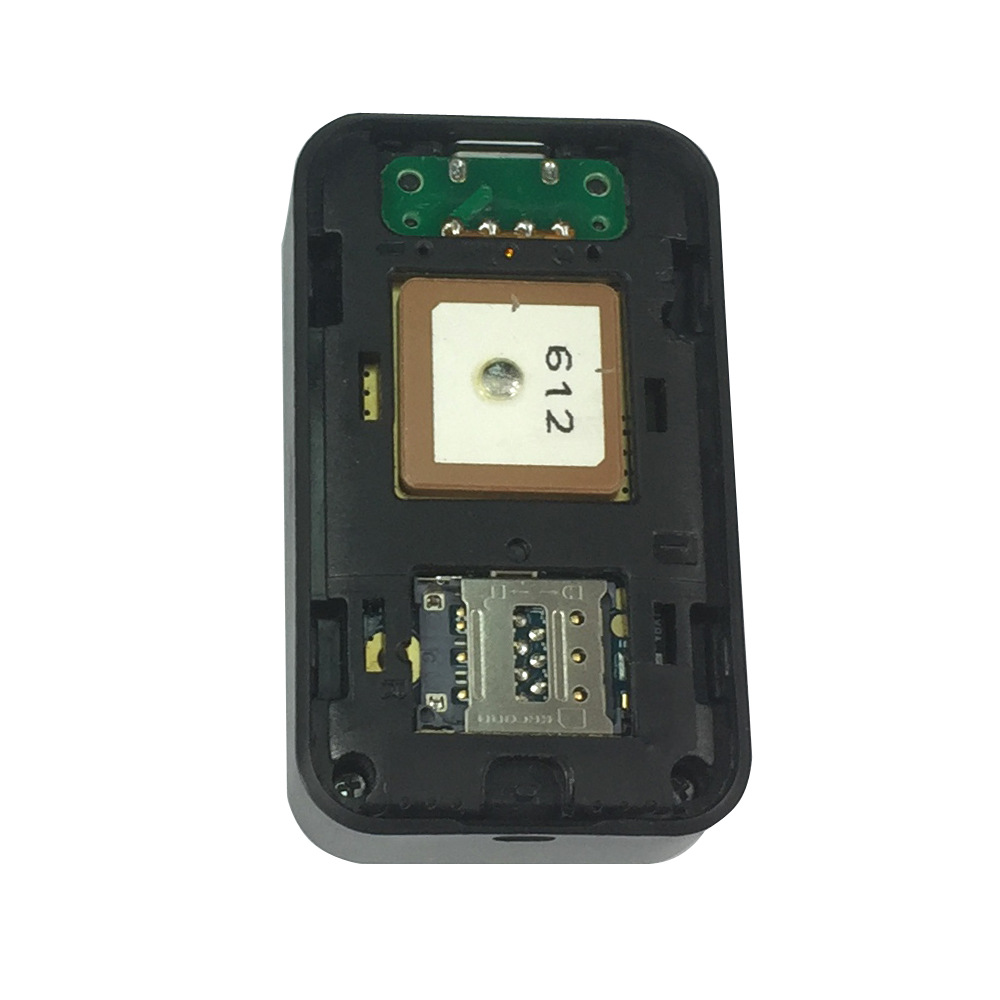
Multiple positioning modes: GPS+ AGPS+LBS
Global-compatible GSM+GPRS four-band system: 850/900/1800/1900 MHz
Time updates automatically: GPS provides accurate timekeeping, no need for manual time adjustment
Location query: Users can check their exact location via mobile or computer
Electronic fence: A zone is defined on the map centered around a device, and an alert is triggered immediately when someone enters the area
Historical Track: Check the device’s operation history over the past three months anytime, anywhere
SOS: In case of an emergency, press the SOS button to send a distress call and message to the guardian
Baby Contact List: Add monitoring numbers (SOS, Dad, Mom), white list, and friends via the guardian mobile app (a total of 50).
Two-way calling: Users can make calls to each other using contact numbers
Voice intercom: You can record ambient sounds, which will be automatically sent to the caregiver’s phone, enabling multi-person family group intercom.
Add Friend: Add the device number via the APP. You can add a friend's phone number by shaking both watches simultaneously.
Step counter: Measures the user's walking data
Reward: Rewards can be sent via the guardian mobile app, and users can track the reward progress.
Gesture answering: You can automatically answer by raising your arm when a call comes in
l Bright screen: Double-click the watch twice to turn on the screen
Clock style: Switch between modes by short pressing the right-bottom button (sos) on the clock interface
Find watch: If your watch is lost, you can locate it via the mobile app
l Health: Check the user's exercise distance and calories via the guardian’s mobile app
Watch alarm: Set via the guardian's mobile app
Class disturbance prevention mode: Set the no-interference time range via the guardian's mobile app, allowing the watch to block voice calls and incoming calls
Remote monitoring: A high-sensitivity microphone that listens to the surrounding sounds in real time when the user is in an emergency situation
Remote monitoring: The watch can take photos via instructions from the guardian’s mobile app, which are then uploaded to the guardian’s phone. This allows the guardian to view the user’s surroundings, and the images can also be uploaded directly from the watch for interaction with the guardian.
Remote Shutdown: The watch can be turned off via the guardian's mobile app
Remote Restart: The watch can be restarted via the guardian mobile app
Smart power saving: Set the time range via the guardian mobile app, and the watch will turn off GPS and enable data upload.
Watch anti-theft alarm: When the watch falls off, an alert message is sent to the guardian's mobile app
Mobile app/client, WeChat interface, computer service platform, multiple control methods



Service Platform: www.365gps.net
Android App: 365 GPS
Apple App: 365GPS
WeChat: GPS Online Service
Username: IMEI number, default password: 1 2 3 4 5 6
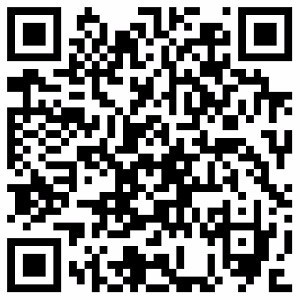
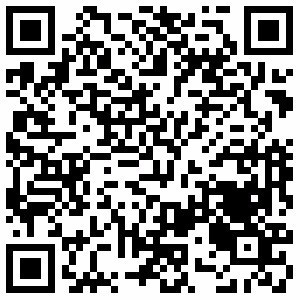
QR code scanning entry:
Scan the QR code in the image below to download the Android and iOS app clients.
Android iOS / iPhone
Remote Management
Customers can directly manage and view the location of their devices, historical replays, set up fences, and other features through online and mobile platforms.
1. Web
Please log in to the platform using your username or IMEI number at the website www.365gps.net with the default password 1 2 3 4 5 6.
2. Android phones
Please visit www.365gps.net/app/365gps.apk
3. iPhone phone
Please download the app from the App Store at https://itunes.apple.com/cn/app/3_65gps/id1_68_4_1_8?mt=8
Update time:


TOP


