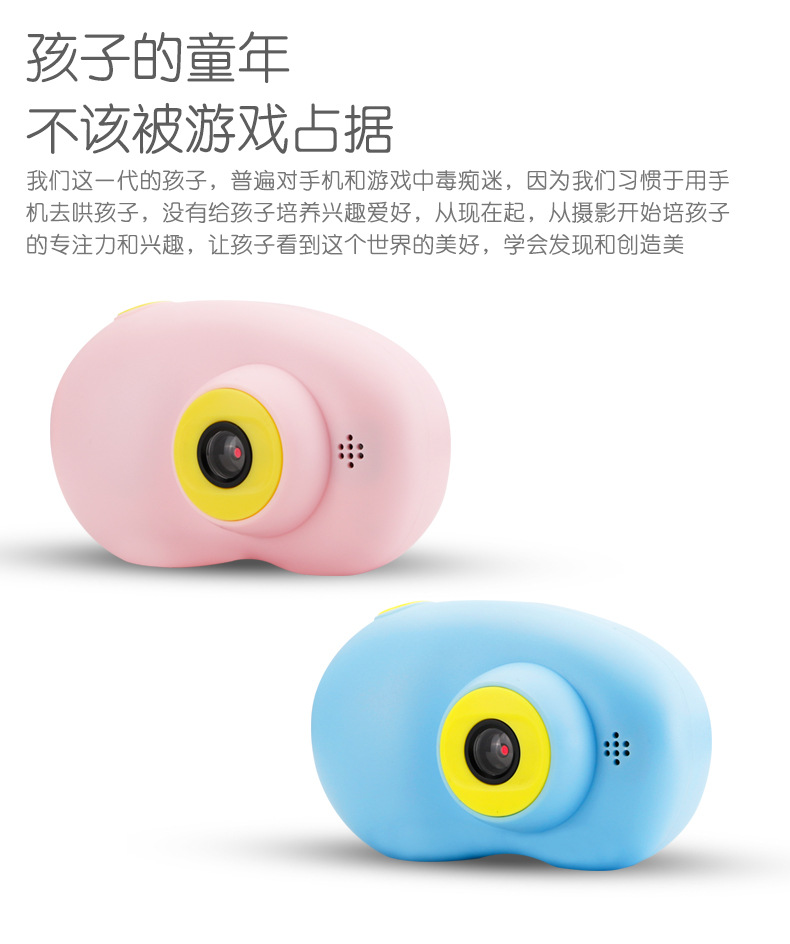
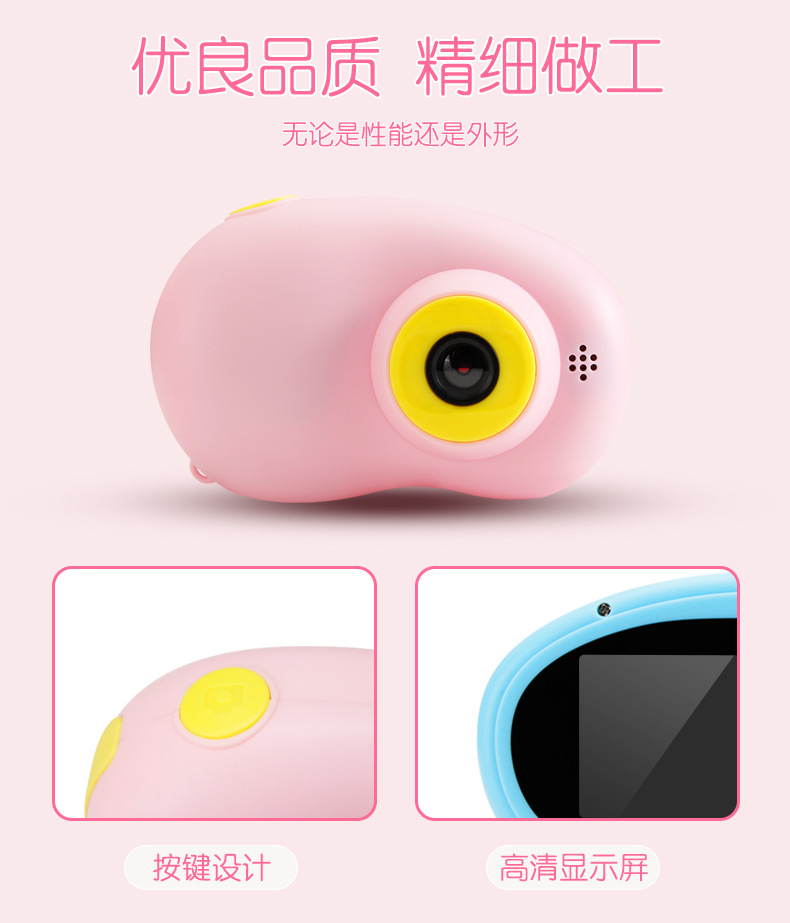
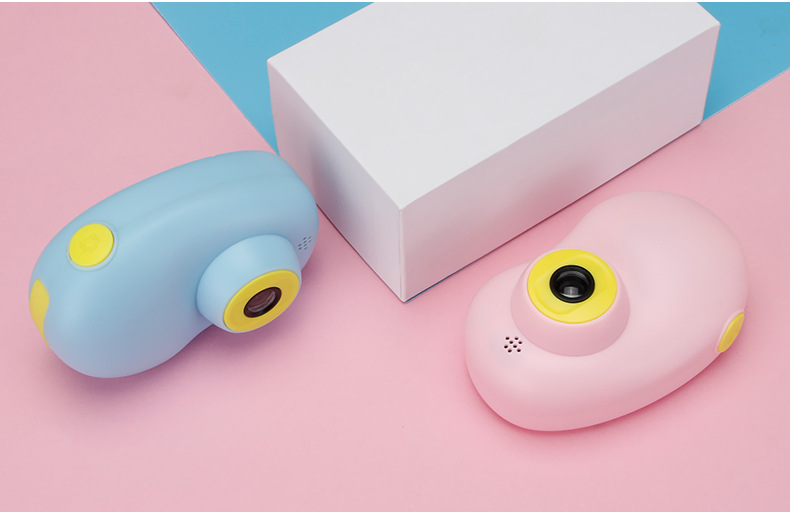
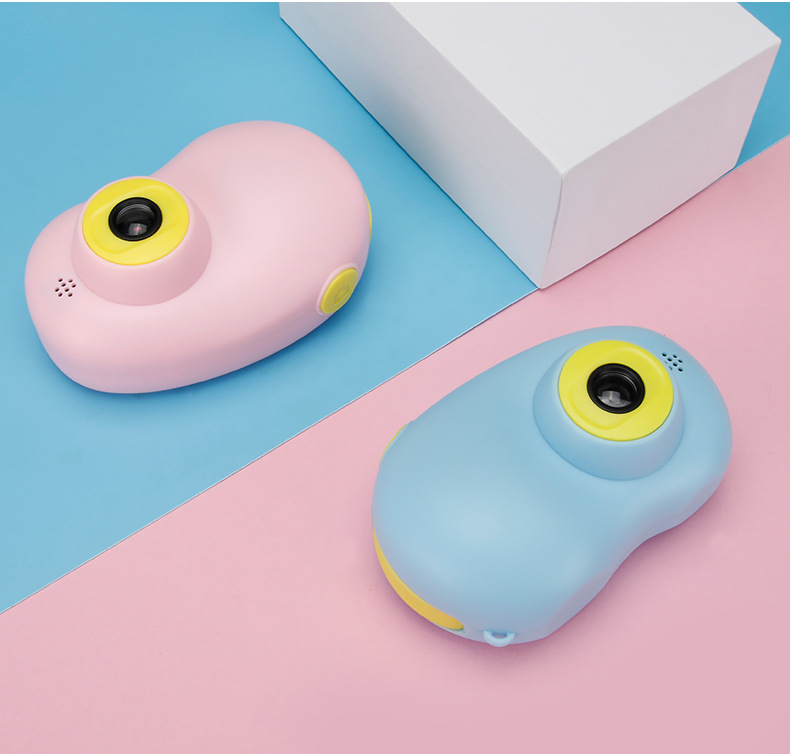
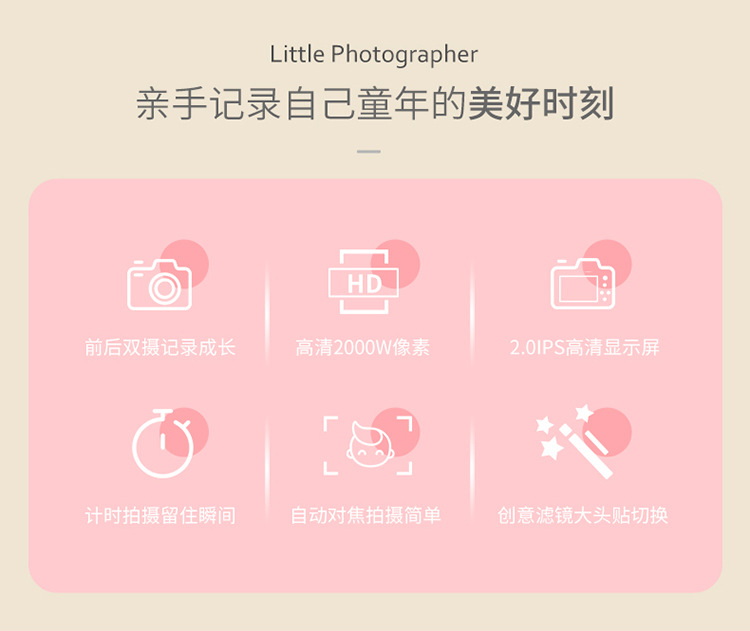
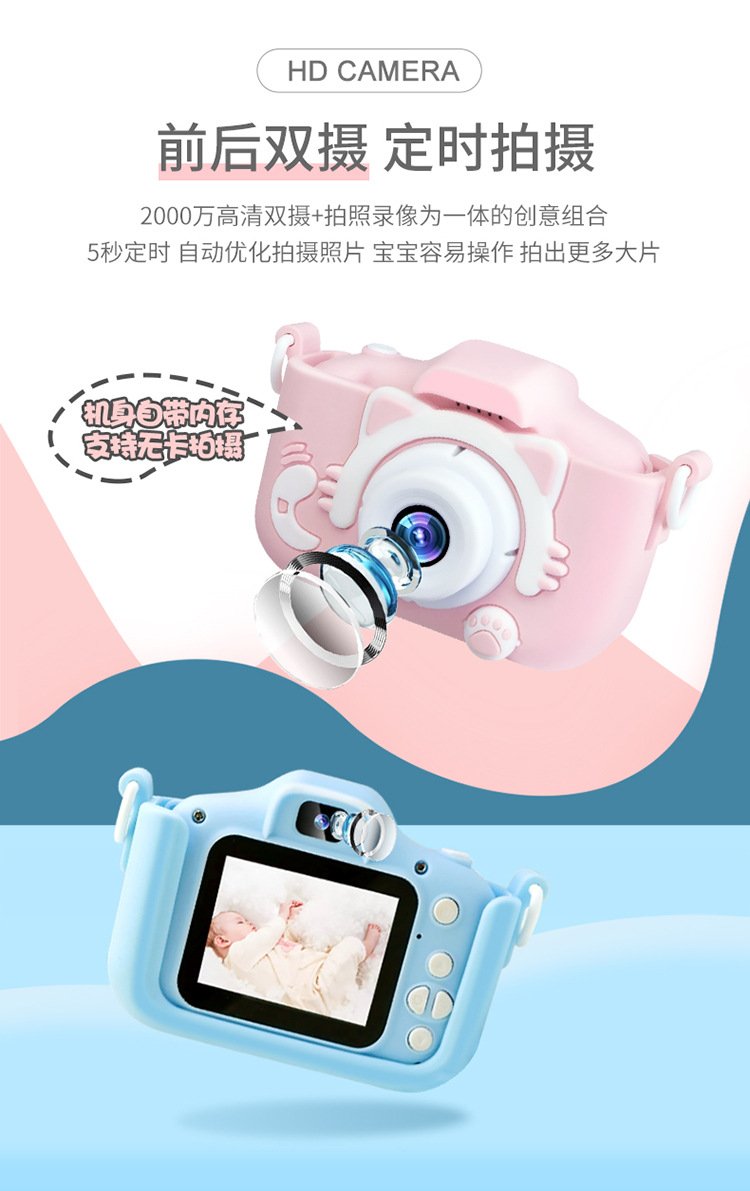
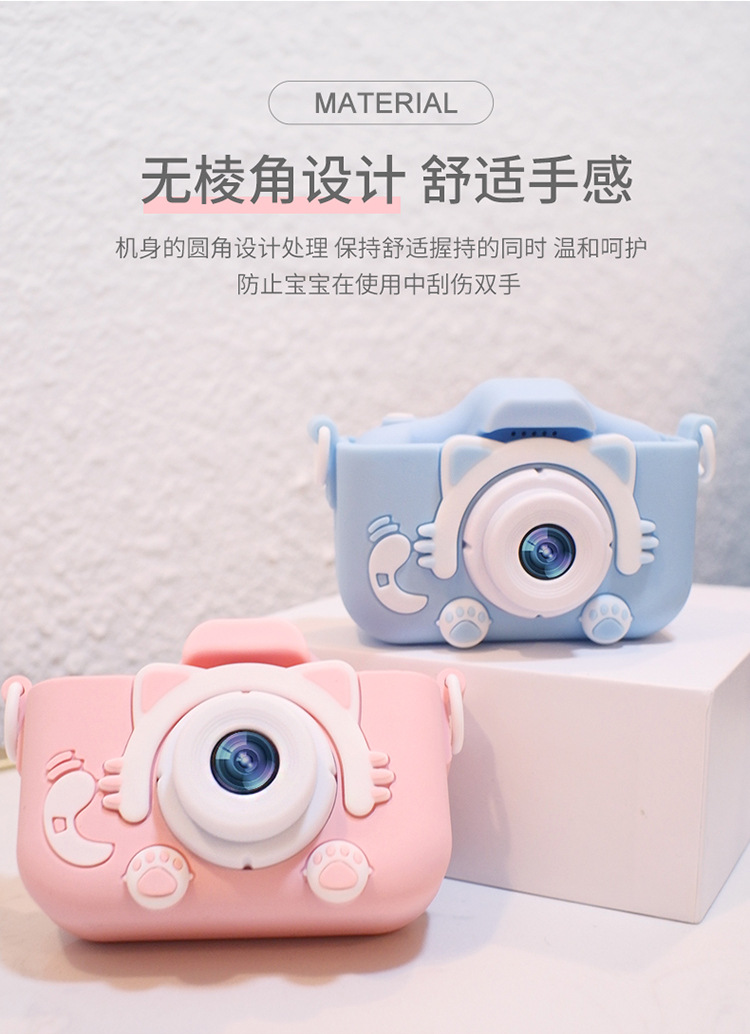
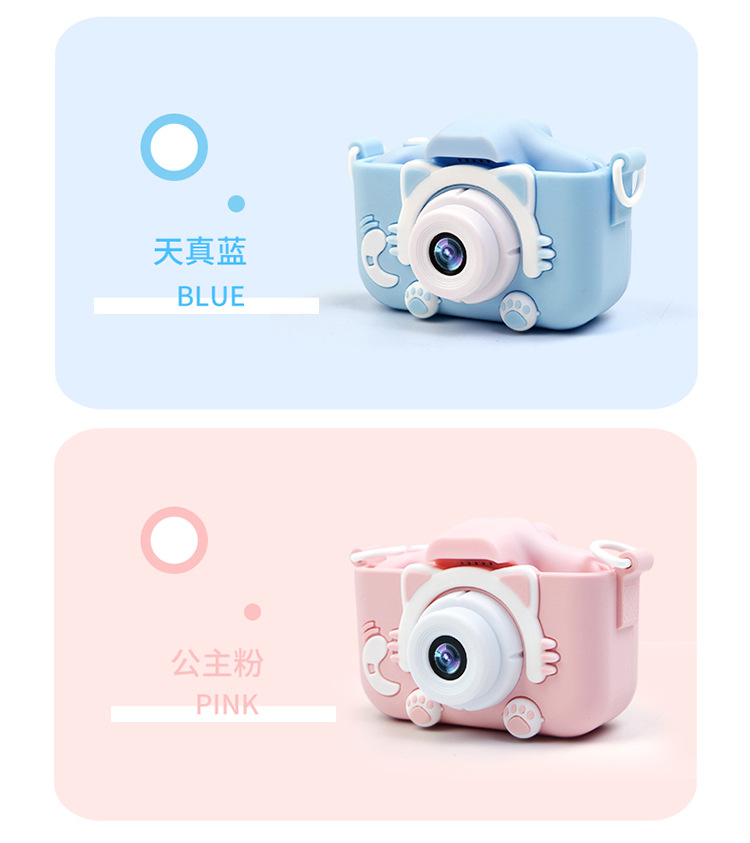
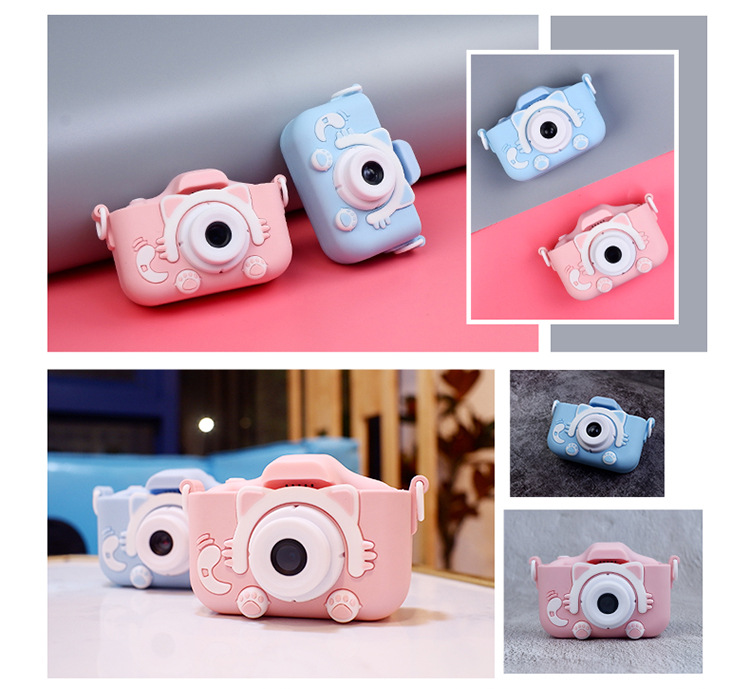
The new X5S has been upgraded with dual front and rear cameras and a high-definition screen.
Note: With no memory card inserted, the X5S's internal memory can take 50 photos. Recording videos requires a memory card to be inserted.













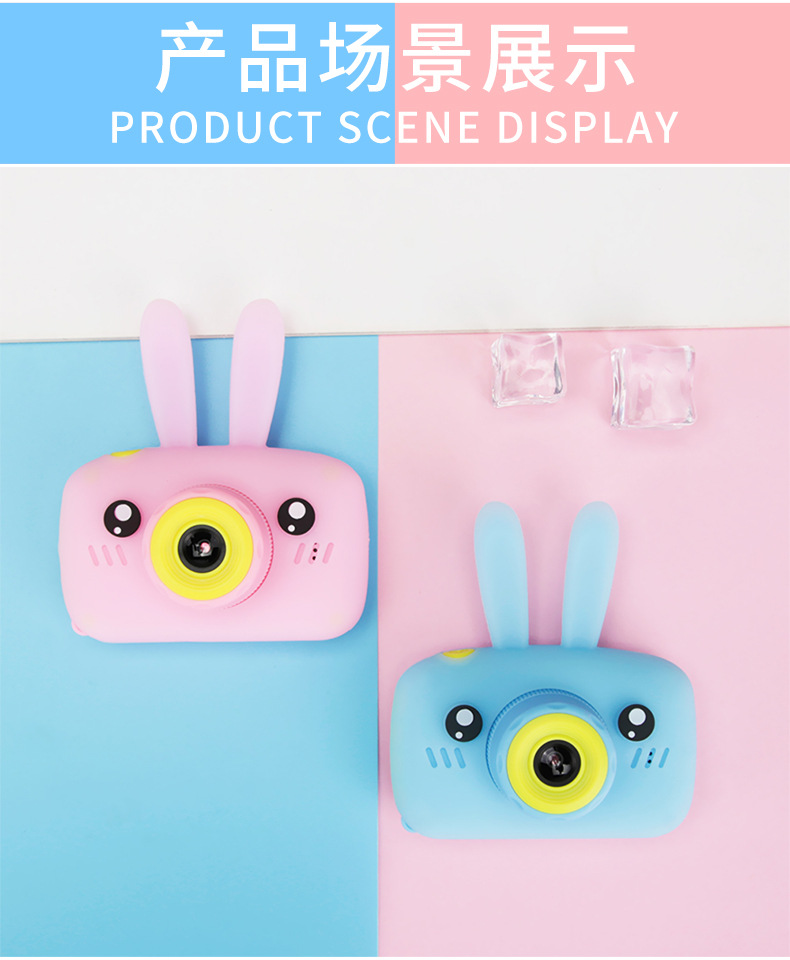
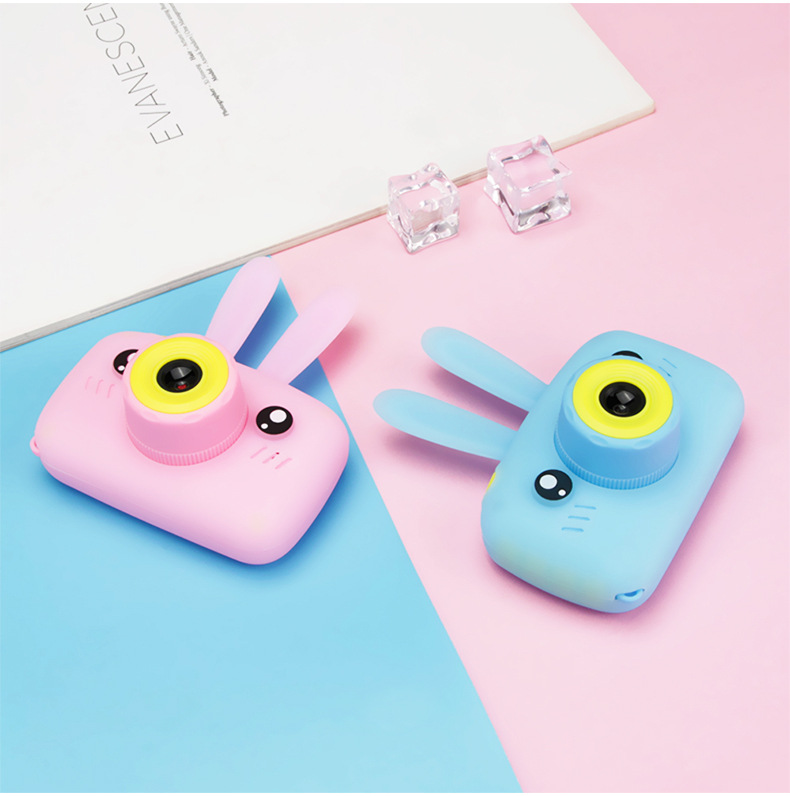
Warm Tip:
We are actively seeking OEM/ODM orders! We are looking for partners in domestic and international orders, border trade, and trading companies!
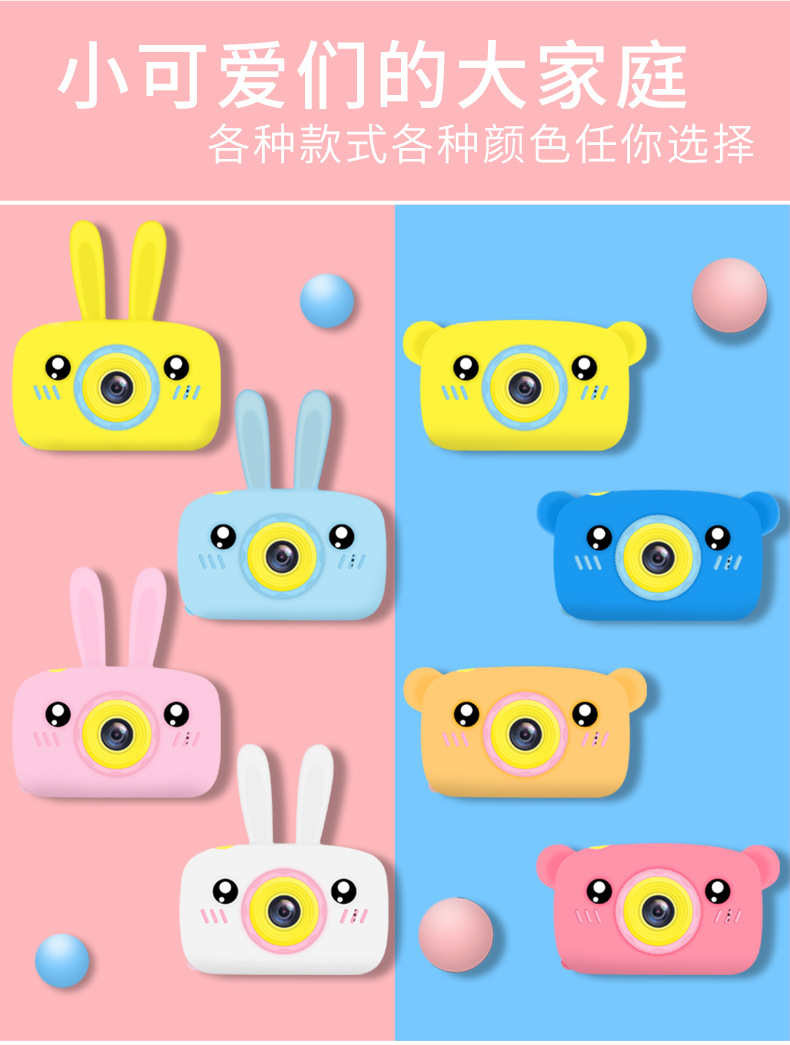
Stay tuned, new models are updated and launched every month!

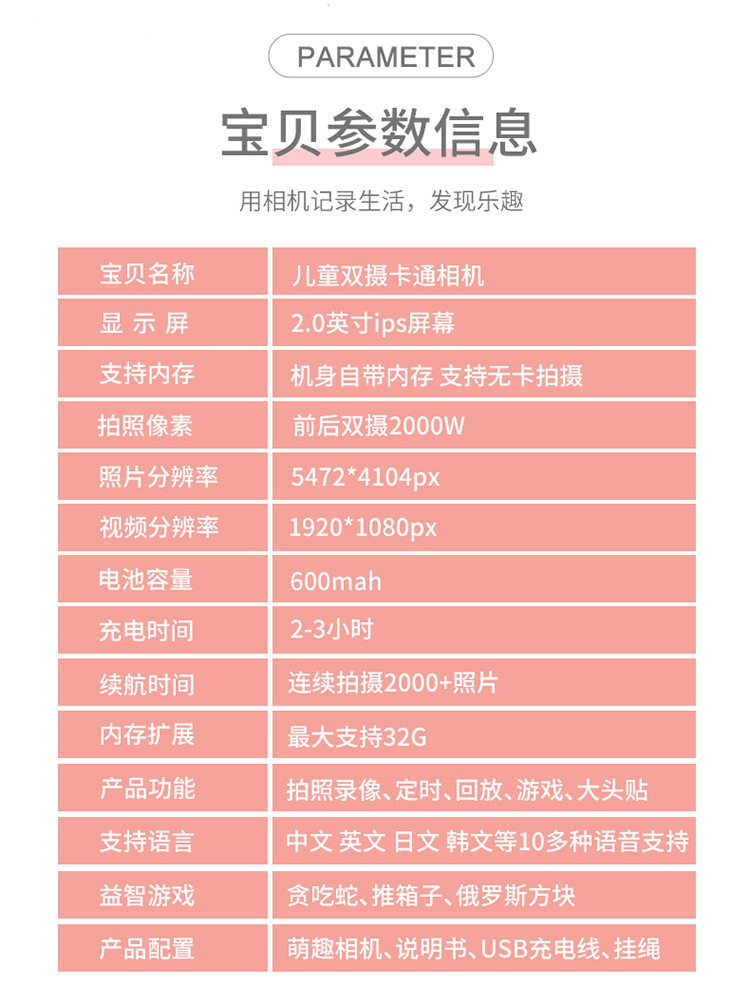
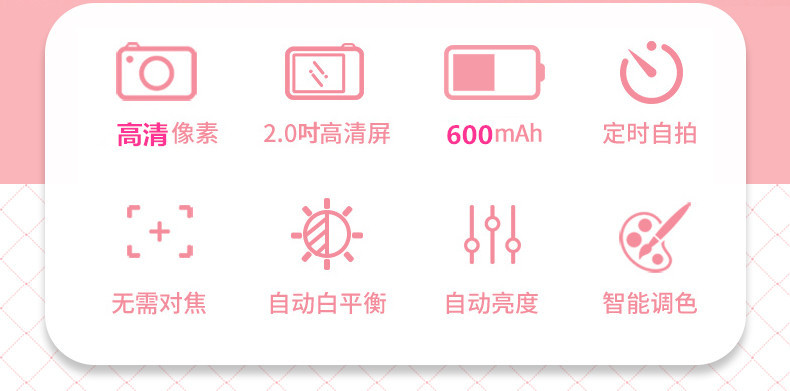
Display: 2.0-inch high-definition screen
The camera has a resolution of 300,000 pixels
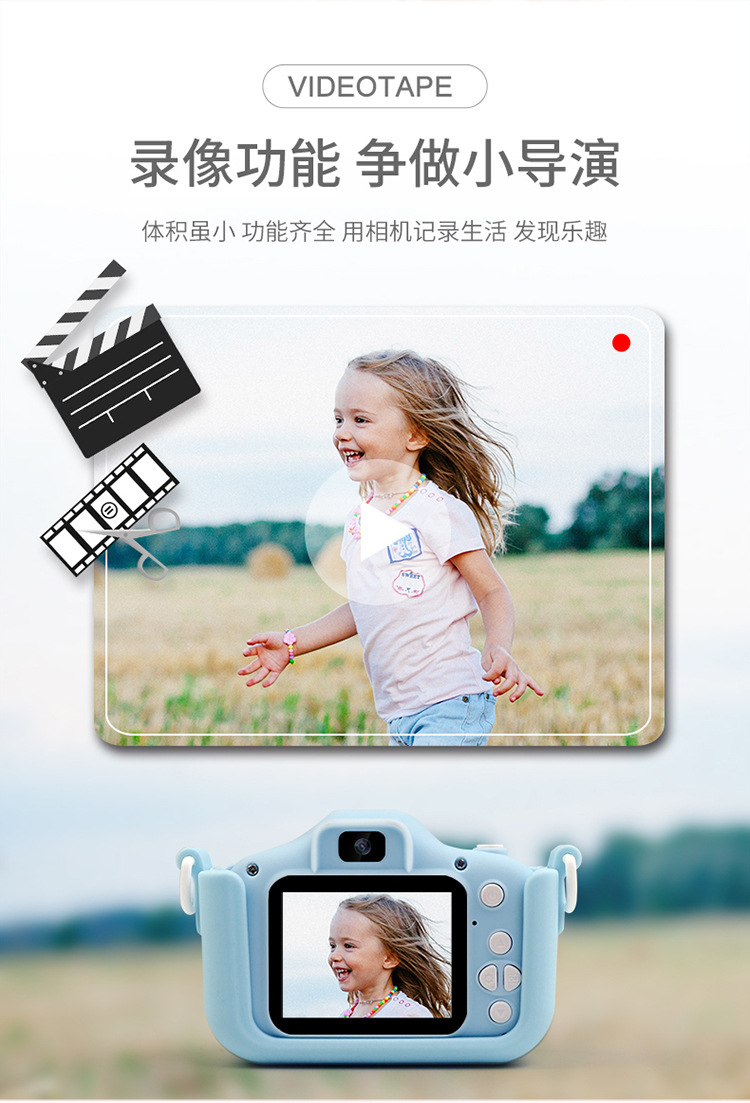
Video resolution: FULLHD 1920*1080
Resolution of the photo: 3264*2448
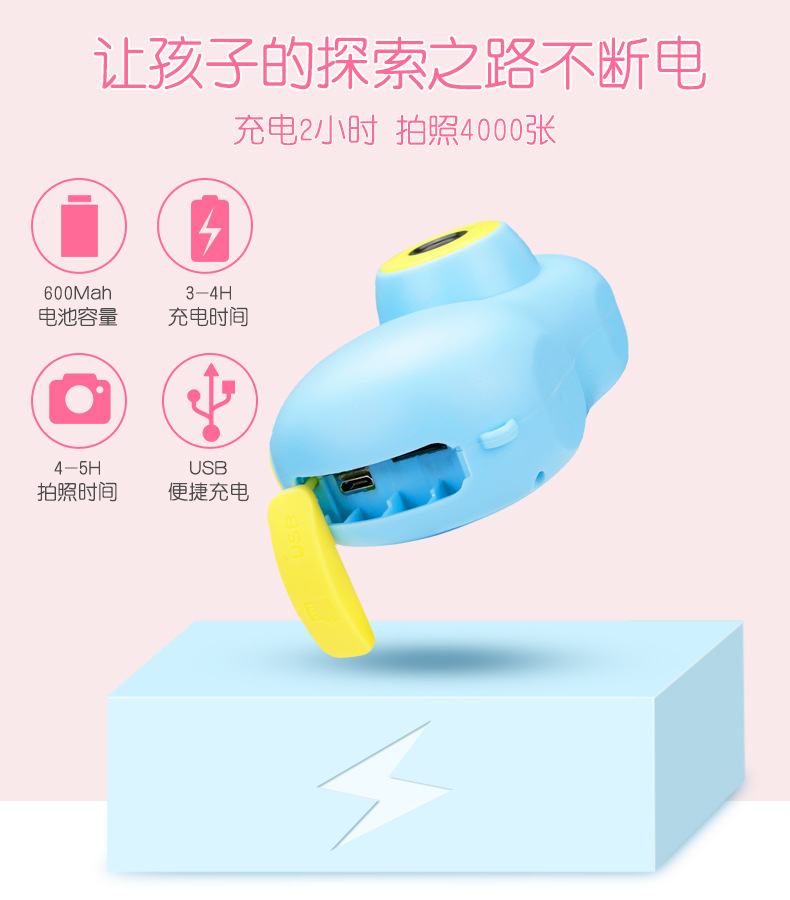
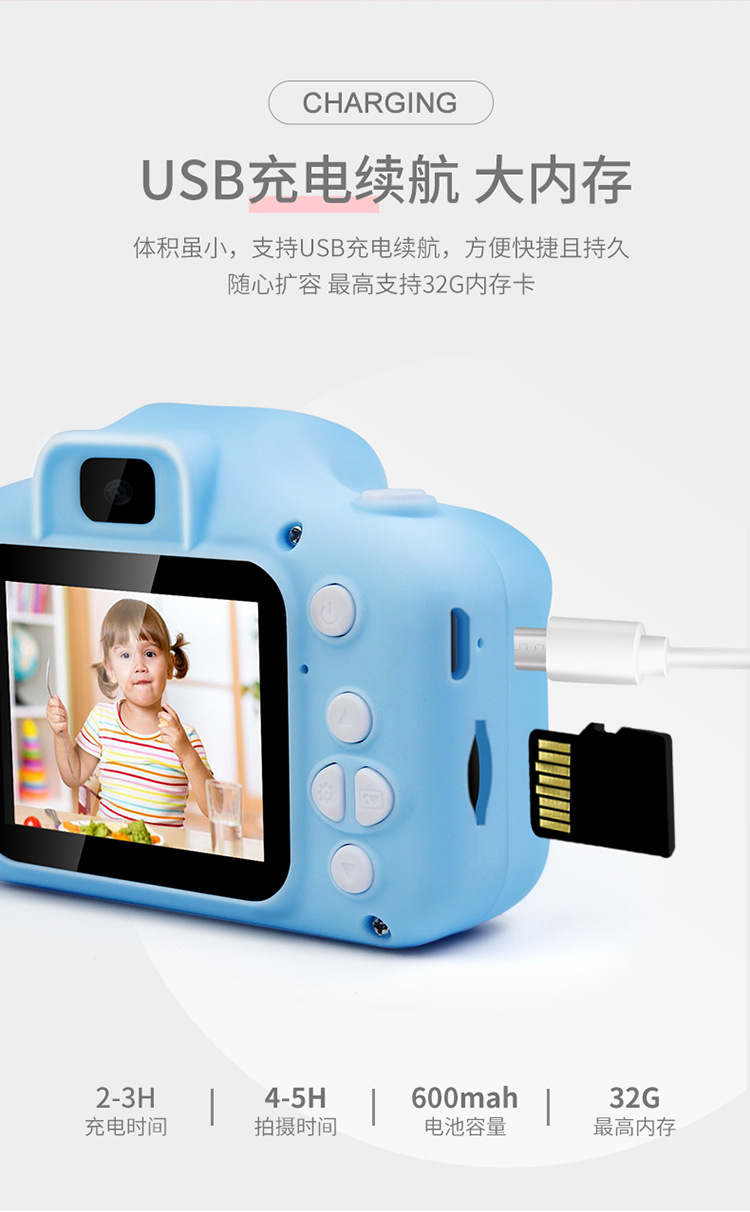
Battery capacity: 400mAh
Charging time: 2-3 hours
Working hours: 3-6 hours
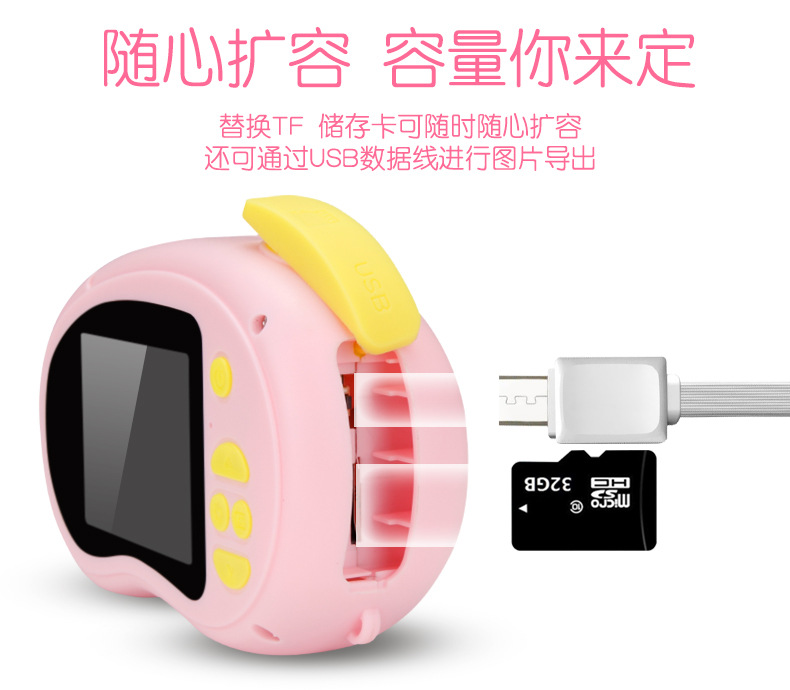
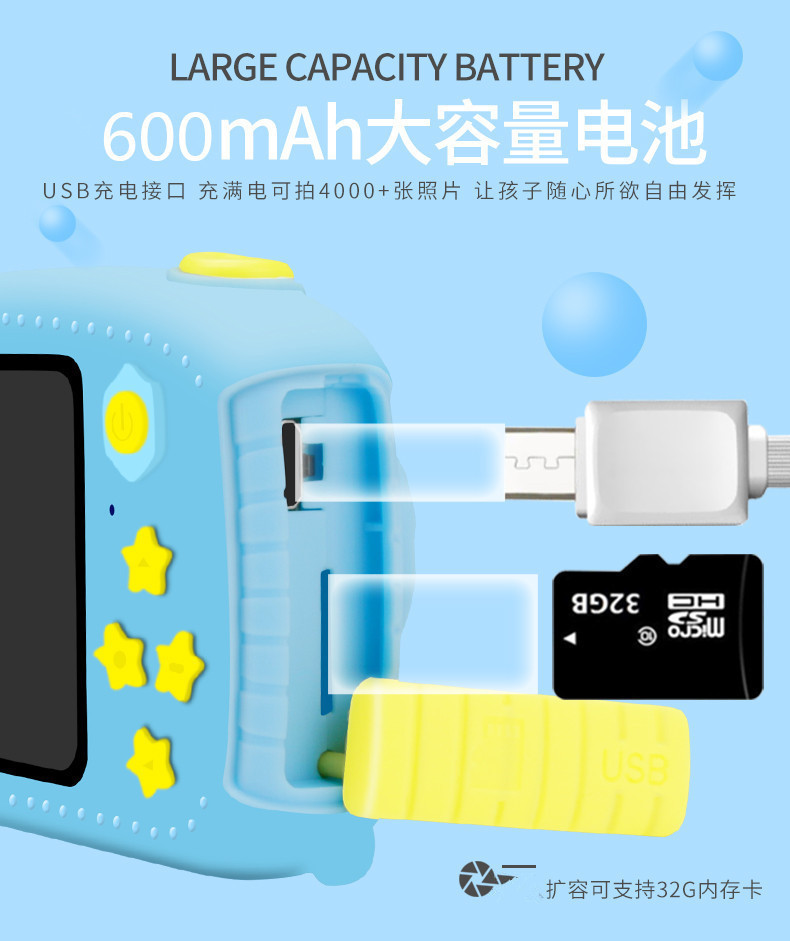
Memory card max support: 32GB
Product size: 80*45*40mm
Charging current and voltage: 5V/1A
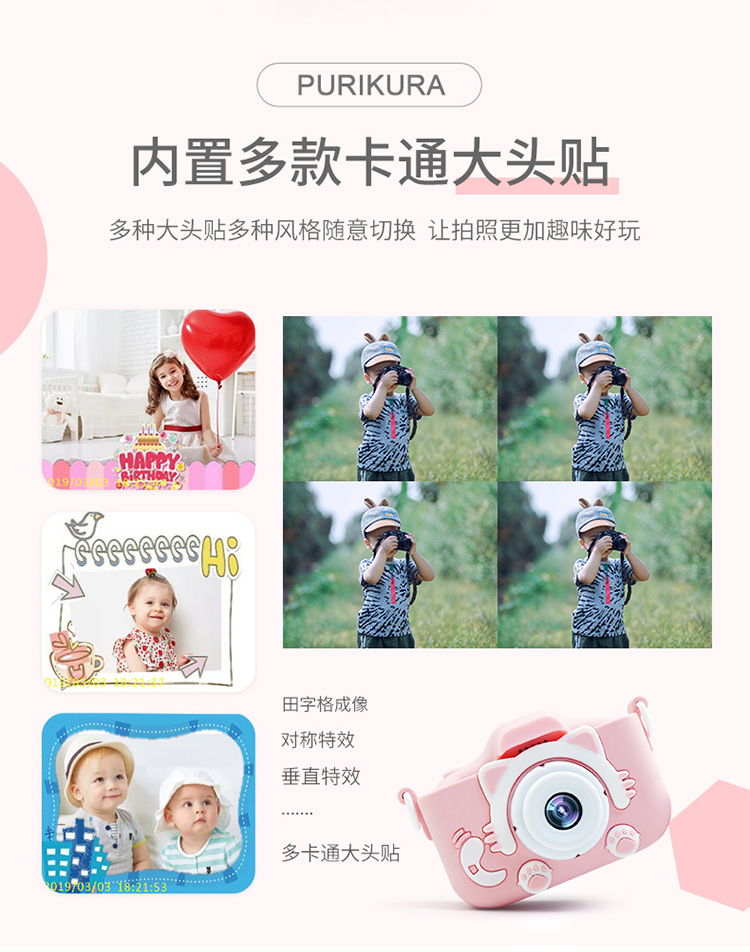
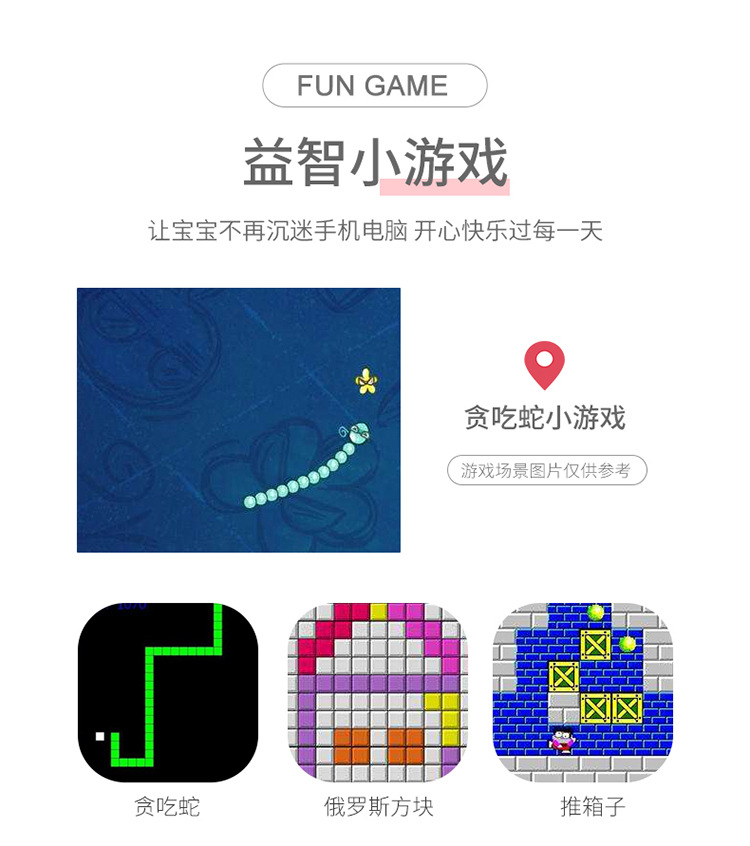
Function: Photo mode, Video mode, Sticker photo mode, Burst shooting mode, Countdown photo, Black and white filter, Nostalgic filter, Sentimental filter
Supports multiple languages: Chinese, English, Thai, Japanese, Russian, Spanish, French, and more.
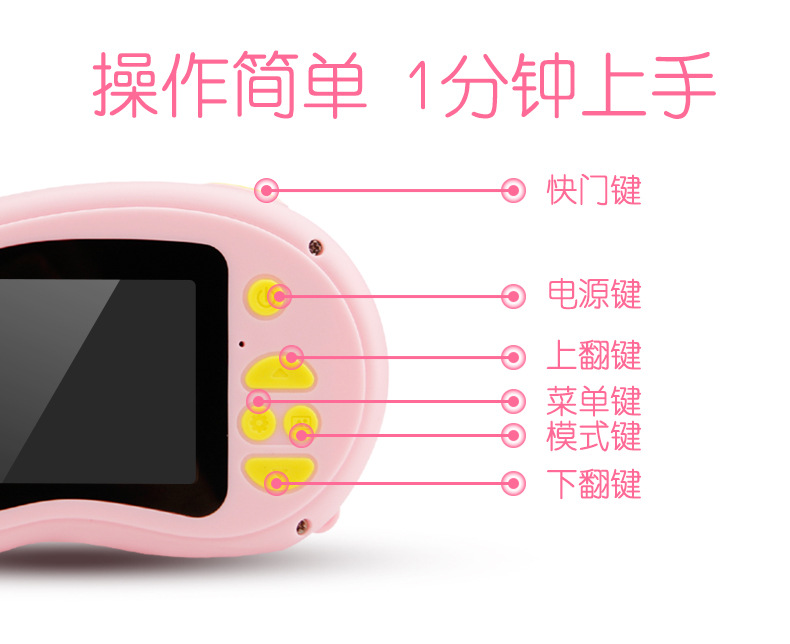
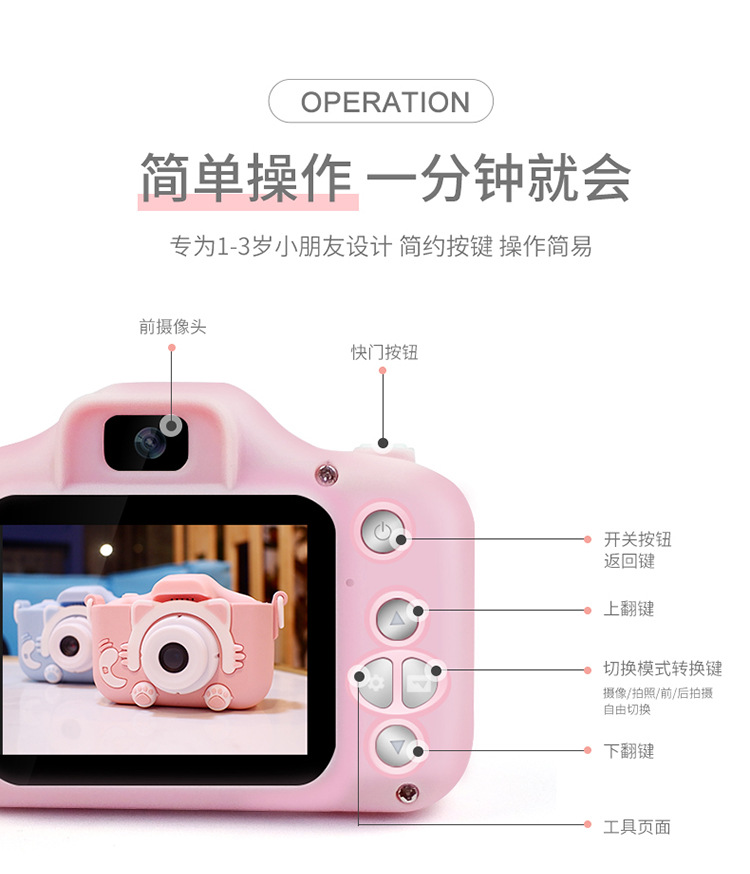
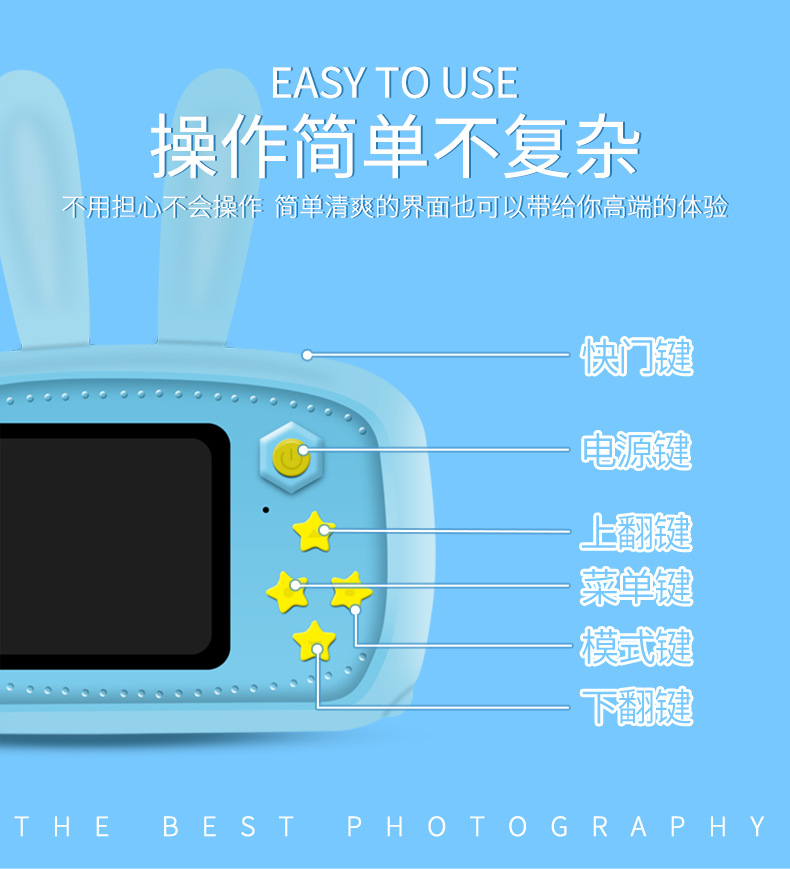
Button Function Description
1. USB - USB data interface, ① used to connect PCs to transmit data; ② used to connect external power to charge batteries or provide working power.
2. Mode Key – In standby mode, you can switch to the following modes: ① Recording mode. ② Photography mode. ③ Video playback and photo browsing mode;.
3. SD card slot - The slot for installing an SD card.
4. Horn – Amplifies sound from video or audio files;
5. Microphone – The sound input for video or audio files.
6. Lens - Viewfinder
7. Power button – ① for device on/off; ② charging indicator light.
8. Video/Photo Button – ① In video mode, press the button briefly to start recording, and press it again briefly to stop recording; ② In photo mode, press the button briefly to take a photo; ③ In menu mode, it is the confirm button.
9. Display——2.0-inch color display;
10. Menu Key – Press this button briefly to call up the function setting menu; press it again briefly to exit the function setting menu.
11. Down Arrow Key - Menu option, select the next function key;
12. Flip to previous page - In the menu options, use the up arrow key to select the function.