
Search history
Clear allSearch by image
XDrag and drop an image here or upload an image
Max 5MB per image
UploadSign In | Join

Search history
Clear allSearch by image
XDrag and drop an image here or upload an image
Max 5MB per image
UploadSign In | Join
X Email Mobile
| Number | Unit-price | Total | |||
| I want to buy: | × | 4.5 | = | 0 |


A new item has been added to your Shopping Cart. You now have items in your Shopping Cart.

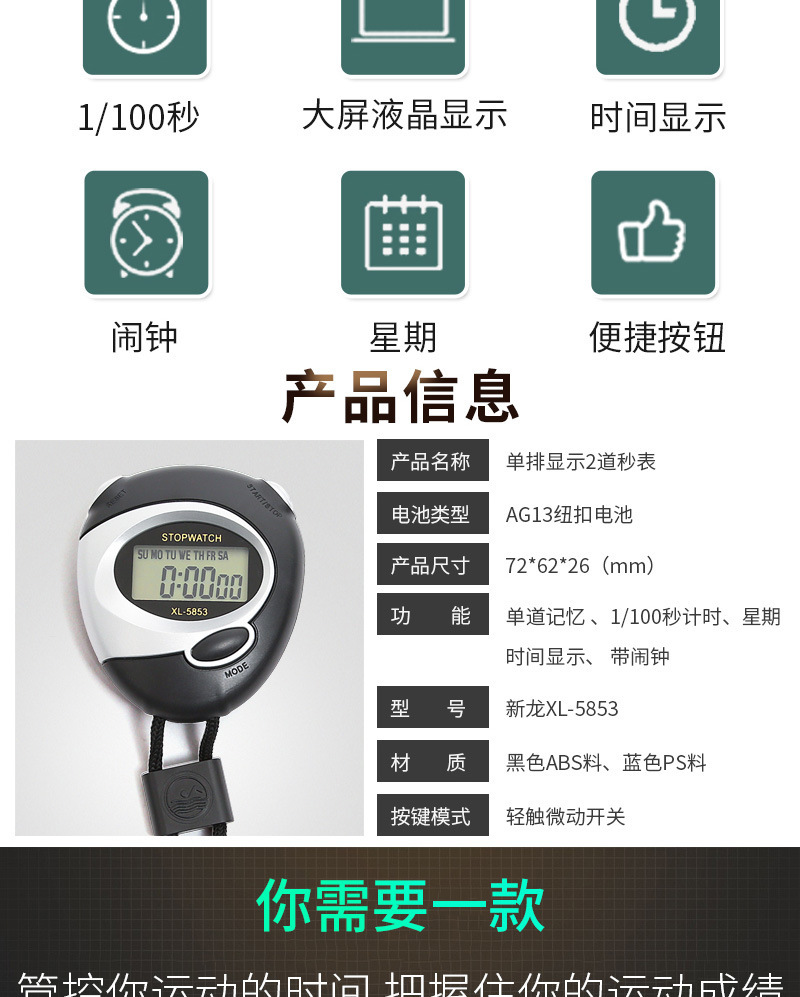

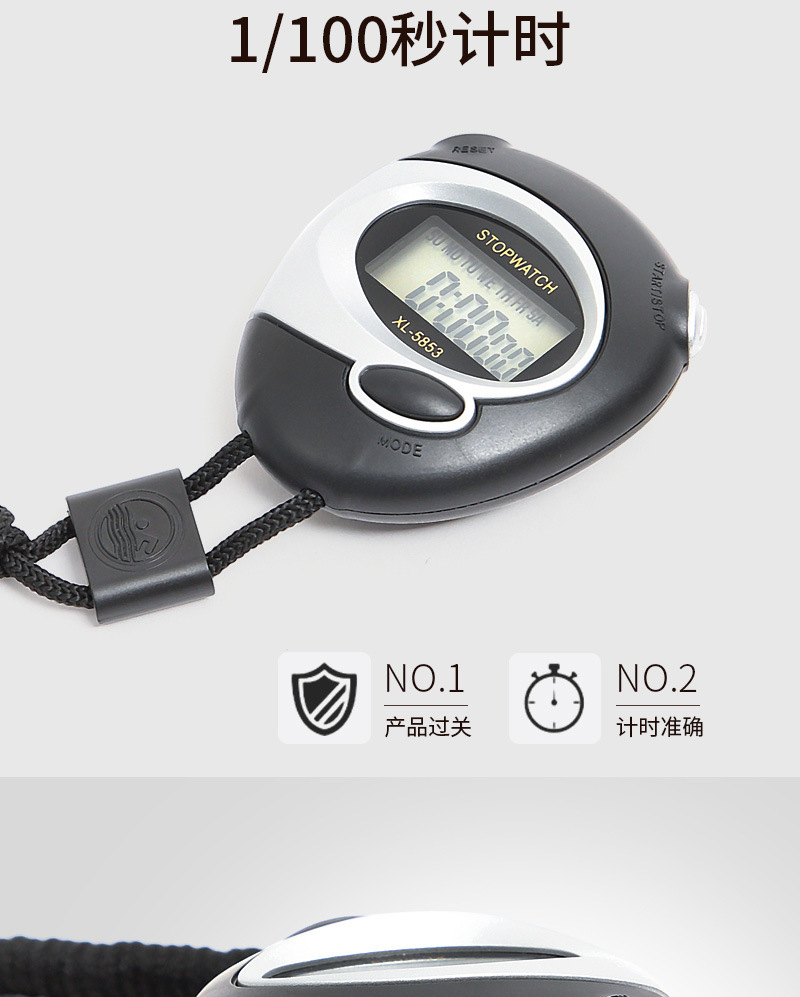
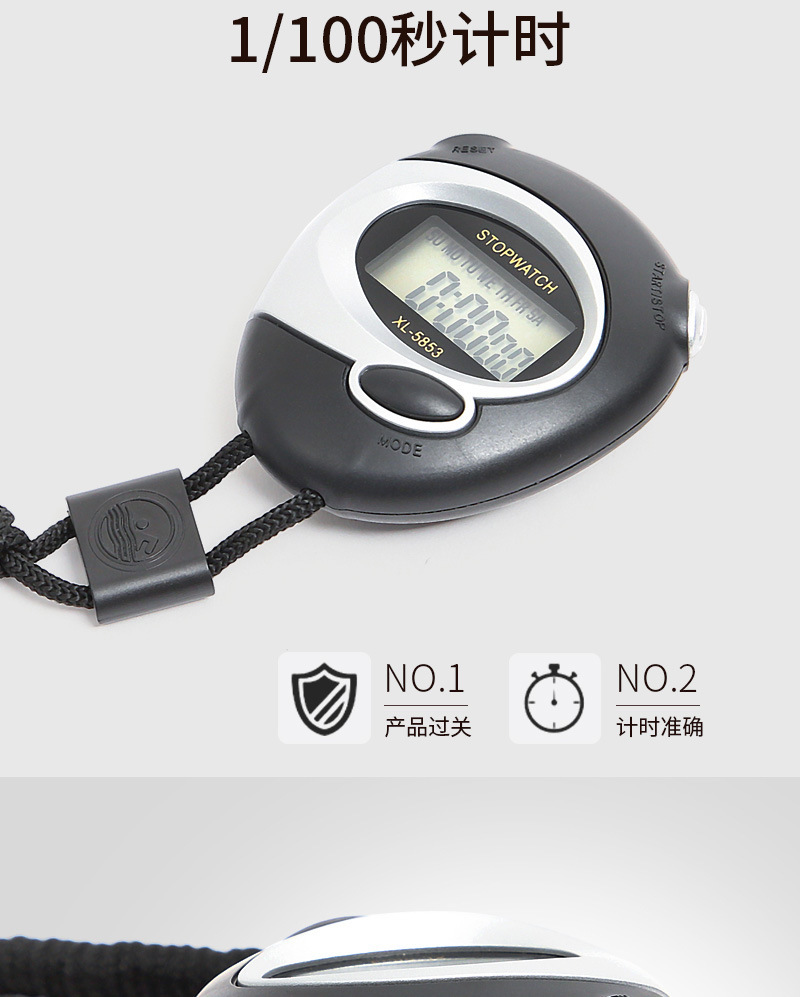





Stopwatch, Stopwatch, Weekday
Model: 5853
*Standard display: hours, minutes, seconds, month, date, and day of the week
* Running Table Segmented Timing Function
Alarm function
Battery: 1 AG10 button cell (installed in the watch, no need to purchase separately).
Whole-hour reminder function
Body color:Black ABS, Blue PSThe color will be shipped at random!
The baby's size is about: 5.8cm * 6.7cm * 2.2cm
A box contains 400 pieces.
Box Specification: 72*62*26
Instruction for Use:
1. Stopwatch setup and use: With the normal time display, press the MODE key once to enter the stopwatch mode. Press the START key (right key) once to start the timer. To stop the timer, press the START key again. To restart the timer, press the START key a third time. To reset the timer, in the stopped stopwatch state, press the SPLIT key (left key) once to reset and start the timer again.
Alarm time setting: Under normal time display, press the MODE key twice to see the alarm time setting state. Then, press the START key (right button) continuously to start time setting. Press the SPLIT key (left button) once to enter the minute setting.
Cancel the alarm or set the alarm: Press and hold the right button, then press the left button. If the bell disappears, it's off, and if it appears, it's on.
Alarm on/off: Press and hold the left button, then press the MODE button. If all days of the week are displayed, it's on; if they disappear, it's off.
3 Time setting: Under normal time display, press the MODE key three times, and you will see the seconds flashing. Press the SPLIT key (left button) once, and you will see the minutes flashing. Then press the START key (right button) to set the minutes, press the SPLIT key (left button) once to see the hours flashing, and then press the START key (right button) to set the hours. Press the SPLIT key (left button) once to see the day flashing, and then press the START key (right button) to set the day. Perform these operations until you have set the month and day. After setting the month and day, press the MODE key to exit.
4 When the stopwatch counts to 30 minutes, because the screen can only display six-digit numbers, the number increases to half an hour, and the time will appear. After that, the number behind the second will be invisible, but you can still see the second, the fraction, and the time. It's just that the number behind the second is invisible, which is not a problem.
Update time:


TOP


