
Search history
Clear allSearch by image
XDrag and drop an image here or upload an image
Max 5MB per image
UploadSign In | Join

Search history
Clear allSearch by image
XDrag and drop an image here or upload an image
Max 5MB per image
UploadSign In | Join
1. Features
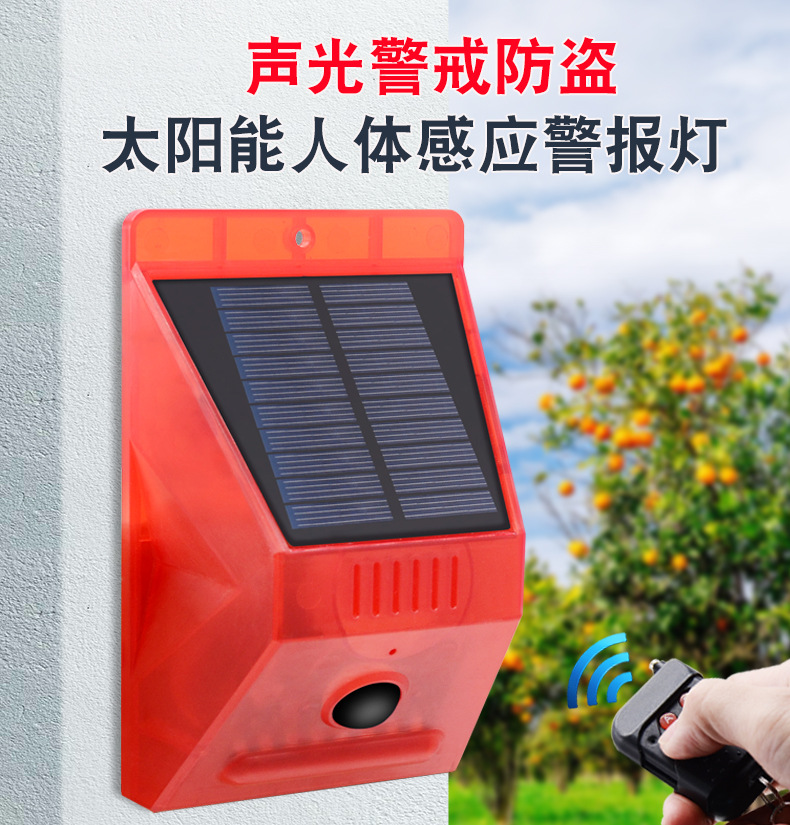
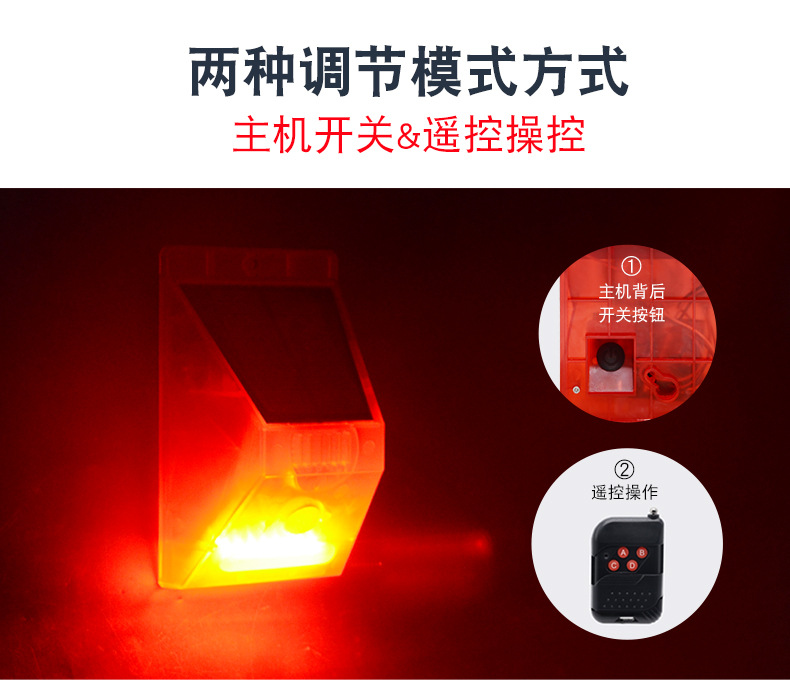
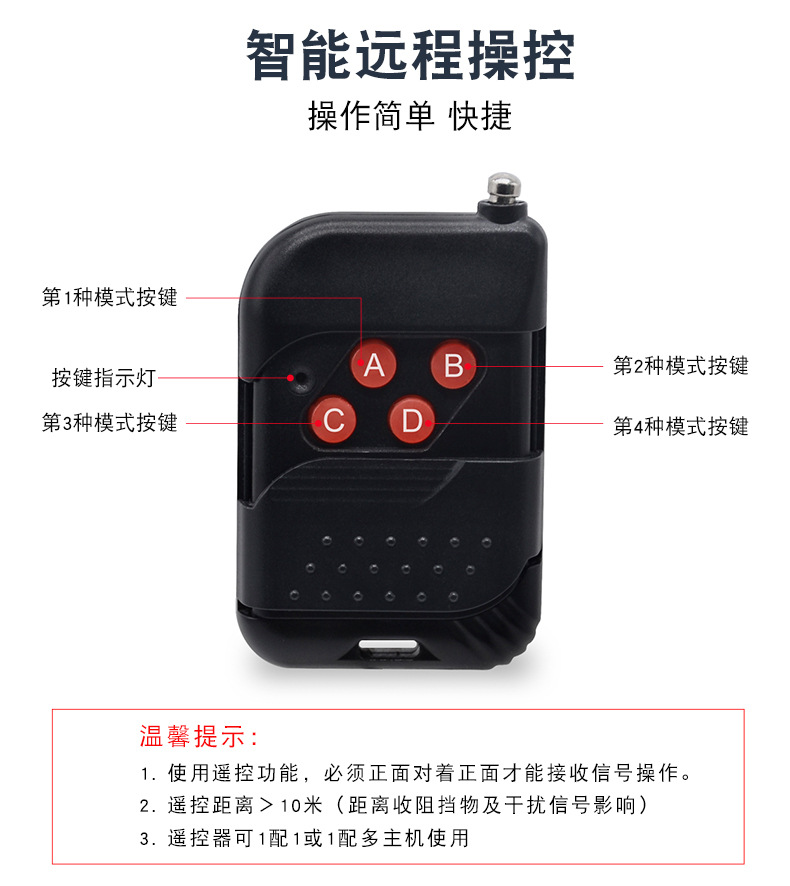
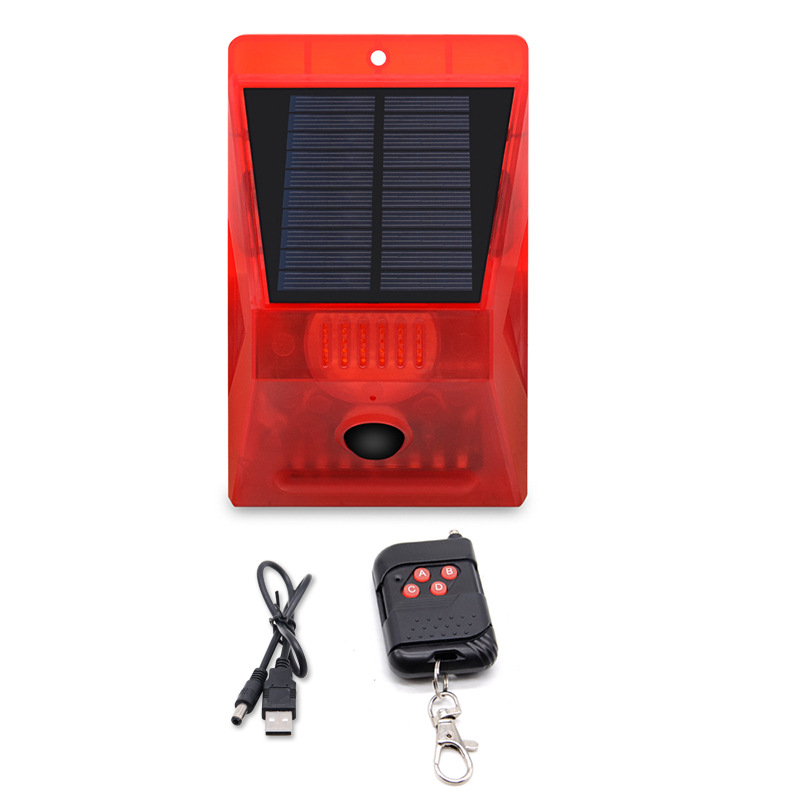
1. Press the first button on the remote control (A key), and the product will emit a “beep” sound. The product enters a 24-hour audio-visual alarm mode. It will flash once every approximately 30 seconds (during this period, the product is in an inactive state and does not trigger an alert), and then enters the active state.
2. Press the second button on the remote control (B key). The product will emit a “beep” sound, and it will enter a 24-hour flash-free alarm mode (only flashing, no sound). The product will flash twice at intervals of approximately 30 seconds (during this period, the product is in an inactive state and does not trigger an alarm), and then enter the active state.
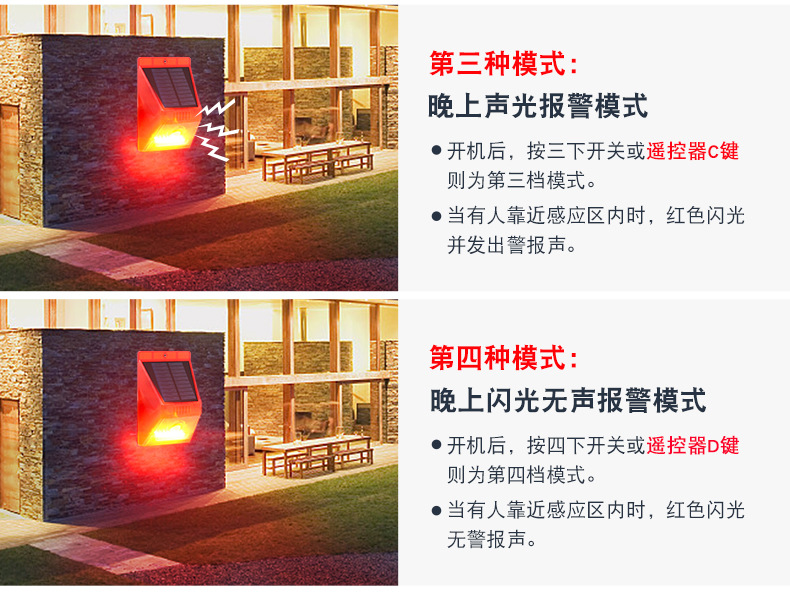
3. Press the third switch (remote control key C), and the product will emit a “beep” sound. The product will enter the night audio-visual alarm mode (does not function during the day, but works at night). The product will flash 3 times with an interval of about 30 seconds (during this period, the product is in a pending activation state and does not trigger an alarm). Then it will enter the activated state.
4. Press the fourth button on the remote control (D key). The product will emit a “beep” sound, and it will enter a silent flashing alarm mode at night (only flashing, no sound). The product will flash 4 times with an interval of approximately 30 seconds (during this period, the product is in a standby state and does not trigger an alarm), and then enter the active state.
5. Turn off the device by pressing the fifth switch, or use any button on the remote control to hold it for 5 seconds to shut down.
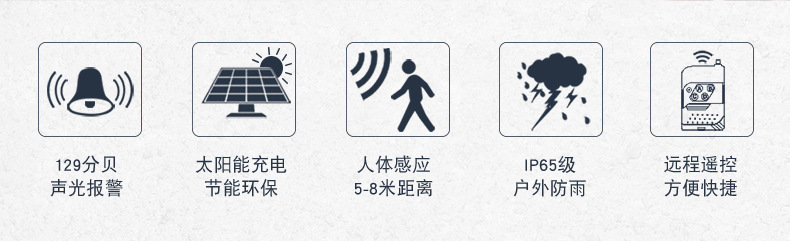
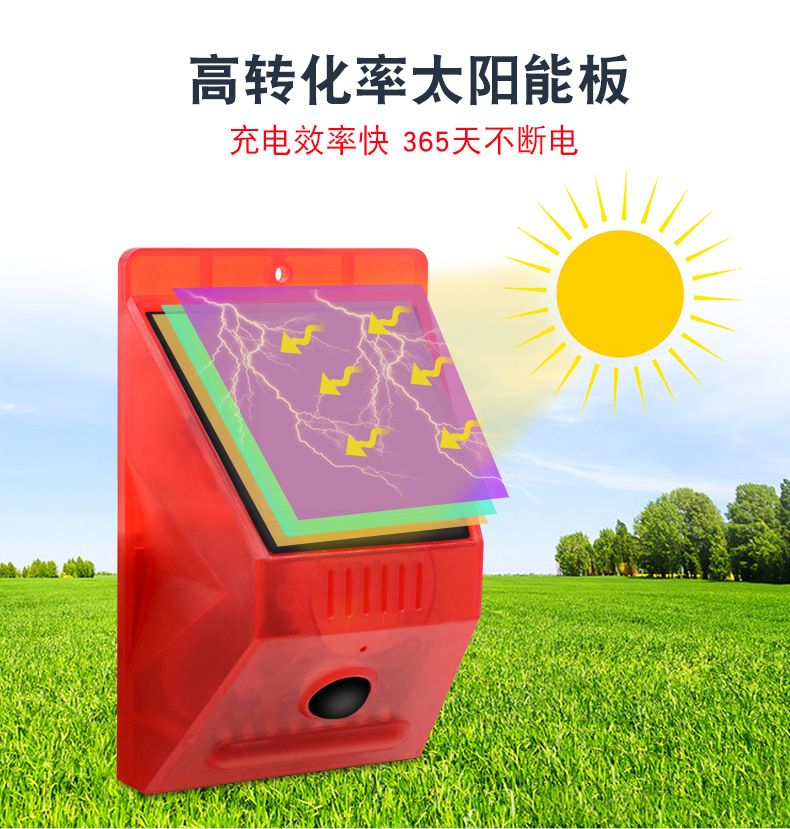
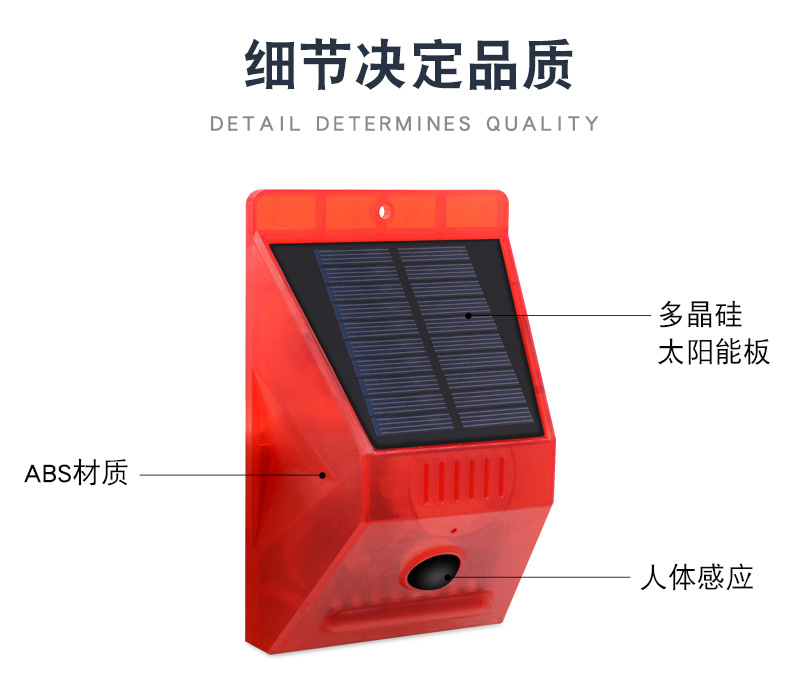
2. Working hoursModular sensing angle: 110 degrees, acoustic and optical alarm for approximately 45 seconds > 300 times; main unit standby > 120 days; wireless remote standby > 5 days.
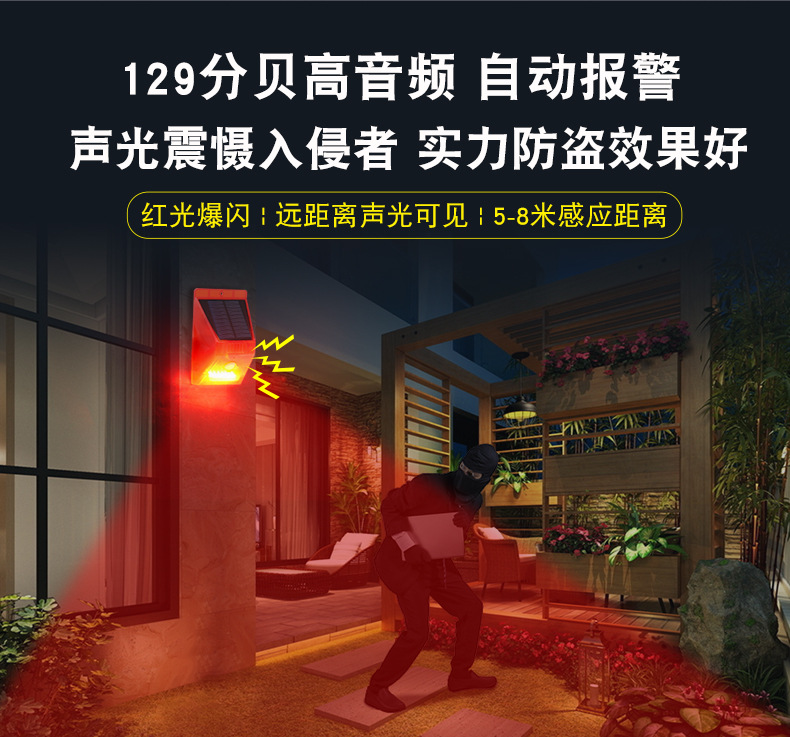
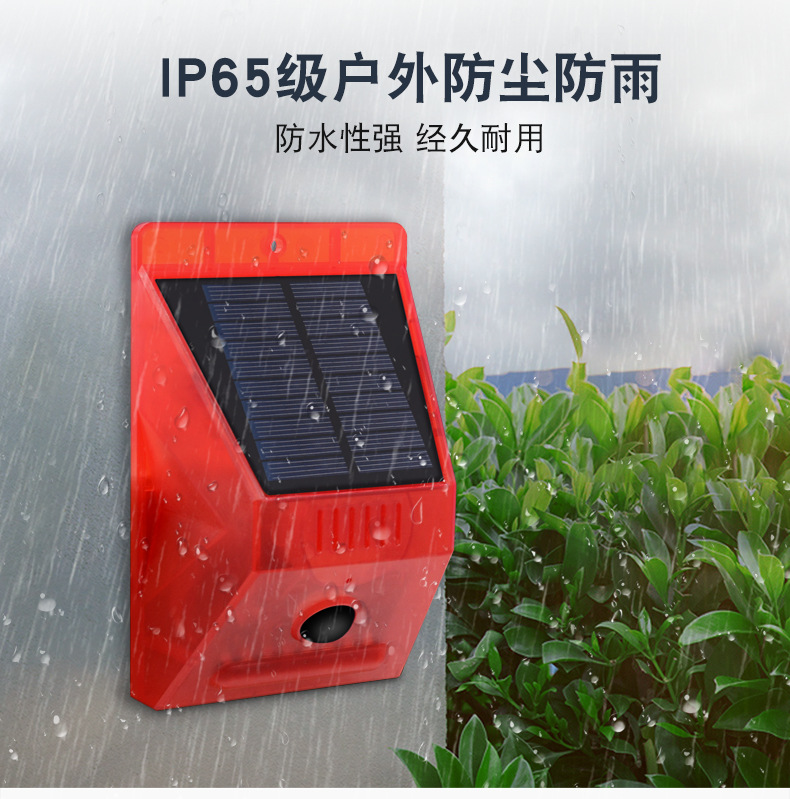
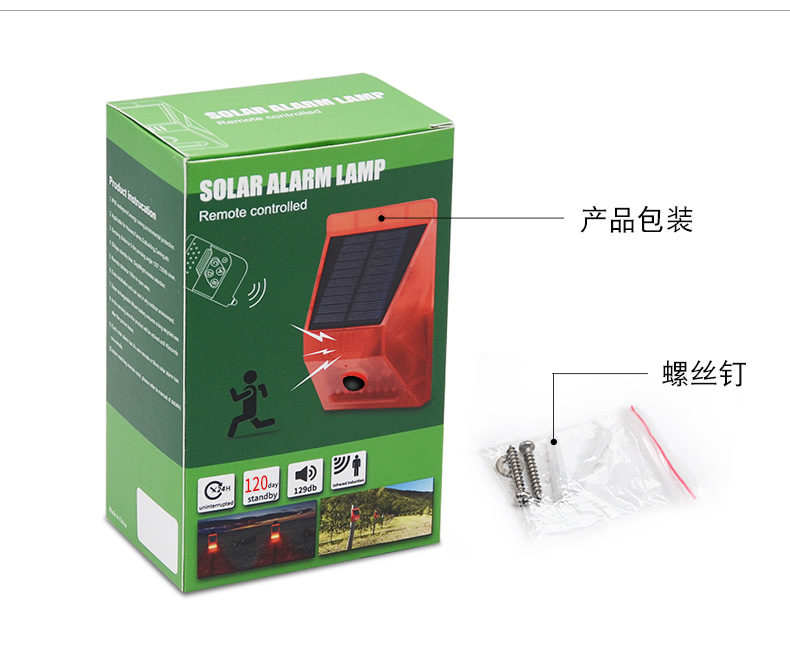
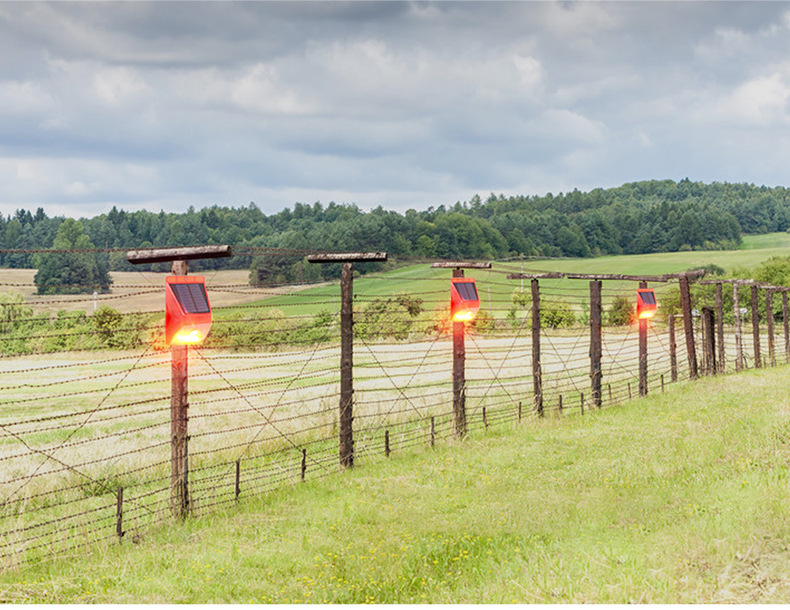
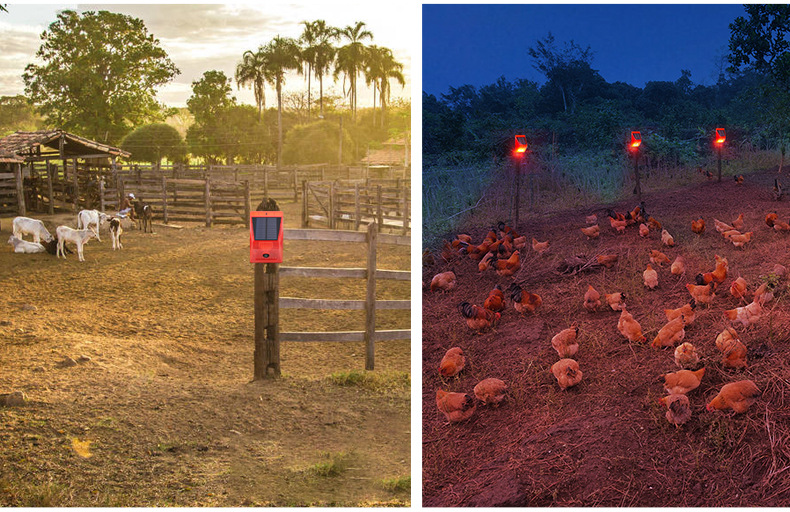
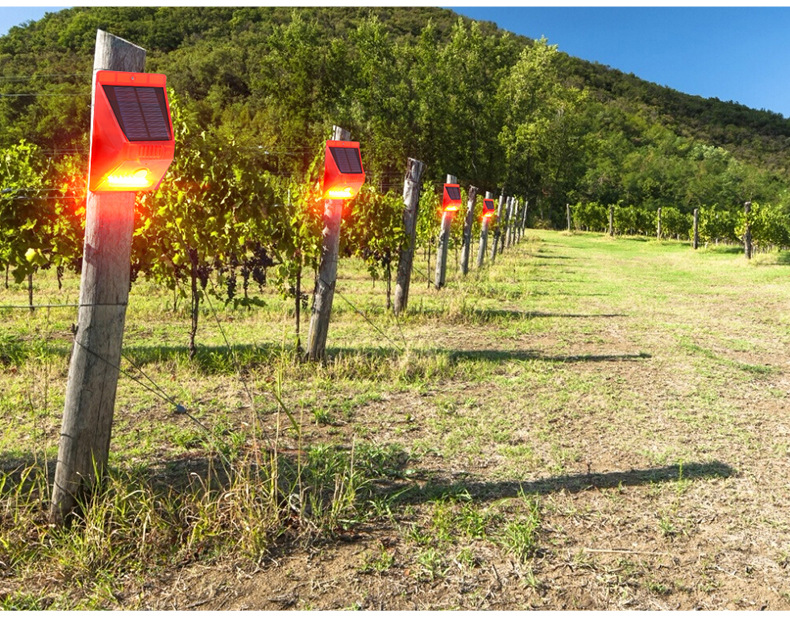
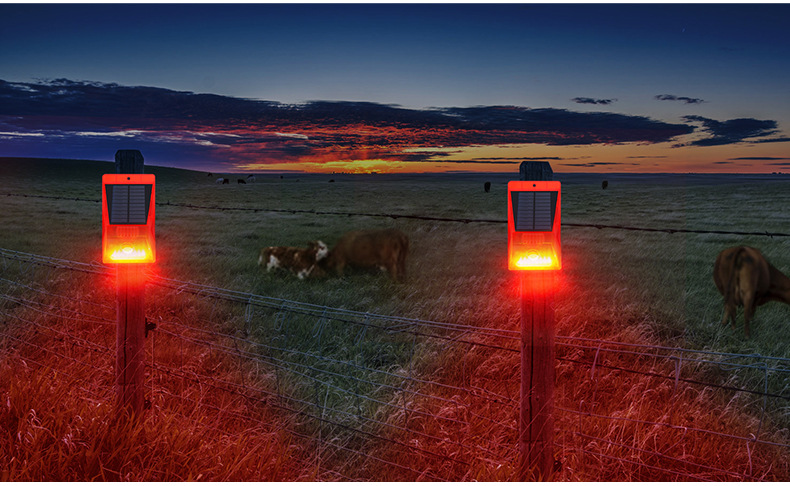
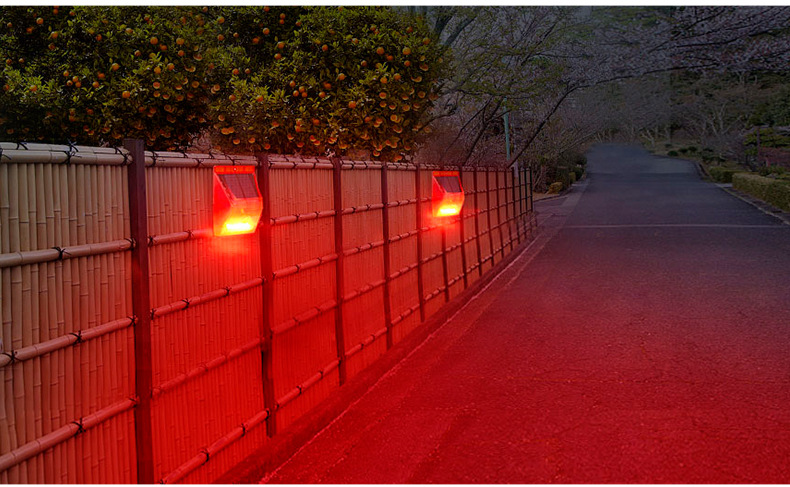
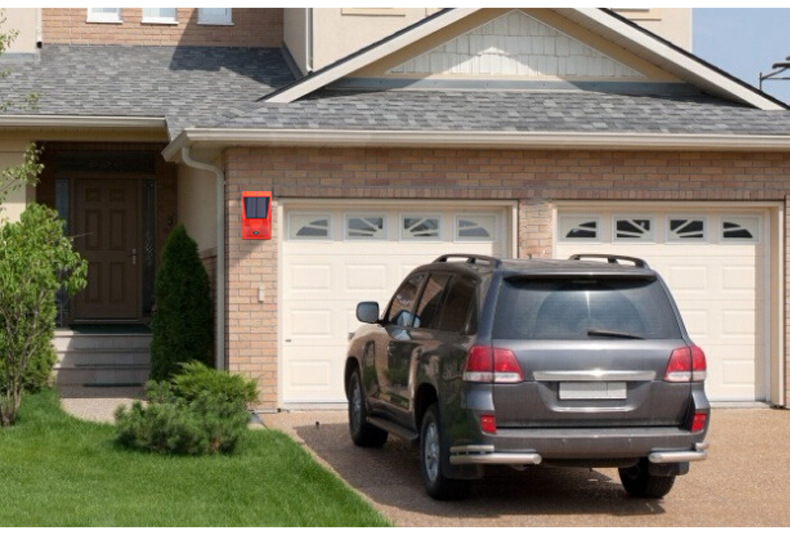
3. Scope of trial useUsed for preventing unauthorized access to walls, barriers, forests, cattle, sheep, ponds, orchards, factories, and warehouses; includes anti-theft sound and light warnings, wildlife repellers, and measures to prevent unnecessary property loss. Available both domestically and internationally. Welcome global distributors to discuss business opportunities! Better prices for larger orders!


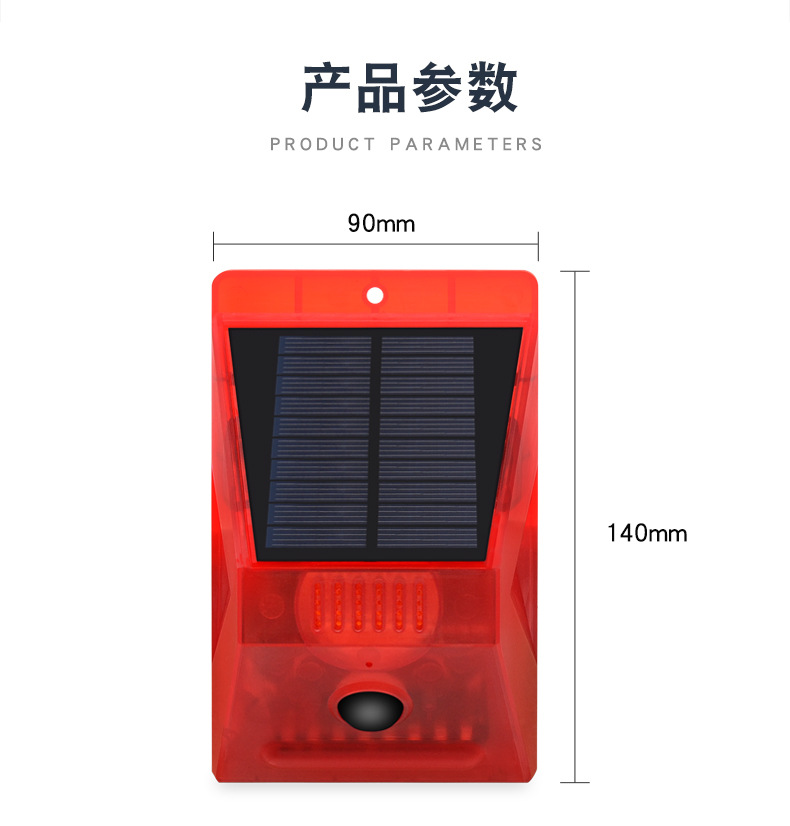

Remote control coding instructions: (Wireless signal frequency: 433 MHz)
1. The factory settings have already been configured with a remote control, which can be used directly. If no changes are required, please use the code generation function with caution.
2. When there are many environmental signal interference sources, it may affect the correct coding. It is recommended to perform multiple repeated codings in areas with fewer interference sources until the coding is correct.
3. Long press the main unit button for about 5 seconds until the LED lights up fully (a “beep” sound will be heard during this time), and the main unit will enter a state ready to receive remote control commands (if the remote control is not used).
If there is a prompt sound when pressing the key, it indicates that there are other interference signals. You need to wait until all the host indicator lights go off before reconfiguring the code, and then press the key longingly over time.Remote control keys A, B, C, and D (hold down for the “beep” signal to be heard); after the programming is completed, the main unit will turn off the lights automatically.
4. When using a remote control with multiple devices, each device must be turned on individually to perform a one-to-one configuration setup.
5. After pressing the main unit switch, verify whether each button on the remote control functions correctly.

Update time:


TOP


