
Search history
Clear allSearch by image
XDrag and drop an image here or upload an image
Max 5MB per image
UploadSign In | Join

Search history
Clear allSearch by image
XDrag and drop an image here or upload an image
Max 5MB per image
UploadSign In | Join
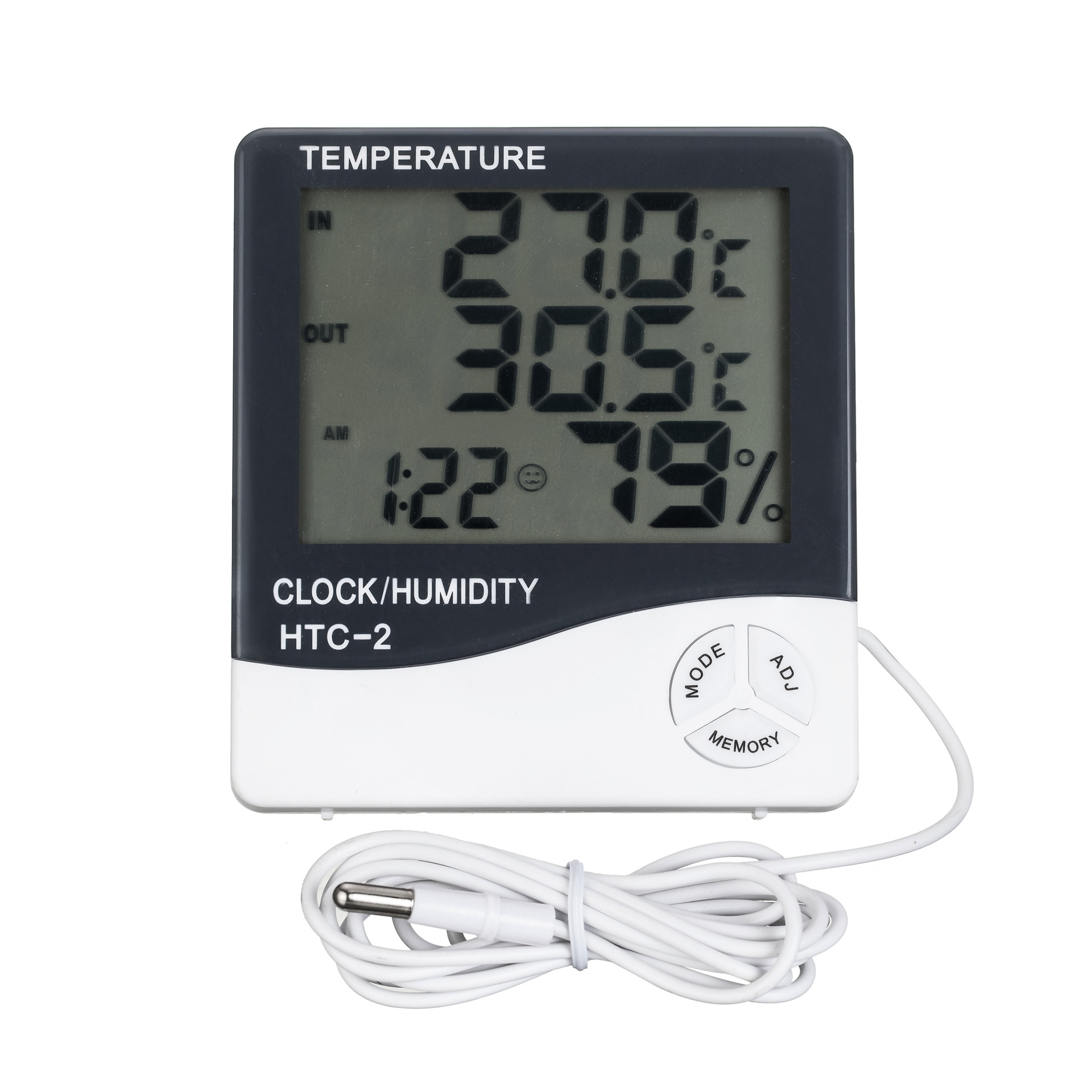
Product specifications
Outdoor temperature: -50 to 70℃ (-58℉ to 158℉)
Indoor temperature measurement range: -10℃~+50℃ (+14℉~+122℉)
Temperature measurement accuracy: ±1℃ (1.8℉)
Temperature resolution: ±0.1℃ (±0.2℉)
Humidity measurement range: 10% ~ 99% RH
Humidity measurement accuracy: ±5% RH
Humidity resolution: 1%
Battery usage: AAA, 1.5V
Basic Features
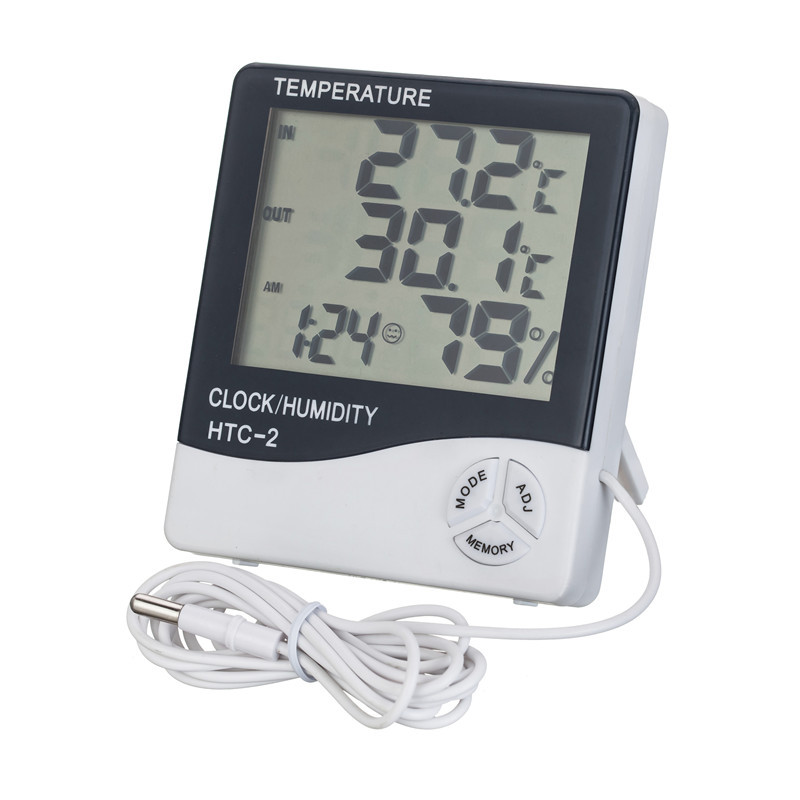
Temperature/Humidity Display
℃/℉ Temperature Switching Display
High/low temperature and humidity memory function
12/2-4 Hour Clock
Clock reporting function
Daily alarm function
Calendar display function
Operation Instructions
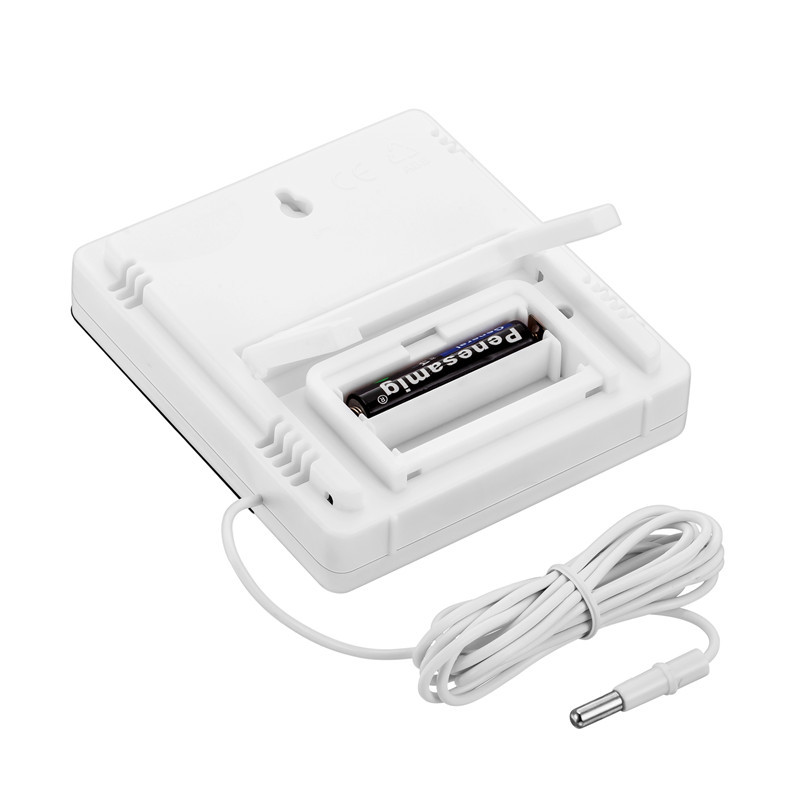
1. Push the battery door in the direction indicated by the back of the device, insert the battery, then reseat the battery door—the device will be ready to use.
2. Button functions: [MODE] Switch between clock and alarm display modes/set the current clock, alarm, 12 or 24-hour format, and date; [ADJ] Adjust the values of selected items; [MEMORY] Display the stored high & low temperature and humidity values/clear the stored high & low temperature and humidity values; [℃/℉] Switch the temperature unit to display in ℃ (Celsius) or ℉ (Fahrenheit); [RESET] Clear all settings and memory values, returning to the initial state.
3. Press and hold [MODE] for 2 seconds in the initial state, and the minutes and seconds of the current time will start flashing. Press [ADJ] to adjust the minutes and seconds.连续 pressing [MODE] allows you to set “clock”, “12/24”, “month (M)”, and “day (D)” respectively.
4. In the current clock mode (where the two dots between the hour and minute flash once per second), press [MODE] once to switch to alarm mode (where the two dots do not flash). Then, press [ADJ] to toggle the “Alarm” function or the “Hourly Alarm” () function on/off. Hold [MODE] for 2 seconds to set the alarm time and activate the “Hourly Alarm” function, with the () symbol appearing.
5. In alarm mode, if no action is taken, the display automatically returns to the current clock after one minute. Press [ADJ] once to switch to calendar display, and after 3 seconds, it automatically returns to the current clock. Press the [MEMORY] button to show the high/low values since the last clear (CLEAR) of temperature/humidity.
6. By selecting [MEMORY], the maximum and minimum values of temperature/humidity stored can be displayed. Holding [MEMORY] for more than 2 seconds will clear these maximum/minimum values.
7. Key F°/C° conversion within the bracket
8. Includes a 1.5-meter outdoor temperature probe.
Update time:


TOP


