
Search history
Clear allSearch by image
XDrag and drop an image here or upload an image
Max 5MB per image
UploadSign In | Join

Search history
Clear allSearch by image
XDrag and drop an image here or upload an image
Max 5MB per image
UploadSign In | Join
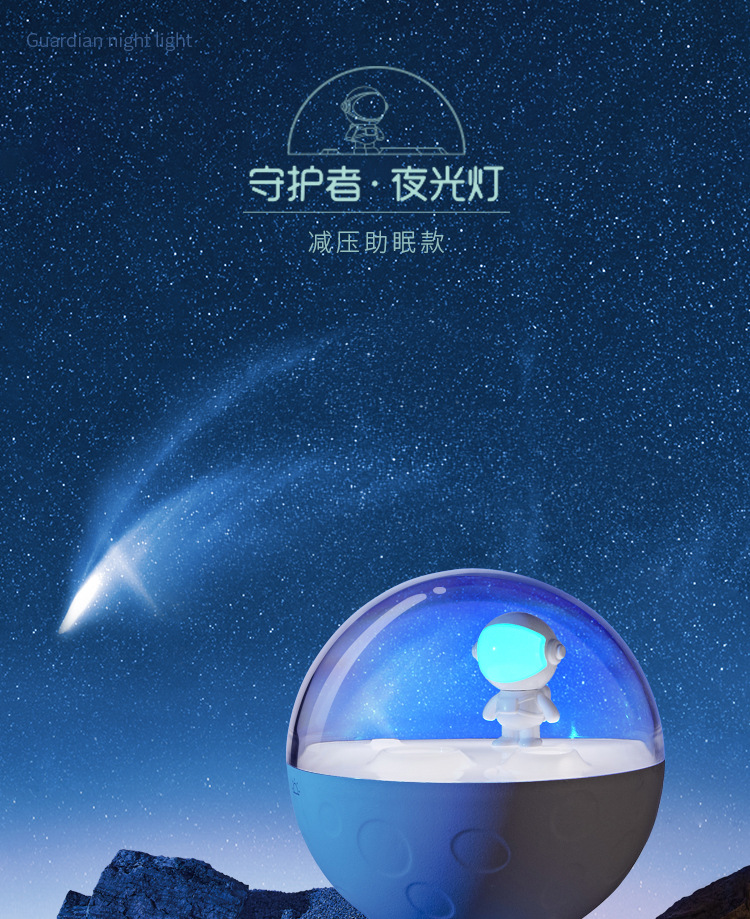
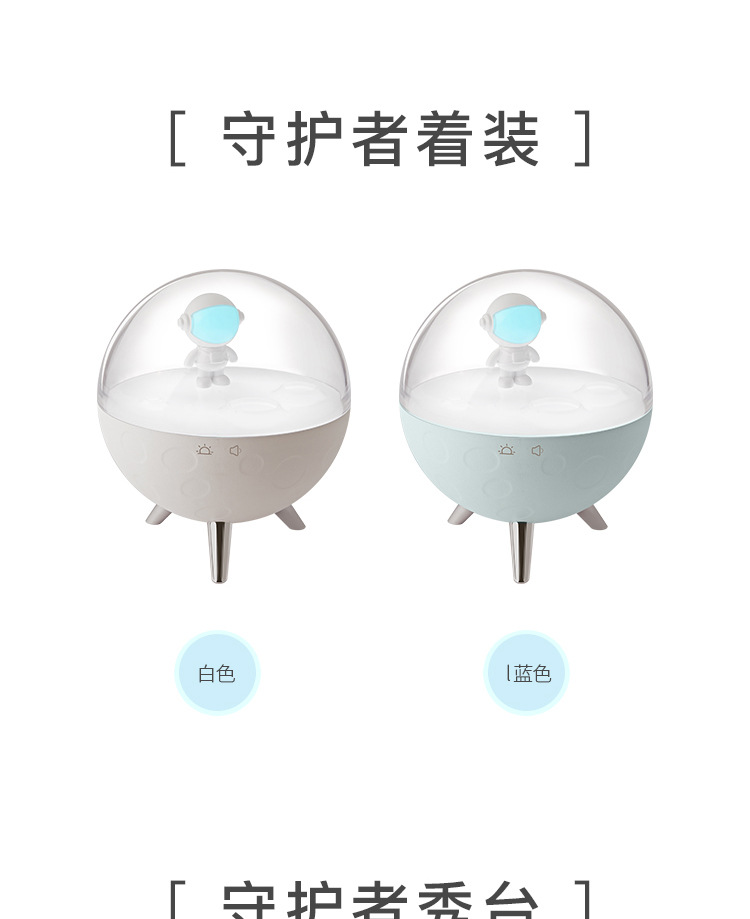
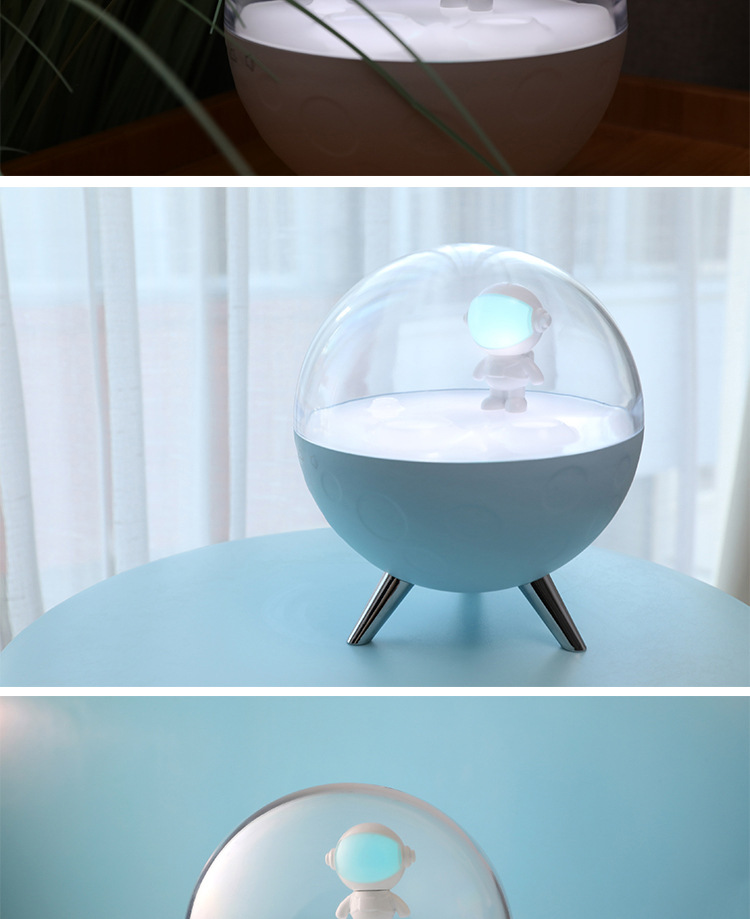
 white: sleep aid
白色:助眠款 |
CN¥ 54.0 |
 blue: common style
蓝色:常规款 |
CN¥ 47.0 |
 white: common style
白色:常规款 |
CN¥ 47.0 |
 blue: sleep aid
蓝色:助眠款 |
CN¥ 54.0 |
XIBIAO LIGHTING 5yr.
Contacts HanSiJie Chat
Mobile 86-15957933614
E-mail 798319170@qq.com
13484065100

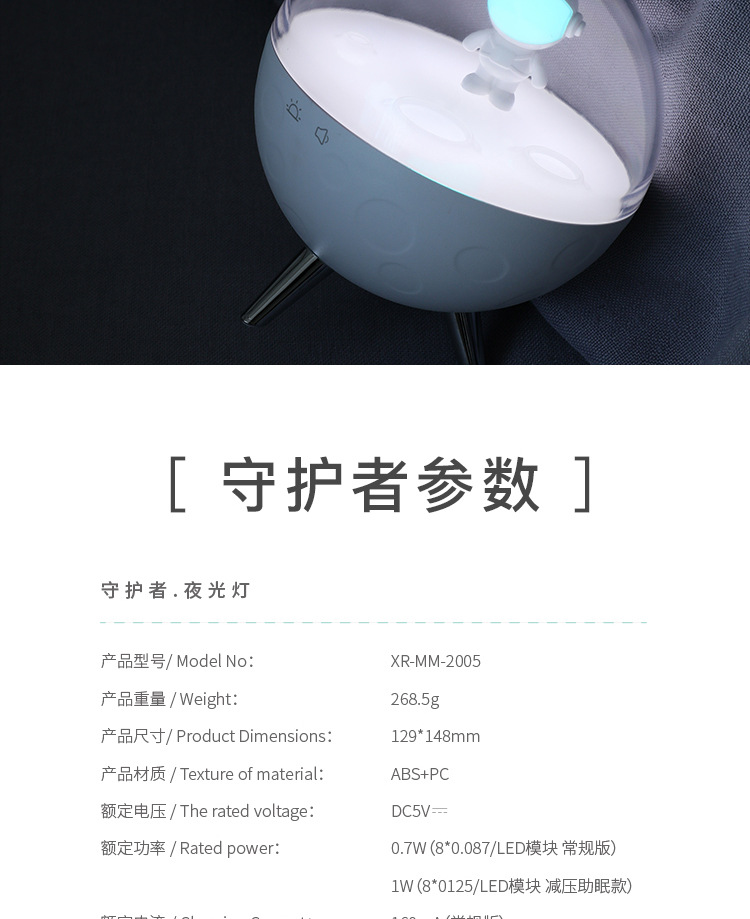
Product model: XR-MM-2005
Product Material: ABS+PC
Built-in Battery: 1500mAh (Lithium Battery)
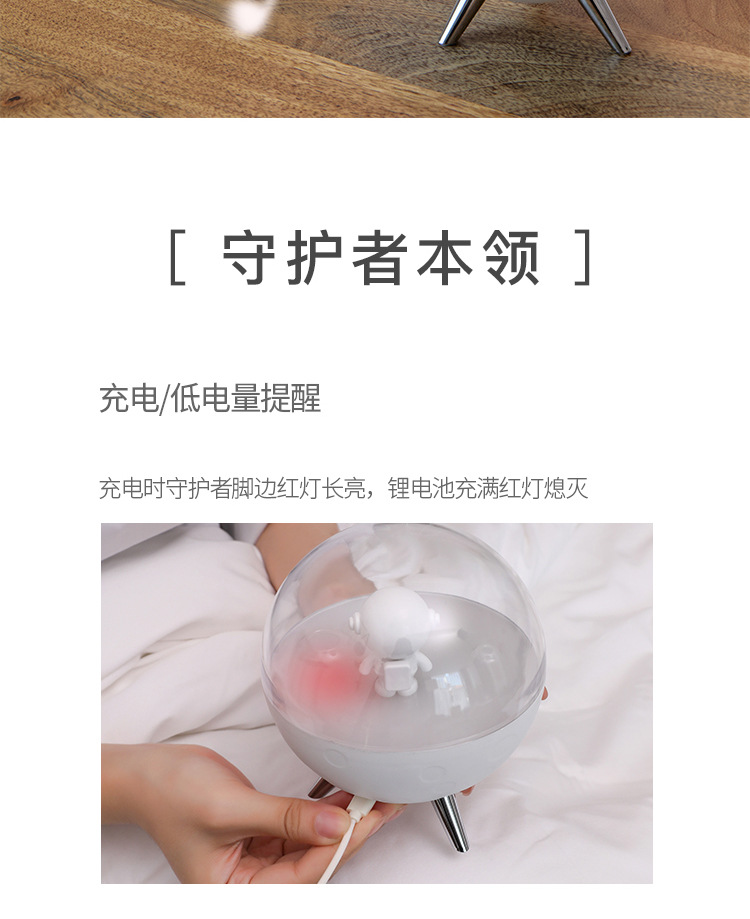
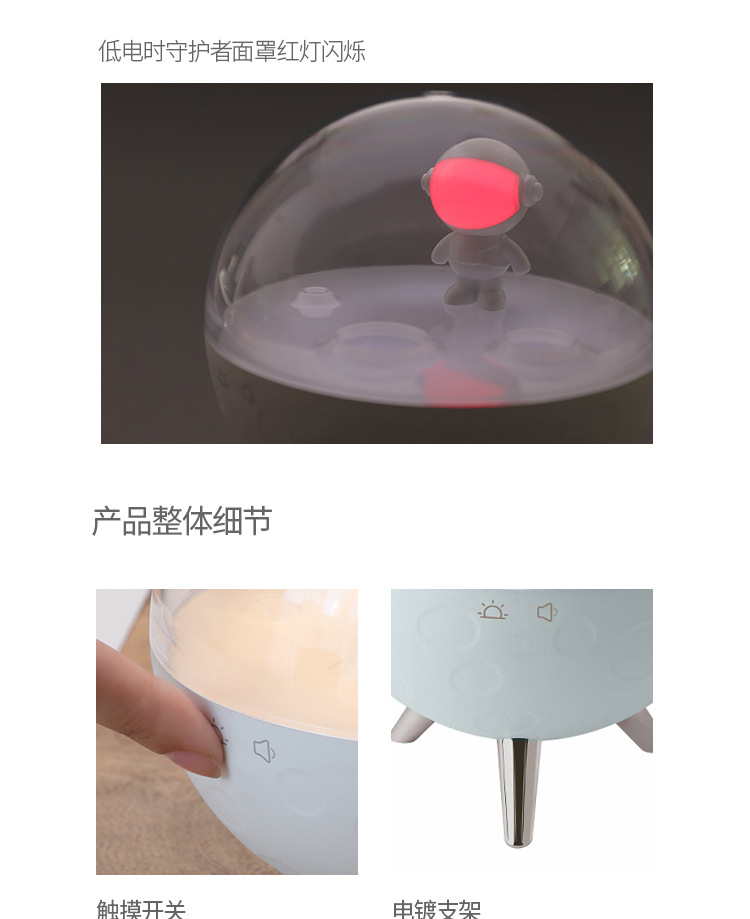
Battery indicator: Blinking (needs charging), Red (charging), Off (fully charged)
Rated voltage: DC5V
Rated power: 0.7W (8*0.087/LED module) Regular version 1W (8*0.125/LED module) Stress relief and sleep aid model
Rated current: 160mA (Standard Edition) 240mA (Relaxation and Sleep Aid Version)
Execution Standard: GB7000.1-2015 GB7000.204-2008
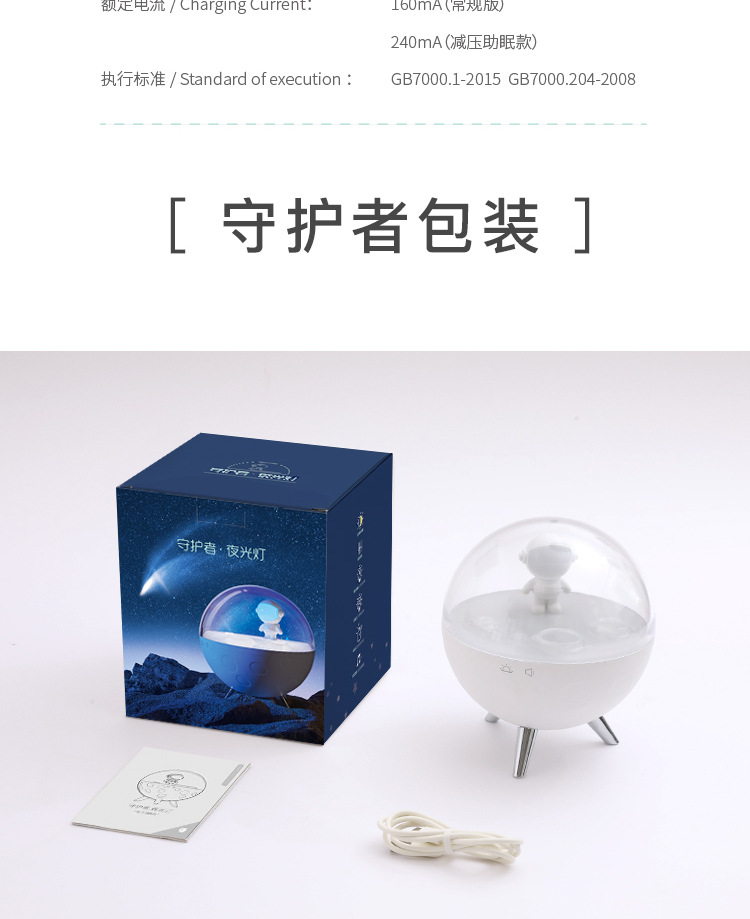
Product configuration: USB charging cable, instruction manual, product.
Product size: 129×129×148mm
Packing Size: 13.3×13.3×15.5CM
Product weight: 268.5g (Net weight) 400g (Gross weight)
Packing Quantity: 30PCS
Crate Size: 68×41×33.3cm
Packing weight: 12.8kg
Instruction Manual
Please plug in the USB cable to activate for the first time.
Product hibernation: Press and hold the breathing button for 7 seconds, the product light will blink three times, and the product will enter the hibernation state.
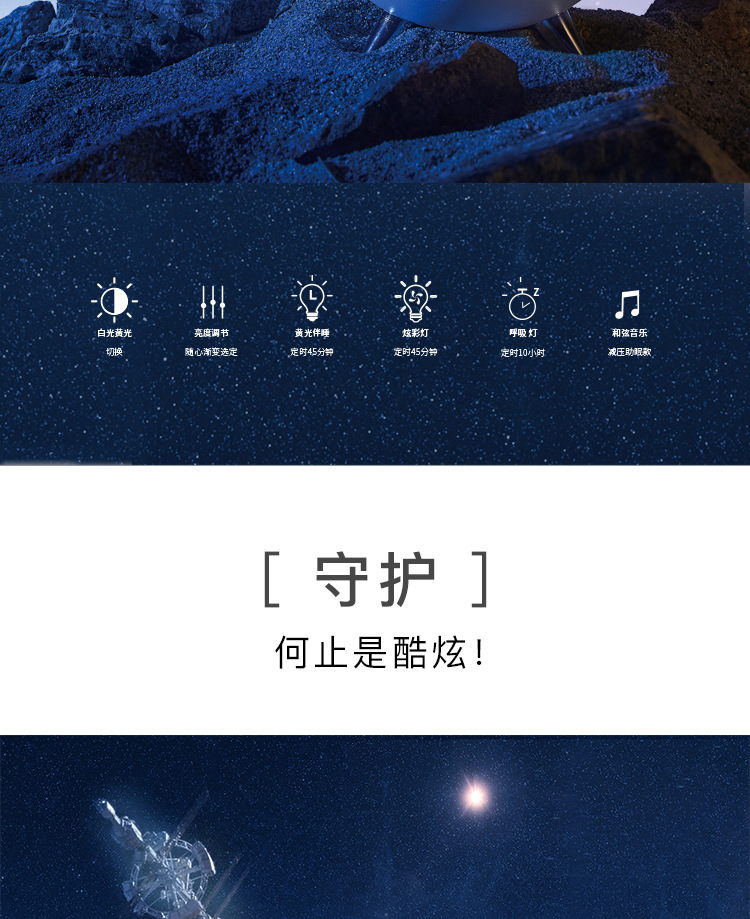
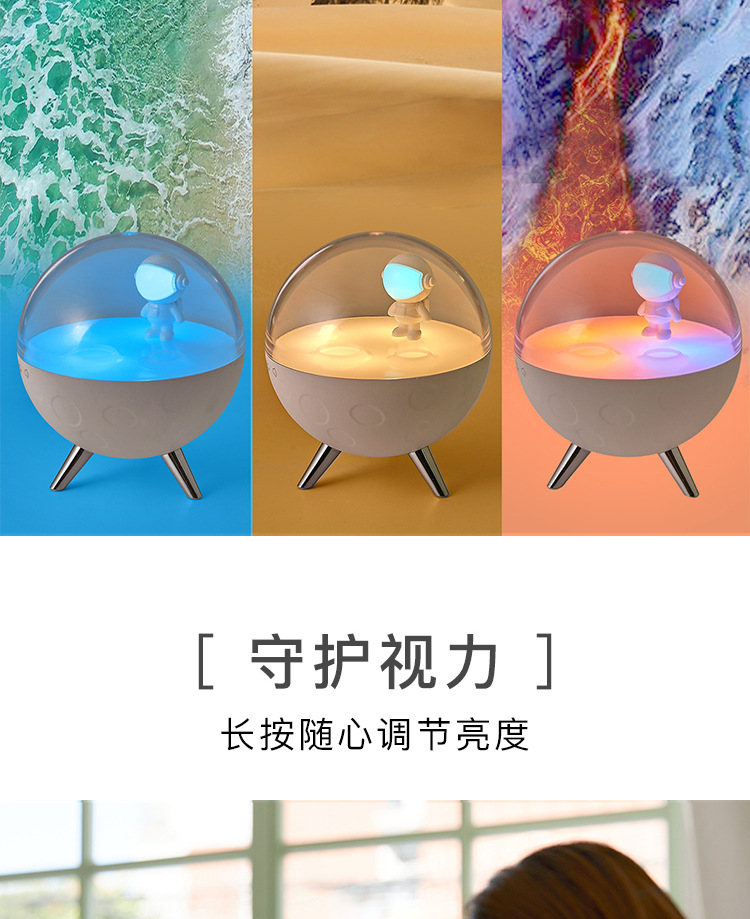
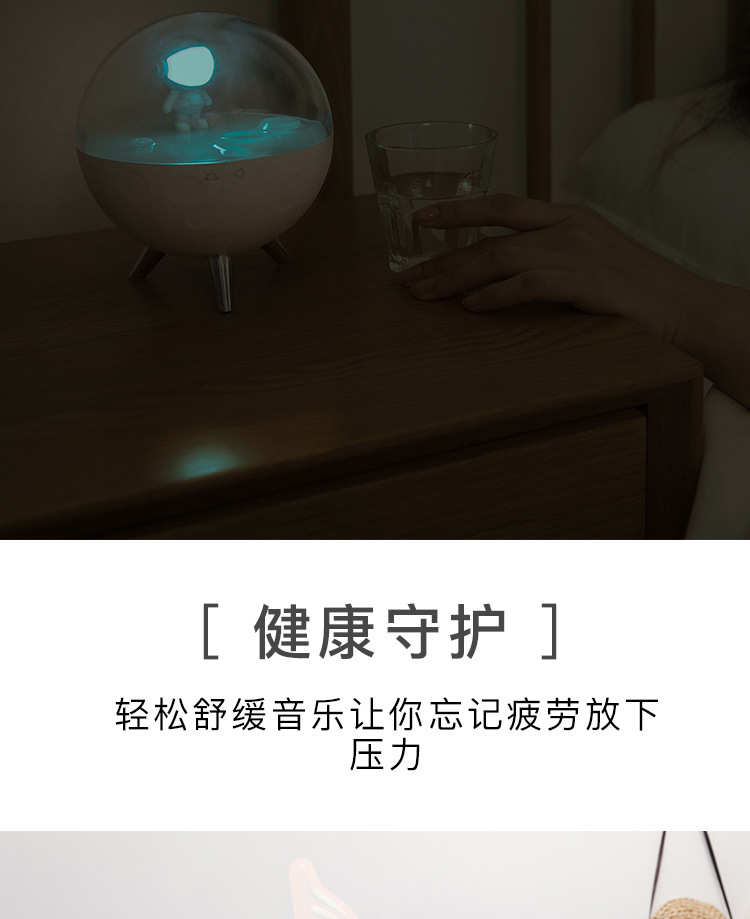
Warm white light is turned on:
Tap the button once to turn on the warm white light (long-lasting warm white light mode. Turn off manually);
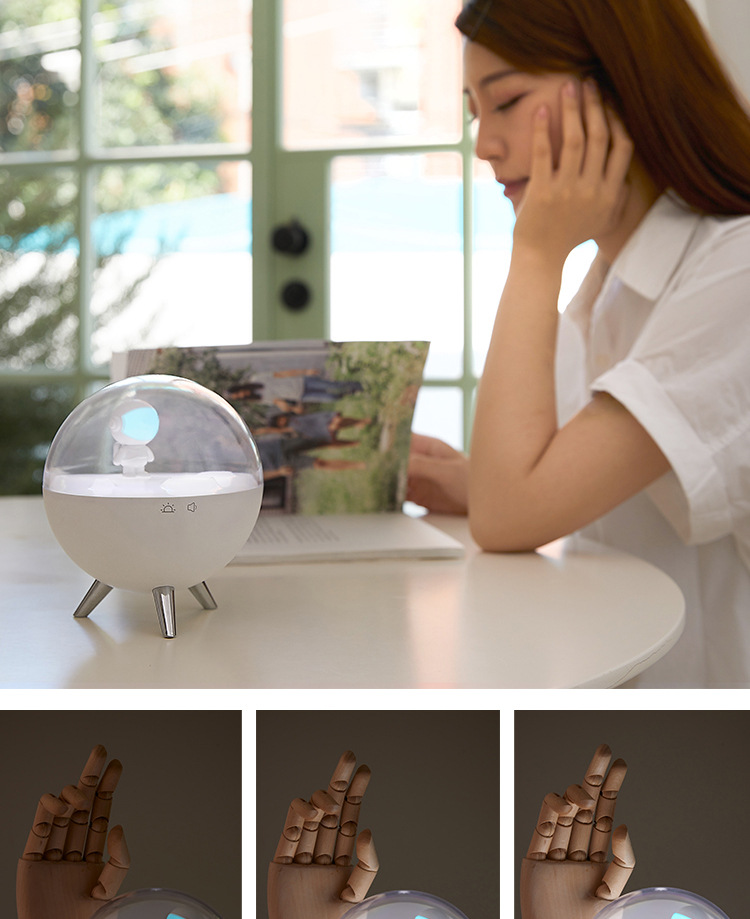
Warm white light brightness adjustment: long press the heart key to adjust the brightness of the light in the bright light state.
Timed Lighting On
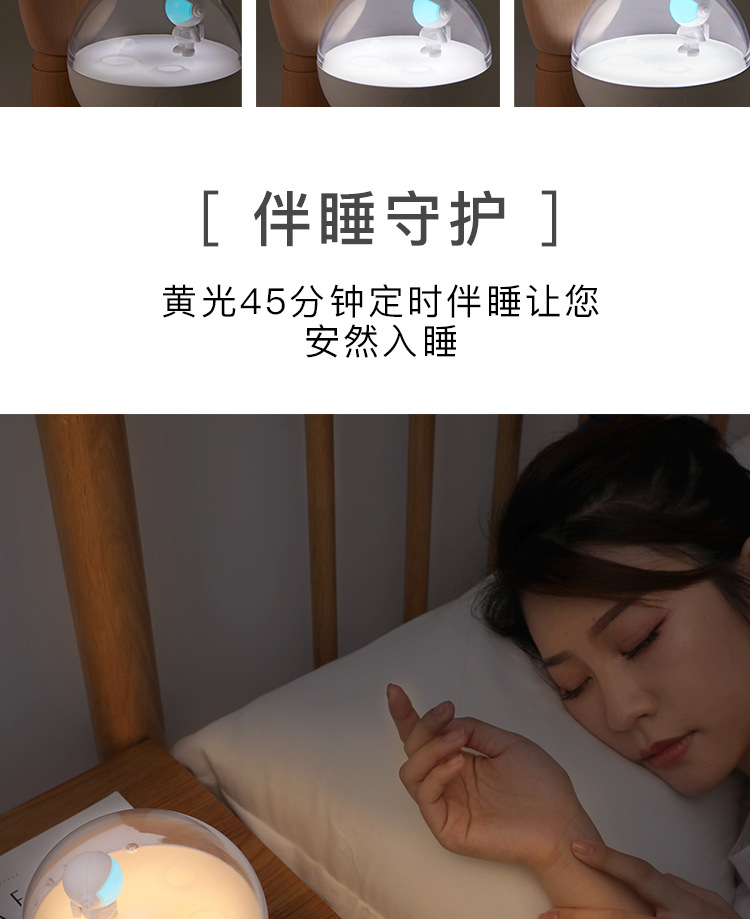
Press the button lightly to turn on the second-level warm yellow light (the light will automatically turn off after 45 minutes).
Warm yellow light brightness adjustment: long press the production key under the bright light state to adjust the brightness of the light.
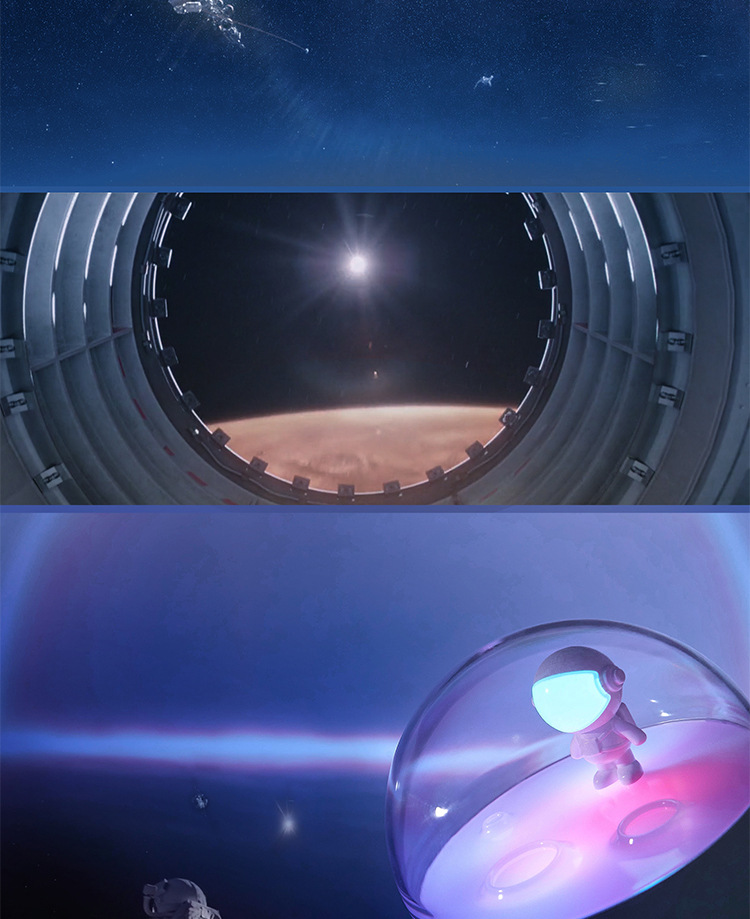
Guardian light switch on
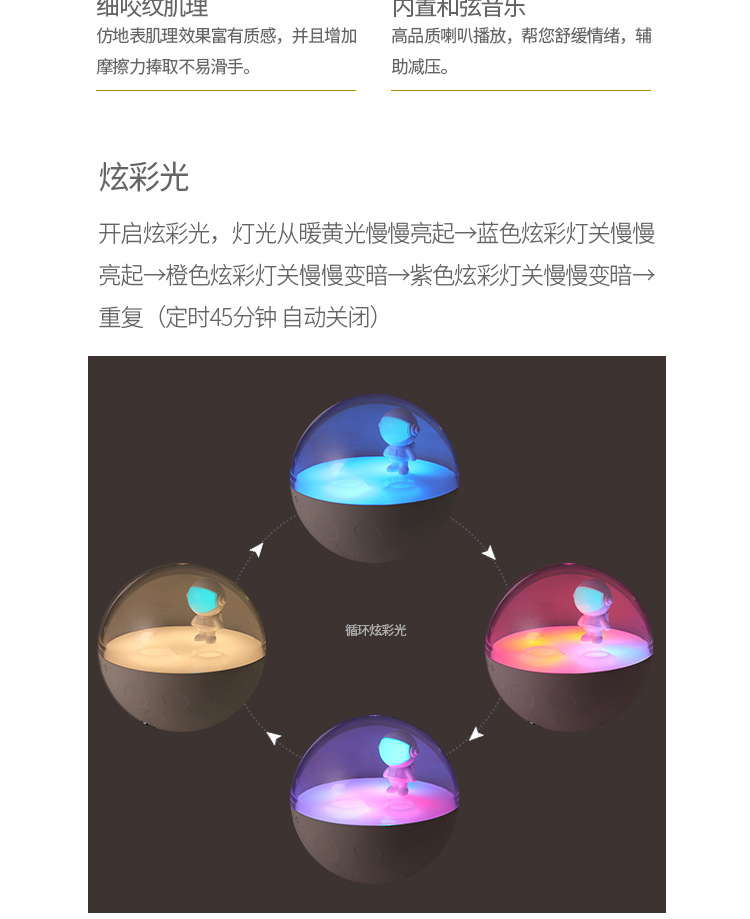
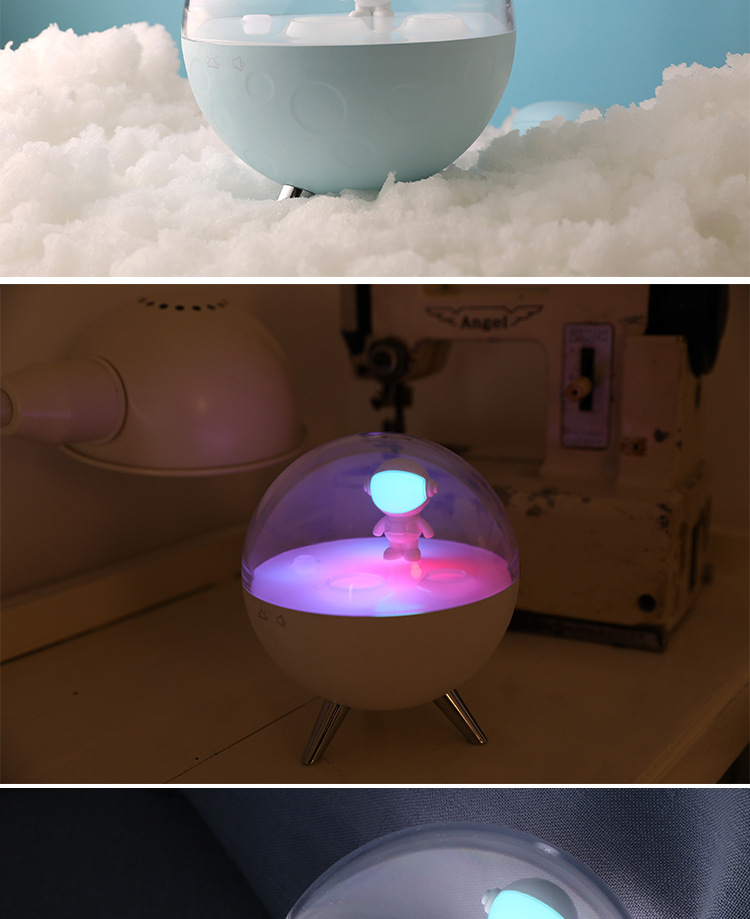
Touch the heart button three times, and the light will gradually brighten from warm yellow to blue, then orange, and finally fade to purple. Repeat this cycle every 45 minutes.
Sleep Companion Light
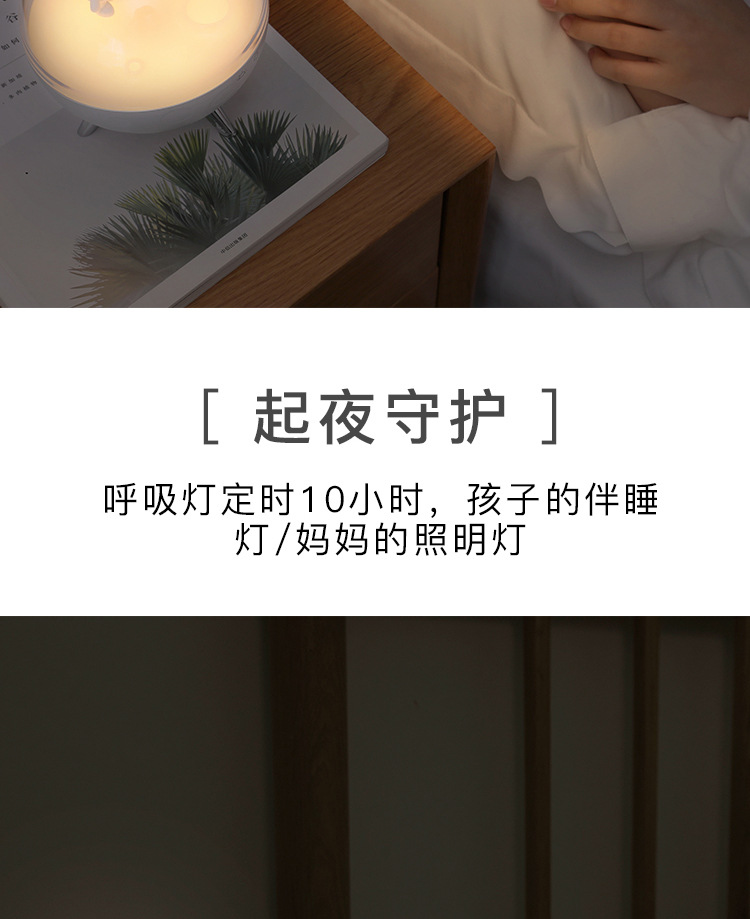
Touch the button four times to activate astronaut lighting with breathing effect (timed to automatically turn off after 10 hours).
soundOn/OffOnly with the sleep model)
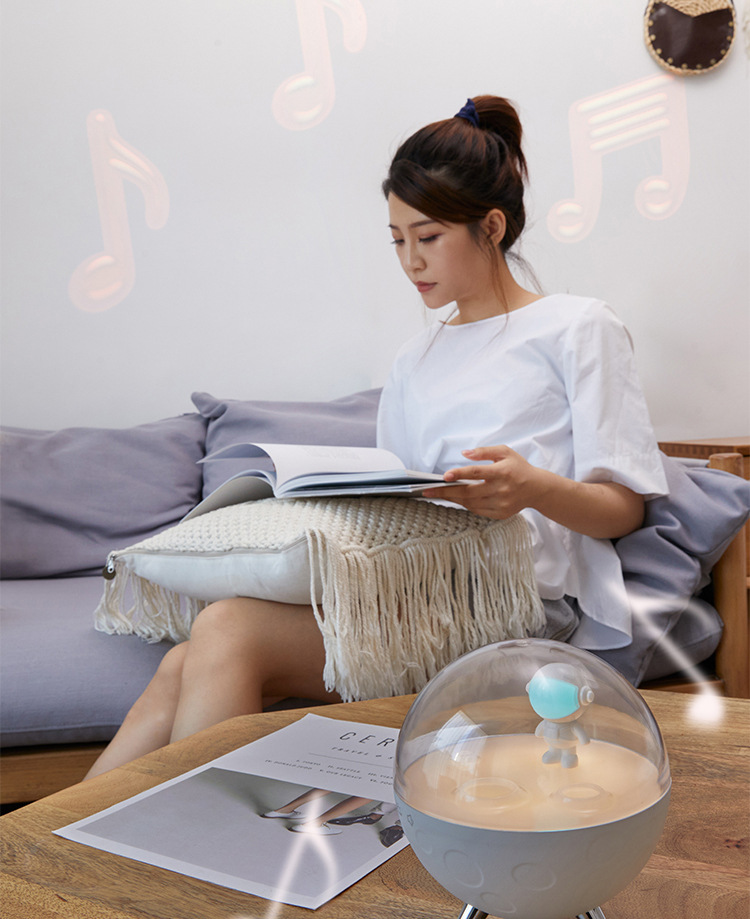
1. Sleep Sound On: Touch the sound button once to turn on the sleep music, and touch it again to switch to the next track, with a total of 5 tracks.
2. Volume Adjustment: Adjust the volume by holding down the sound key while playing.
3. Sleep Sound Off: Tap the sound key to the sixth level to turn off the single track playback, and it will automatically turn off after 30 minutes.
Update time:


TOP


