
Search history
Clear allSearch by image
XDrag and drop an image here or upload an image
Max 5MB per image
UploadSign In | Join

Search history
Clear allSearch by image
XDrag and drop an image here or upload an image
Max 5MB per image
UploadSign In | Join
X Email Mobile
Yiwu YuManOffice Supplies Firm 14yr.
Contacts Fameda Z Chat
Mobile 86-13076754351
E-mail 861861431@qq.com
WeChat 13076754351
WhatsApp +8613076754351
Please consult WeChat or call: 13076754351

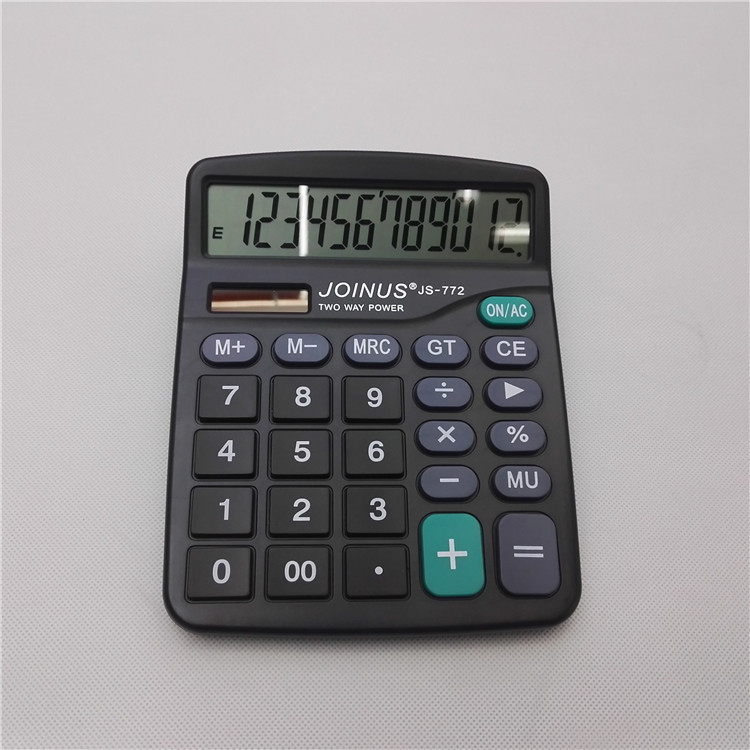
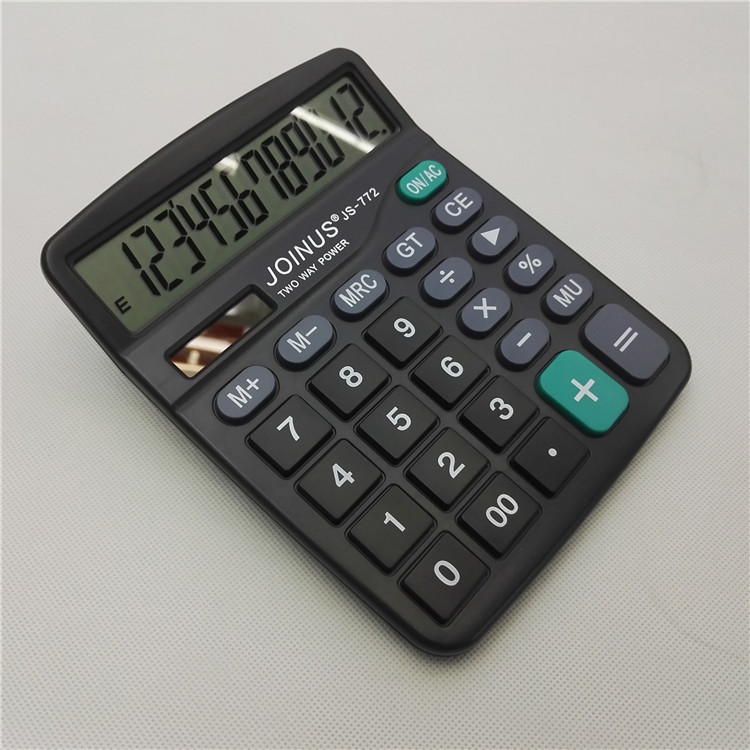
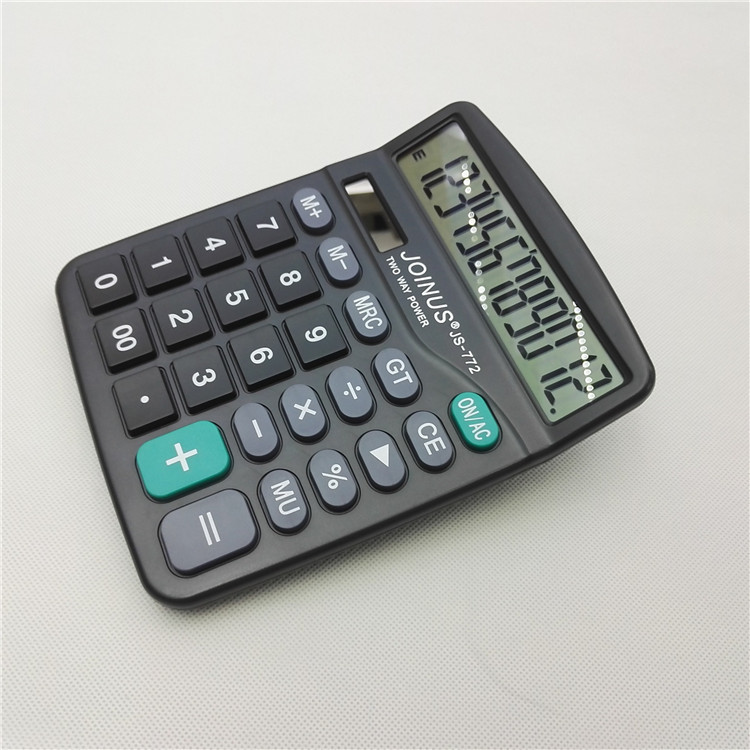
Calculator Keyboard Instruction:
M+: Store the current display value in memory, calculate the result and add it to the stored number.(If there is no 'M' mark on the screen, there is no data in the memory, then directly store the display value into the memory.)
M-: Subtract the content of the memory from the current display value, calculate the result, and subtract the stored number.If there are no numbers in the current result, press M- to store the negative display number.
MS: Store the displayed content in the memory, overwriting any existing data in the memory.
Press this button to call the memory content, which means to read the values from the memory to the screen.To perform operations on the current value.
MC: Press to clear the memory content (screen "M" symbol disappears).
MRC: Press this button once to call the memory content, and press it again to clear the memory content.
GT" stands for "Grand Total," which means the sum of all numbers after the equal sign.
Add the numbers and transmit them to the GT storage register. Press the GT key to display the accumulated number, and press it again to clear it.
MU (Mark-up and Mark-down key): Press this key to complete the calculation of interest rates and taxes, please refer to the detailed information.Example 3;
CE:Clear Entry,在数字输入期间按下此键将清除输入寄存器中的值并Display" "0", you can re-enter.
AC: Clear All Data and Operators.
ON/C:Power on/Clear all key, pressing this key indicates power on or clearing all values in the registers.



Update time:


TOP


