
Search history
Clear allSearch by image
XDrag and drop an image here or upload an image
Max 5MB per image
UploadSign In | Join

Search history
Clear allSearch by image
XDrag and drop an image here or upload an image
Max 5MB per image
UploadSign In | Join
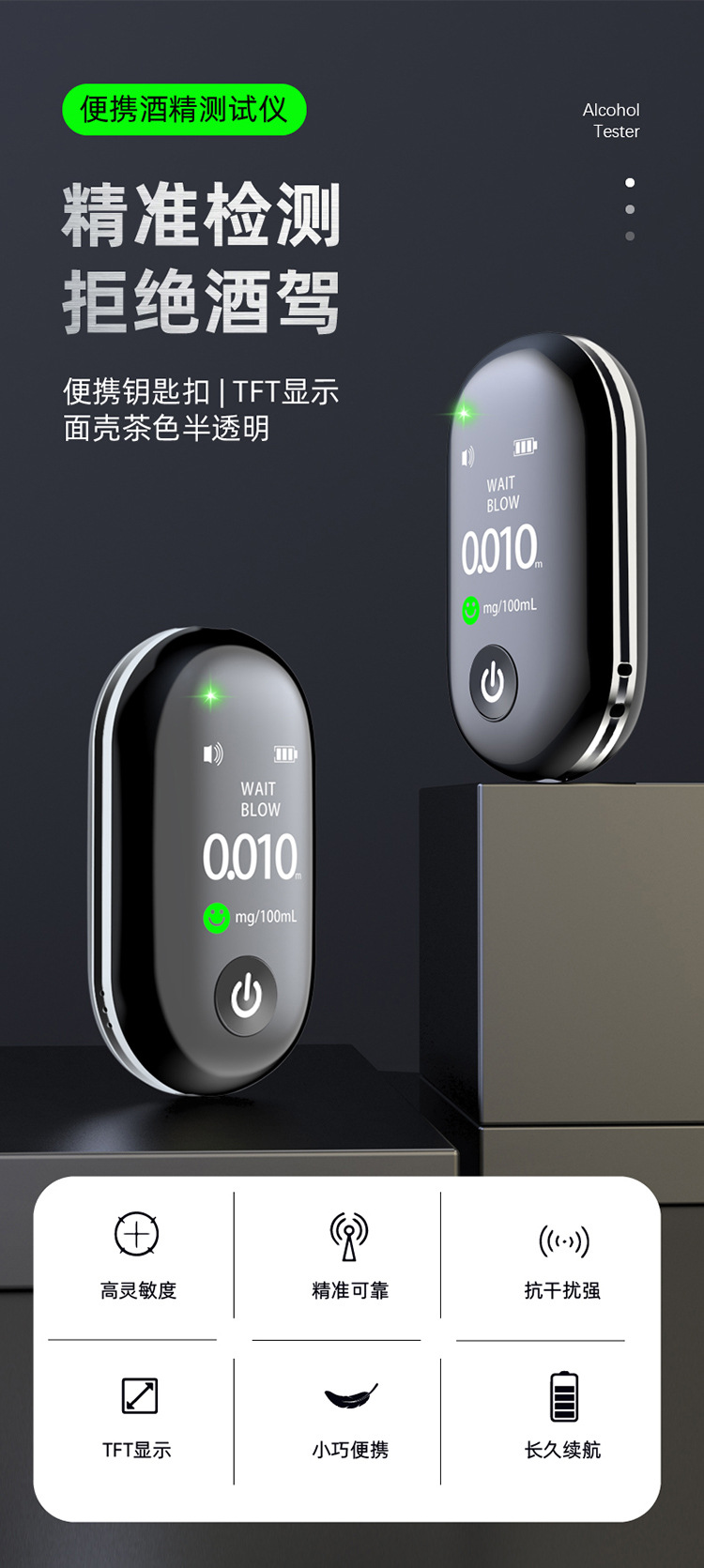
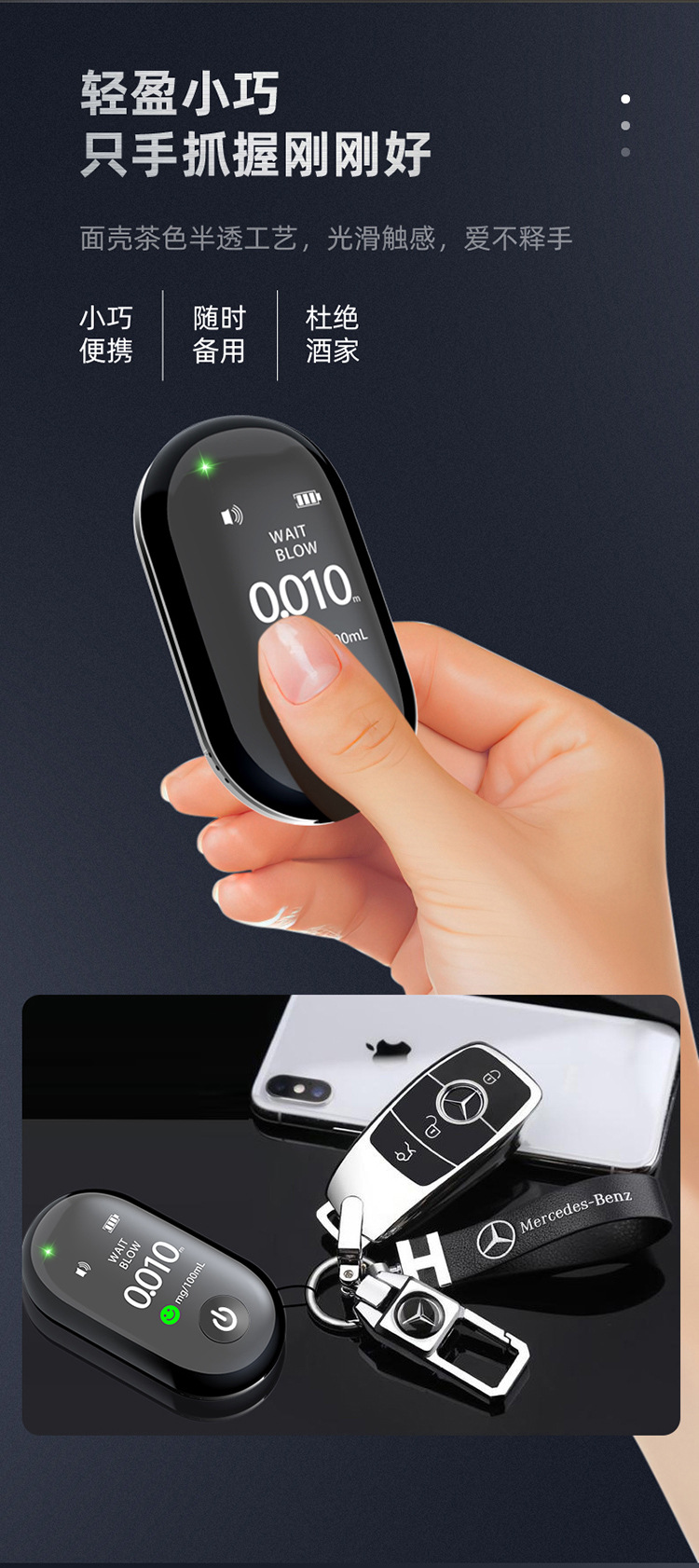
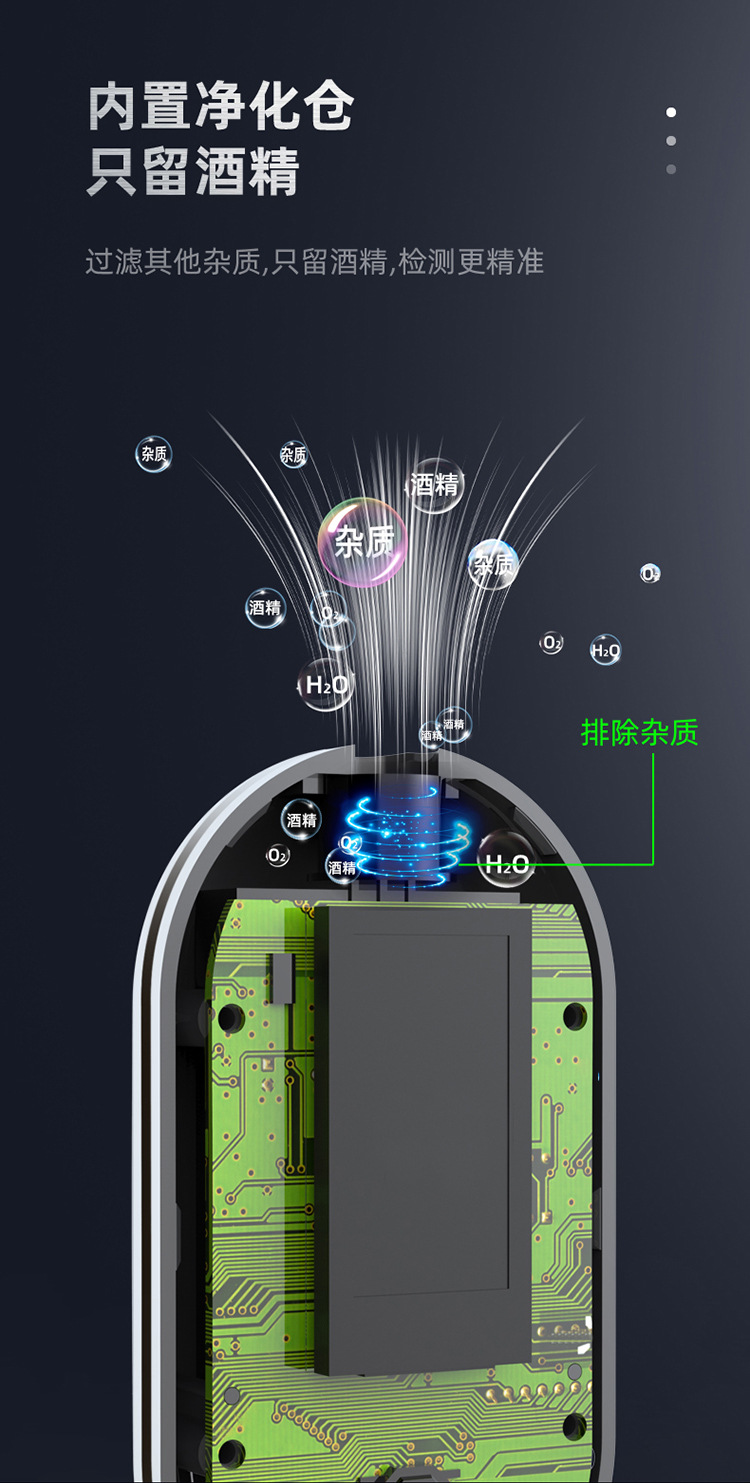
How to use the alcohol tester.
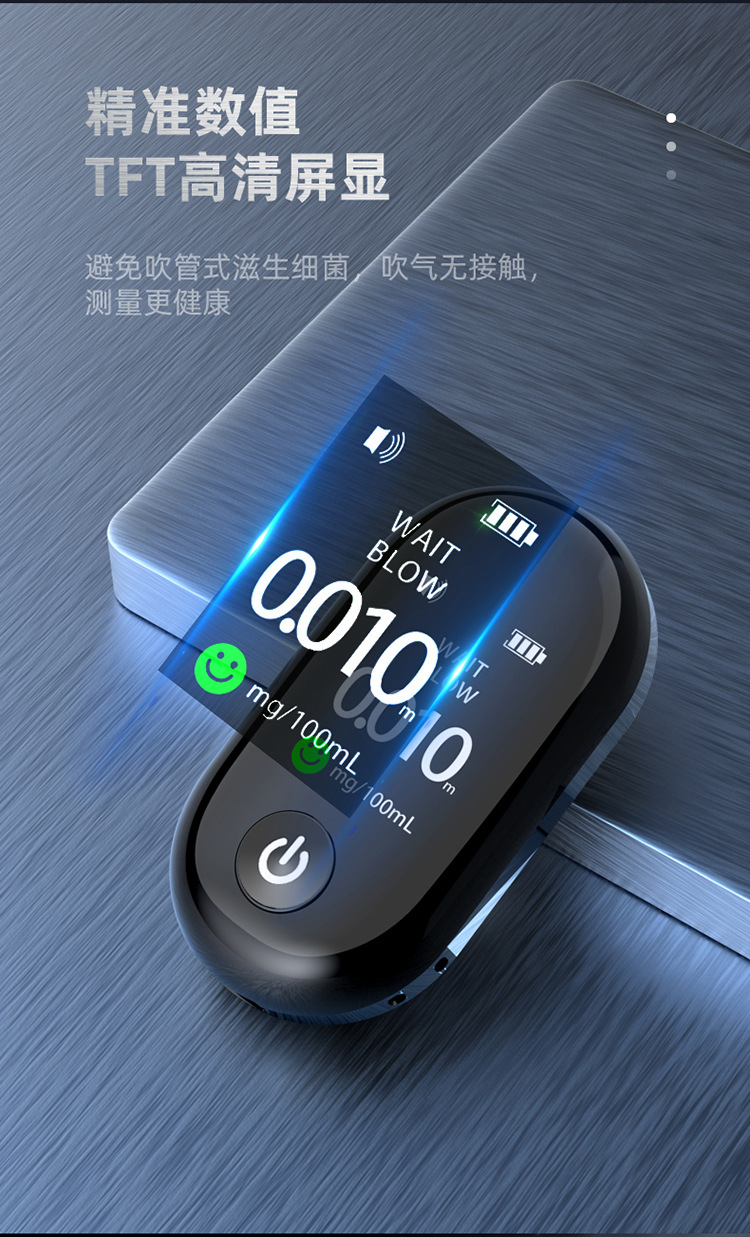
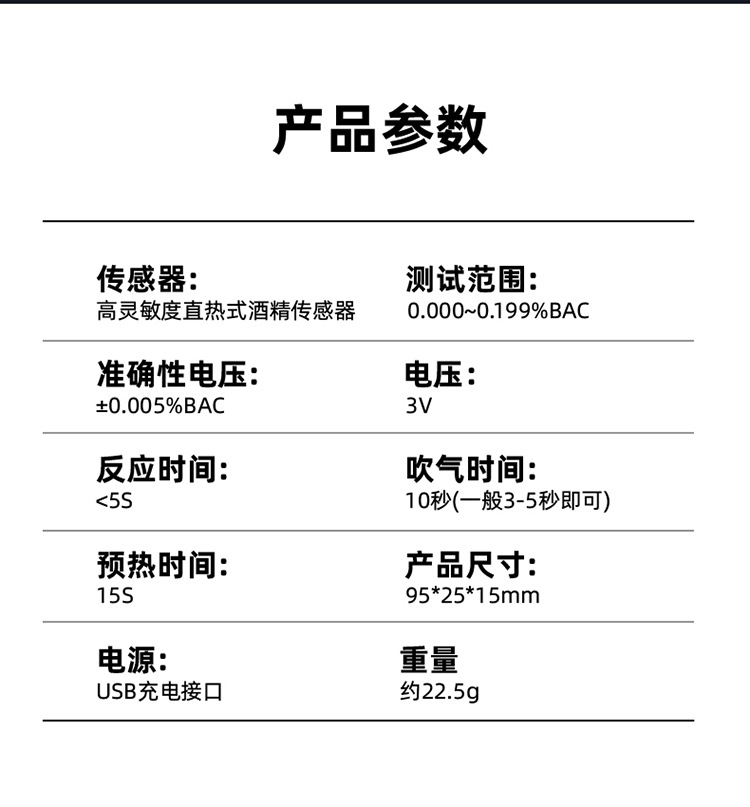
1. Press key for 1 second to power on the device; the backlight and display will turn on simultaneously, showing all content, followed by a "click" sound indicating power on.
2. The display shows “Warm up” and a 10-second countdown timer; after the countdown ends, a “click” sound is heard, indicating that the next stage has begun.
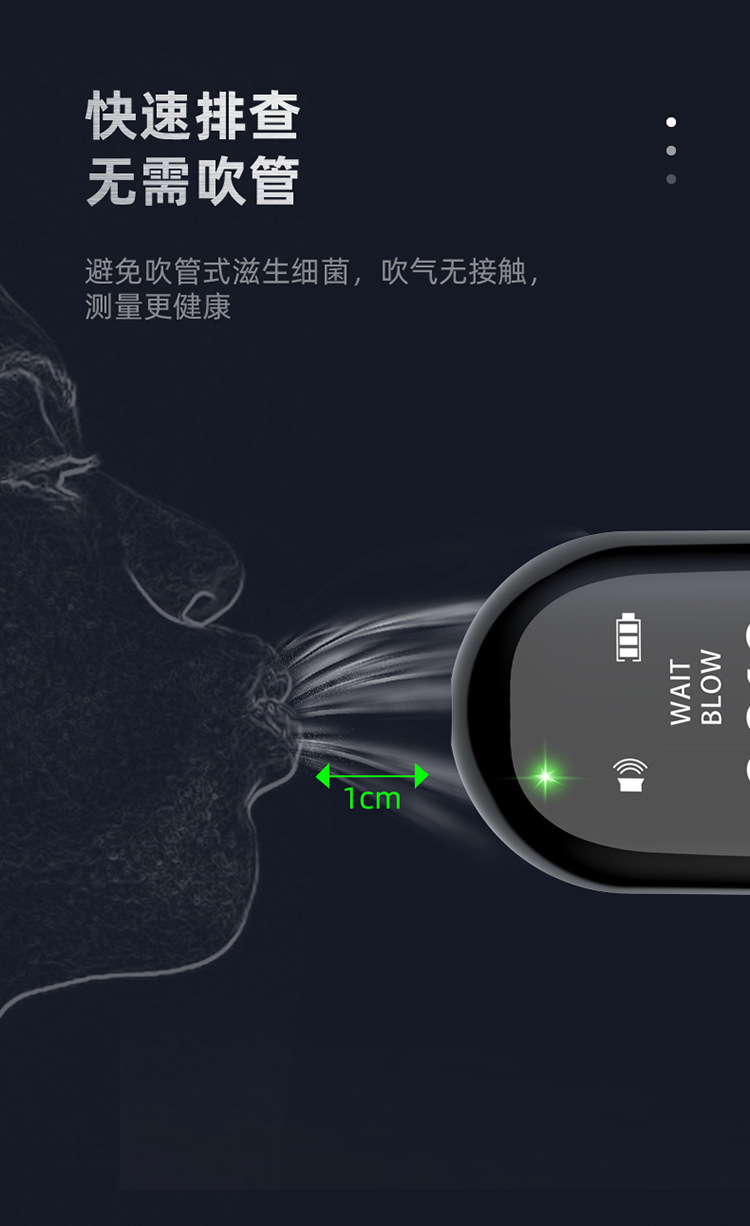
3. The display shows “Blow” along with a 10-second countdown. Blow air at the inhalation area for 3–5 seconds. After the countdown ends, a “click” sound indicates that the result display is active. The test results are shown in both %BAC and g/l units.
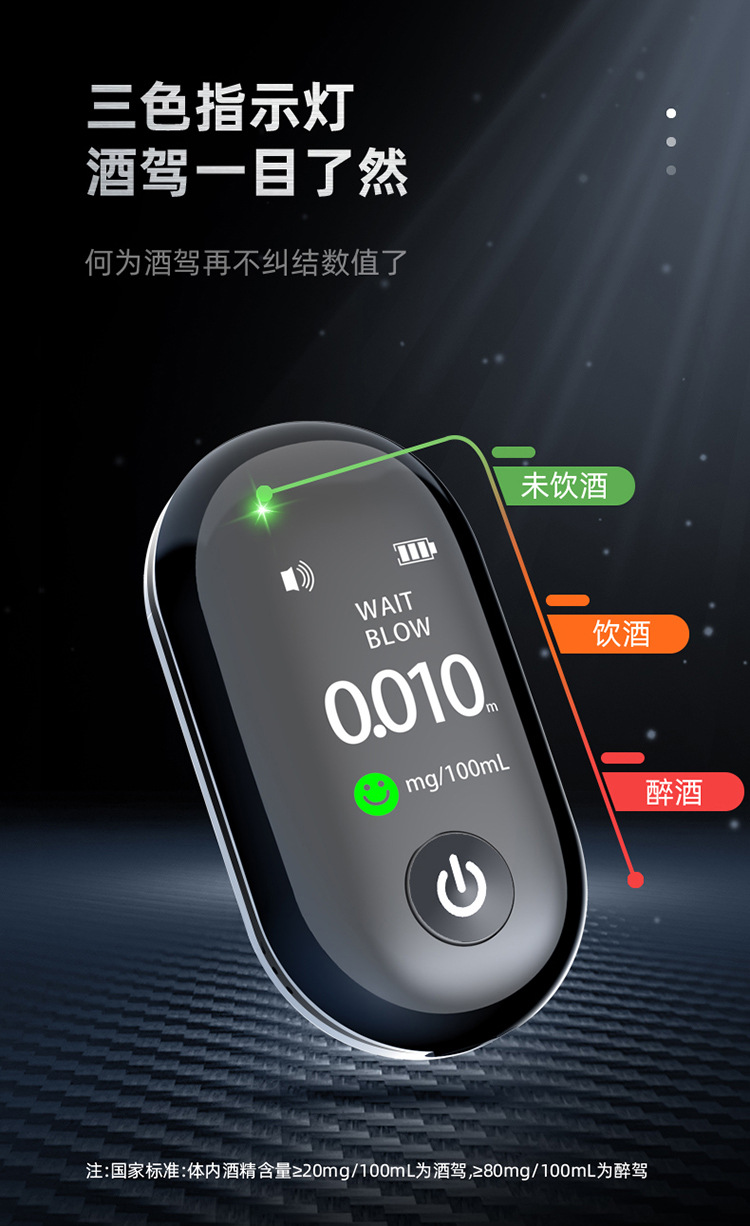
4. When the test result is less than 0.02% BAC, the green indicator light remains on continuously.
5. When the test result is greater than or equal to 0.02% ABC and less than 0.05% BAC, the yellow indicator light remains on, the display shows the “Caution” icon flickering, and there is a slow beep sound.
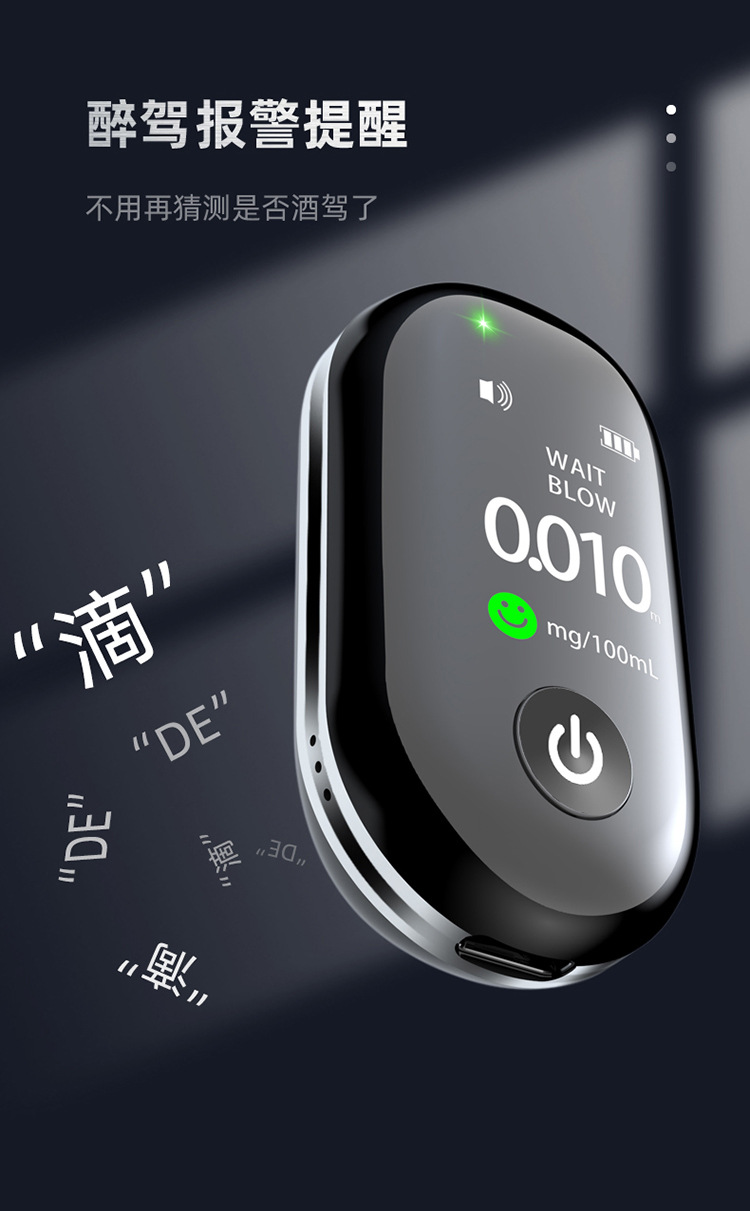
6. When the test result is 0.05% BAC or higher, the red indicator light remains on, the display shows the “Danger” icon, and a rapid beep sound is emitted. The test result display takes 10 seconds.

Update time:


TOP


