
Search history
Clear allSearch by image
XDrag and drop an image here or upload an image
Max 5MB per image
UploadSign In | Join

Search history
Clear allSearch by image
XDrag and drop an image here or upload an image
Max 5MB per image
UploadSign In | Join
X Email Mobile
Hailan Electrical Appliance Firm 15yr.
Contacts zhouaibiao Chat
Mobile 86-13735758480
E-mail 1040472497@qq.com
WeChat 13735758480
Factory Direct - Supports OEM, UI, LOGO, Packaging
RK3036 is the industry's first solution to support H.265 video encoding and decoding, achieving the three major enhancements for TV casting products:
1. The picture quality is clearer, and the bandwidth saving reaches 50%.
2. The bit error rate is smaller, and the mosaics are reduced by 59%.
3、High integration, volume can be reduced by up to 30%.
Other devices for the same screen are H.264 decoding.
1. Our company's Push Treasure, a product of the same screen, has been tested and reflected by customers to be one of the most smooth and stable on the market. It can complete the same screen/push without installing any apps or software, and the operation is very convenient;
2. This product supports online automatic upgrades, such as from iOS 12.0 for iPhones. Other push notification products produced by other companies may not work or require manual upgrades. This product is designed for automatic upgrades, allowing for system updates to be synchronized on the same screen. Since our company has its own server, engineers can simply operate the server to perform online automatic upgrades!
3. Our WiFi antenna is produced by a supplier of Huawei, with stable signal, ensuring smooth transmission and no screen lag within a range of 10 meters!
4、Our device cloud system is supported by powerful dual backup servers worldwide, and our products are sold worldwide.Don't worry, it works in different countries!
5. Supports the playback of mainstream foreign videos on YouTube, NETFLIX, and HULU!
6. RK3036 is the first to support H.265 decoding with dual-core processors, offering stronger decoding capabilities, faster speeds, and smoother performance! Currently, other manufacturers are using single-core processors for H.264 video encoding and decoding, which can run 1080P without stuttering.
7. Provide NCC BSMI certification documents and samples
8.2.4G/2.4G+5G dual-band version for free choice
Technical strength demonstrates the company's strength, welcome to consult and purchase!
The specific parameters are as follows:
RK3036 parameters
| Functions | Miracast DLNA Airplay AnyCast | |
| CPU | Type: Dual-Core x-A7 1.2GHz | RK3036 |
| Architecture | HD video decoder (1080p @ 60fps) | |
| GPU provides 3D graphics with OpenGL ES2.0 and OpenVG 1.1 | ||
| HDMI 1.4a | ||
| DDR Flash Power | DDR3 | 128MB |
| NOR flash | 128M Bytes | |
| Power Consumption | Main unit ≤ 750mA at 5V | |
| Operation System | OS | Linux 3.0.8 |
| Multi-screen interactive | DLNA | Digital Living Network Alliance |
| Airplay | To support IOS multi-screen interactive | |
| Miracast | Android Wi-Fi Display (Miracast) | |
| Support Miracast Terminal | OS | Android 4.2 阉割版 |
| Chip | Qualcomm quad-core; MTK Quad; RK30/RK31; Allwinner A31 | |
| Phone Model |
Support MostSarmt phone |
|
| Wi-Fi | WiFi | IEEE 802.11 b/g/n (Built-in Realtek 8188 USB WiFi Module) |
| Standard Applications | Music | MP3, WMA, WAV, OGG, AAC, FLAC, 3GP… |
| Video Player | MPEG2, MPEG4, AVI, WMV, MKV, MOV, RM, RMVB | |
| Gallery | JPG, BMP, PNG... | |
| Recommended App | Android (Miracast) + | iMediaShare/BubbleUPnp/PPTV |
| Windows PC + AirPlay | win8.1/10 windows mediaplayer/Samsung AllShare/IOS | |
| Size | 6.8cm x 3.9cm x 1.3cm | |
| In the Box (Without Retail Package) | 1 x AnyCast Wifi Dongle | |
| 1 x USB Cable | ||
| 1 x User Manual |
||
二、推送宝(AnyProduct Features of CastHDMI dongle
1."内置"的英文翻译是 "built-in".150Mbps 802.11nHigh-speedWi-FiHigh-sensitivity gain antenna
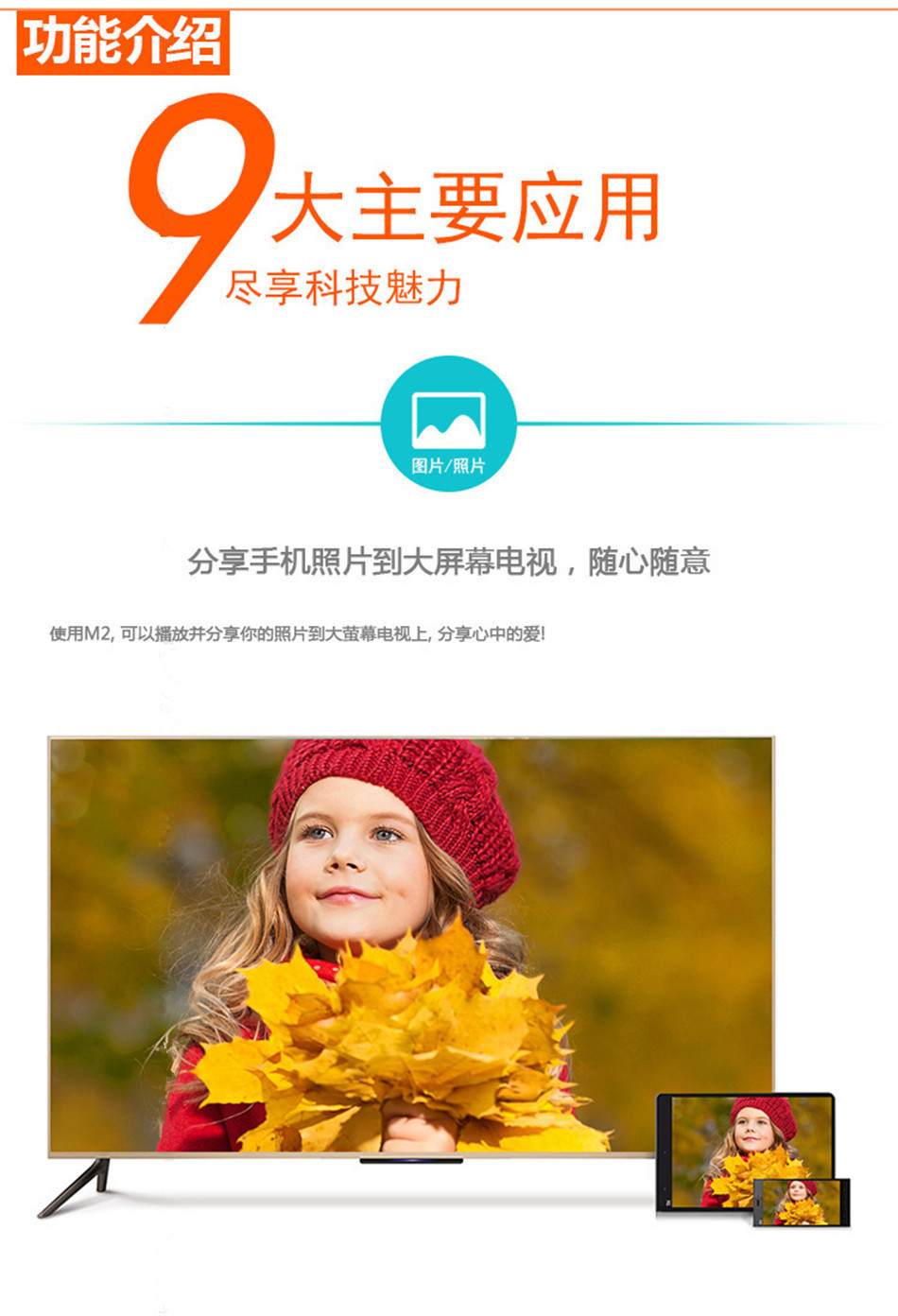
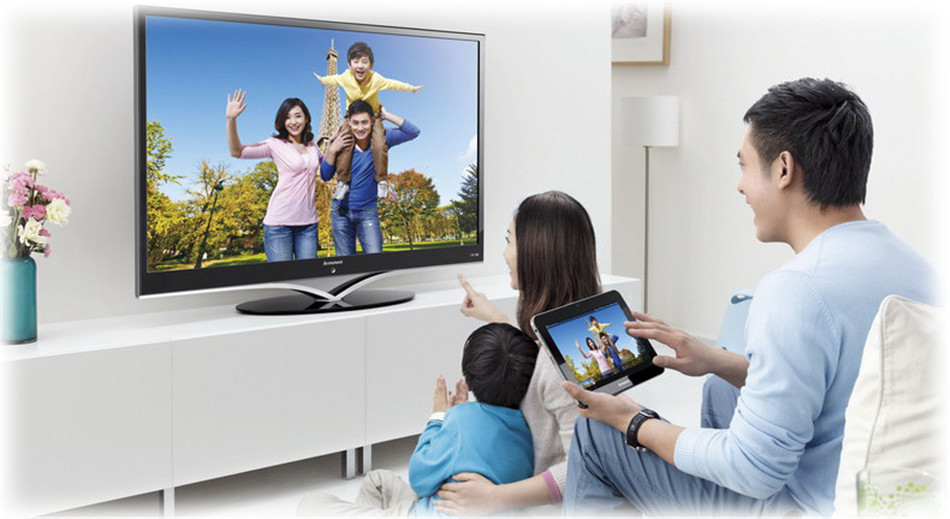
3.A powerful tool for transmitting small screens (mobile phone screens) to large screens (TV screens)
4.When pushing media, the mobile phone does not occupy the charging traffic, and the mobile phone becomes a remote control.
5.Supports multi-threading, and does not affect the operation of other functions on the phone when pushing media.
6.Supports multiple phones to connect simultaneously, sharing the brilliance of each other.
7.Hard decoding, supporting the smooth playback of all smartphone-shot videos and photos.
8.Compatible with multiple streaming formats, enjoy unlimited free access to a vast array of internet movie and TV resources.
9.Support"720/1080P" can be translated into English as "720/1080P".High-definition output, enjoy the perfect picture quality.
10.SupportWPSOne-click encryption, quickly connect to the router orAPConfigure connection.
11.Fashionable and compact design, a great companion for both home and travel.
12.Easy to install, just plug into anyHDMIInterface and connect to home useWIFINetwork.HDMI dongle
Product photography: The M2 plus, rkanycast HDMI DONGLE, and the three models that require switching (Android and iOS are not directly connected in the same interface) require switching. The M4plus, M5plus, M9, and M9plus, which are four models that do not require switching, can be directly connected in the same interface for Android and iOS systems. The M9 and M9plus are equipped with Chromecast protocol (requires downloading the home app) and have powerful functions. They support Android phones to play Netflix. All models support the new Android and iOS systems and support YouTube video playback!
1. What help does IPUSH Push provide?
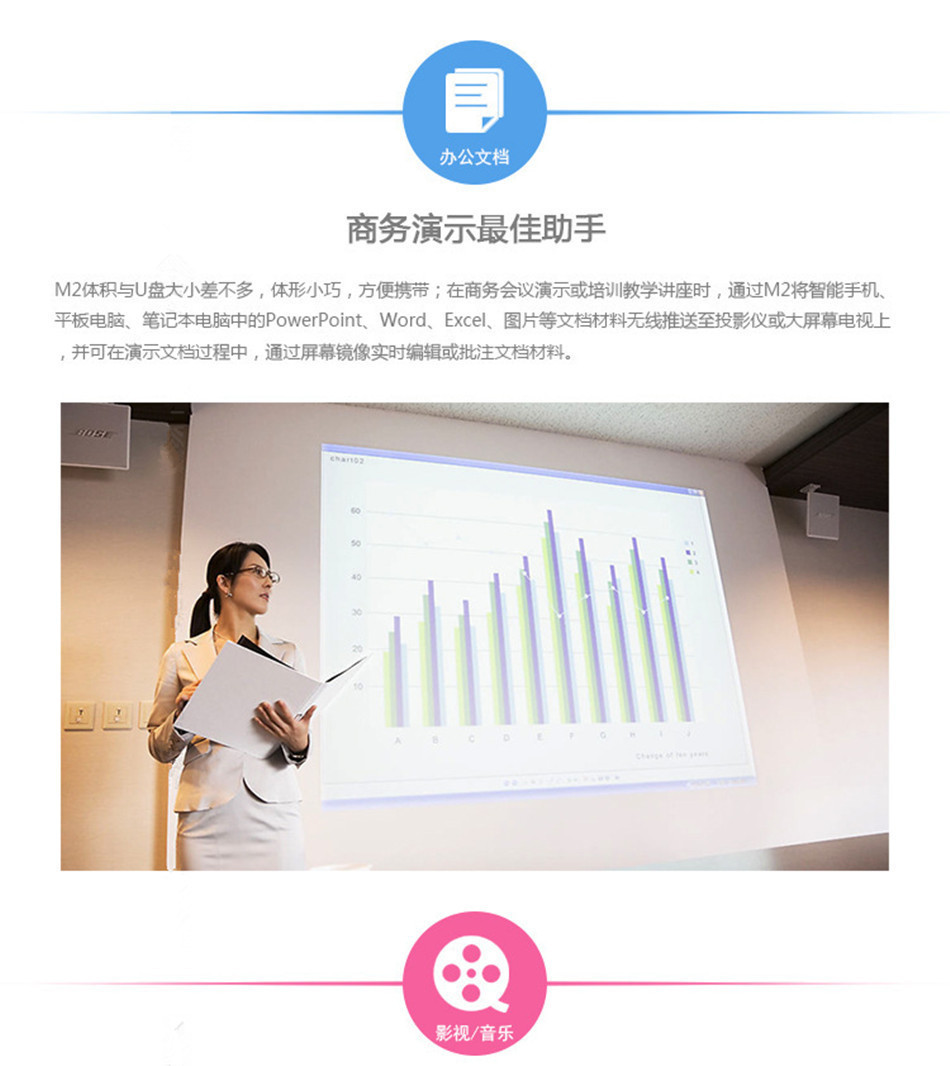
Answer: Business presentation, gaming features, fitness functions, sharing capabilities, live streaming, and on-demand features.
2. What systems does the product support?
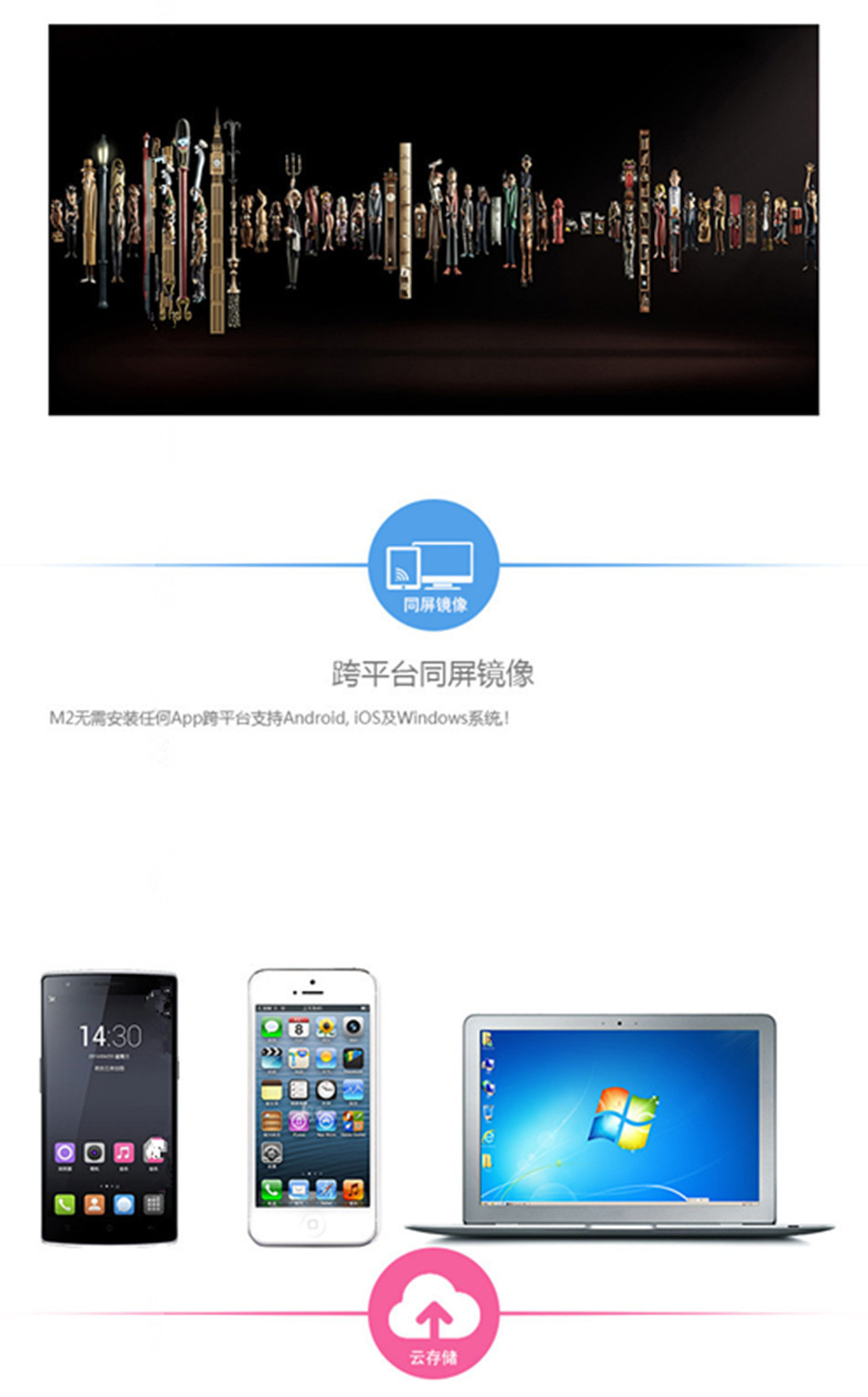
Answer: This product supports various operating systems such as IOS and Android.
3. Does the screen flash or display abnormal?
Answer: Please check if the HDMI connection is correctly plugged in and fully seated, and if the device's output resolution matches the television's settings.
4. Does the device restart?
Answer: Please check if the power supply supports a current greater than 1A. If not, please connect another device to provide power.
5. Unable to use Miracast function?
Answer: Please check if the corresponding operation device's system is Android 4.2 version or above, and whether the operation device supports this function.
6. When pushing locally, does it experience lag or long cache times?
Answer: It is recommended to use an HDM extension cable, place the DONGLE in an unobstructed location, keep the WIFI signal in an active state, or try to move closer to the DONGLE to achieve the best results.
7. Does the network on-demand service experience lagging or long cache times?
Answer: This is due to the fact that there are too many WiFi signals around you, leading to congestion, or the signal from the router is too weak. Please adjust the position of the router to ensure that the DONGLE can receive a stronger WiFi signal, which will solve the problem.
8. The WIFI connection of Pushbao cannot be established, and it always disconnects immediately after connecting?
Answer: This is usually because the password is entered incorrectly. Please re-enter the correct password: ********
9. Some video websites can't push the content through?
Answer: This is because the video website does not support the DNLA protocol, and the push must support the DNLA protocol.
10. Can't play the video you shot?
Answer: There are some differences in the compression formats used by various mobile phones. This product cannot guarantee to support all formats, and we will strive to optimize it.
11、Cannot find device name?
Answer: It is recommended to check if the network card cable is properly plugged in, or if the device is in the "Support: Android" mode. In this mode, the device name will not be found in the WiFi settings of the mobile phone.
12. After turning on the computer, how do I find the password? How do I find this setting?
Answer: After our HDMI adapter is connected to the television and display, it requires USB power supply. We provide a USB charging cable (5V 500MA). There are USB power ports on the back of the television. By switching the television to the HDMI mode, our product's images can be displayed. SISD:EZCAS -- This is our WIFI model, and the password will be displayed at the same time. After connecting to the WIFI through your mobile phone, you can use it.
13. My mobile phone and laptop. Do I need to connect to WiFi every time?
Answer: The first time you connect, you need to use the WIFI channel and enter the password to connect. The second time, there is a memory function. Our chip inside is designed with 4G DDR3 memory, so the second time you don't need to connect, you can use it directly.
14. The device's WiFi connection cannot be established, and it always disconnects immediately after connecting?
Answer: This is usually because the password input is incorrect. Please re-enter the correct connection password.
15. Some video websites can't push the content through?
Answer: This is because the video website does not support the DLNA/Airplay protocol, and it is necessary to support the DLNA/Airplay protocol to be able to push online video on demand.
16. The video can't be played?
Answer: There are some differences in the compression formats used by various mobile phones, and this product cannot guarantee support for all formats. We will strive to optimize.
17. "Support: Android" feature not working?
Answer: It is recommended to check if the device is in the "Support: Android" mode. This device can convert modes through buttons. This product cannot guarantee support for all mobile phones on the market, and we will strive to optimize!
18. How is the quality warranty? What to do when there are problems?
Sign: We generally provide a one-year warranty, in accordance with the national three-pack regulations. If the problem is caused by human factors, we will charge for parts. Our software will be regularly updated and upgraded over the network.




Update time:


TOP


