
Search history
Clear allSearch by image
XDrag and drop an image here or upload an image
Max 5MB per image
UploadSign In | Join

Search history
Clear allSearch by image
XDrag and drop an image here or upload an image
Max 5MB per image
UploadSign In | Join
Yiwu Bolong Auto Products Firm 15yr.
Contacts ShenHuanLong Chat
Mobile 13777912133
WeChat 13777912133
Main Features
Real-time tracking by SMS/Platform/APP
Remote Voice Listening
SOS alarm
Power Cut alarm
Geo-fence alarm
ACC Detected
Remote cut-off fuel or electricity
History Tracking Playback
Multi-vehicle management
Working voltage 12-24V
Door detection
SIM card Balance Inquiry
Applicable
Vehicle anti-theft
Vehicle rental
Fleet management
Logistics transportation
The Shared items
Specification
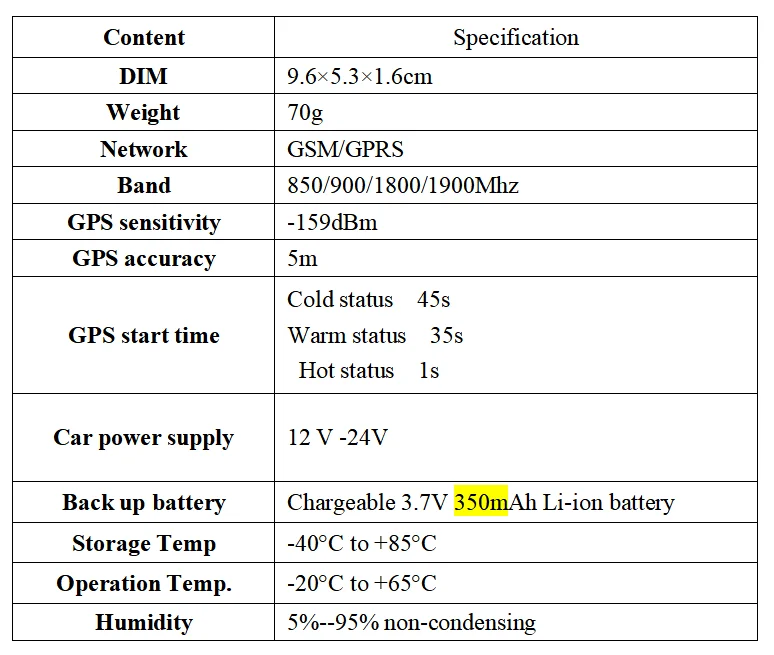
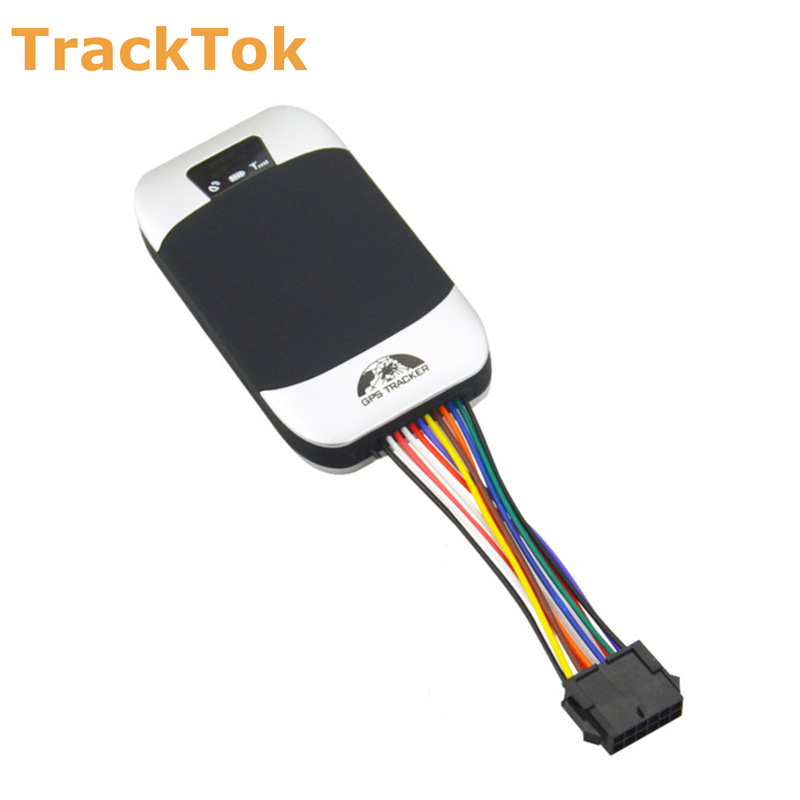
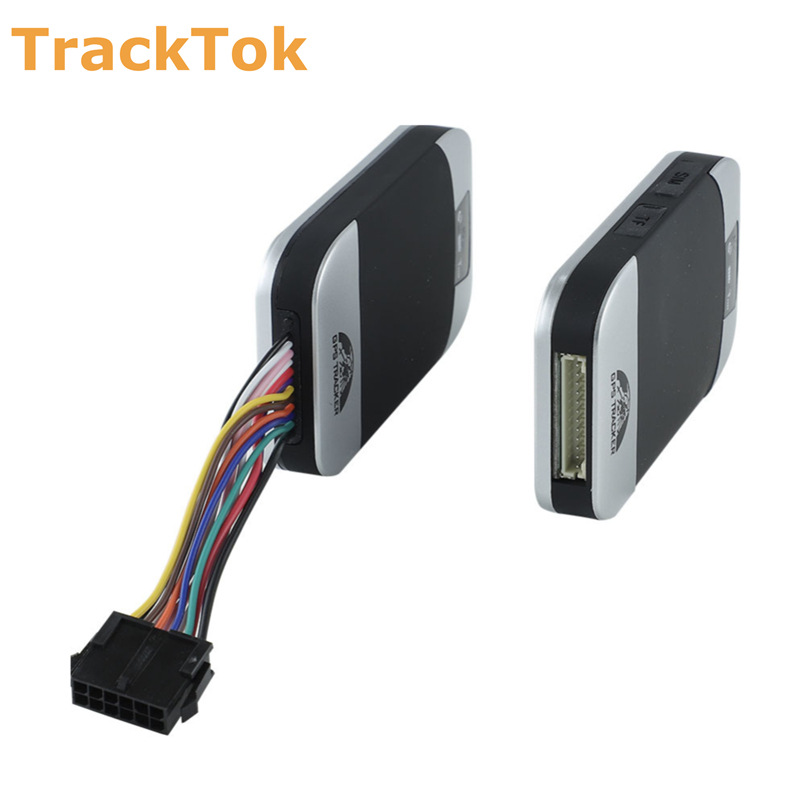
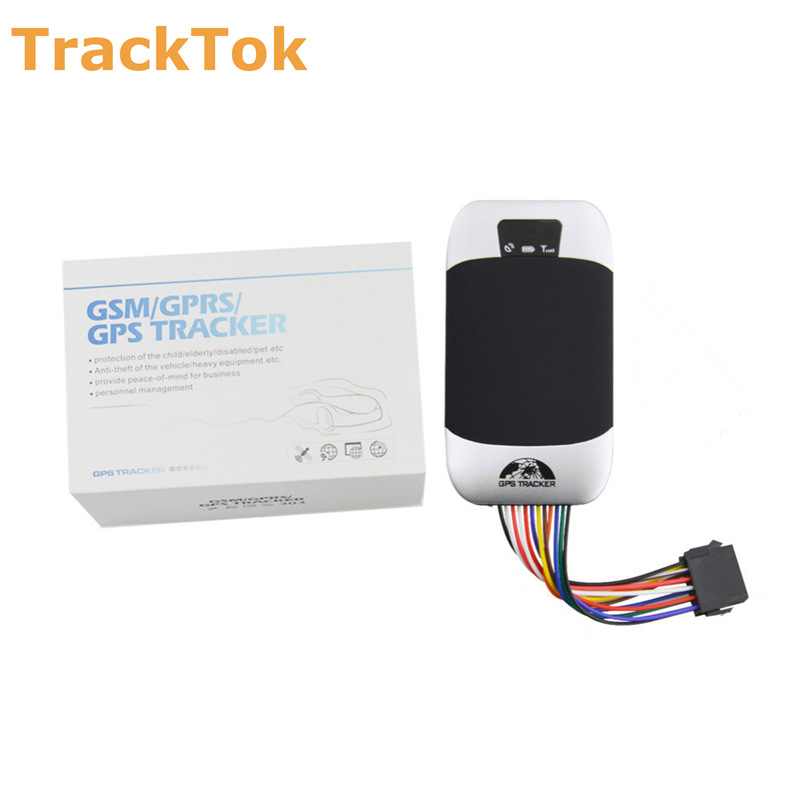
Product details Display

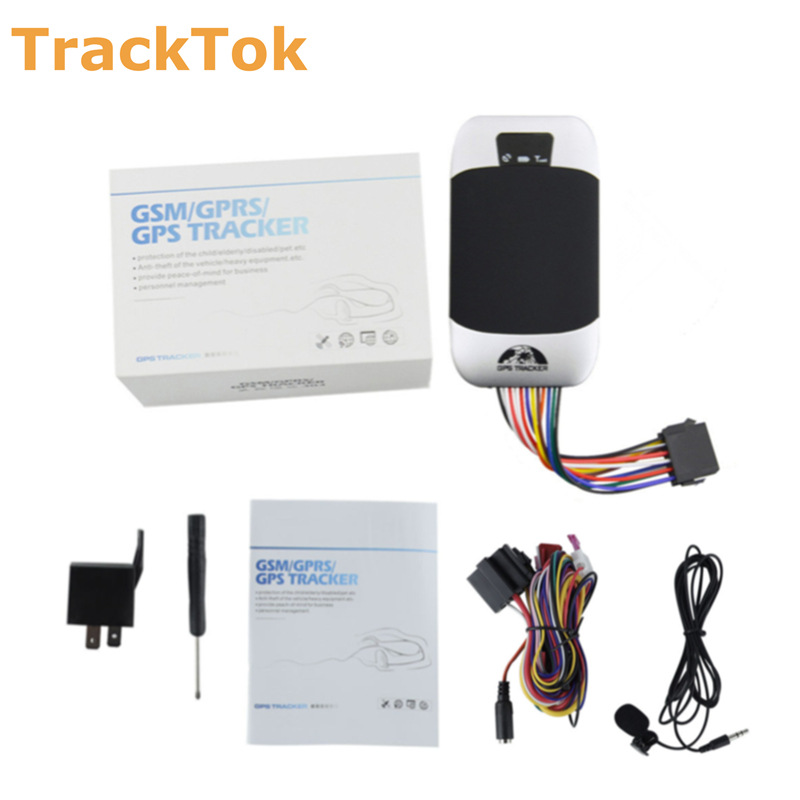
What should you prepare after getting the device?
* Please obtain a suitable SIM card for this GPS tracker. The SIM card must be compatible with the 2G GSM network, and it must be a Micro-Size SIM card.
* Please enable the 'GPRS internet data traffic' and 'Caller ID Display' features of the SIM card.
Please ensure that the SIM card has enough balance and remove the PIN code.
* Please obtain these information from your SIM card provider: APN name, APN username, APN password.
How To Install It?
It is recommended that the installation be performed by professional technicians.
1. Power Wires connection
1) Please ask the qualified engineers to install it.
2) Do not install it in an environment which is over GSM performance index.
3) Pay attention to make installation location preventing water and dust.
4) 找到12针线束并将其插入产品的相应孔中,然后将电线与下面的原始汽车电路相连:
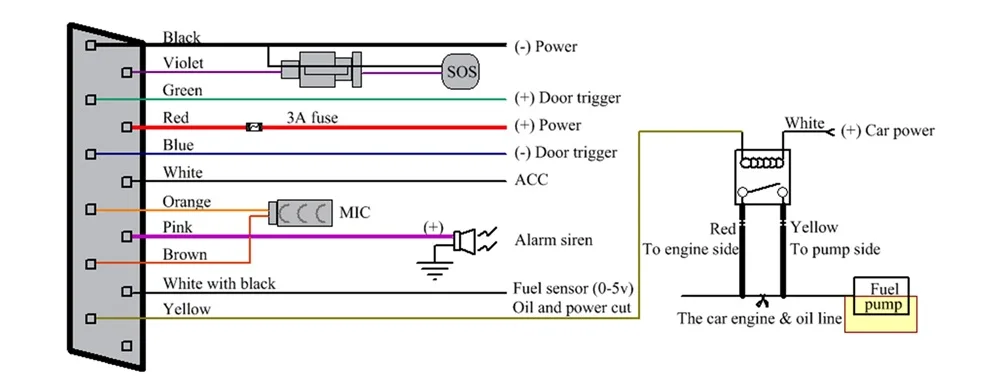
2. Wiring Diagram
*Note: The pink wire can be connected to the original car horn; it can also be connected to the siren bought with the tracker.
*Please note the type of the door trigger is positive or negative. If it is positive, please connect the green wire to the door control circuit. If it is negative, please connect the blue wire.
Please install the SOS button at a place where the driver can easily touch it.
3. installation site
NOTE: device front side towards the sky.
If the windscreen is glued with a metal thermal insulation layer or heating layer, it will reduce the GPS receive signal and cause GPS to work irregular.

How to log in mobile APP and web server?
1. Set APN
* Set the APN of the device, and then it will be online tracked by the platform.
* If the device is already online after inserting the SIM card, there is no need to set APN.
We have two ways to get the APN content of the device's SIM card: Check the carrier on the internet or put the SIM card into a cell phone to find out the APN.
Step 1: Set APN command: APN password Space your local APN
Step 2: Set GPRS user name and password command: up + password + space + user + space + password
Step 3: Switch to GPRS mode command: GPRS123456
Example: If we got APN information below:
APN name: tim
GPRS user: brtim
Password: tim
The SMS command as below:
1. APN123456tim
2.up123456 brtimtim(If no GPRS user name and password, no need set.)
3.GPRS123456
2. Website Tracking
3. Applications for Android/IOS:
Search" BAANOOL IoTPlease search for '[APP Name]' on Google Play or the APP Store to download and install the mobile APP.

Update time:


TOP


