Search history
Clear allSearch by image
XDrag and drop an image here or upload an image
Max 5MB per image
UploadSign In | Join

Search history
Clear allSearch by image
XDrag and drop an image here or upload an image
Max 5MB per image
UploadSign In | Join
X Email Mobile
 black
black
|
CN¥ 0.0 |
Pingping Electronics 14yr.
Contacts Zhao Yiming Chat
Mobile 86-13615897788
E-mail ywgame@vip.qq.com
15924248648


Product USP:
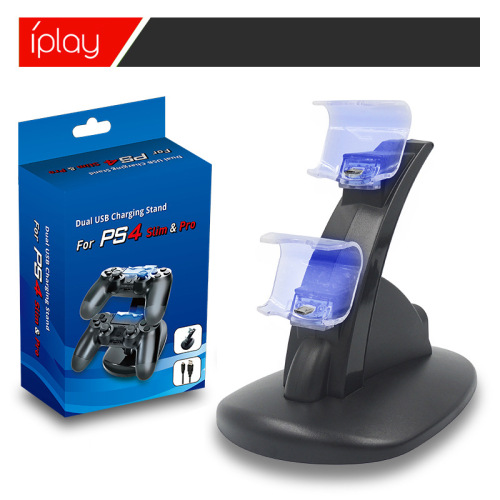
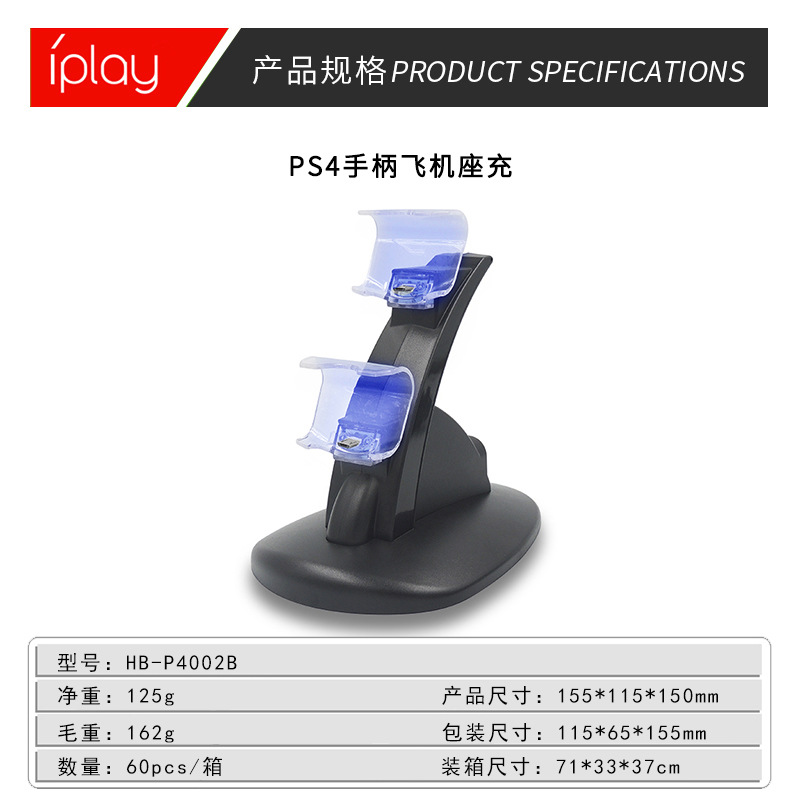
With a blue light, it automatically turns off when fully charged to protect the handle.
Product Description:
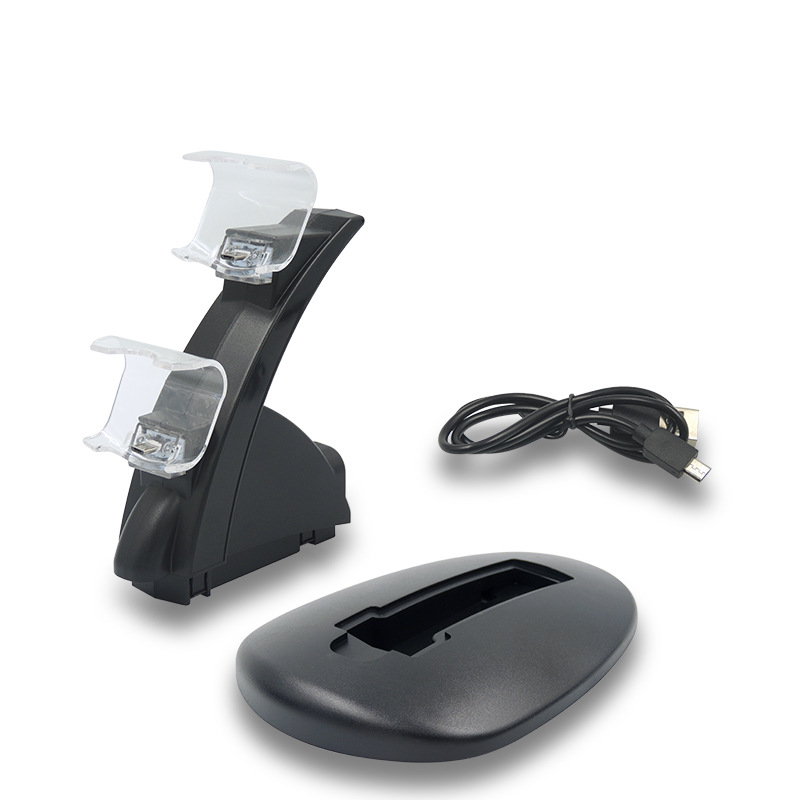
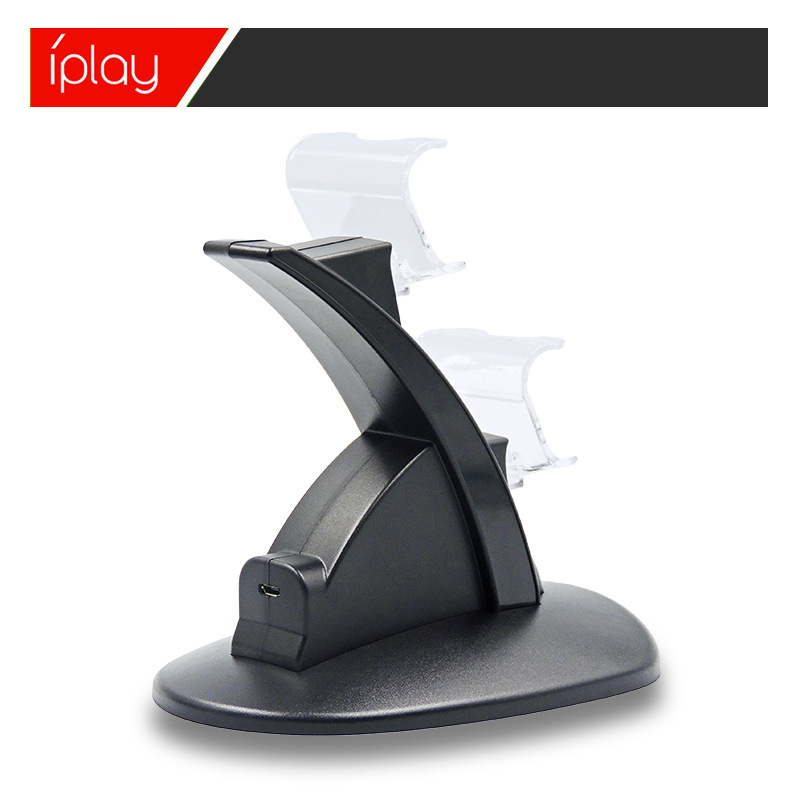
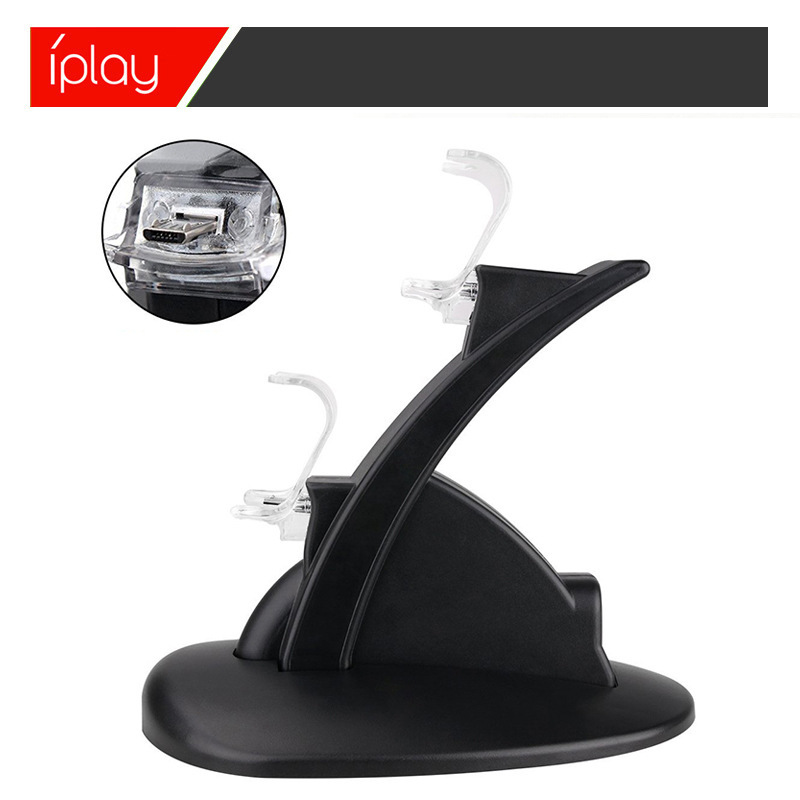
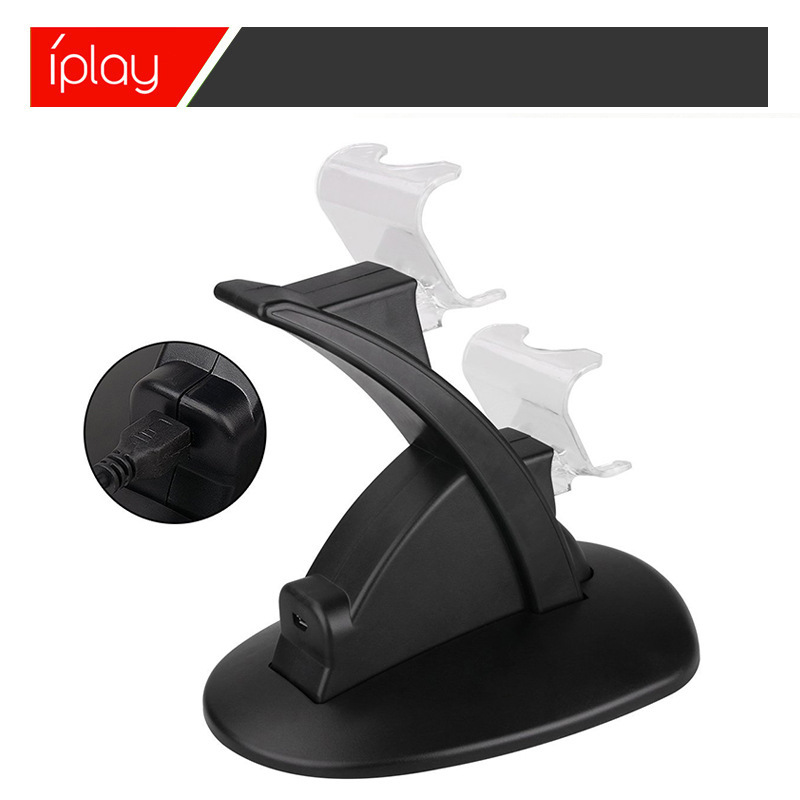
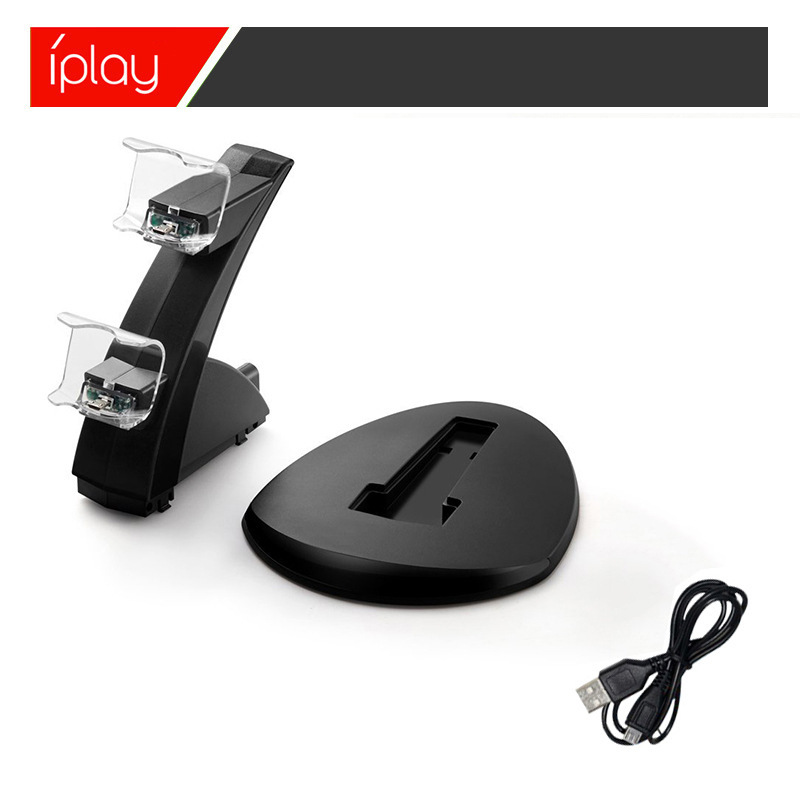
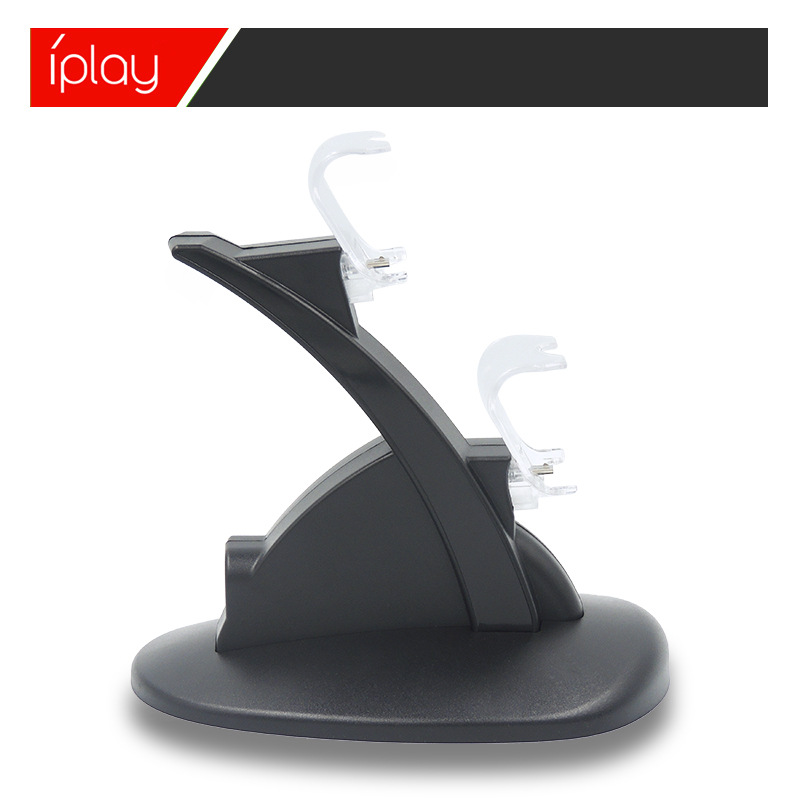
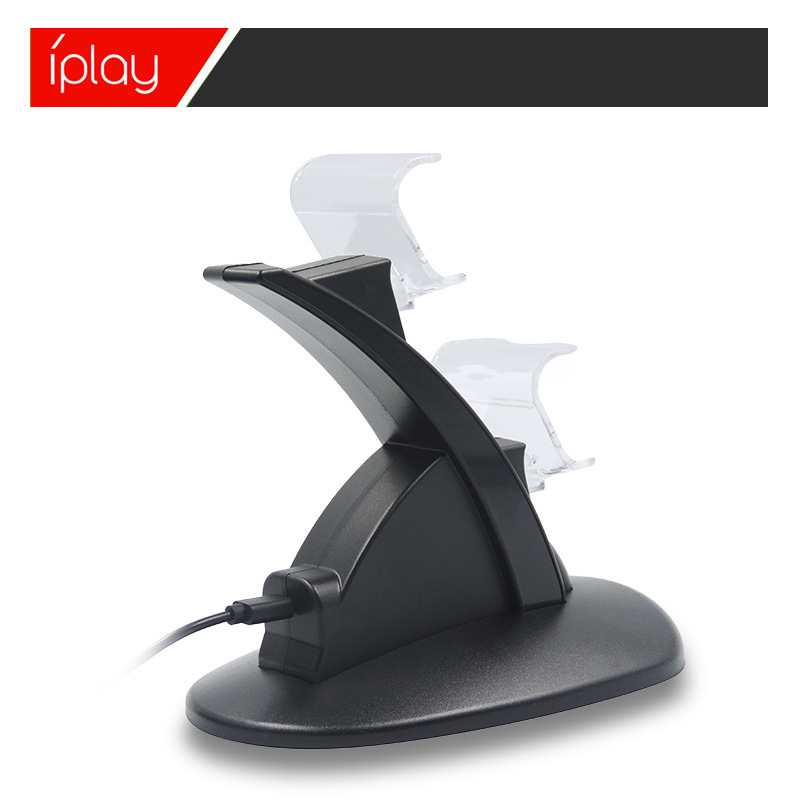
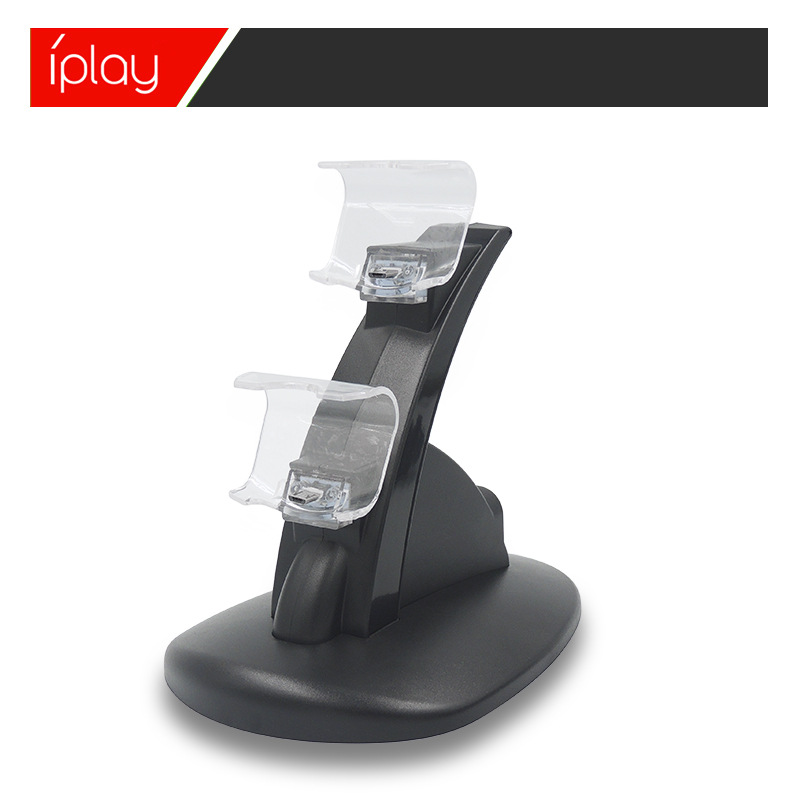
1. Insert the USB plug of the product configuration charging cable into the PS4 console, or into the USB socket of any standard DC5V power adapter, and the MICRO male end of the charging cable into the MICRO female socket of the product charging base. This will begin to power the product.
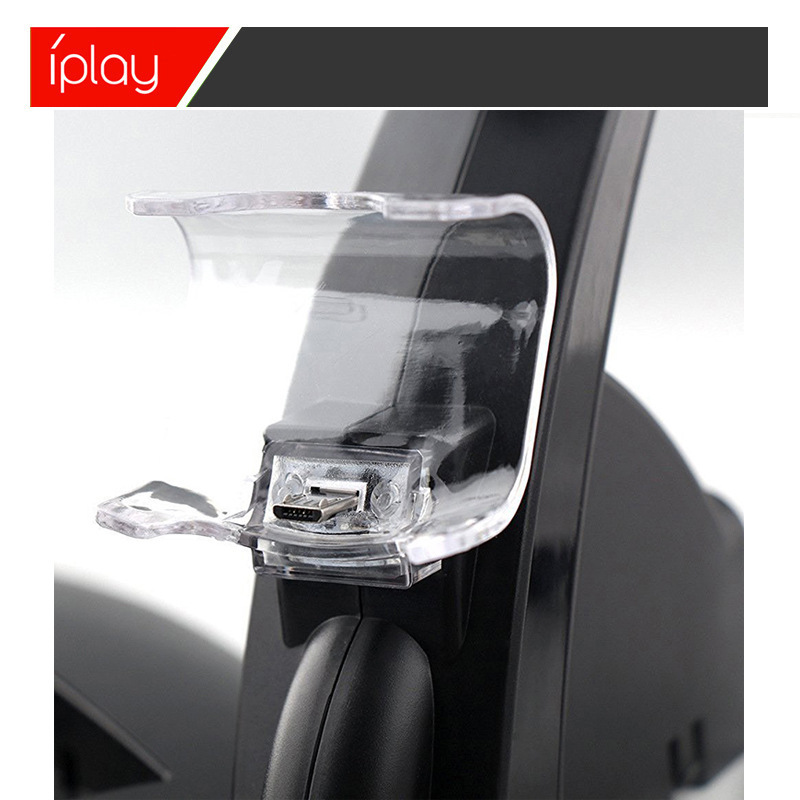
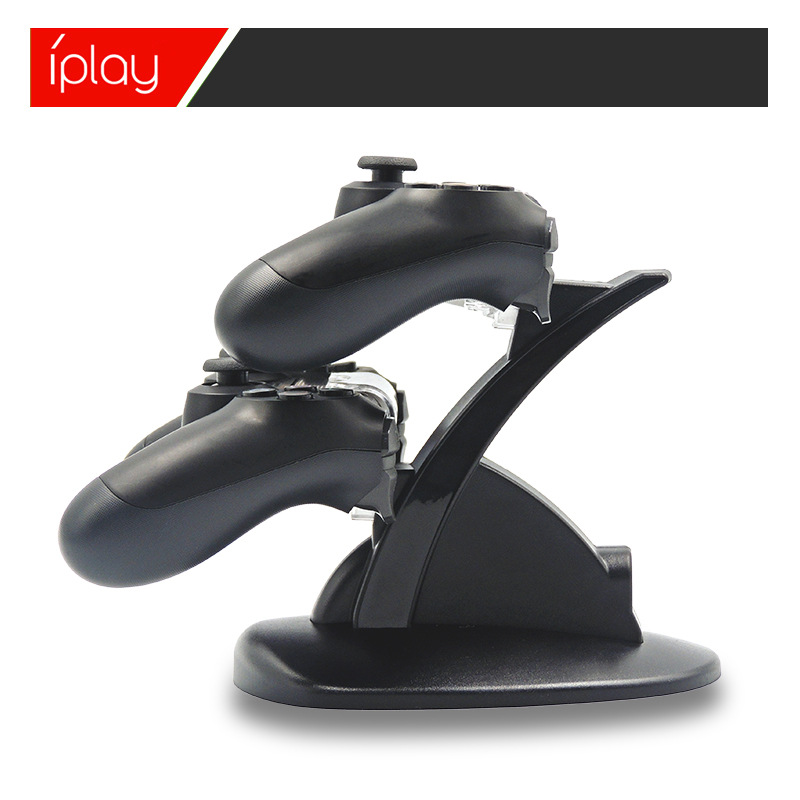
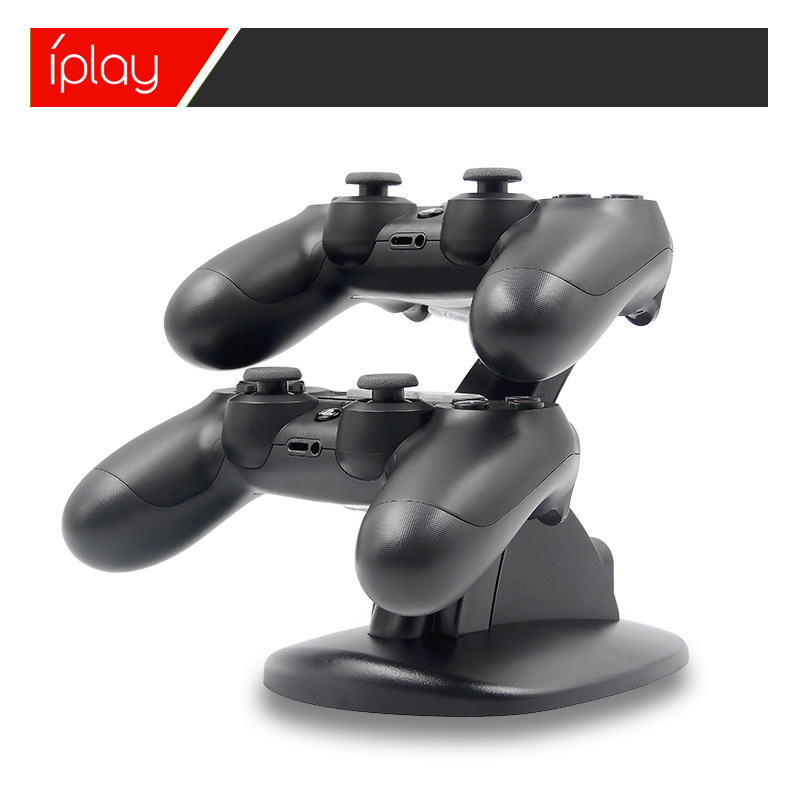
2. Install the PS4 controller upside down on the product, insert the MICRO interface into the charging slot correctly to charge it, and you can also charge two PS4 controllers simultaneously. The charging recess on the product can reflect the charging status of the controller's indicator light, and you can see the charging light of the controller, indicating that the product is charging the battery pack.
3. When charging the PS4 controller, the seat charger indicator light is blue.The PS4 controller can control the charging status on its own. It will automatically charge when the battery is low and turn off the power supply once fully charged to protect the controller.
Notes:
1. When placing the PS4 controller into the charging stand, please insert it in the correct direction.
2. If you need to clean the charging stand, please use a dry cloth to wipe, and do not use chemical solvents to wipe.
3. Do not place this charging stand next to metal items.
4. Do not use a microwave or external heating device to dry this charging stand.
5. Please do not place this charging stand in direct sunlight, high temperature or humid places.
6. Do not open the charging stand by yourself.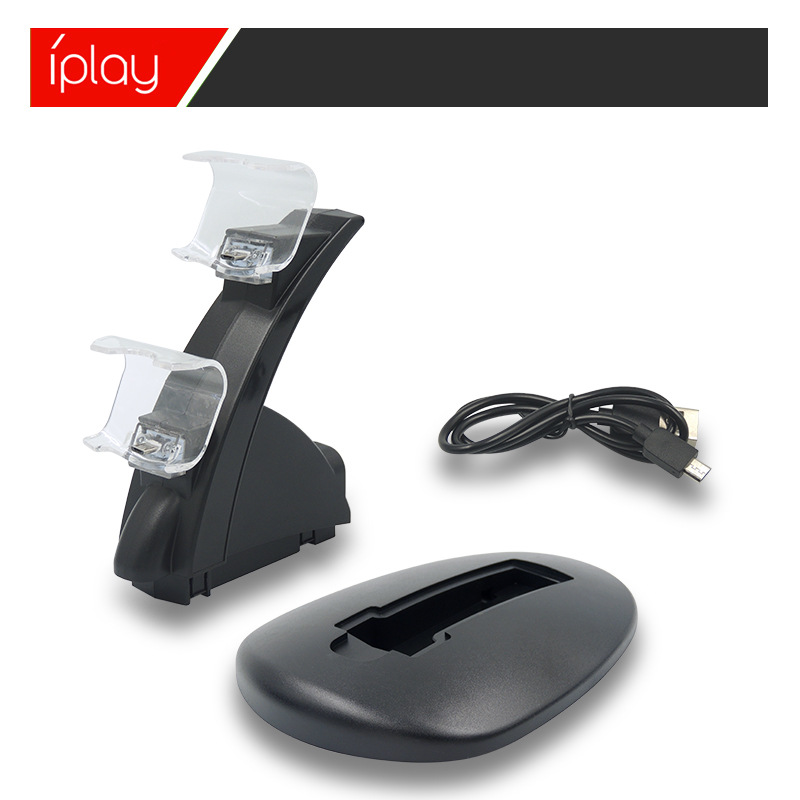


Update time:


TOP