Search history
Clear allSearch by image
XDrag and drop an image here or upload an image
Max 5MB per image
UploadSign In | Join

Search history
Clear allSearch by image
XDrag and drop an image here or upload an image
Max 5MB per image
UploadSign In | Join
X Email Mobile
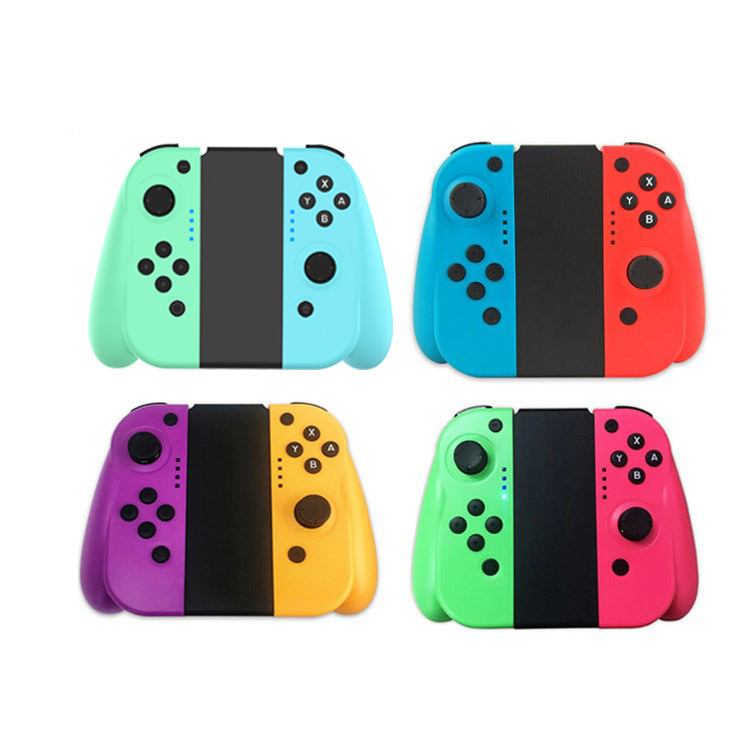
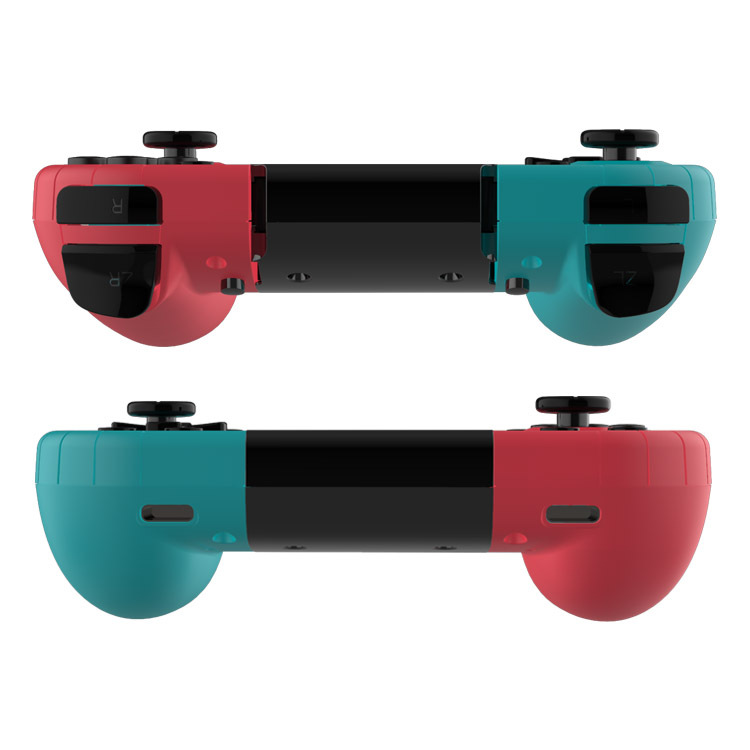
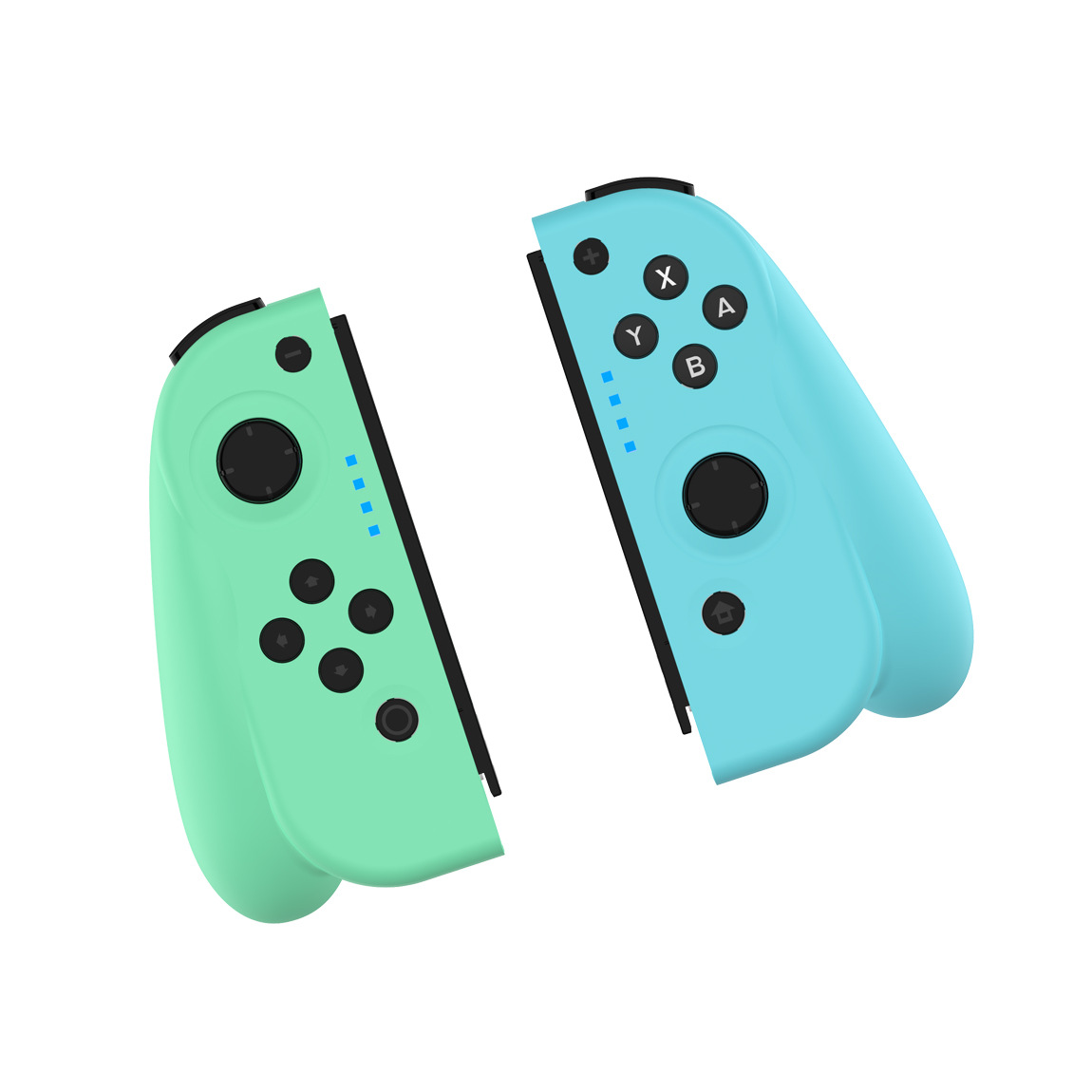
 t13 green and blue
|
CN¥ 105.0 |
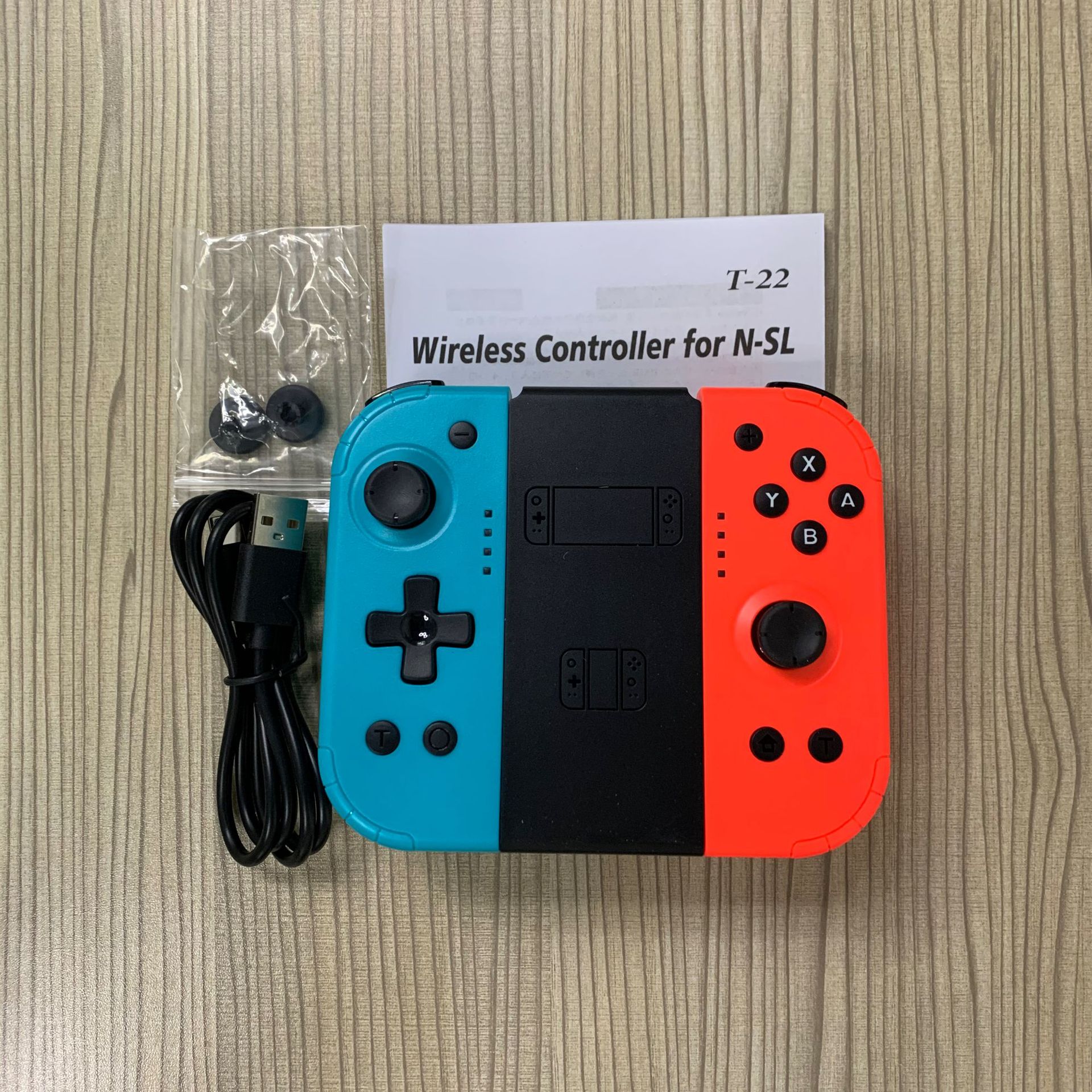
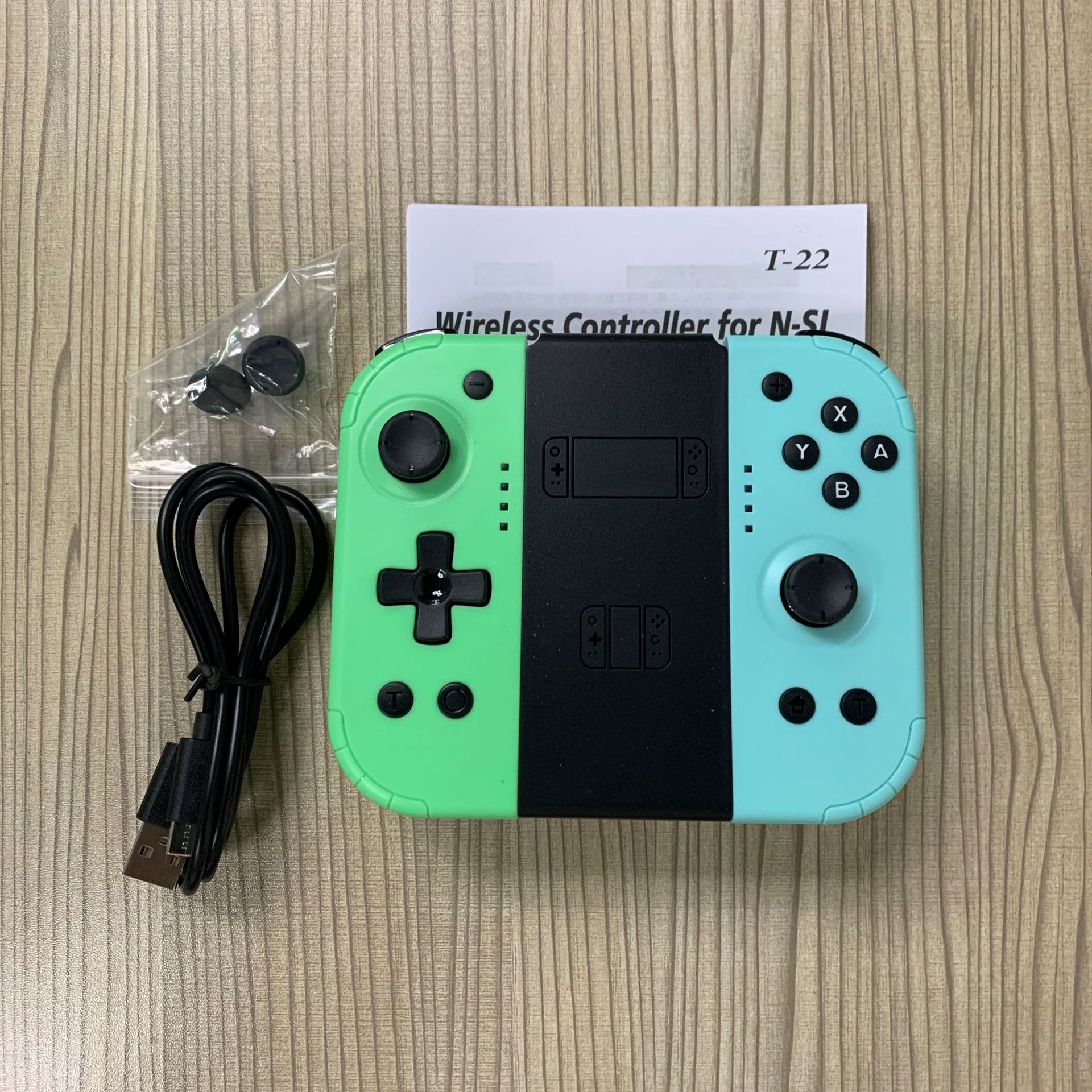
 t22 green and blue
|
CN¥ 95.0 |
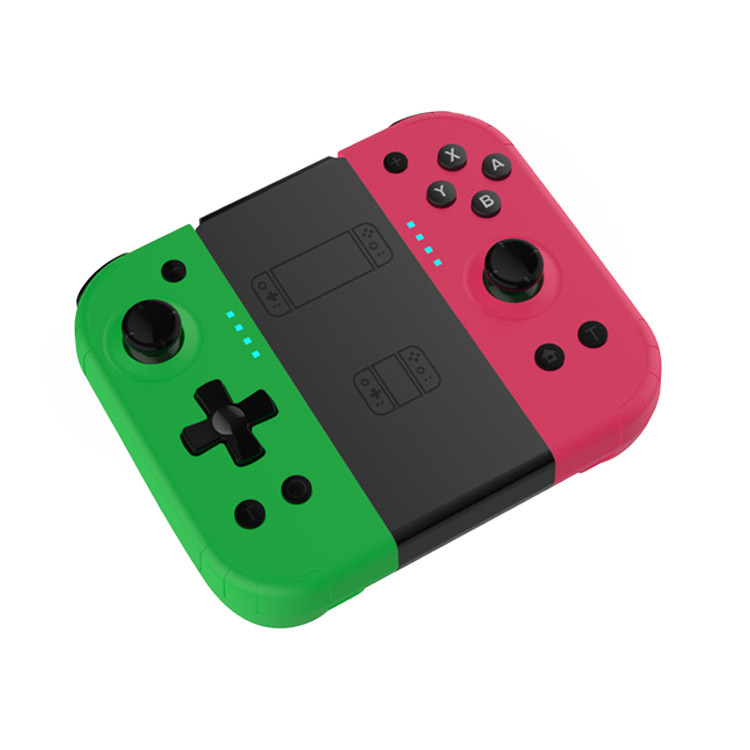
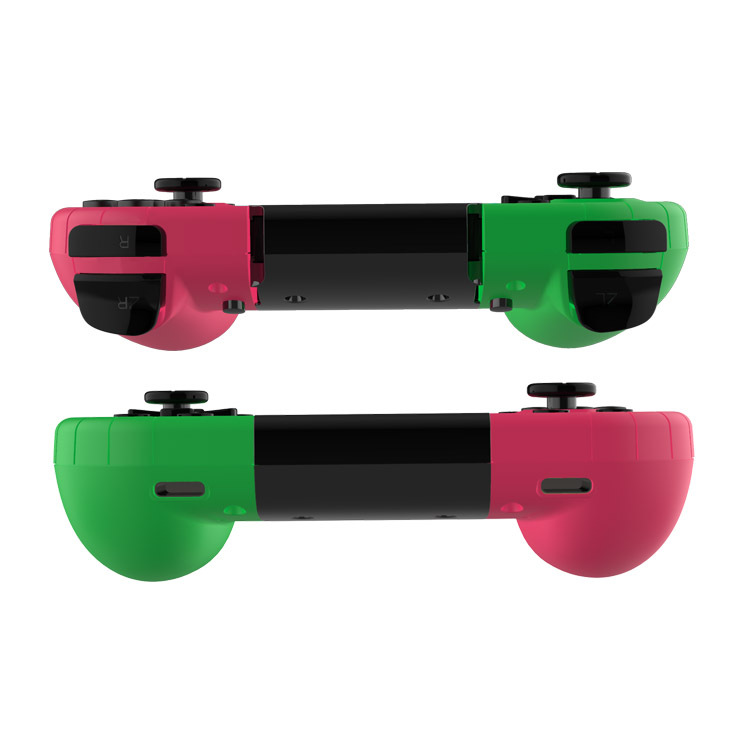
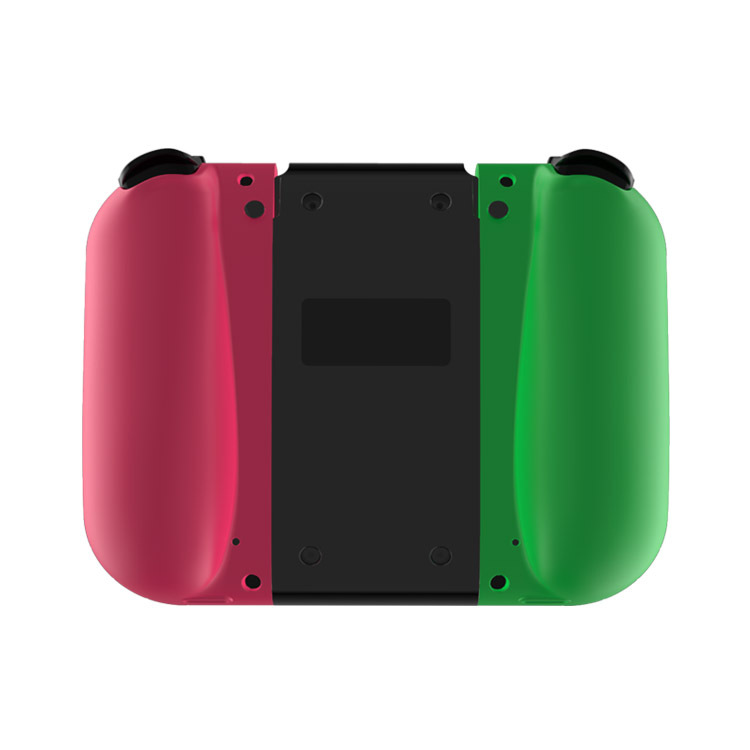
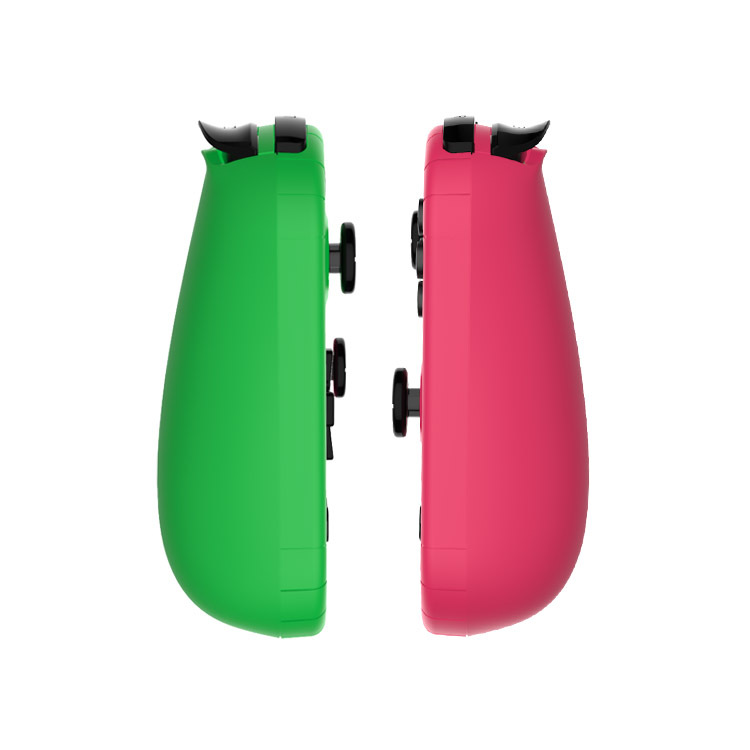
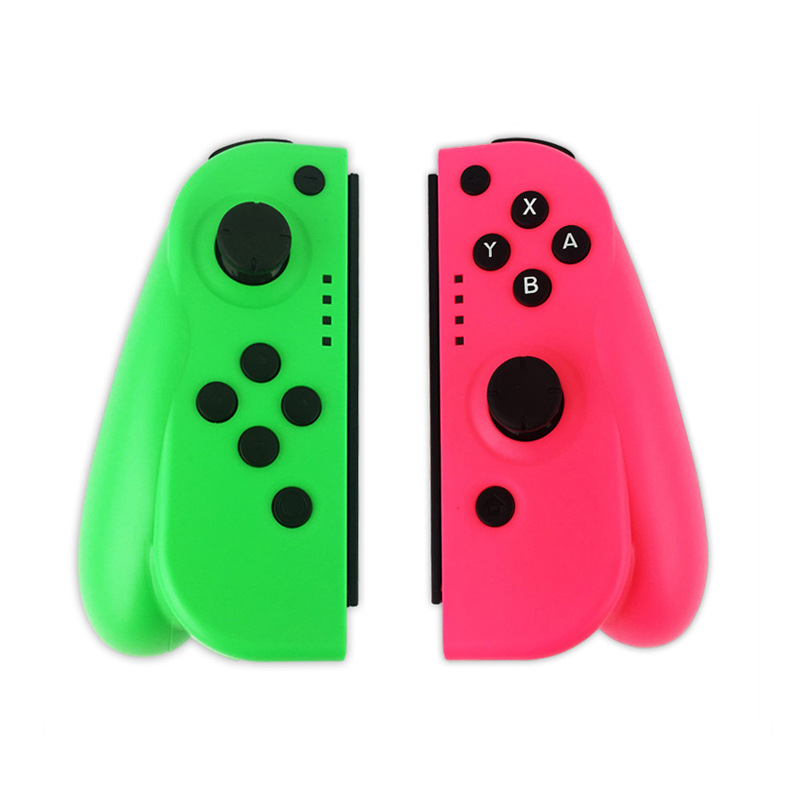
 t13 green pink
|
CN¥ 105.0 |
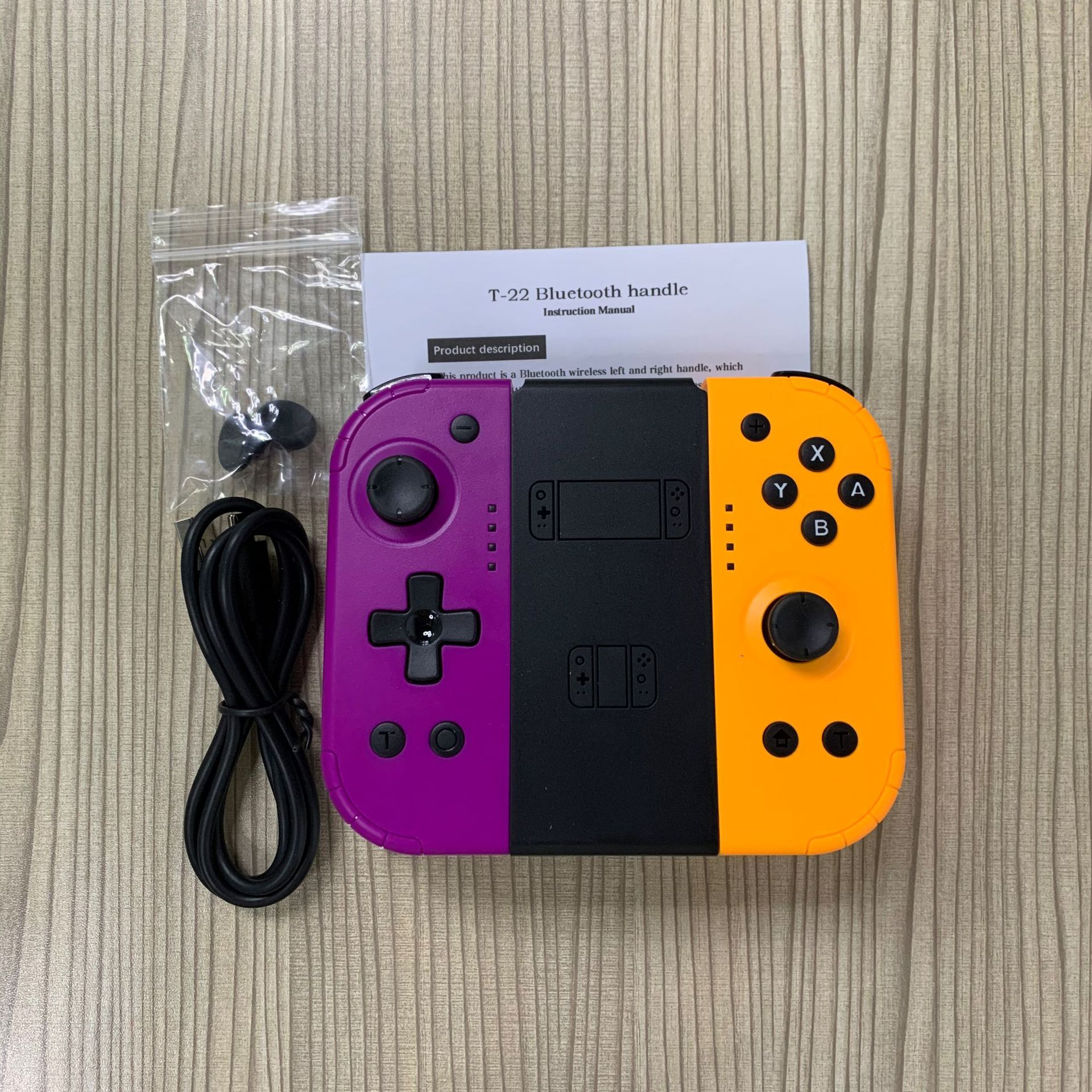
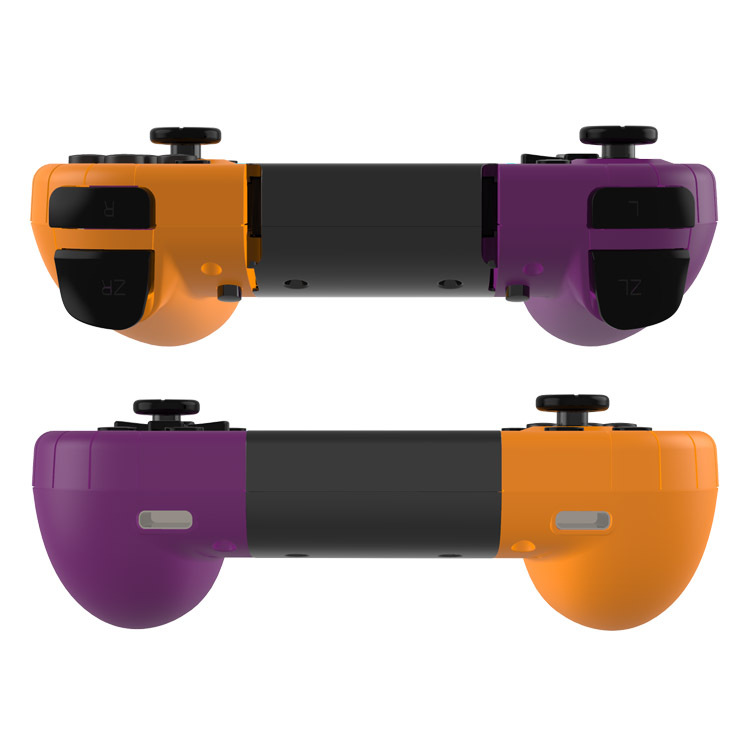
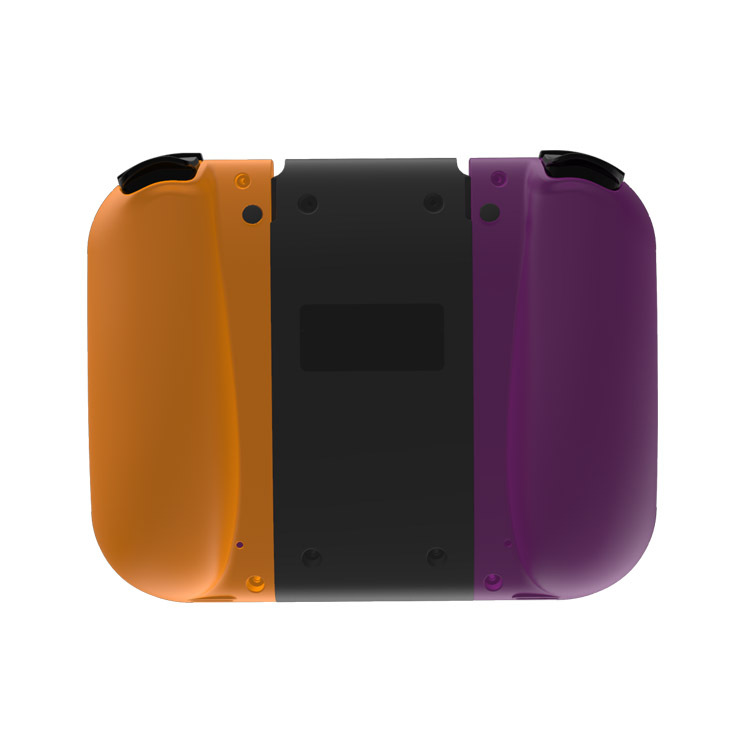
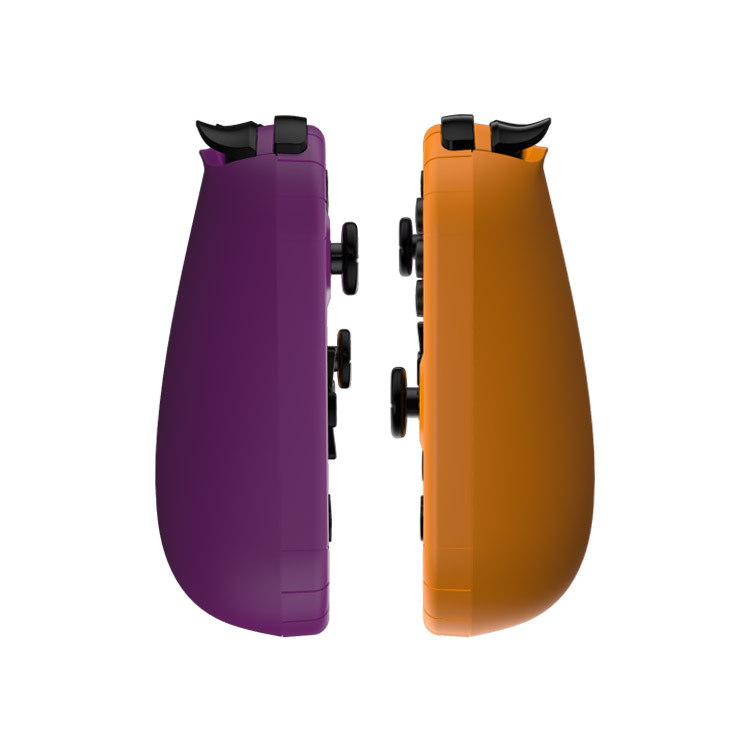
 t22 purple orange
|
CN¥ 95.0 |
 t22 green pink
|
CN¥ 95.0 |
 t13 purple yellow
|
CN¥ 105.0 |
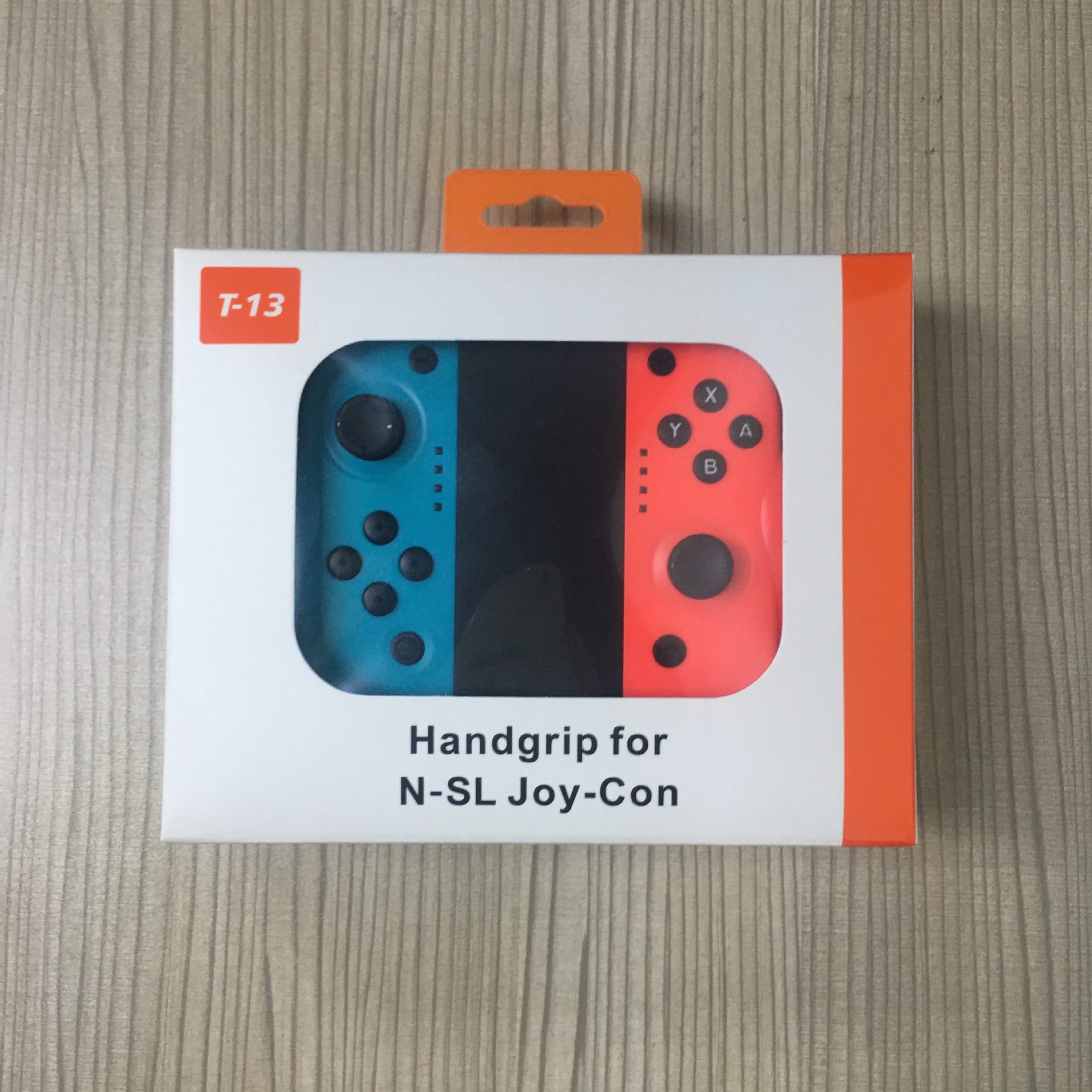
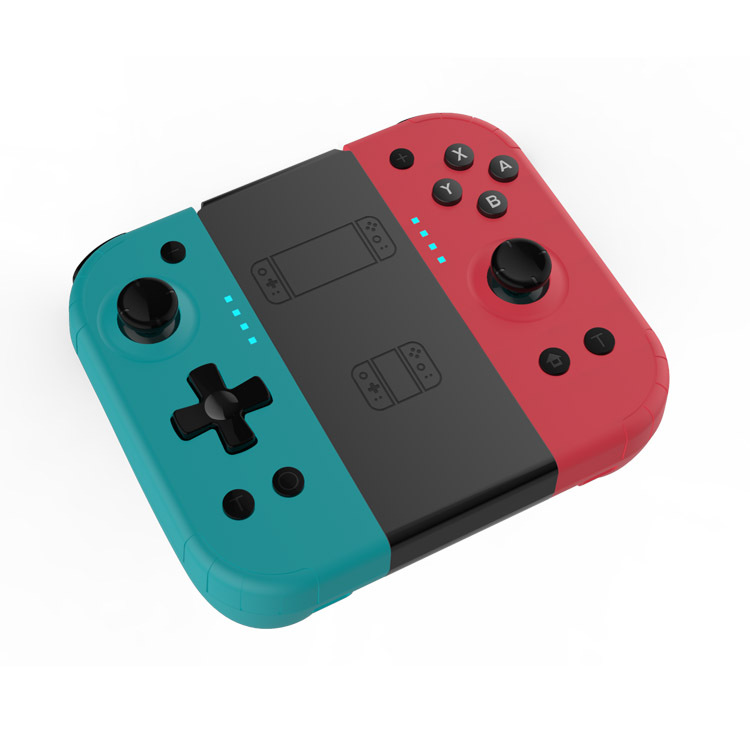
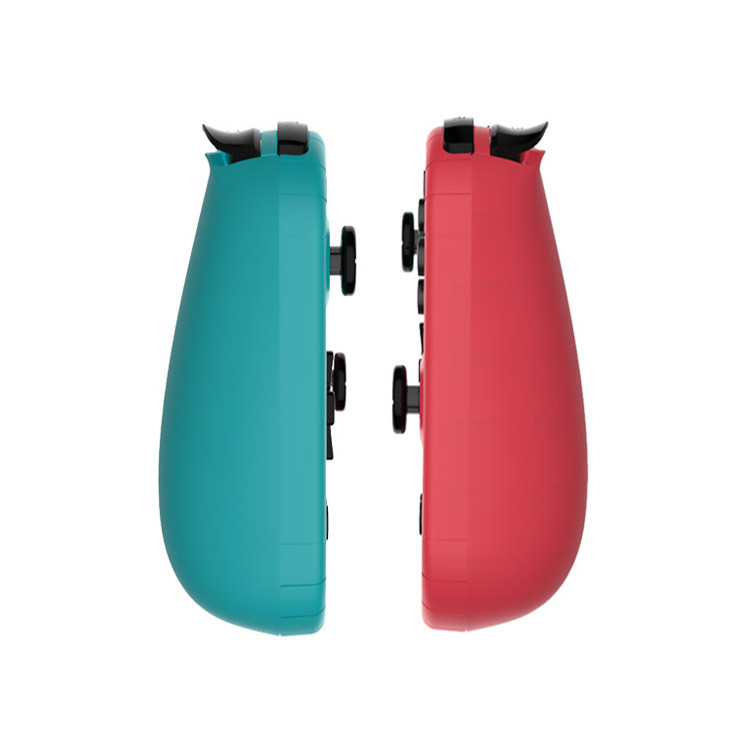
 t13 blue and red
|
CN¥ 105.0 |
 t22 blue and red
|
CN¥ 95.0 |
Pingping Electronics 14yr.
Contacts Zhao Yiming Chat
Mobile 86-13615897788
E-mail ywgame@vip.qq.com
15924248648

The difference between T13 and T22 is that T13 is a 13-inch model and T22 is a 22-inch model.
T22 with wake-up function, T13 without wake-up function
Product Description
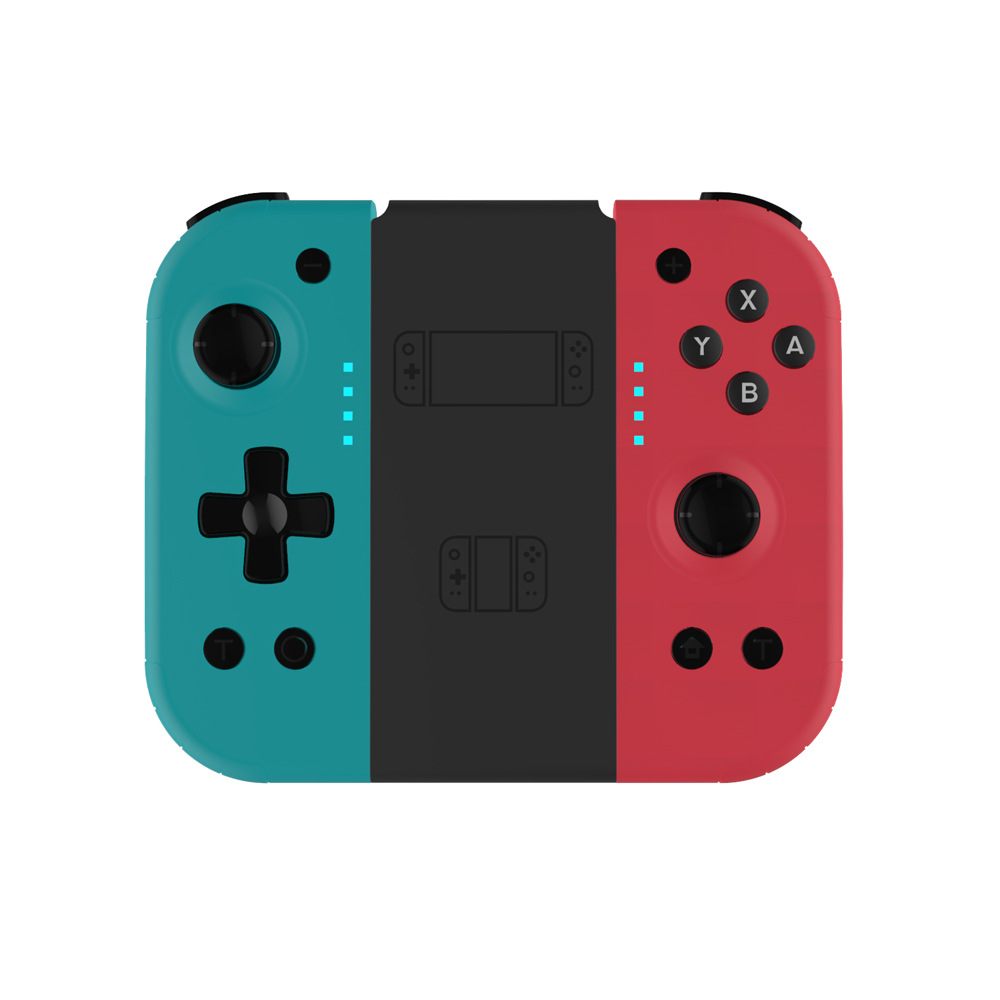
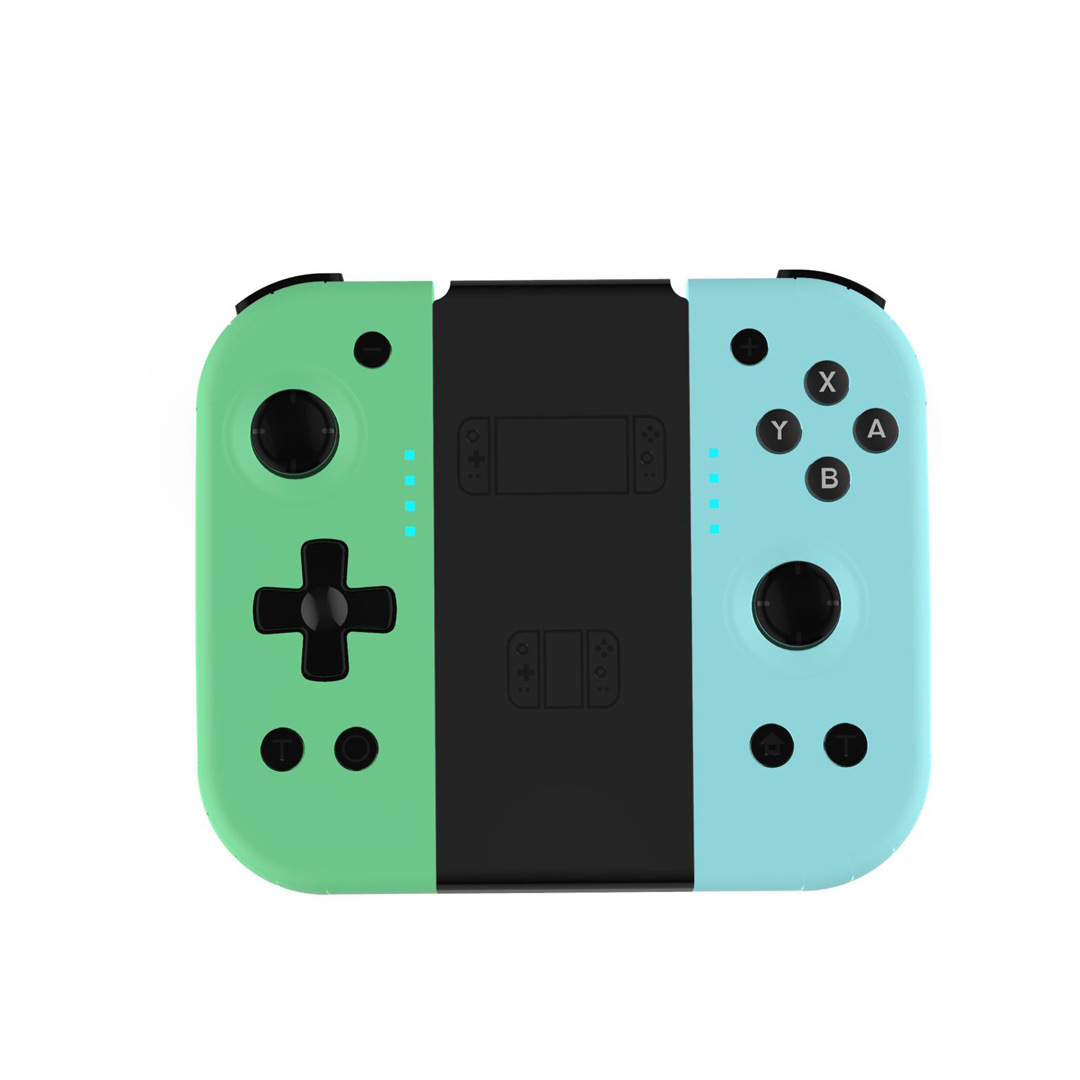
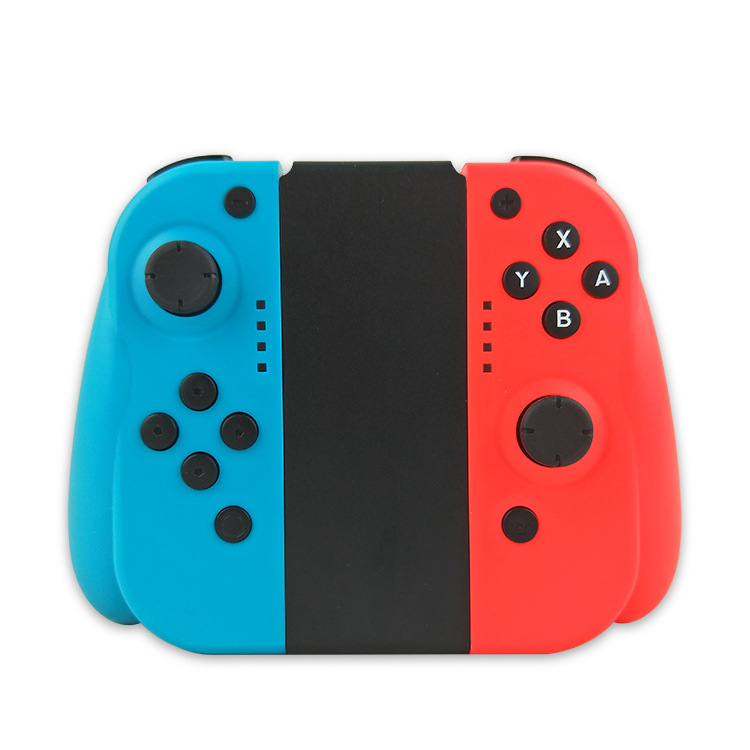
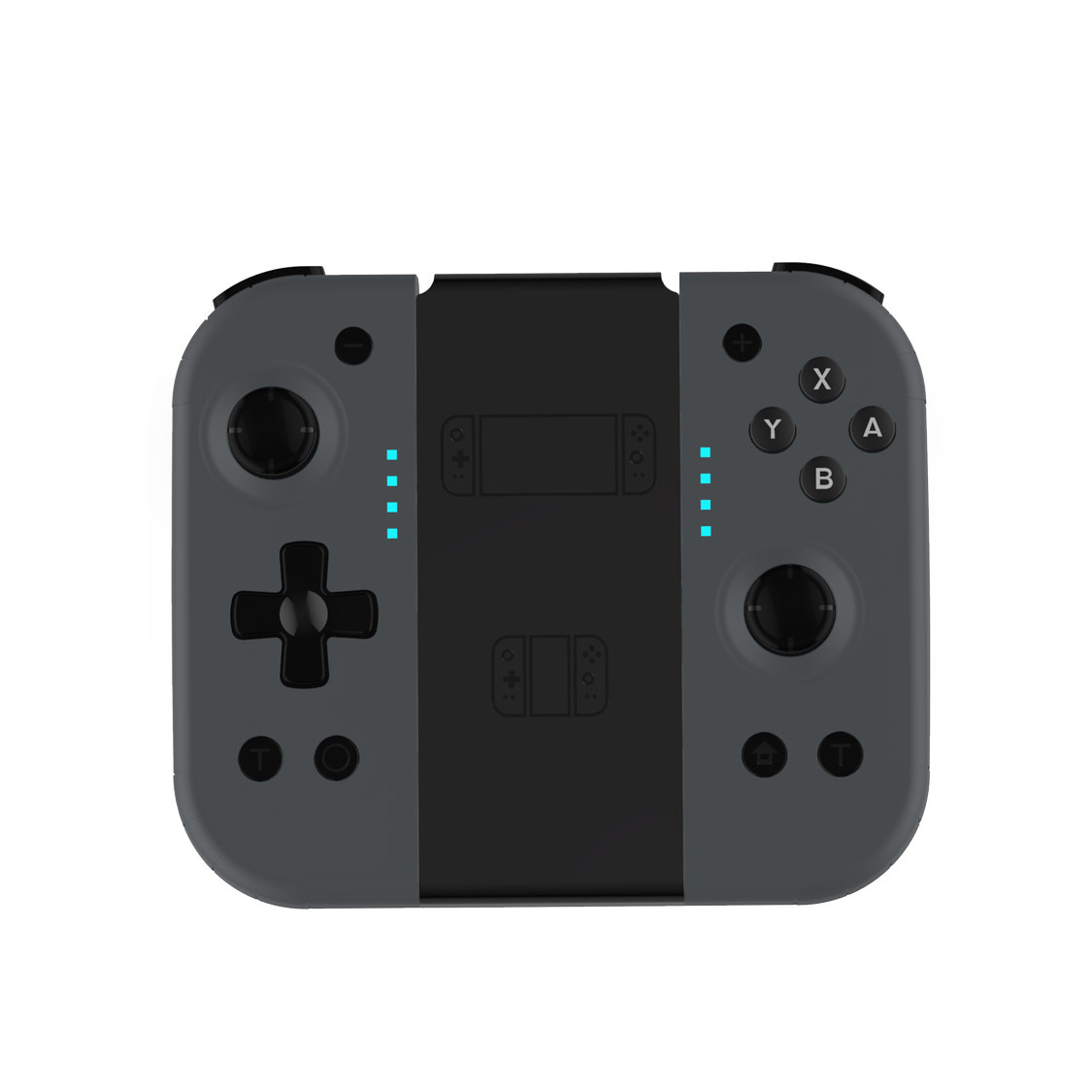
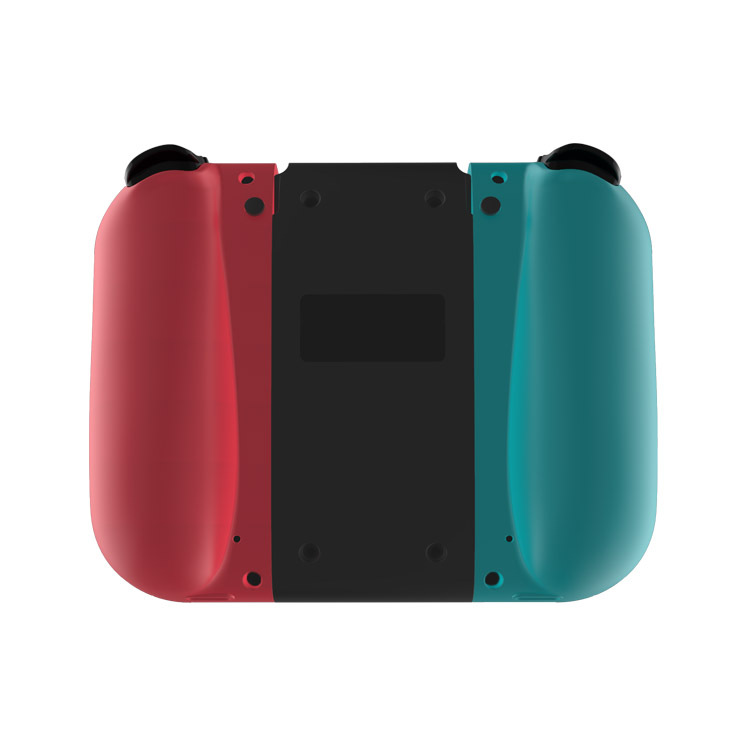
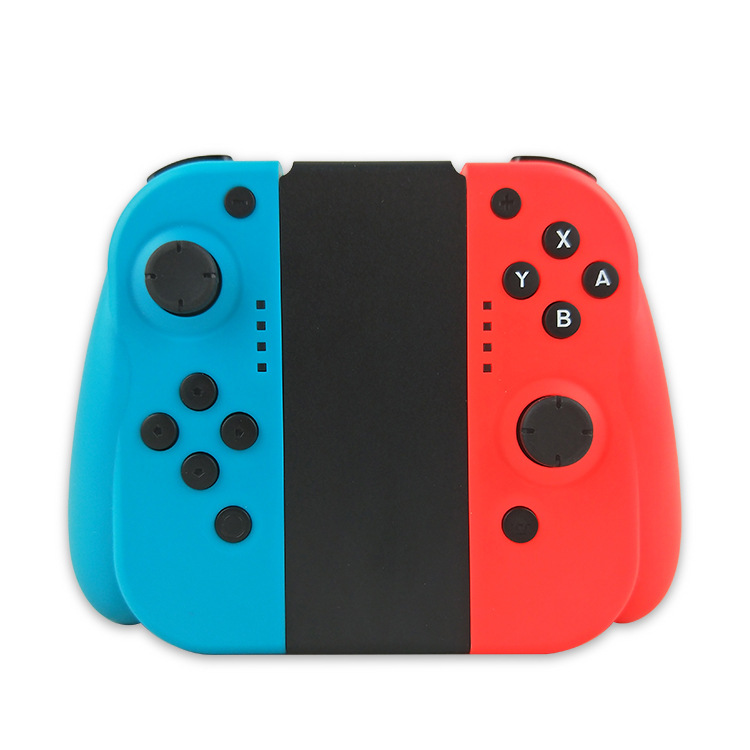
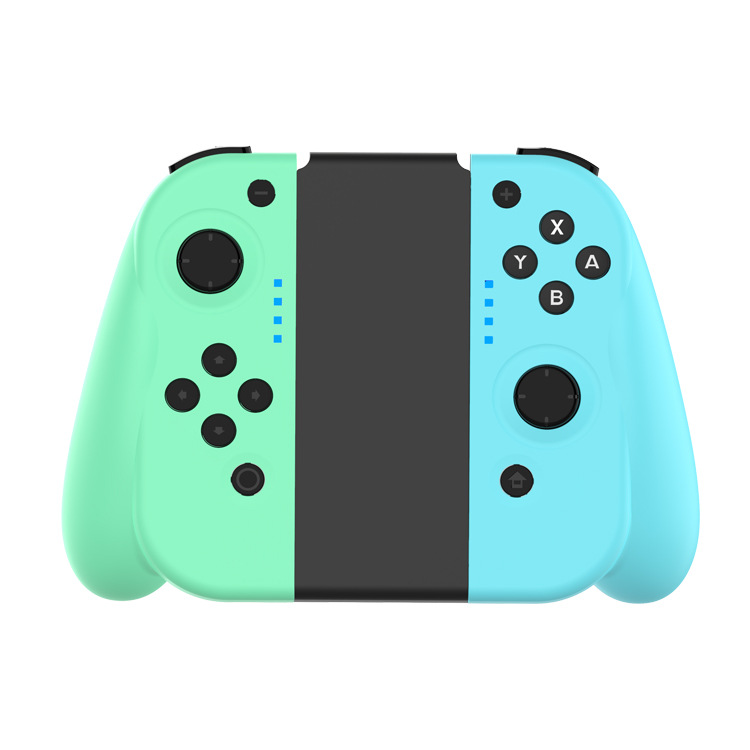
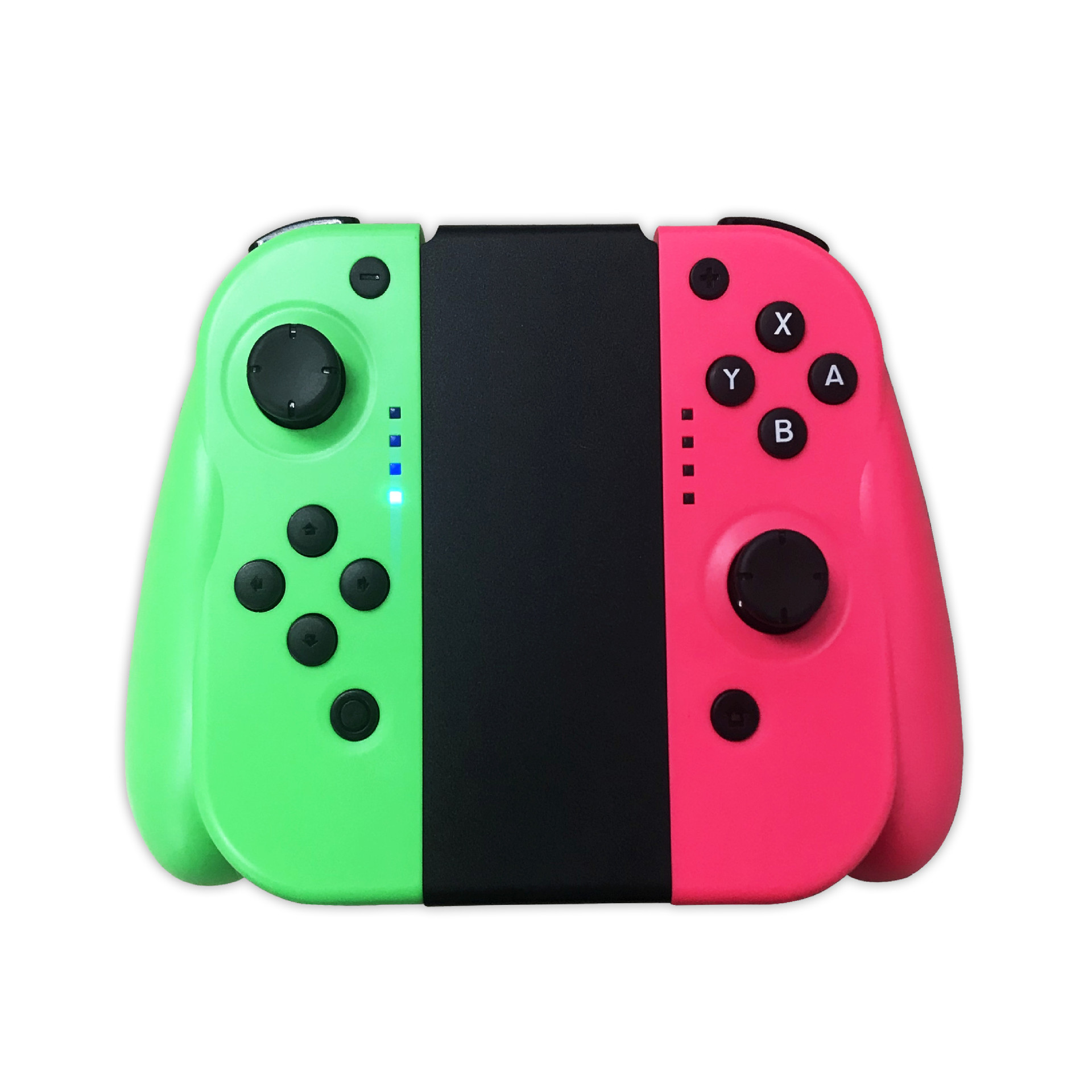
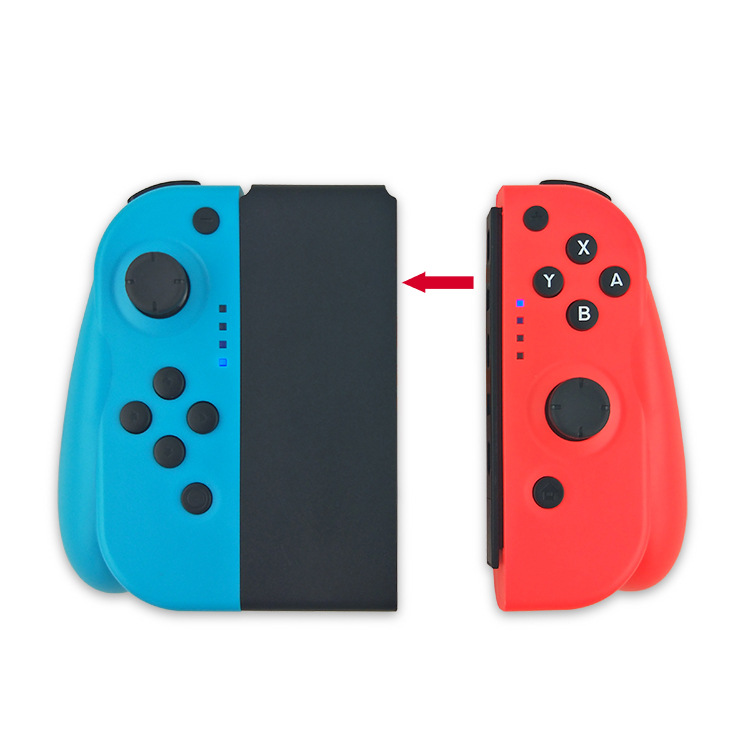
This product is a Bluetooth wireless left and right controller, suitable for the SWITCH host platform. It uses wireless Bluetooth technology and can be remotely controlled at a long distance. Both the left and right controllers can be used as separate controllers for operation. Any key (except L3/R3) can be woken up, and it supports automatic pairing after disconnecting from the host. The controller has six-axis, motor function, continuous shooting function, and USB upgrade.
Operating Instructions
Wireless Bluetooth connection: Press and hold the RESET button on the controller for 3 seconds, and the controller will enter the Bluetooth connection state. The LED lights for channels 1-4 on the controller will flash in a running light pattern.
Hand feeling back to function
① Host Awake Re-connection: After connecting the Switch controller to the host, press the power off button.Press briefly, the host is in the sleep state, the controller connection indicator light is off, press the HOME key on the controller briefly.The channel indicator light flashes to automatically return to the wake-up state, and the main unit wakes up and connects after about 3-5 seconds. (The main unit's wake-up state is only effective when pressing the HOME key).
Host reboot connection: When the host is in the operating state, press any button on the controller to reconnect.
Button composition
(1) Left Hand Grip:
UP, DOWN, LEFT, RIGHT, L, ZL, L3, -, SL, SR, TURBO, RESET reset button, screen capture and left 3D joystick.
(2) Right Handgrip: A, B, X, Y, R, ZR, R3, +, HOME, SL, SR, TURBO,
The RESET reset button and the right 3D joystick are composed of.
Handheld electrical specifications
Usage Time: About 10 Hours
Charging time: About 2 hours
Power supply: Built-in lithium battery
Battery capacity: 450mAh
Charging method: USB, DC5V
Charging current: approximately 100mA
T22 Wireless Controller

T13 Wireless Controller
Update time:


TOP