Search history
Clear allSearch by image
XDrag and drop an image here or upload an image
Max 5MB per image
UploadSign In | Join

Search history
Clear allSearch by image
XDrag and drop an image here or upload an image
Max 5MB per image
UploadSign In | Join
X Email Mobile
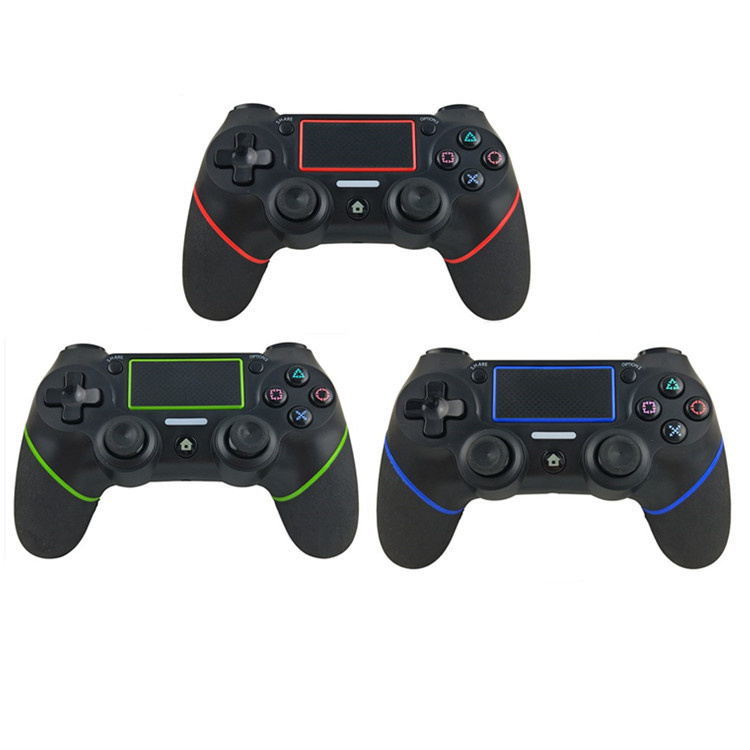
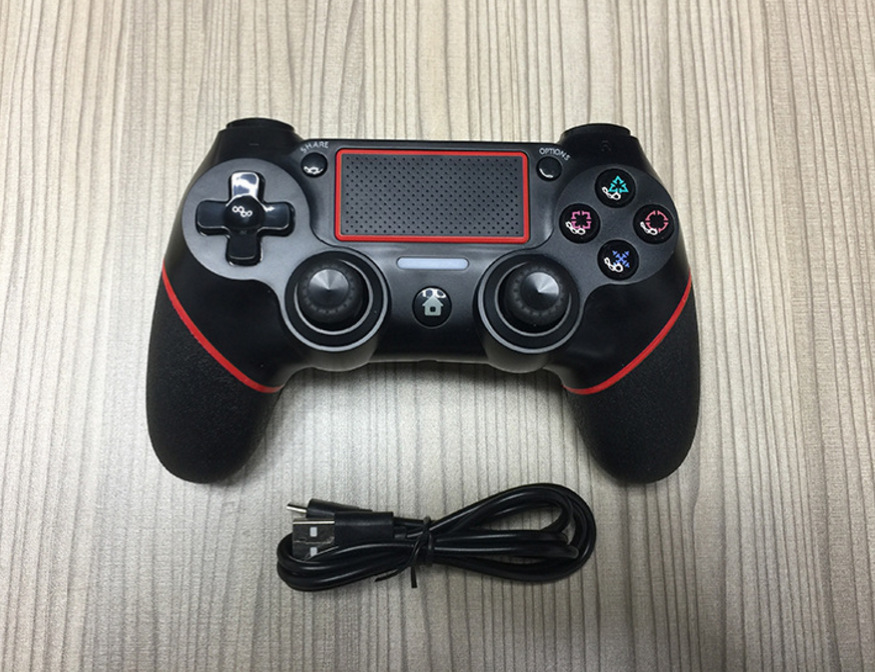
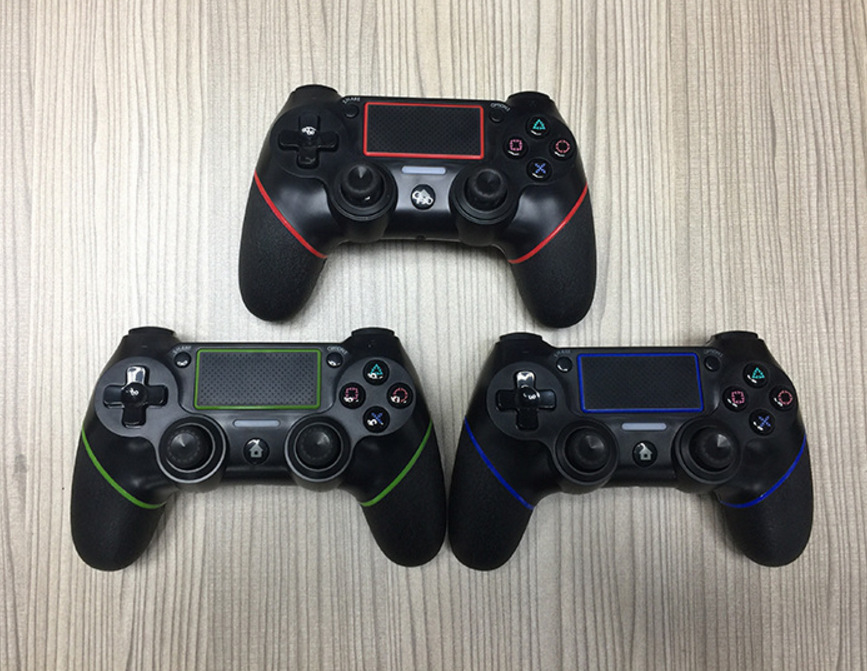
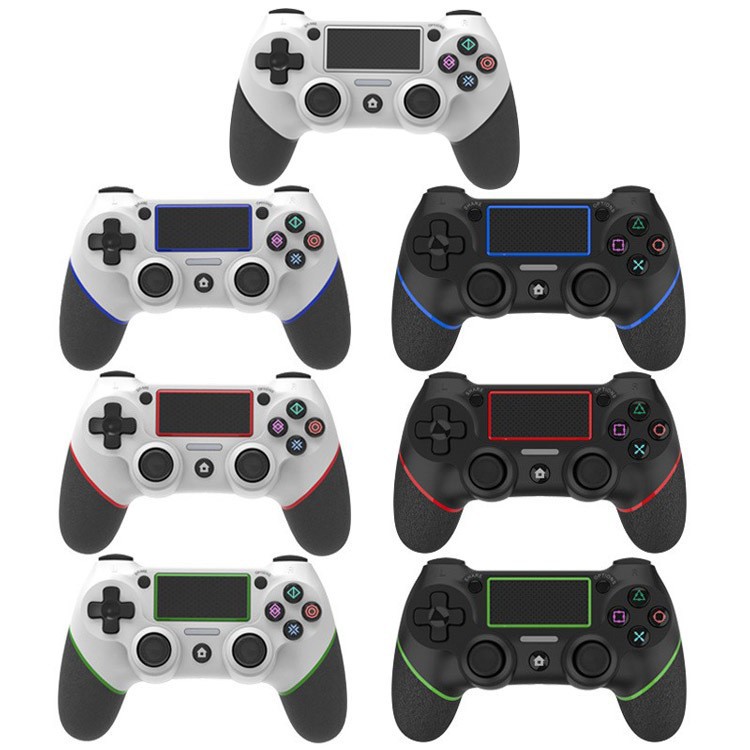
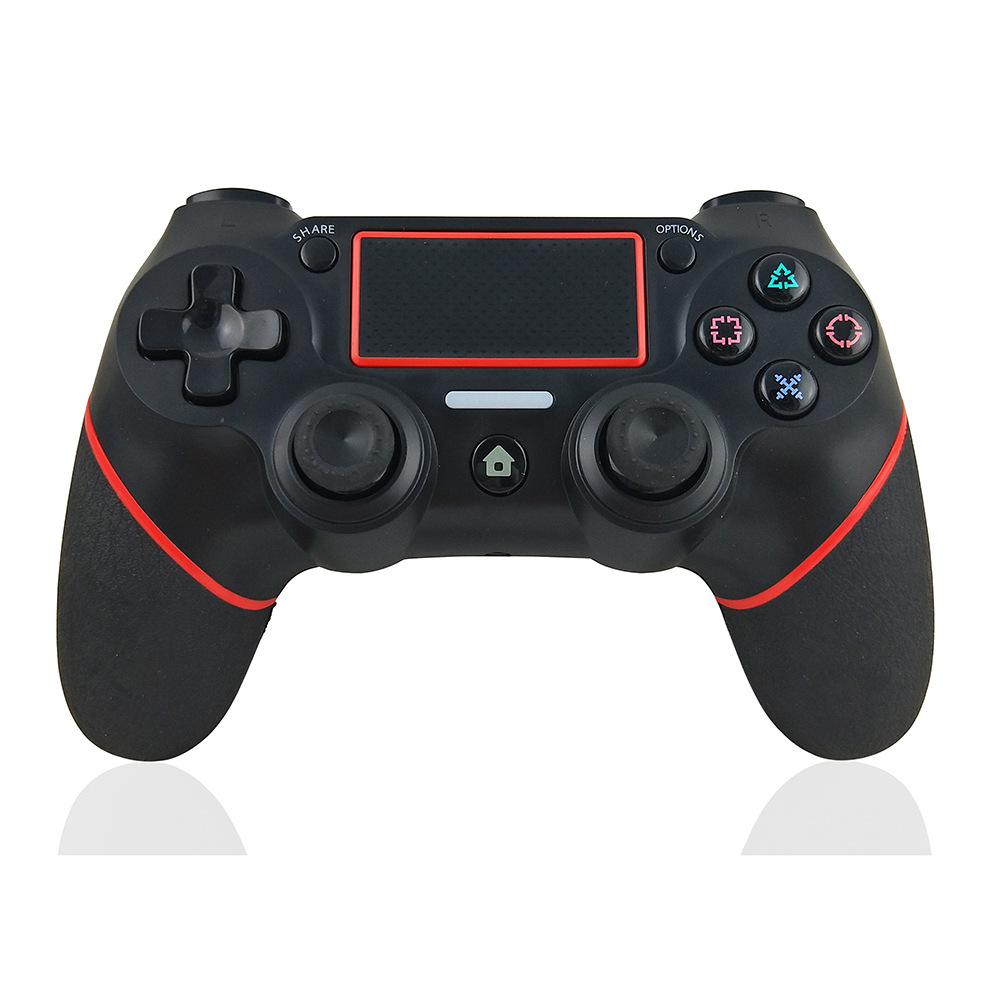
 black and red
|
CN¥ 0.0 |
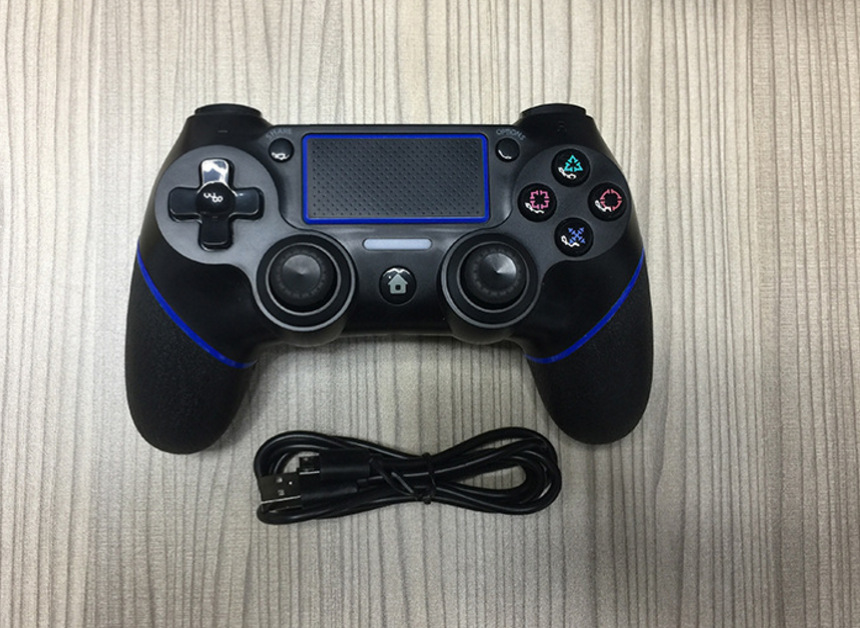
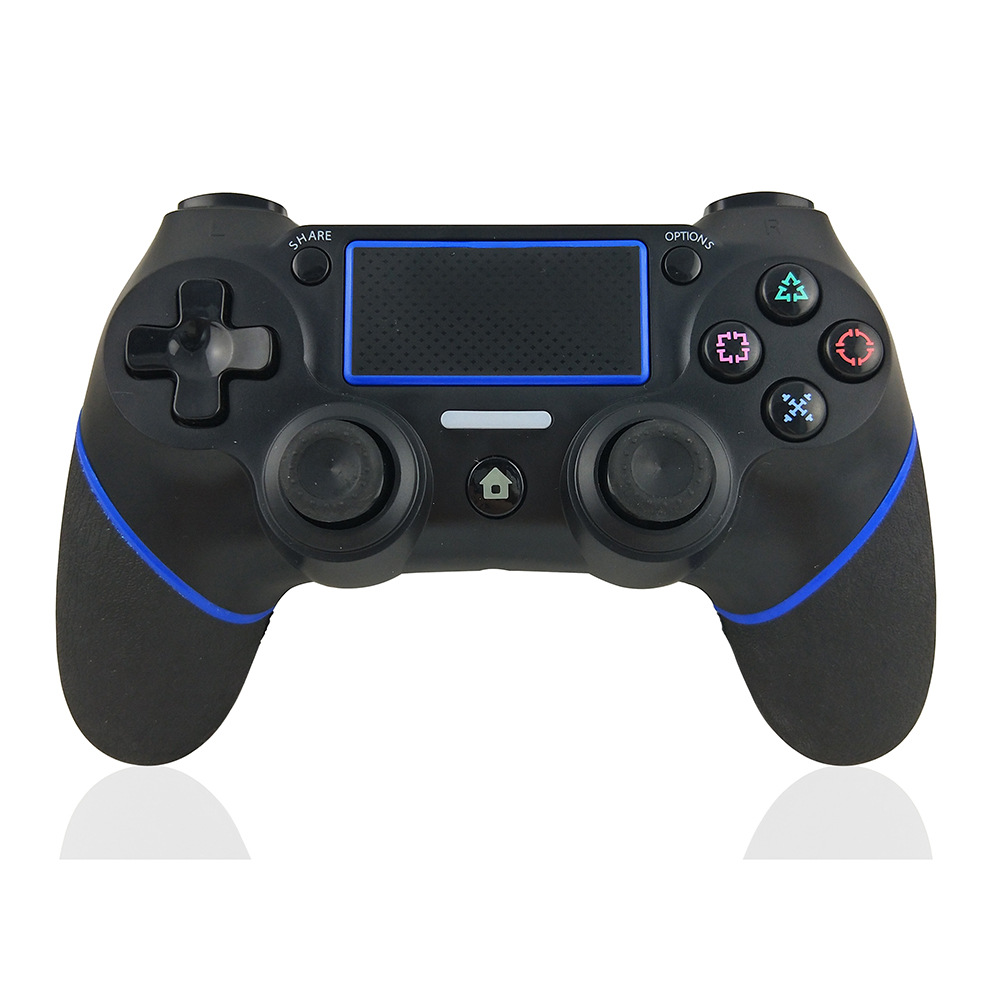
 black and blue
|
CN¥ 0.0 |
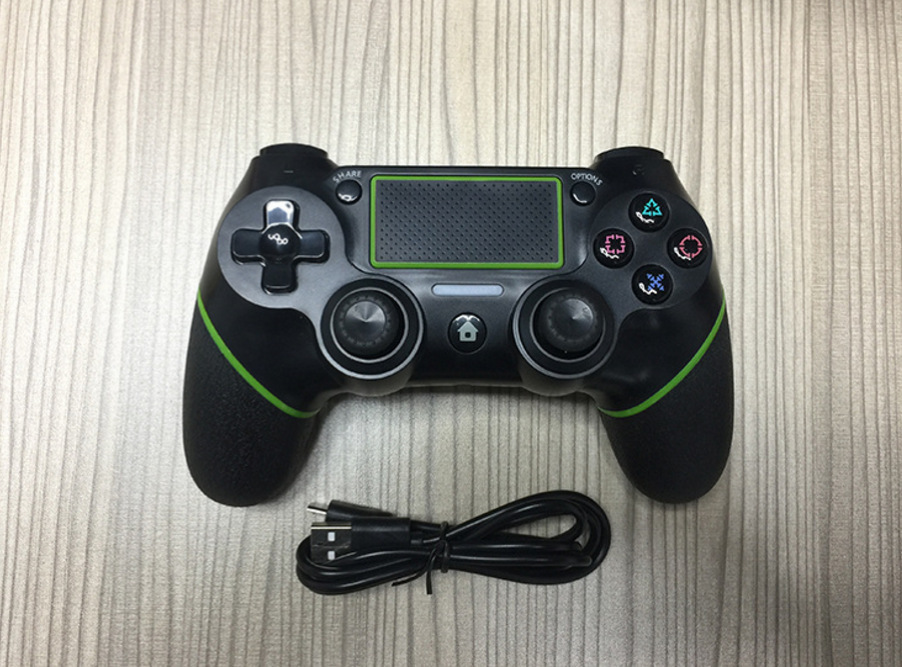
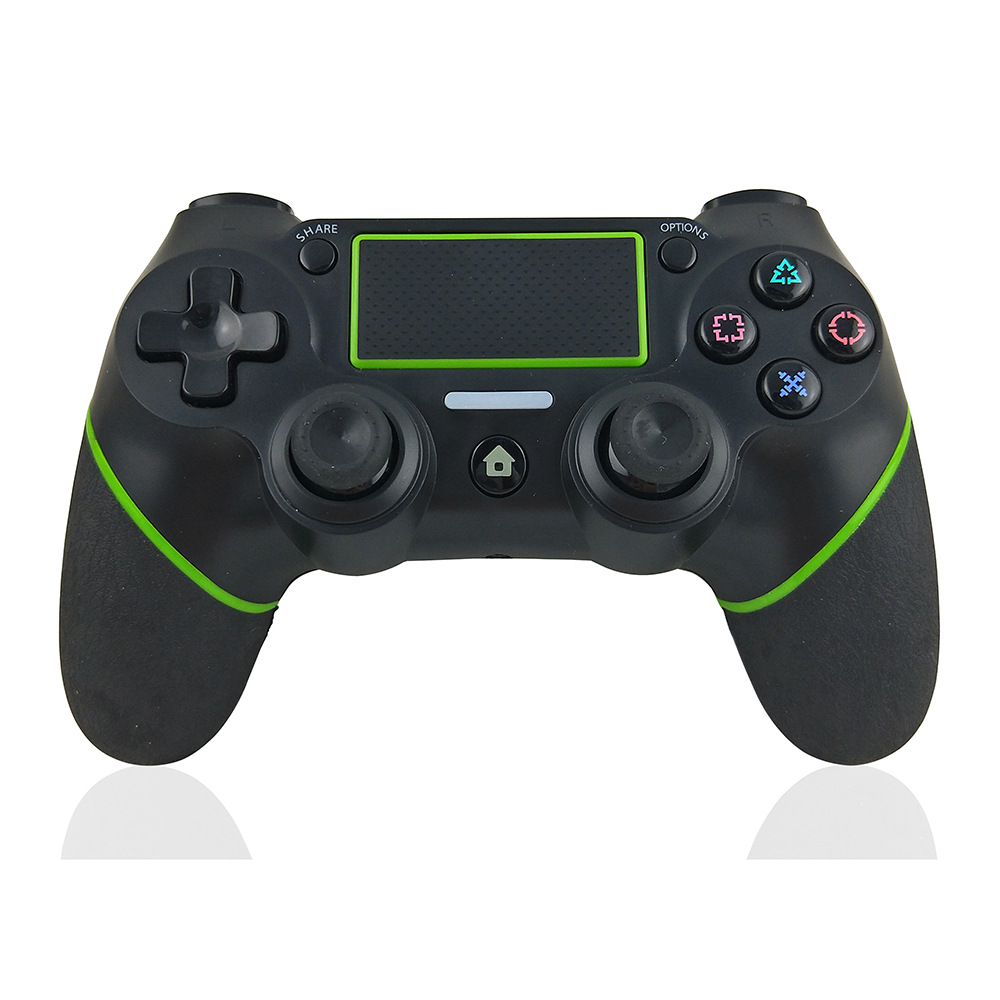
 black and green
|
CN¥ 0.0 |
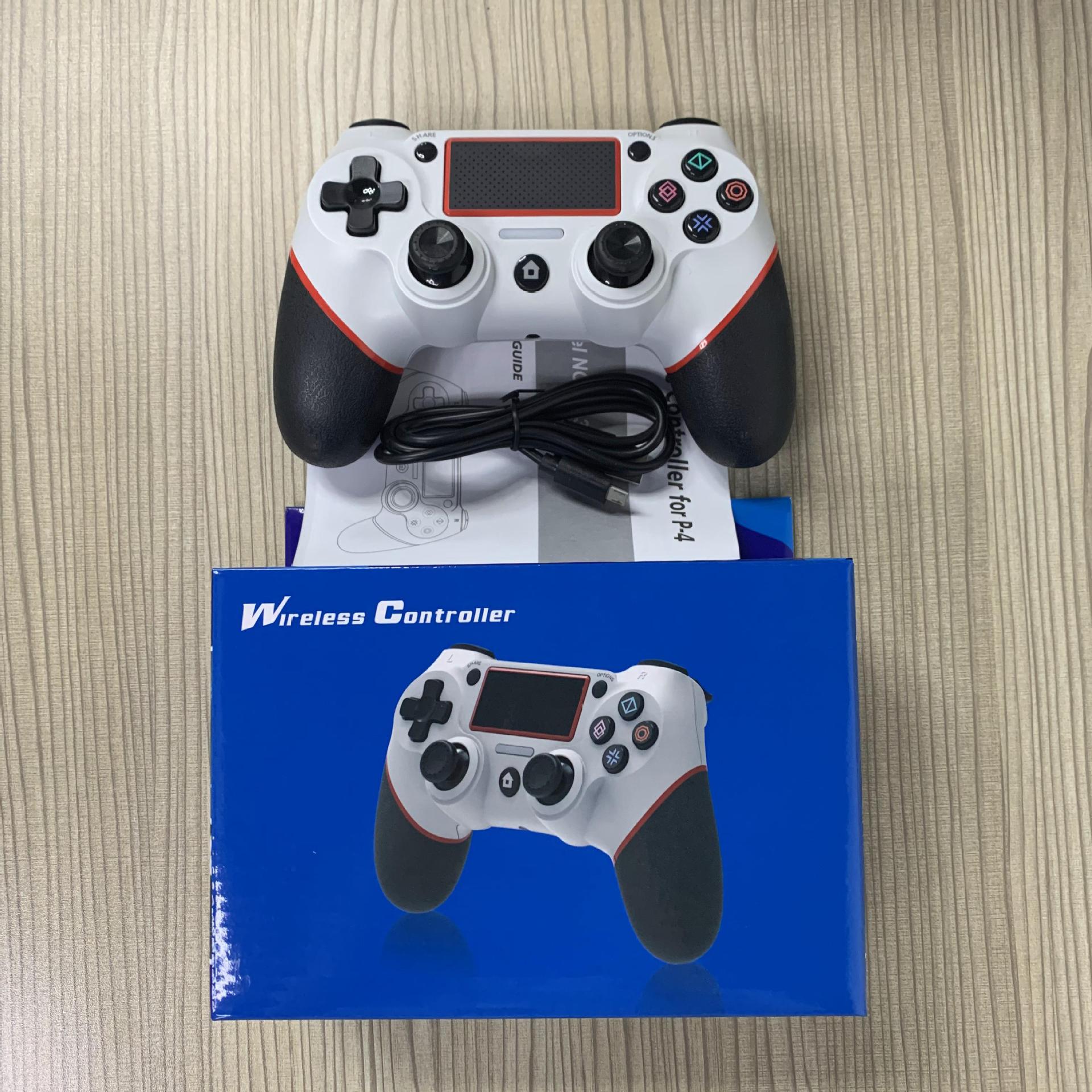
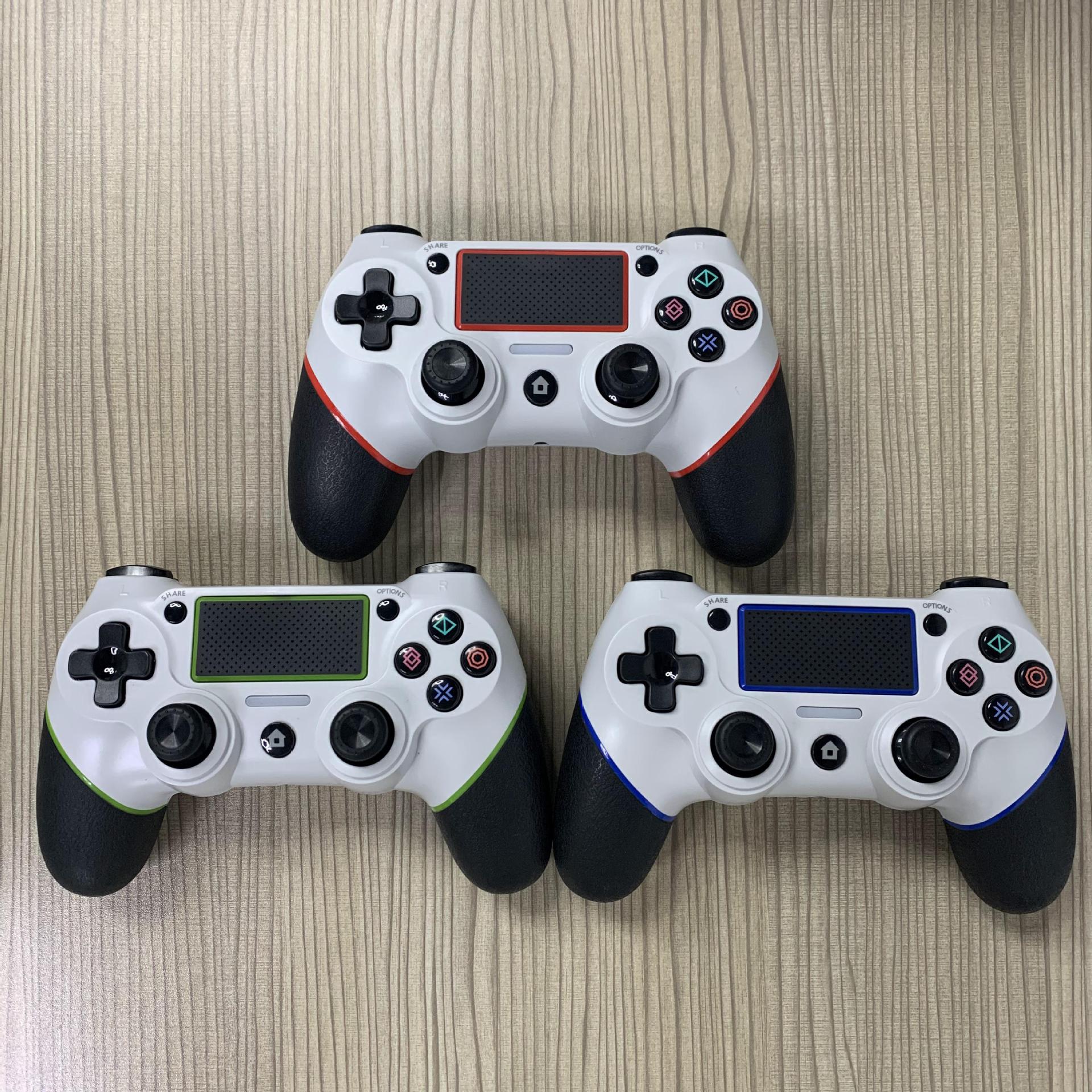
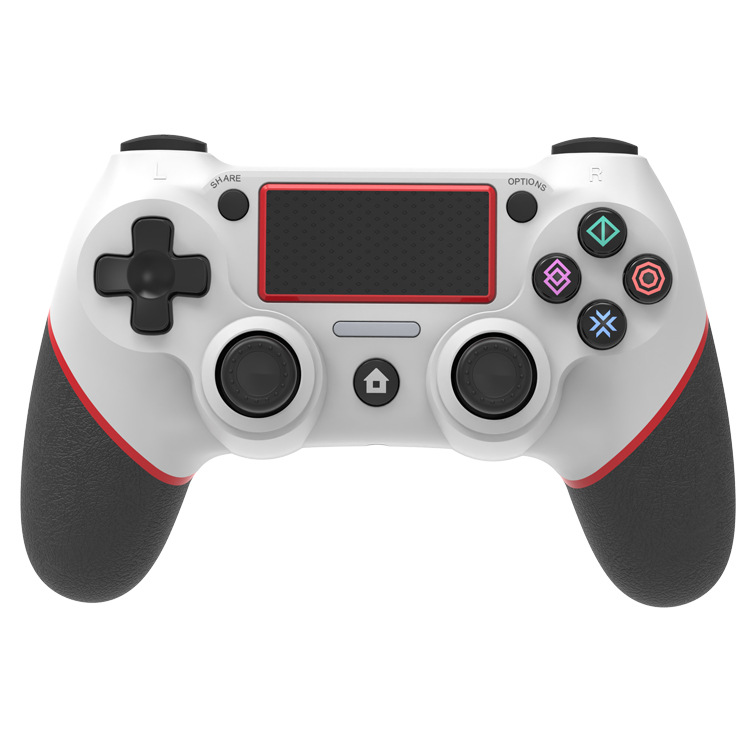
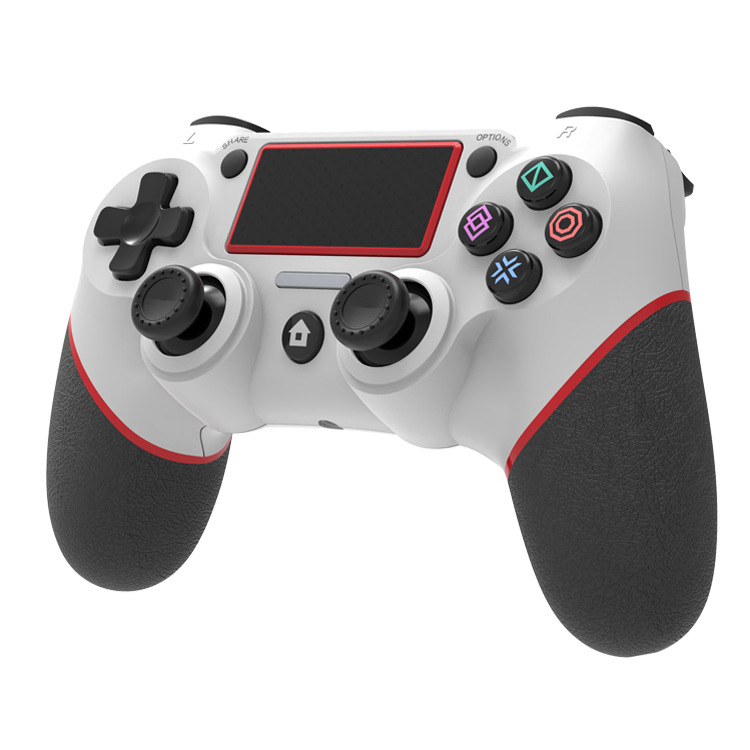
 white and red
|
CN¥ 0.0 |
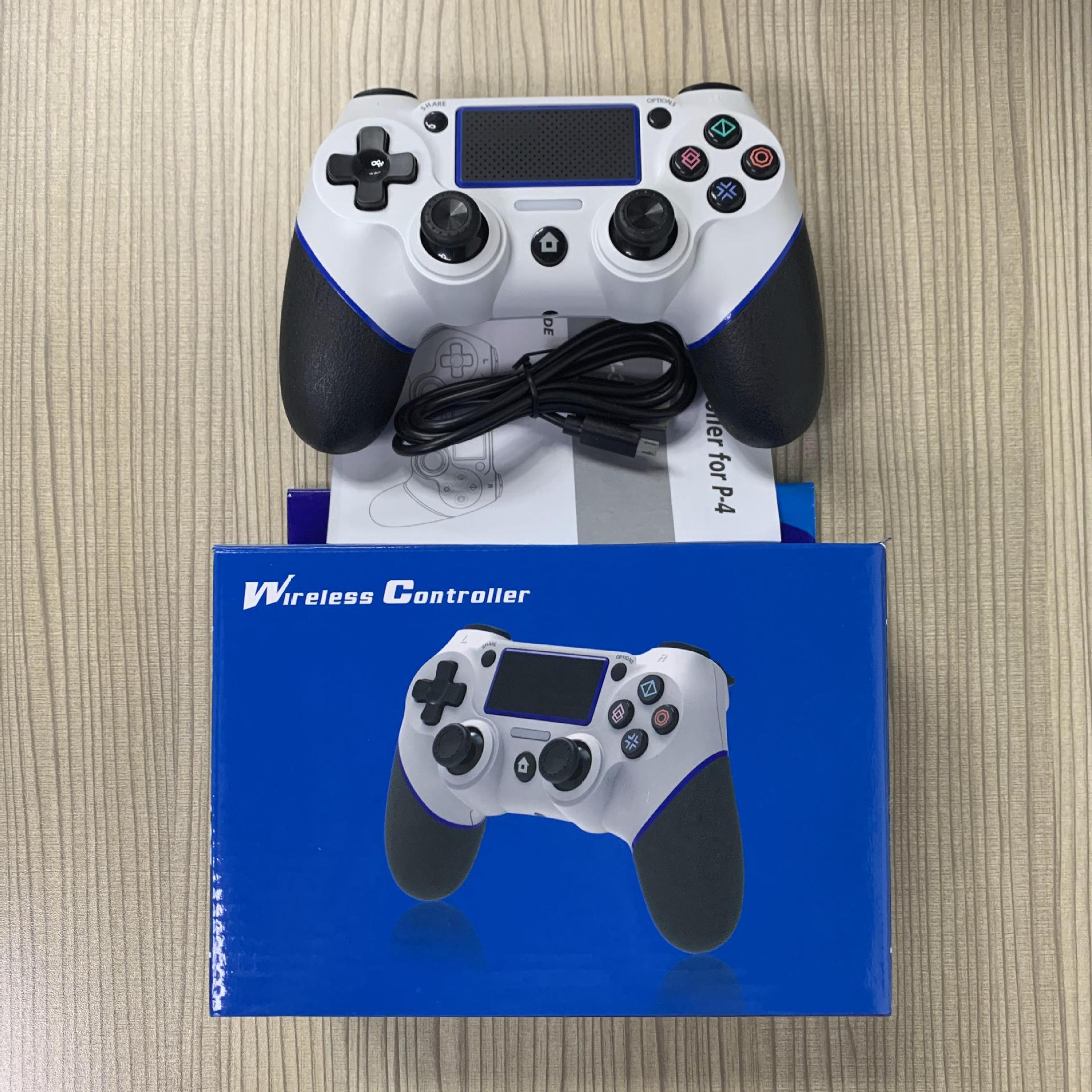
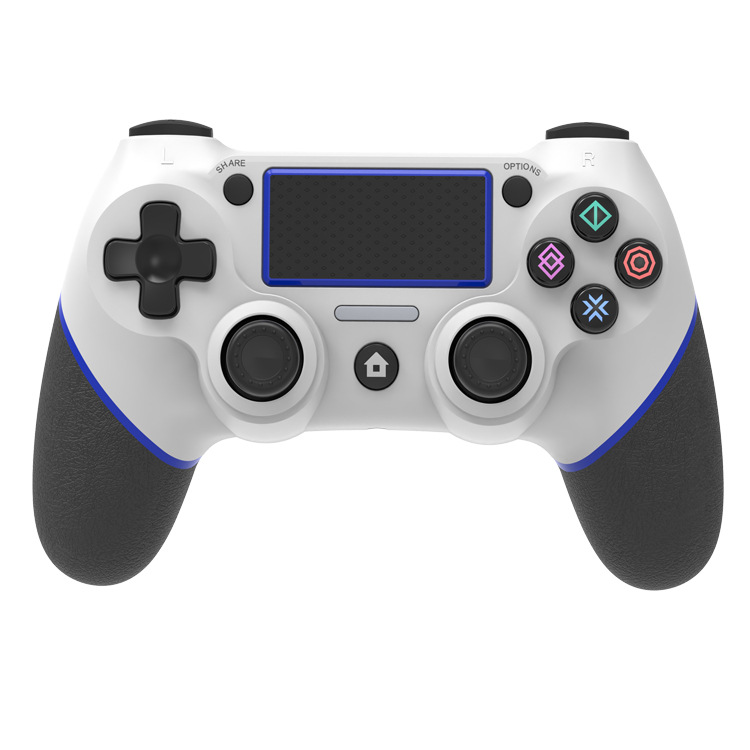
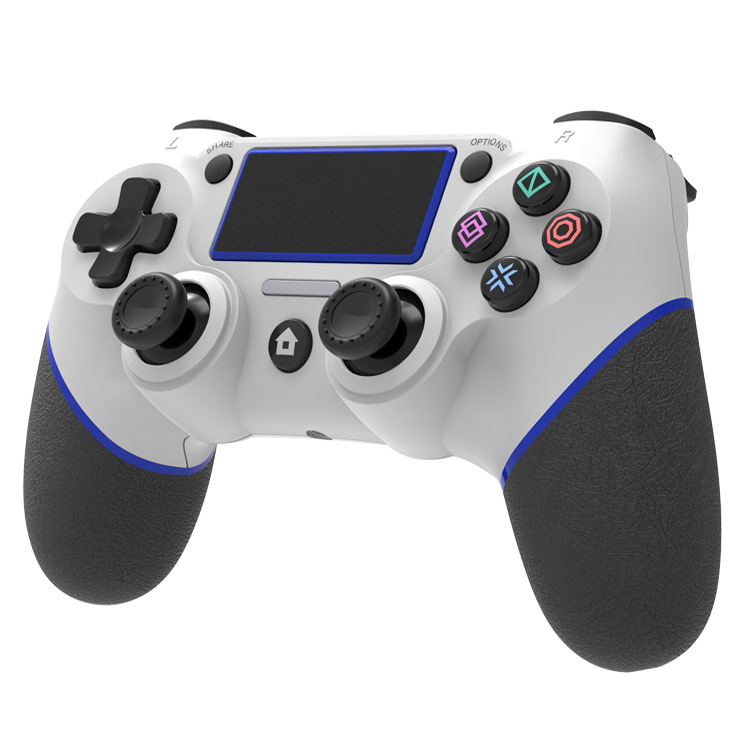
 white and blue
|
CN¥ 0.0 |
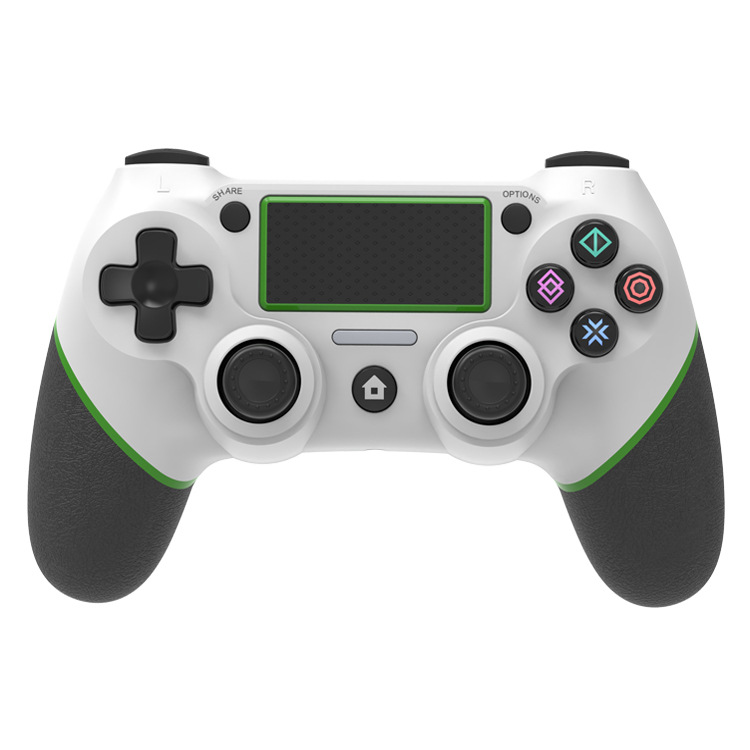
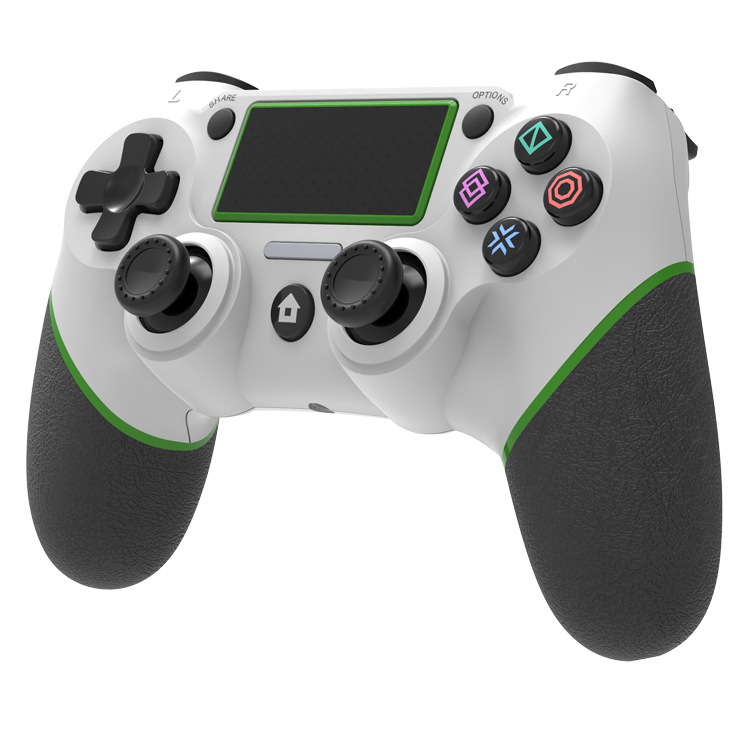
 white and green
|
CN¥ 0.0 |
 white and black
|
CN¥ 0.0 |
Pingping Electronics 14yr.
Contacts Zhao Yiming Chat
Mobile 86-13615897788
E-mail ywgame@vip.qq.com
15924248648

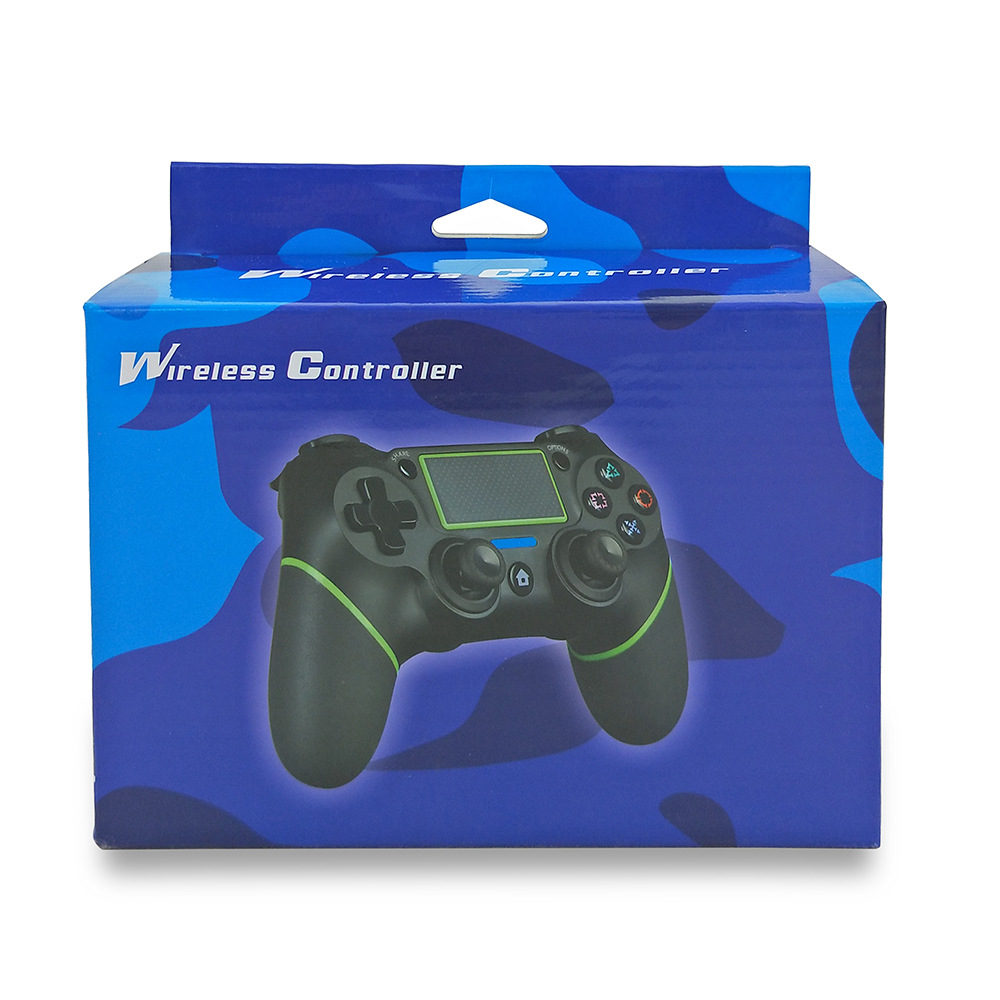
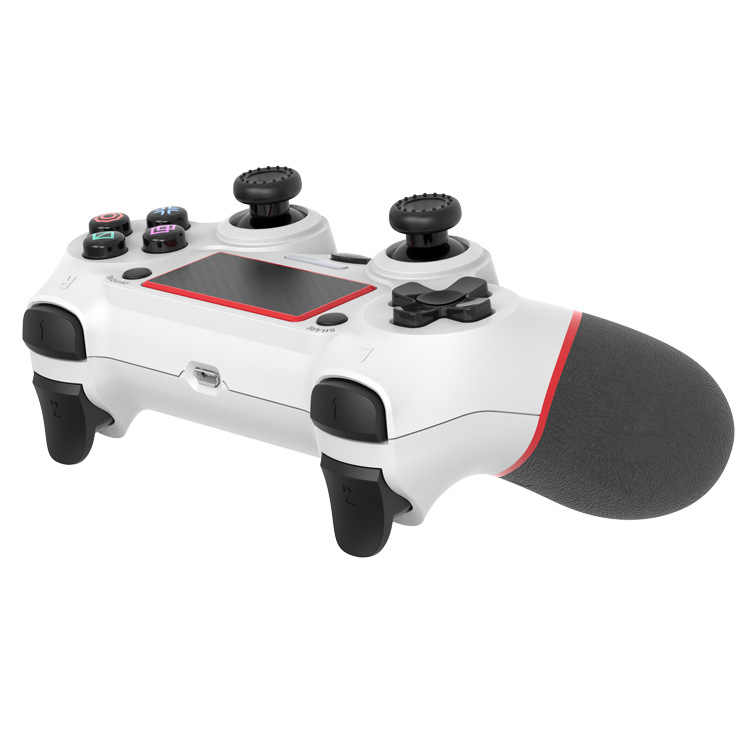
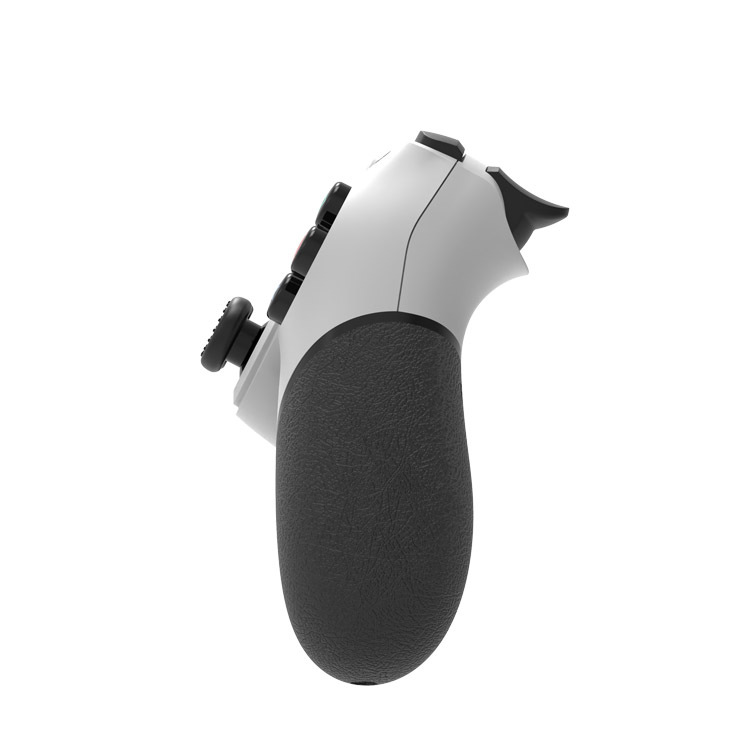
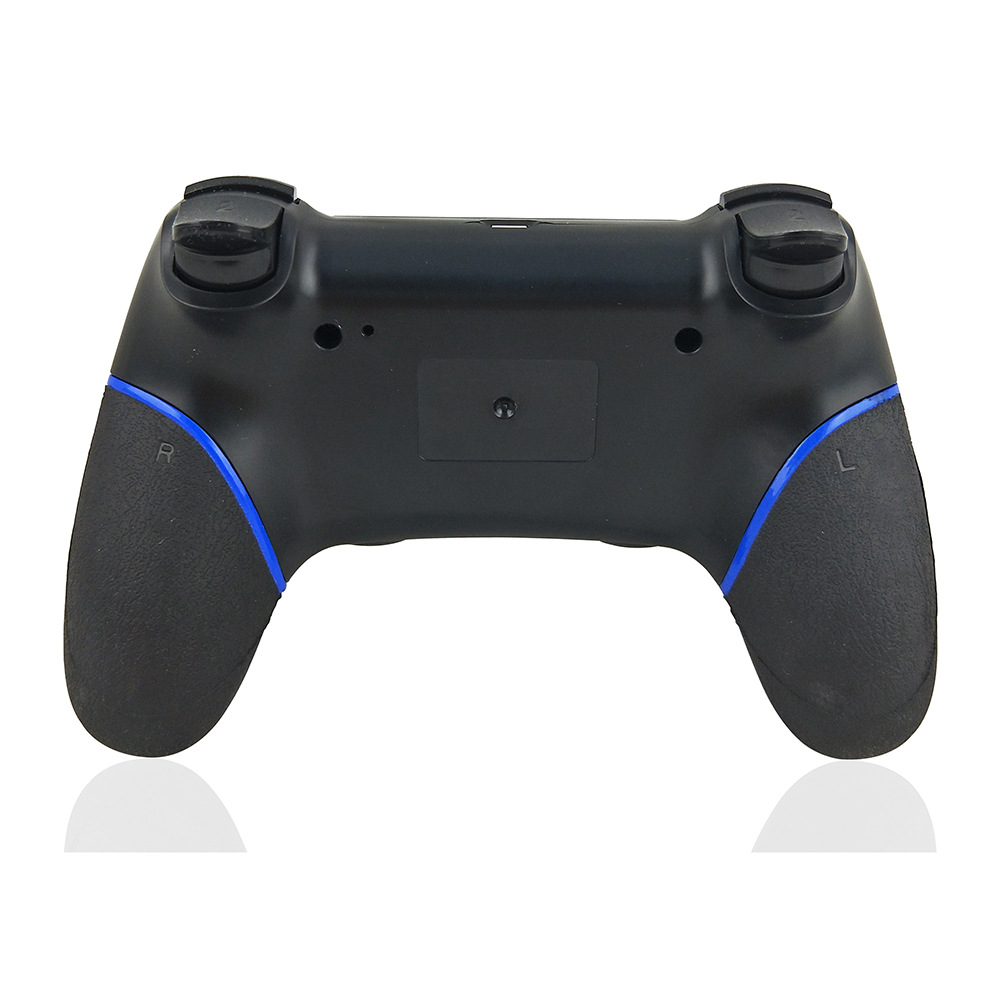
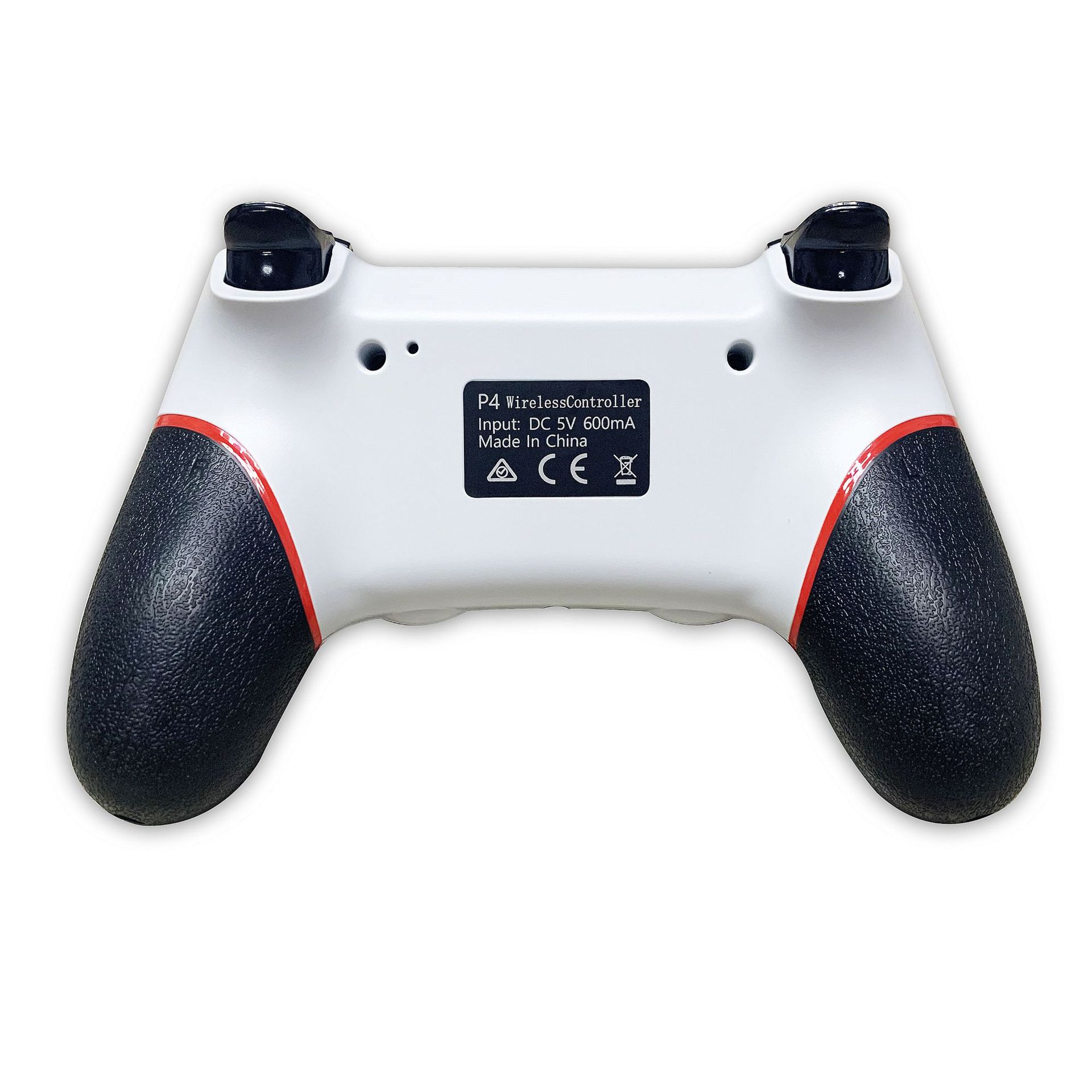
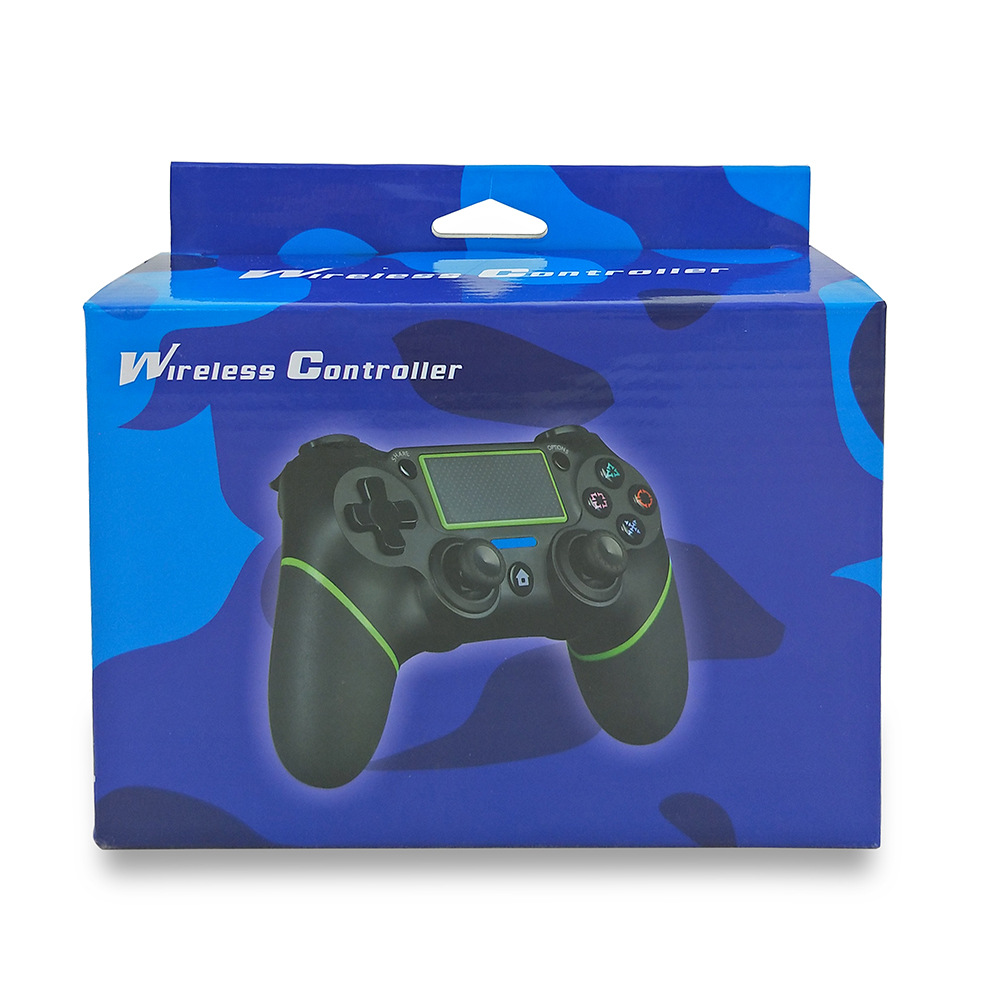
Assemble private model PS4 wireless controller with rubberized grip, Bluetooth functionality, vibration, and built-in battery!
TIPS: The difference in assembling the controller is that if the PS4 console is upgraded, the controller needs to be upgraded manually on the computer, which takes about one minute...
(For the first time, just connect the USB cable to the host and you can wirelessly operate it. The original is also operated in the same way.)
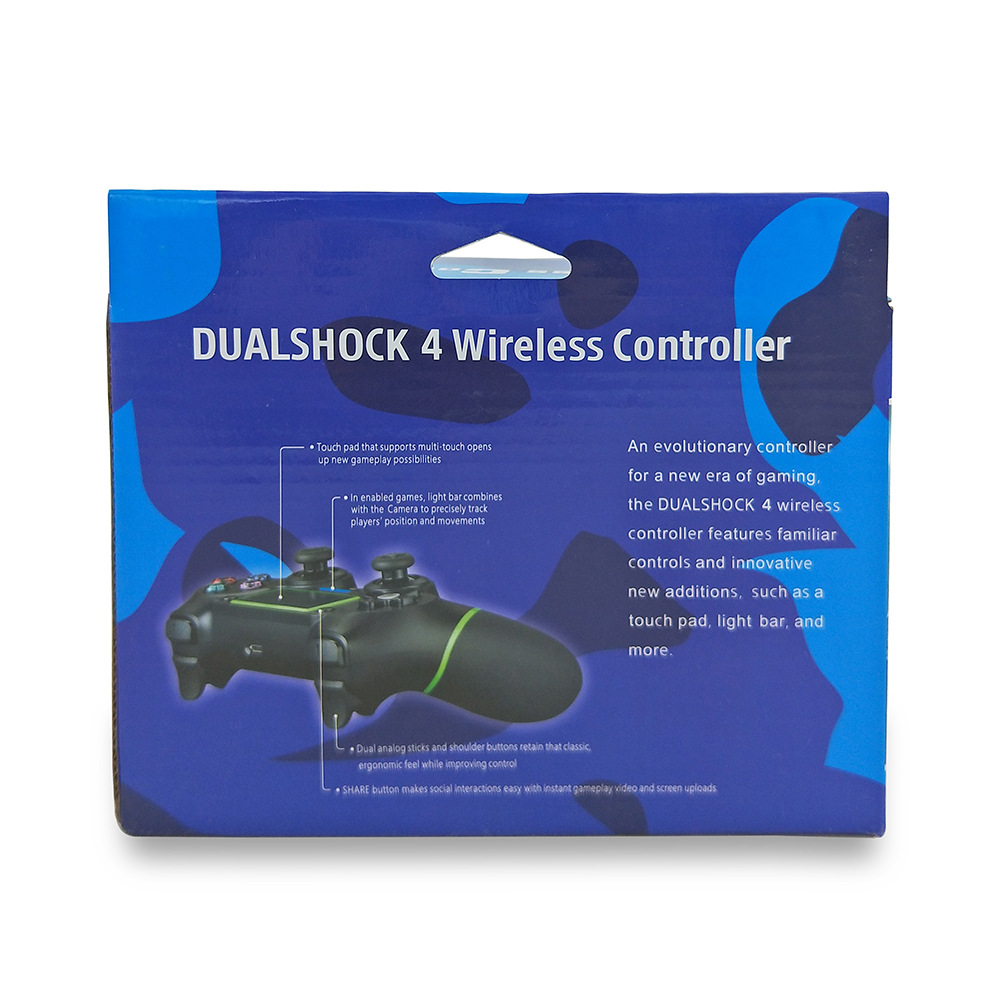
The P4 wireless controller (hereinafter referred to as the PS4 controller) inherits the basic concept and design philosophy of the widely supported PS3 dedicated wireless controller (hereinafter referred to as the PS3 controller), adding various functions that allow comfortable gaming enjoyment. The high-sensitivity six-axis detection system, combined with the touchpad on the front of the controller that offers intuitive operation, brings a rich gaming experience.
On the top of the PS4 wireless controller, a new feature has been added that can display various color bars. When playing with multiple people, the color of the light bars will synchronize with the character colors in the game, making it easy to identify the character you are controlling. Additionally, the color changes of the light bars can also indicate the character's health or damage received, and similar applications can be used to intuitively identify various game information.
The PS4 controller also adds a stereo headphone/microphone connection port. PS4 users can not only enjoy high-quality game sound effects through the TV speakers, but also through the controller in their hands. When playing online games, you can simply use the included stereo headphone and microphone set on the PS4 controller to communicate with your playing companions, providing a deeper level of game fun.
In addition, on the front of the PS4 wireless controller, a new "OPTIONS button" has been designed that integrates the "SELECT (choice) button" from the PS3 controller with the "START (begin) button" function. This button also includes the "SHARE (share) button," which expands the fun of game experience. Each user can use the "SHARE (share) button" to easily connect to Ustream and other live streaming platforms to broadcast the game playing process live to their friends. In addition, when playing games, PS4 will record the entire process, so users do not need to worry about missing any exciting moments. They can simply upload the game playing videos to Facebook and share them with friends. There is no need to use a personal computer to convert the video format, and it is easy to share. When PS4 is in standby mode, in addition to using the dedicated charger to charge the PS4 controller, it can also charge the chargers for your smart devices.
Update time:


TOP