Search history
Clear allSearch by image
XDrag and drop an image here or upload an image
Max 5MB per image
UploadSign In | Join

Search history
Clear allSearch by image
XDrag and drop an image here or upload an image
Max 5MB per image
UploadSign In | Join
X Email Mobile
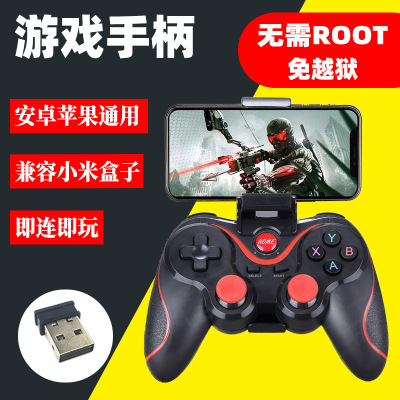
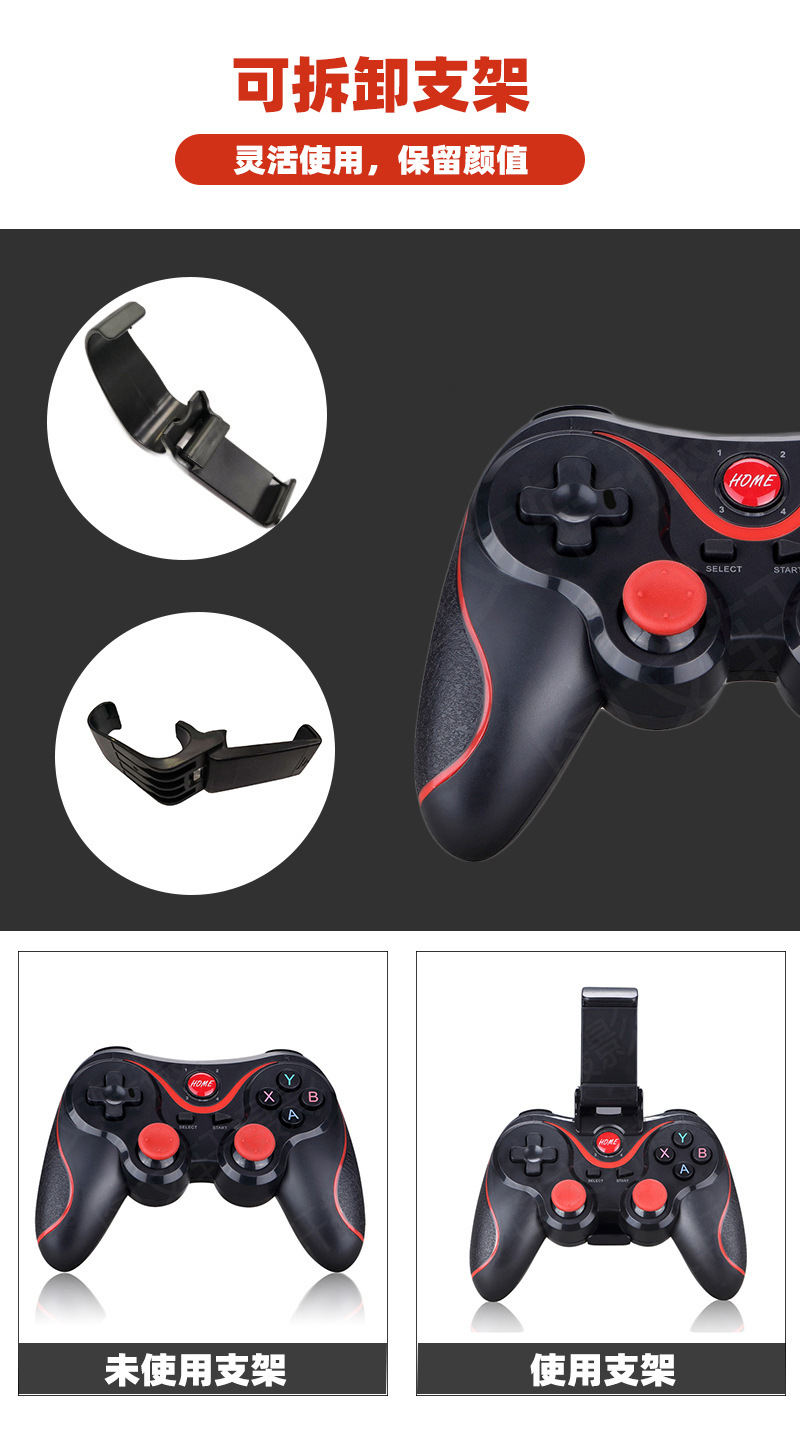
 t3 handle + clip + receiver
|
CN¥ 39.0 |
 t3 gamepad
|
CN¥ 28.5 |
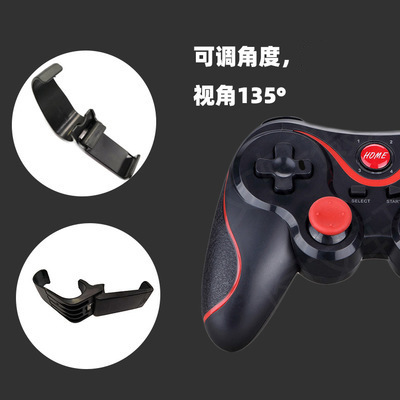
 t3 handle + clip
|
CN¥ 31.5 |
Pingping Electronics 14yr.
Contacts Zhao Yiming Chat
Mobile 86-13615897788
E-mail ywgame@vip.qq.com
15924248648

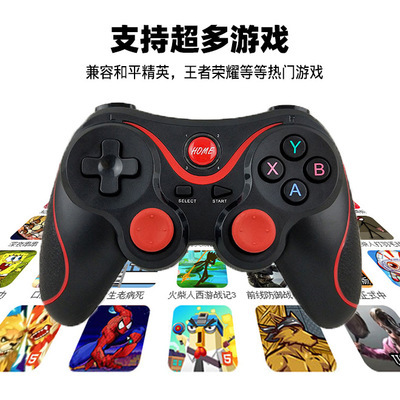
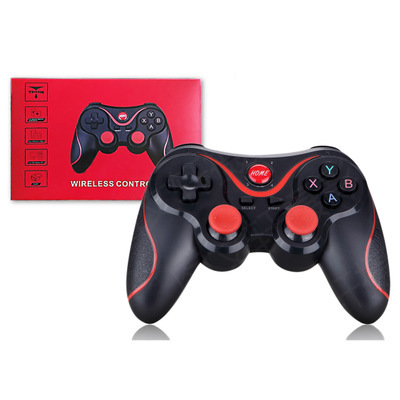
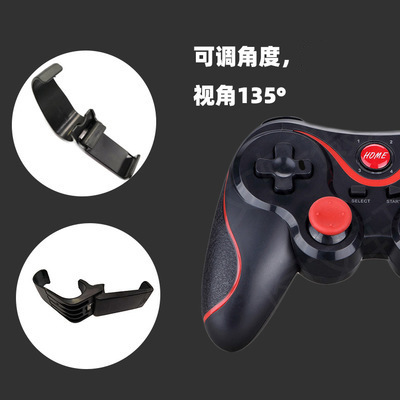
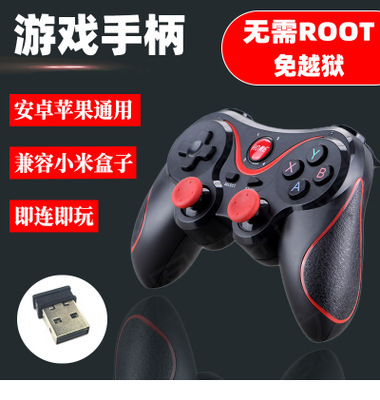
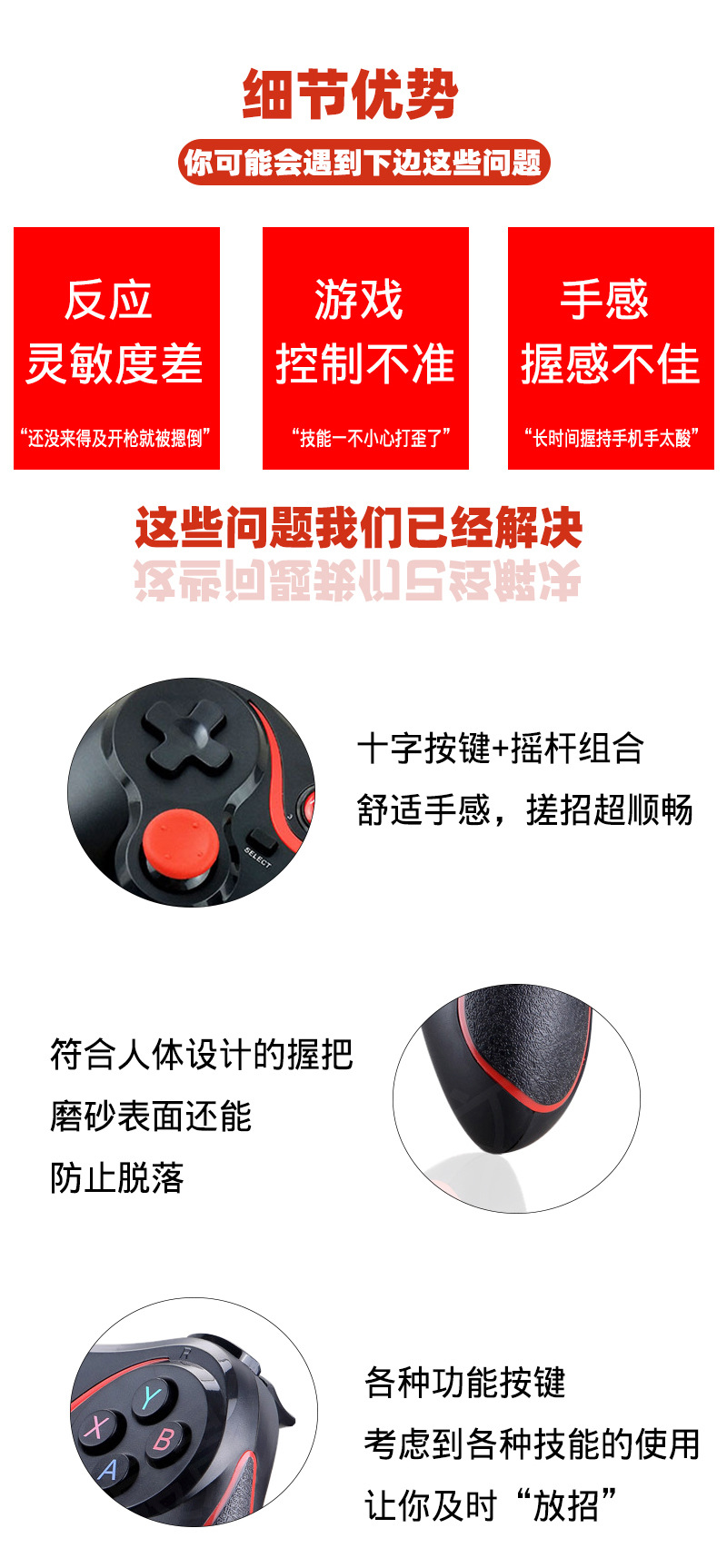
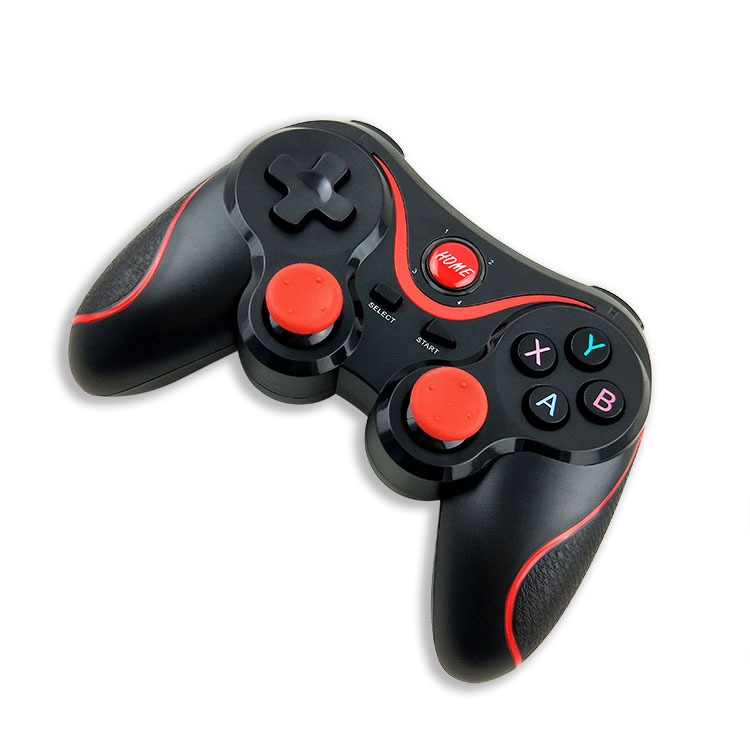
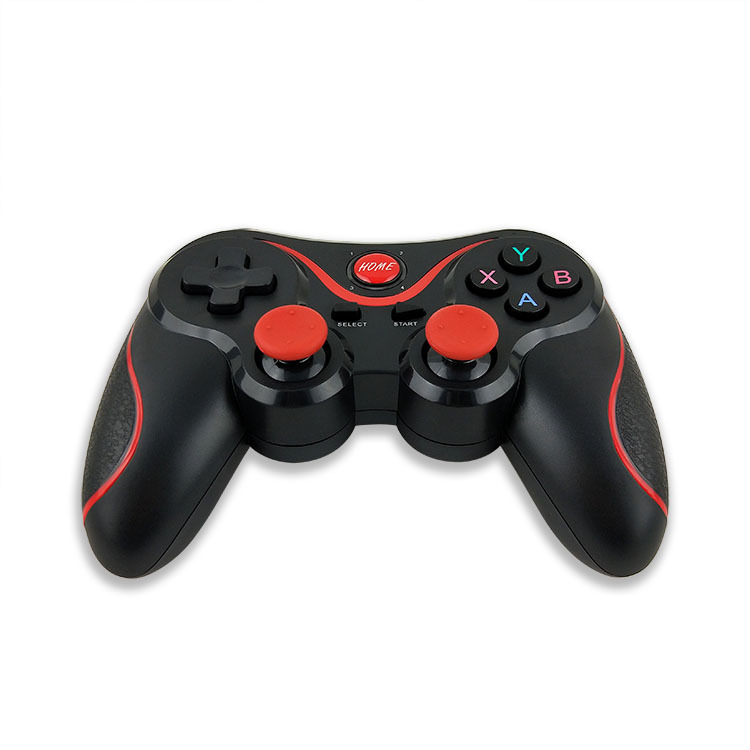
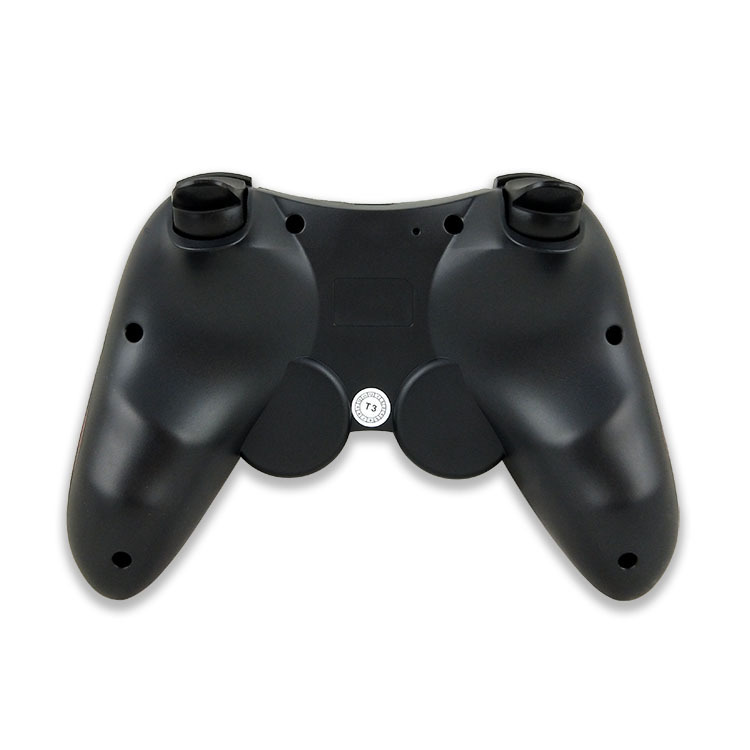
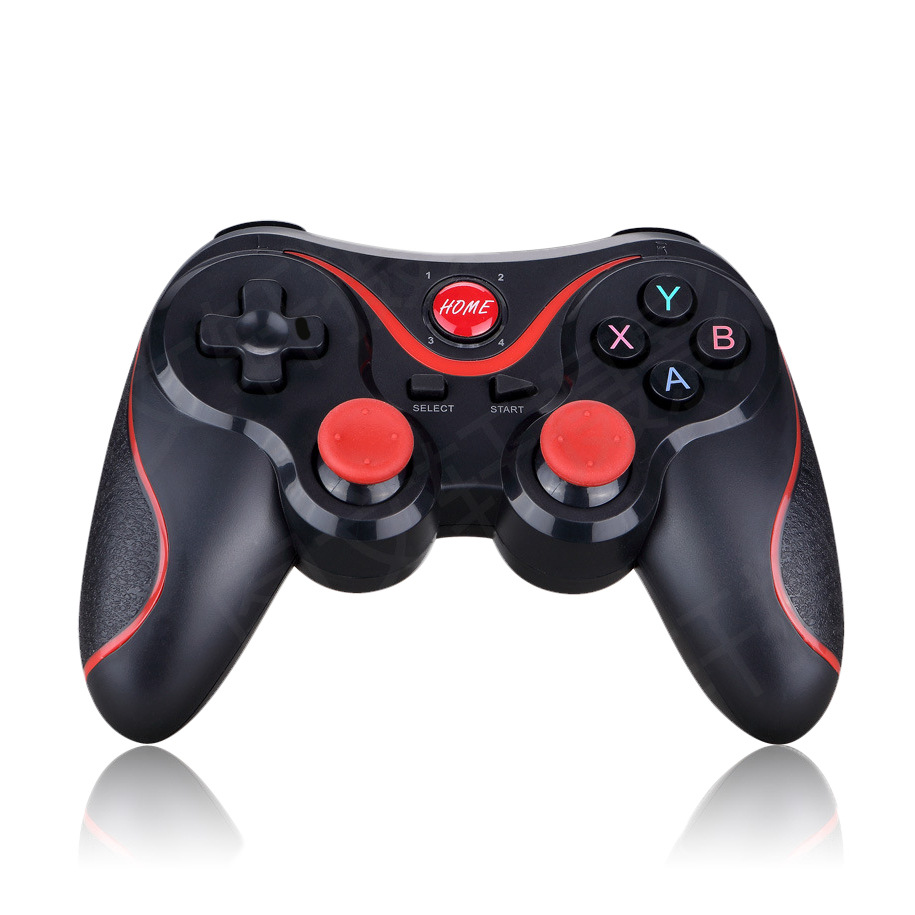
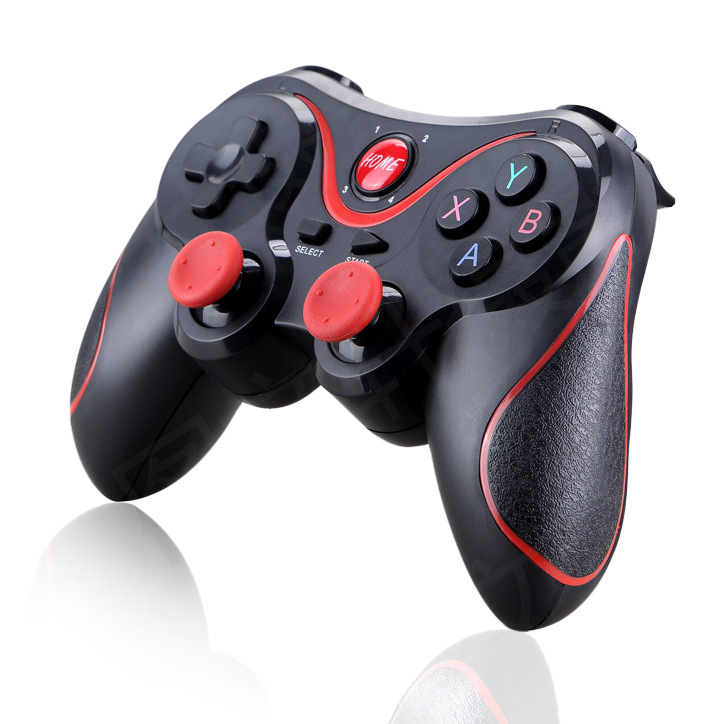
T3 New Solution Mobile Bluetooth Wireless Controller
Supports Android, directly connected to Apple
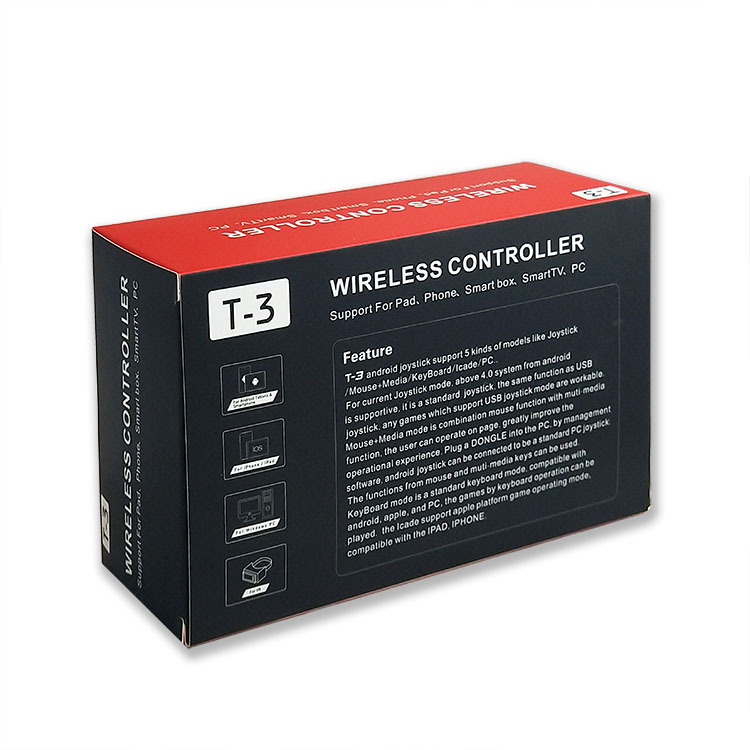
Product standard configuration: Bluetooth controller x1, charging cable x1, packaging box x1.
1. The product is mainly used for game operation when connecting via Bluetooth on Android/iOS/Win 7/8/10 systems and wireless connection with PS3 game consoles.
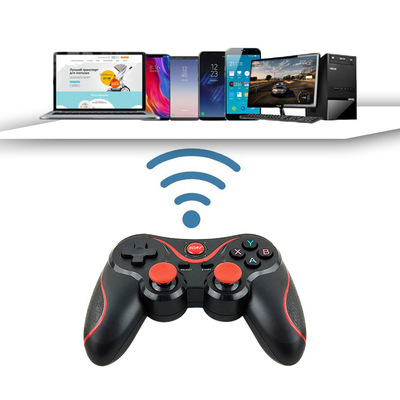
2. Applicable devices: Smartphones/tablet computers/smart TVs, set-top boxes/PC computers/PS3 game consoles.
3. L T/RT is a function for analog control, which focuses more on the details of the experience to make the game precise and controllable.
4. It can be paired with a receiver to use on devices such as PC/PS3. (The receiver needs to be purchased separately).
Android Device Usage Guide:
(1) Press the Y button and the HOME button simultaneously for 2 seconds in the off state. At this time, LED1 indicator light will flash rapidly. (If it has been connected before, you can directly press the HOME button to reconnect)
Turn on the Bluetooth function on the Android device, and click 'Scan'.
When the device named "T-3" is found, select to pair and connect.
(4)Connection successful, LED1 indicator light is always on.
By using the ShootingPlus V3 App tool to adjust the key settings, you can play non-default screen devices and more games. (For specific operation instructions, please refer to the product manual).
IOS Device Usage Instructions:
(1) Press the Y button and the HOME button simultaneously for 2 seconds in the off state. At this time, LED2 indicator light will flash rapidly. (If it has been connected before, you can directly press the HOME button to reconnect)
Turn on the Bluetooth function on the Apple device, and click 'Scan'.
When the device named "T-3" is found, select to pair and connect.
(4)Connection successful, LED2 indicator light is always on.
By using the ShootingPlus V3 App tool to adjust the key settings, you can play non-default screen devices and more games. (For specific operation instructions, please refer to the product manual).
PC devices/smart computers/TV boxes/PS3 console 2.4G wireless connection operation method:
1. Insert the 2.4G wireless receiver into the USB port of the PC device/smart TV/TV box.
2. Pressing the L1 + HOME buttons simultaneously in the off state will put the controller into wireless pairing mode, at which point LED1 and LED2 will flash rapidly.
3. After the wireless link is OK, the LED1 and LED2 indicator lights stay on continuously.
4. You can start operating the games installed and downloaded on PC devices, smart computers, TV boxes, and PS3 consoles.
※ Due to uncontrollable factors such as official system, game, or game platform upgrades or changes, some games may not be able to connect directly with this product for operation.Our company assumes no responsibility.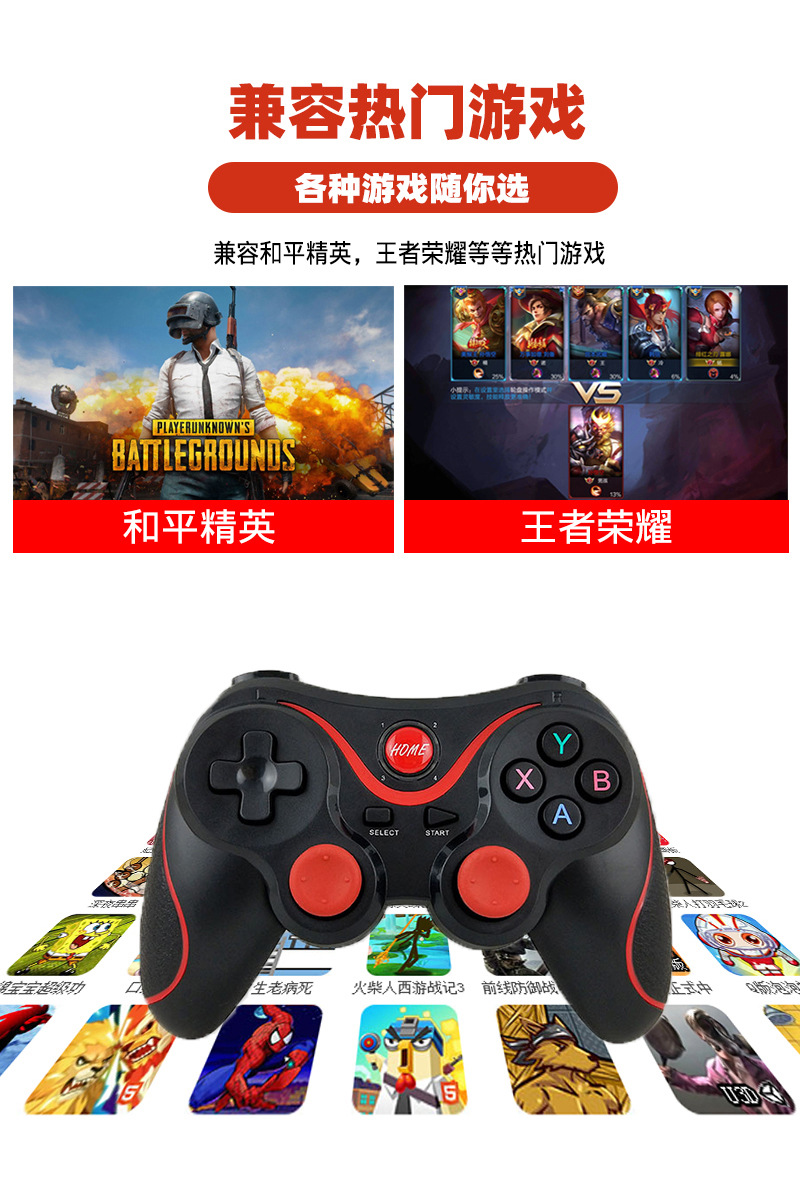




Update time:


TOP