Search history
Clear allSearch by image
XDrag and drop an image here or upload an image
Max 5MB per image
UploadSign In | Join

Search history
Clear allSearch by image
XDrag and drop an image here or upload an image
Max 5MB per image
UploadSign In | Join
X Email Mobile
| Number | Unit-price | Total | |||
| I want to buy: | × | 10.0 | = | 0 |


A new item has been added to your Shopping Cart. You now have items in your Shopping Cart.
All prices are exempt from tax, and additional tax points will be added for invoicing. For more details, please consult our customer service!
Manufacturer Direct Supply - Quantity Discount
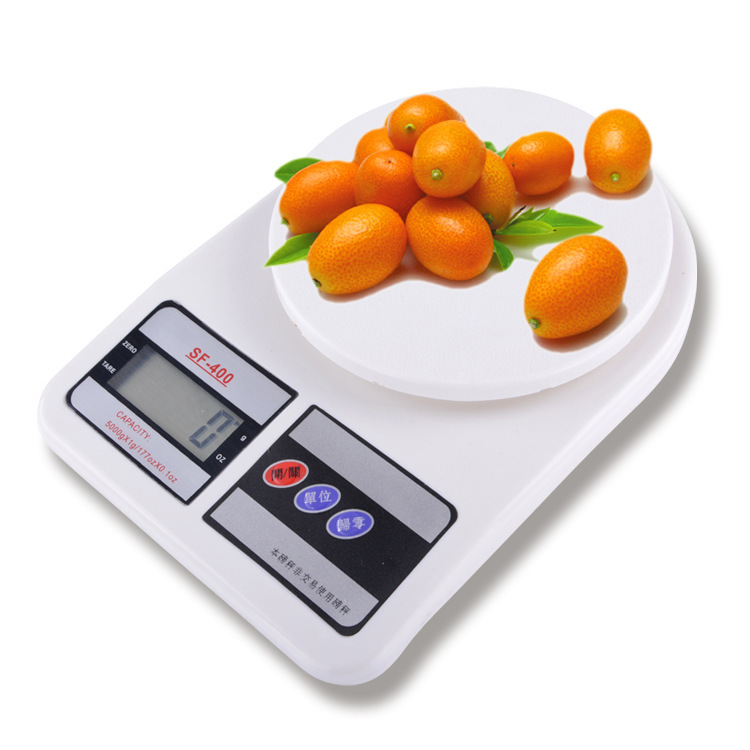
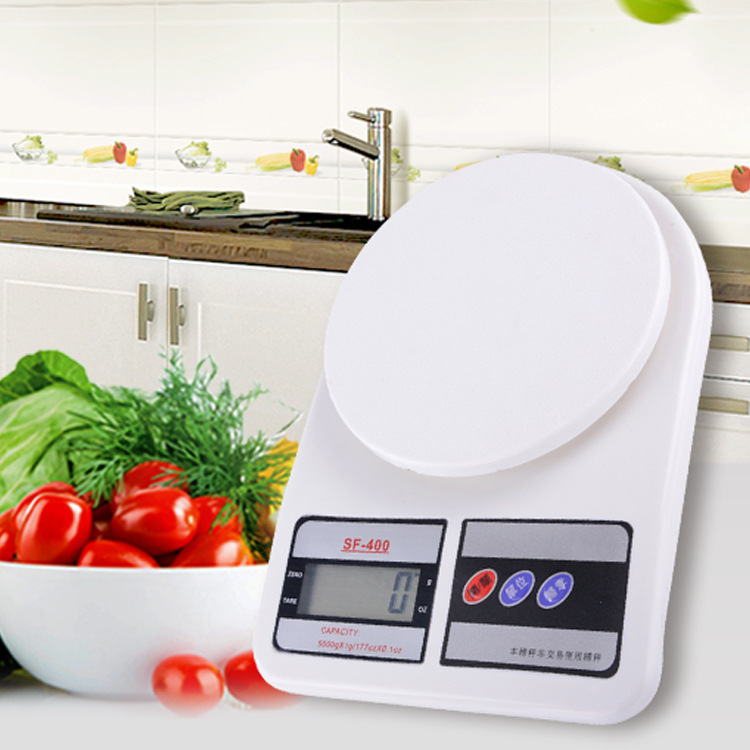
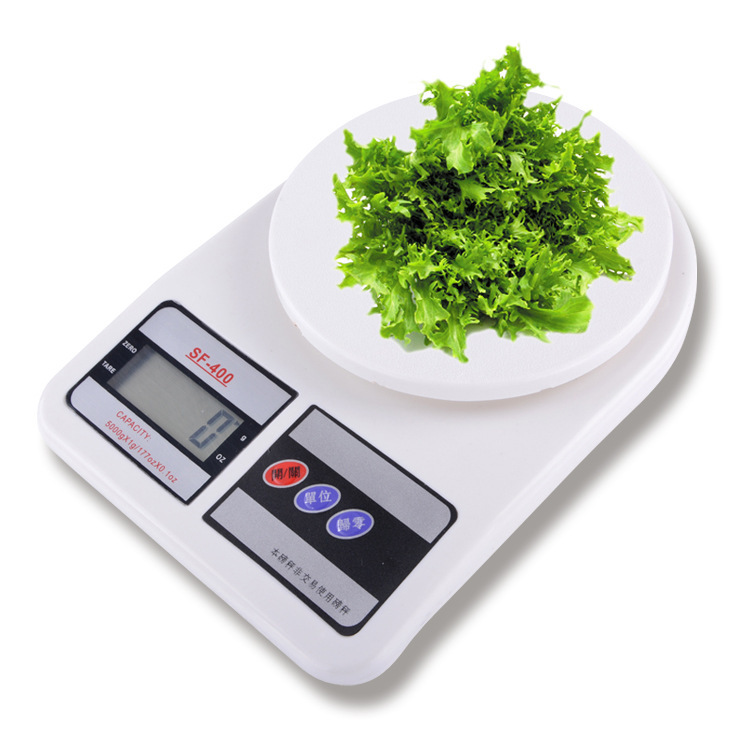
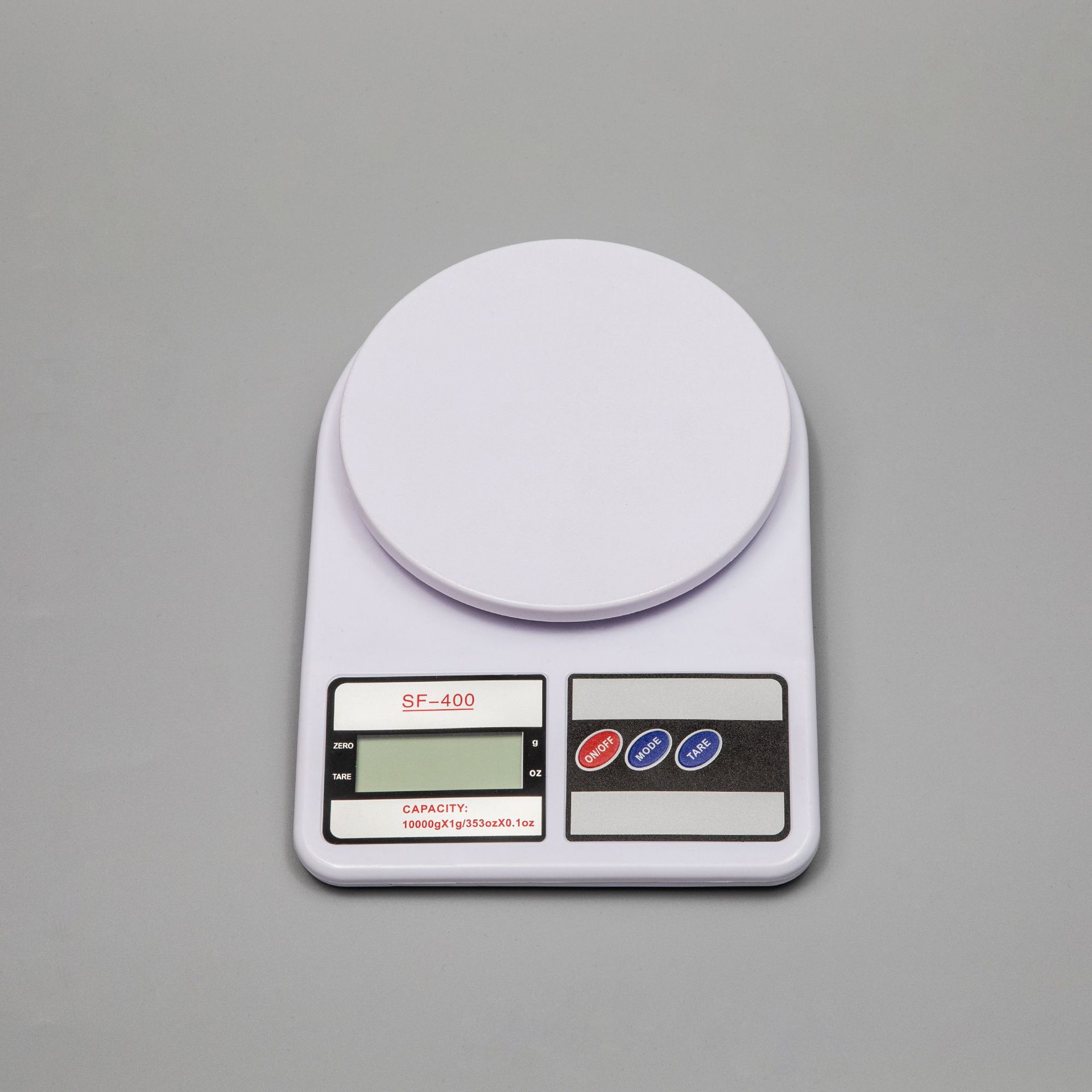
【型号】SF-400
【Product Name】Electronic Kitchen Scale
【Product Material】High-quality Plastic
【Weight Range】3kg/5kg/7kg/10kg
Quantity range specifications: 3kg/1g, 5kg/1g, 7kg/1g, 10kg/1g
【Measurement Unit】g/oz (grams, ounces)
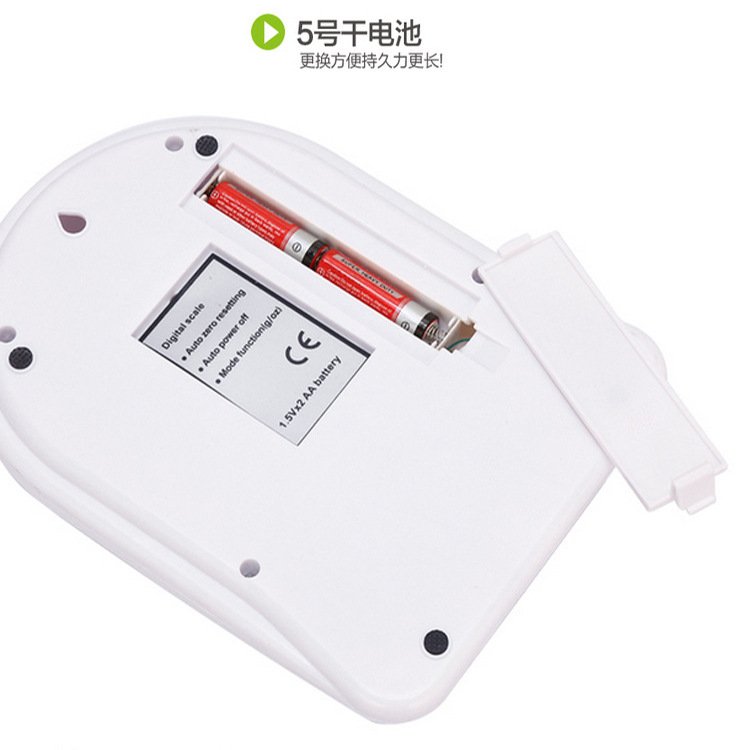
Two AA batteries (included)
【Product Size】225*155*36mm
【 Net/Gross Weight 】12/13kg
【Packing Quantity】40PCS
【Crate Size】49x44x37
Color box size: 170x230x40


lThis product uses high-precision sensors and high-performanceCPUThe weighing is accurate and reliable.
lWeighing range: 1g - 5000g
lPeeling function
lAutomatic Shutdown Feature
Button Instruction
lON/TAREPower on, power off, peel off
lUNITUnit Conversiongandozandlbs",代表 "pounds)
Usage Method
lRemove the scale, open the battery cover on the back, and insert the battery into the battery holder.
lPlace the scale flat on a level platform, ensuring it is level.
Weighing Steps
lPressON/TAREPress the 'Enter' key to turn on the computer.LCDDisplayHello”3Display after second0g
lPressUNITKey to select the unit of measurementg or oz or lbs",代表 "pounds”
lIn the weighing state, place the container on the glass tabletop.LCDThe weight of the container will be displayed.
lPressON/TARERemove the container from the middle.LCDReturn to zero statePlease provide the Chinese text you want to translate, and I will translate it into English for you.Place the food to be weighed into the container.LCDThe display shows the weight of the food.
lAfter weighing, press "ON/TAREKey3Return to time state after one second and enter power-saving mode.
Instruction Guide
lDisplayEEEEExceeds the maximum weight limit.
lDisplayLO-Battery low indicator blinking. Please replace the battery.
Battery Usage and Installation Instructions
lThis product is powered by 2 AAA batteries (type 7).
lReplace the battery when installing, please open the battery box cover on the back of the scale, and then insert the new battery into the slot.2颗7NumberAAAInsert the battery into the battery holder, and then close the battery box cover tightly.
lThis product is already equipped with2颗7NumberAAAPlease install the battery before use.
Notes
l When using, place the scale on a clean, flat work surface.
l The maximum weight capacity of the scale5000 grams,Including the weight before peeling
l Please do not use the scale in places with high humidity, high temperature, or low temperature.
l This product is a high-precision electronic item. Please do not press the scale body forcefully, and prevent falling and damage when moving.
l When there are stains on the scale, you can wipe it clean with a soft cloth. Do not use chemical reagents and prevent water from entering the scale body.
l This product is only for household use to weigh items, and it should not be used for commercial settlement or measurement.
l If there is a problem, please check if the battery and contacts are not properly connected. If the battery is old, replace it and try again. If necessary, please call our company.
Update time:


TOP