Search history
Clear allSearch by image
XDrag and drop an image here or upload an image
Max 5MB per image
UploadSign In | Join

Search history
Clear allSearch by image
XDrag and drop an image here or upload an image
Max 5MB per image
UploadSign In | Join
X Email Mobile
Pingping Electronics 14yr.
Contacts Zhao Yiming Chat
Mobile 86-13615897788
E-mail ywgame@vip.qq.com
15924248648

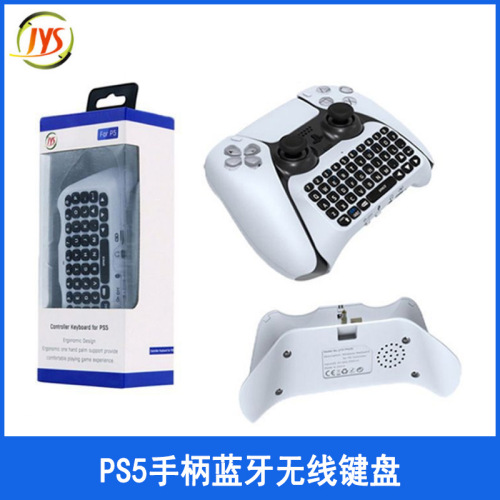
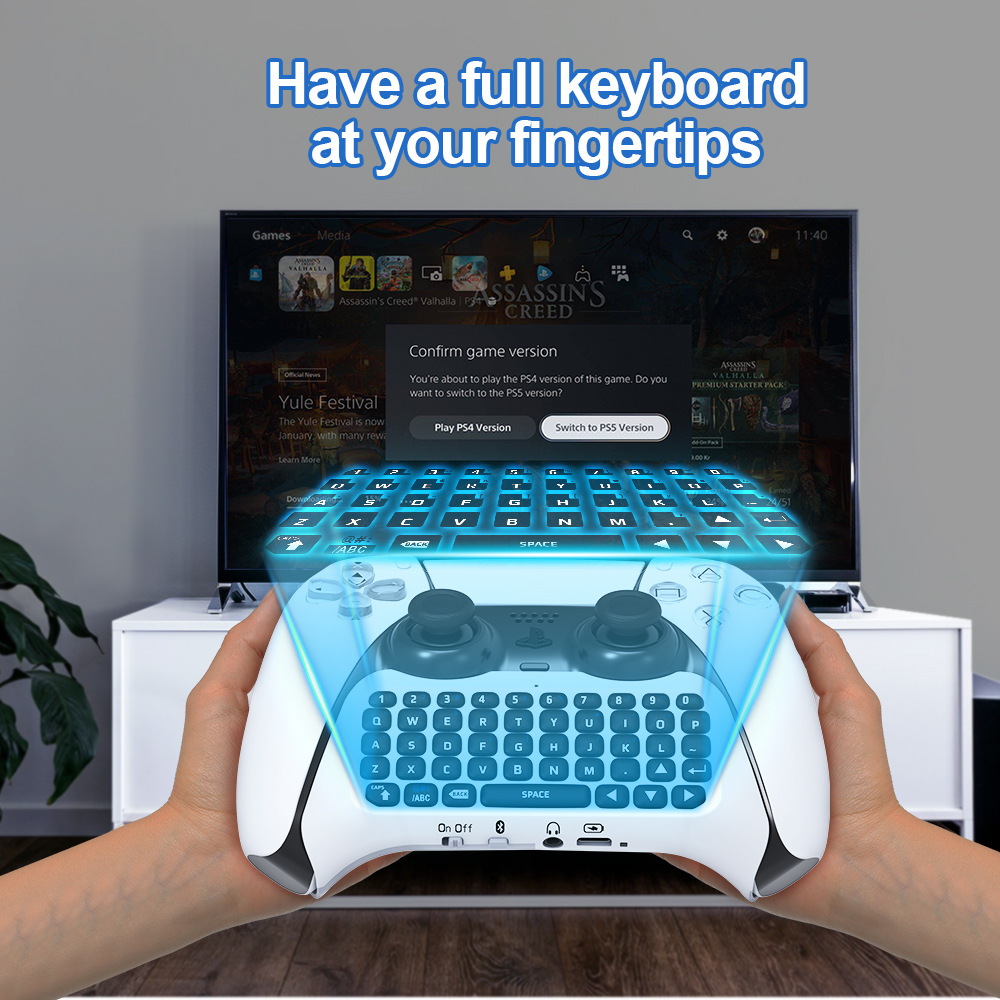
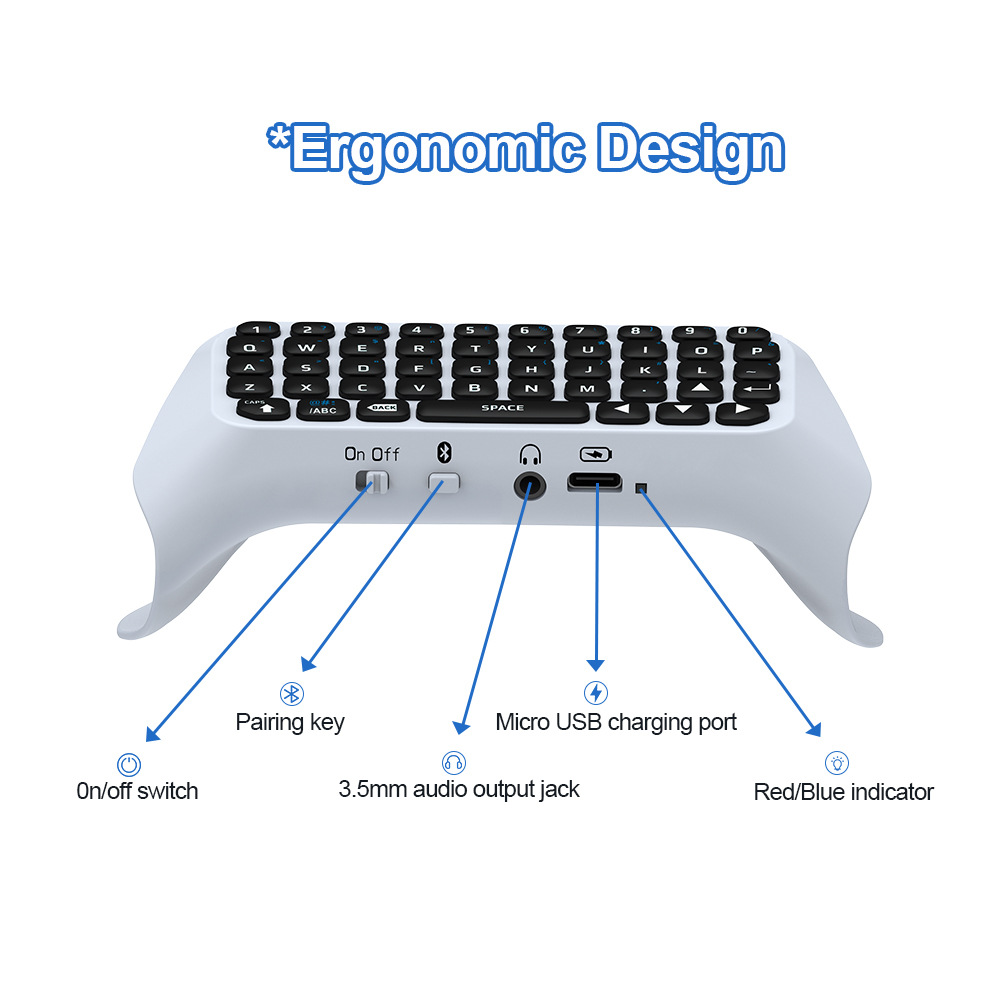
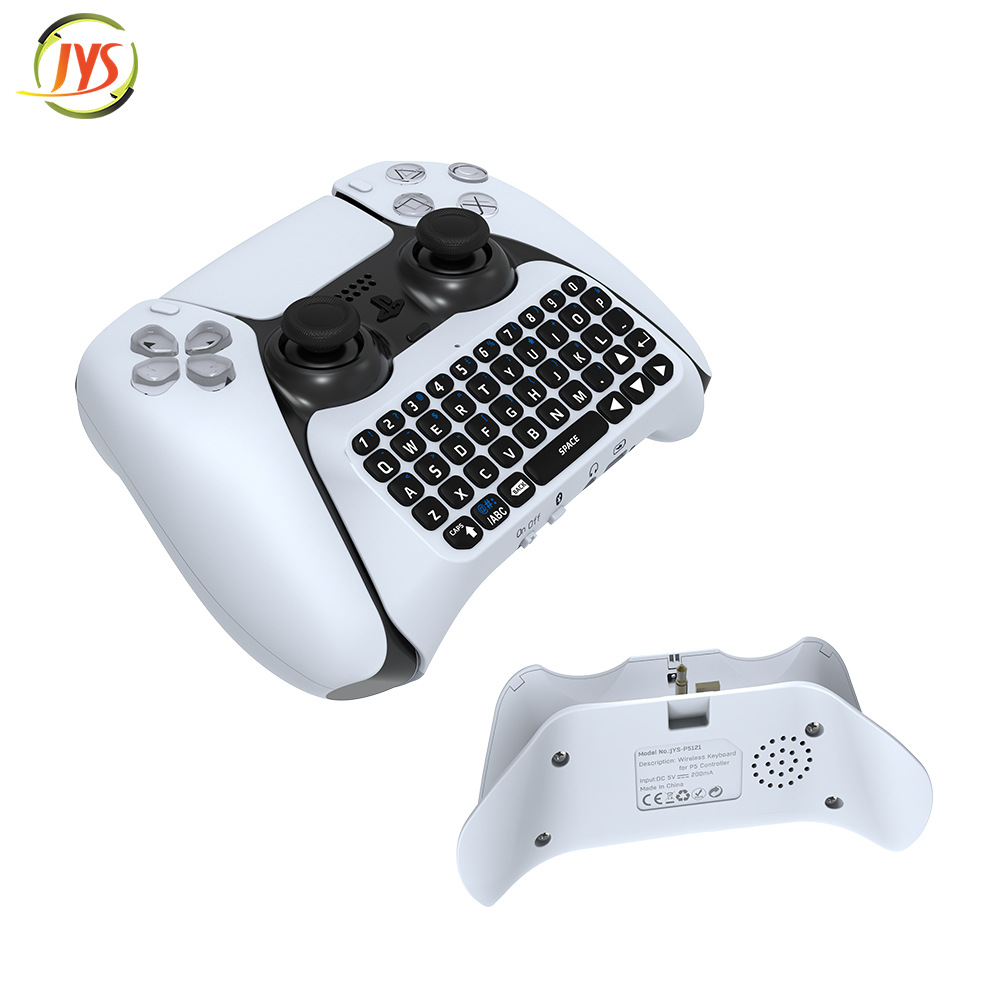
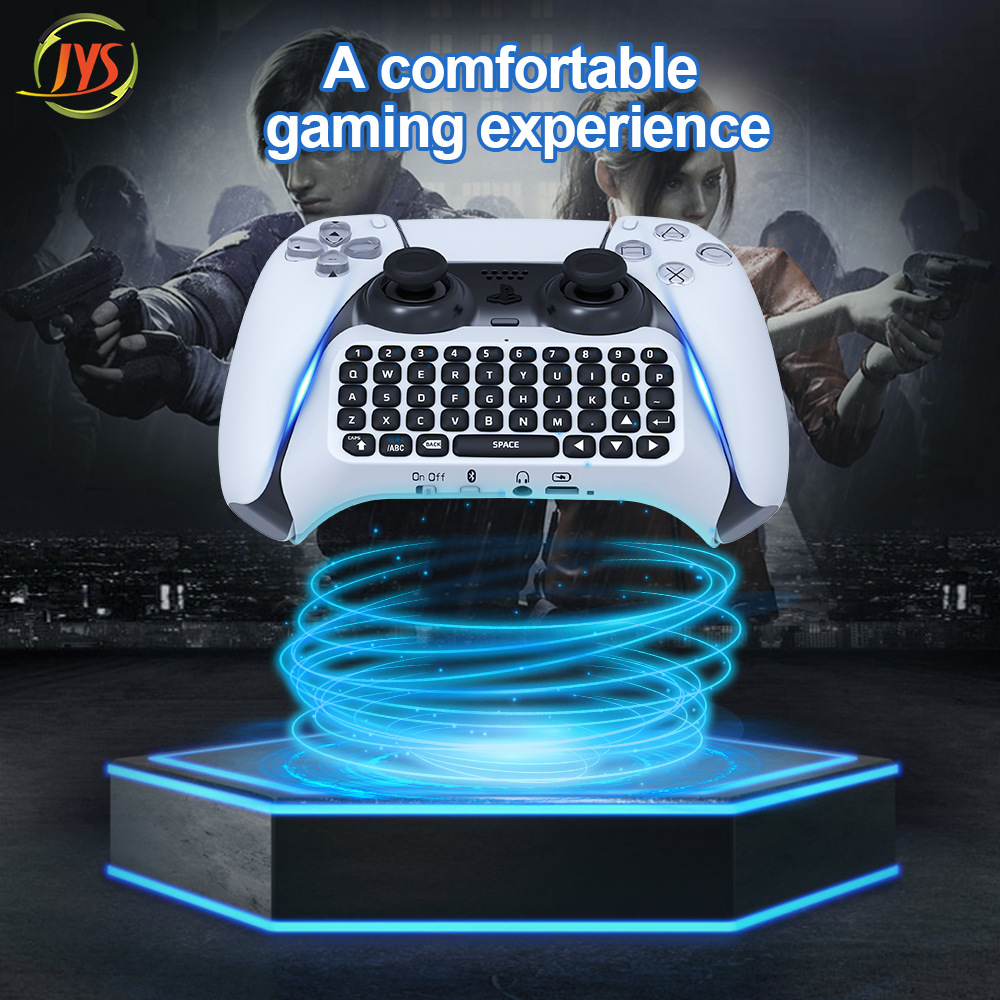
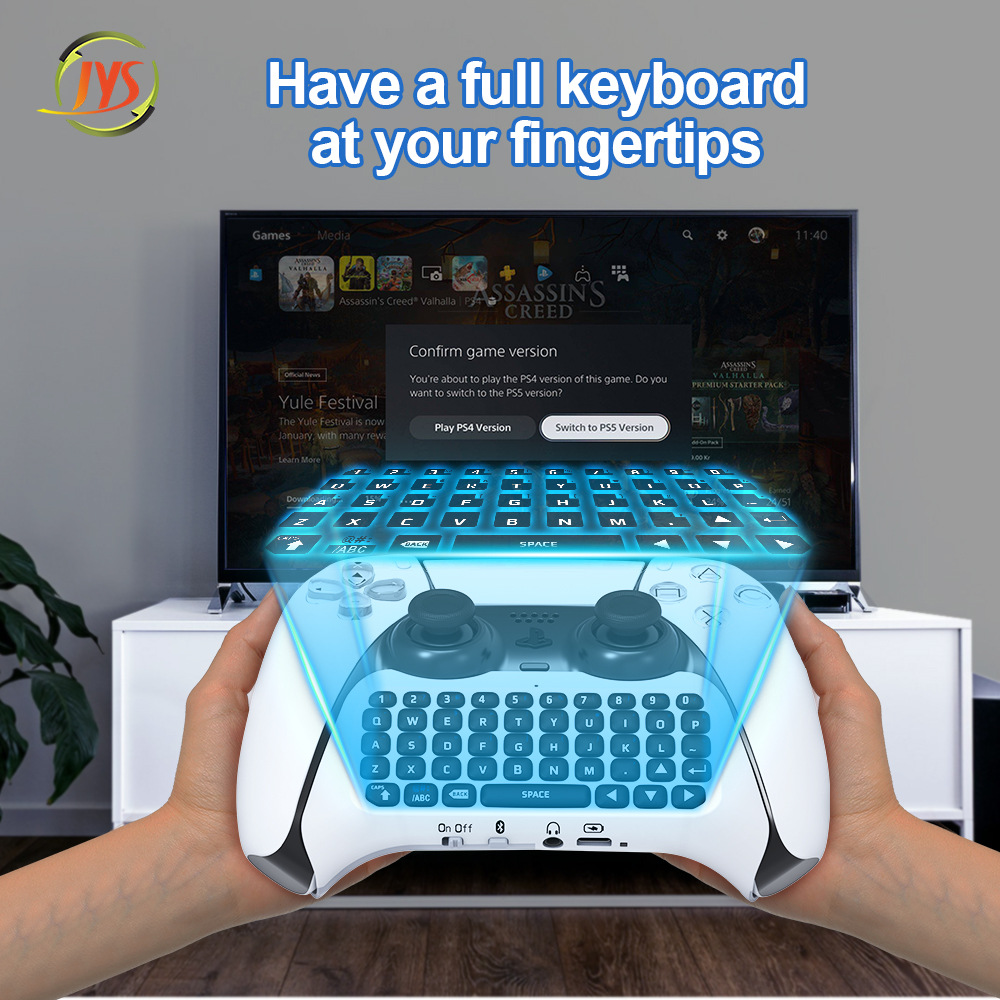
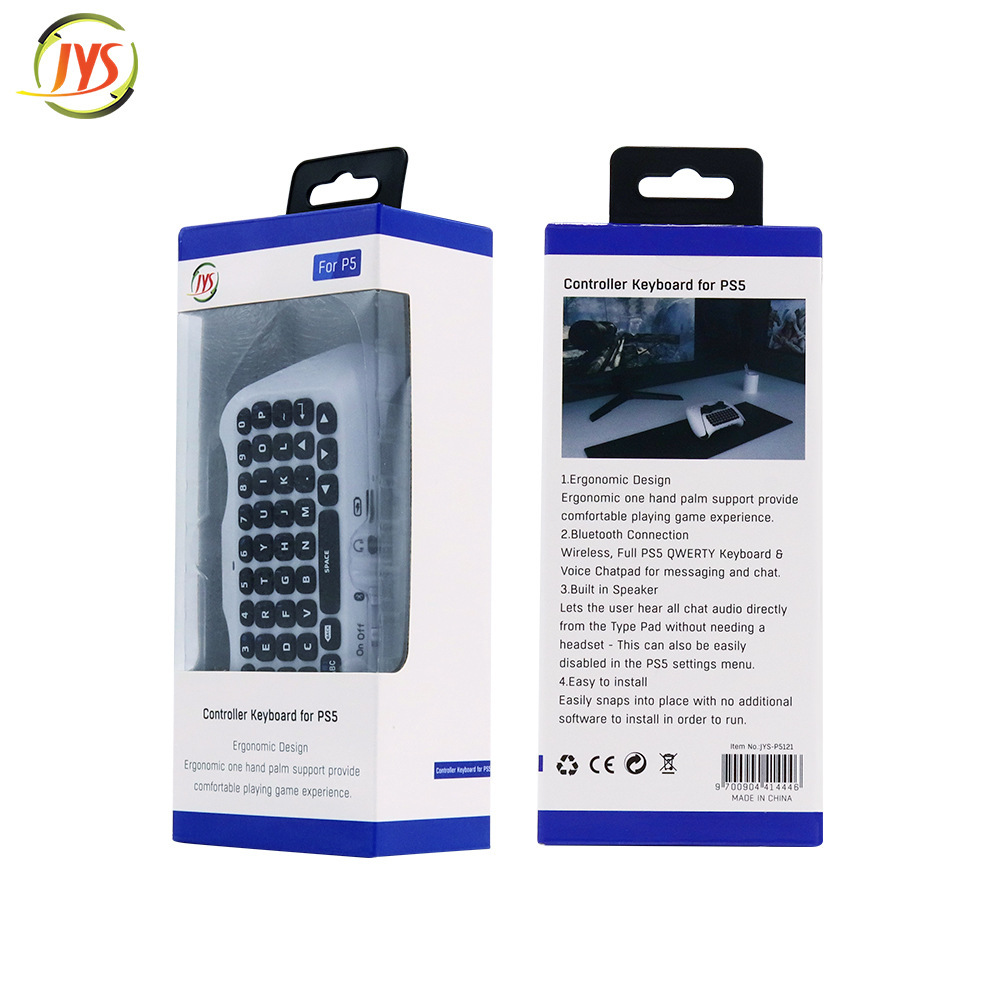
*PS5 controller with Bluetooth keyboard, ergonomic design, enhances gaming experience.
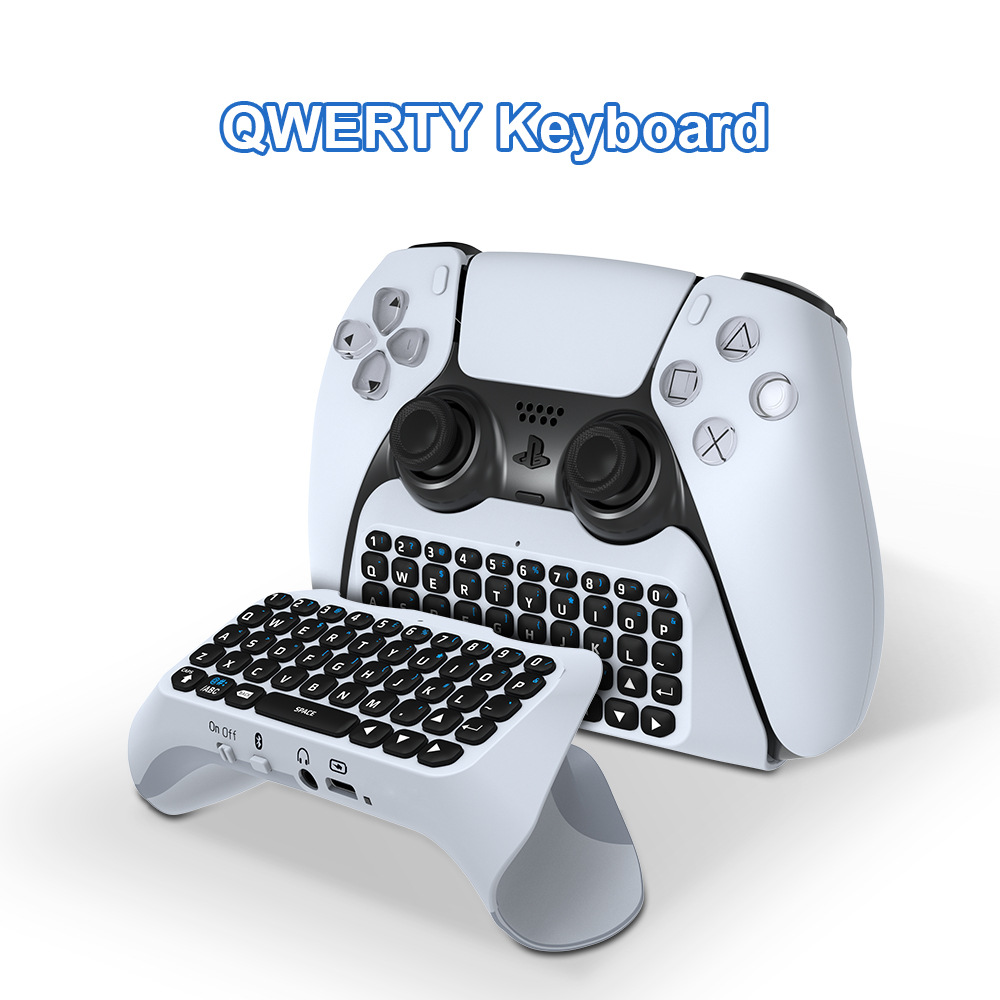
*Complete PS5 QWERTY keyboard and voice chat board, capable of message transmission and chat.
*Built-in speakers allow users to listen to all chat audio directly from the keyboard without the need for headphones; this feature can also be disabled in the PS5 settings menu for use with external headphones.
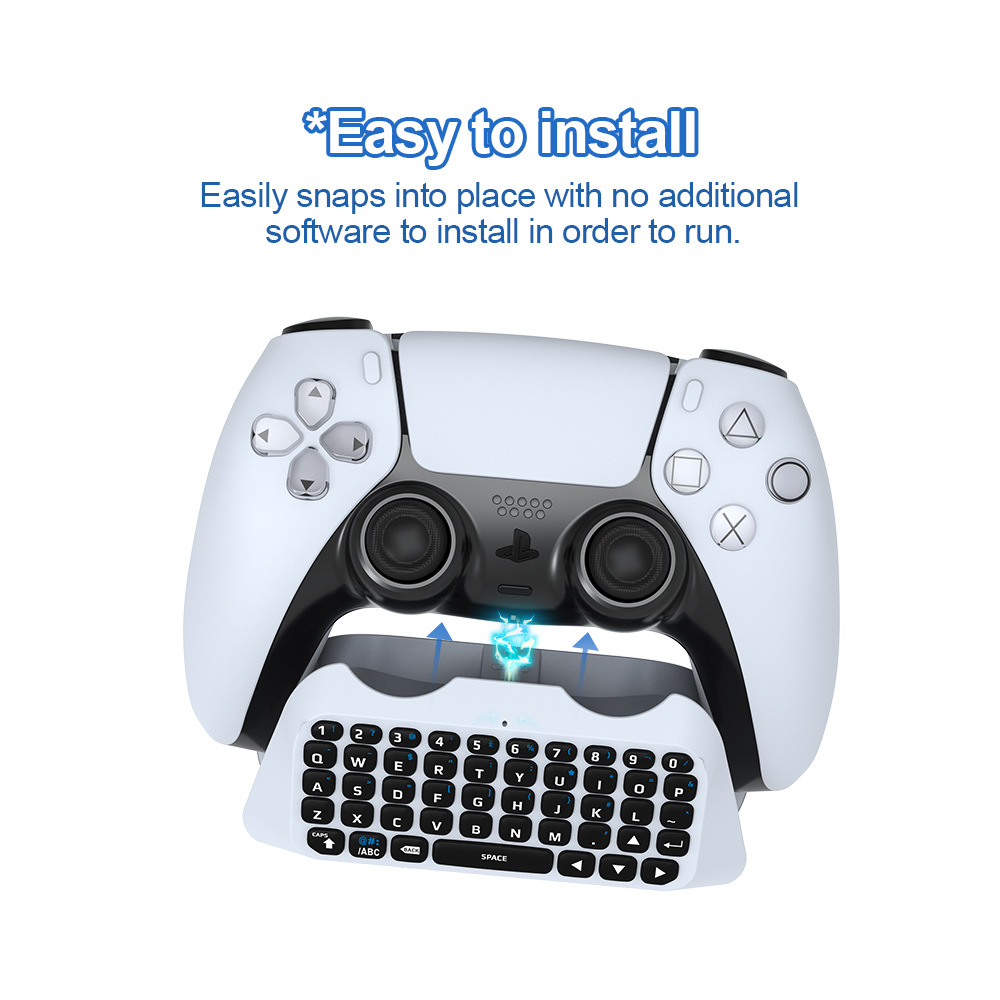
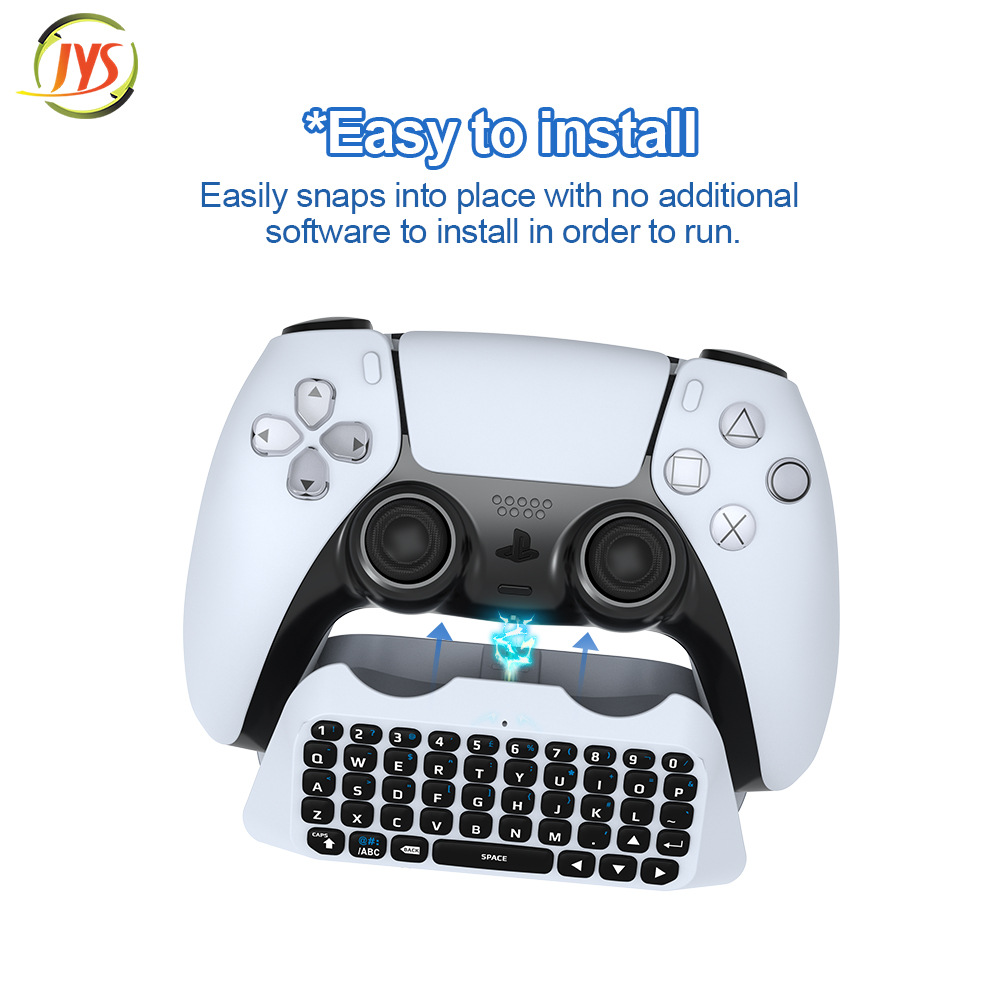
*Easy to install with no need to install other software, Bluetooth connection
Connecting Steps
1. Connect the keyboard to the PS5 controller through the 3.5mm interface on the controller.
2. Turn on the PS5 console and PS5 controller
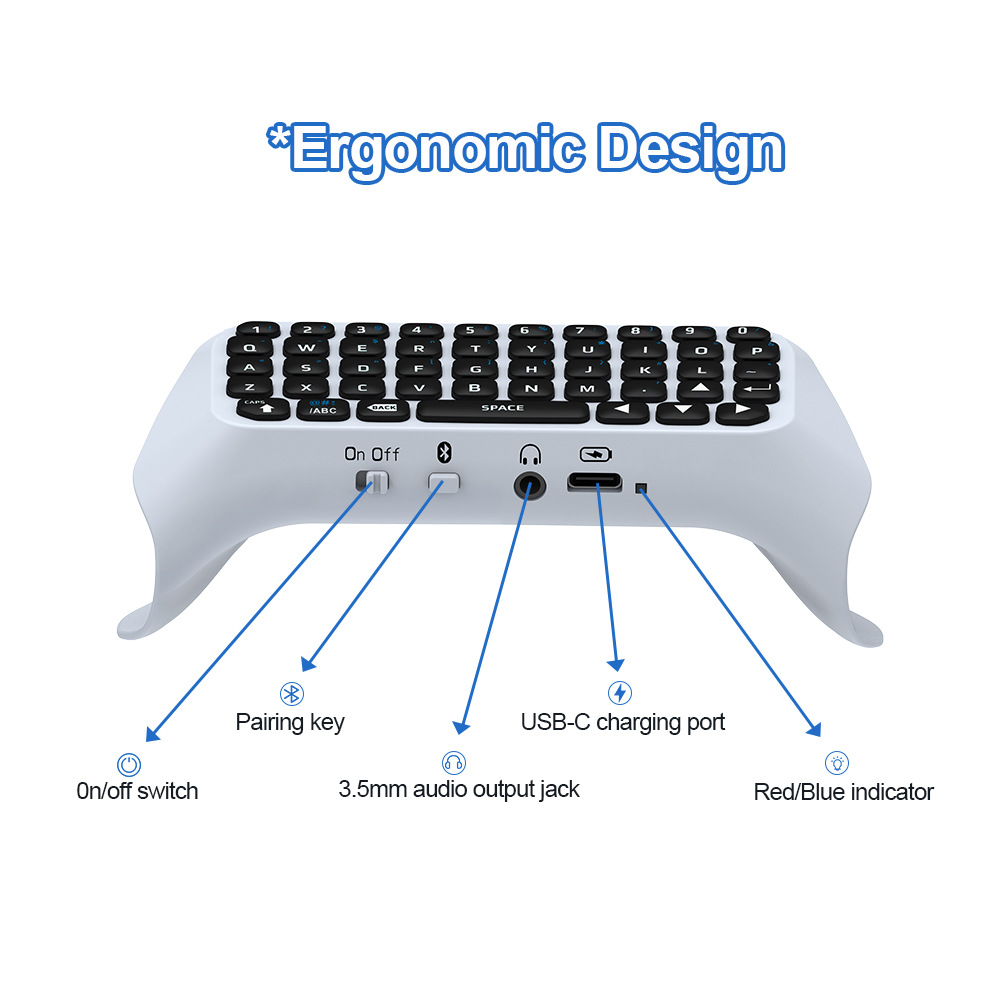
3. Turn on the keyboard by pressing the power button - the blue LED indicator will light up.
4. Press the pairing key on the keyboard for 3 seconds to begin pairing the device, and the indicator light will flash rapidly until the pairing is complete.
5. On the PS5 console, go to [Settings] - [Peripherals] - [Bluetooth Accessories]
6. Find the Bluetooth device name of the [JYS Bluetooth Keyboard], and select to pair it.
7. Enter the password provided by the host, and select it to pair with the controller.
Product Parameters
Working voltage: 3.7V lithium battery.
Working Current: 5mA
Static current: 1.6mA
Maximum charging current: 500mA, 5V
Keyboard battery capacity: 500mAh lithium battery
Bluetooth version 3.0
Charging time: 1-2 hours
Battery life: About 100 hours
A box of 80, net weight: 10kg, gross weight: 11kg
Packing Size: 57.9x40.2x35.6cm

Update time:


TOP