Search history
Clear allSearch by image
XDrag and drop an image here or upload an image
Max 5MB per image
UploadSign In | Join

Search history
Clear allSearch by image
XDrag and drop an image here or upload an image
Max 5MB per image
UploadSign In | Join
X Email Mobile
Pingping Electronics 14yr.
Contacts Zhao Yiming Chat
Mobile 86-13615897788
E-mail ywgame@vip.qq.com
15924248648

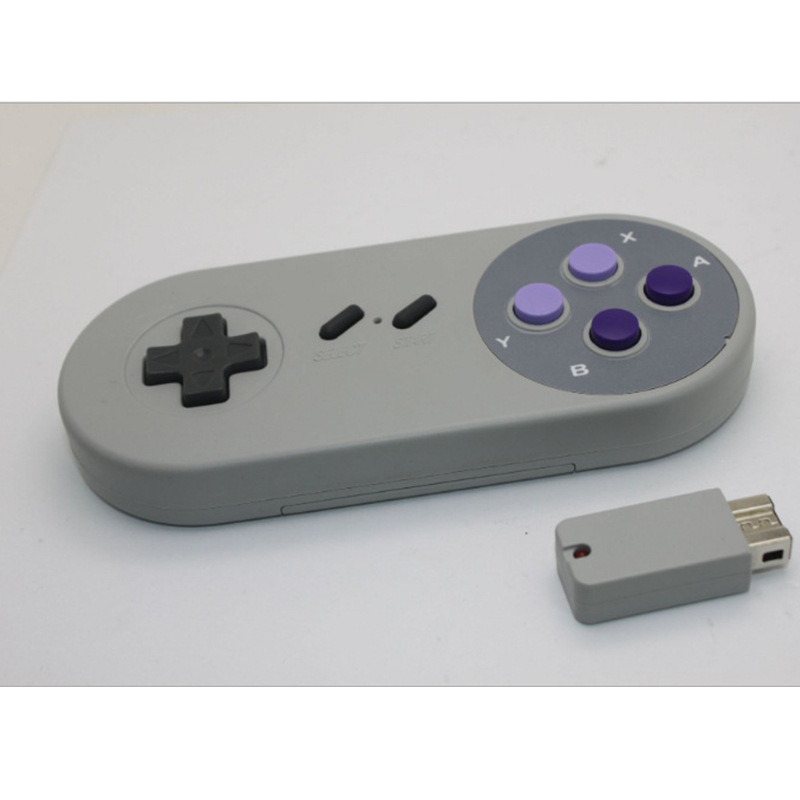
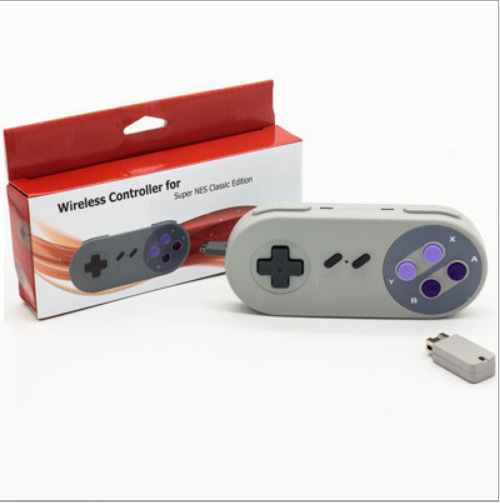
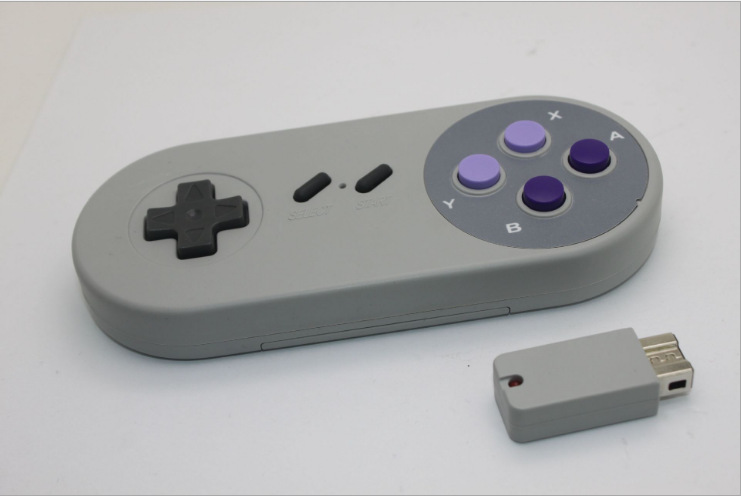
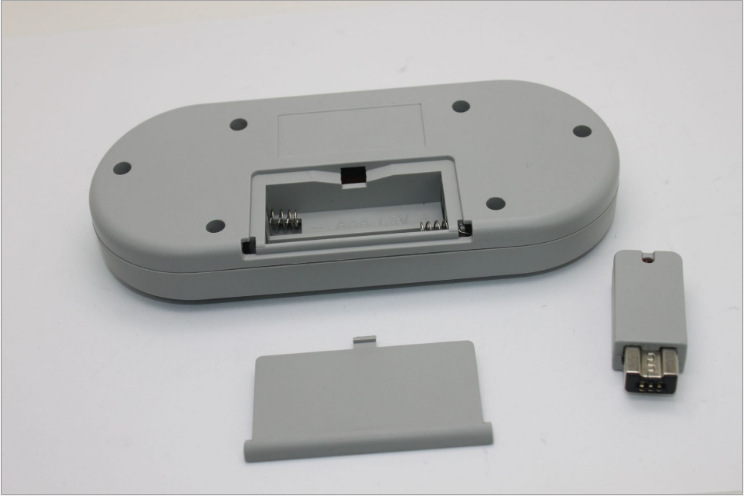
SNES mini 2.4G wireless controller
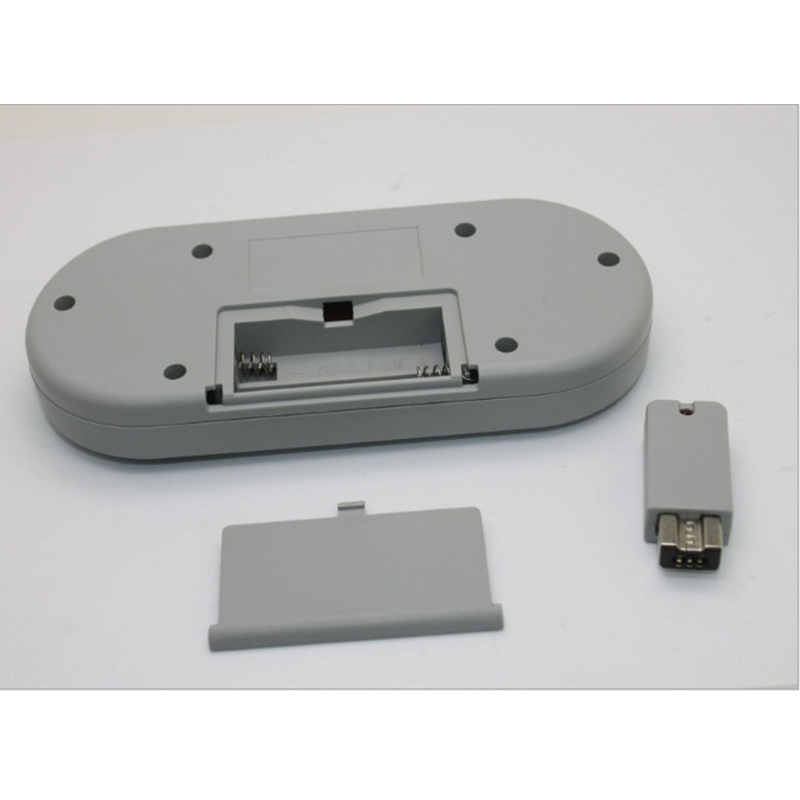
(Requires 7-volt battery, battery not included in shipment)
SNES Wireless Controller Instruction Manual
1. Overview
1. This is a wireless controller specifically designed for the Super Nintendo Entertainment System (SNES) game console. It uses 2.4GHz RF wireless technology for long-distance remote control, up to 5 meters. The operation is simple.
2. The controller has LED indicators to show the working status.
Section 2. Instructions for Use
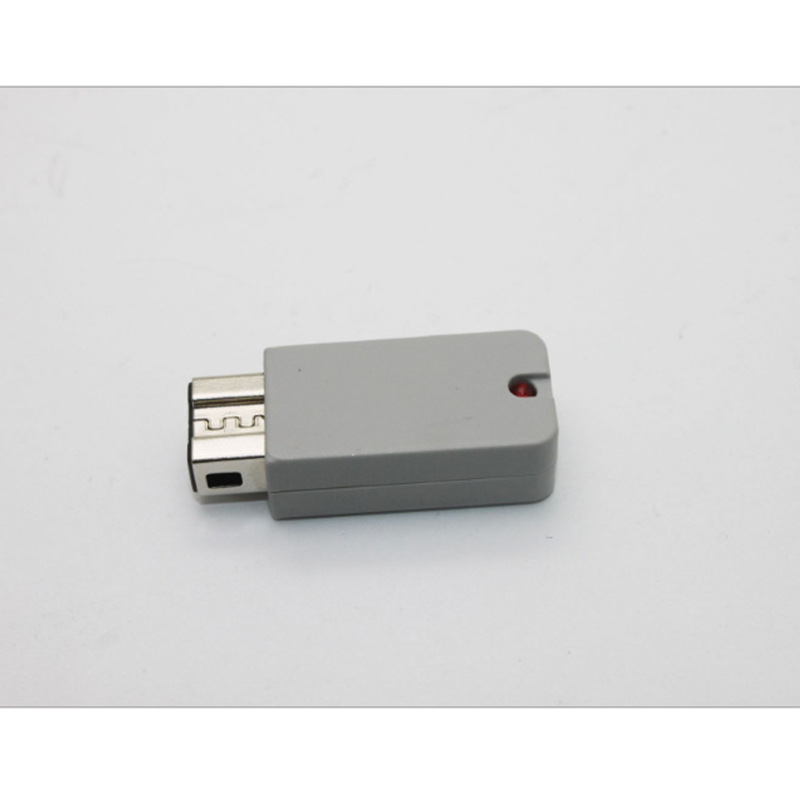
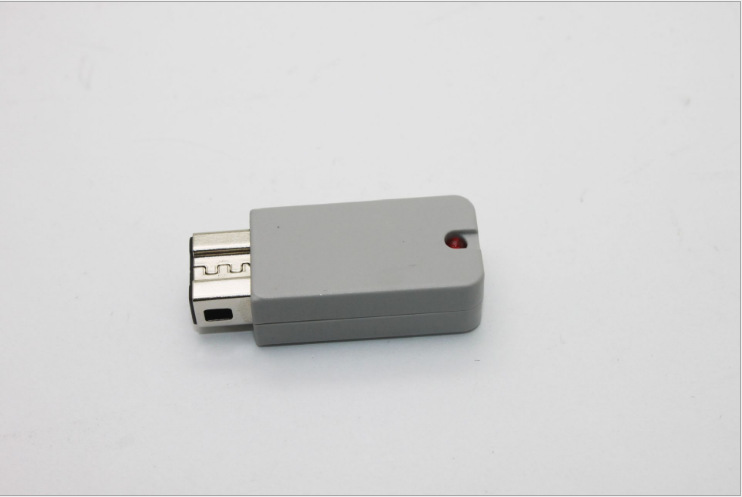
1. Turn on the game console power, plug the receiver into the controller port of the console. At this time, the LED of the receiver flashes (searching for a signal). Insert batteries into the controller (two AAA batteries), and the LED on the controller will flash (searching for a signal). The controller will automatically connect. After connecting, the LED remains on continuously. You can then operate the game.
2. The handle has a sleep function to reduce battery power consumption and extend battery life:
Entering sleep mode after 30 seconds without a connection.
When the connection status handle is not in action for 5 minutes, it enters the sleep state.
Press the START button on the controller when you are asleep to wake up.
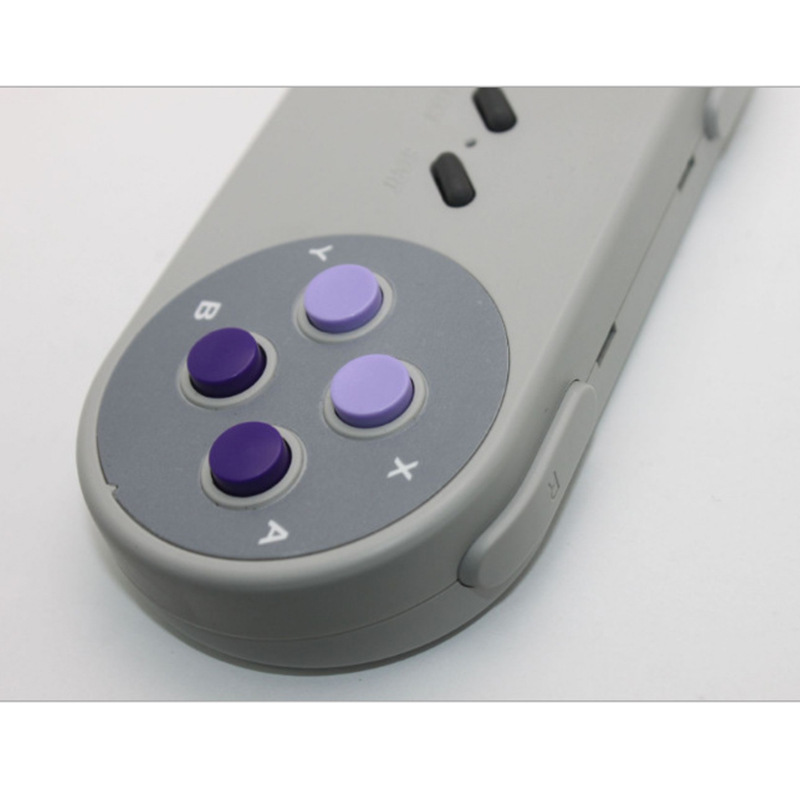
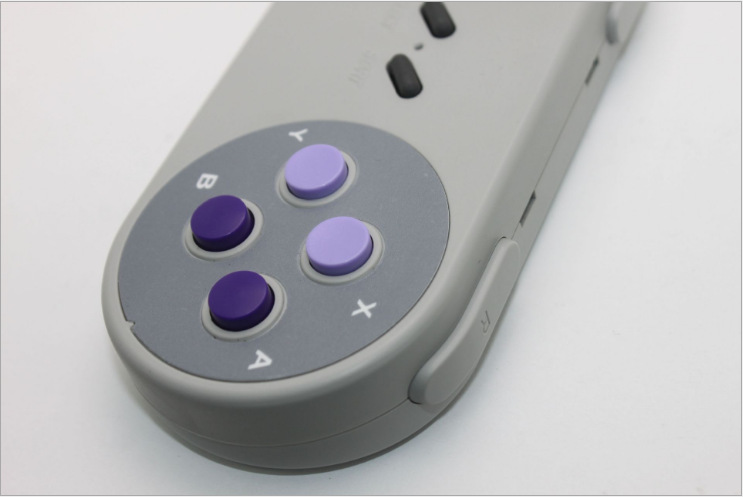
Press the SELECT and START buttons on the controller simultaneously to return to the main menu, without pressing the RESET button on the console.
4. When the battery voltage is too low (as low as 2.1V), the LED on the handle will flash slowly, please replace the battery.
5. When not in use for a long time, please remove the battery.
Section 3: Electrical Specifications
Working Voltage: DC3V (Two AAA Batteries)
Working Current:
Search status:
Working condition:
Sleep state:
Update time:


TOP