Search history
Clear allSearch by image
XDrag and drop an image here or upload an image
Max 5MB per image
UploadSign In | Join

Search history
Clear allSearch by image
XDrag and drop an image here or upload an image
Max 5MB per image
UploadSign In | Join
X Email Mobile
Pingping Electronics 14yr.
Contacts Zhao Yiming Chat
Mobile 86-13615897788
E-mail ywgame@vip.qq.com
15924248648

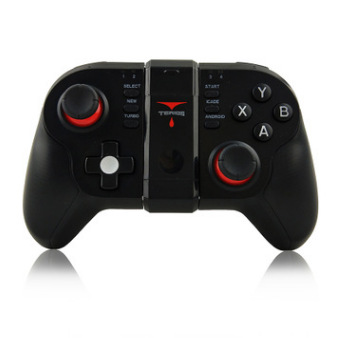
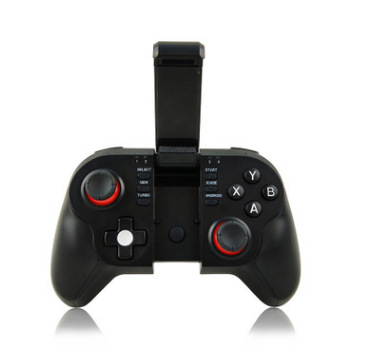
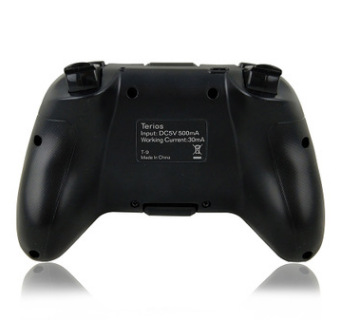
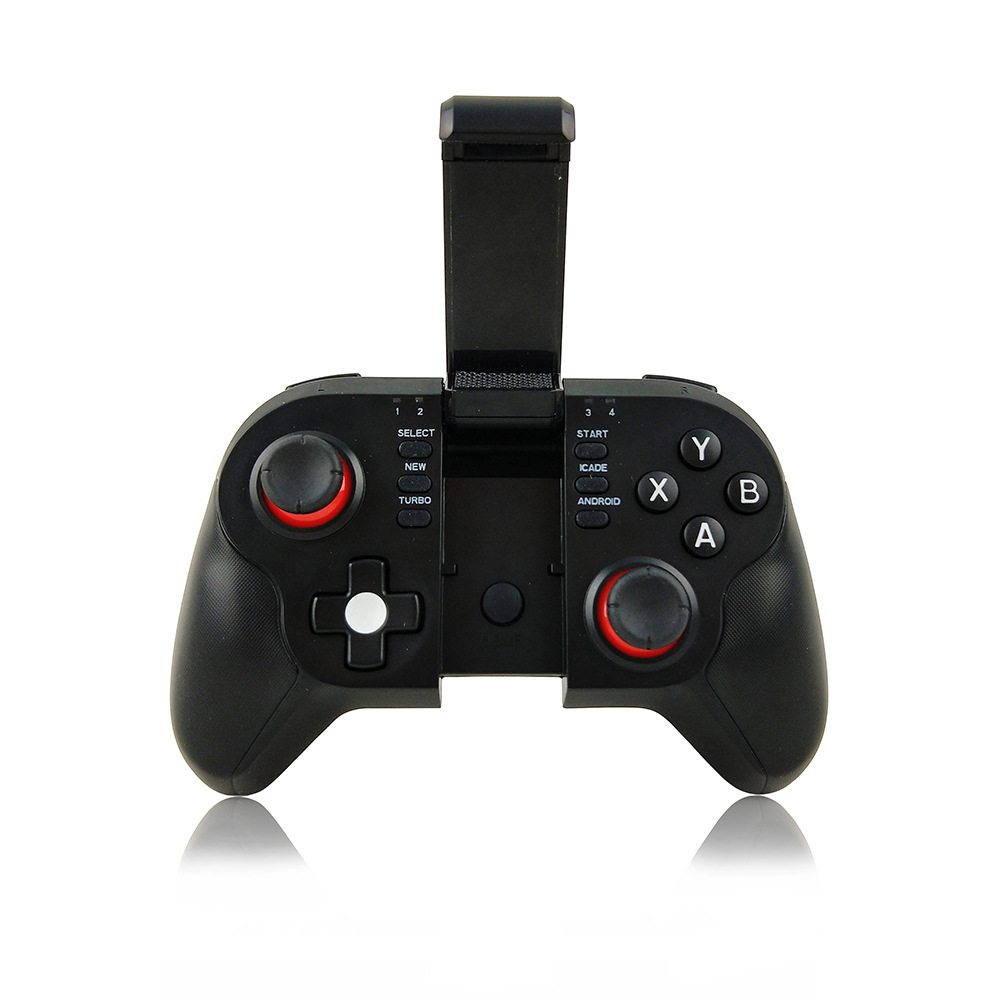
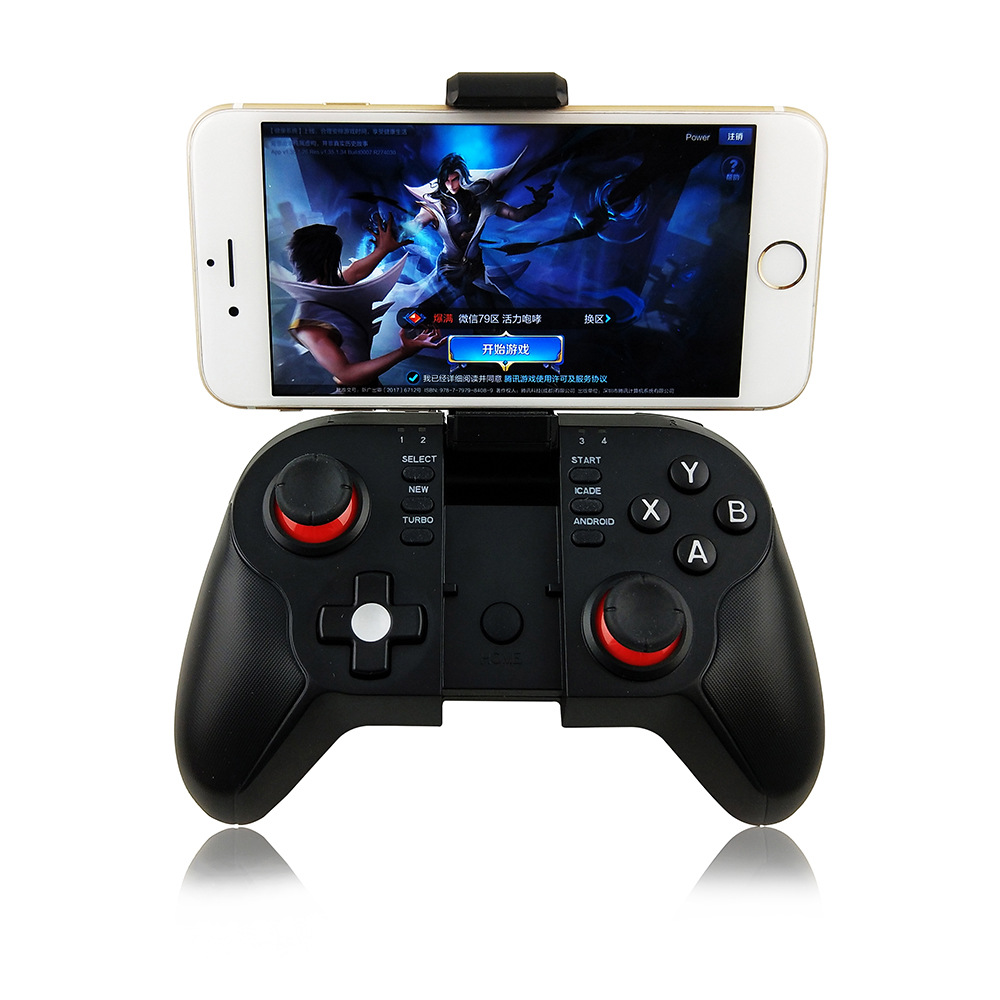
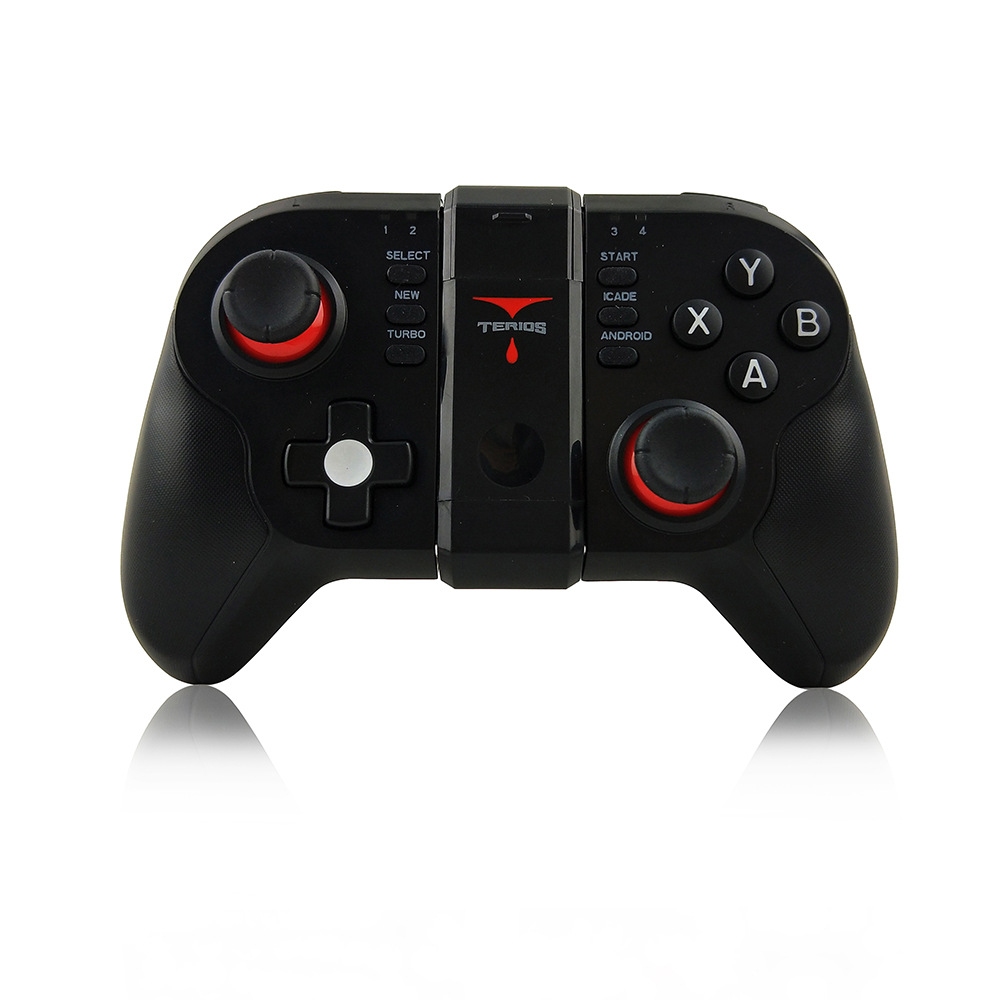
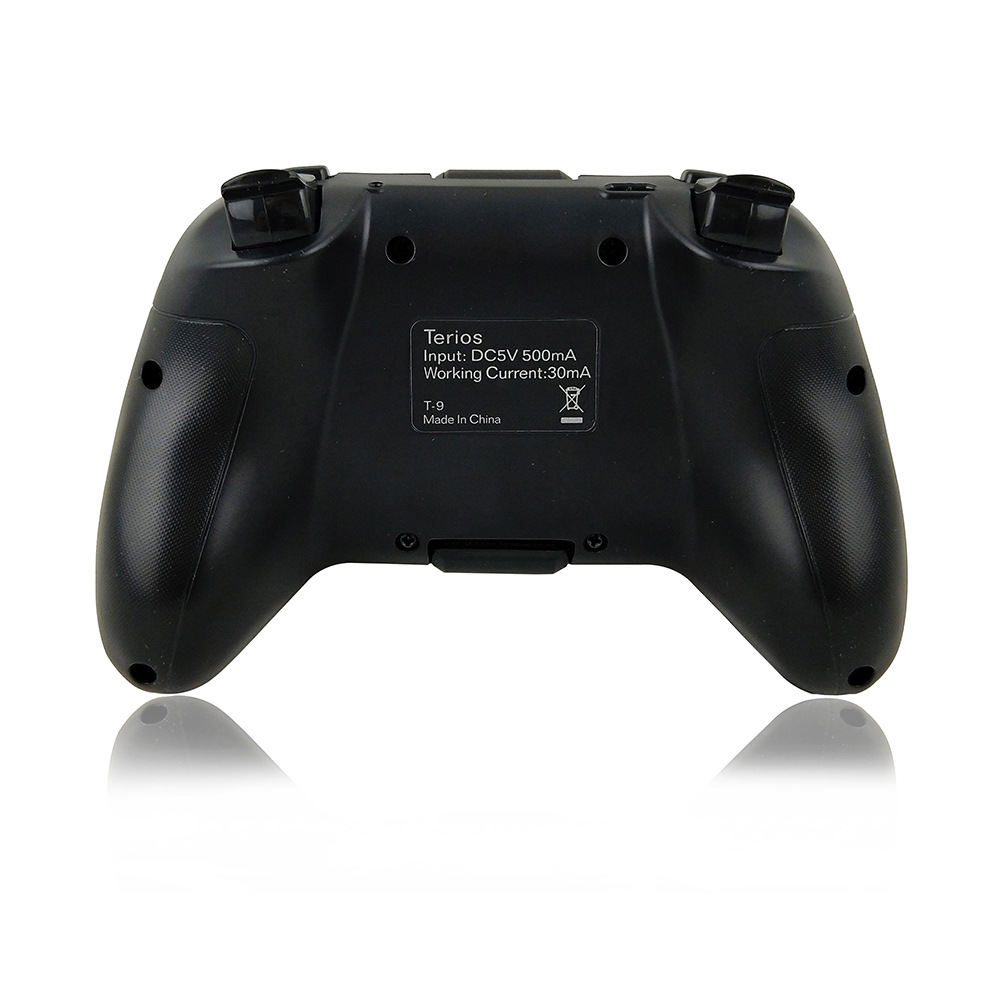
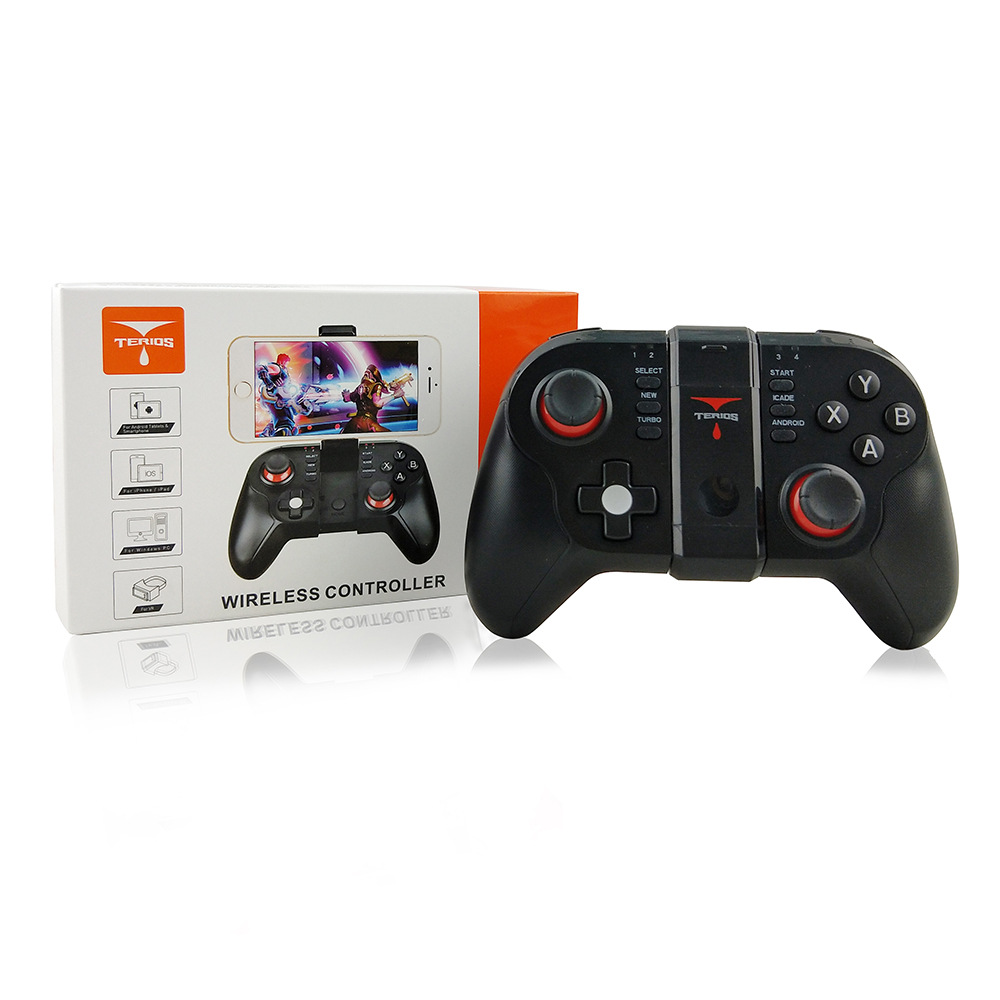
T9 handle size: 16.3×10.2×5.8cm, weight: 233g
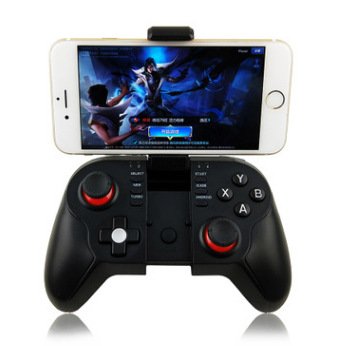
1. The product is mainly used for game operation when connecting via Bluetooth on Android/iOS/Win 7/8/10 systems and wireless connection with PS3 game consoles.
2. Applicable devices: Smartphones/tablet computers/smart TVs, set-top boxes/PC computers/PS3 game consoles.
3. LT/RT is a function for analog control, which focuses on the details of the experience to make the game precise and controllable.
4. With Turbo acceleration function, the game operation is more powerful and quick.
5. In mouse mode, with multimedia functions: Volume -/Volume +/Play. Pause/Previous track/Next track.
Android phone connection method:
1. Press the Android and HOME buttons simultaneously for 2 seconds, and at this time, the four LED indicator lights will flash simultaneously.
2. Turn on the Bluetooth function on the Android device and click 'Scan'.
3. When the Bluetooth device named "T-9" is searched, select the pairing connection.
4. When the connection is successful, LED1 indicator light remains on continuously.
5. Scan the QR code on your mobile phone to download the game platform, and then download the required games on the platform.
6. Recommended games: Honor of Kings, PUBG, Five Nights at Freddy's, Wild Apex, CrossFire, etc.

IOS phone connection method:
Supports iOS non-jailbroken devices and third-party game platforms. This mode is available only in mainland China.
1. Press the NEW key and the HOME key simultaneously for 2 seconds, and at this time, the four LED indicator lights will flash simultaneously.
2. Turn on the Bluetooth function on the iOS device. When the device named "NewgamepadN1" is searched, select the pairing connection!
3. Connection successful, LED3 indicator light is always on!
4. Supports iOS devices with systems 9.3.0 or later.
5. Scan the QR code attached after the phone to download the game platform, and then download the required games on the platform.

iCADE Mode Explanation
1. Press the ICADE key and the HOME key simultaneously for 2 seconds, and at this time, the four LED indicator lights will flash simultaneously.
2. Turn on the Bluetooth function on the iOS device. When the device named "Gamepad" is searched, select the pairing connection.
3. Connection successful, LED4 indicator light remains on continuously.
4. You can download games that support iCade mode from the App Store.
* Note: When using the iCade mode (for Apple iOS systems), the input method must be set to a pure English keyboard for operation (only a portion of the iCade games can be played).
Battery parameters:
1. Working Voltage: DC3.7V
5. Charging Voltage/Current: DC5V/500mA
2. Working Current: 19 mA
6. Bluetooth Transmission Range:
3. Continuous use: 10 hours 7. Battery capacity: 380mAh
4. Suspend Current:
Notes:
1. Please do not store this product in a place with high humidity or high temperature.
2. Do not strike, beat, club, pierce, or attempt to disassemble this product, to avoid unnecessary damage to the product;
3. The product comes with a built-in battery. Please do not dispose of it with the garbage.
4. Do not charge the handle near a fire or other heat source.
5. Non-professional personnel are not allowed to disassemble this product, otherwise it will not be covered by the after-sales warranty service.
Update time:


TOP