Search history
Clear allSearch by image
XDrag and drop an image here or upload an image
Max 5MB per image
UploadSign In | Join

Search history
Clear allSearch by image
XDrag and drop an image here or upload an image
Max 5MB per image
UploadSign In | Join
X Email Mobile
Pingping Electronics 14yr.
Contacts Zhao Yiming Chat
Mobile 86-13615897788
E-mail ywgame@vip.qq.com
15924248648

Amazon limits the price to $29.99, $41.15 for Canadian dollars, £24.65 for pounds, €28.12 for euros, and ¥3580 for yen.
The handle does not come with batteries (the customer needs to provide their own, requiring 2 AA batteries).
Product Features
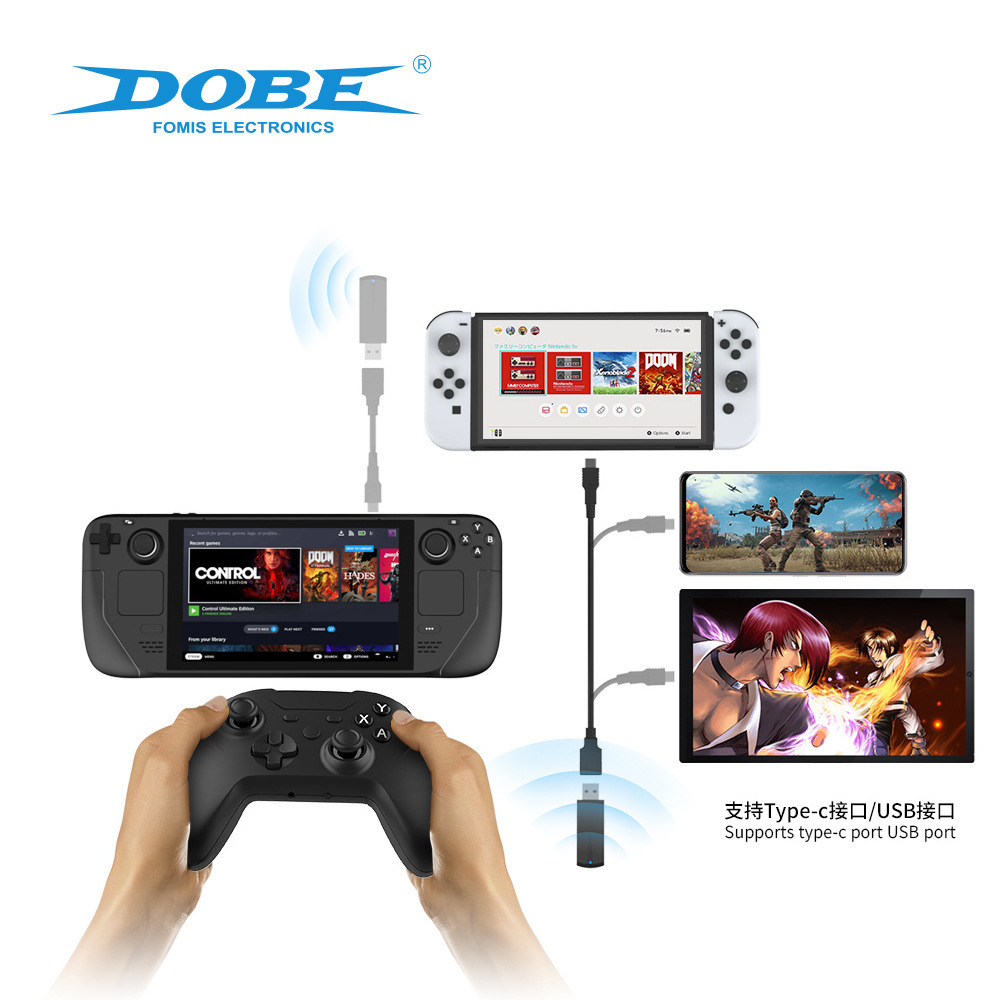
1. The handle can be quickly connected to a PC/N-Switch/PS3/Seatm handheld device through a 2.4G receiver.
2. Supports USB data cable connection with PC/N-Switch/PS3/Seatm handheld console
3. Uses two 1.5V*2 AA batteries, which can be replaced quickly when the battery is exhausted, saving the time for charging.
4. Support for keypad connection
Switch wired connection mode
1. Before using a wired connection, please confirm that the 'System' setting on the Switch console is set to 'Handheld and Sensors' and the 'Pro Controller' wired connection is enabled.
2. Connect the controller to the Switch base via a USB data cable, and it is ready to use. The corresponding indicator light on the controller will stay on to indicate.
Switch to 2.4GHz connection mode
1. Insert the 2.4G receiver that comes with the controller into the USB port of the Switch base, and the blue light of the receiver blinks to indicate that it is in the process of connecting.
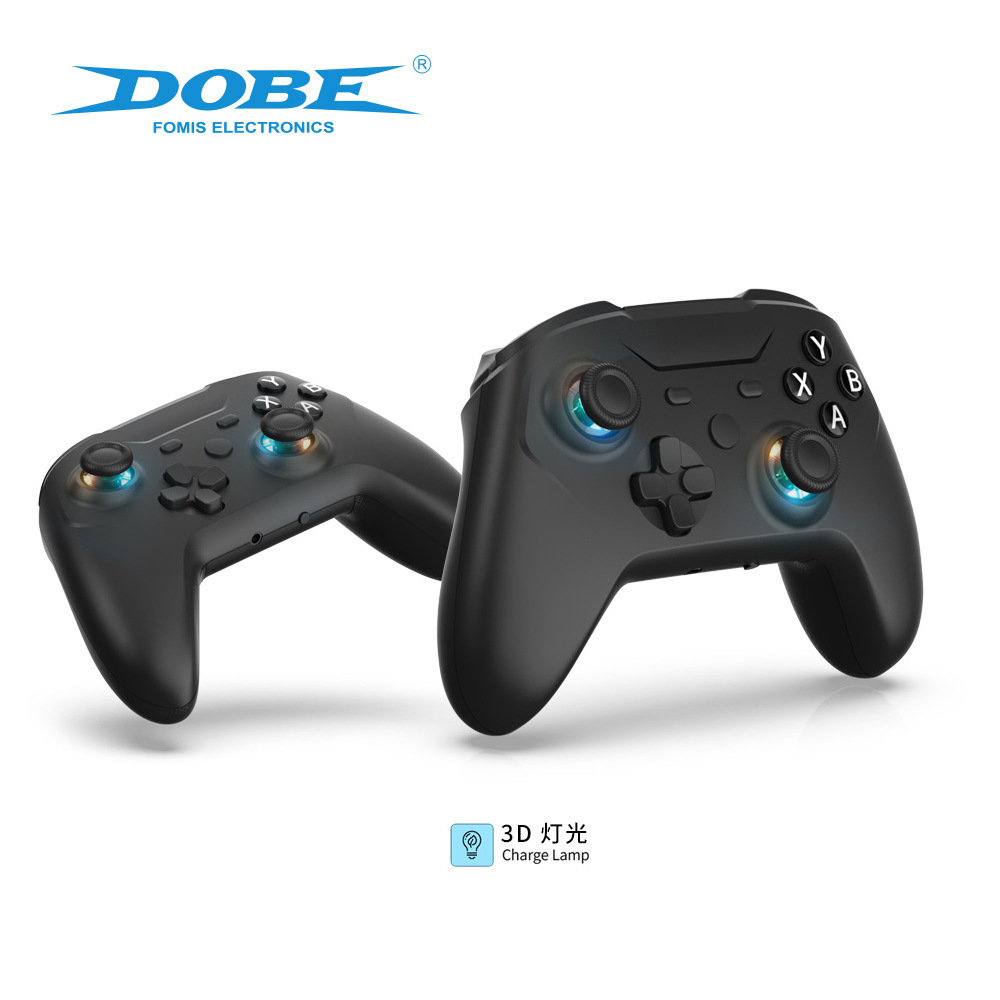
2. Insert the battery into the handle and press the "pairing key" for 3 seconds. The left and right 3D lights will flash rapidly, indicating that it is in the process of connecting with the receiver; after successful connection, the left and right 3D lights and the receiver's blue light will remain lit. Pressing the pairing key briefly serves as the reset function.
PS3 console connection mode
1. USB wired connection: Insert the USB data cable into the USB port of the PS3 console, and connect the controller. If the left and right 3D lights are constantly lit, it indicates that the controller is successfully connected.
2.2.4G Wireless Connection: Insert the included 2.4G receiver into the USB port of the PS3 console. The blue light on the receiver blinks to indicate it is in the process of connecting.
3. Press and hold the 'Pairing Key' for 3 seconds to pair the battery with the receiver. The left and right 3D lights will flash rapidly, indicating that the connection with the receiver is in progress. Once the connection is successful, the left and right 3D lights and the receiver's blue light will remain lit. Pressing the Pairing Key briefly serves as a reset function.
PC connection mode
1. USB wired connection: Insert the USB data cable into the USB port on the PC, and connect the controller. If the left and right 3D lights are constantly lit, it indicates that the controller has successfully connected.
2.2.4G Wireless Connection: Insert the included 2.4G receiver into a USB port on your PC, and the blue light on the receiver will blink to indicate it is in the process of connecting.
3. Press and hold the 'Pairing Key' for 3 seconds, and the left and right 3D lights will flash rapidly, indicating that the controller is in the process of connecting to the receiver; once the connection is successful, the left and right 3D lights and the receiver's blue light will remain lit. Press the pairing key briefly to reset the controller.
4. DINPUT and XINPUT mode conversion: Press and hold the X+Y+HOM keys for about 3 seconds, and the 3D light will blink briefly to indicate the successful conversion. You can freely switch between the two modes. XINPUT mode: In the test mode, there are 10 buttons. DINPUT mode: In the test mode, there are 15 buttons.
Seatm handheld connection mode
1. USB wired connection: Insert the USB data port into the TYPE-C to USB data port connector for the Seatm controller, and connect the controller. The left and right 3D lights will stay on to indicate that the controller is successfully connected.
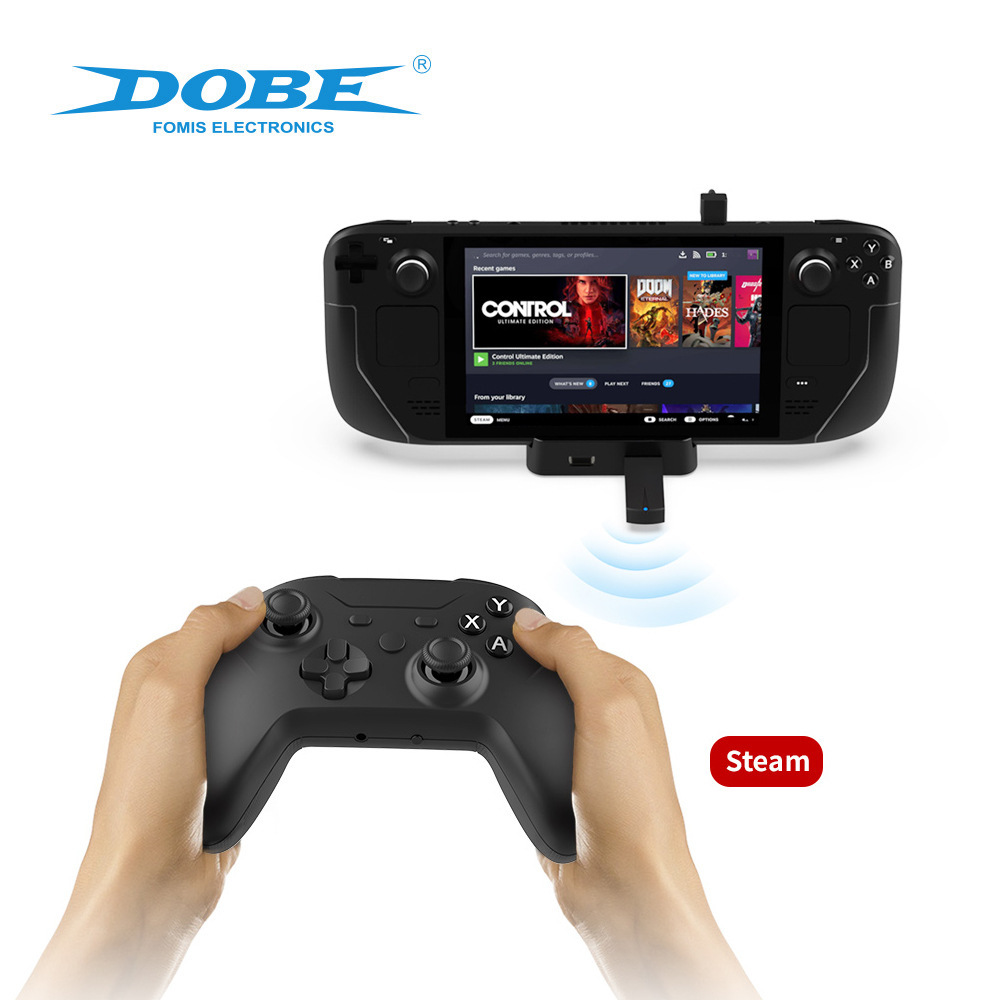
2.2.4G Wireless Connection: Insert the included 2.4G receiver into the TYPE-C to USB port on the Seatm controller to connect it to the TYPE-C interface on the Seatm console. The blue light on the receiver blinks to indicate it is in the process of connecting.
3. Press and hold the 'Pairing Key' for 3 seconds to pair the battery with the receiver. The left and right 3D lights will flash rapidly, indicating that the connection with the receiver is in progress. Once the connection is successful, the left and right 3D lights and the receiver's blue light will remain lit. Pressing the Pairing Key briefly serves as a reset function.
Headphone Mode
The Switch platform supports headphone connection and can be used normally: other platforms (PS3 console/PC/Seatm handheld) do not support headphone connection.
Operating Instructions
1. Press the HOME button briefly to turn on the device; long-press the HOME button for 5 seconds to turn off the controller.
2. When the handle is not operated for 10 minutes, it enters a dormant state.
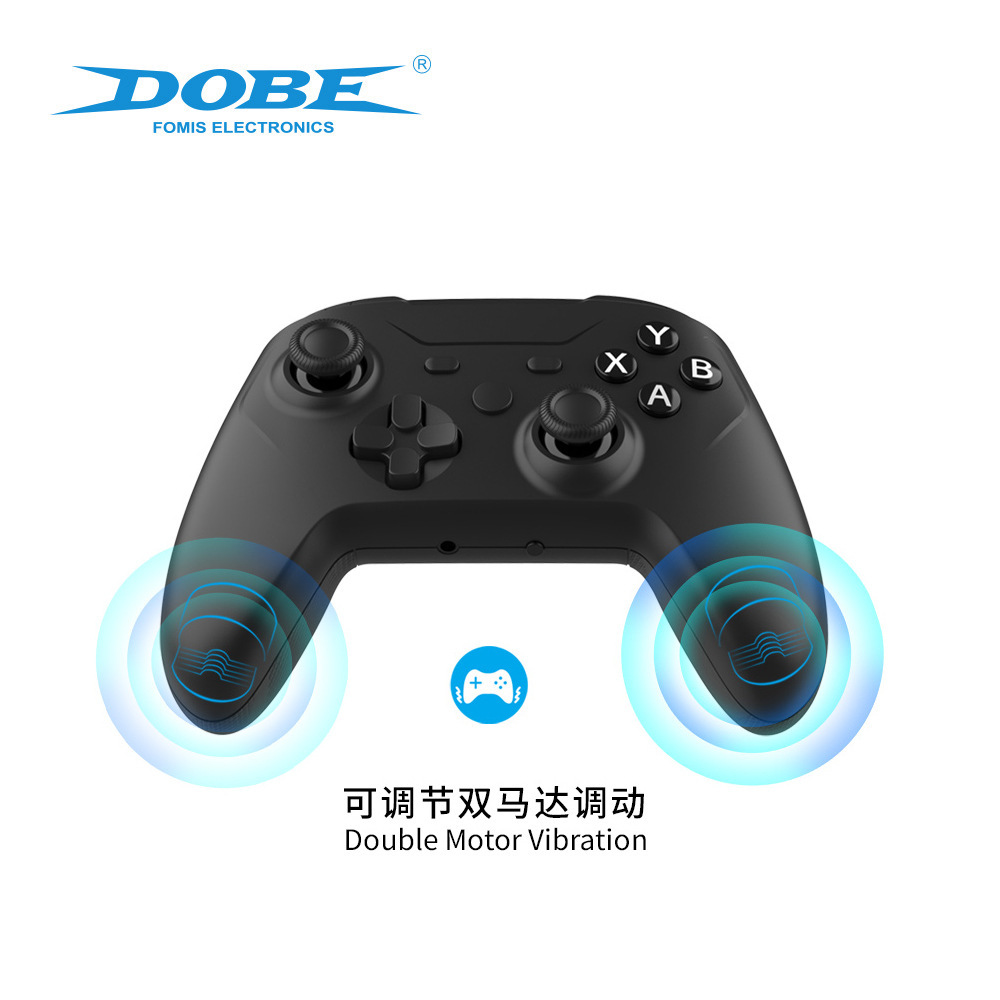
3. In normal game operation, the controller generates vibration according to the game rules. The controller uses dual-side motors, and the vibration on the left side is stronger than that on the right side.
4. Adjustment of Vibration Intensity: While connected to the computer: Press the Z, ZL, R, and ZR buttons simultaneously for 3 seconds to adjust the motor vibration intensity.
Four-gear adjustable: 0% - 30% (weak) - 70% (medium) - 100% (strong).
5.3D Light Switching Method: To turn off/on the left/right 3D light, press and hold the corresponding 3D button for 5 seconds to turn it off, and press for 5 seconds to turn it on.
Note: The right 3D down button is not used to turn on or off the left and right 3D lights; it is only the left 3D down button that is used for this purpose.
TYX-1618A
Quantity: 30PCS
Box Specification Size: 40*37*42.5CM


Update time:


TOP