Search history
Clear allSearch by image
XDrag and drop an image here or upload an image
Max 5MB per image
UploadSign In | Join

Search history
Clear allSearch by image
XDrag and drop an image here or upload an image
Max 5MB per image
UploadSign In | Join
| 1/100 | CN¥ 0.0 |
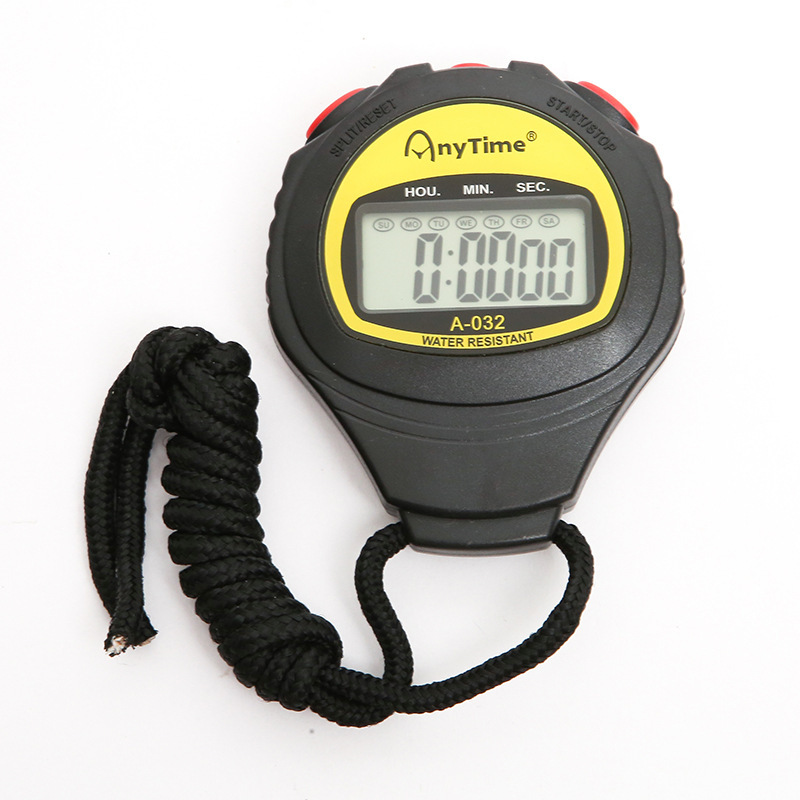
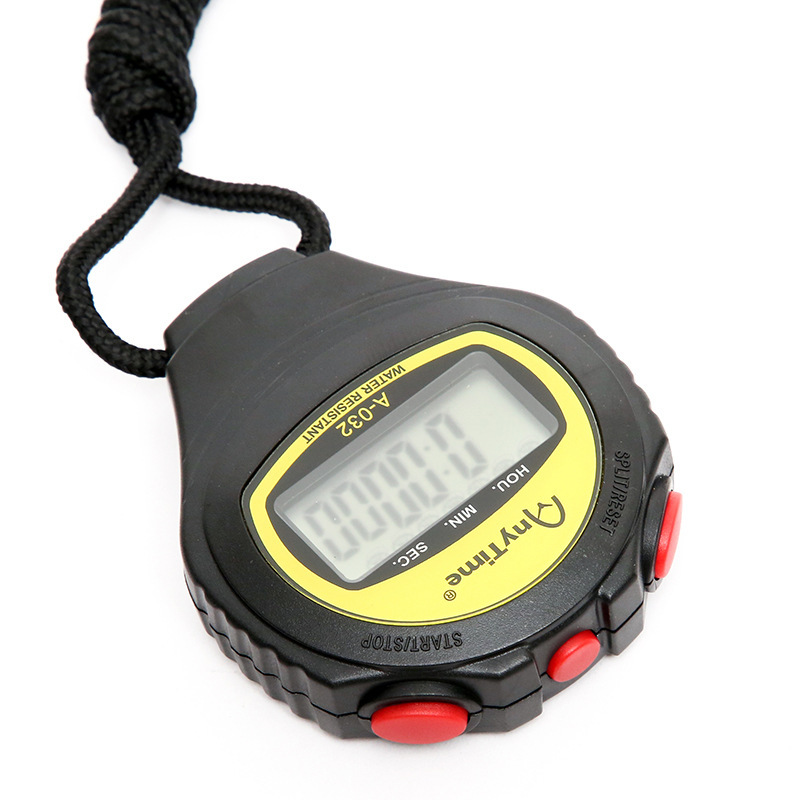
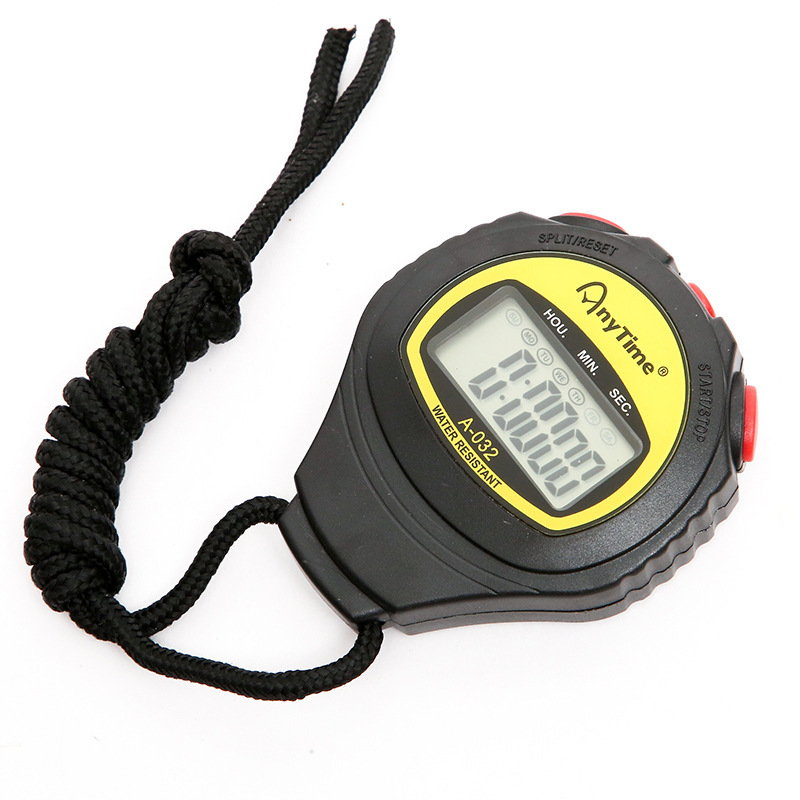
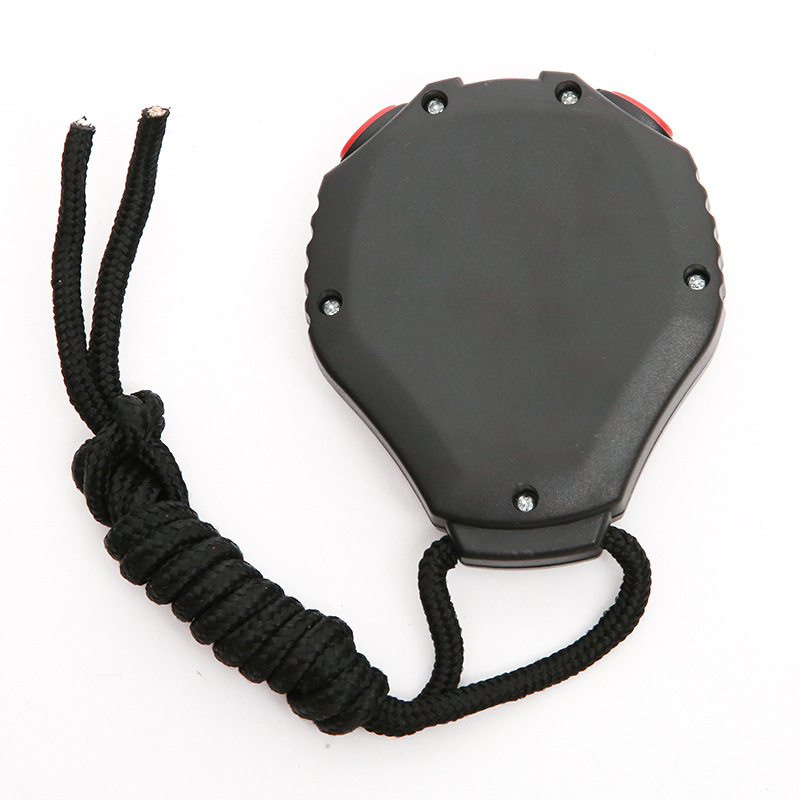
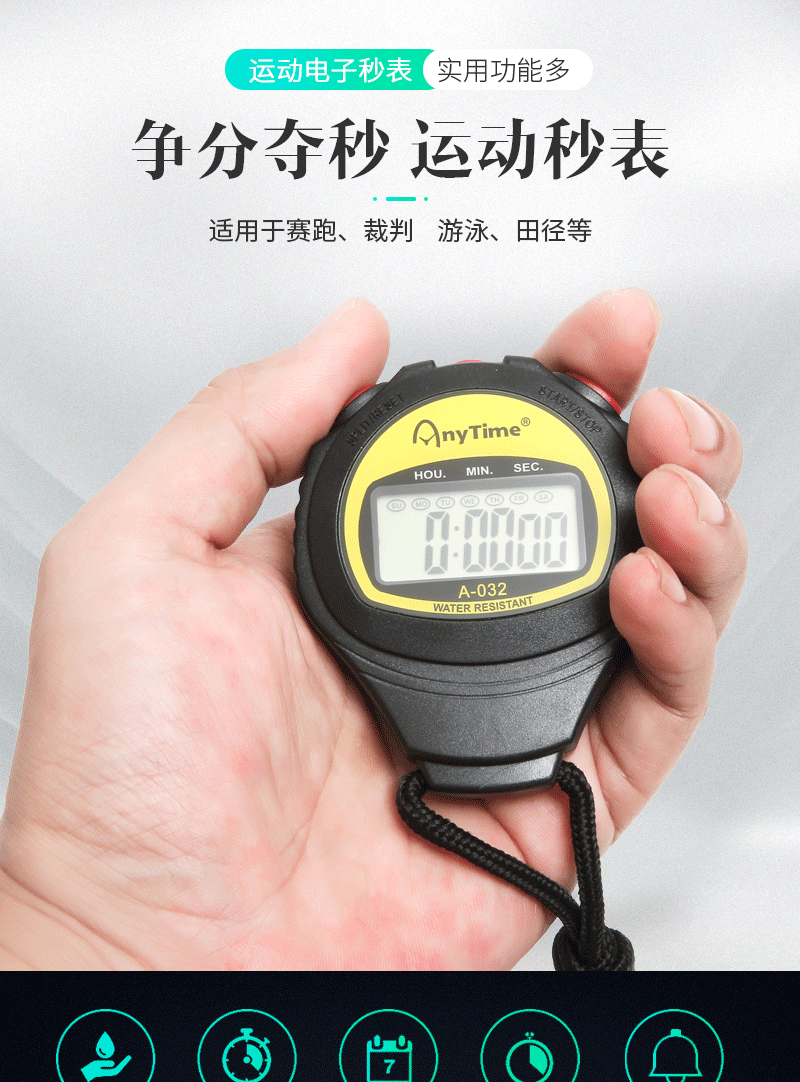
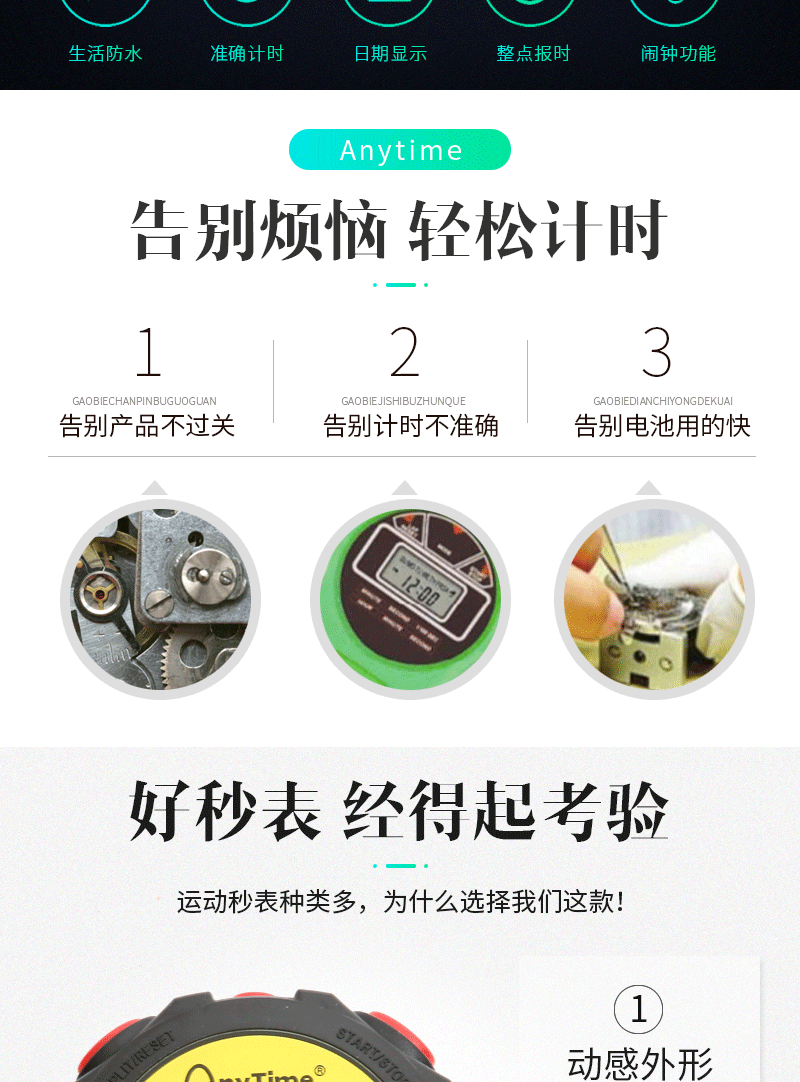
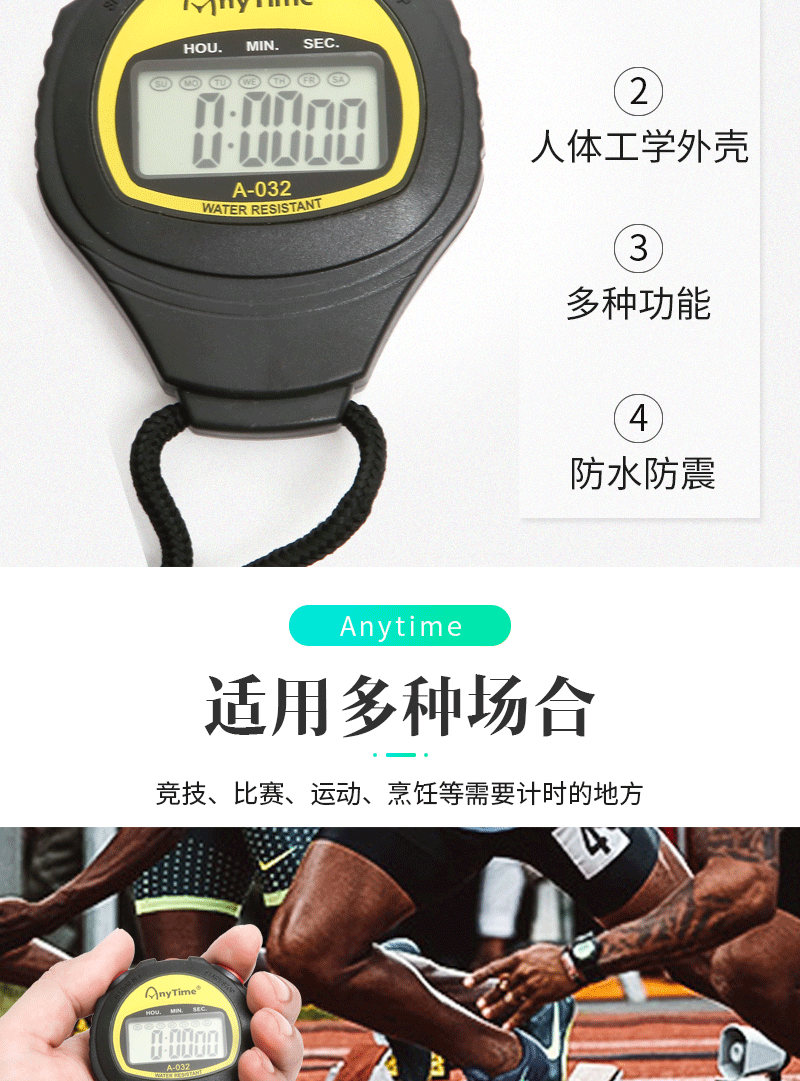
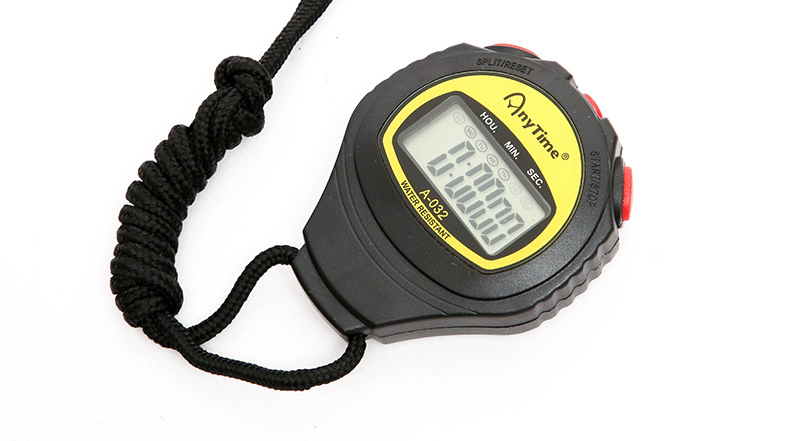
A-02O Multifunctional Stopwatch
Weight of a single product: 48g
Product packaging: Color box packaging
Package size for a single color box: 9.7x6.7x2.5 cm
Packaging details: 5.28 x 35.2 x 4.25 cm / 400 pcs
Usage instructions:
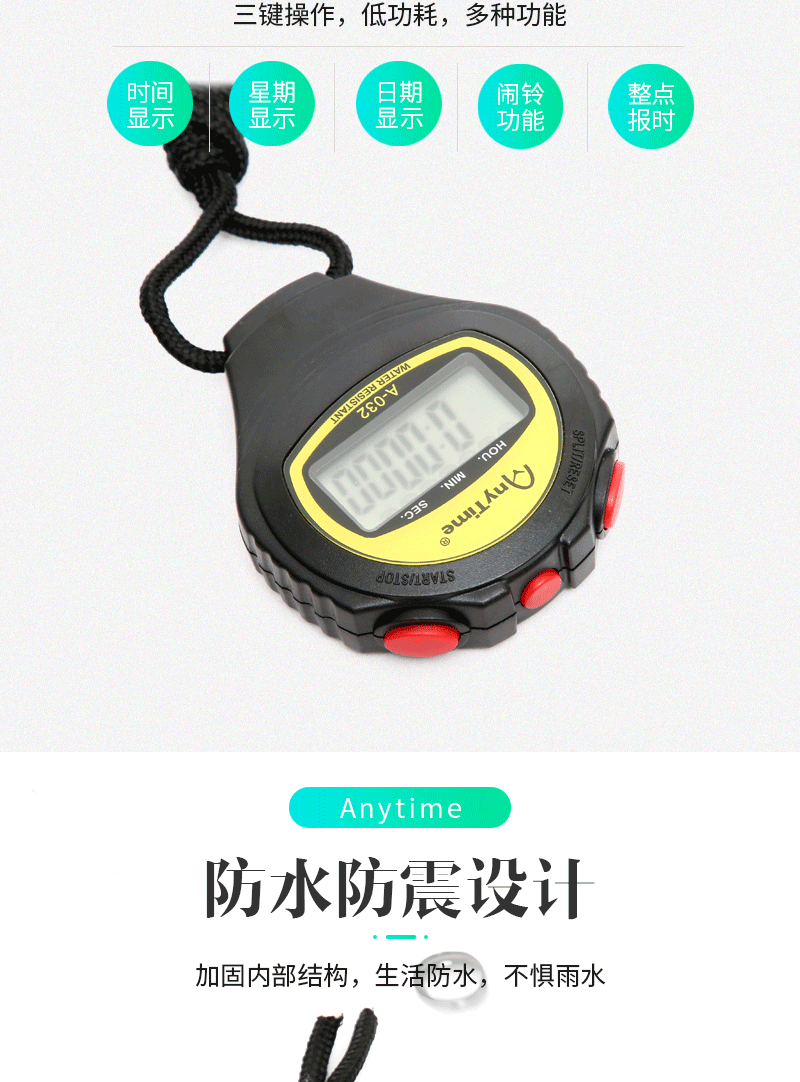
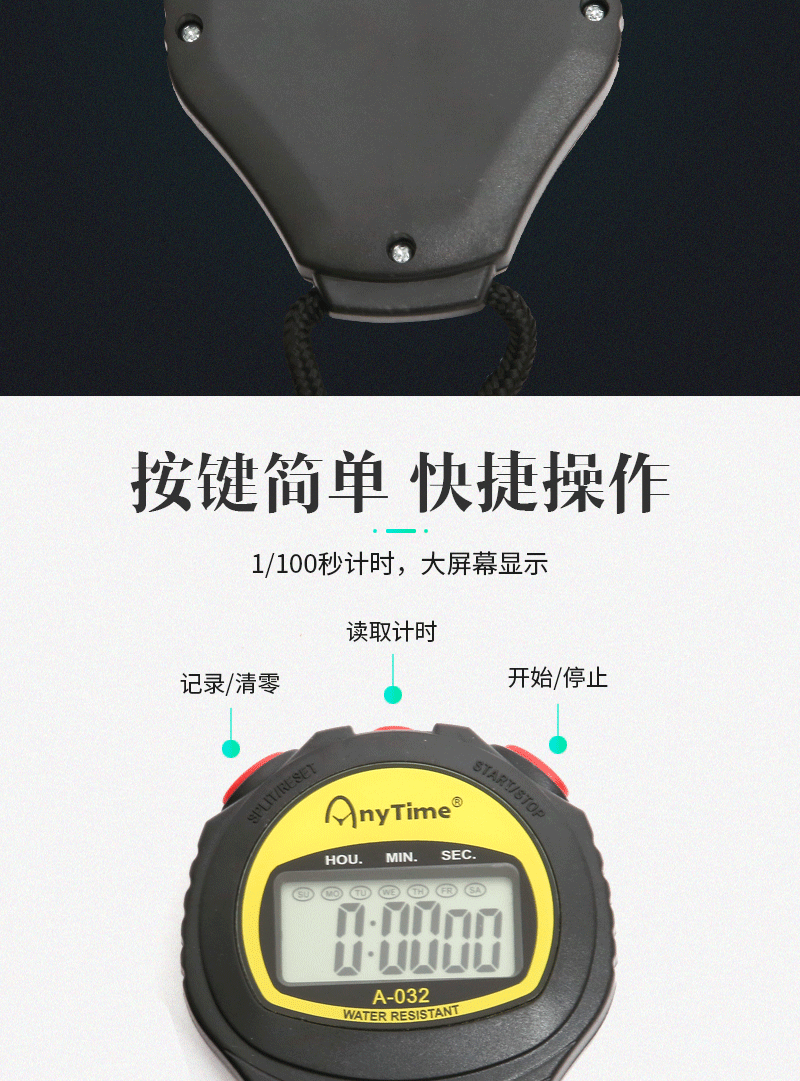
Usage of stopwatch settings: Under normal time display, press the MODE button once to enter stopwatch mode. Press the START button (right-click) again to start timing. To stop, press the START button again; to continue, press it once more. To reset the timer, while the stopwatch is stopped, press the SPLIT button (left-click) to reset and restart the timing.
2. Alarm time setting: Under normal display settings, press the MODE button twice to enter the alarm time setting mode. Then, continuously press the START button (right-click) to start adjusting the time. Press the SPLIT button (left-click) once to switch to the division setting.
3 Time settings: Under normal display mode, press the MODE button three times to see the seconds flash. Press the SPLIT button (left button) to see the score flash, then press the START button (right button) to adjust the score. Press the SPLIT button (left button) again to see the hours flash, then press the START button (right button) to adjust the hours. Press the SPLIT button (left button) once more to see the days flash, then press the START button (right button) to adjust the days. Repeat this process until the months and weeks are set correctly, then press the MODE button to exit.
4 Alarm Switch: Hold RESET and then press START/STOP!
Two recording methods for the stopwatch: in stopwatch modePress the start button on the right first, then press the pause button on the left. This is the first time interval. Press the start button again; the stopwatch will not move, and it remains the first time interval, but timing has already started. Press the pause button on the left again for the second time interval.



Update time:


TOP