Search history
Clear allSearch by image
XDrag and drop an image here or upload an image
Max 5MB per image
UploadSign In | Join

Search history
Clear allSearch by image
XDrag and drop an image here or upload an image
Max 5MB per image
UploadSign In | Join
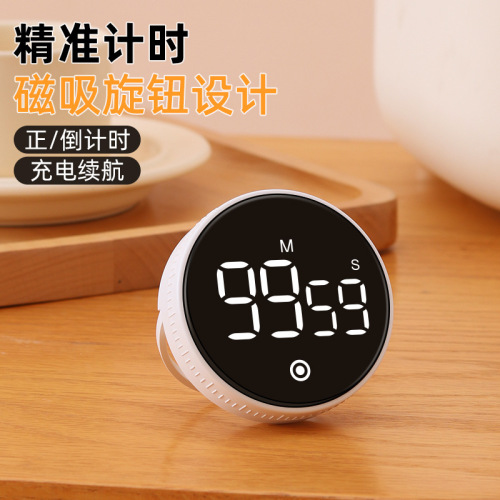
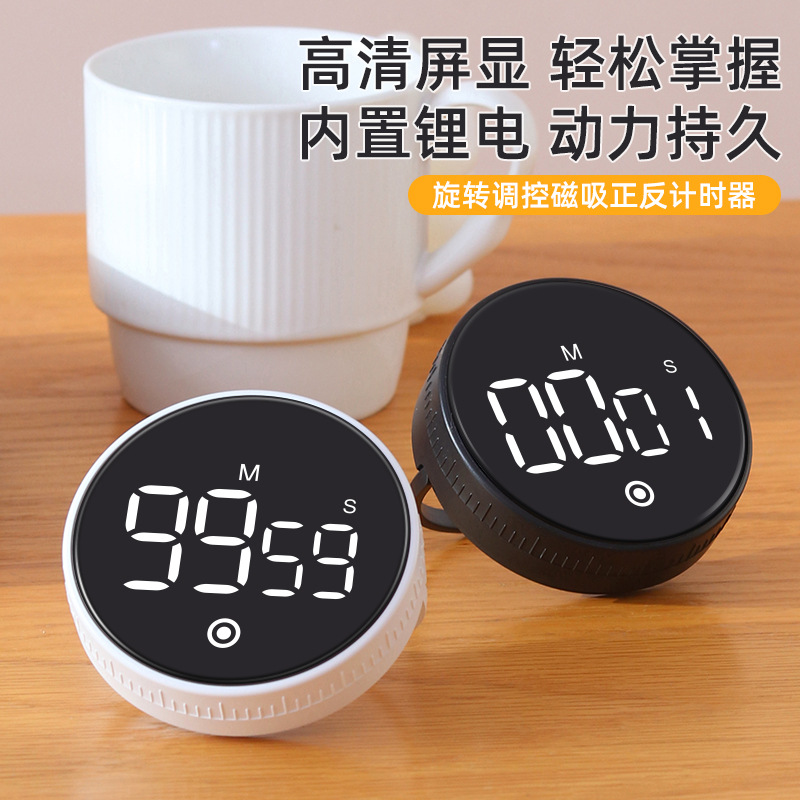
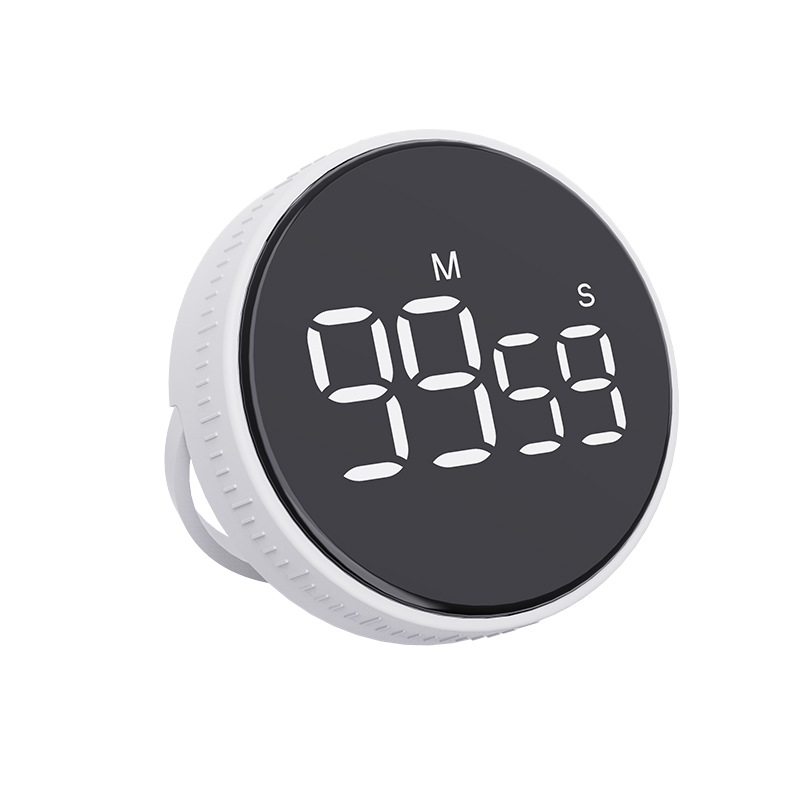
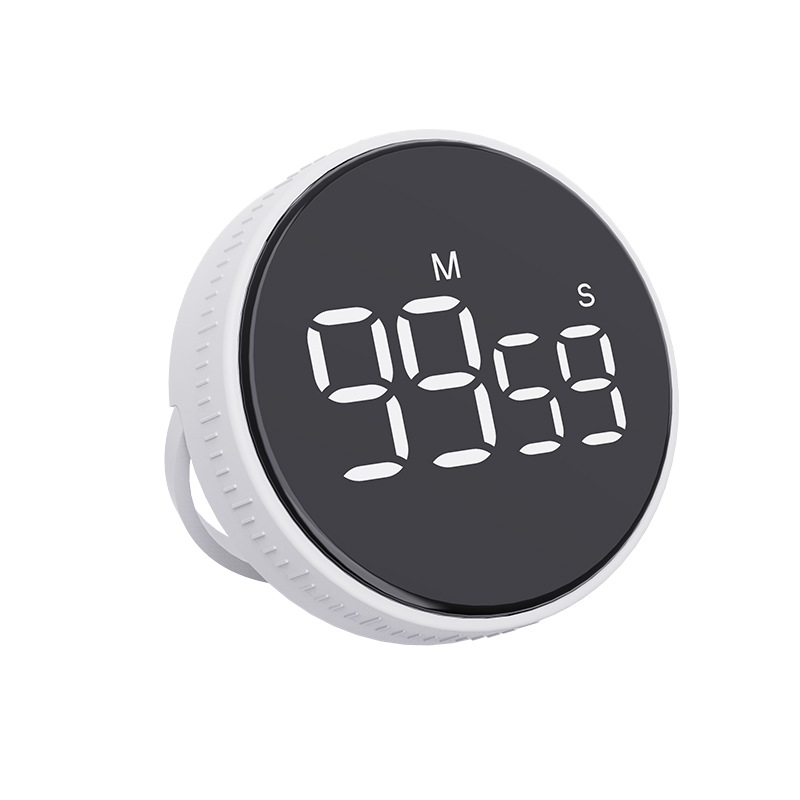 f2 white (rechargeable)
F2白色(充电款) |
CN¥ 30.0 |
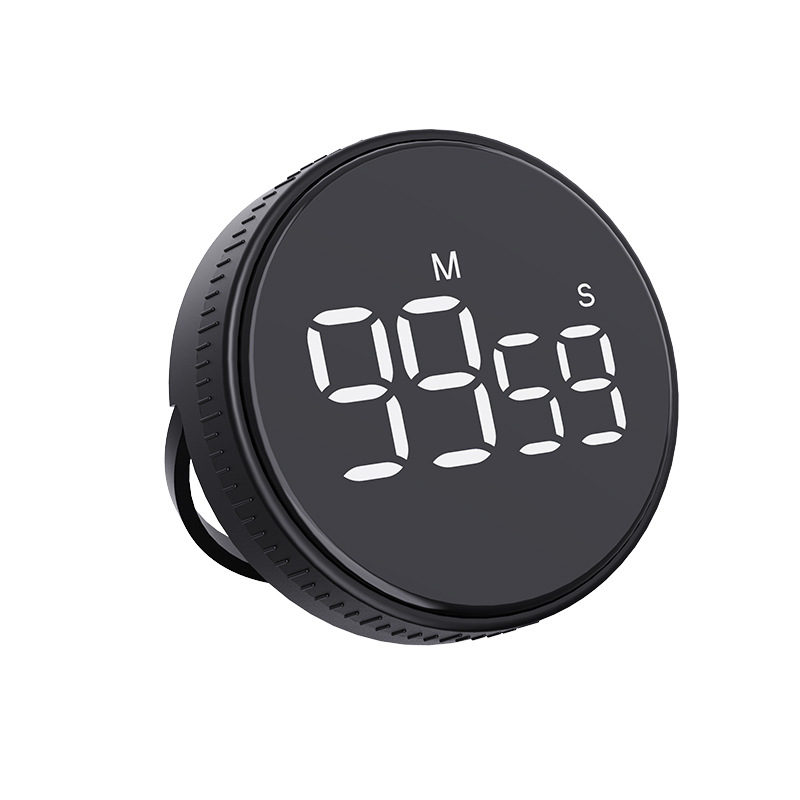 f2 black (rechargeable)
F2黑色(充电款) |
CN¥ 30.0 |
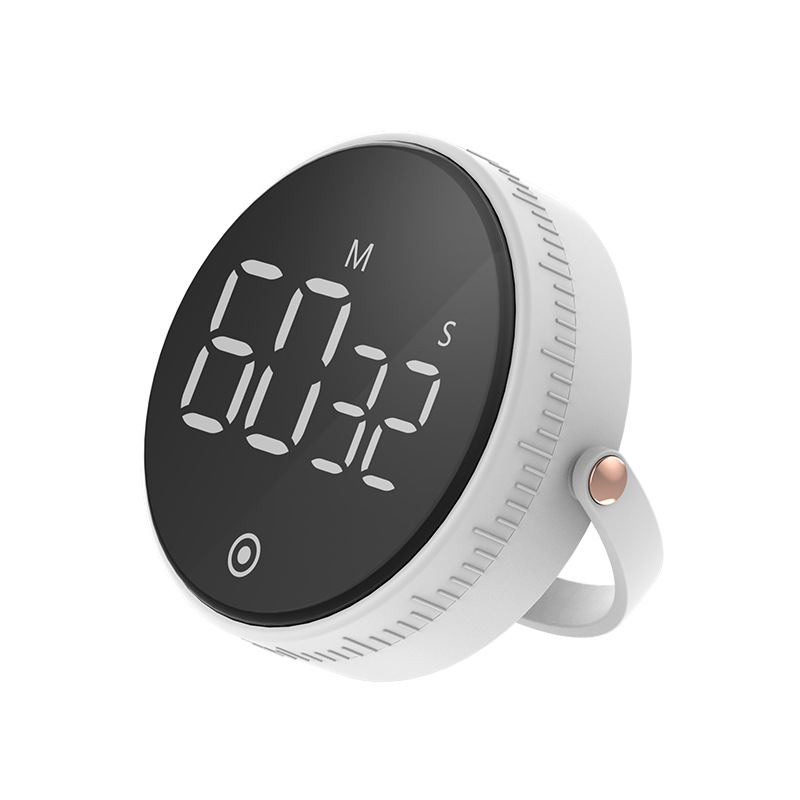 f1 white (battery type)
F1白色(电池款) |
CN¥ 27.0 |
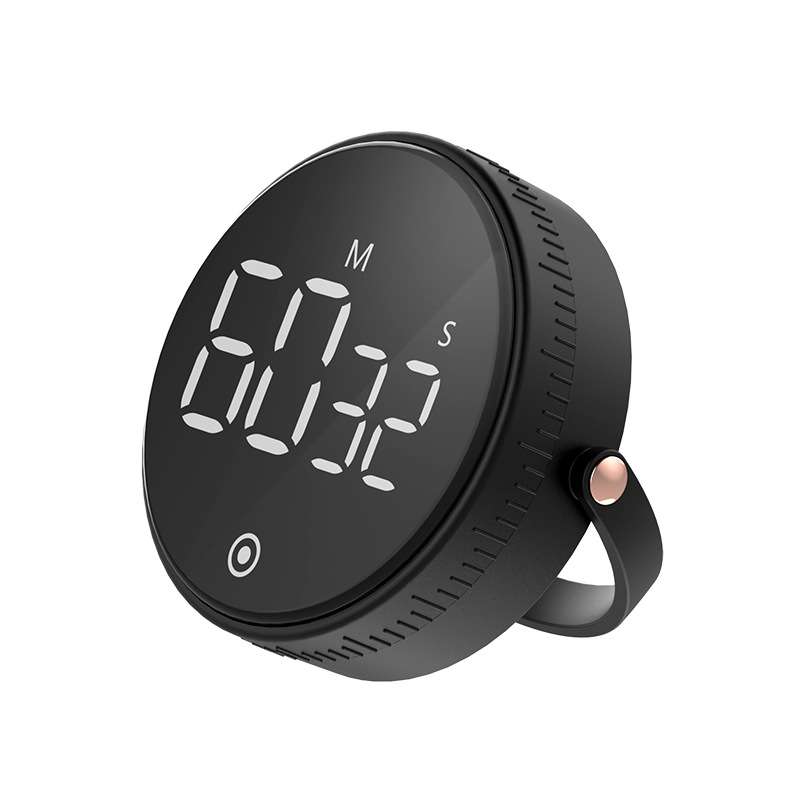 f1 black (battery type)
F1黑色(电池款) |
CN¥ 27.0 |
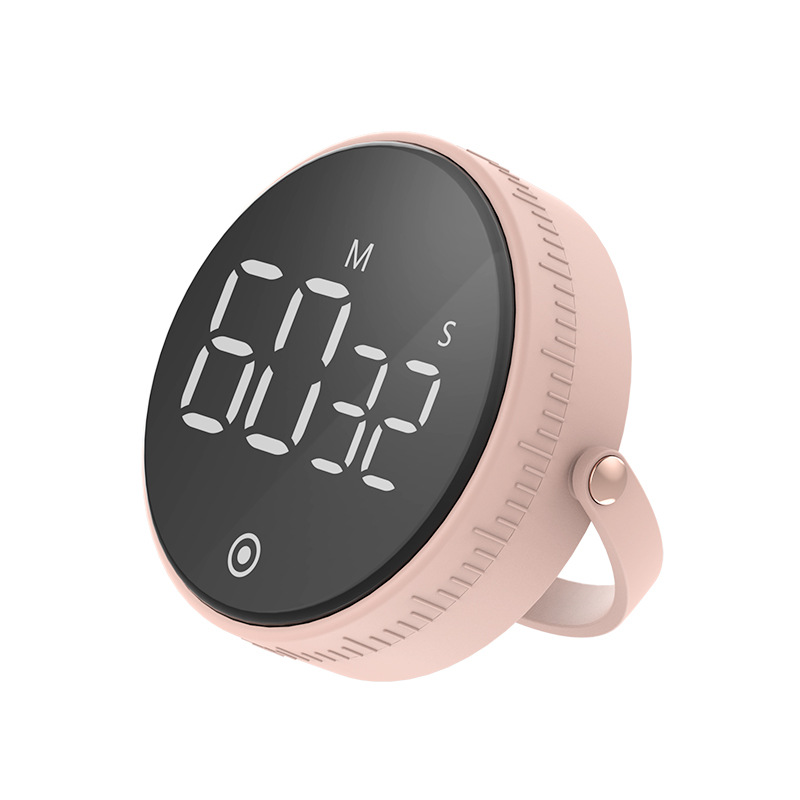 f1 pink (battery type)
F1粉色(电池款) |
CN¥ 27.0 |
The price listed in our store is the unit price excluding tax, and tax points are added when issuing a bill. For more details, please consult our customer service!
Timed Design:
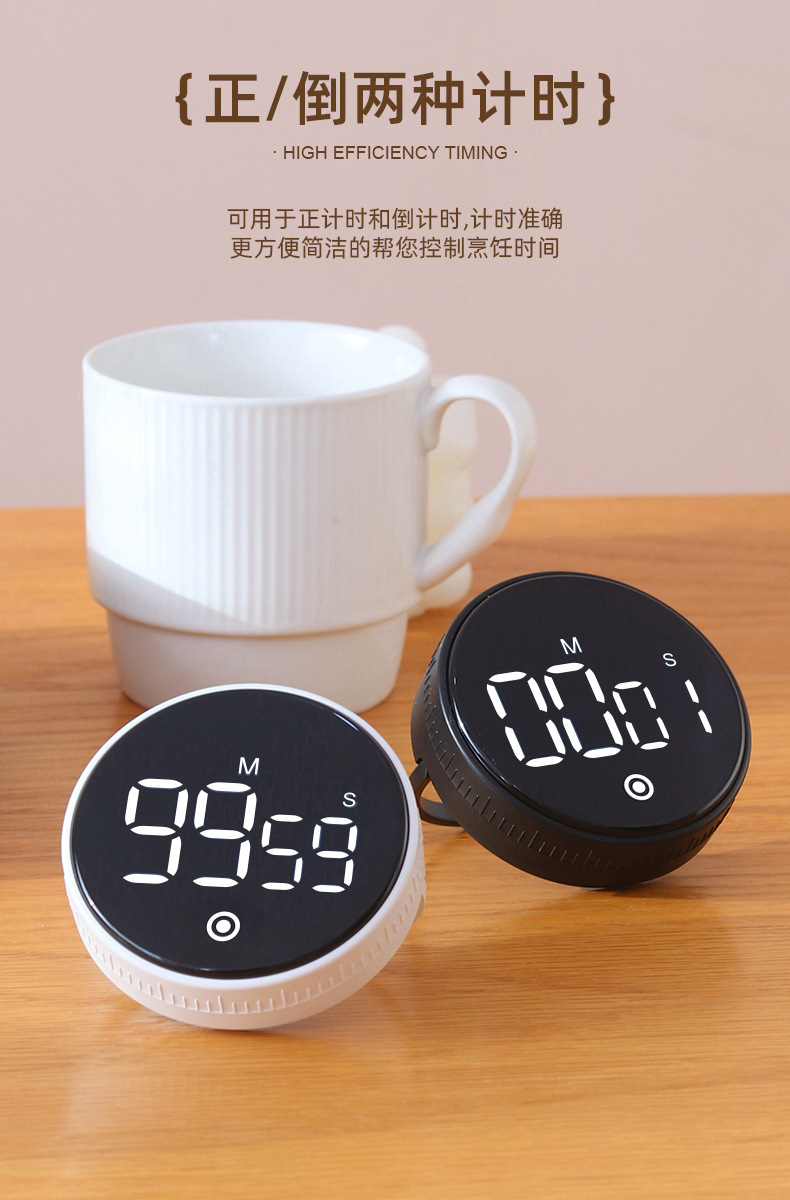
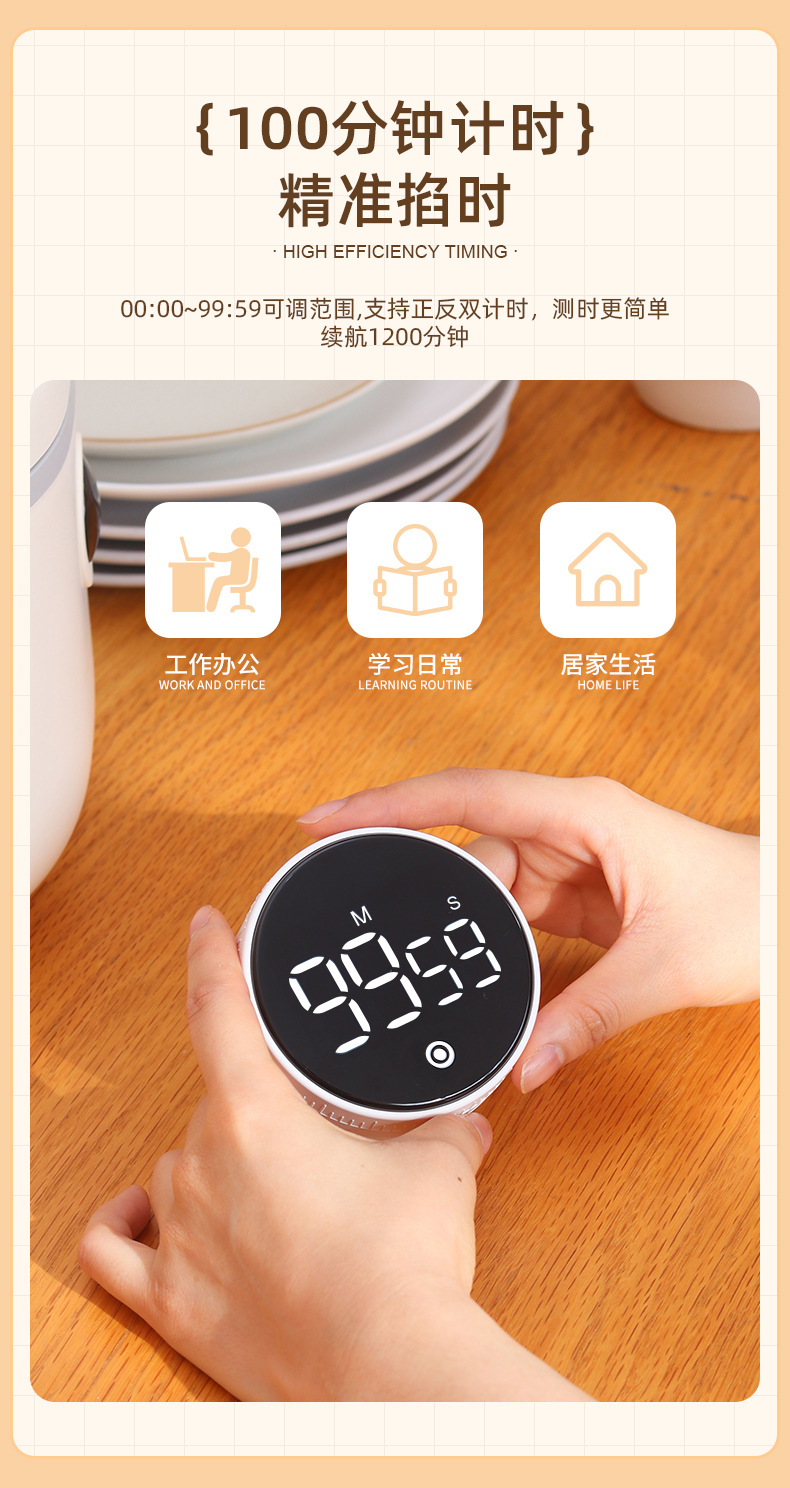
When the display shows 00:00, press the button to start the countdown. Press the button briefly to pause the countdown. After pausing the countdown, press and hold the button to reset, and the display will show 00:00.
Countdown setting:
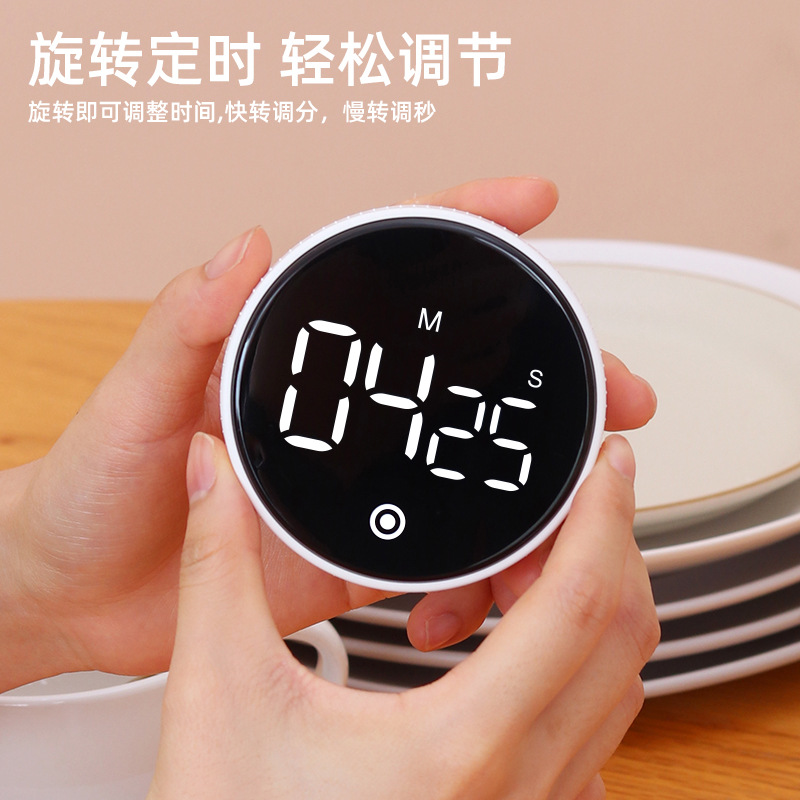
1. Turn the knob to set the required countdown time. Rotate to the right to increase the value, and rotate to the left to decrease the value. (When rotating quickly with an angle greater than 60 degrees, you can quickly set the minute value, and after 1 second, you can fine-tune the second value.) After setting, press the button to start the countdown. The countdown display will be 00:00, followed by a "di di di" sound, and the screen will flash. When the countdown reaches 0000, there will be a long 1-minute sound. Press the button to stop the sound.
3. During the countdown process, a short press of the button pauses the countdown. After the countdown is paused, a long press of the button resets the display to 00: 00.
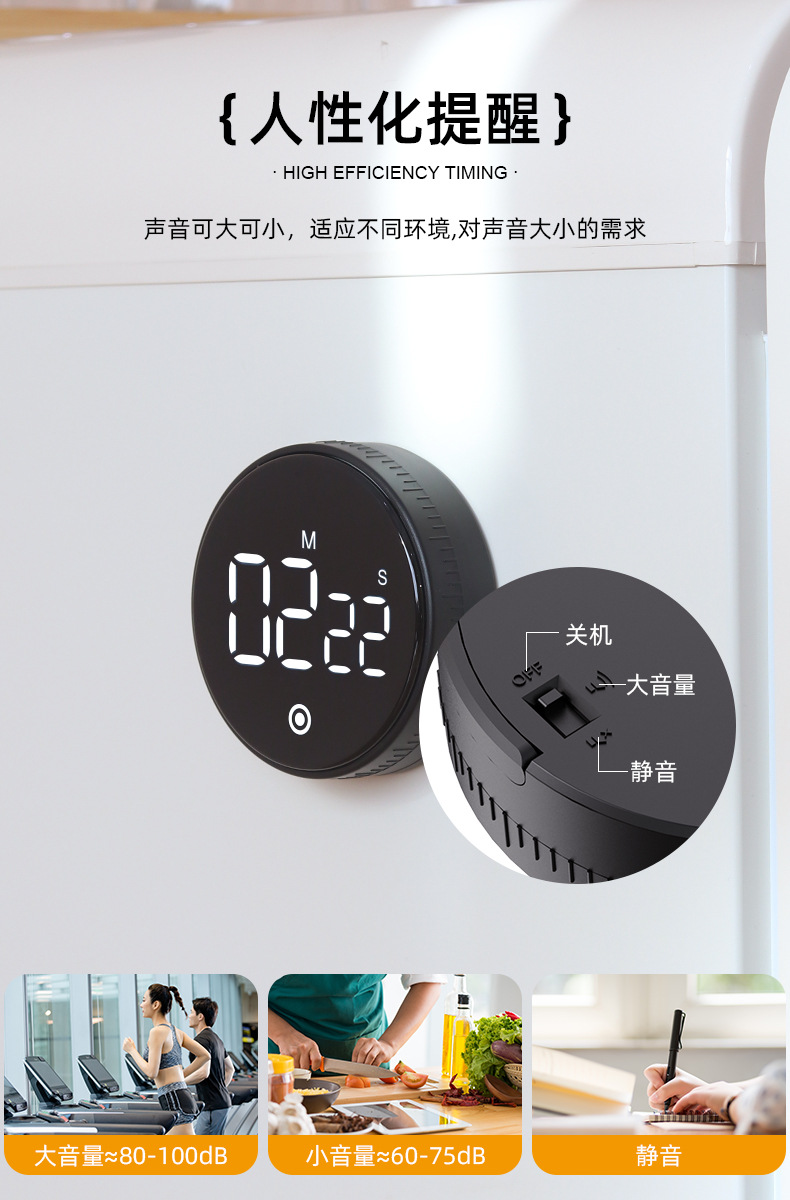
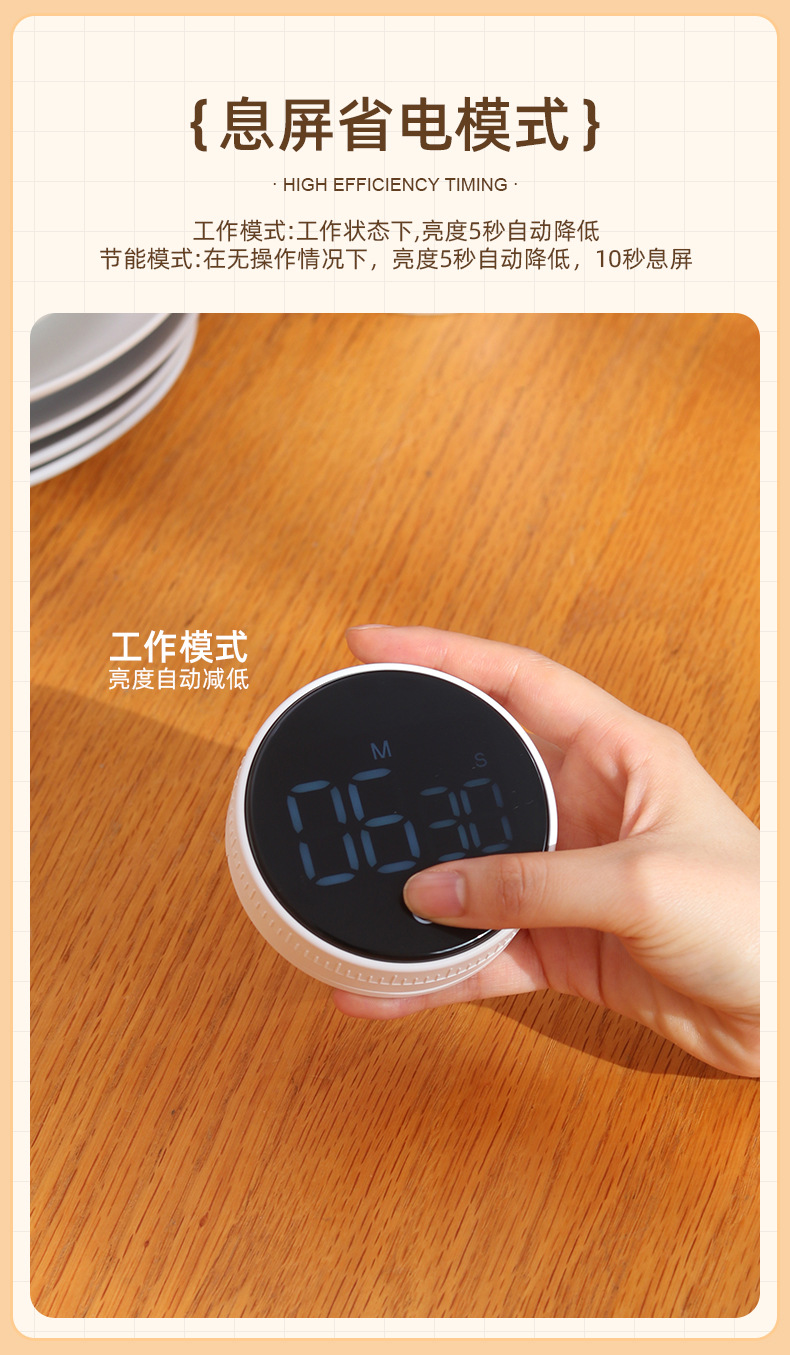
1. When the product switch is set to the silent mode, when the timer reaches 00:00, no button sound/alarm sound, the display will be bright for 5 seconds and then turn to low brightness, and the screen will not blink (duration of 1 minute).
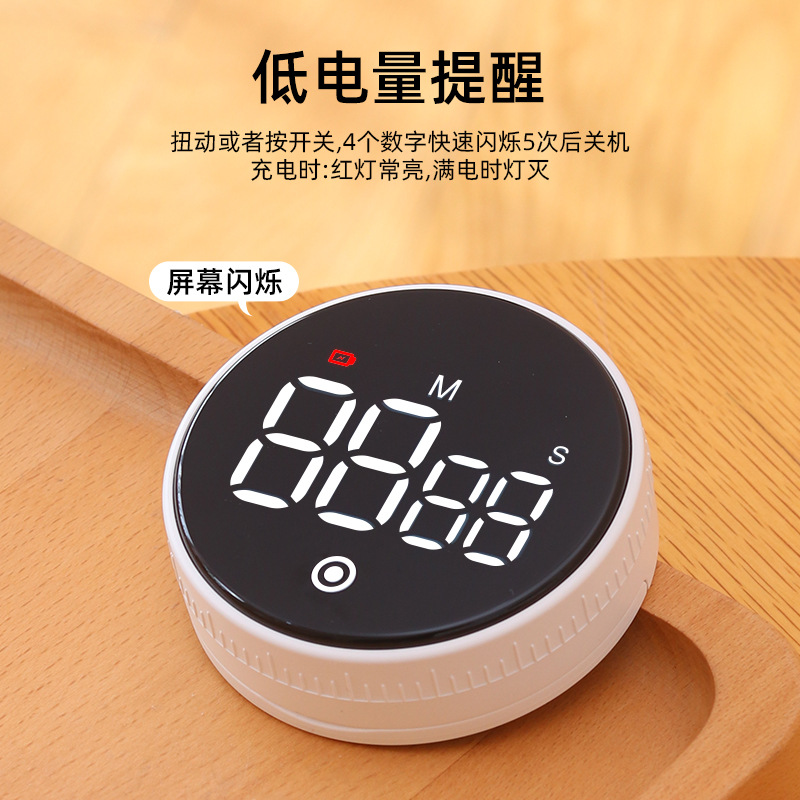
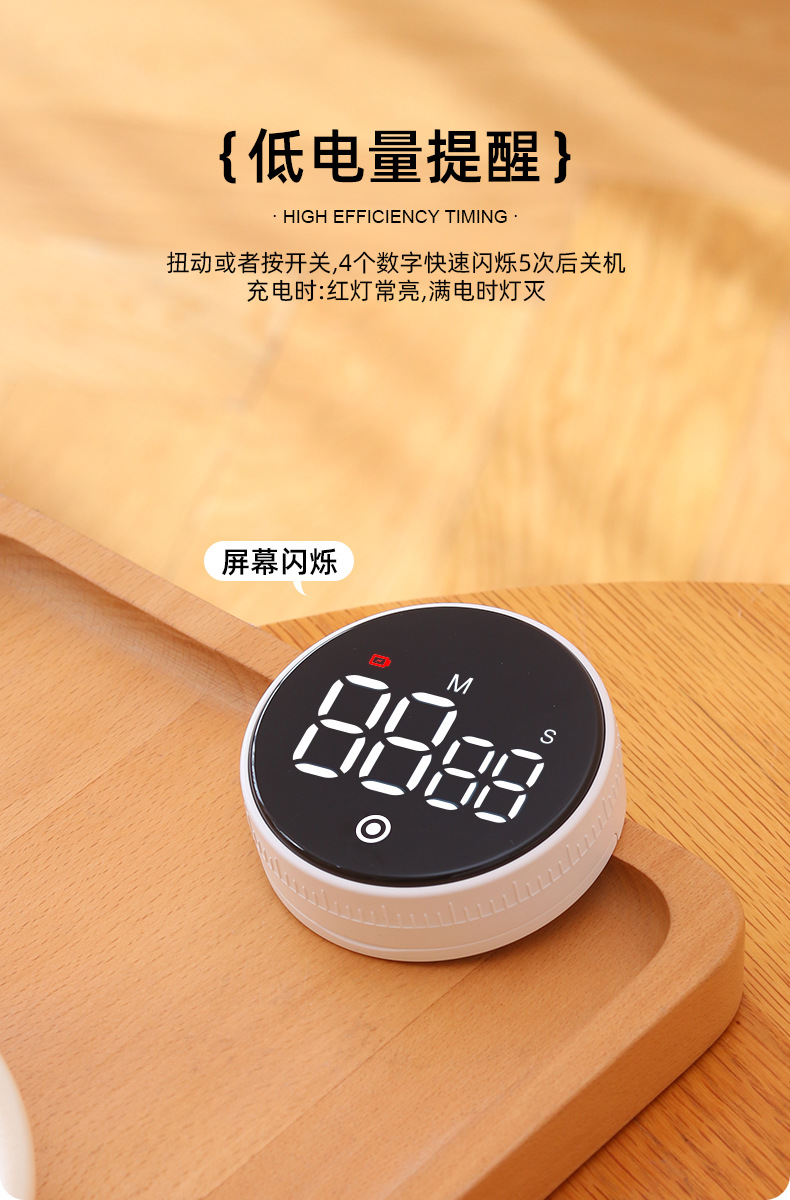
2. Low battery reminder: twist or press the switch. After 4 numbers flash 5 times, the device will turn off.
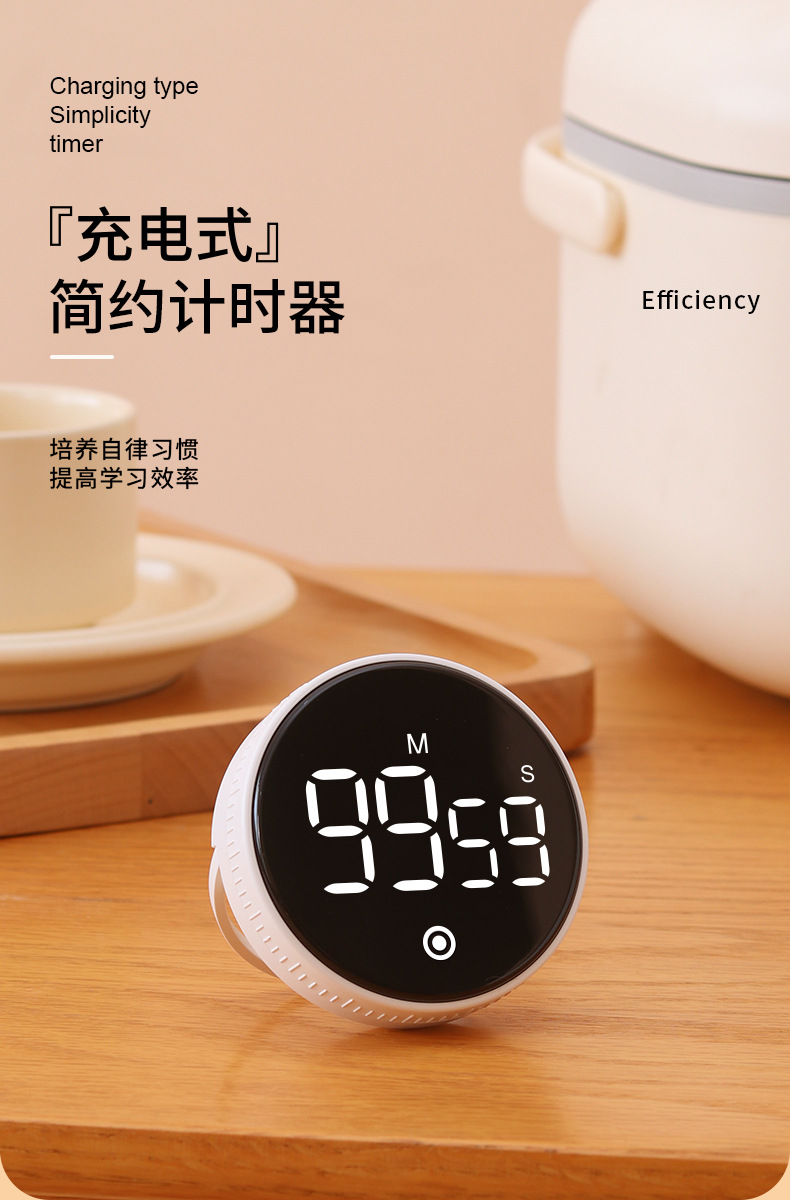
3. When charging, the red light is always on. When fully charged, the light will turn off.




Update time:


TOP