Search history
Clear allSearch by image
XDrag and drop an image here or upload an image
Max 5MB per image
UploadSign In | Join

Search history
Clear allSearch by image
XDrag and drop an image here or upload an image
Max 5MB per image
UploadSign In | Join
X Email Mobile
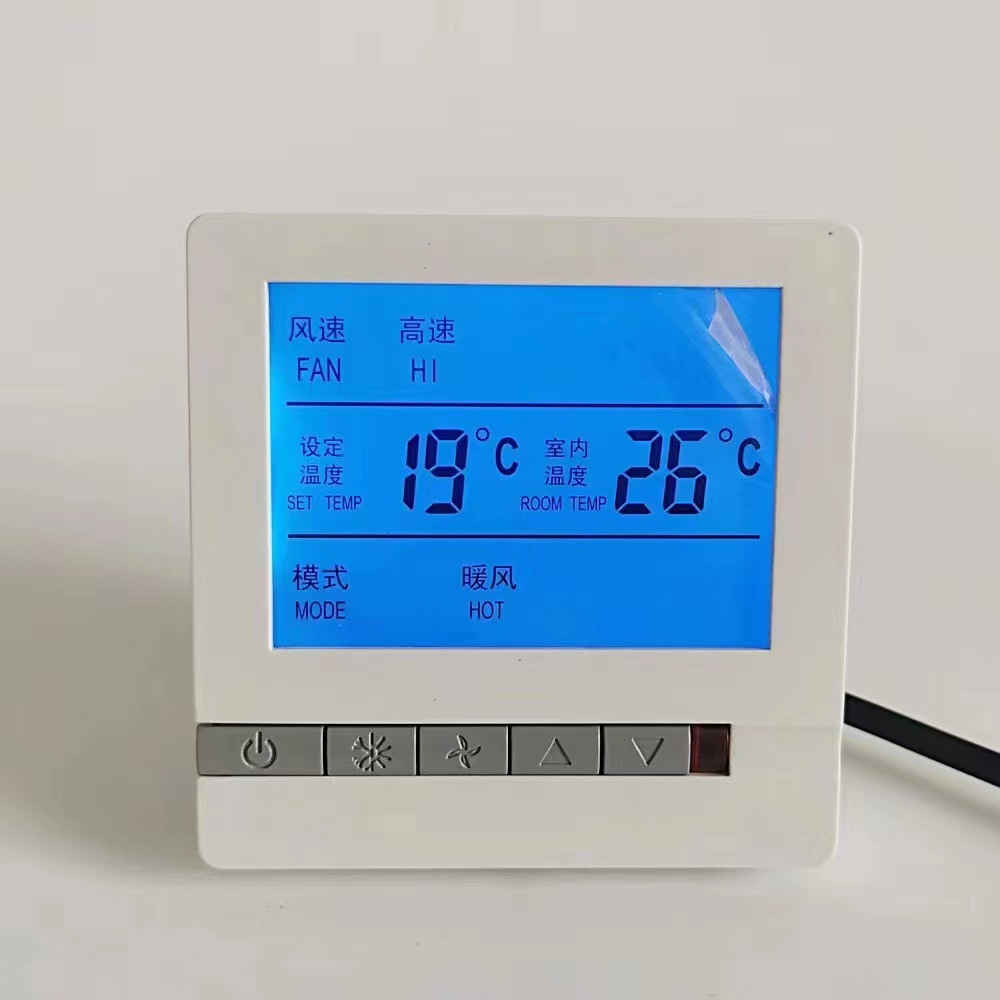 kc605
kc605
|
CN¥ 0.0 |
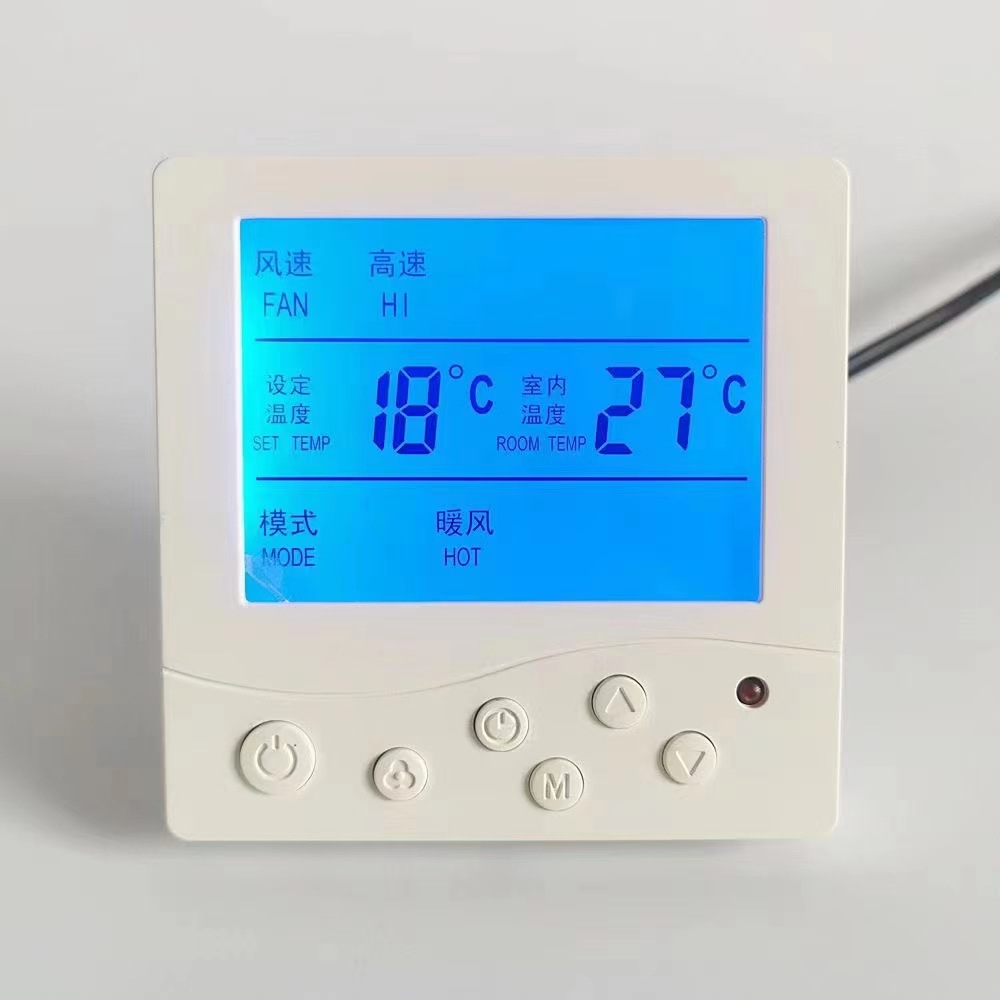 kc606
kc606
|
CN¥ 0.0 |
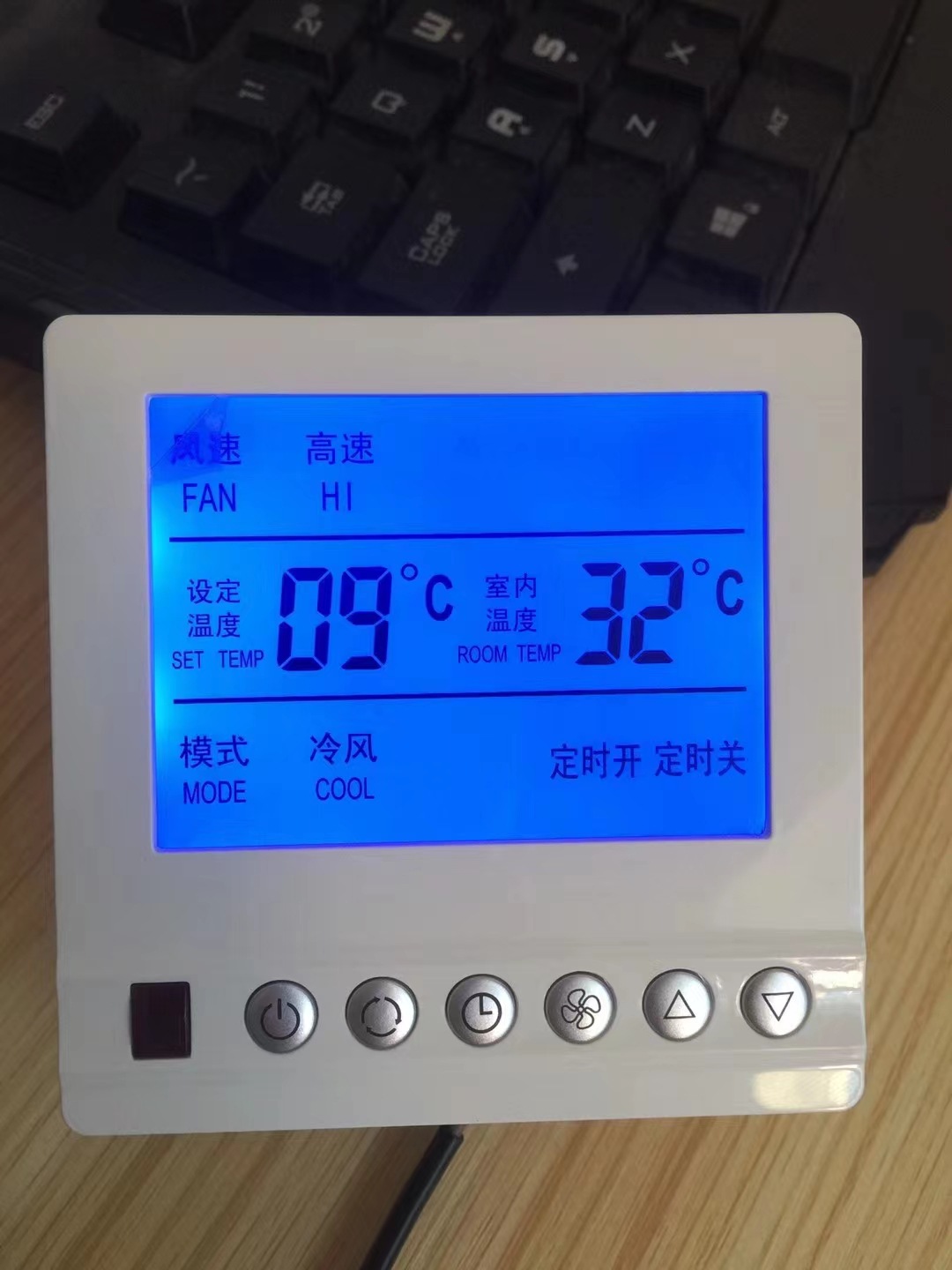 kc607
kc607
|
CN¥ 0.0 |
Yiwu city Jingyu Hardware Electrical Trade 14yr.
Contacts Li Weijuan Chat
Mobile 86-13362998253
E-mail 472621864@qq.com
WeChat 18958493554

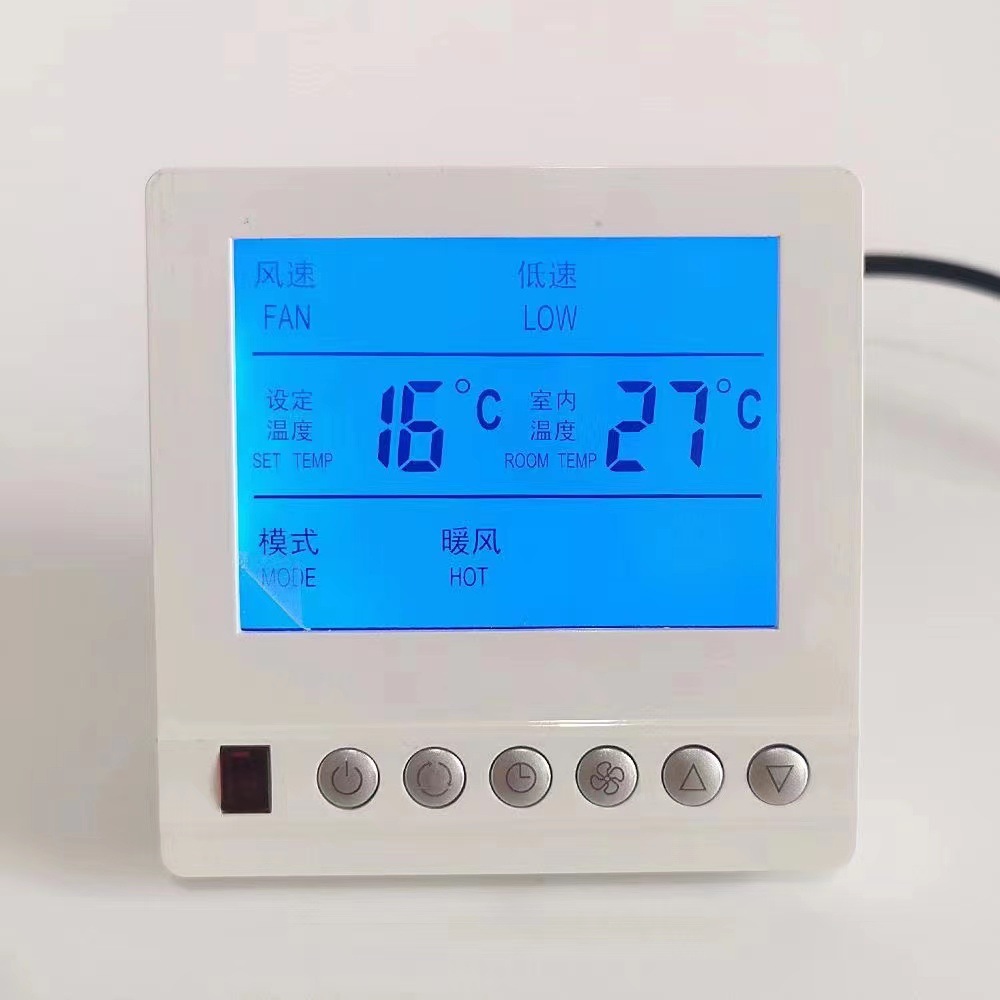
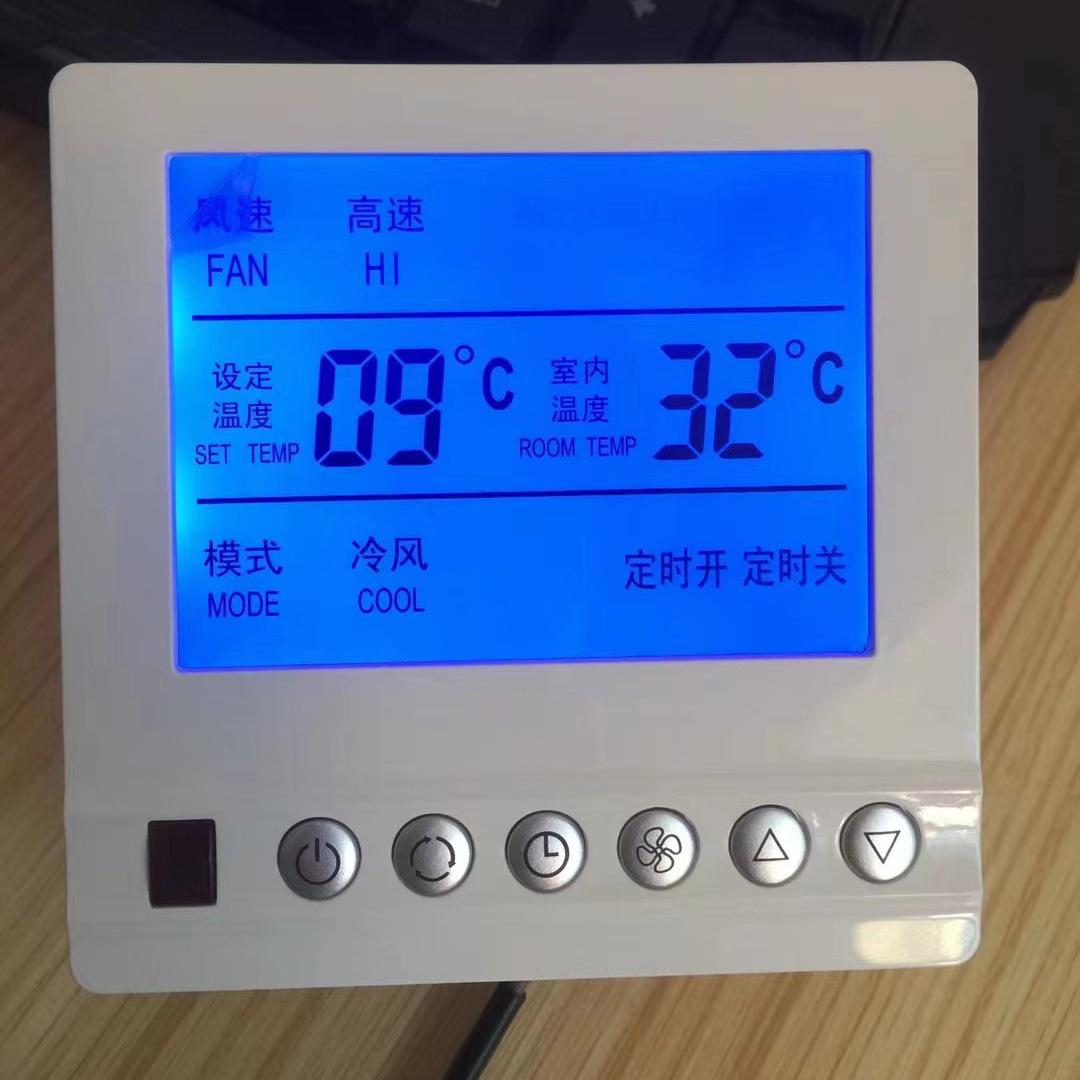
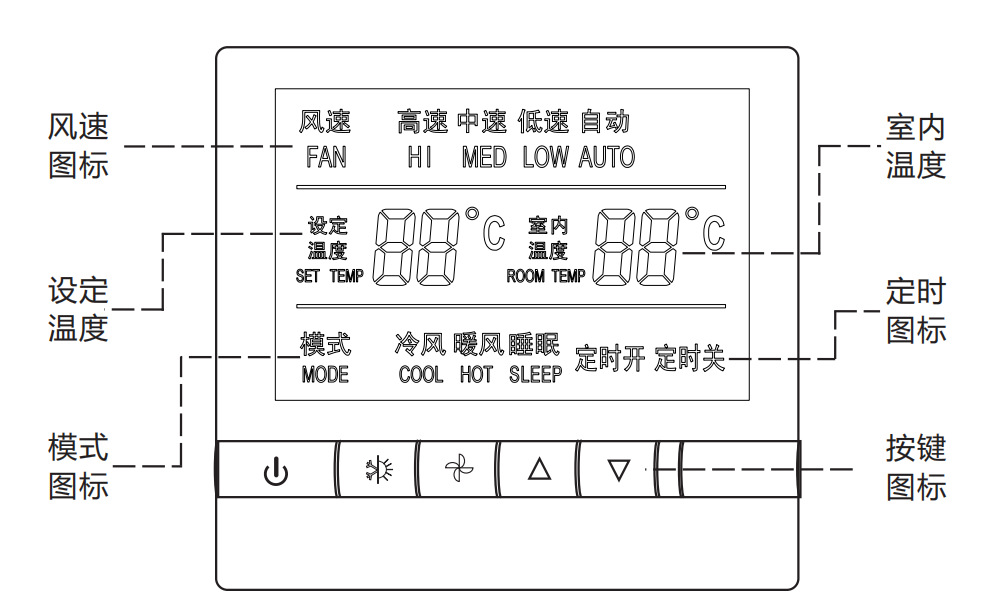
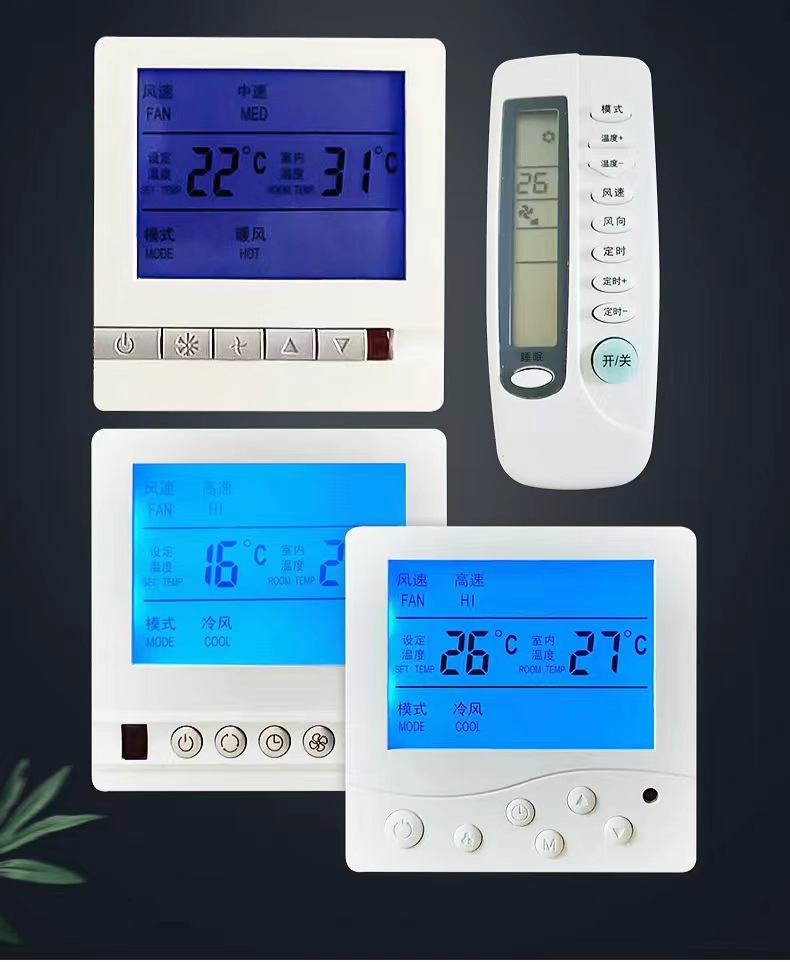
Display icon description
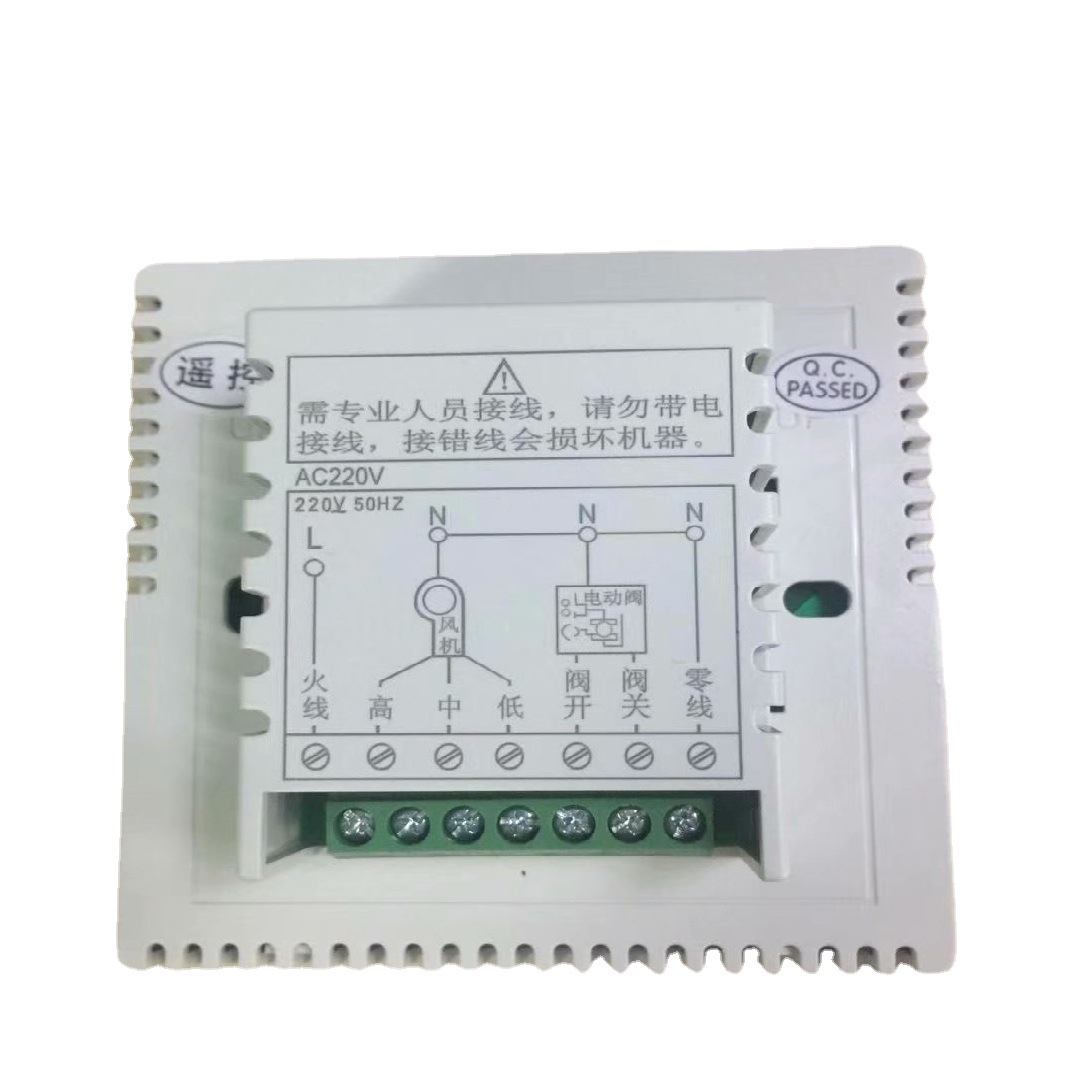
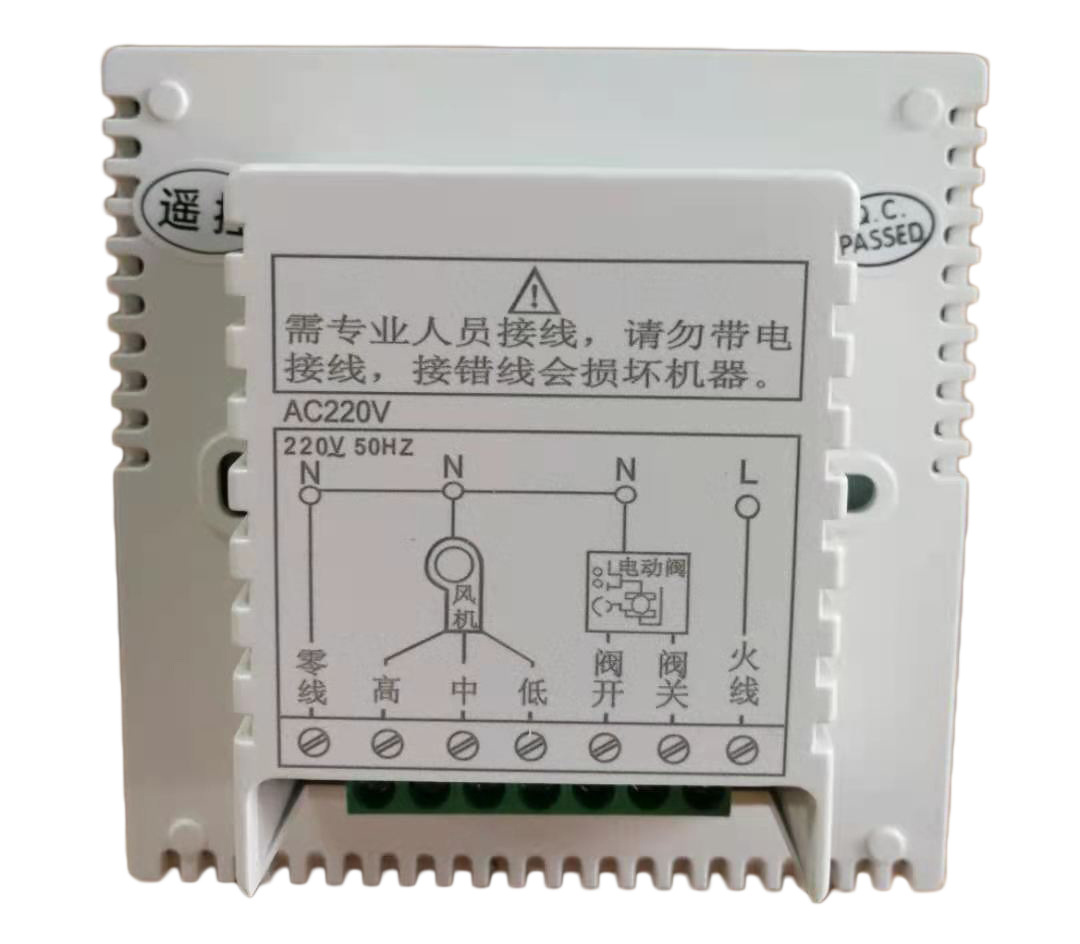
Wiring Diagram
Basic Function
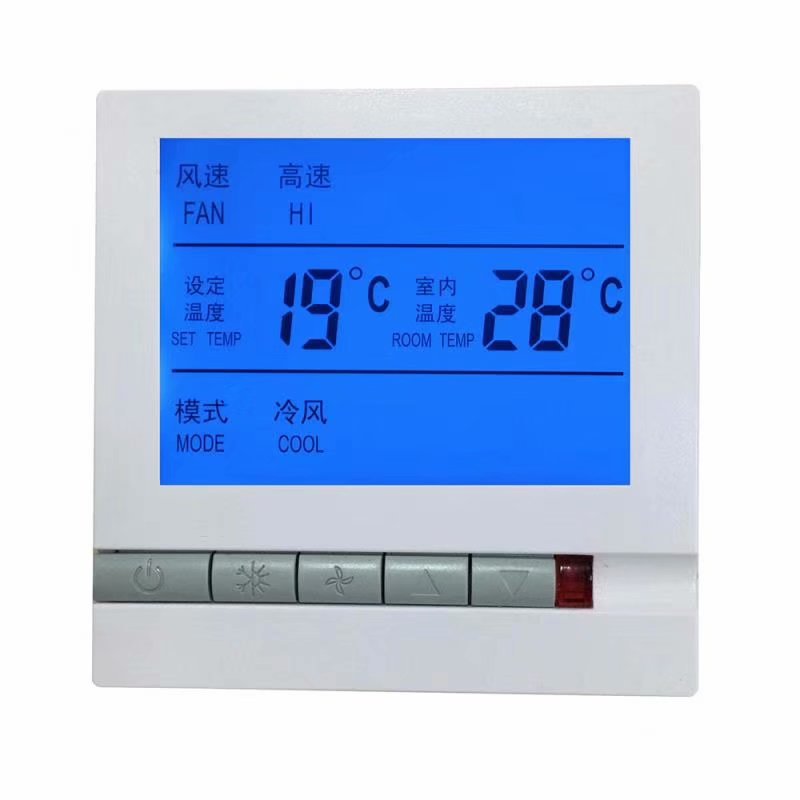
1. Environmental temperature display
2. Temperature calibration function
3. Set temperature setting and display
1. Low-temperature protection function 2. Cold/warm mode switch 3. Manual or automatic fan speed conversion
1. Start Temperature Difference
2. Anti-freeze Function
3. Timed On/Off
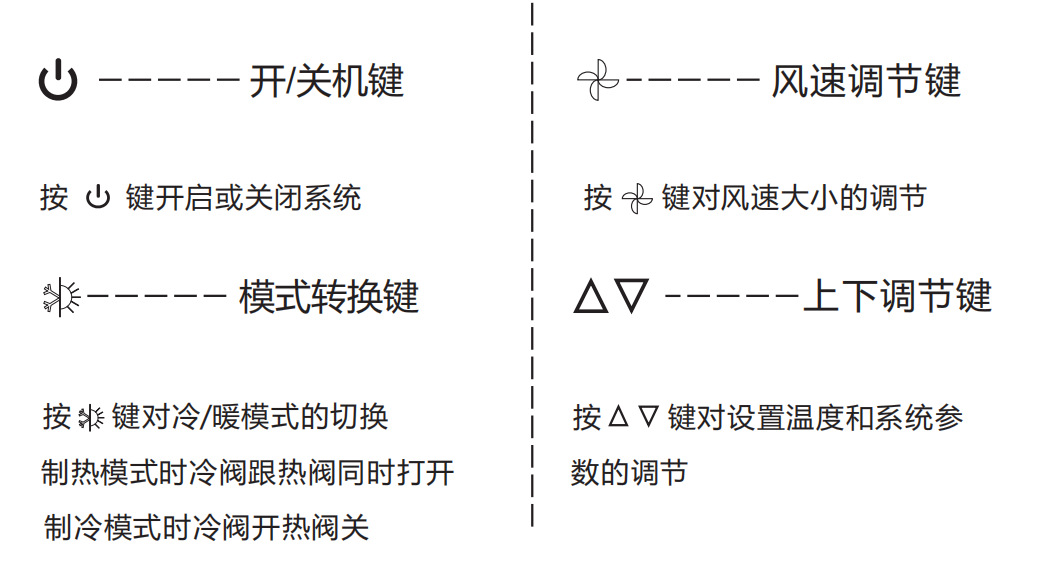
Operating Instructions
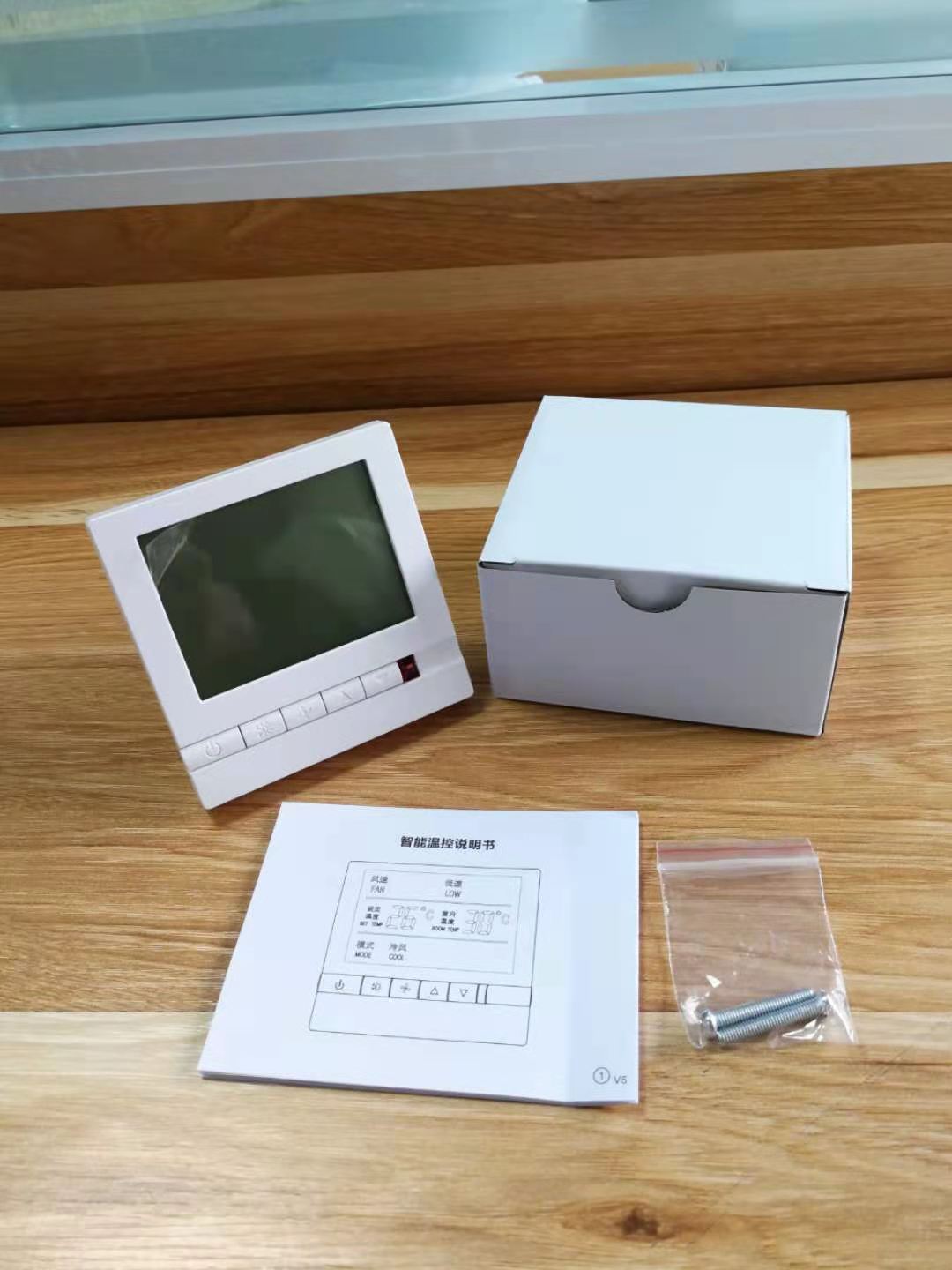
Single Product Packaging Contents
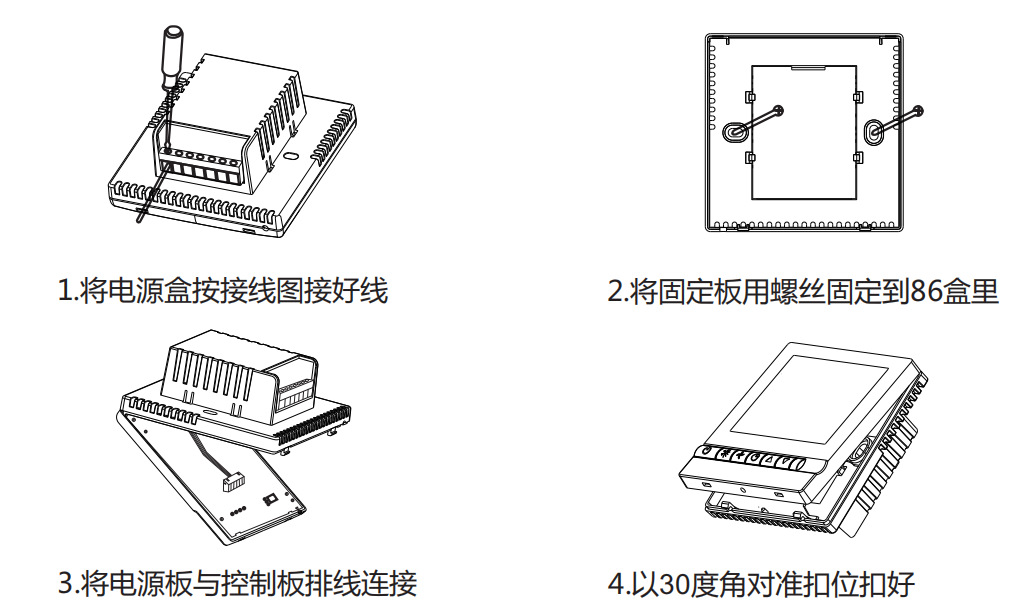
Installation Method
Warranty and After-sales Service


Common Fault Handling
|
Phenomenon |
Processing Method |
|
Not turning on |
1 Check if the power cable connection is correct and effective. Check if the power button is functioning. |
|
Liquid crystal display scribbles |
Is the rear cover installed deformed? You can loosen it and reinstall it. |
|
Display is normal with no output. |
Check if the main control board and power board wiring is damaged. |
|
Remote control malfunction |
Check if the remote battery has enough power, replace the battery. |
|
Temperature display is incorrect |
Calibrate temperature display through the panel |



Update time:


TOP