
Search history
Clear allSearch by image
XDrag and drop an image here or upload an image
Max 5MB per image
UploadSign In | Join

Search history
Clear allSearch by image
XDrag and drop an image here or upload an image
Max 5MB per image
UploadSign In | Join
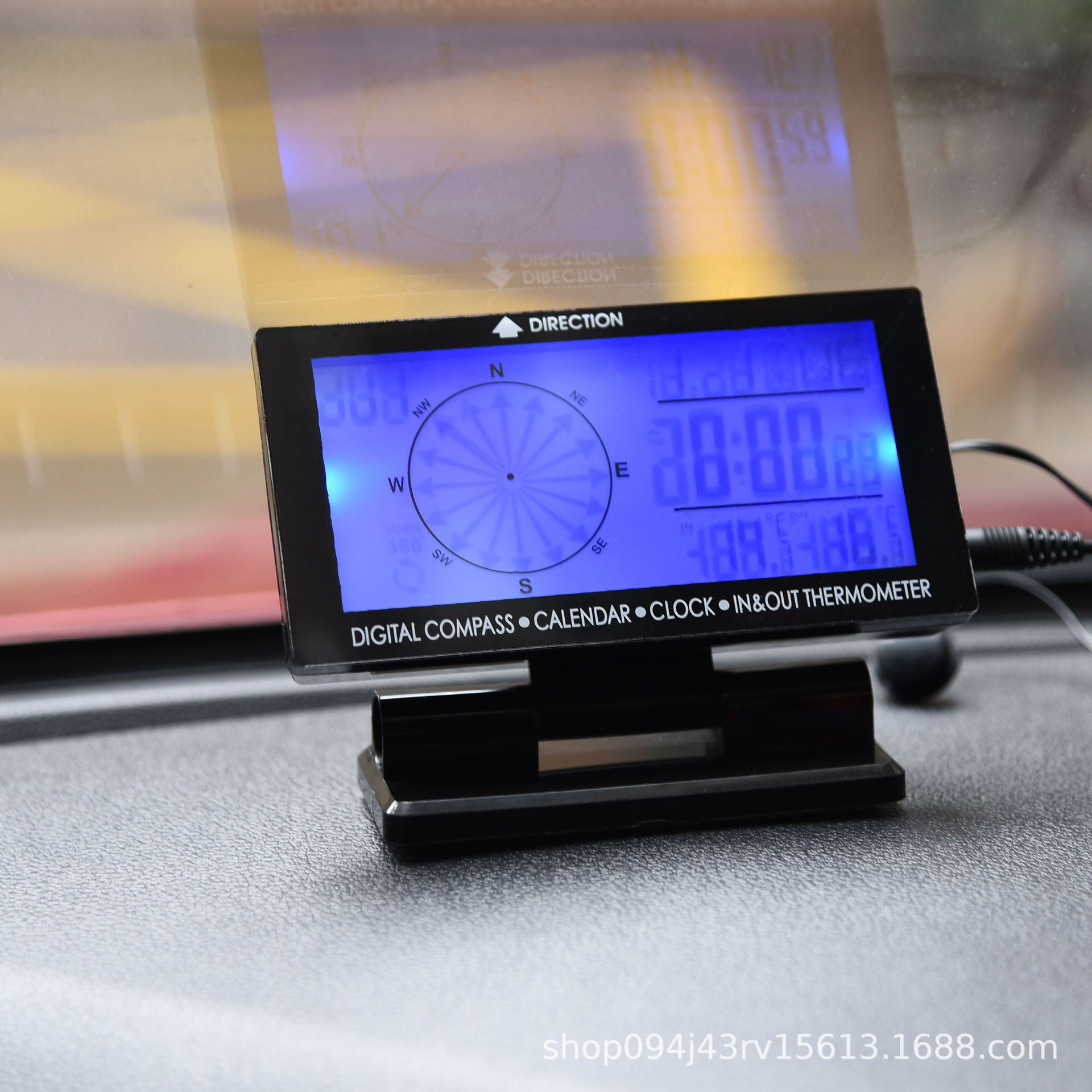
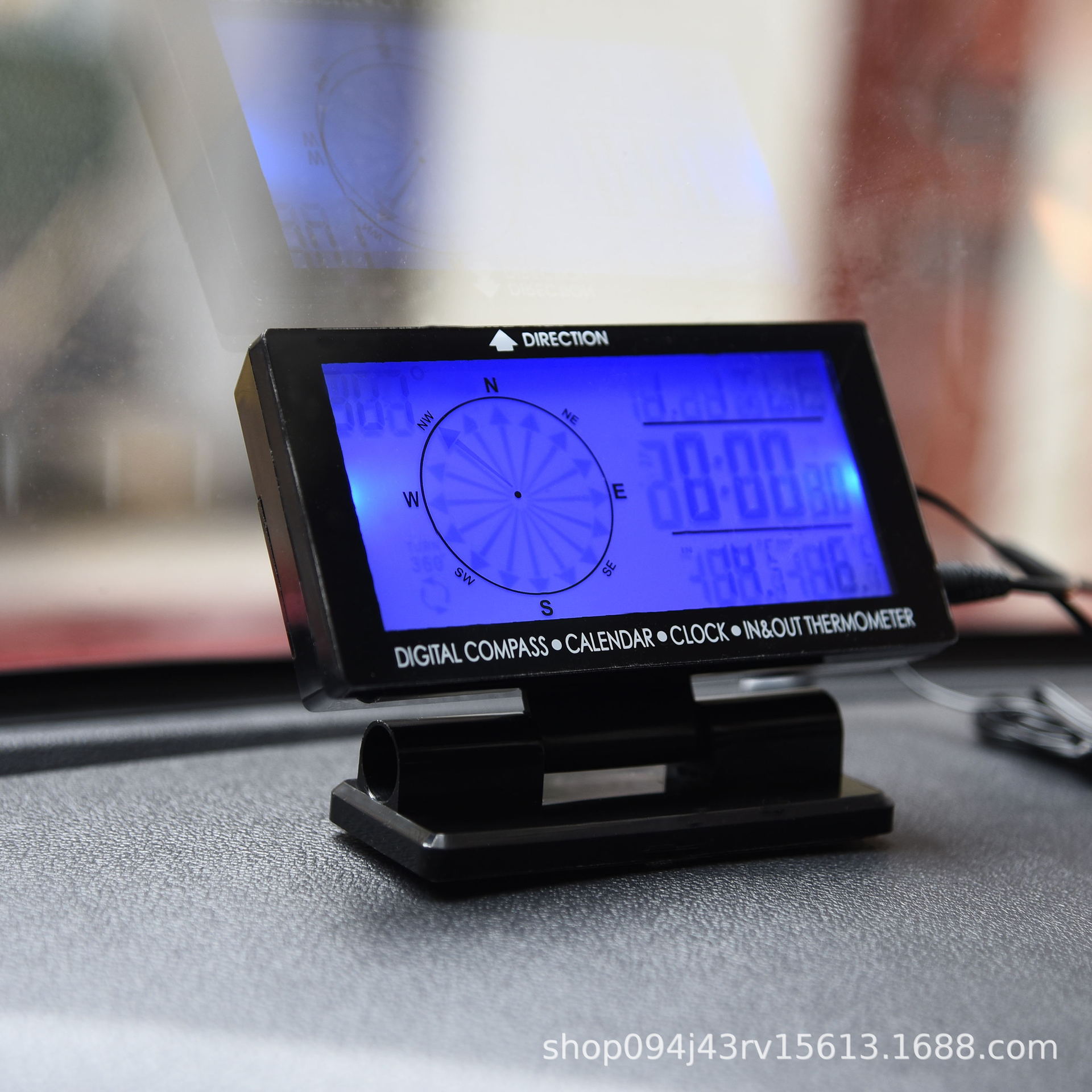
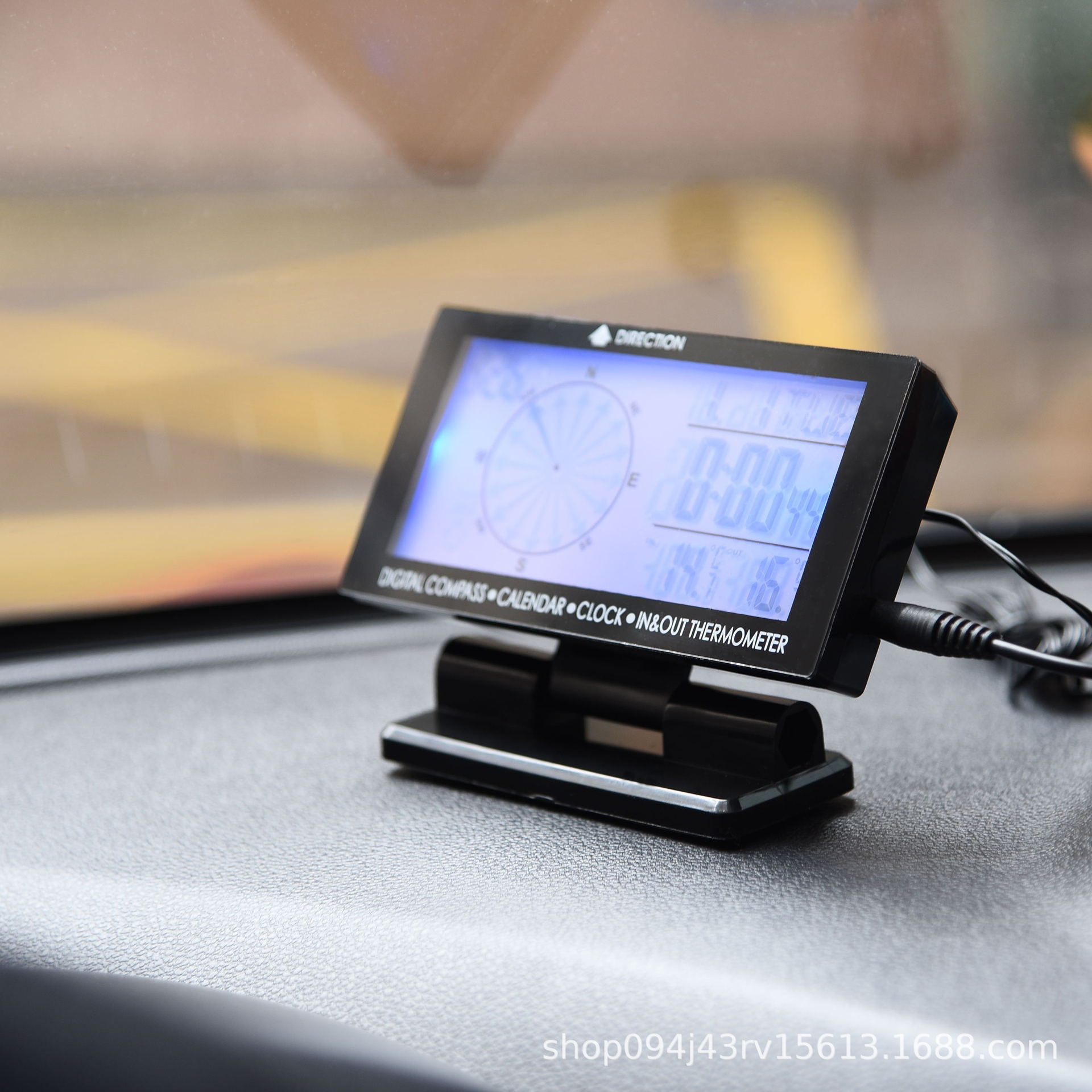
LCD indoor and outdoor dual temperature and time display
Celsius to Fahrenheit conversion
Temperature display inside and outside the car
The compass shows degrees.
The display of the date and day of the week on the same screen.
Temperature measurement range: outdoor: -50 ~ 70°C (-58 ~ 158°F)
Indoor -10 ~ 60°C (14 ~140°F)
1-minute alarm, 5-minute snooze, and button sound
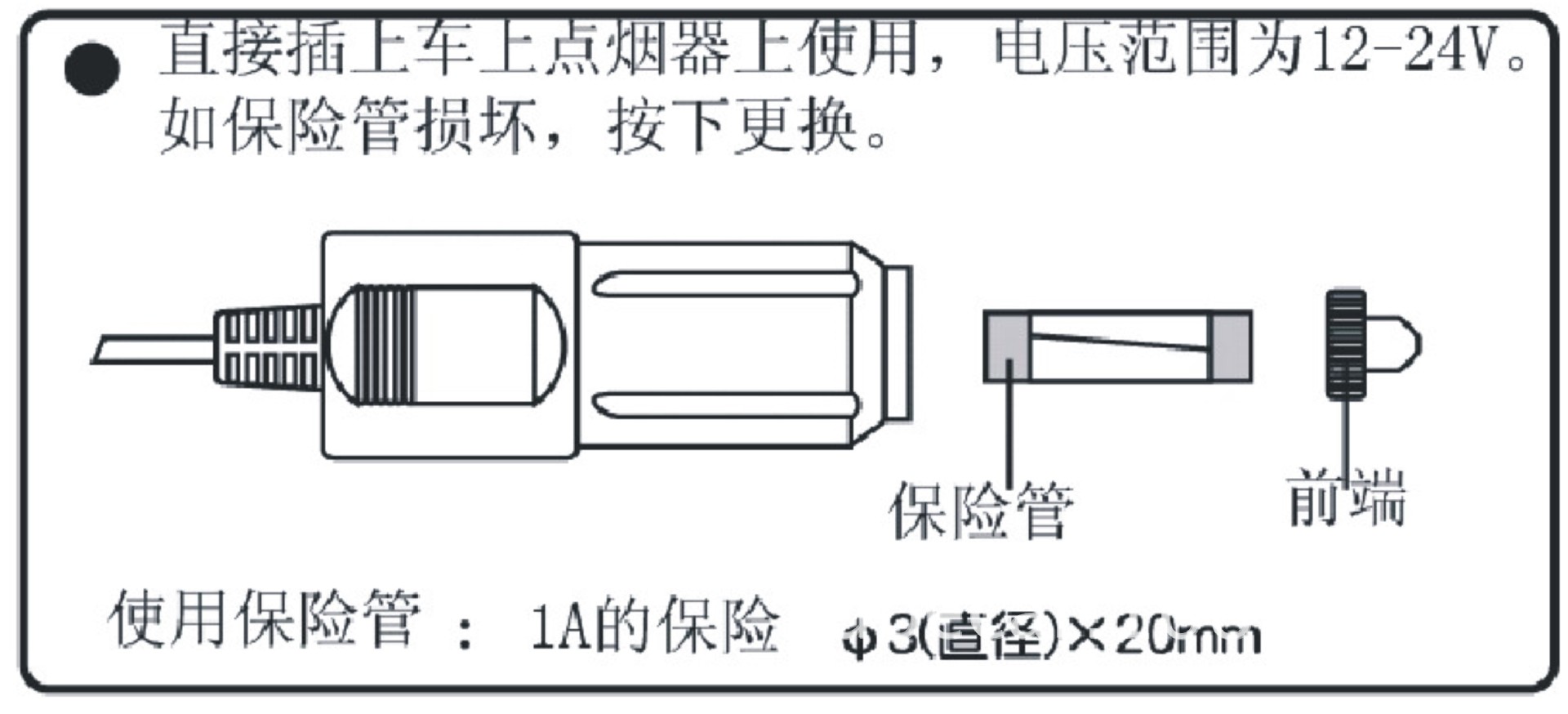
Car power supply, backlight function
Convenient car jump starter.
Clock function
Blue backlight.
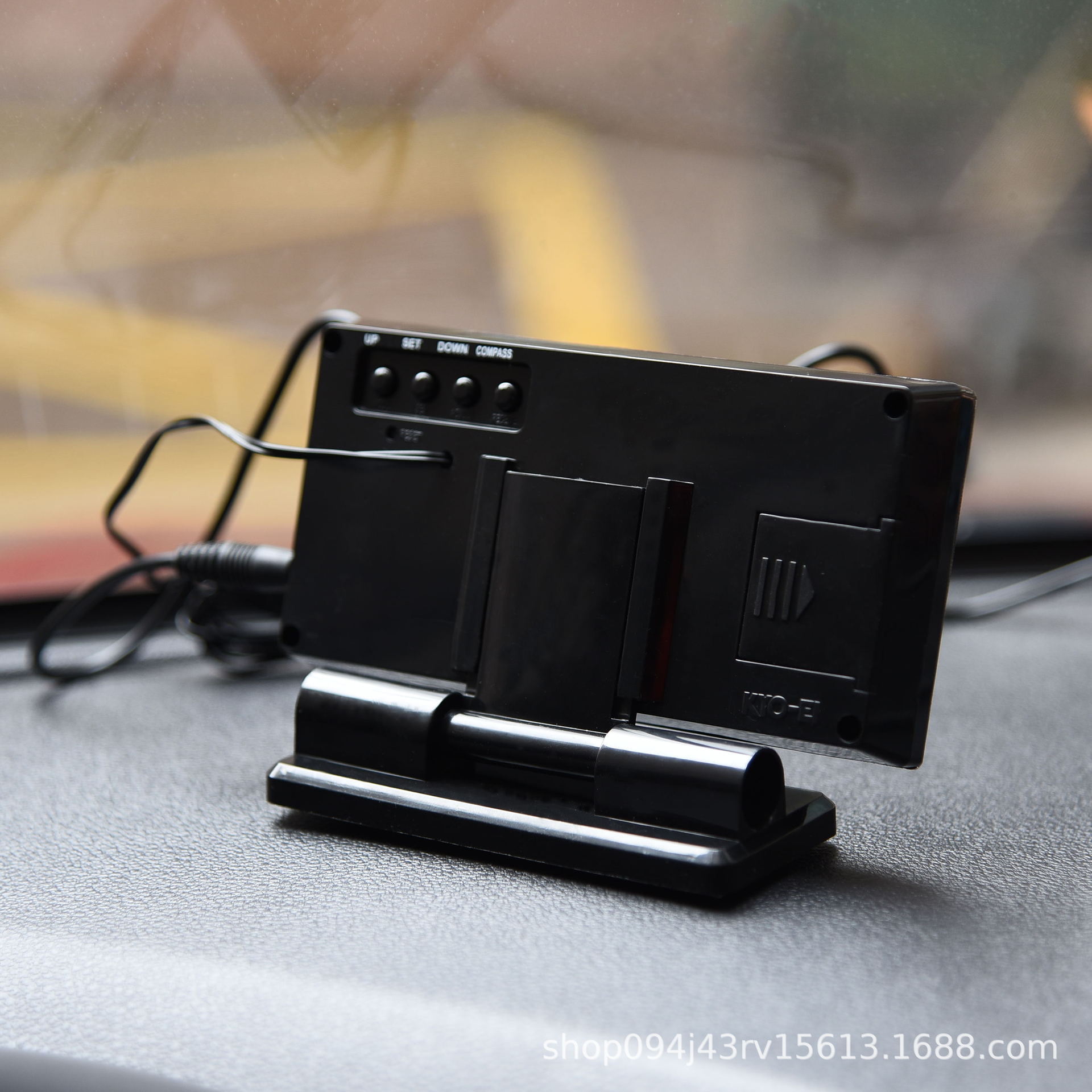
Angle-adjustable support
Equipped with magic stickers.
1. The compass reading is easily affected by magnetic interference sources. In order to correctly display the current compass direction angle and direction, please place this product horizontally.
Please isolate the magnet or magnetic objects in your digital compass, such as: mobile phones, loudspeakers, motors, displays, etc.
This compass, like most others, points to the north magnetic pole, and the direction it points to will have a slight deviation from the true north pole. Please refer to the chapter on magnetic declination for more information.
To achieve the correct result, please avoid the following situations
The digital compass should not be too close to magnetic objects.
The digital compass is too close to a metal object.
The digital compass is too close to electronic products.
What is the magnetic declination?
The existence of the North Magnetic Pole and the true North Pole is slightly offset, and most magnets and compass needles point to ...
All measurements are made with respect to the true North Pole, which is opposite to the magnetic North Pole that points northward.
The angle between the North Magnetic Pole and the Geographical North Pole is known as the Magnetic Declination. The value of the Magnetic Declination, expressed in degrees, is ...
The direction (east and west) and the time of day (morning and evening) depend on your location.
- For strict compass users or users who want accurate navigation, it is necessary to adjust compensation.
Magnetical inclination.
Product Calibration:
1. When the battery is just installed or reset, or when the product is affected by electromagnetic interference, leading to a deviation in the orientation angle; as well as when using the compass after calibrating the product in a specific location and then entering a more distant location, it is necessary to calibrate the product.
2. Press the COMPASS key for 3 seconds, until the character 'CAL' appears, to enter the compass screen display calibration.
3. Place the compass flat on a horizontal surface and rotate it clockwise once around, ensuring that the compass slowly and steadily displays each direction.
4. Rotate the compass after a full turn, press the 'COMPASS' key to return to the compass mode and begin measuring.
5. When the power is turned off on the device (without backlight), after 10 minutes of product operation, the compass enters a dormant state. At this time, the compass degree indicator shows --- ---, and when pressed the DOWN key for 3 seconds or the device power is re-activated, the compass resumes operation. When the compass is in the dormant state (without degree display, showing -- --), if the product is moved, the compass needs to be re-calibrated.
Update time:


TOP


