Search history
Clear allSearch by image
XDrag and drop an image here or upload an image
Max 5MB per image
UploadSign In | Join

Search history
Clear allSearch by image
XDrag and drop an image here or upload an image
Max 5MB per image
UploadSign In | Join
X Email Mobile
| Number | Unit-price | Total | |||
| I want to buy: | × | 42.0 | = | 0 |


A new item has been added to your Shopping Cart. You now have items in your Shopping Cart.




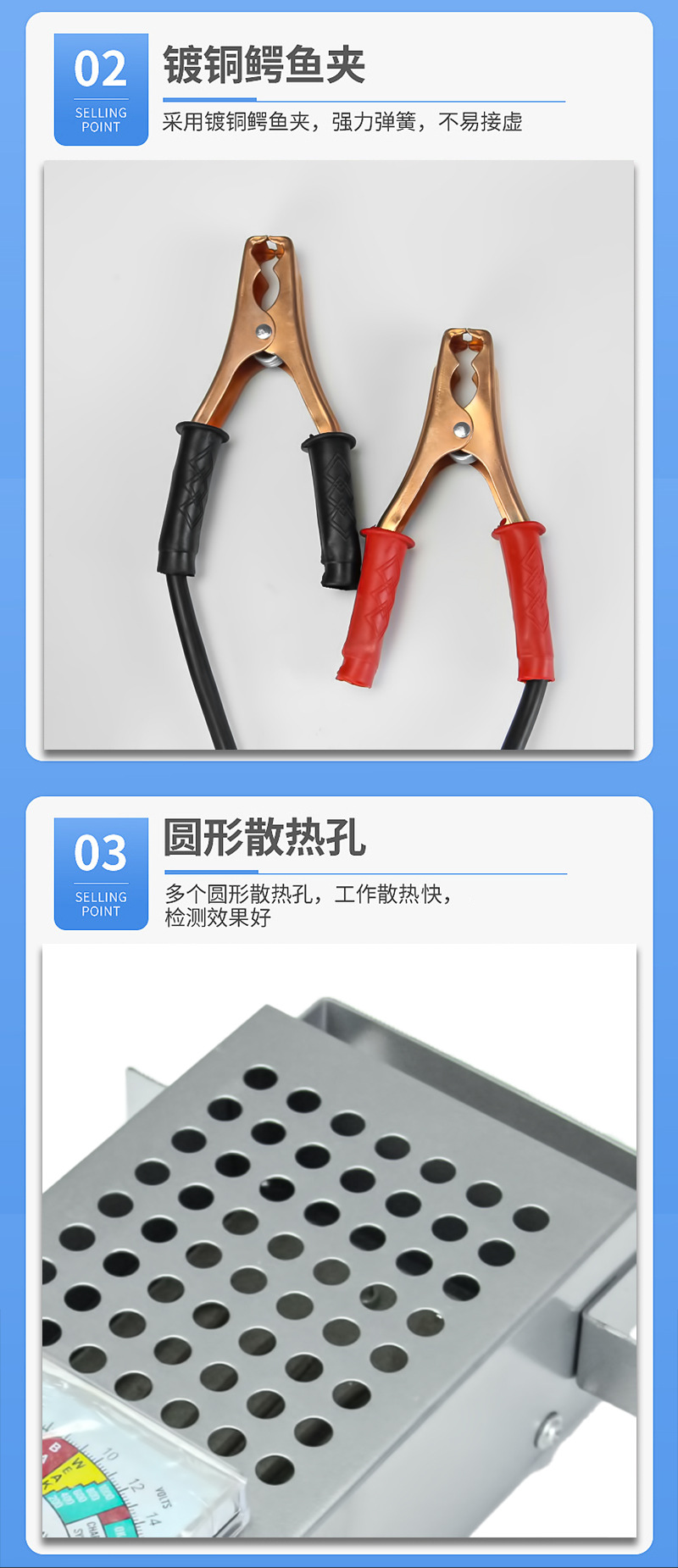


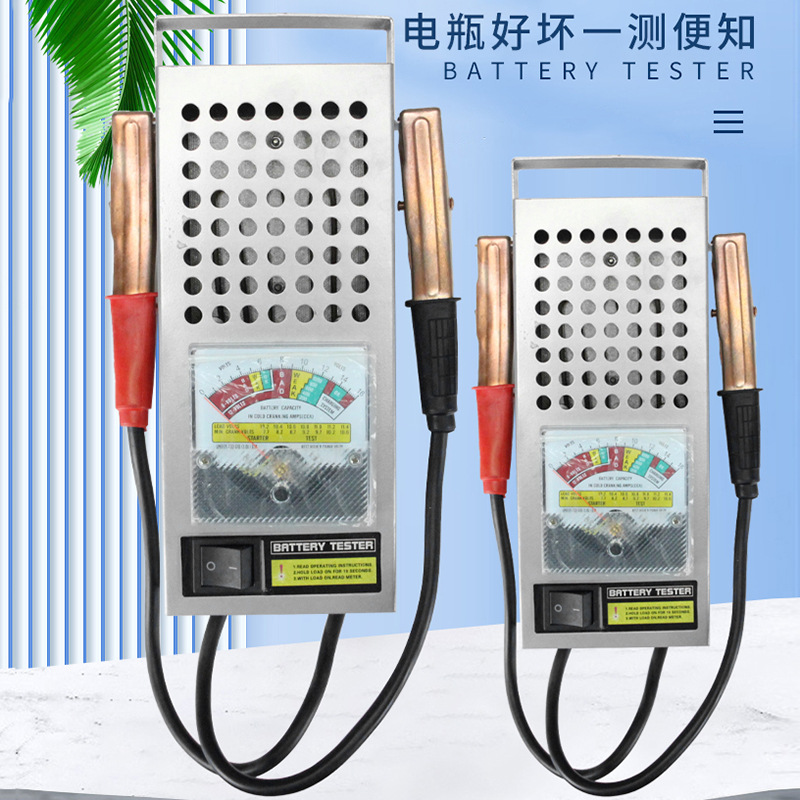
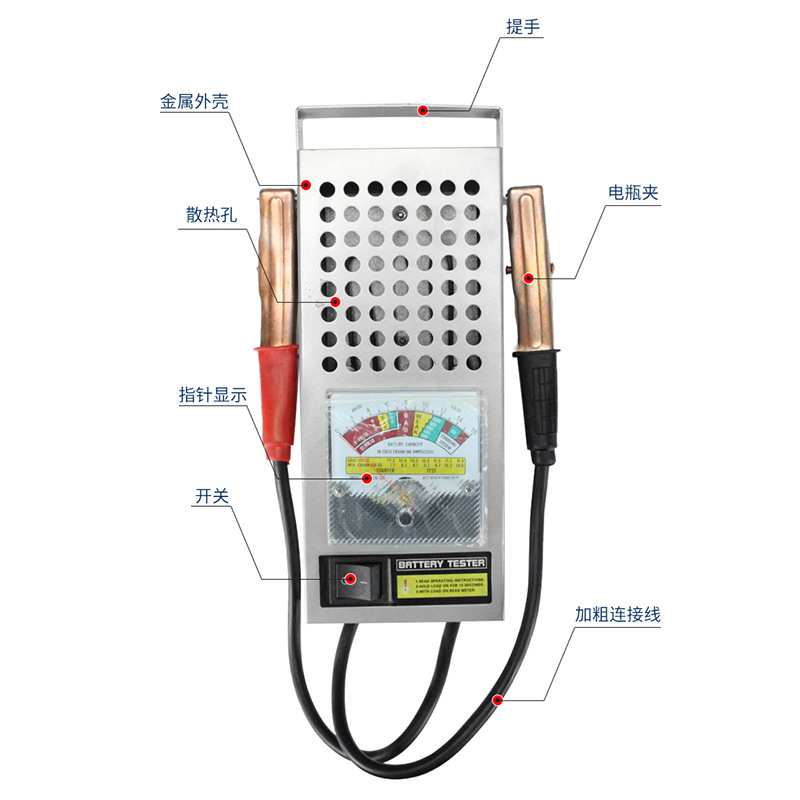
Detect the battery charge status, the test results are divided into four (full, normal, heavy charge, fully discharged), suitable for 10AH-200AH batteries. The circuit of the tester does not need to be separated by the polarity of the battery. The surface of the battery tester clearly indicates the open circuit voltage of the tested battery, plus the detection switch used for testing, which is convenient to use. Connect the tester with the tested battery, and the voltage meter shows the voltage value of the battery. The nominal normal voltage of the battery is 12.5v-13v. When turning the test switch, the indicator drops, and its indication value corresponds to the state of the battery with the corresponding capacity: normal, heavy charge, fully discharged. For a 12v generator, it can be directly tested for generator power.
Usage Method
1. Clamp the test instrument's clamps to the positive and negative poles of the battery, and the indicator light will turn on (the clamp end with the light is the battery's positive pole). The voltmeter will indicate the battery voltage, which is a false voltage (no-load voltage) at this time.
2If the light does not work or the voltage meter needle does not move, check whether the test instrument clamps are in good contact with the battery terminals.
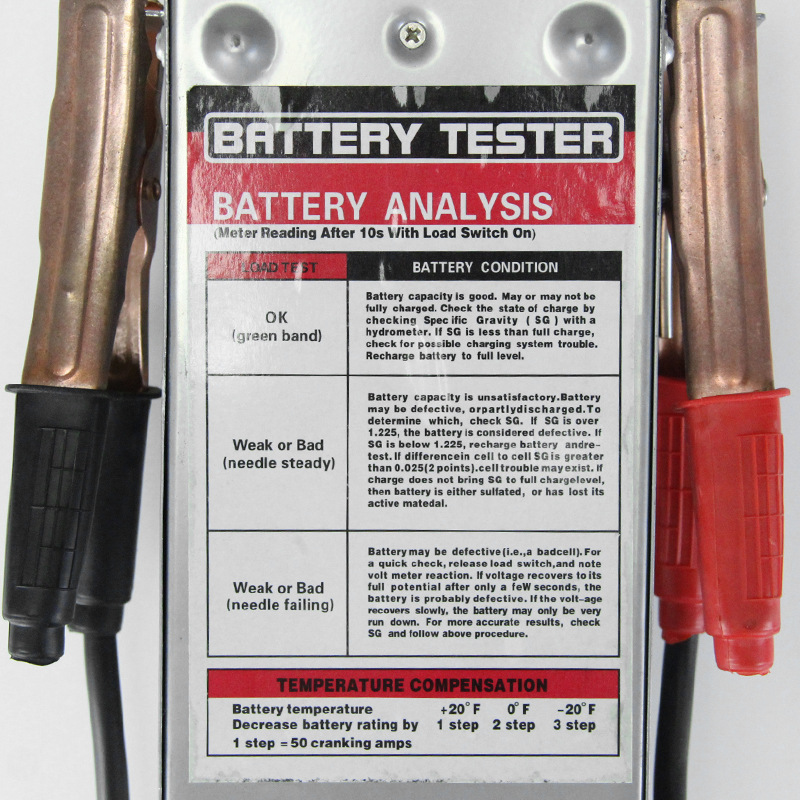
3Turn the knob switch, the time shall not exceed5秒(此时测试仪以100ADischarge the battery, and the needle of the voltmeter will shift to the left. Based on the position of the shift, you can judge the battery's charge condition. The test results can be roughly divided into the following five situations:
1.The pointer is in the green zone, indicating that the battery is fully charged.
2.The pointer is in the yellow zone and the pointer is stable, indicating that the battery is low and needs charging.
3.The pointer falls quickly to the left, indicating that the battery no longer has power.
4.The pointer returns to zero, indicating that the battery may have a broken cell.
5.The pointer in the red zone indicates that the battery power is very low, and the battery may have defects.
Update time:


TOP