Search history
Clear allSearch by image
XDrag and drop an image here or upload an image
Max 5MB per image
UploadSign In | Join

Search history
Clear allSearch by image
XDrag and drop an image here or upload an image
Max 5MB per image
UploadSign In | Join
X Email Mobile


A new item has been added to your Shopping Cart. You now have items in your Shopping Cart.
Xuwenzhong Electronics Instrument Firm 14yr.
Contacts:徐文钟Chat
Mobile:86-18757861683
E-mail:xuwenzhon@163.com
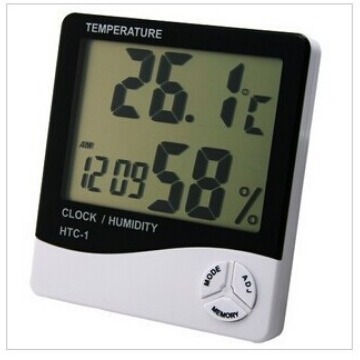
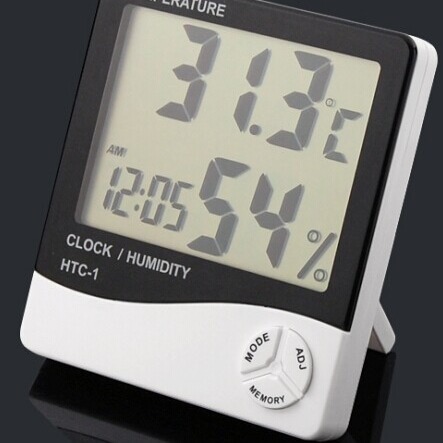
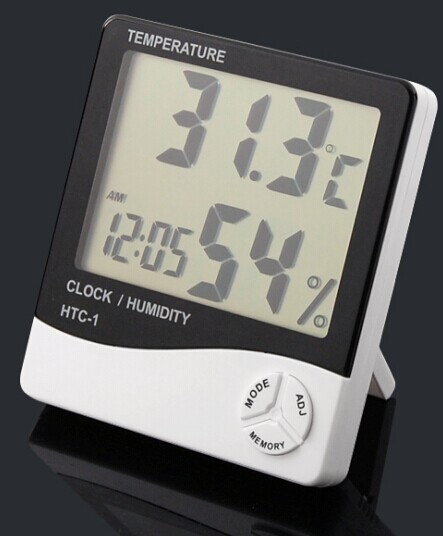
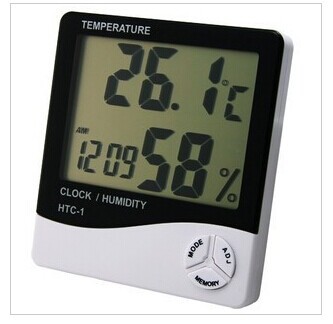
HTC-1 temperature moisture meter
【 HTC-1 temperature moisture meter introduction]] product Specification: Temperature measurement range:-50℃ ~ 70℃ temperature measurement accuracy: about ± 1.0 ℃(1.8 oF) temperature resolution: 0.1 ℃(0.2 oF) humidity measurement range: 10%RH ~ 90%RH humidity measurement accuracy: ± 5%(30%-70%) ± 7%(other)
basic functions: temperature/humidity display ℃/ oF temperature switching display higher/lower temperature and humidity memory function 12/24-hour clock hourly chiming function daily alarm clock function calendar display function
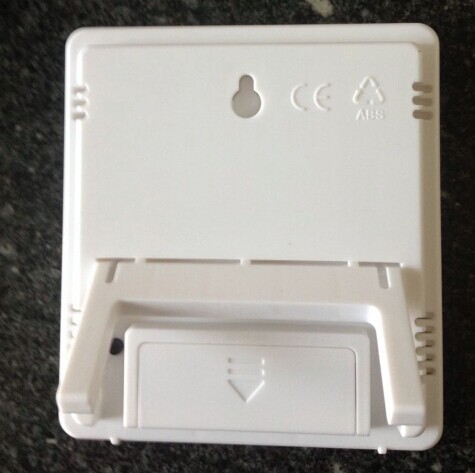
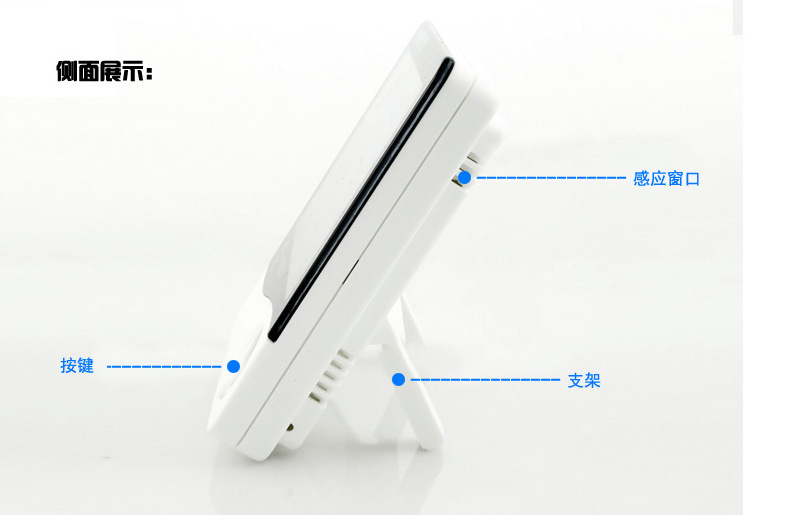
operation Method: 1. Push the battery door according to the direction indicated by the back of the machine, take out the battery spacer, and then install it back to battery door. The machine can be used. 2. Button functions:(MODE) switch the clock and alarm clock display MODE/set the current time, alarm clock, 12-hour or 24-hour system, and date (ADJ) to adjust the value of the project;(MEMORY) display the high/low temperature humidity value in memory/the high/low temperature humidity value in clear memory;(℃/ oF) switching temperature unit is displayed in ℃ (℃) or oF (Fahrenheit);(RESET) clears all settings/memory values and returns the initial state. 3. Press and hold (MODE) for 1 second in the initial state. The number of minutes of the current time starts to flash. Press (ADJ) to adjust the number of minutes. Press (MODE) to set the "clock", "12/24", "month (M)", "Day (D)" 4. In the current clock mode, (two points between clock and minute flash once per second) switch to Alarm mode (two points between clock and minute do not flash). Press (ADJ) to switch Alarm function/hourly chiming () on and off the function, press and hold (MODE) for 2 seconds, you can set the alarm time, and start the "time of the hour" function at the same time, and the () symbol appears. 5. In the alarm clock mode, if there is no operation, the current clock will be automatically returned one minute later. At this time, press once (ADJ) to switch to the calendar display, after 3 seconds, the current clock is automatically returned. Press the MAX/MIN button to display the larger value since the last CLEAR temperature/humidity. 6. Press (MEMORY) to display the MEMORY temperature/humidity of the larger value (MAX) and smaller value (MIN), Press (MEMORY) larger/smaller values that can be erased in more than 2 seconds. Note: 1. Press RESET once when using/replacing the battery for the first time (on the back of the machine); 2. If there is any defect in the machine, press RESET once; 3, please return the battery to the place designated by the government after it is used up..
【 HTC-1 temperature moisture meter standard configuration]] standard accessories of this instrument: HTC-1 temperature & Humidity Meter PCs, one No. 7 battery (the battery cannot go to Aviation), manual book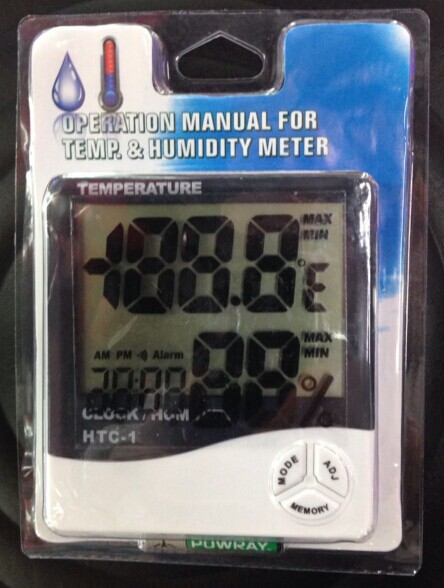
Update time:


TOP