Search history
Clear allSearch by image
XDrag and drop an image here or upload an image
Max 5MB per image
UploadSign In | Join

Search history
Clear allSearch by image
XDrag and drop an image here or upload an image
Max 5MB per image
UploadSign In | Join
X Email Mobile


A new item has been added to your Shopping Cart. You now have items in your Shopping Cart.
Xuwenzhong Electronics Instrument Firm 14yr.
Contacts:徐文钟Chat
Mobile:86-18757861683
E-mail:xuwenzhon@163.com
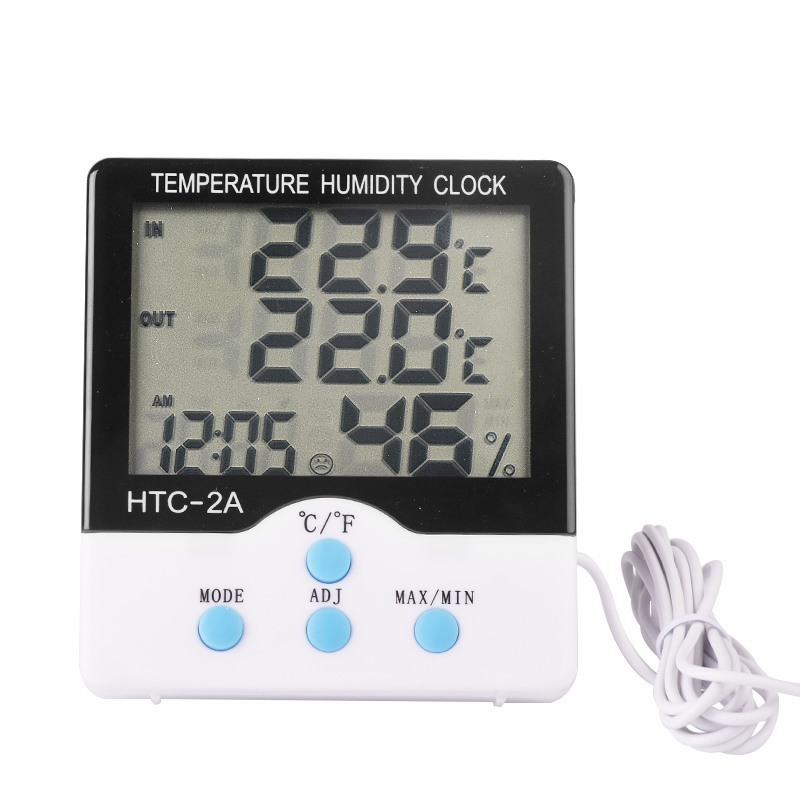
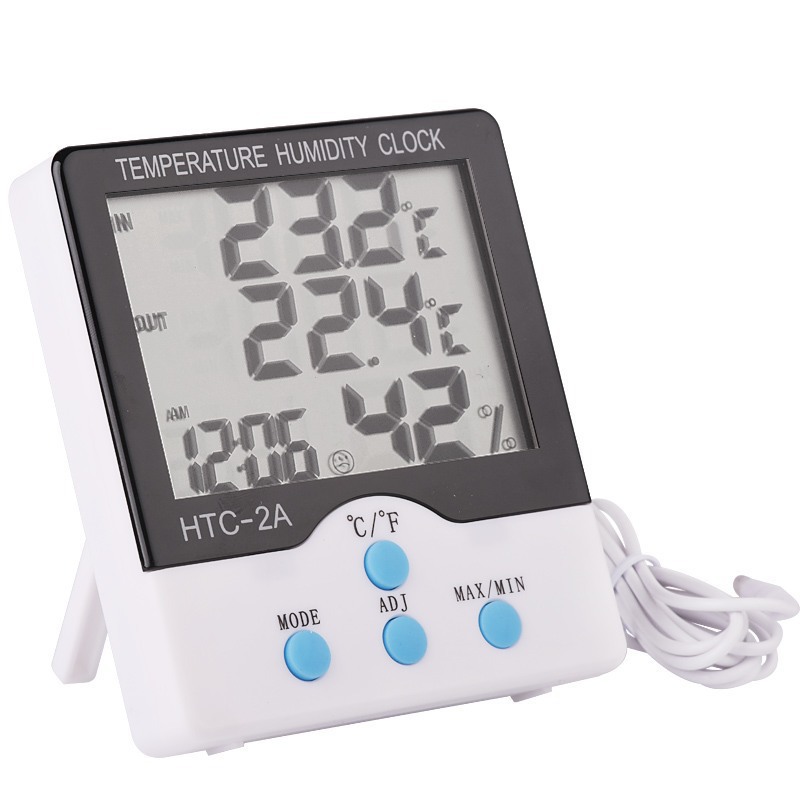
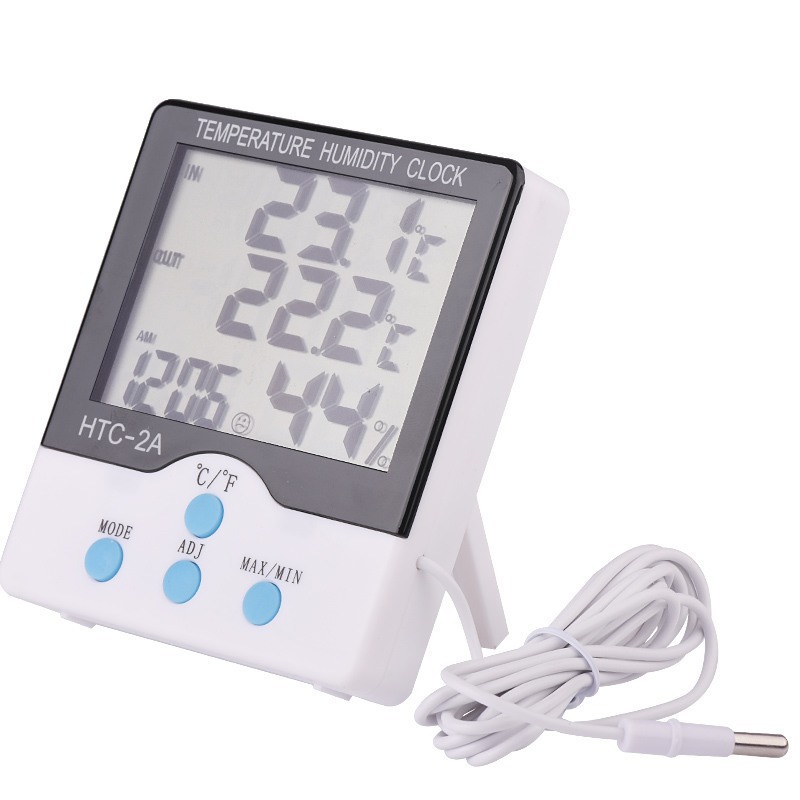
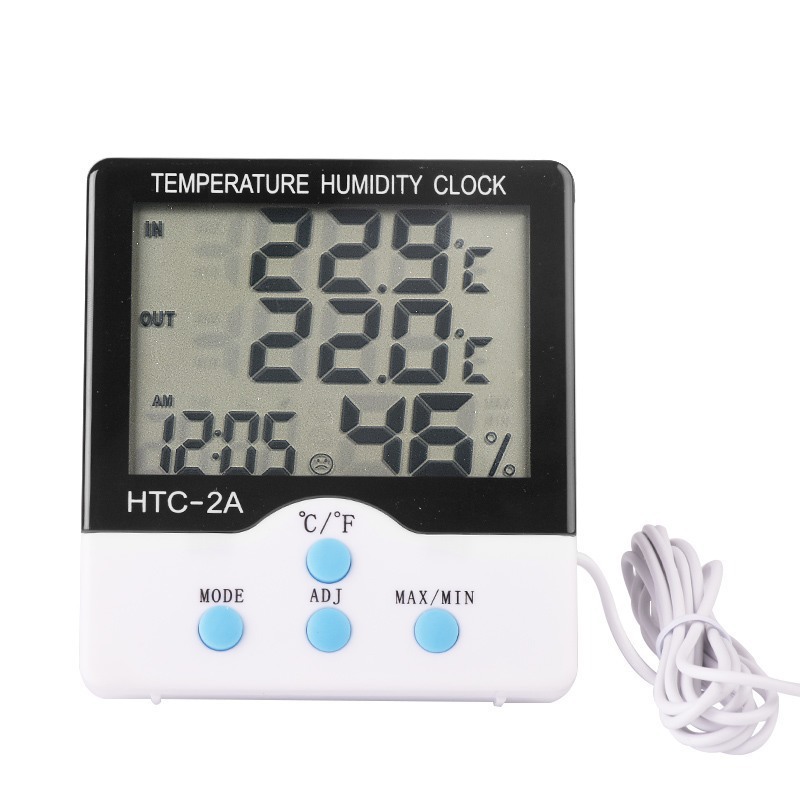
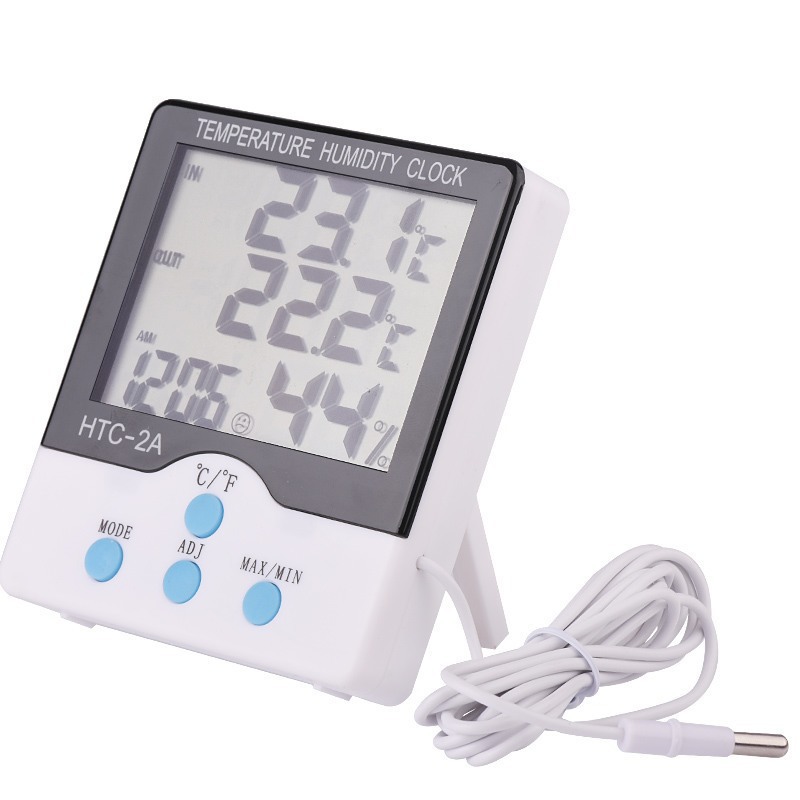
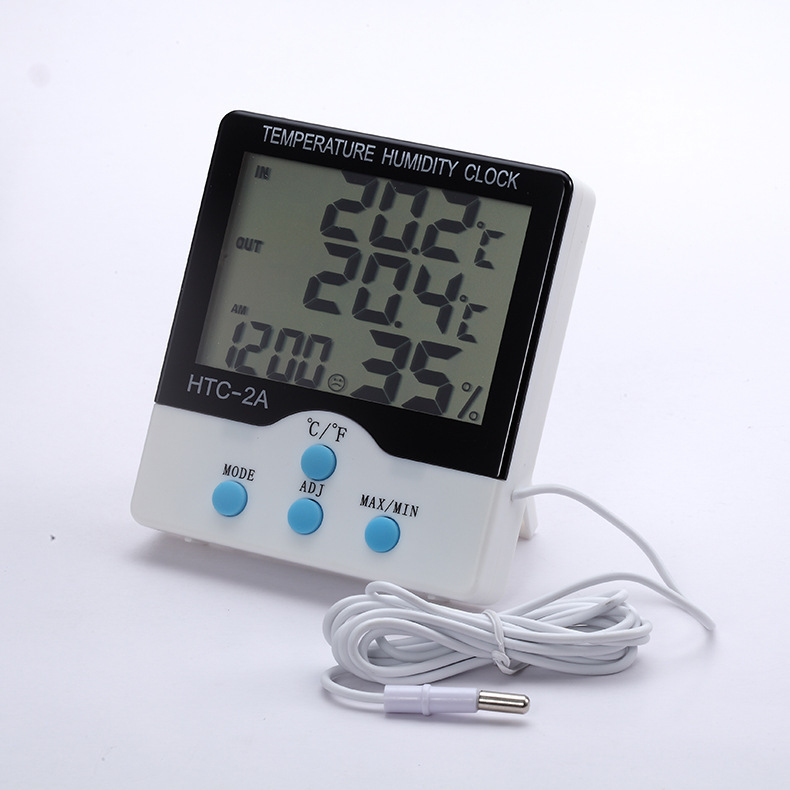
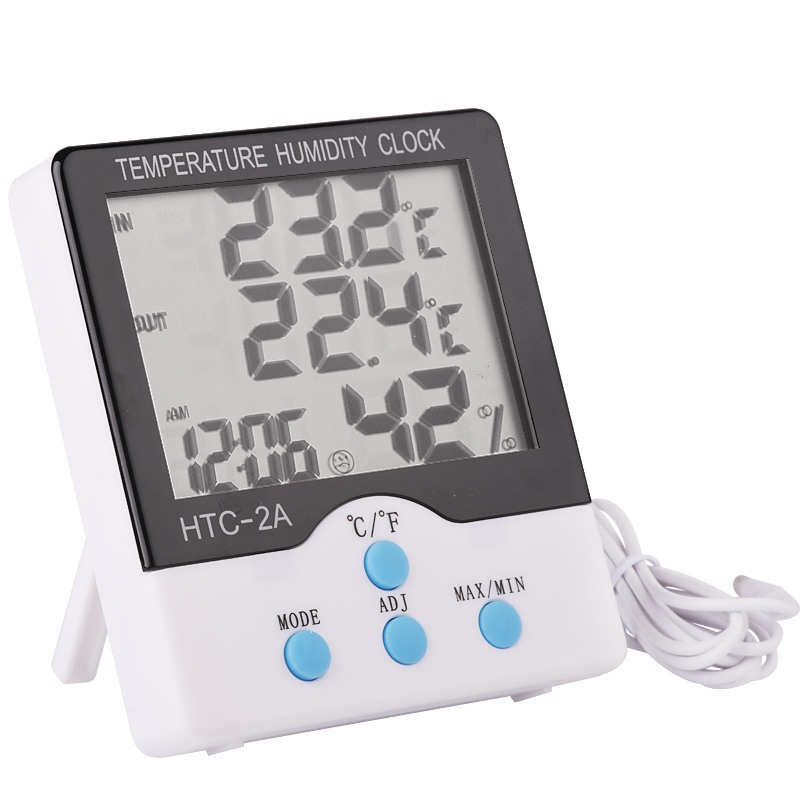
HTC-2A indoor and outdoor temperature hygrometer
single Product Weight: 130g
packing information: 45.5*37.5*51.5cm/150PCs
gross/net weight: 22kg/19.8kg
single product packaging: Blister
product specifications
outdoor Temperature:-50-70 ℃(-58 ℃-158 ℃)
indoor temperature measurement range:-10 ℃ ~ +50 ℃ (+14 ℃ ~ +122 ℃)
temperature measurement accuracy: ± 1 ℃(1.8 ℃)
temperature resolution: ± 0.1 ℃(0.2 ℃)
humidity measurement range: 10% to 99%RH
humidity measurement accuracy: ± 5% RH
humidity resolution: 1%
battery: AAA1.5V
operation method
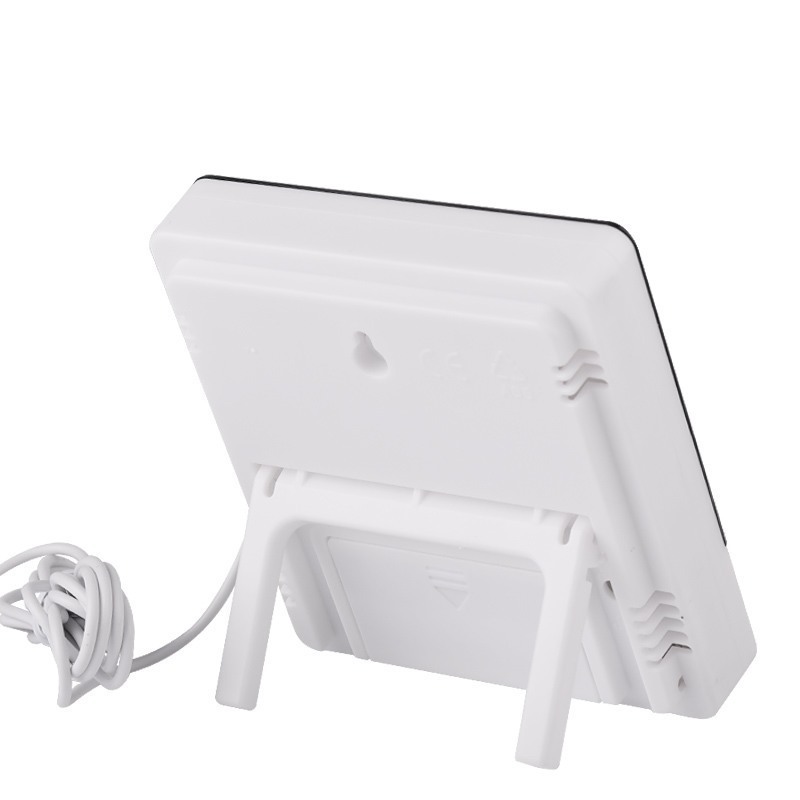
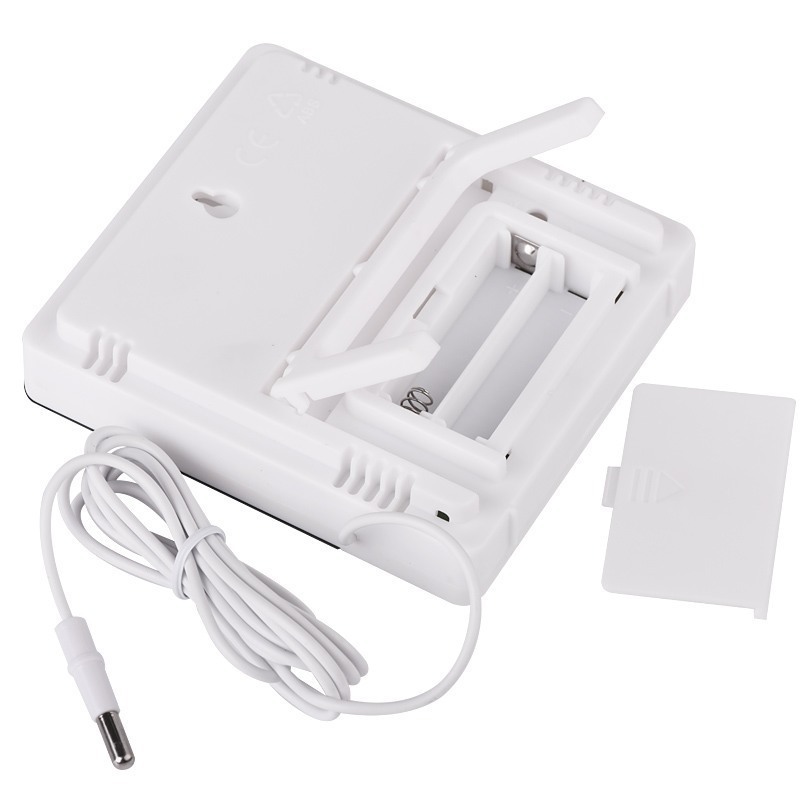
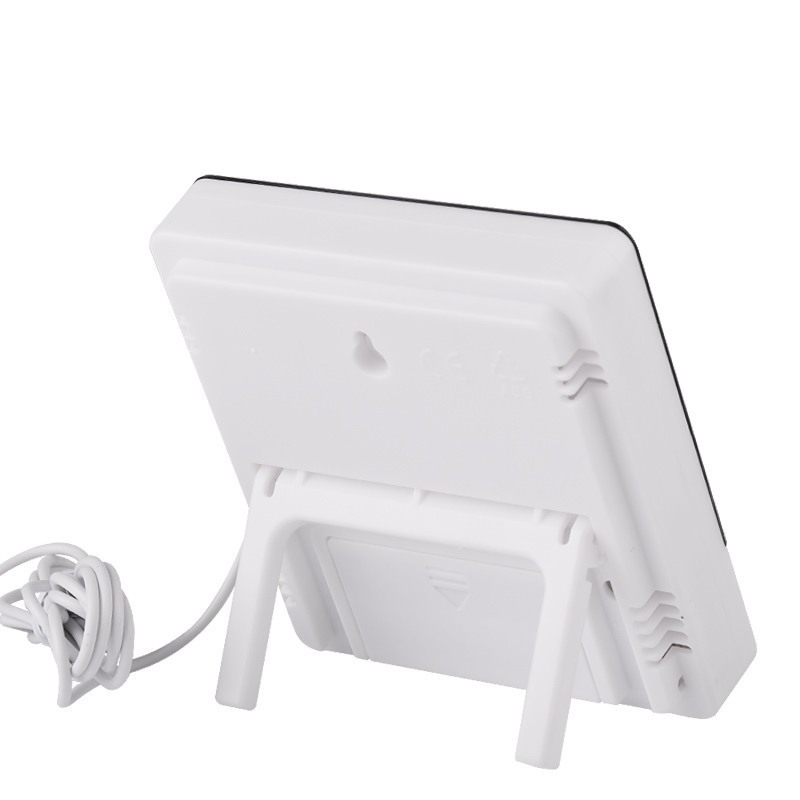
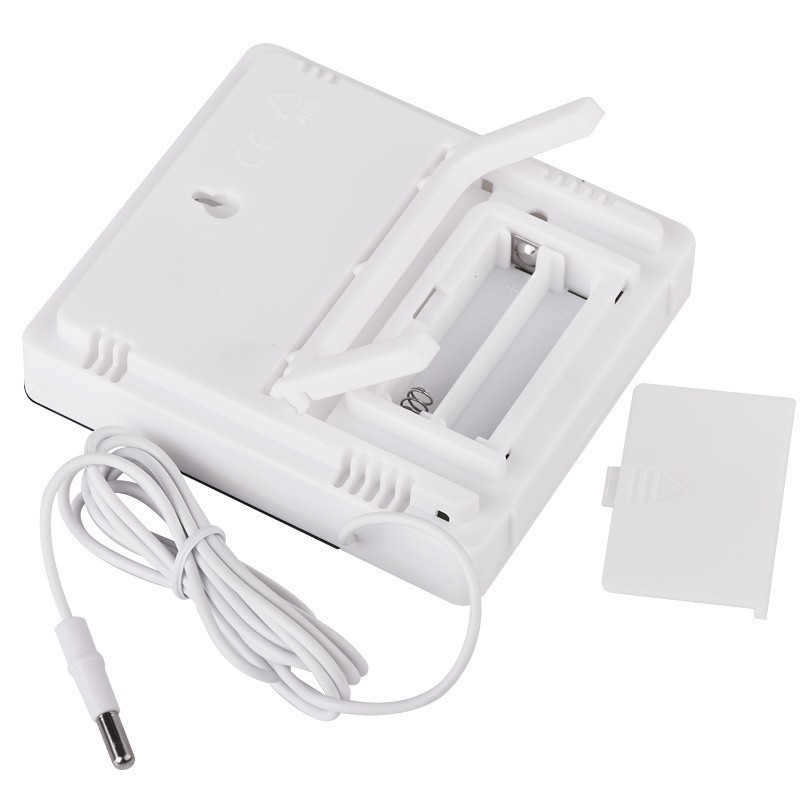
1. Push the battery door according to the direction indicated by the back of the machine, install the battery, and then install the battery door back, the machine can be used.
2. Button function: [MODE] switch the clock and alarm clock display MODE/set the current clock, alarm clock, 12-hour or 24-hour system, date; [ADJ] adjust the value of the project; [MEMORY] displays the highest & lowest temperature and humidity value in MEMORY/The Highest & lowest temperature and humidity value in clear MEMORY; [℃/F] switching temperature unit in ℃ (degrees Celsius) or F (degrees Fahrenheit) display; [RESET] clears all Settings & memory values and returns the initial state.
3. Press and hold [MODE] for 2 seconds in the initial state, and the number of minutes of the current time starts to flash. Press [ADJ] to adjust the number of minutes. Press [MODE] continuously to set "clock", "12/24", "month (M)", "Day (D)".
4. In the current clock MODE (two points between clock and minute flash once per second), Press [MODE] once to switch to the alarm MODE (two points between clock and minute do not flash), press [ADJ] to switch the Alarm function/hourly chiming () function switch, and then press [MODE] for 2 seconds to set the Alarm time, at the same time, the "hourly chiming" function is started, and the () symbol appears.
5. In the alarm mode, if there is no operation, the current clock will be automatically returned after one minute. In this case, Press [ADJ] once to switch to the calendar display, and the current clock will be automatically returned after 3 seconds, press the [MEMORY] Button to display the maximum/minimum value of the temperature/humidity since the last CLEAR.
6. Press [MOEMORY] to display the maximum temperature/humidity (MAX) and minimum value (MIN) of the MEMORY, and press [MEMORY] for more than 2 seconds to clear the maximum/minimum value.
7. Button F °/C ° conversion in the bracket
8. With 1.5 m outdoor temperature probe
Update time:


TOP