Search history
Clear allSearch by image
XDrag and drop an image here or upload an image
Max 5MB per image
UploadSign In | Join

Search history
Clear allSearch by image
XDrag and drop an image here or upload an image
Max 5MB per image
UploadSign In | Join
|
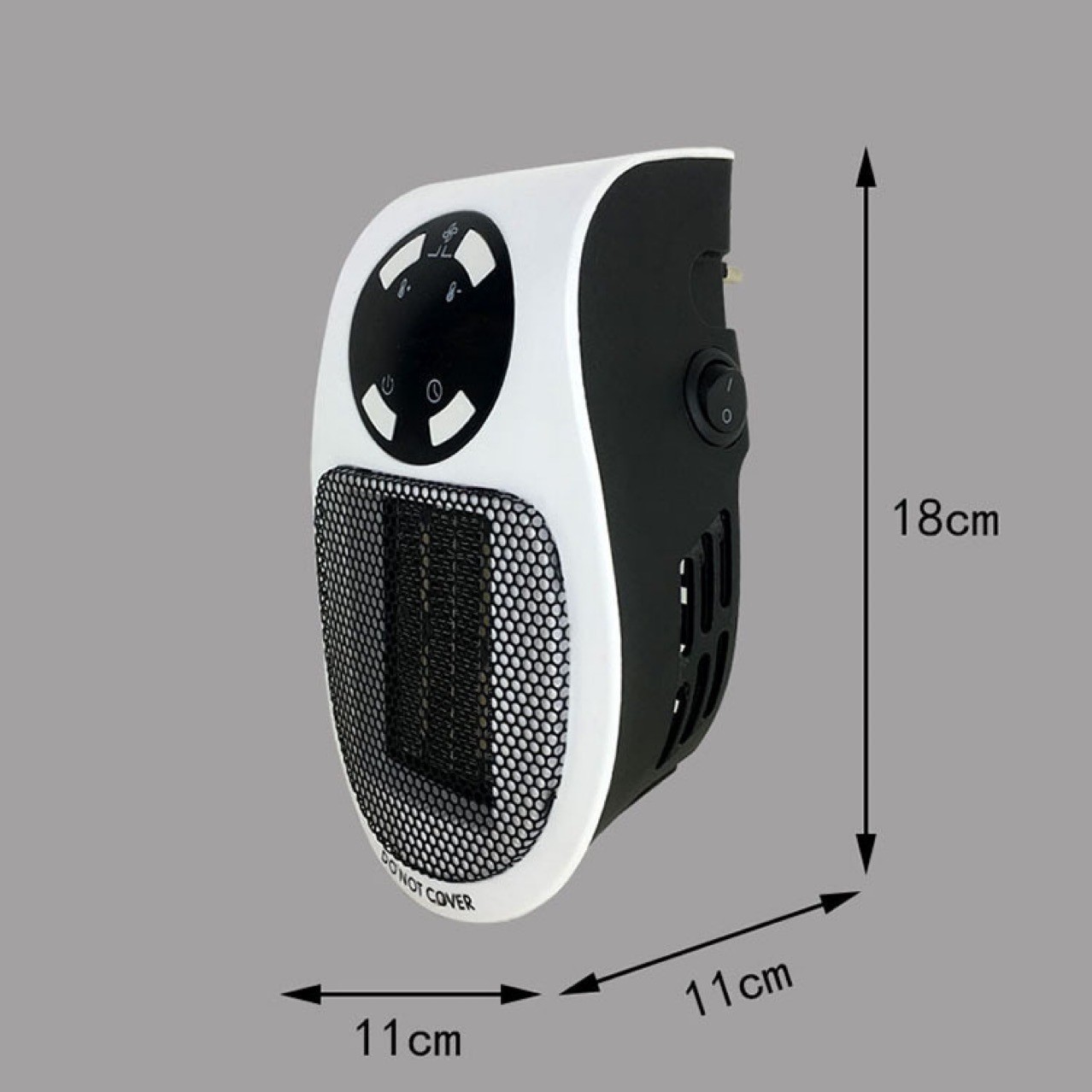
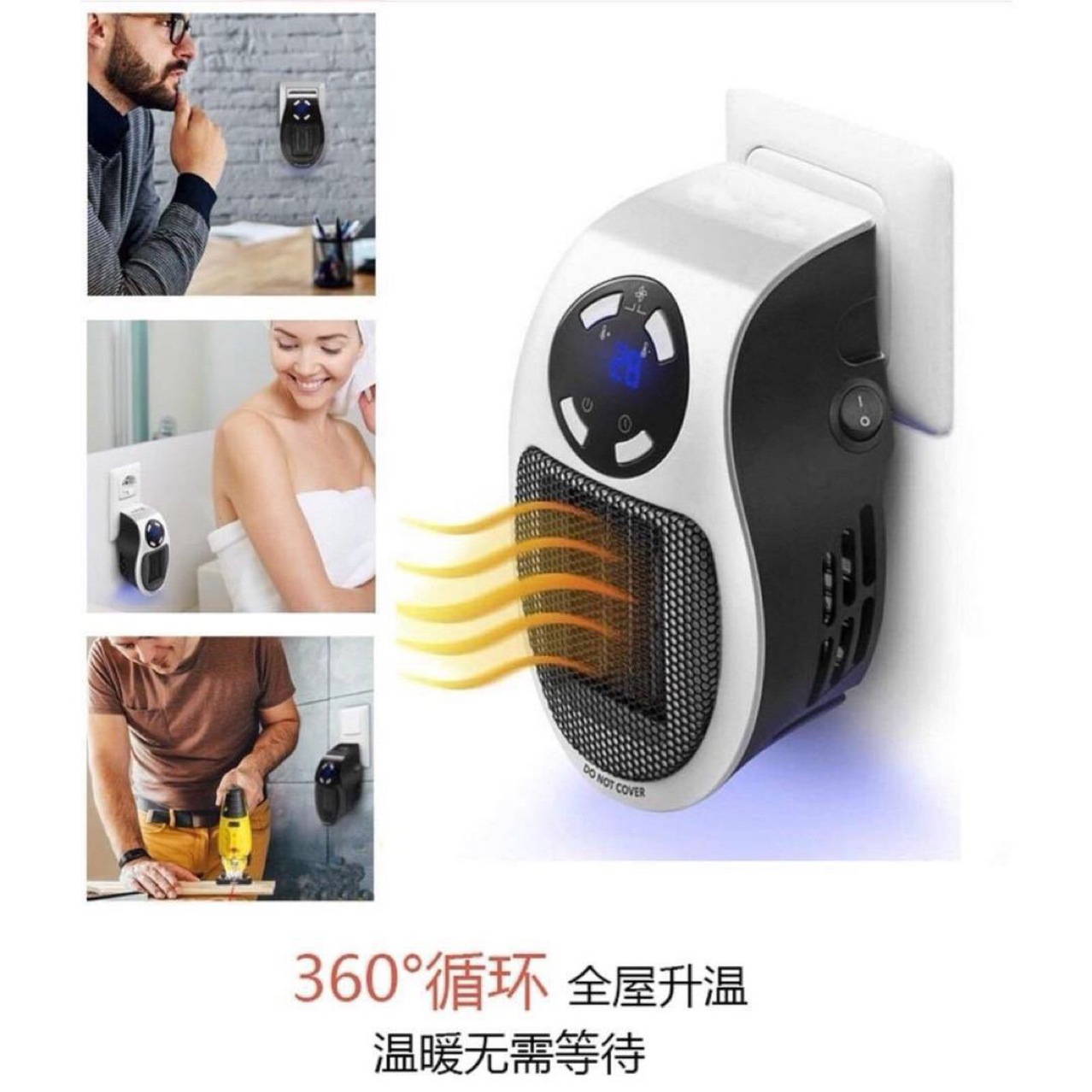
white bmw european standard (220v)
白色宝马欧规(220v) |
CN¥ 23.0 |
|
white bmw american standard (110v)
白色宝马美规(110v) |
CN¥ 23.0 |
|
white bmw british standard (220v)
白色宝马英规(220v) |
CN¥ 23.0 |
|
white bmw australian regulations (220v)
白色宝马澳规(220v) |
CN¥ 23.0 |
|
black humvee european standard (220v
黑色悍马欧规(220v |
CN¥ 22.5 |
|
black humvee us standard (110v)
黑色悍马美规(110v) |
CN¥ 22.5 |
|
black hummer british standard (220v)
黑色悍马英规(220v) |
CN¥ 22.5 |
|
black hummer australian regulations (220v)
黑色悍马澳规(220v) |
CN¥ 22.5 |


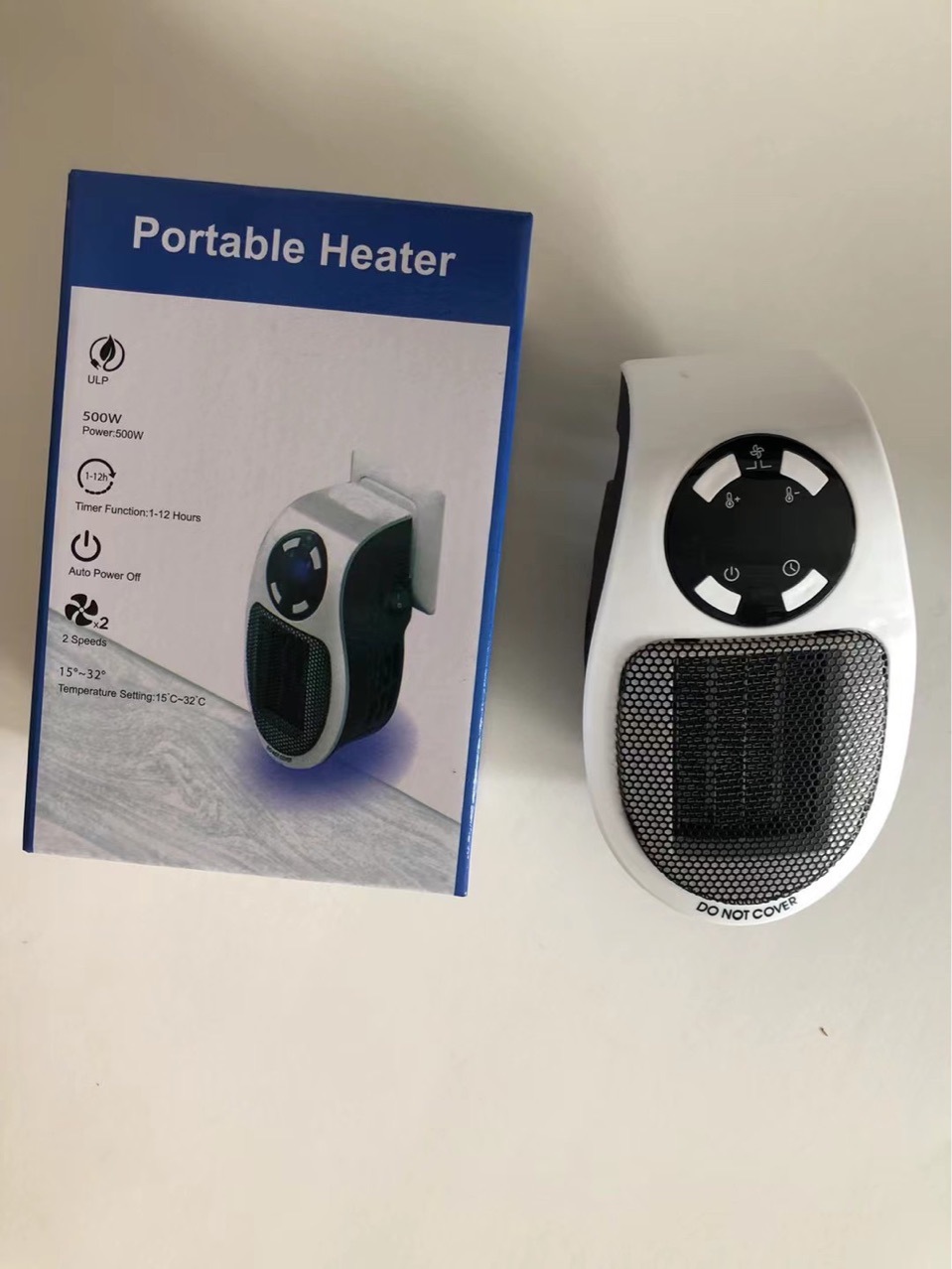
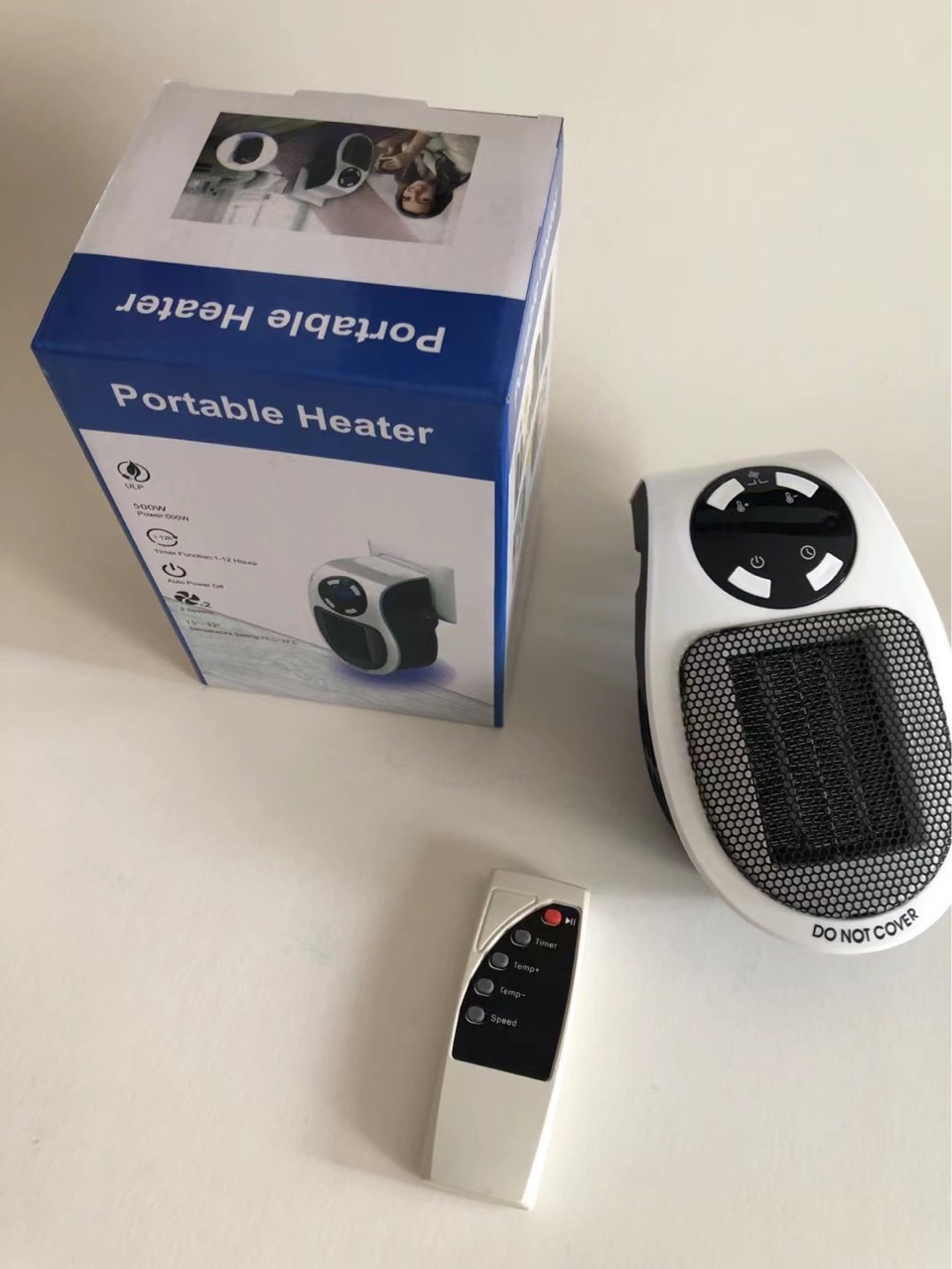
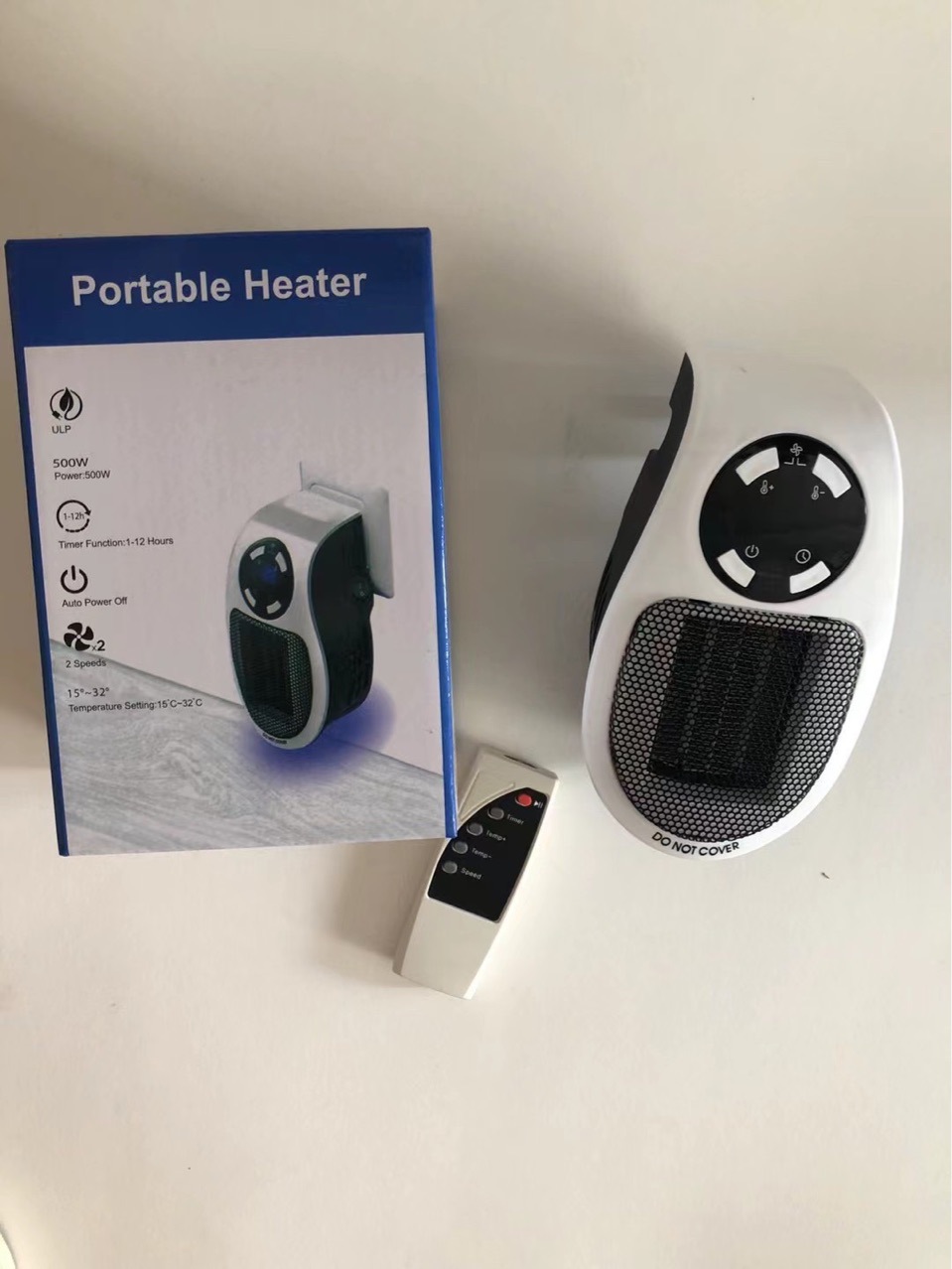
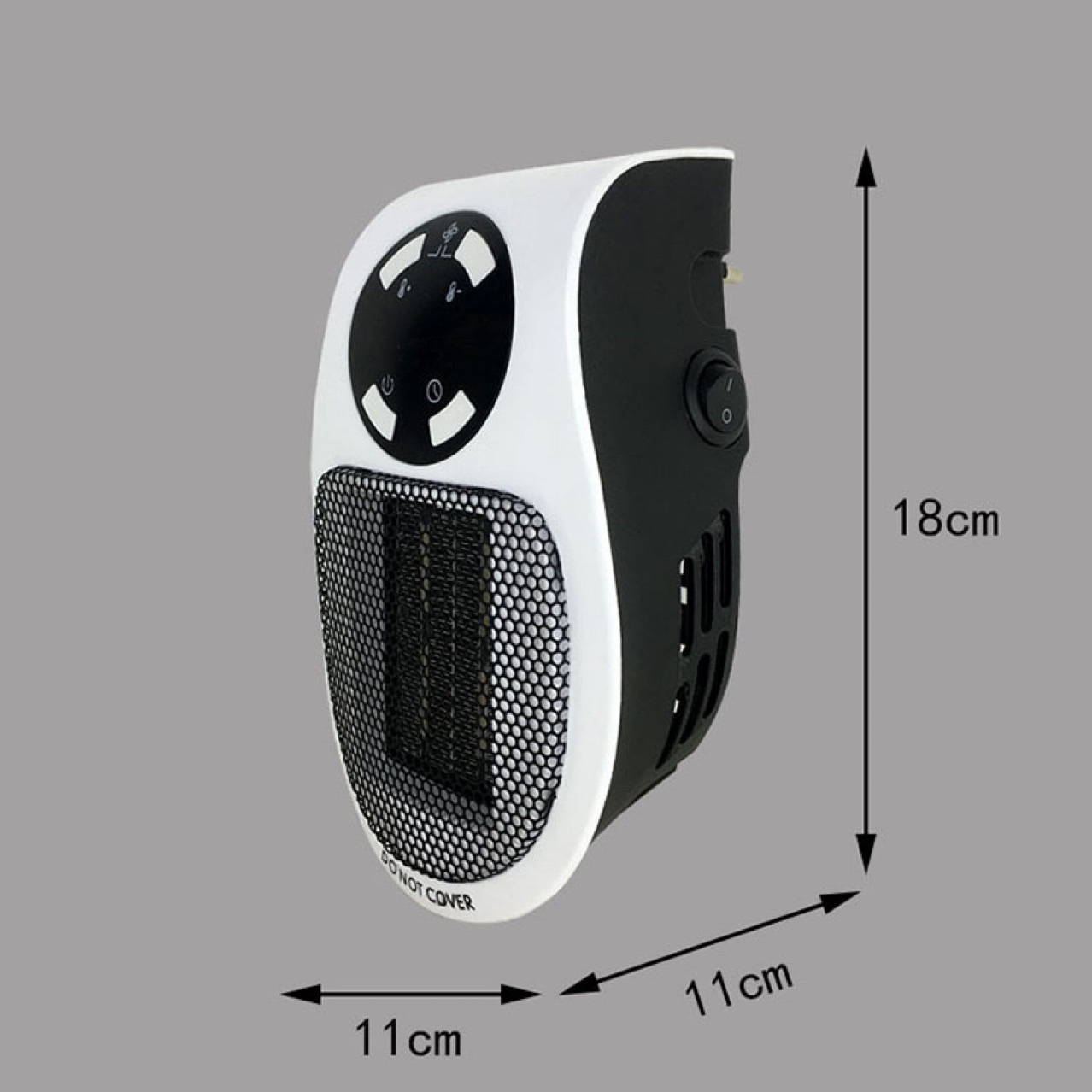
1, Power supplyAC220-240V,50Hz/60HZ
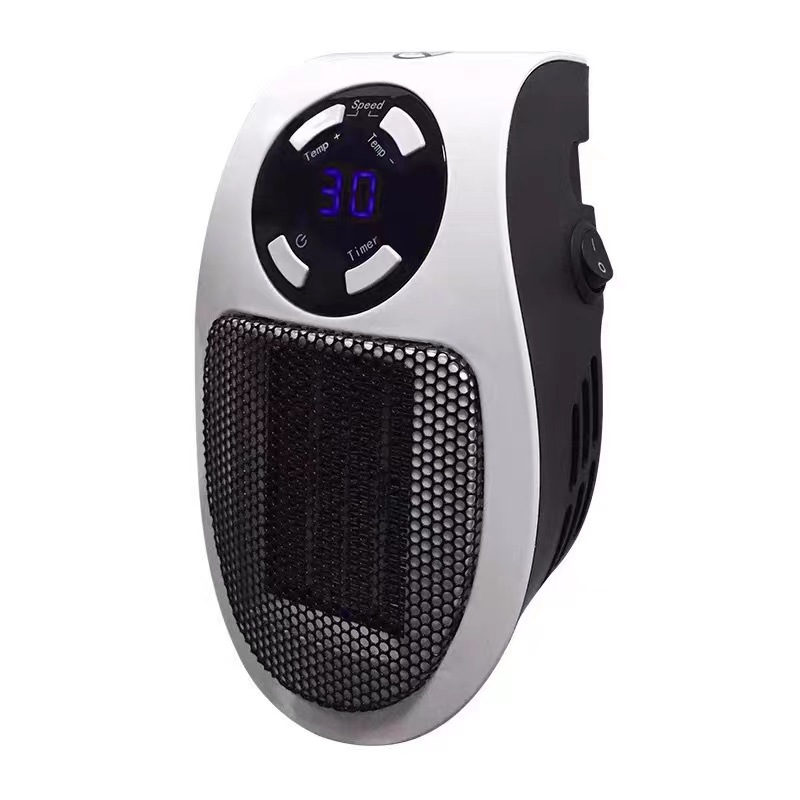
2, powers on, heats up, fan starts rotating, operates by default without pressing any buttons12Hours;
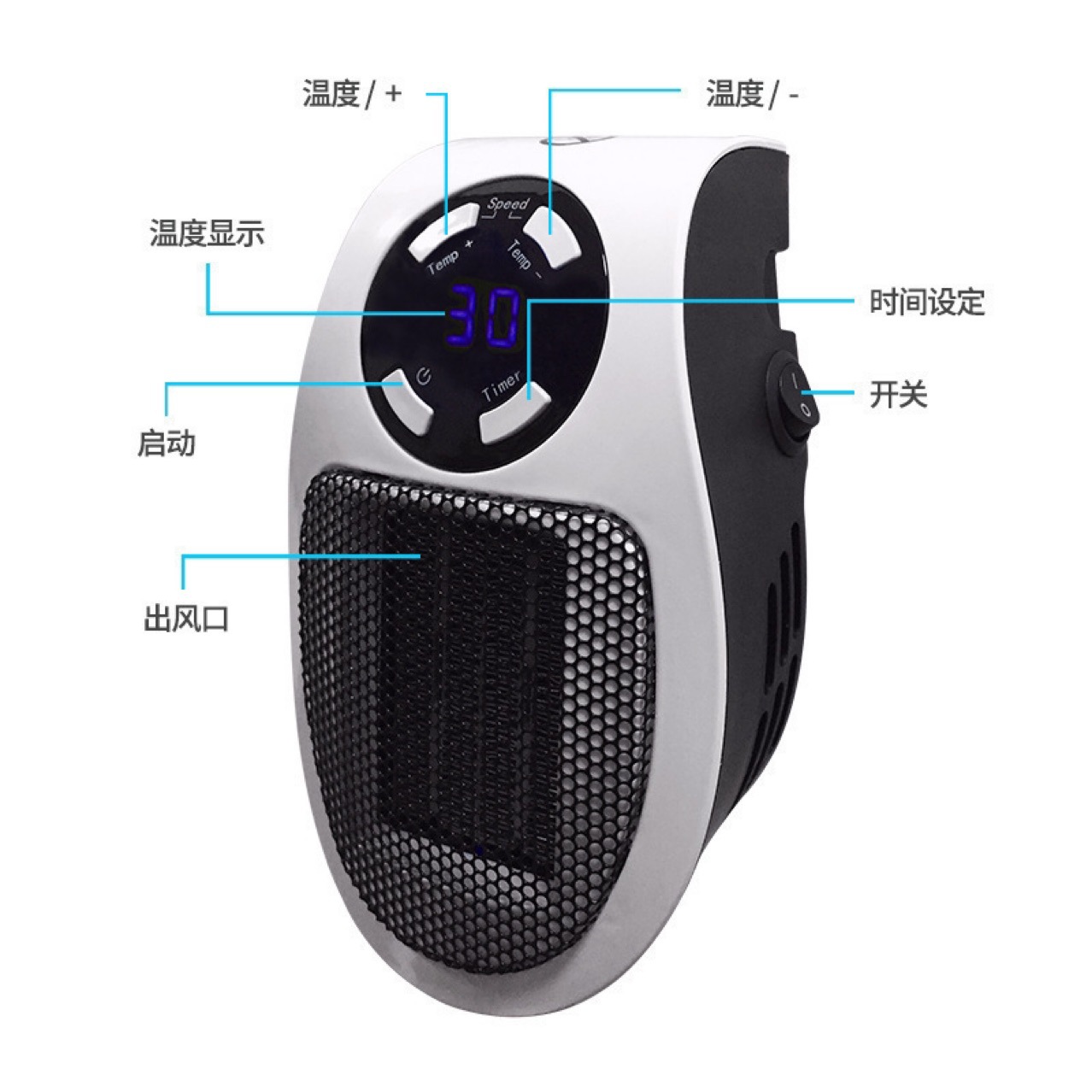
3, press the time key to switch to the timer settings, <t_old>=Set the timing using the “+-” key; new=Set the time by pressing the time button > then press the time button again to switch back to temperature settings;
4, starting display temperature20Celsius, temperature setting can be adjusted using the up and down keys, with a range15~32Celsius; Time settings, scheduled settings1~12Hours;
5, switch to high by pressing the fan buttonHH) Low (LL) Two levels of fan speed;
6, Upon reaching the set temperature, the heating is turned off, and the fan continues to operate60Stop after 1 second, the screen will displayOF, below the set temperature-1, reheat;
7, arrival at scheduled time (default if not set)12Hour), cut off heating, fan continues to operate60Stop after 1 second, the screen will displayOF;
8After finishing work, press any key to resume operations (if no timer is set, it defaults to...12(hours)
9, If the “Natural Wind” function is available, hold the “+-” key for three seconds to activate it, and it will displayCC; Hold the “+-” key for three seconds to close it, displaying the settings before the “Natural Wind” activation
Update time:


TOP