
Search history
Clear allSearch by image
XDrag and drop an image here or upload an image
Max 5MB per image
UploadSign In | Join

Search history
Clear allSearch by image
XDrag and drop an image here or upload an image
Max 5MB per image
UploadSign In | Join
X Email Mobile
 black
black
|
¥0.0 | 35028 piece available |
|
 heather gray
|
¥0.0 | 37177 piece available |
|
 red
red
|
¥0.0 | 65042 piece available |
|
 blue
blue
|
¥0.0 | 72669 piece available |
|


A new item has been added to your Shopping Cart. You now have items in your Shopping Cart.
Packaging information
CTN Size: 10 × 10 × 10 cm
G.W./CTN:1 kg
QTY/CTN:5 piece/carton
Notes
1.Please avoid using and storing acidic, basic, sharp, and other hazardous items.
2.Please keep the equipment dry.
3.Please keep the device clean after use and put in the dehydrator.
4.Please take out the headphones before you wash your face.
5.Do not disassemble, modify, or alter the equipment by yourself.
6.Do not throw or drop
FunctionIntroduction
willmicroofUSBInsert the earphone into the port, and thenUSBData cableUSBThe port is connected to the computer, at this timeLEDThe light will turn red whenLEDWhen the light turns blue, it indicates that the Bluetooth hat earphone is fully charged. Please remove the data cable.
Power on
Press the power button2-3Second, Bluetooth headphonesLEDThe red and blue lights alternately flash.
Shut down
Power on, press the power button2-3Second, whenLEDRed light flashing3After the green light turns off, turn off the Bluetooth earphone.
Bluetooth Hat Bluetooth Connection Instructions:
Power on and Bluetooth connection
Automatic Matching
Pause and Play
Bluetooth Hat Technical Specifications:
Bluetooth version: 5.0
BluetoothPairing Name:BT-03S
Bluetooth Solution: BlueCom
Bluetooth transmission distance:10m
Headphone channel: Stereo(2.0)
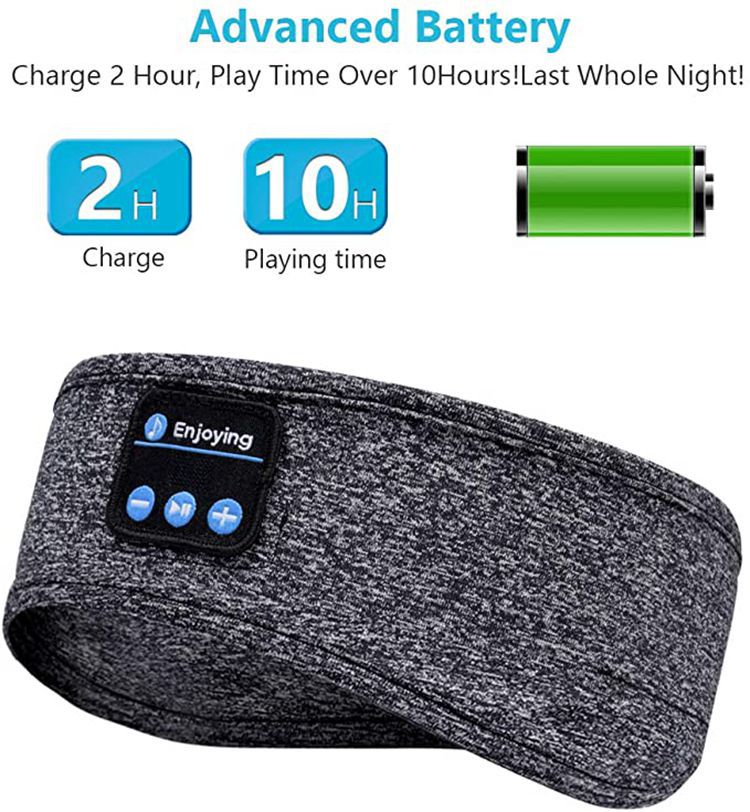
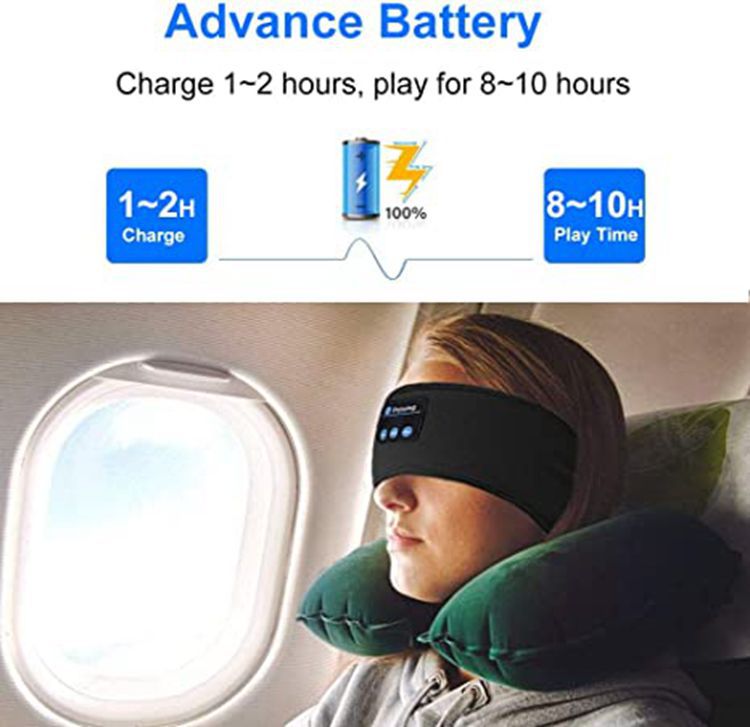
Music playback time: maximum volume7H,Medium Volume10hour
Microphone Distance:1m
Bluetooth standby time:72H
Battery Capacity:150ma/h
Battery Power: 0.55W
Speaker Impedance:32Ohm
Loudspeaker power: 0.02W
Frequency Range:2.4-2.4835GHz
Charging Time1-2hour
Maximum Input Voltage: DC 5V
Maximum Input Current150mAh
Maximum Input Power: 0.55W











Update time:


TOP


