Search history
Clear allSearch by image
XDrag and drop an image here or upload an image
Max 5MB per image
UploadSign In | Join

Search history
Clear allSearch by image
XDrag and drop an image here or upload an image
Max 5MB per image
UploadSign In | Join
X Email Mobile
| b- x41f | ¥0.0 | 20000 table available |
|


A new item has been added to your Shopping Cart. You now have items in your Shopping Cart.
Yiwu city Jingyu Hardware Electrical Trade 14yr.
Contacts:Li WeijuanChat
Mobile:86-13362998253
E-mail: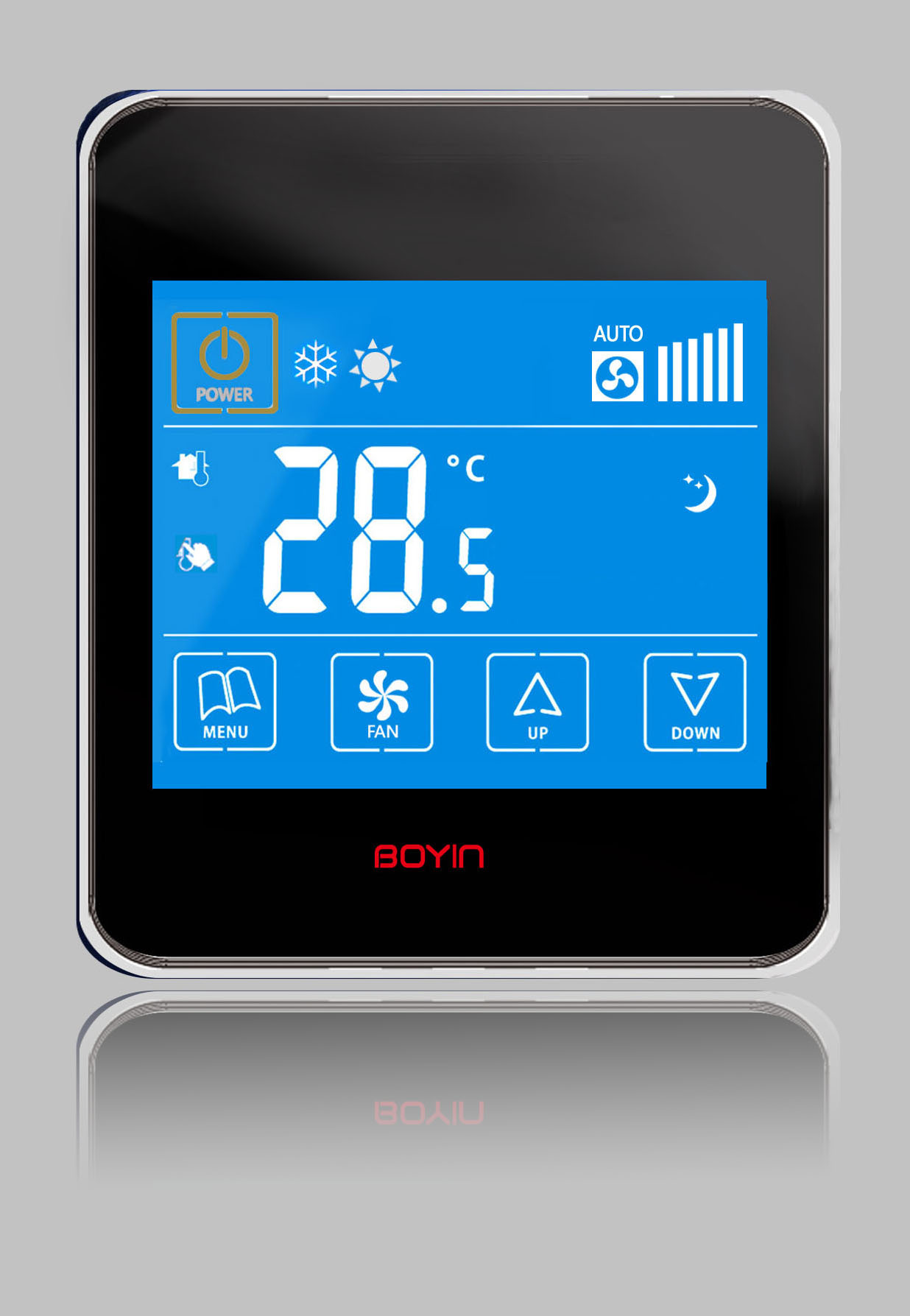
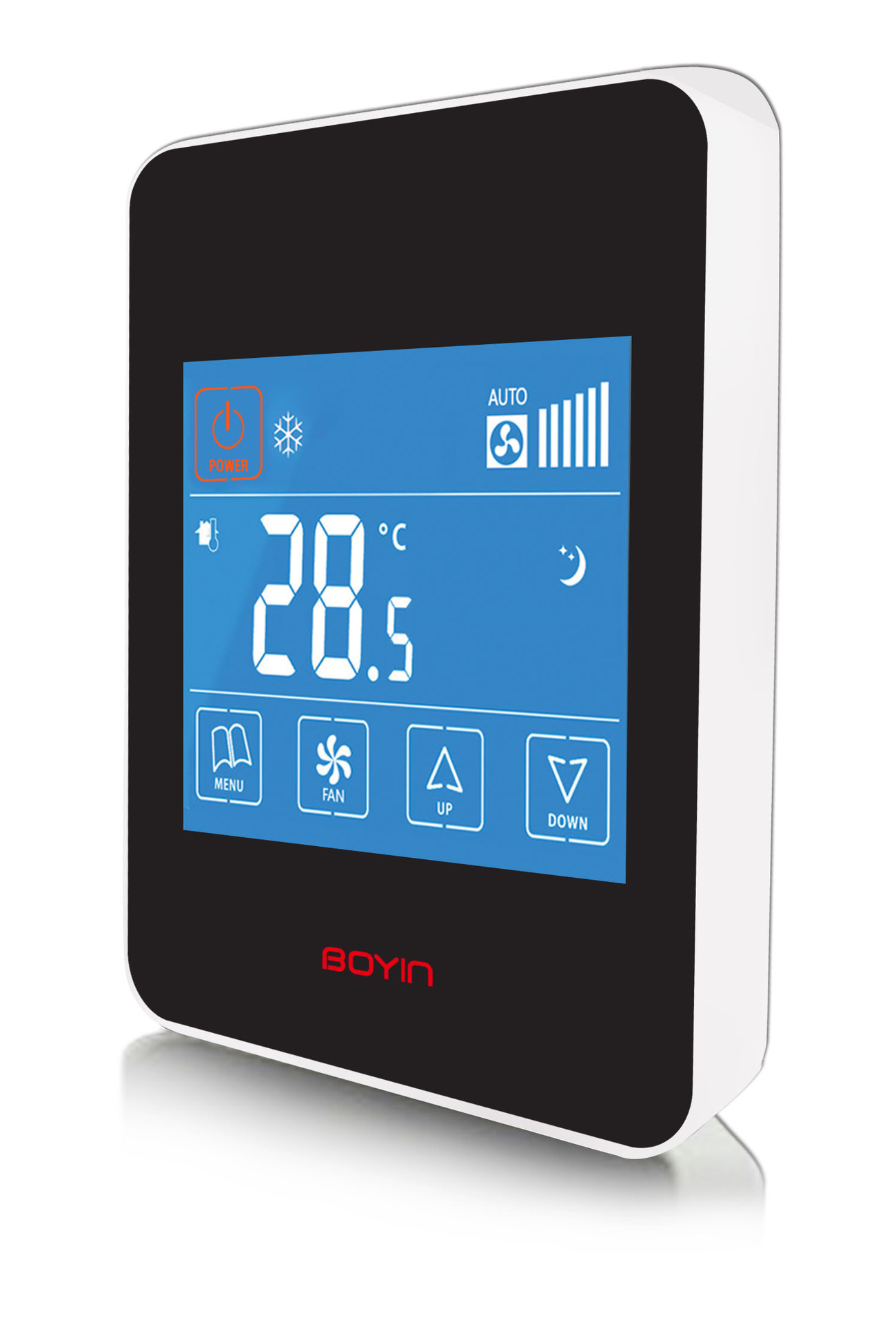
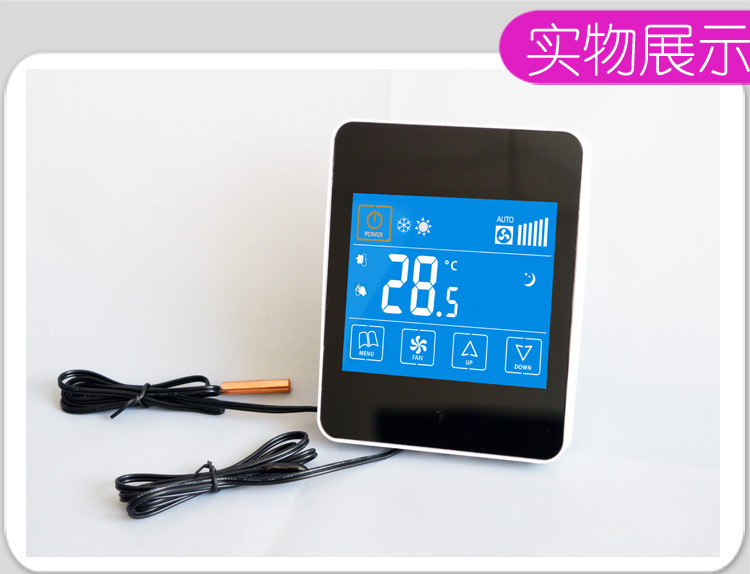
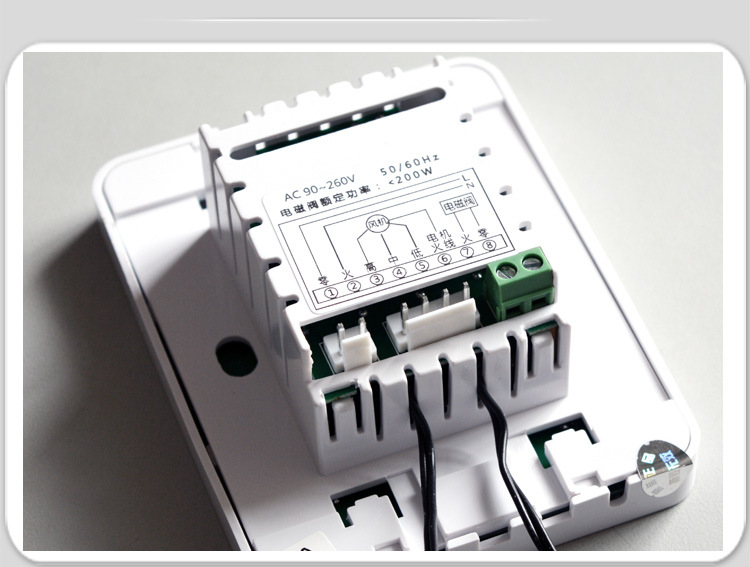
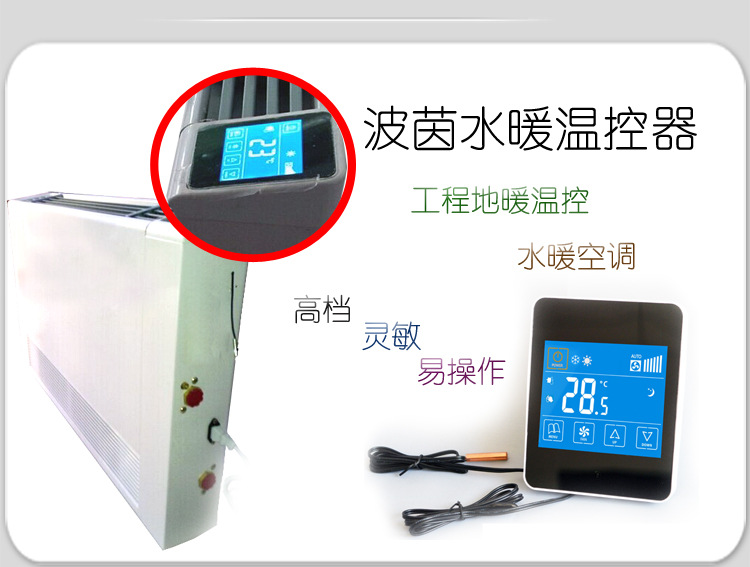
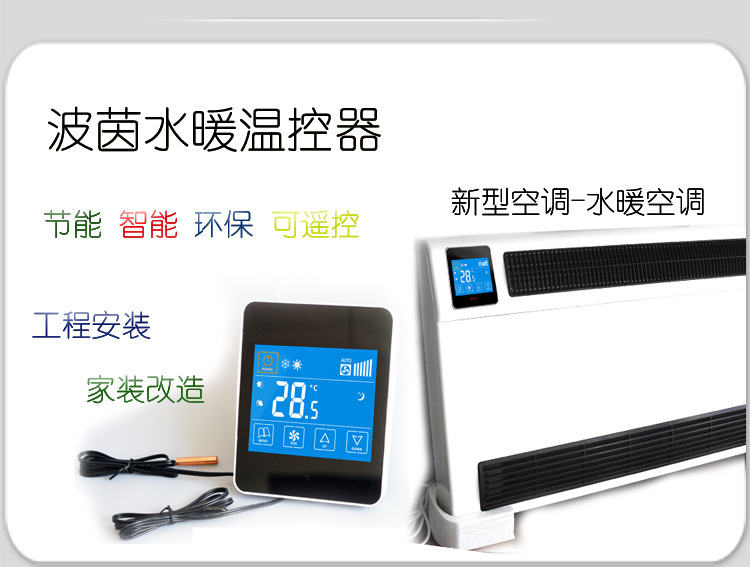
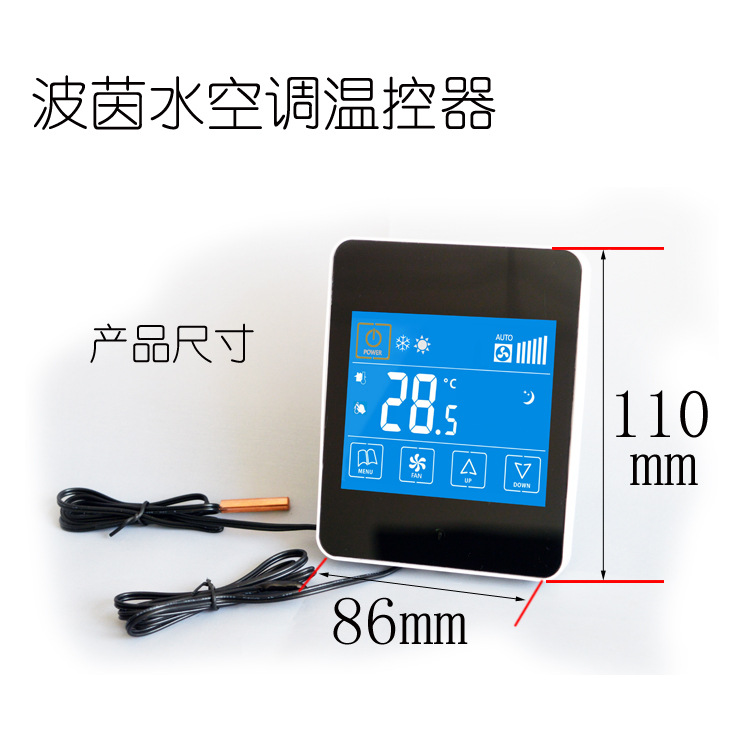
Technical parameters
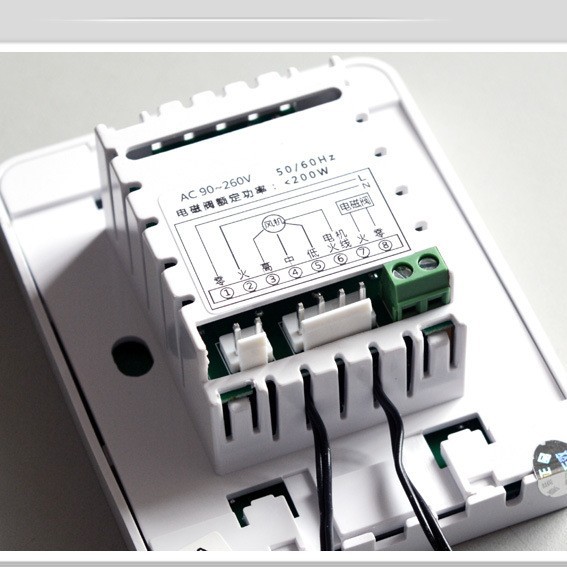
Input Voltage:AC220V,50/60Hz
Output Switch Type:Fan switch and valve switch
Function:RefrigerationSlashHeating
Maximum Output Load"3A" 是一个中文缩写,通常指的是 "三级甲等",这是一种中国的医院等级划分。如果您需要将 "3A" 翻译成英文,通常可以直接使用中文缩写,因为英文中并没有直接对应的表达。如果您需要翻译 "三级甲等",可以翻译为 "Level 3, Grade A"。resistance")
Wiring Port:≤1.5mm²
Work environment temperature0-50"℃" is the symbol for Celsius temperature scale.
Transportation and Storage Temperature-20 to 60 degrees Celsius"℃" is the symbol for Celsius temperature scale.
Humidity Range:Relative Humidity10%-90%No condensation")
Temperature Control Range10-35"℃" is the symbol for Celsius temperature scale.(default),1"℃" is the symbol for Celsius temperature scale.Slash"阶"在中文中通常指的是台阶或阶梯。如果是指数学中的阶乘,则翻译为"factorial"。请提供具体的上下文,以便我为您提供更准确的翻译。
Temperature Control Accuracy:±1"℃" is the symbol for Celsius temperature scale.
Temperature switch deviation1"℃" is the symbol for Celsius temperature scale.
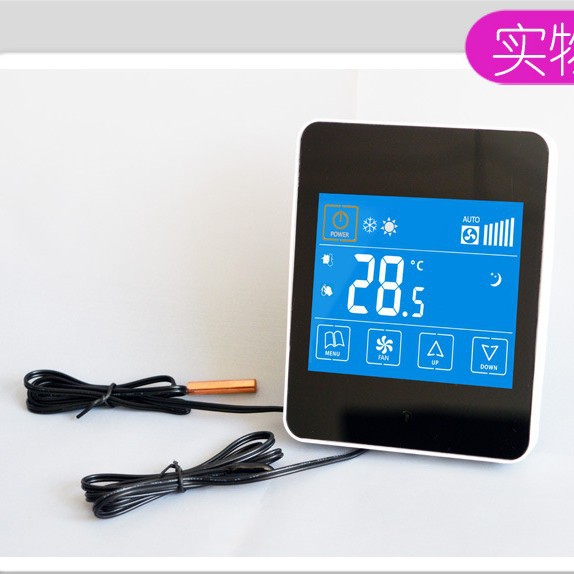
Temperature Sensor:5K/25"℃" is the symbol for Celsius temperature scale.
Operating Instructions
1OpenSlashShutdown button:In the power-off statePlease provide the Chinese text you want to translate, and I will translate it into English for you.Press once to turn onSlashShutdown Key ”Please provide the Chinese text you want to translate, and I will translate it into English for you.Turn on; press again to turn off.
2、upSlashPress the down key once to turn on the device under the power-on state. Set temperature rise1℃;Press the down button once Set temperature to decrease1Celsius.
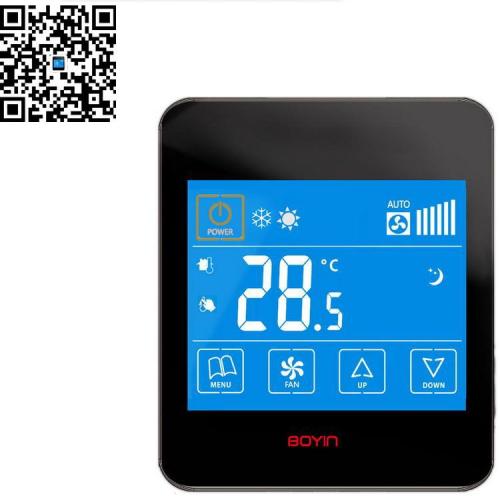
3Mode key: In the power-on state, press the mode key Switch to cooling or heating mode; LCD display ' ' indicates cooling; LCD display ' ' indicates heating.
4Wind Speed Key: In the power-on state, press the wind speed key The fan offers four speed settings (low, medium, high, and automatic).
Functional Description
1Temperature setting:Power on, press the up arrow key.Set temperature by pressing " or "Press other keys to save or 3Save automatically after one second.
2Pattern Control
(1Heating mode: (Automatic, Manual) The solenoid valve is always on.
(2Automatic Mode: (Controlled by the Water Temperature Sensor), Water Temperature Below35Degree, the fan stops; water temperature is greater than or equal to35Degree, less than45The air conditioner is operating at low wind speed; the water temperature is greater than or equal to45Degree, less than55The temperature of the water is greater than or equal to.55The fan is operating at high speed.
(3Manual Mode: (Controlled by room temperature sensor), the fan operates at the set high, medium, or low wind speed. The room temperature is higher than the set temperature.1When the temperature drops, the air conditioner turns off; the room temperature is lower than the set temperature.1The fan is working.
(4Refrigeration Mode: (Manually controlled by room temperature sensor): The electromagnetic valve is always on, and the fan operates at the high, medium, or low wind speed set. The room temperature is lower than the set temperature.1When the temperature reaches the set point, the air conditioner turns off; the room temperature is higher than the set temperature.1The fan is working.
3Sleep function:
In the power-on state, press the Mode key.3Second, enter the sleep function, LCD display Press the 'up' key or the 'down' key to increase the sleep setting temperature.SlashReduce; Press the Mode KeySave or3Save automatically after one second. In the sleep mode, the fan speed is set to automatic. Press the fan speed key.Or openSlashShutdown Button Cancel the sleep function.
In cooling mode, when the set temperature is lower than the sleep setting temperature, the set temperature will increase every half hour.1C, until it equals the set temperature for sleep; in other cases, the set temperature remains unchanged. In the heating mode, when the set temperature is higher than the sleep set temperature, the set temperature decreases every half hour.1Celsius, until it equals the set temperature for sleep; in other cases, the set temperature remains unchanged.
4Advanced option settings function:
In the off state, press the button for about3SEnter the Advanced Options Settings:
Display at the bottom right1Enter the temperature compensation function. Press the topSlashPress the down key, the temperature will increase.SlashReduce; Save or press other keys3Save automatically after one second. Compensation range-9"℃" is the symbol for Celsius temperature scale.~+9Celsius, resolution0.5"Degree.
Press the bottom right button to display2Enter the backlight brightness adjustment functionPlease provide the Chinese text you want to translate, and I will translate it into English for you.Set backlight brightness. Press the up key. Adjust brightness by pressing '+' or '-' key; press the 'Mode' key to confirm and exit. Set the backlight brightness range to 1 to 20,Set as1The brightness is the darkest at this time.Please provide the Chinese text you want to translate, and I will translate it into English for you.Set as20The brightness is the brightest at that time.
Press the bottom right button to display3You can set the anti-freezing function to 'on'.SlashOn. When turned on, it shows.ONOn-time displayOF,When the room temperature is below5When the temperature is ℃ or below, the LCD display will show ". The valve will automatically open.
Press the bottom right button to display4,Can be set onSlashShutdown State Memory FunctionPlease provide the Chinese text you want to translate, and I will translate it into English for you.Memory off before temperature controller onSlashShutdown state. If this feature is turned off, pressing the 'up' button in a shutdown state will not activate the device. ”3Seconds, this function is turned on, and the screen displays "ONIf this feature is enabled, press the 'up' button on the device in standby mode. ”3Seconds to turn off this feature, screen shows "OFThis feature is disabled when the product is shipped.
Press the button to exit the advanced option settings and save.Please provide the Chinese text you want to translate, and I will translate it into English for you.Press any key10 secondsAfter ExitAnd save.
Update time:


TOP