Search history
Clear allSearch by image
XDrag and drop an image here or upload an image
Max 5MB per image
UploadSign In | Join

Search history
Clear allSearch by image
XDrag and drop an image here or upload an image
Max 5MB per image
UploadSign In | Join
X Email Mobile
Price Negotiable


A new item has been added to your Shopping Cart. You now have items in your Shopping Cart.
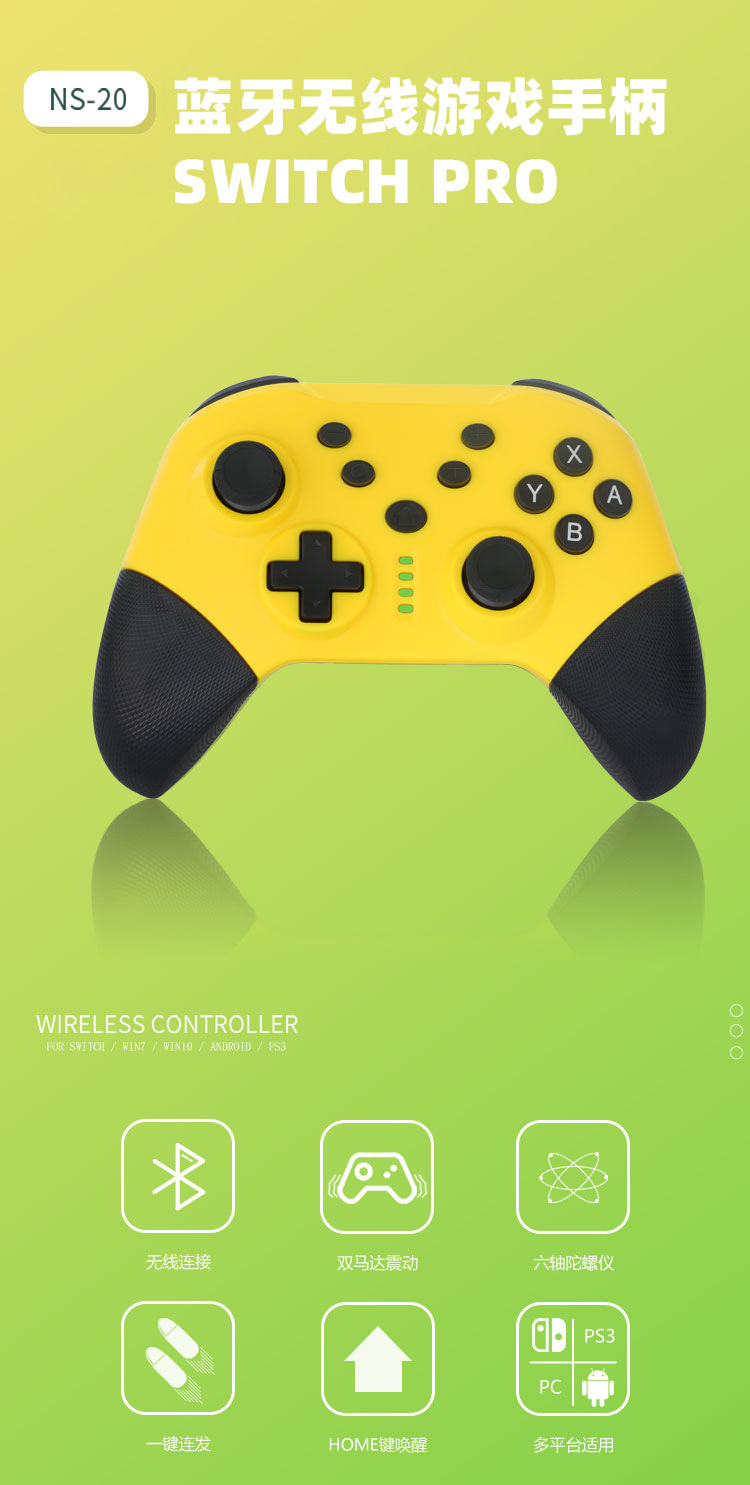
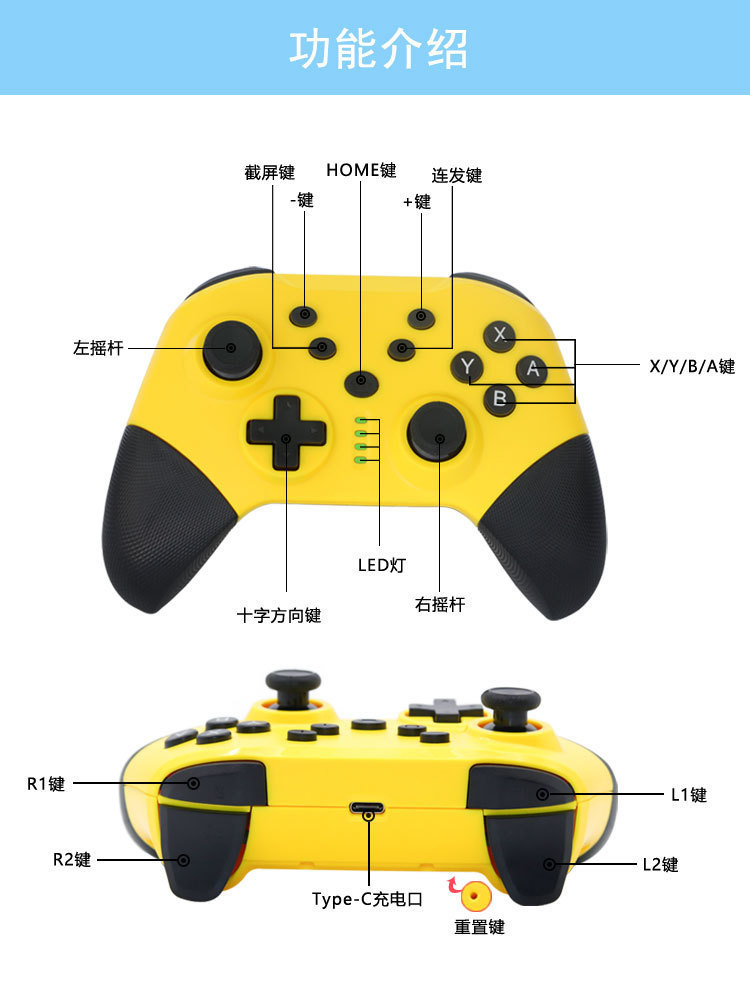
【Connection Instructions】
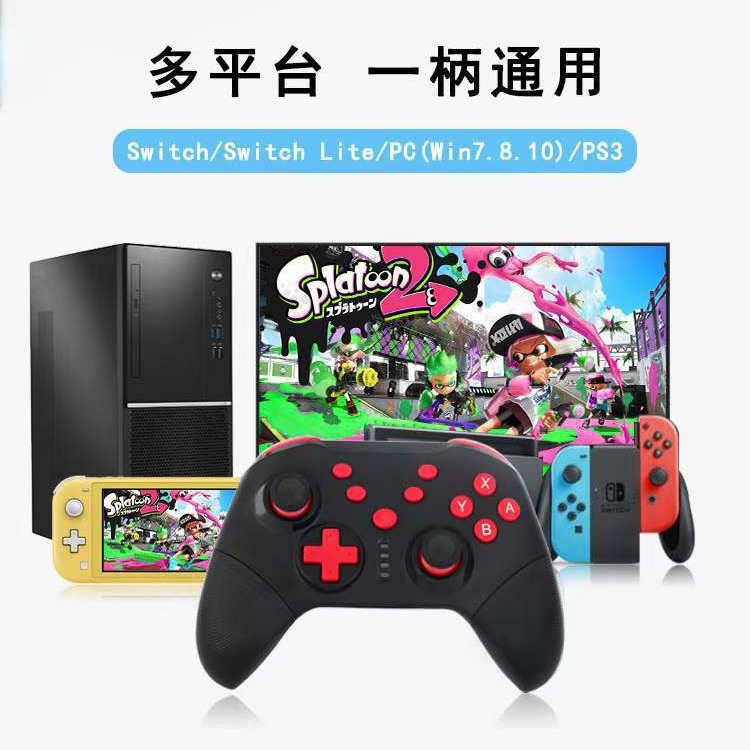
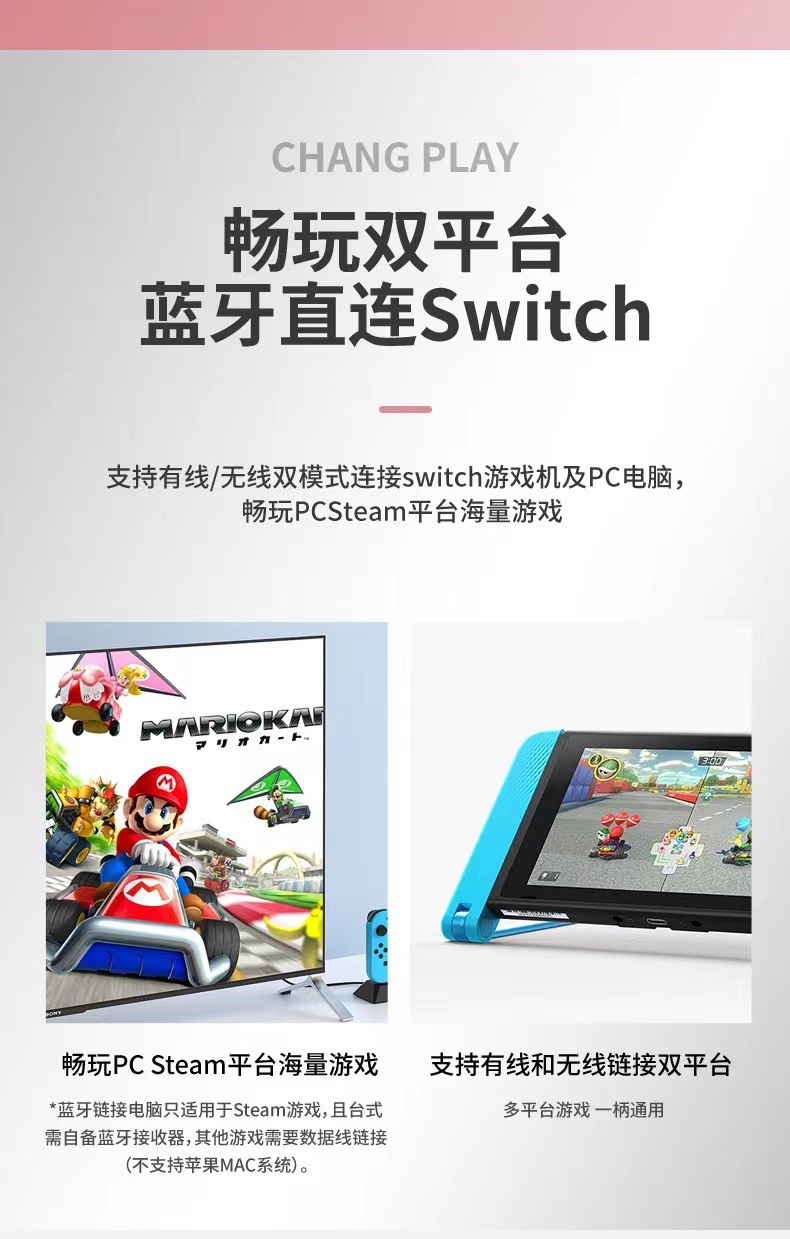
1. Switch host wireless connection
A.Initial connection of the controller to the host:
Turn on the Switch console, on the main menu interface, click 'Controller' to change grip/sequence. Press and hold the home button on the controller for 2-3 seconds, and the LED light will change from a slow flash to a fast flash, indicating that the controller has successfully connected to the NS console, with the LED now staying on.
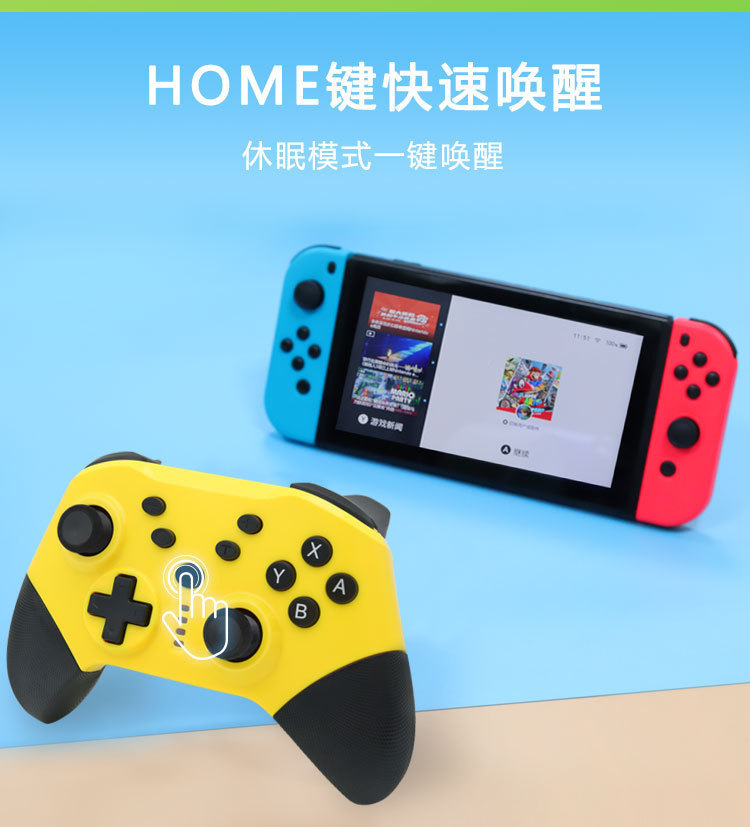
B.Wake the controller back to the main machine:
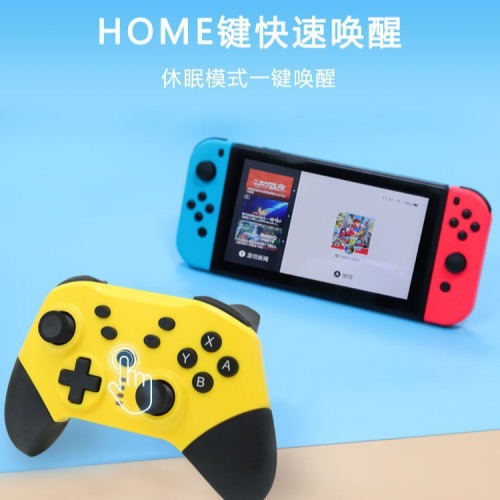
When the NS host is in a power-off standby state, pressing the home button briefly will reconnect the host, waking it up.
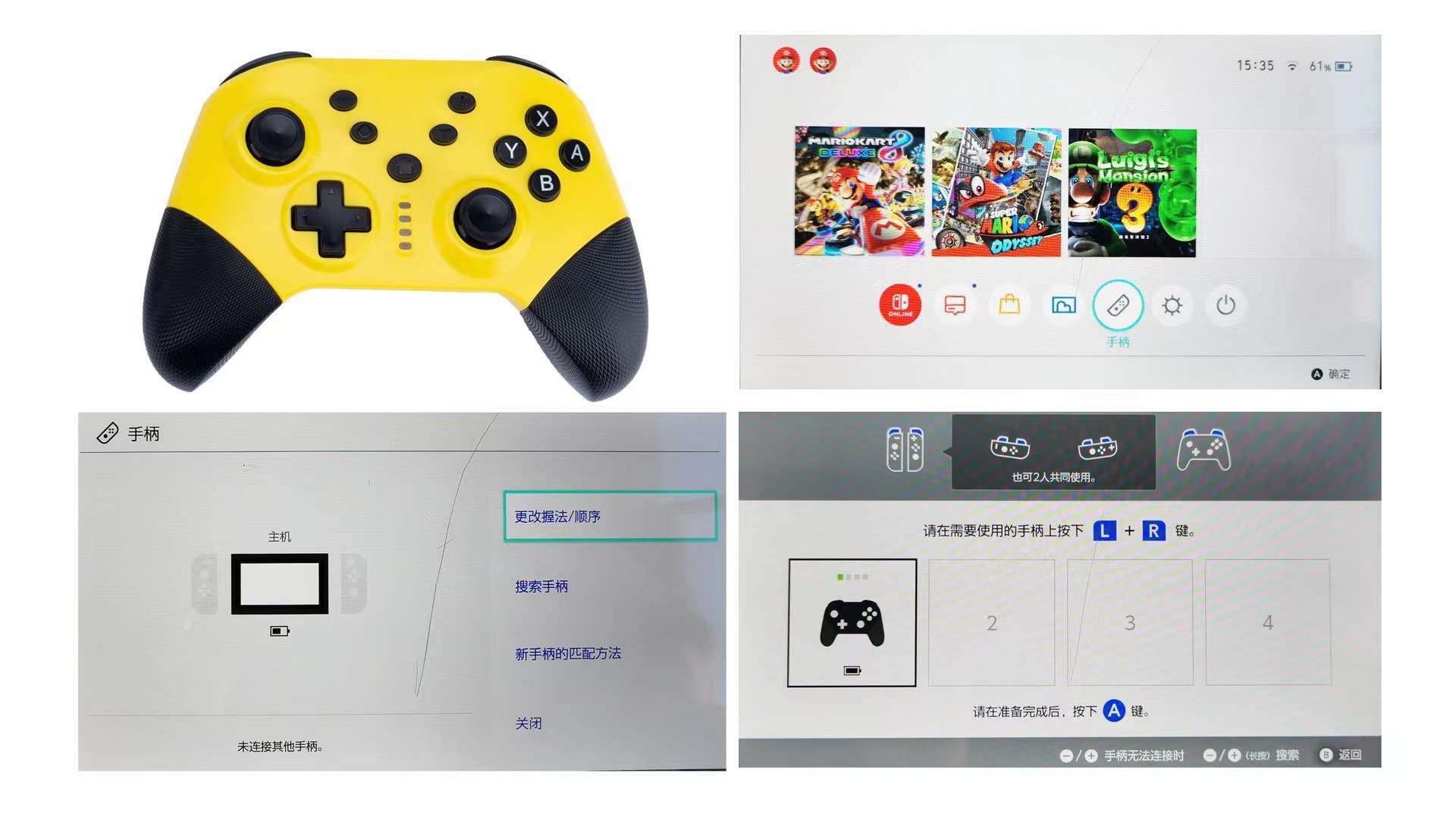
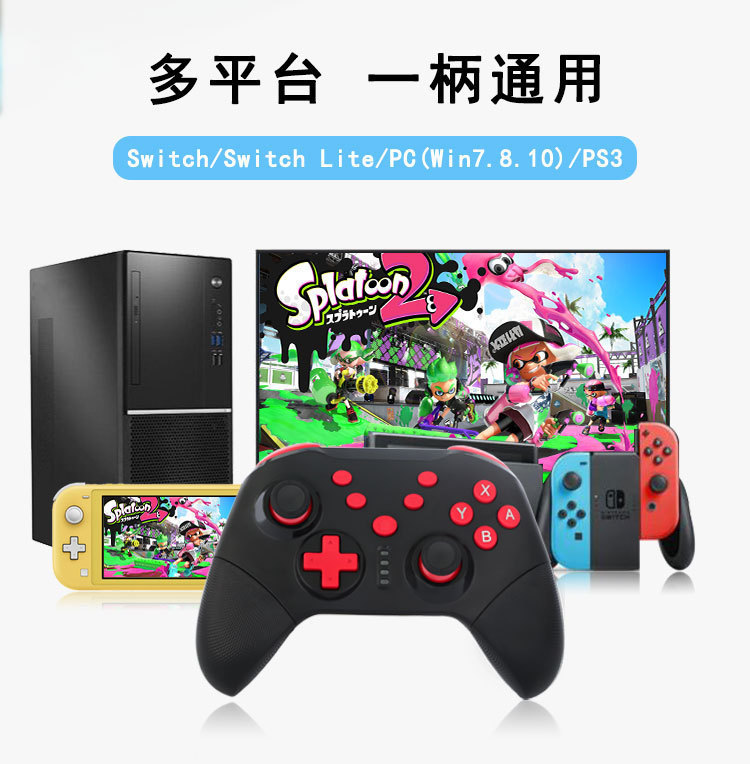
2.PS3 console connection
Directly connect the PS3 console to a USB data cable, and the USB will automatically recognize it.
3.PC wired connection
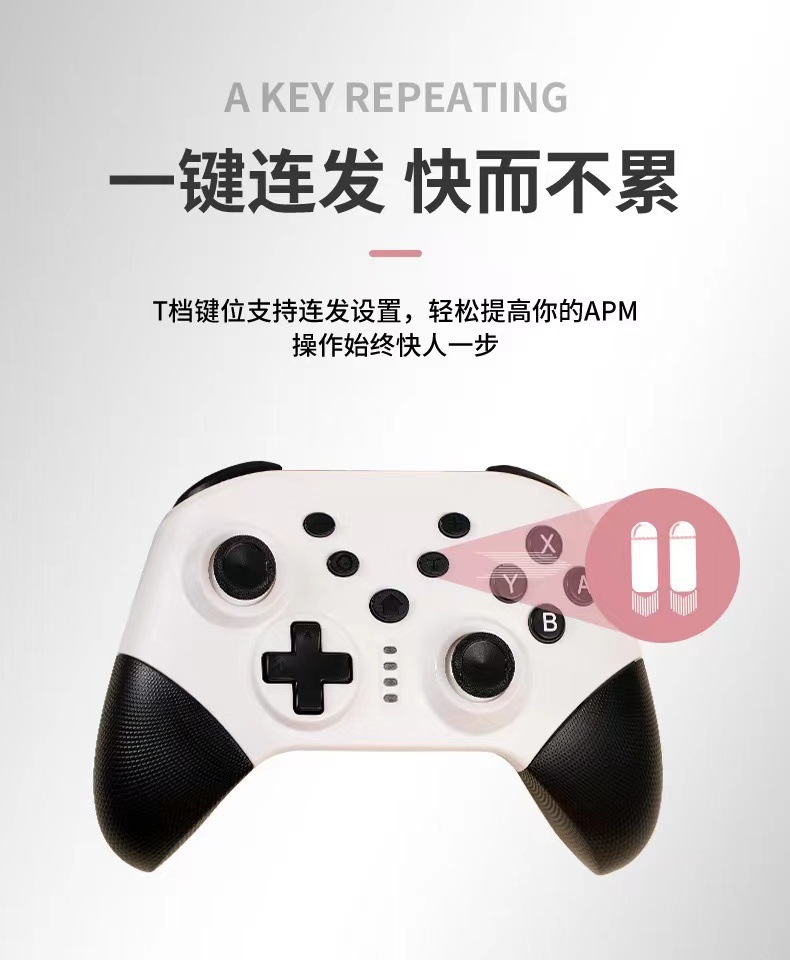
Insert the default xinput for PC, hold down the shutter button for 2 seconds to switch to the Dinput mode.
4.PC Wireless Connection
Turn on the PC host, requiring that the PC computer must have built-in Bluetooth or a Bluetooth receiver. Press and hold the home button on the controller for 2-3 seconds, and the LED light will change from slow flashing to fast flashing. The controller will release the Bluetooth signal, and find the device "pro controller", successfully connect the controller Bluetooth, and the LED will remain lit.
5.Android Mode Connection
Y+home enters Android pairing mode, pairing connection
6. IOS mode connection
A+home enters the iOS pairing mode, pairing and connecting
Update time:


TOP