Search history
Clear allSearch by image
XDrag and drop an image here or upload an image
Max 5MB per image
UploadSign In | Join

Search history
Clear allSearch by image
XDrag and drop an image here or upload an image
Max 5MB per image
UploadSign In | Join
X Email Mobile
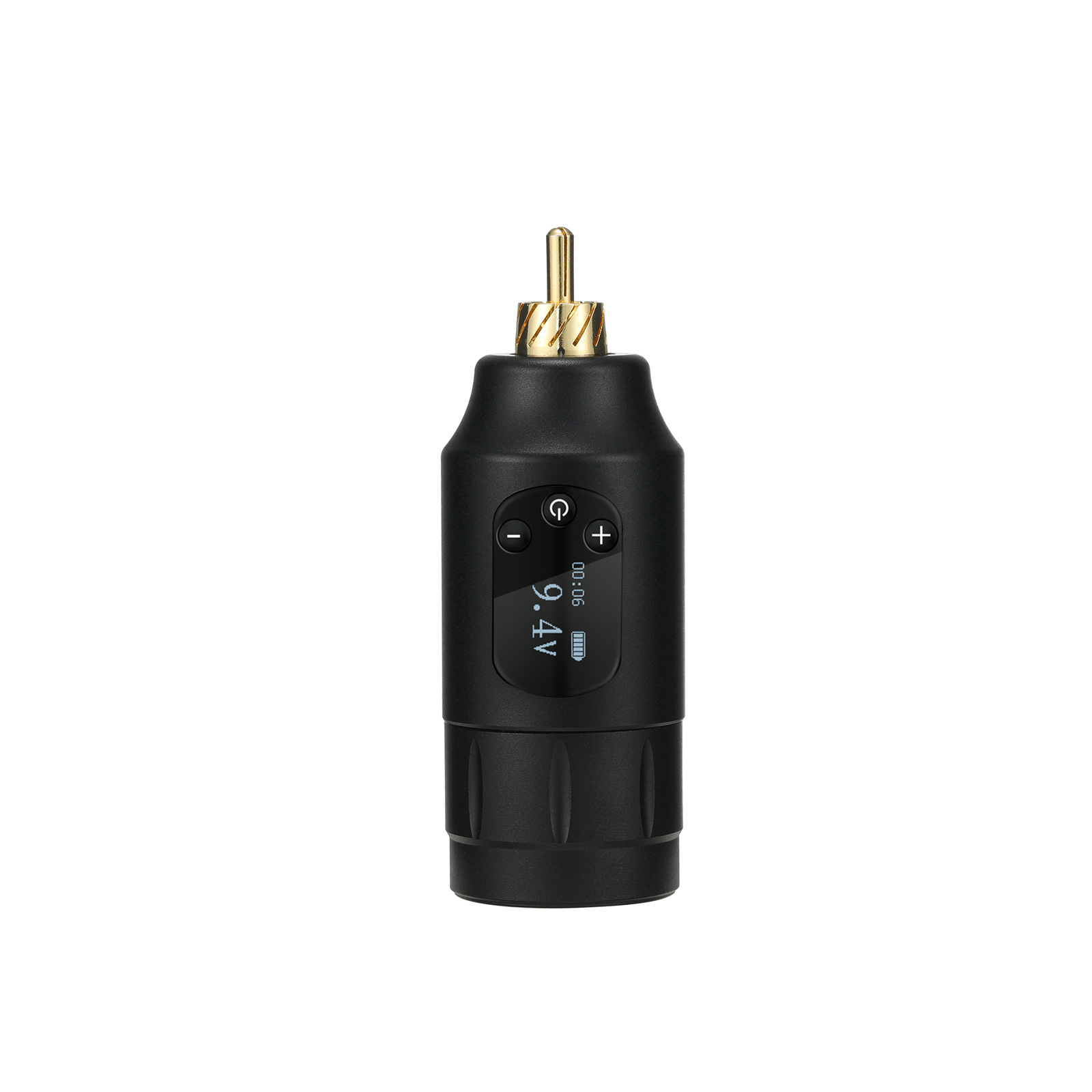 upgrade 2nd generation black rca
|
¥73.0 | 452 piece available |
|
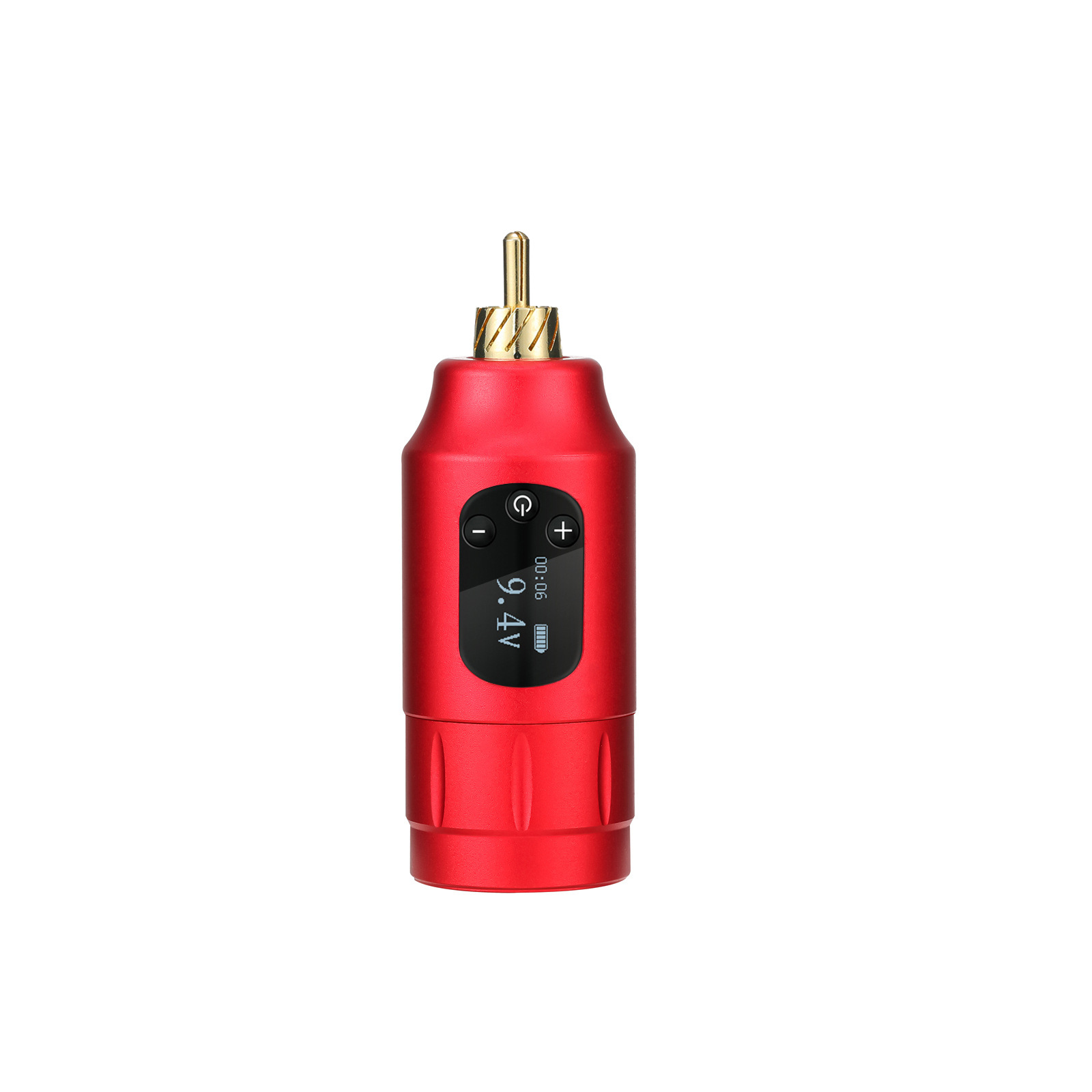 upgrade second-generation red rca
|
¥73.0 | 645 piece available |
|
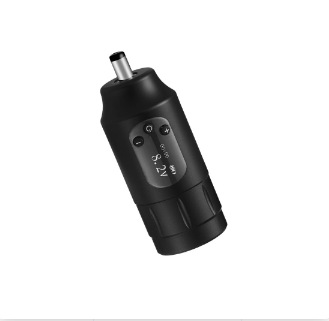 upgrade 2nd generation black dc
|
¥69.0 | 42 piece available |
|
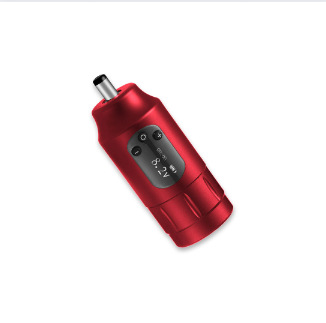 upgrade second-generation red dc
|
¥69.0 | 164 piece available |
|
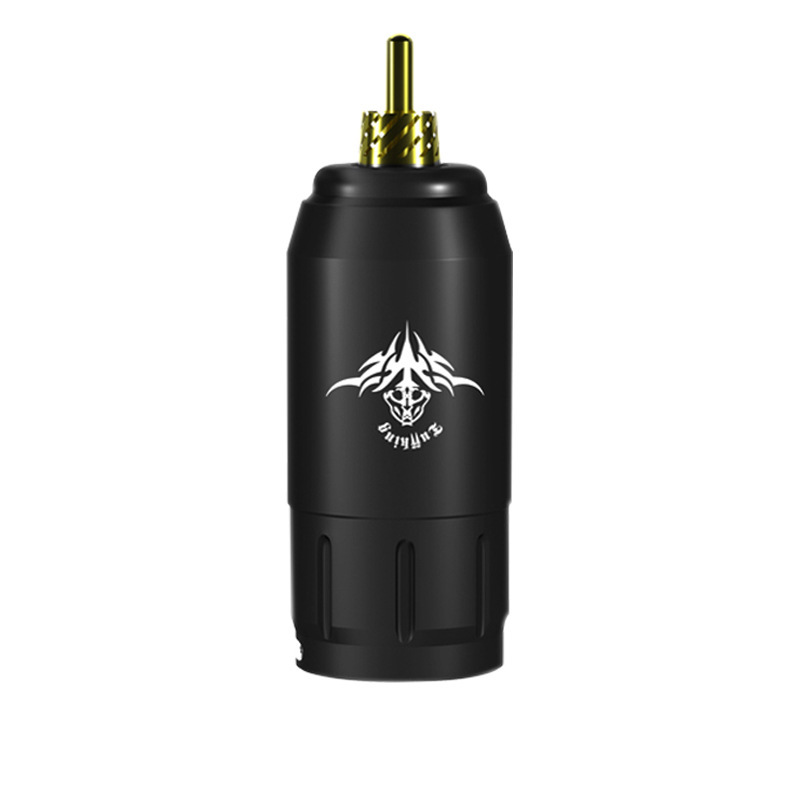 generation ⅰ black rca
|
¥69.0 | 194 piece available |
|
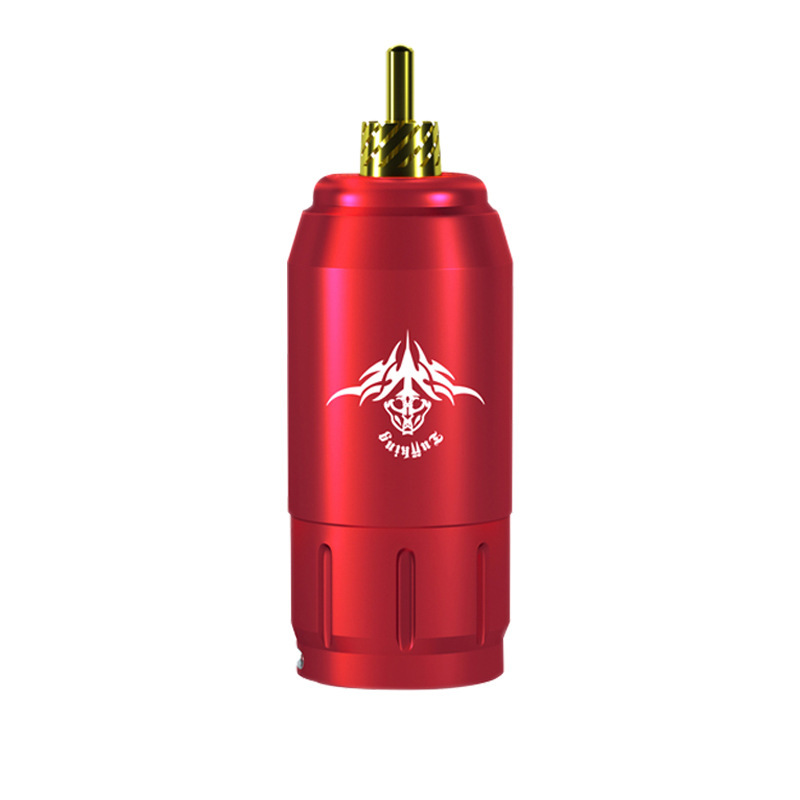 generation i red rca
|
¥69.0 | 90 piece available |
|
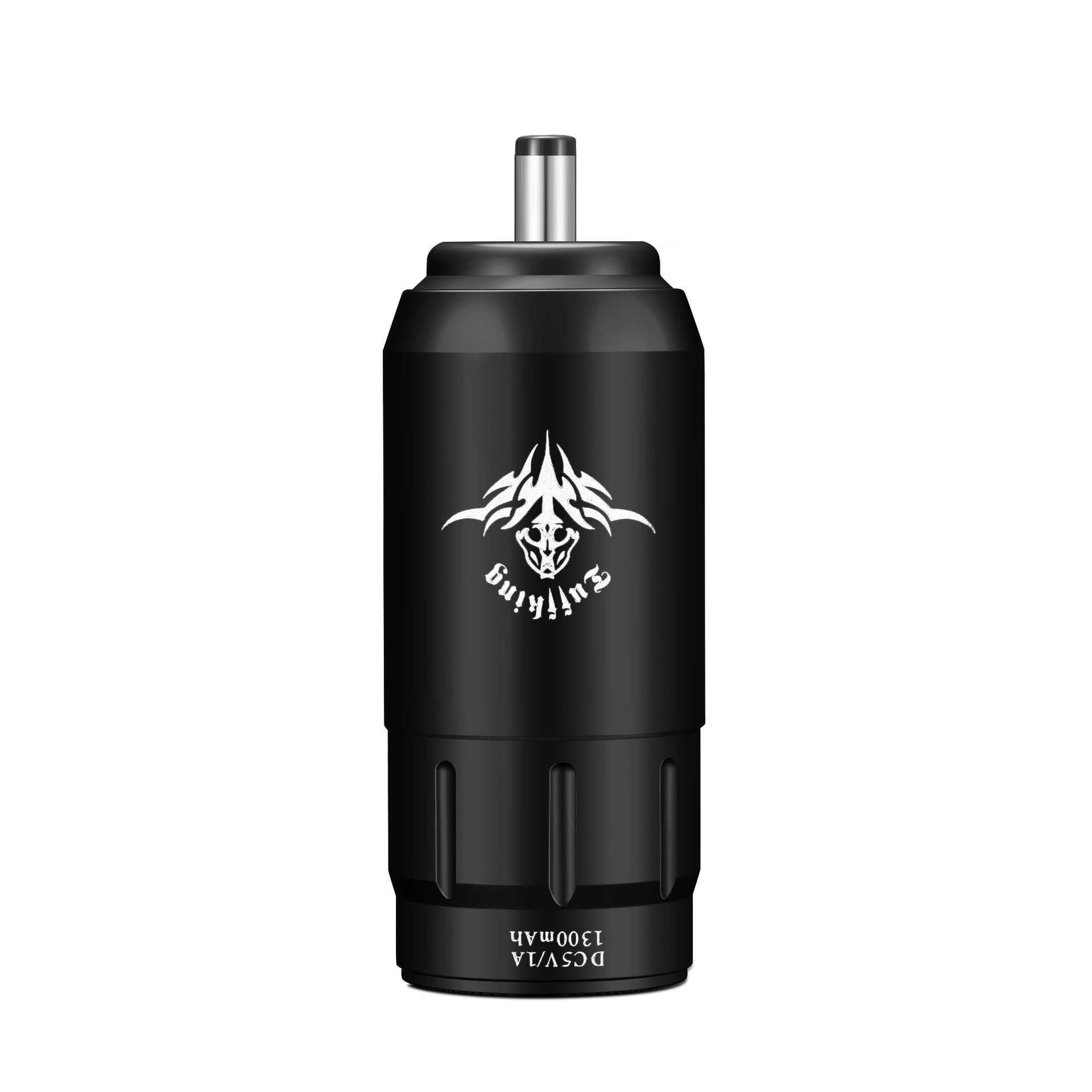 generation ⅰ black dc
|
¥59.0 | 48 piece available |
|
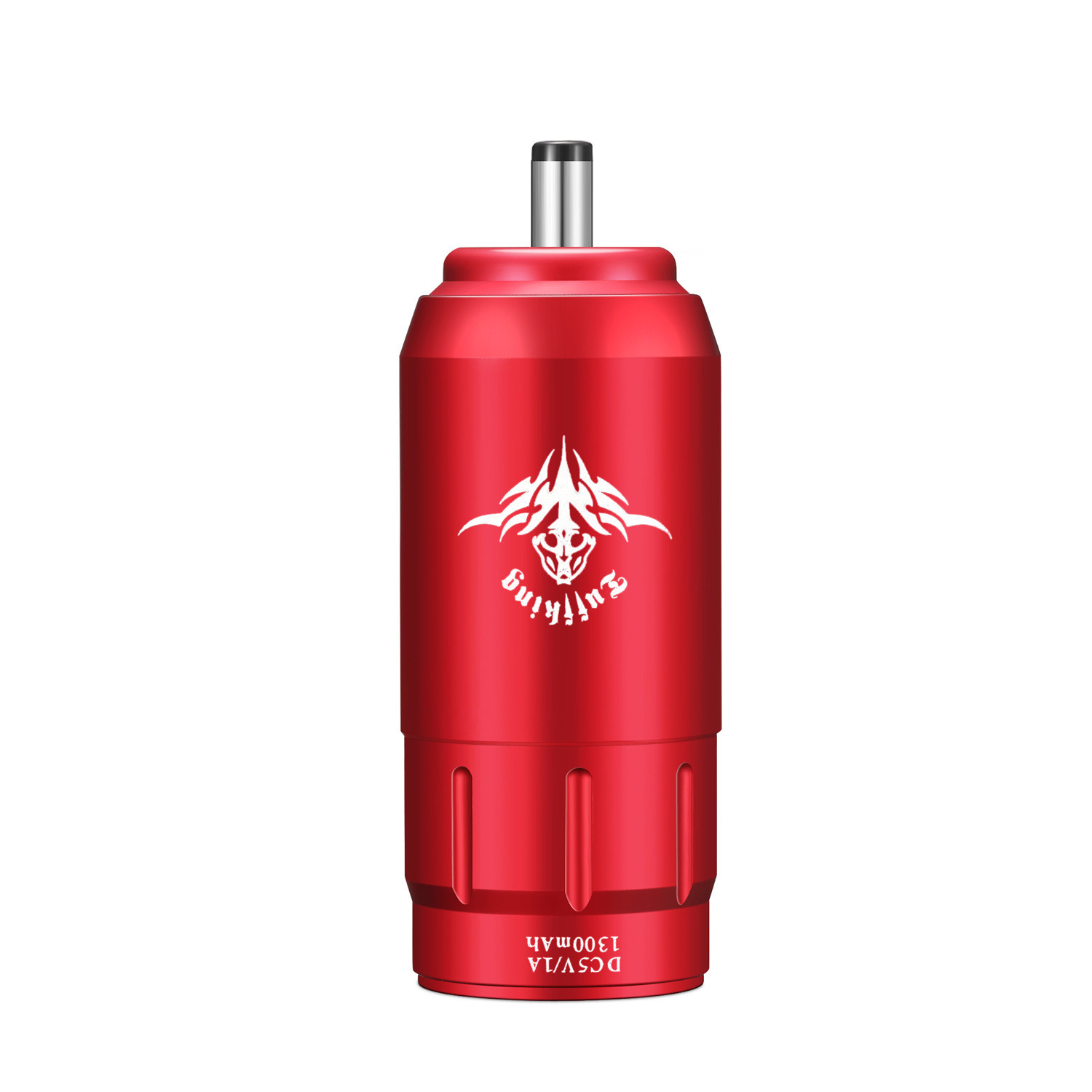 generation i red dc
|
¥59.0 | 270 piece available |
|
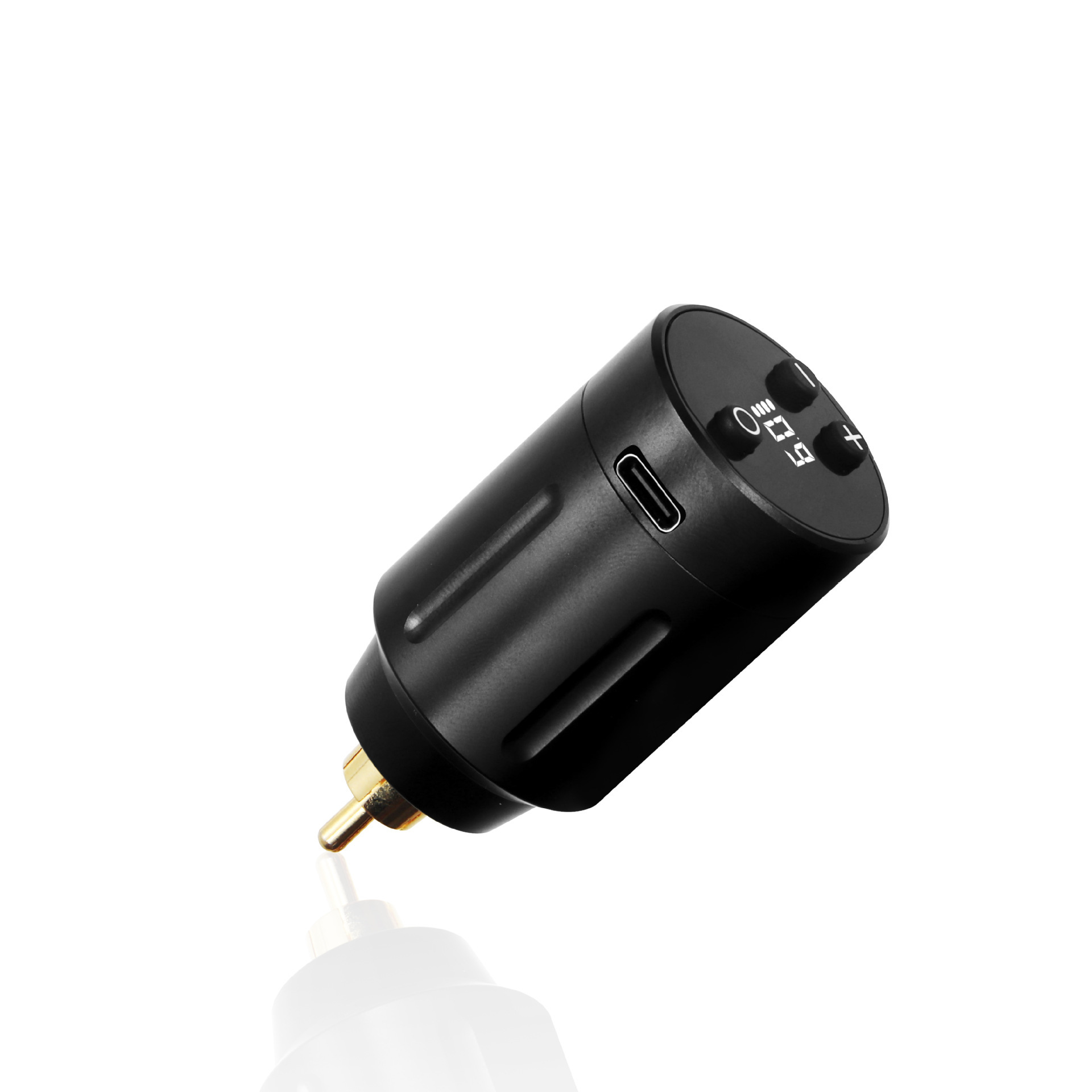 three generations black rca
|
¥59.0 | 527 piece available |
|
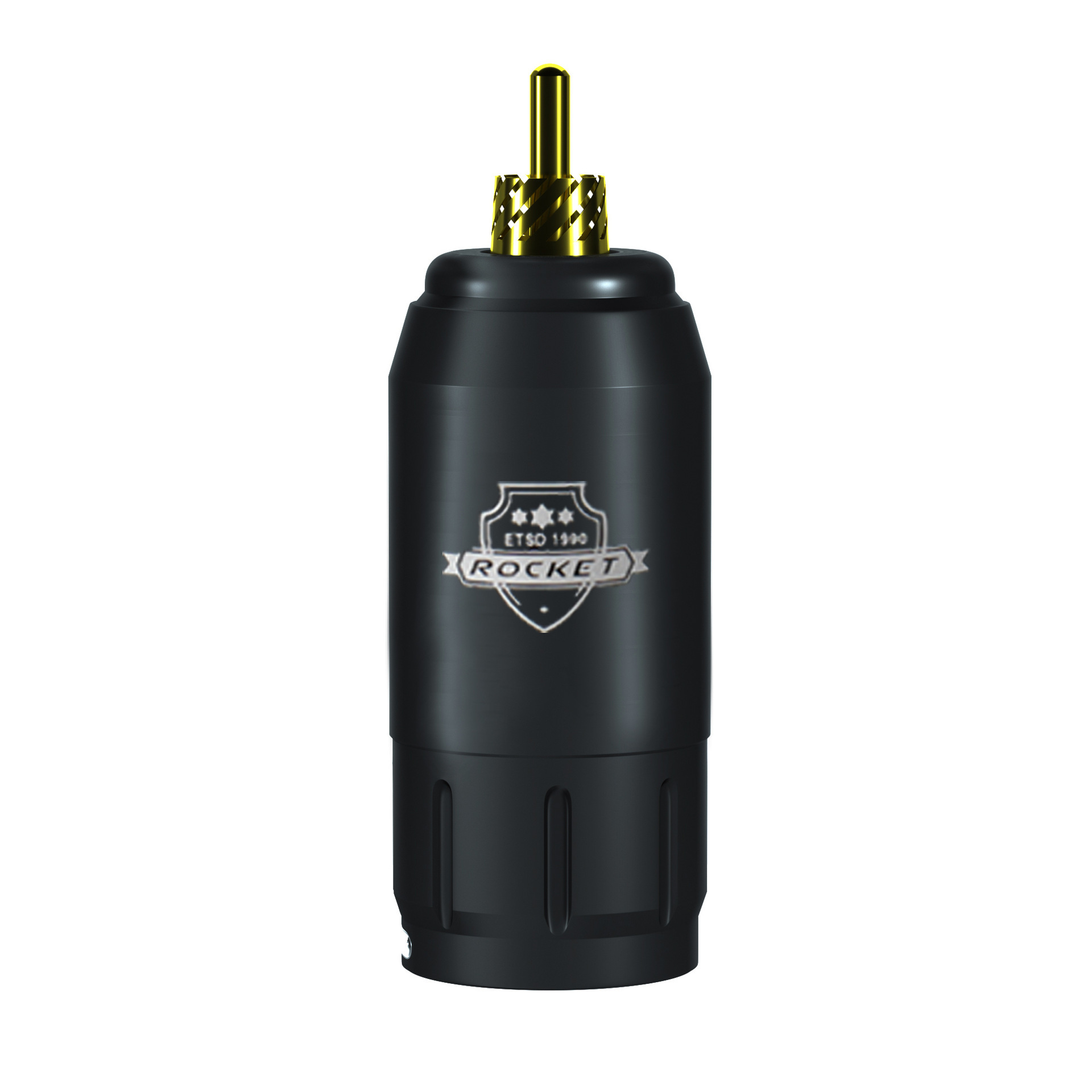 rocket power black
|
¥55.0 | 31 piece available |
|
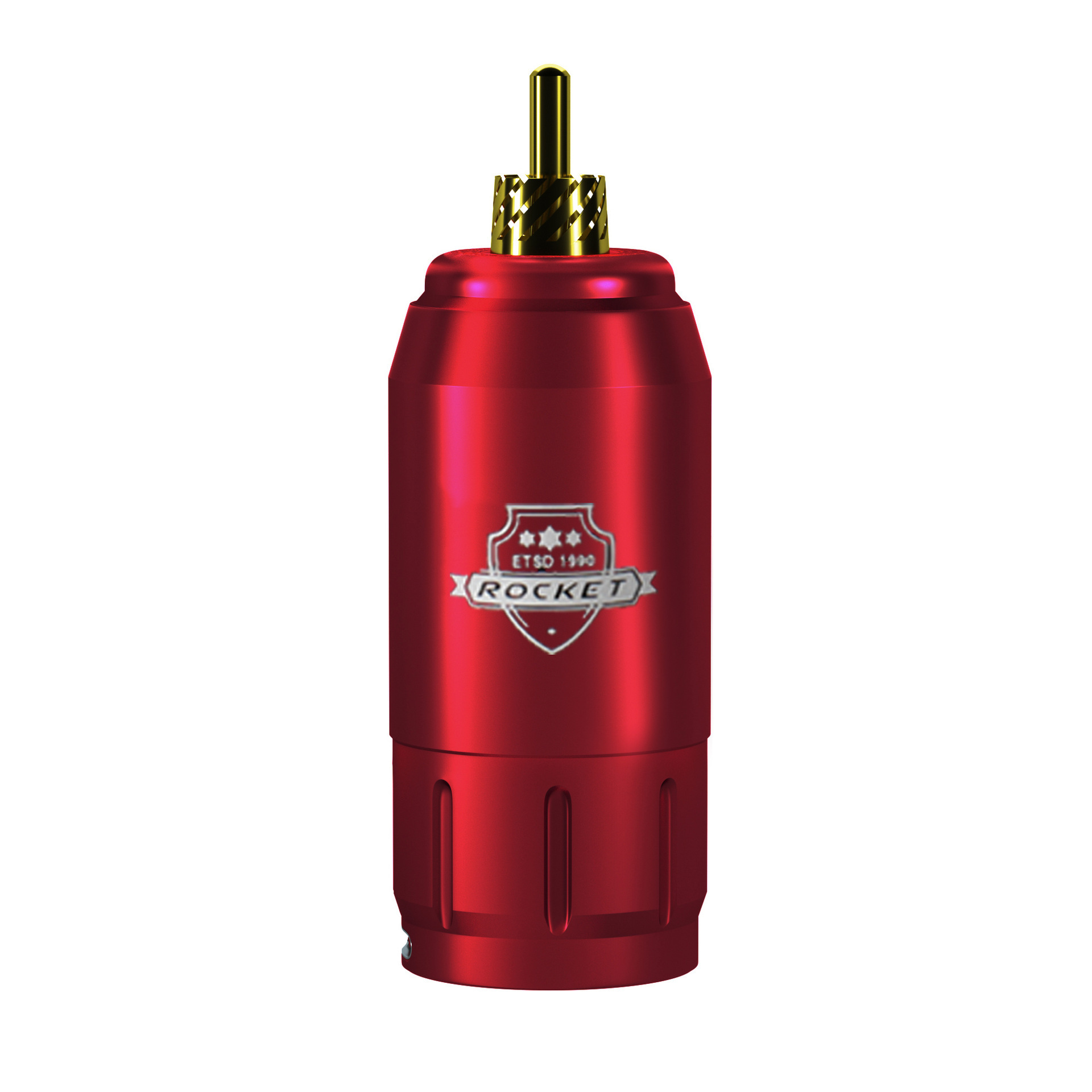 rocket power red
|
¥55.0 | 195 piece available |
|


A new item has been added to your Shopping Cart. You now have items in your Shopping Cart.
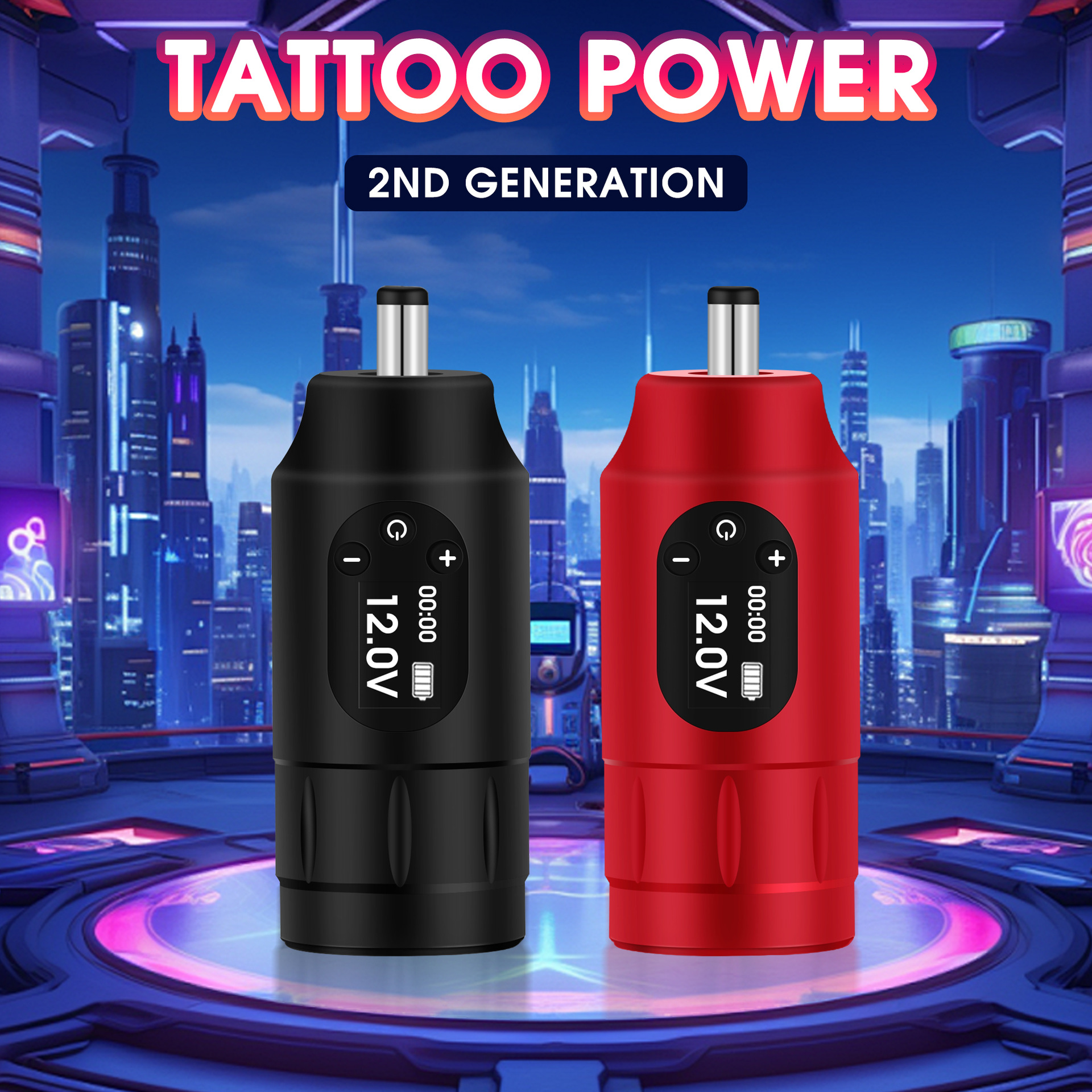
Tuffking Wireless Generation 2 Tattoo Power Supply
Section 1.Product Features
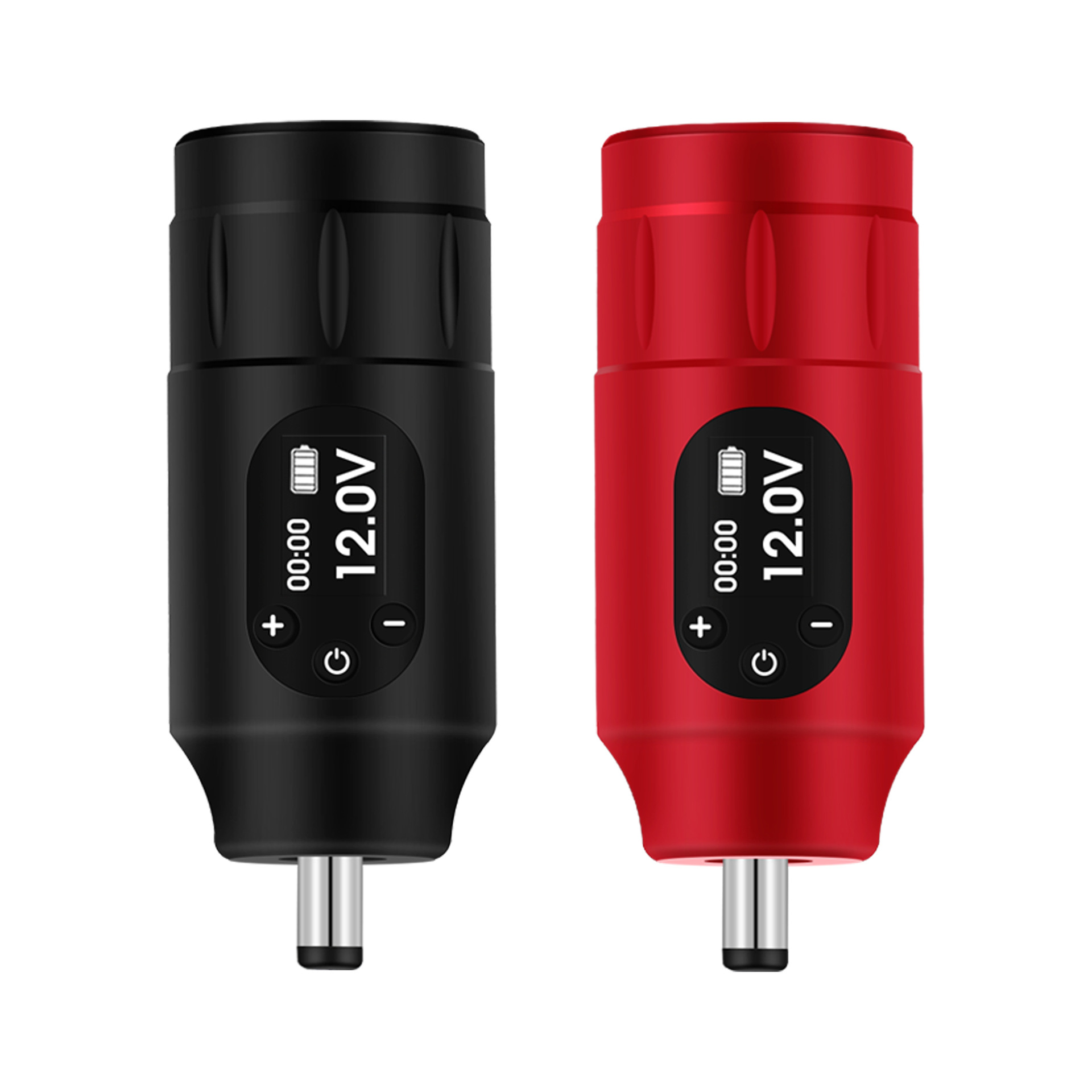
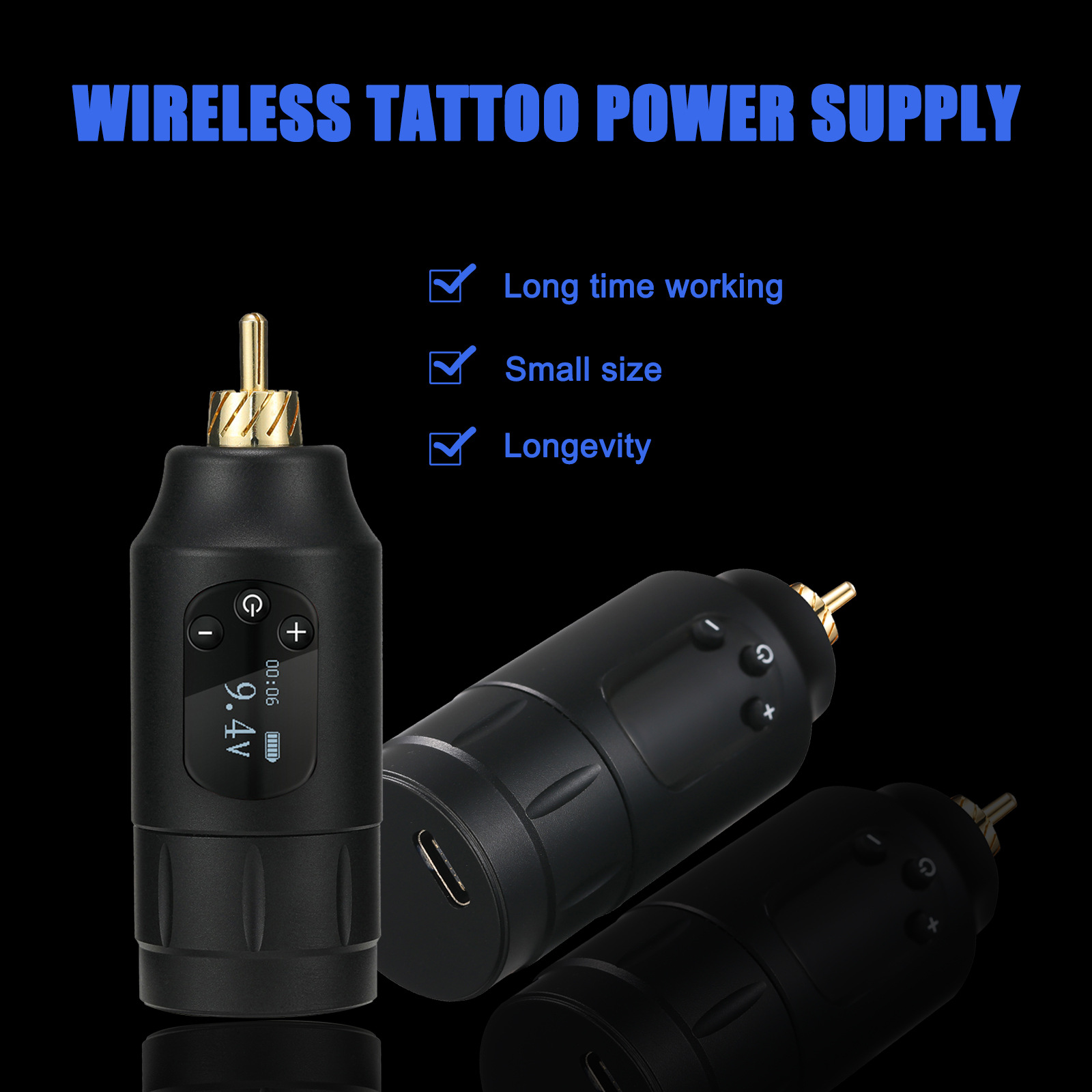
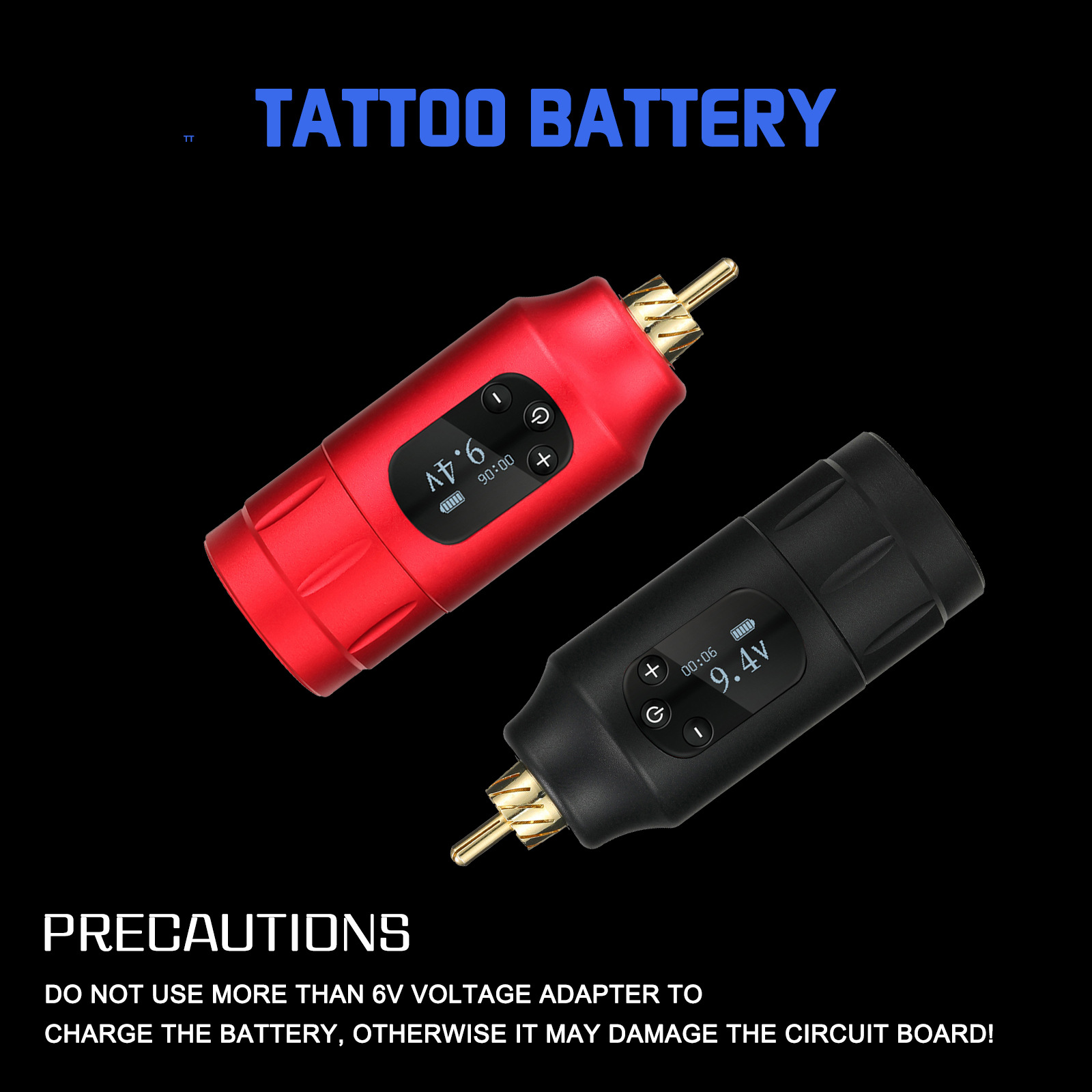
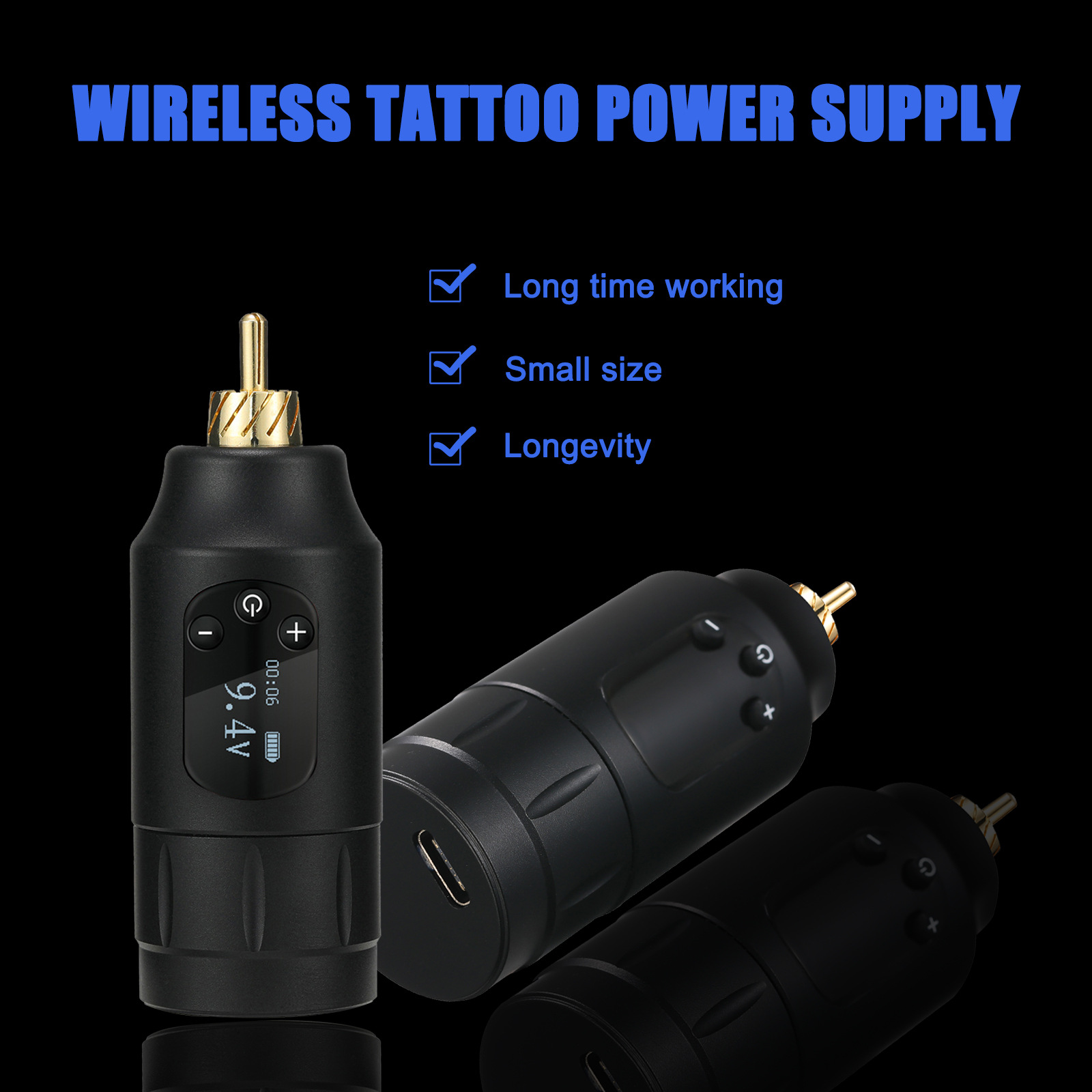
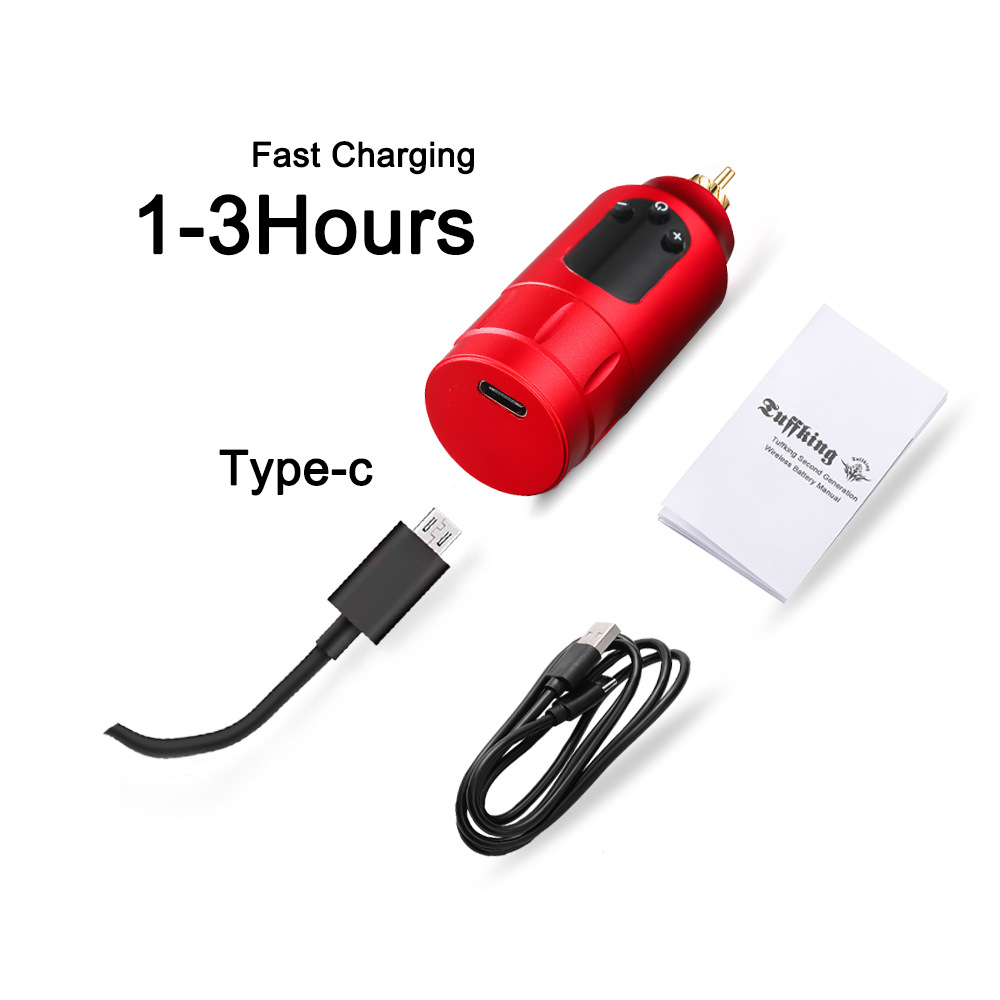
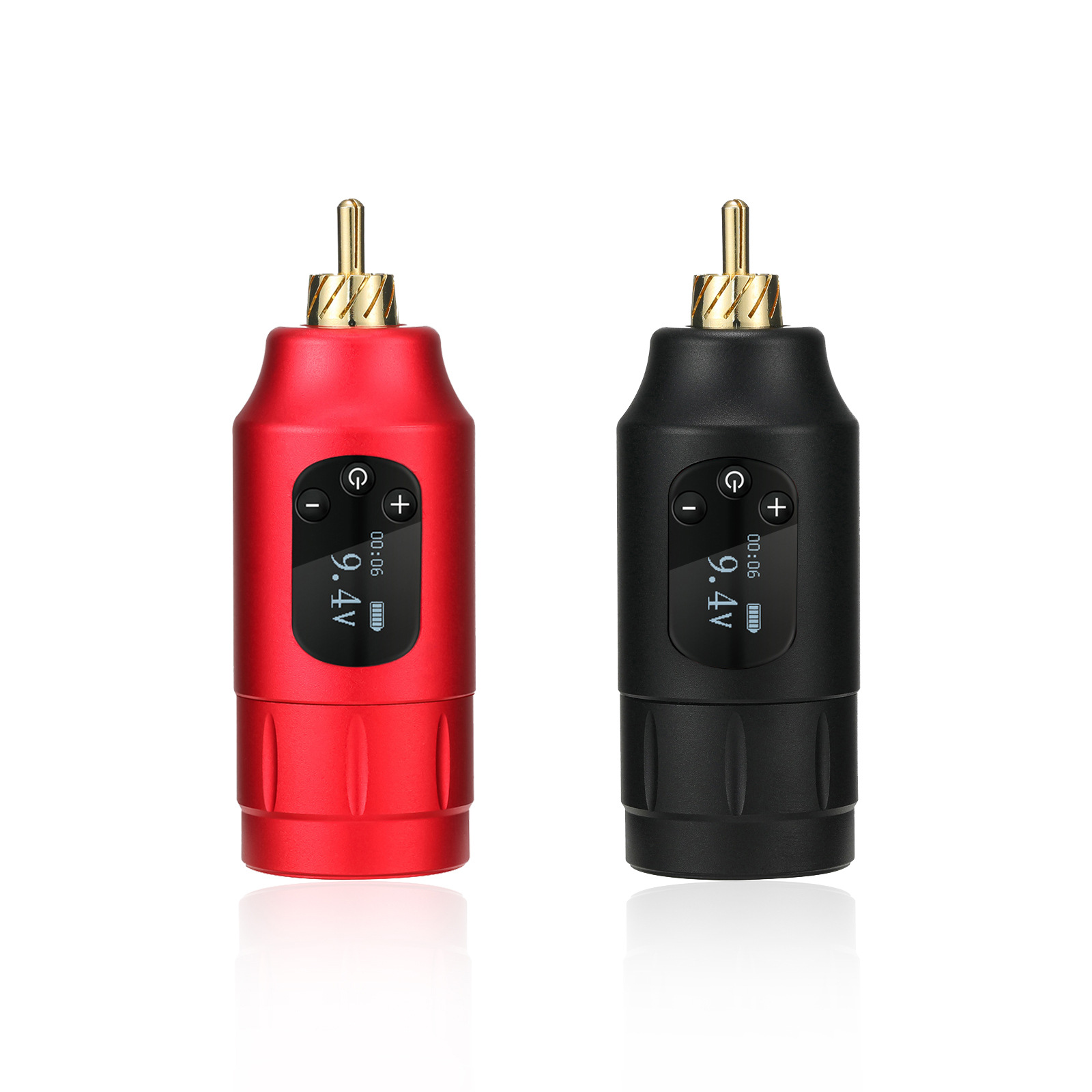
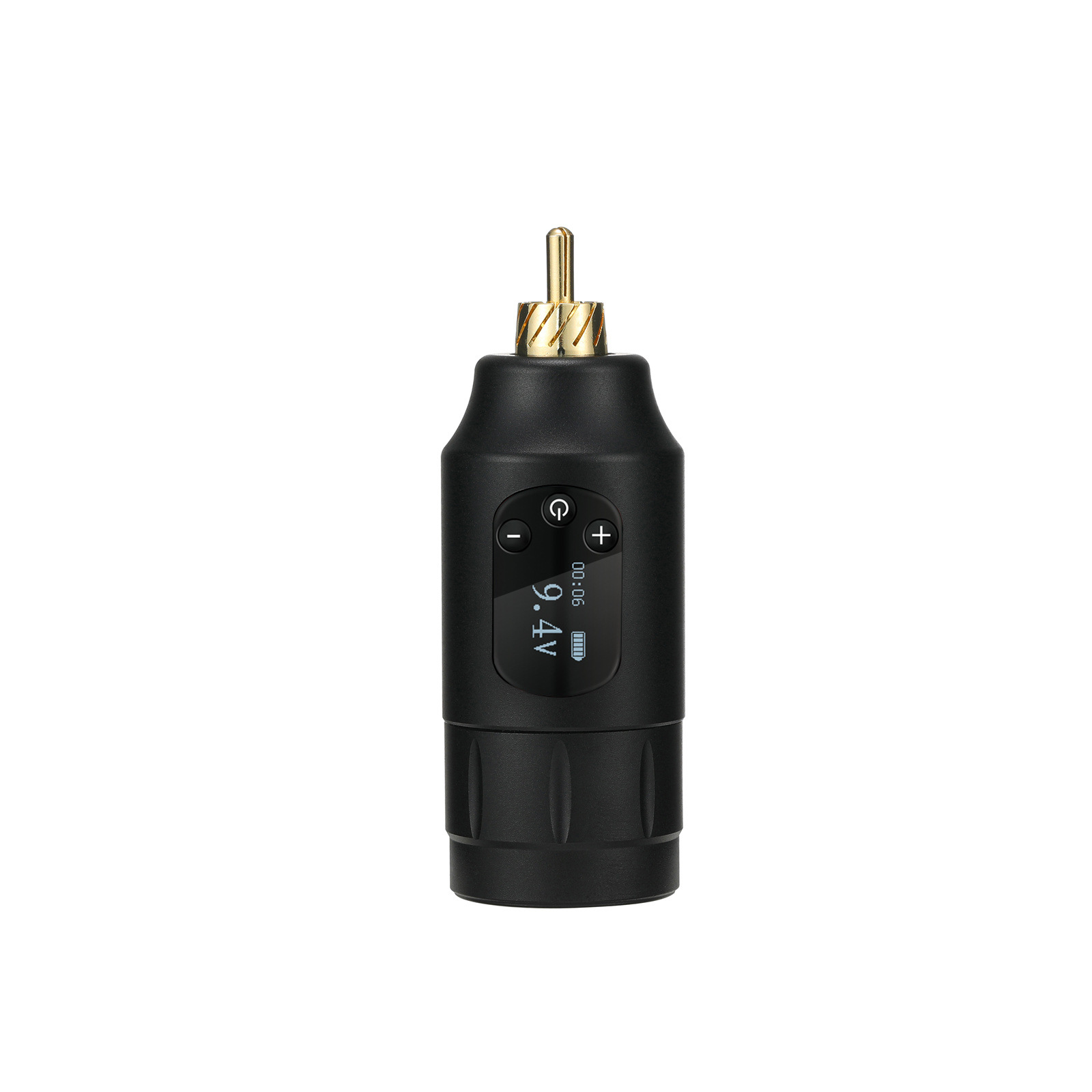
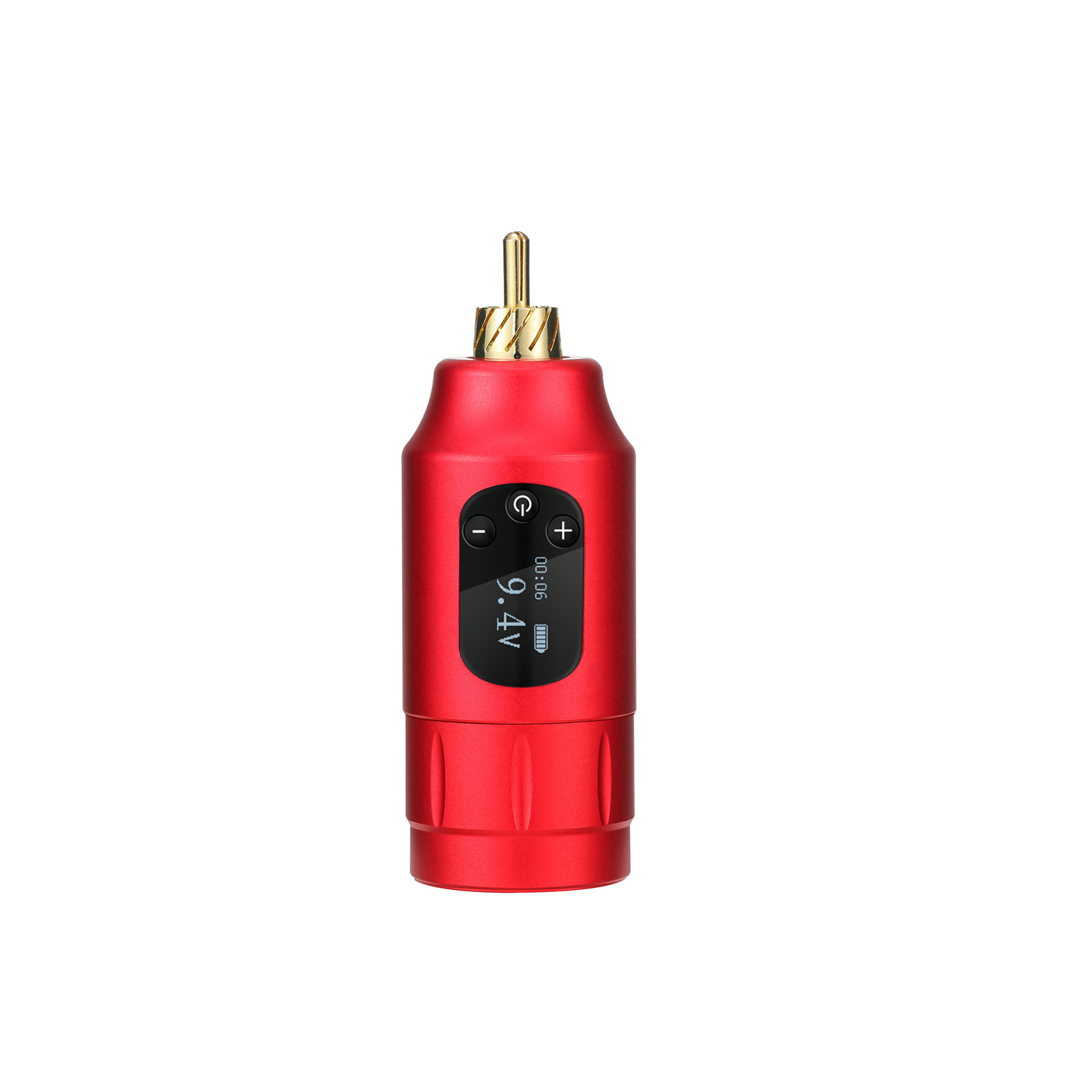
Tuffking's new generation of wireless batteries is an upgrade based on the previous generation. It has upgraded from LED display to OLED screen, and uses both RCA and DC interfaces, suitable for different machines. The circuit hardware and software algorithms have been completely upgraded, with a wider voltage range, more precise adjustment, and faster speed. There are two types of start-up methods: standard start-up and enhanced start-up, which adapt to different application scenarios. The OLED high-resolution screen displays rich and clear content. It has overcharge protection, card pin protection, and output short-circuit protection, with text reminders for various abnormal situations on the screen.
Two.Basic Parameters
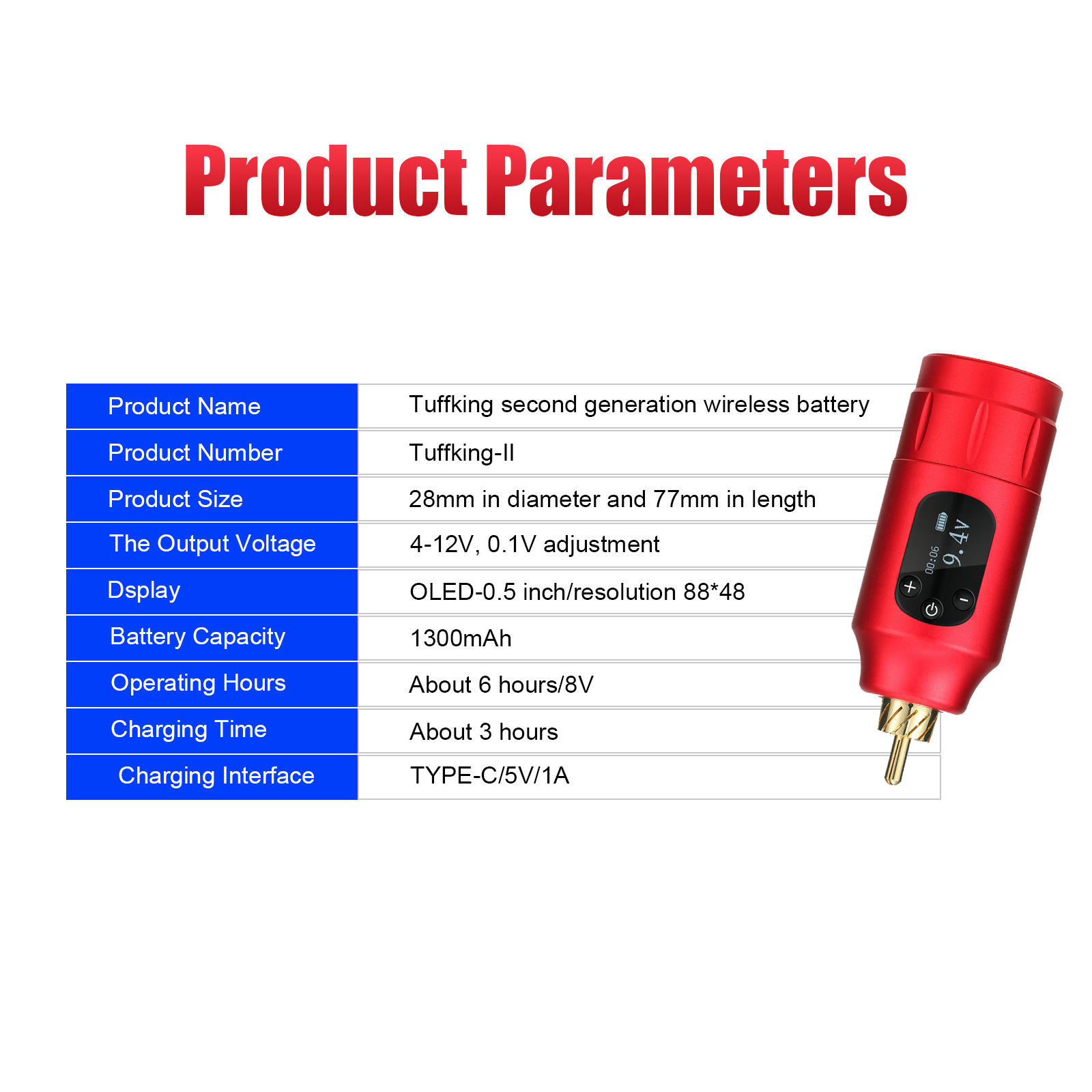
1. Product NameTuffking二代无线电池
2. Product ModelTuffking-II
3. SizeDiameter: 28mm, Length: 77mm
4. Weight117g
5. Output Voltage4-12V, 0.1V调节
6. Display ScreenOLED-0.5 inch/resolution 88*48
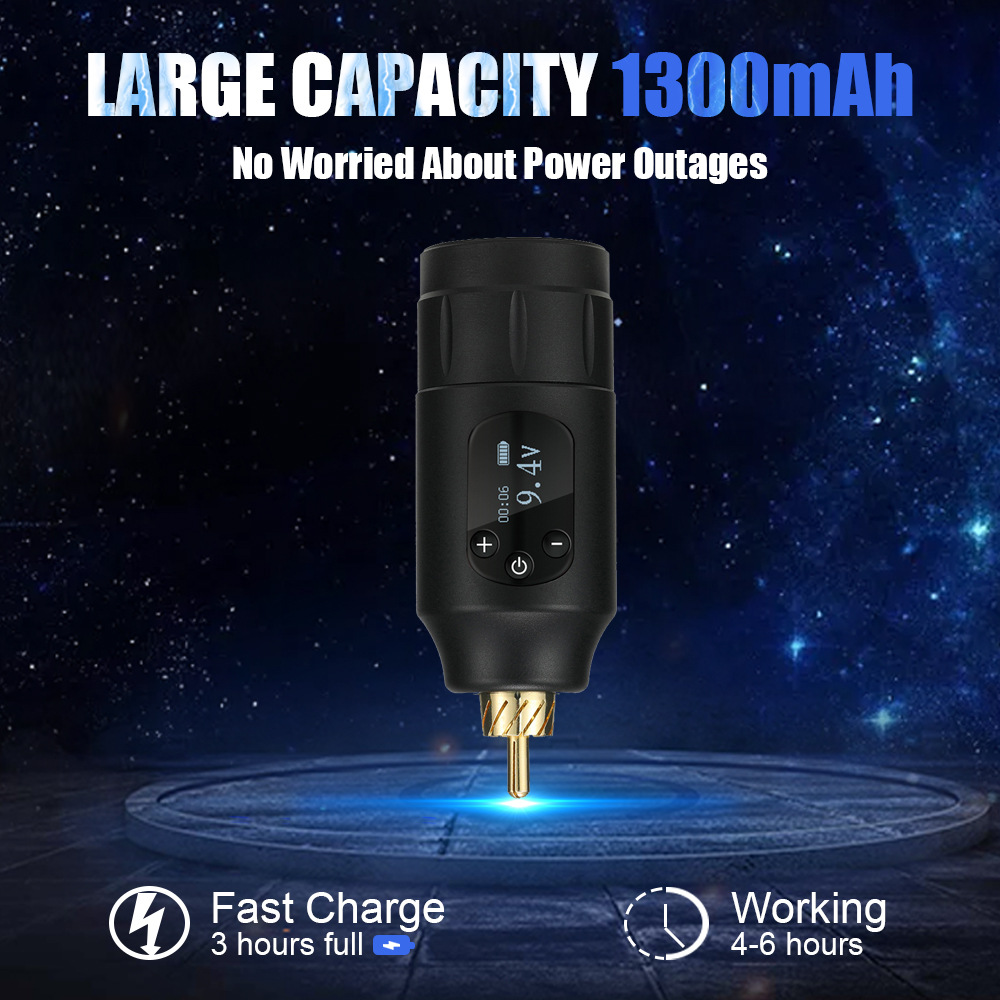
Battery Capacity1300mAh
8. Working HoursApproximately 6 hours/8V
Charging TimeAbout 3 hours
10. Charging PortTYPE-C/5V/1A
3. Usage Method
1. Connect the battery to the machine.
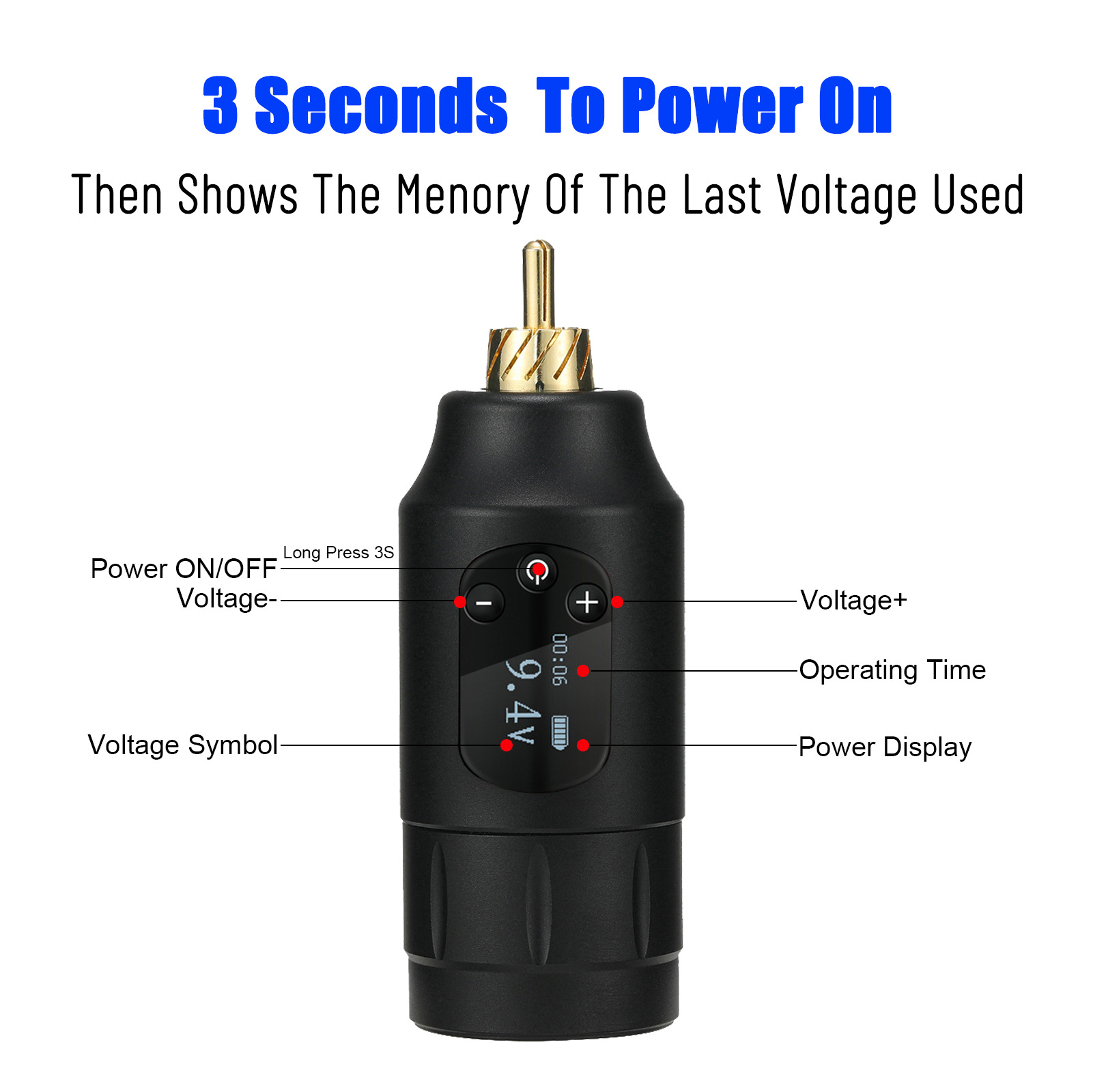
2. Power-on/Pause: Includes 2 power-on modes. Press and hold the power button to enter the normal start-up mode, then press the power button to start the machine, and then press the power button to stop the machine. Double-tap the power button to enter the enhanced start-up mode, then press the power button to start the machine, rise to 10V for 0.2 seconds, then drop to the current set voltage, and then press the power button to stop the machine.
3. Shutdown: Press and hold the power button to turn off the device in the on state. The device will automatically turn off after 5 minutes without output. If there is output but no load, it will automatically turn off after 5 minutes. If the battery is less than 5%, an alarm will sound to indicate low battery, and then the device will shut down.
4. Voltage Adjustment: Click the + button to increase the voltage by 0.1V, and hold the + button down to quickly increase the voltage; Click the - button to decrease the voltage by 0.1V, and hold the - button down to quickly decrease the voltage; The voltage range is 4-12V.
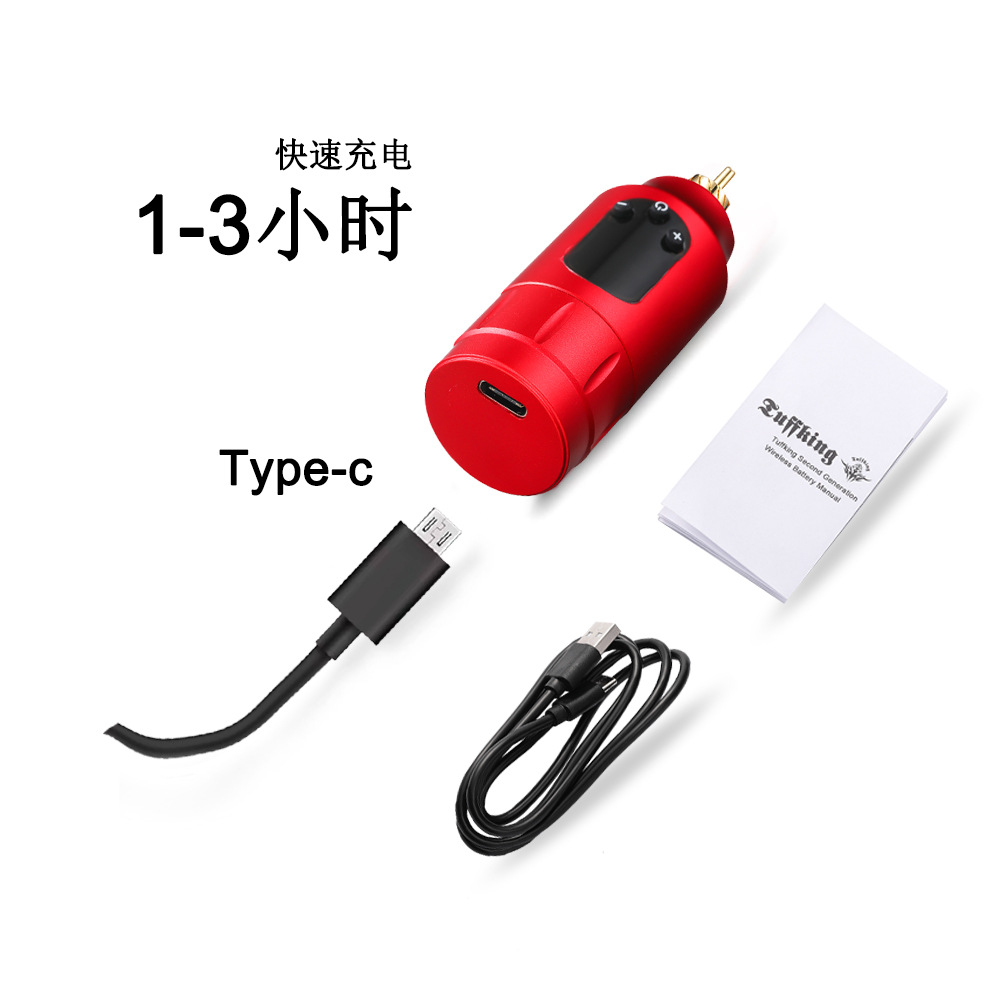
Charging: Connect the TYPE-C charging cable to charge. When charging, the display will show "Charging". After charging is complete, the display will show "Charge complete".
Update time:


TOP