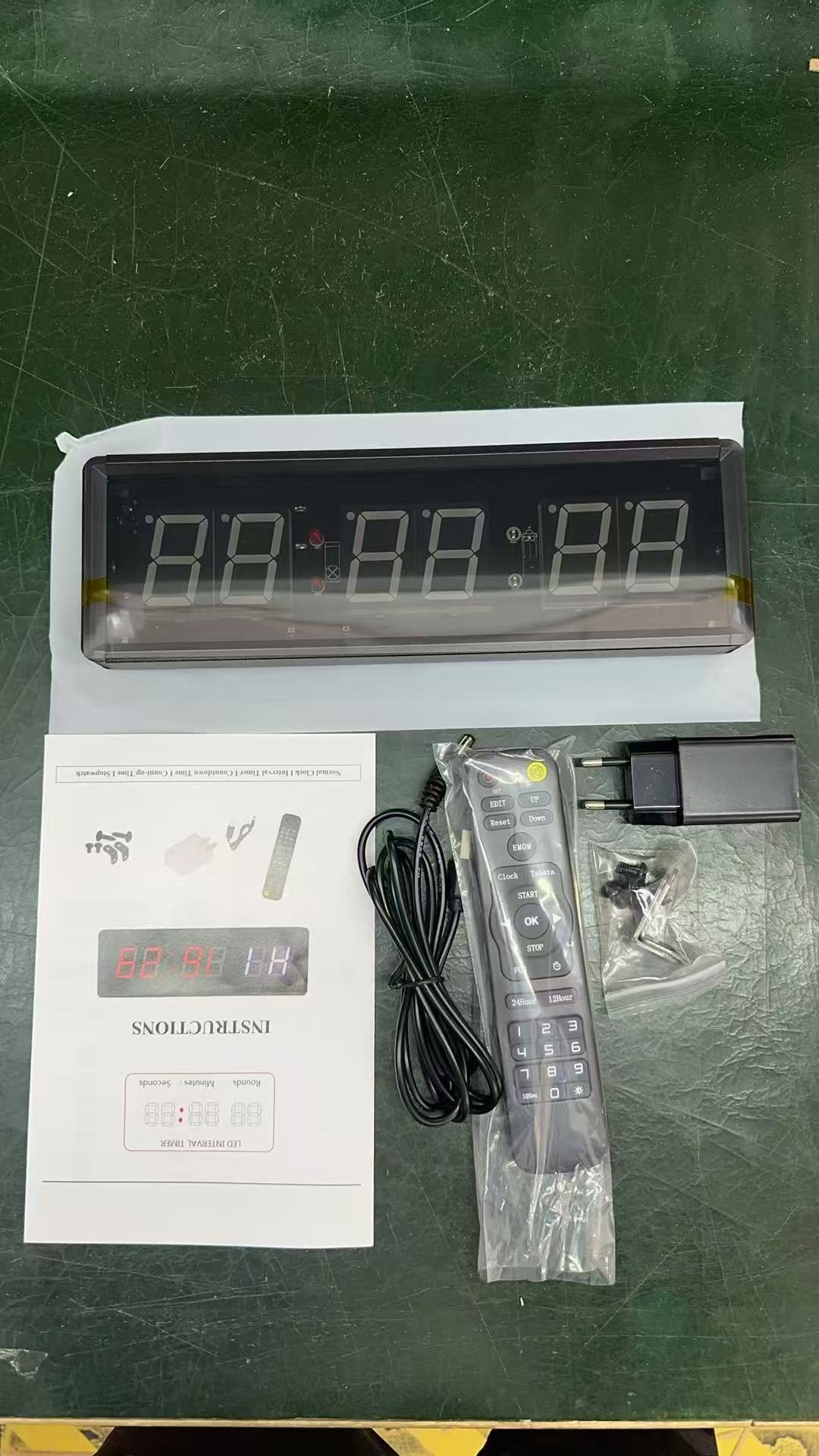
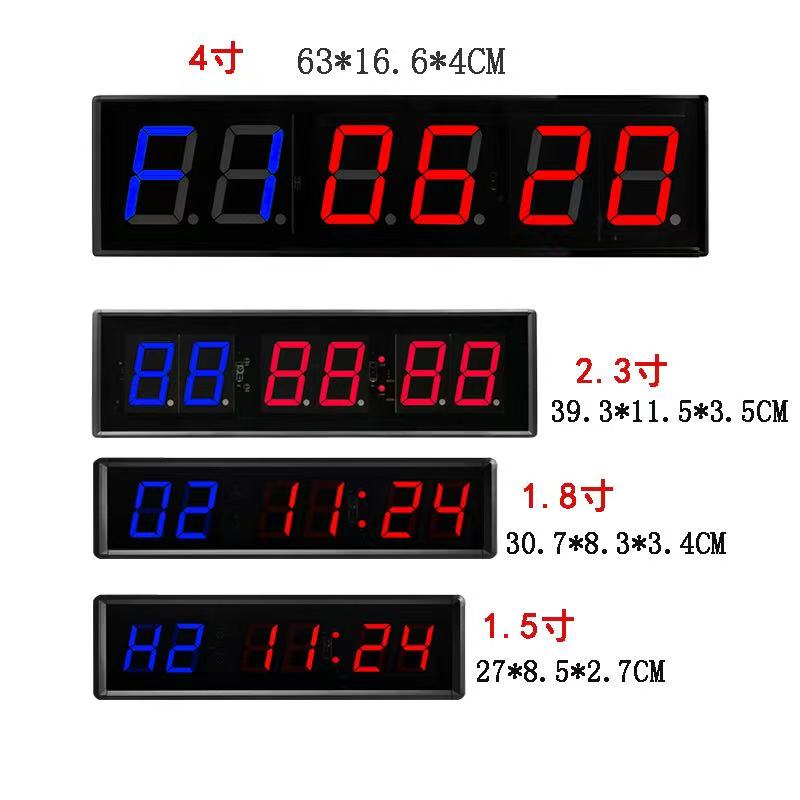
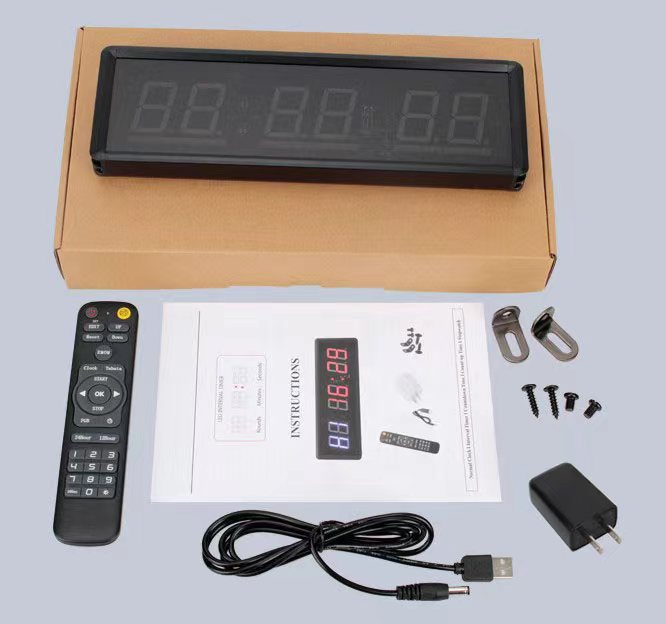
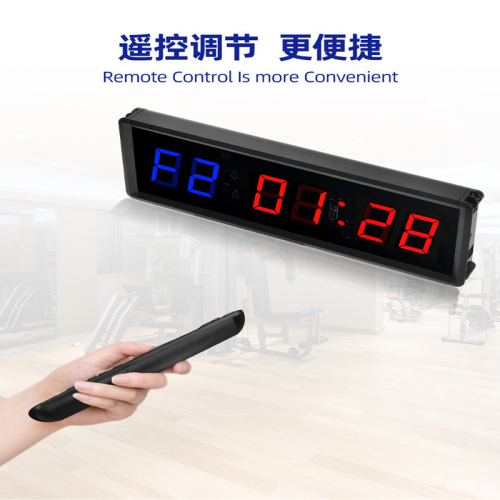
1.5 inch packing data: 52.5*32.5*47cm/30pcs
1.8 inch packing data: 53*36.5*42.5cm/24pcs
2.3 inch packing data: 45.5*41.5*42cm/16pcs
4 inch packing data: 70*31*29cm/5pcs
1. Stopwatch, supports 99 minutes 59 seconds 99 milliseconds timing;
2. Countdown, supports 99 minutes and 59 seconds countdown. It is possible to set the time when the countdown stops. Countdown starts from 0 and stops automatically at the set time. For example, if you set a 10-minute countdown, enter 10:00 on the remote control and press the confirm key, the clock will automatically display 00:00, and when you press the start key, the countdown will start from 00:00 and stop automatically at 10:00.
3. Countdown, supports 99 minutes and 59 seconds countdown. You can set any time between 99:59 and 00:00 as the start of the countdown. For example, if you set a 8-minute countdown, you can input 08:00 on the remote control, press the confirm key, and the timer will display 08:00. Press the start key, and the timer will start the countdown from 8 minutes. When the countdown reaches 00:00, it will end.
4. Clock Function. Supports switching between 12-hour and 24-hour display. H1 represents 24-hour display, and H2 represents 12-hour display. Different display methods can be switched using the remote control.
5. Alternating Timer. This feature is also the main function of this clock. Users can use it to set the timer for daily fitness activities. Alternating Timer is divided into training time and rest time. Training time is represented by F, and rest time is represented by C. The number of repetitions is C C. Each group of timing can be maintained on different quick keys. For example, if there are three different timing methods in a group, they can be saved in the numbers 1, 2, and 3. When using, just press the quick key, then press the start button, and the corresponding group of time will start running. The maximum support for 10 groups of alternating timer quick keys (0 to 9 number keys).
6. TABATA Key: Perform 8 sets of exercises for 20 seconds each with a rest period of 10 seconds. This is a fixed program. Press the key to start the exercise by clicking the 'Run' button.
7. FGB key: Press FGB once to enter F1 mode, run for 5 minutes, with an interval of 1 minute, and run 5 times; Press FGB twice consecutively to enter F2 mode, run for 5 minutes, with an interval of 1 minute, and run 3 times.
8. EMOM Key: This is a fixed program key that is a one-minute countdown. When you click to run, it starts a 60-second countdown.
9.10Sec Key: Press this key once to activate a 10-second preparation time. Press it again to cancel the preparation time, and the timer will start immediately without the 10-second delay.
10. Adjustable brightness, five brightness levels