Search history
Clear allSearch by image
XDrag and drop an image here or upload an image
Max 5MB per image
UploadSign In | Join

Search history
Clear allSearch by image
XDrag and drop an image here or upload an image
Max 5MB per image
UploadSign In | Join
X Email Mobile
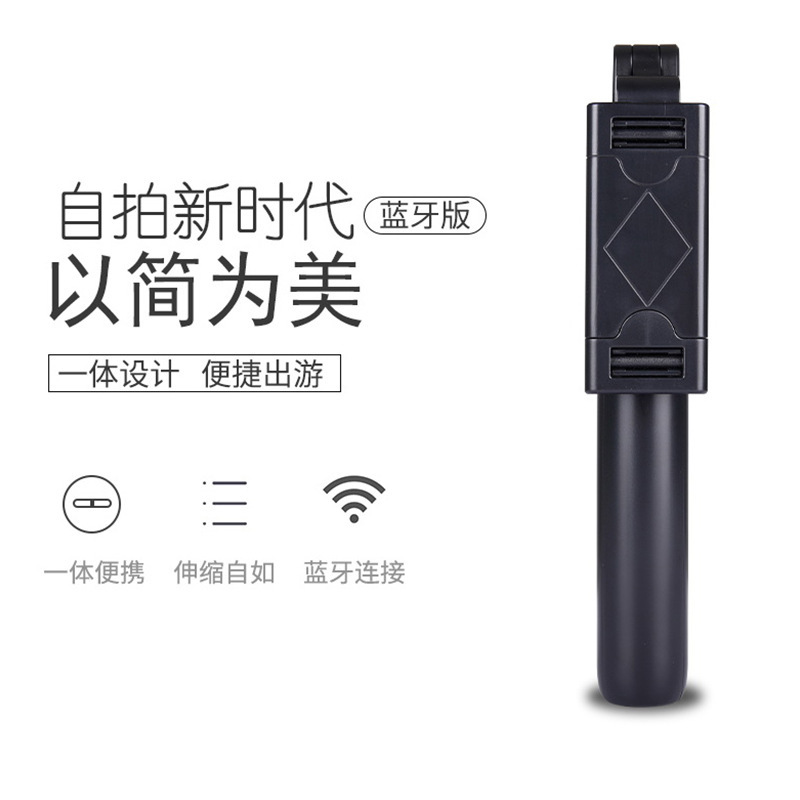
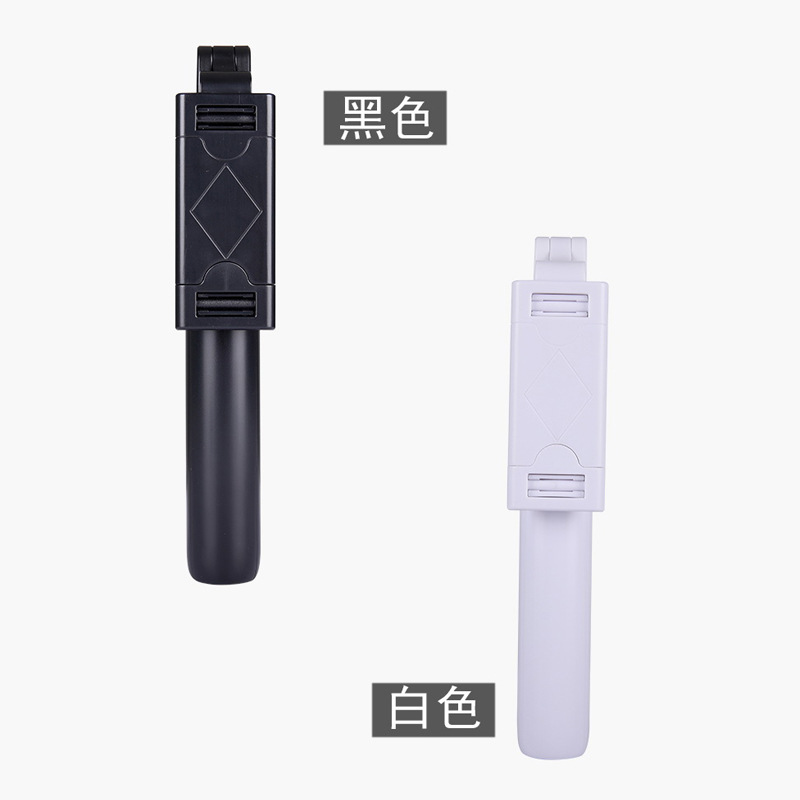
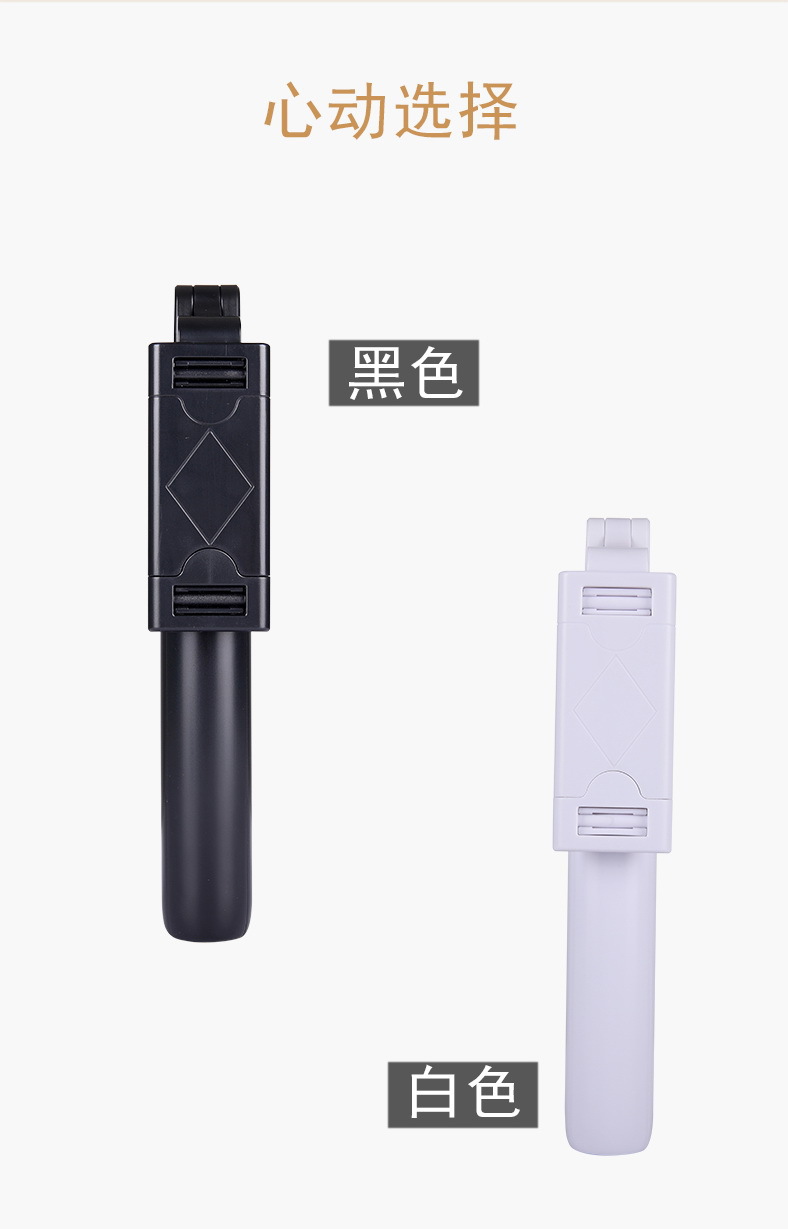
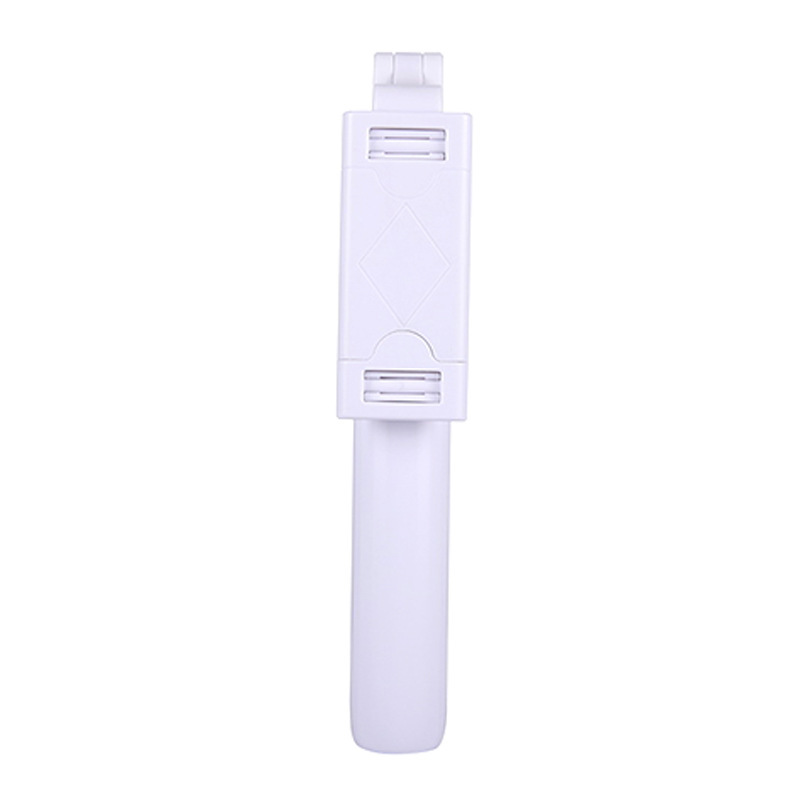 k07 shakehand grip selfie stick-white-68cm
|
¥0.0 | 9870 piece available |
|
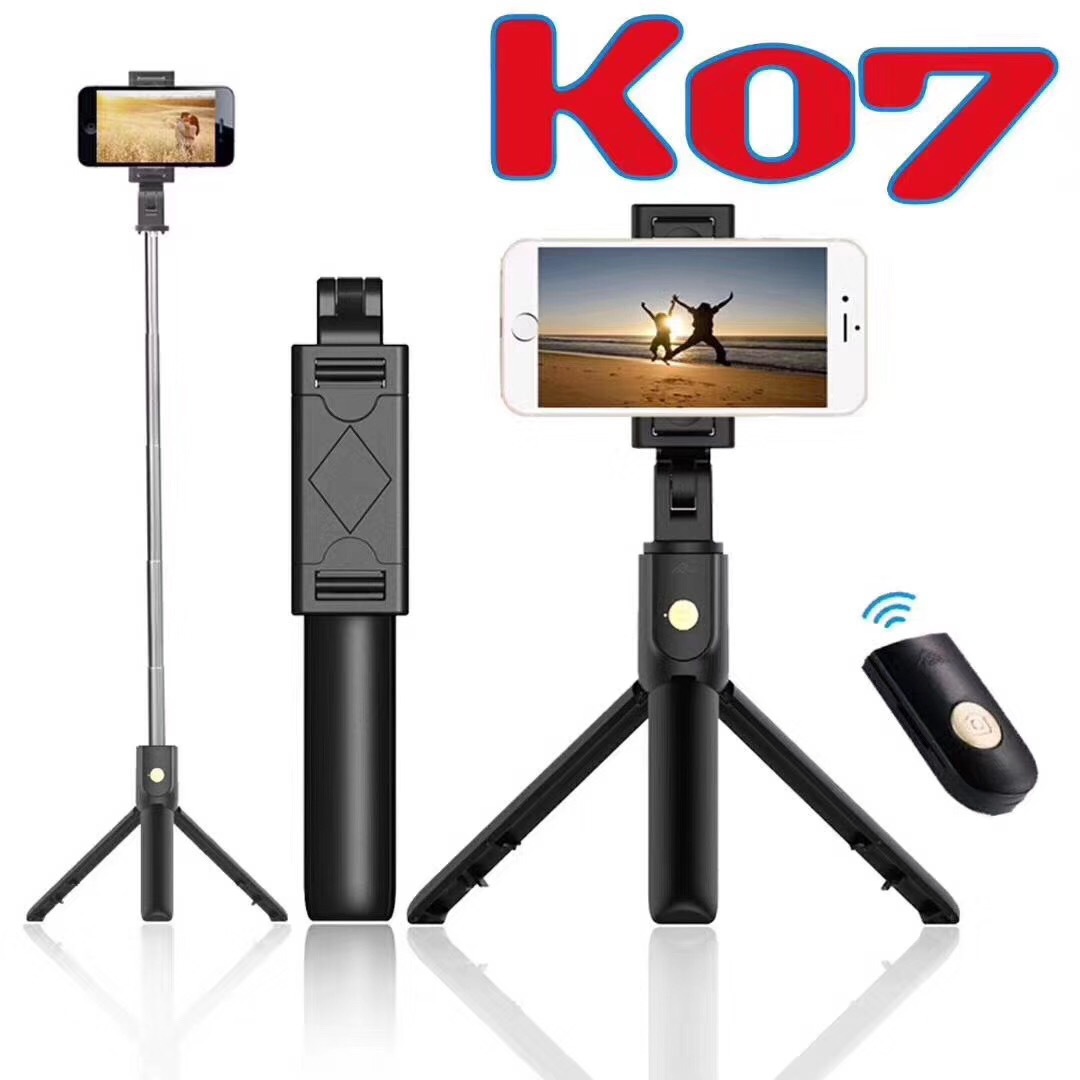 k07 shakehand grip selfie stick-black-68cm
|
¥0.0 | 18679 piece available |
|


A new item has been added to your Shopping Cart. You now have items in your Shopping Cart.
Packaging information
CTN Size: 56 × 30 × 28 cm
G.W./CTN:12 kg
QTY/CTN:100 piece/carton
|
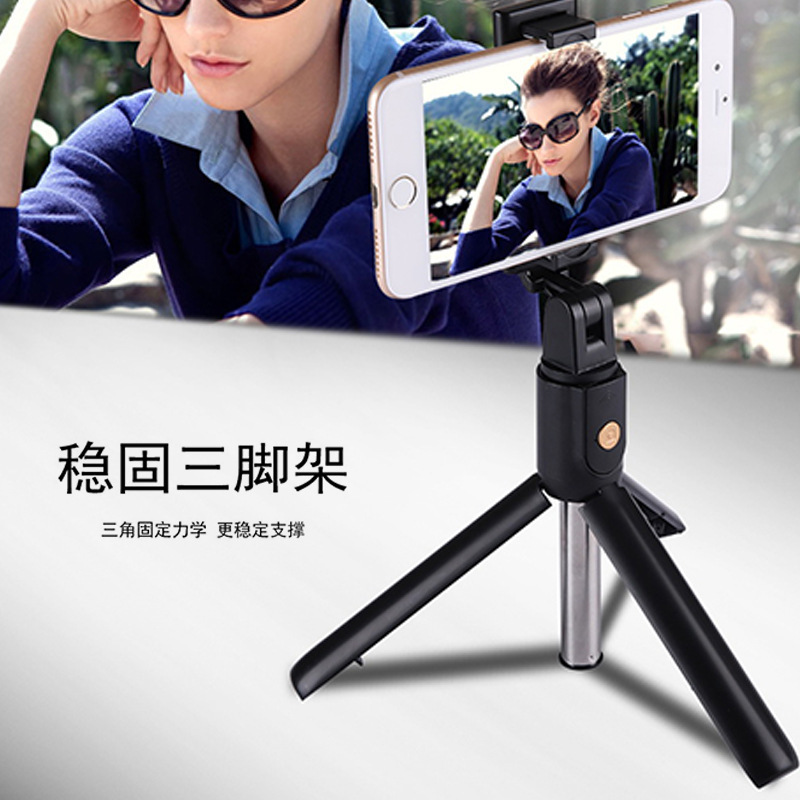
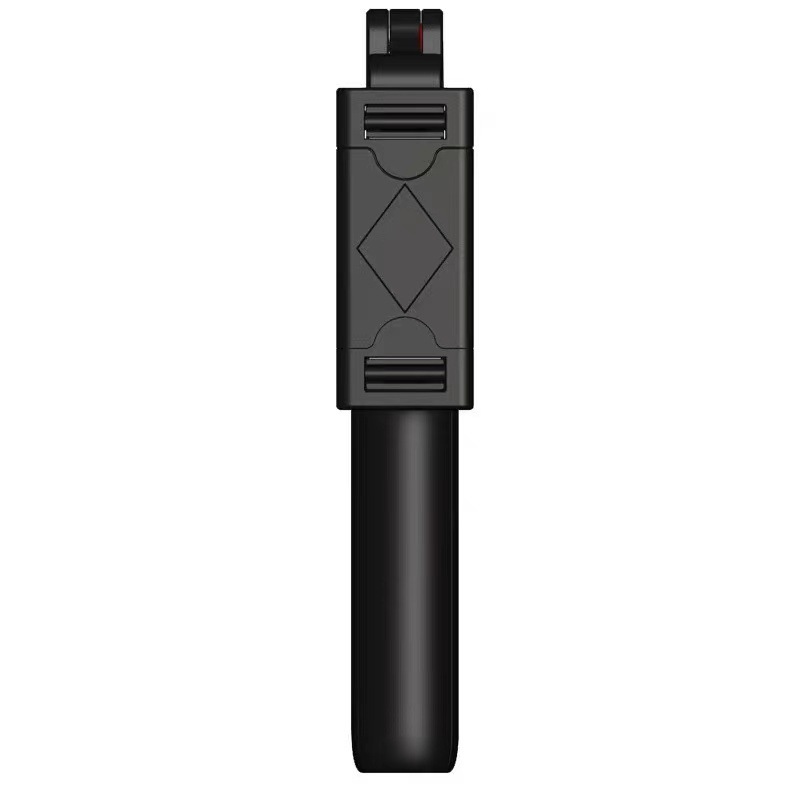
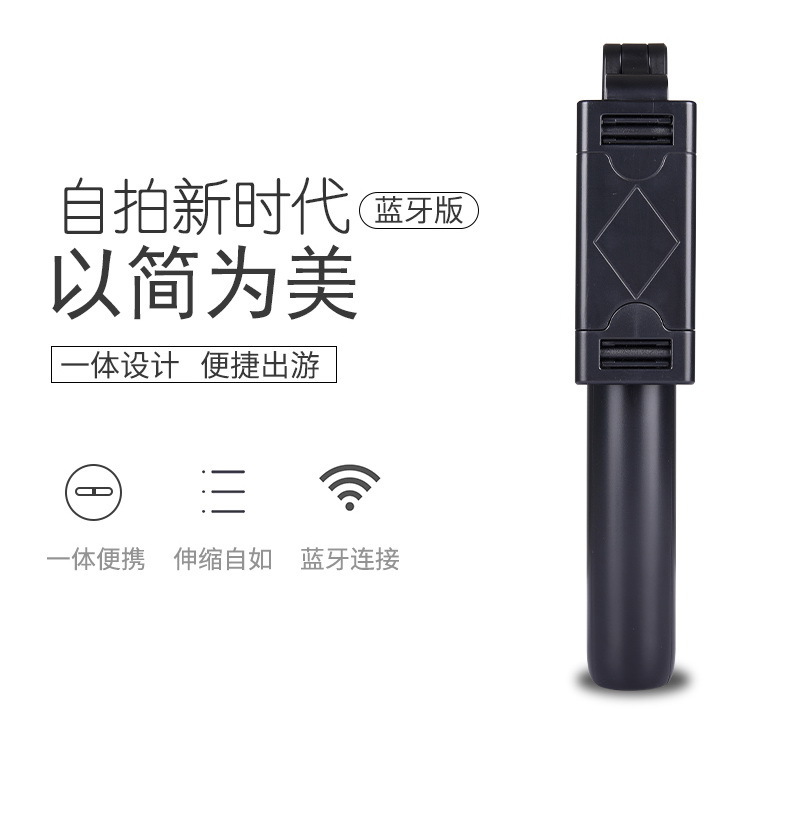
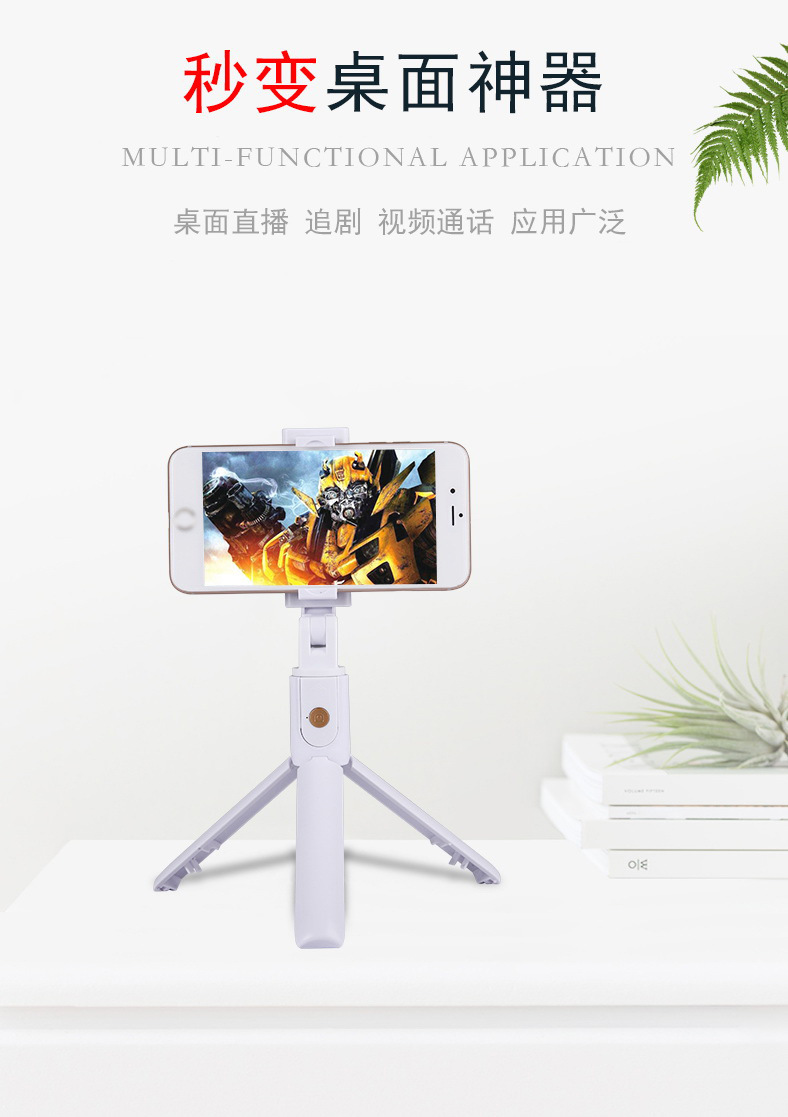
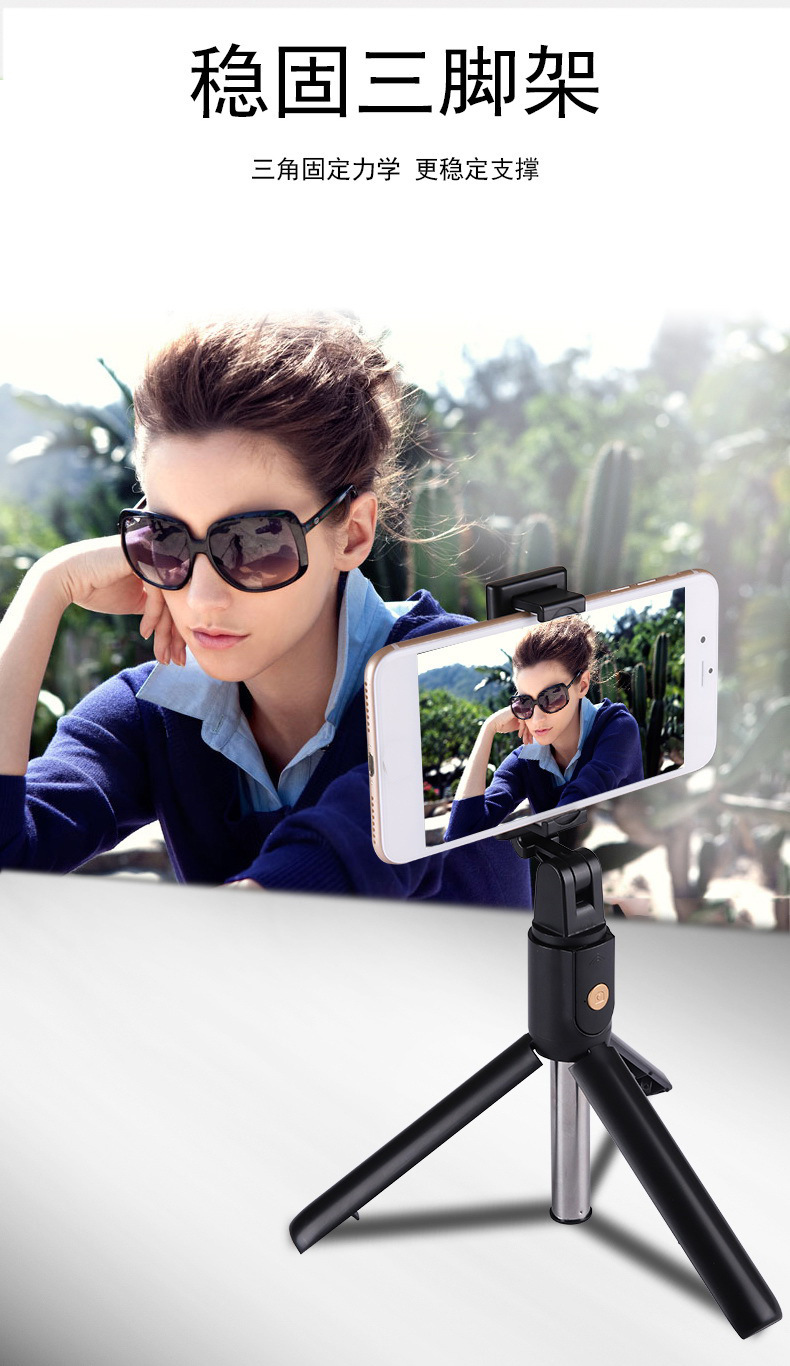
| k07三脚架自拍杆 |
| 外观参数 Appearance parameter |
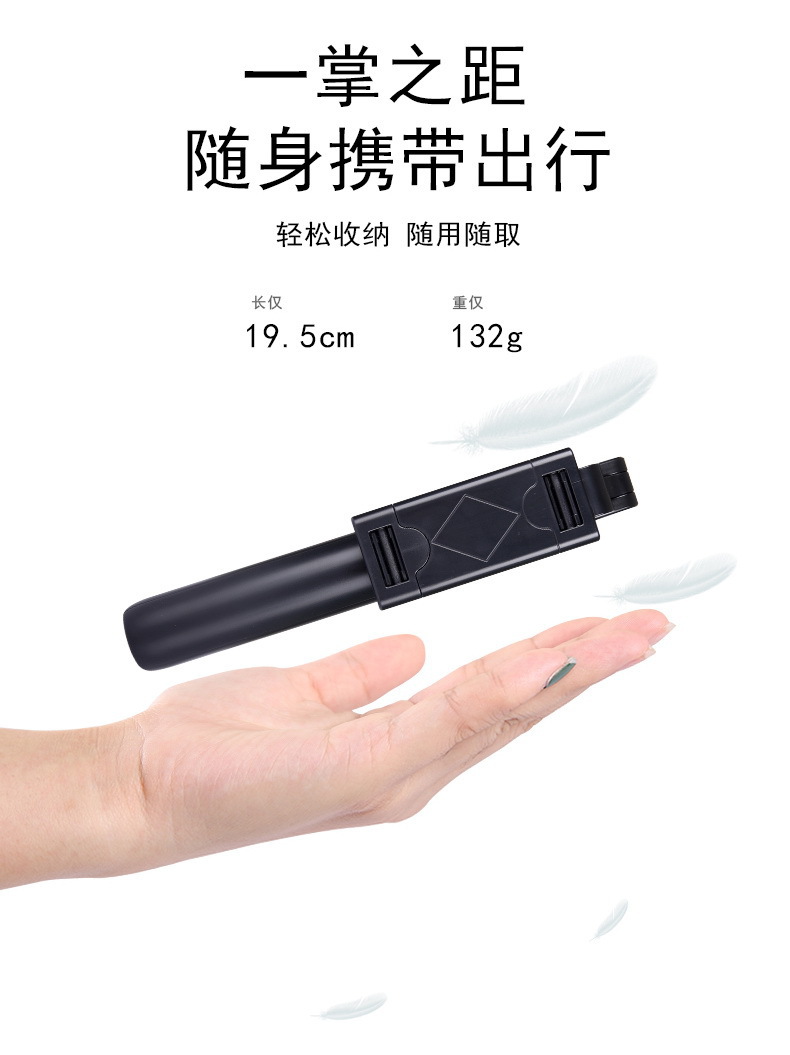
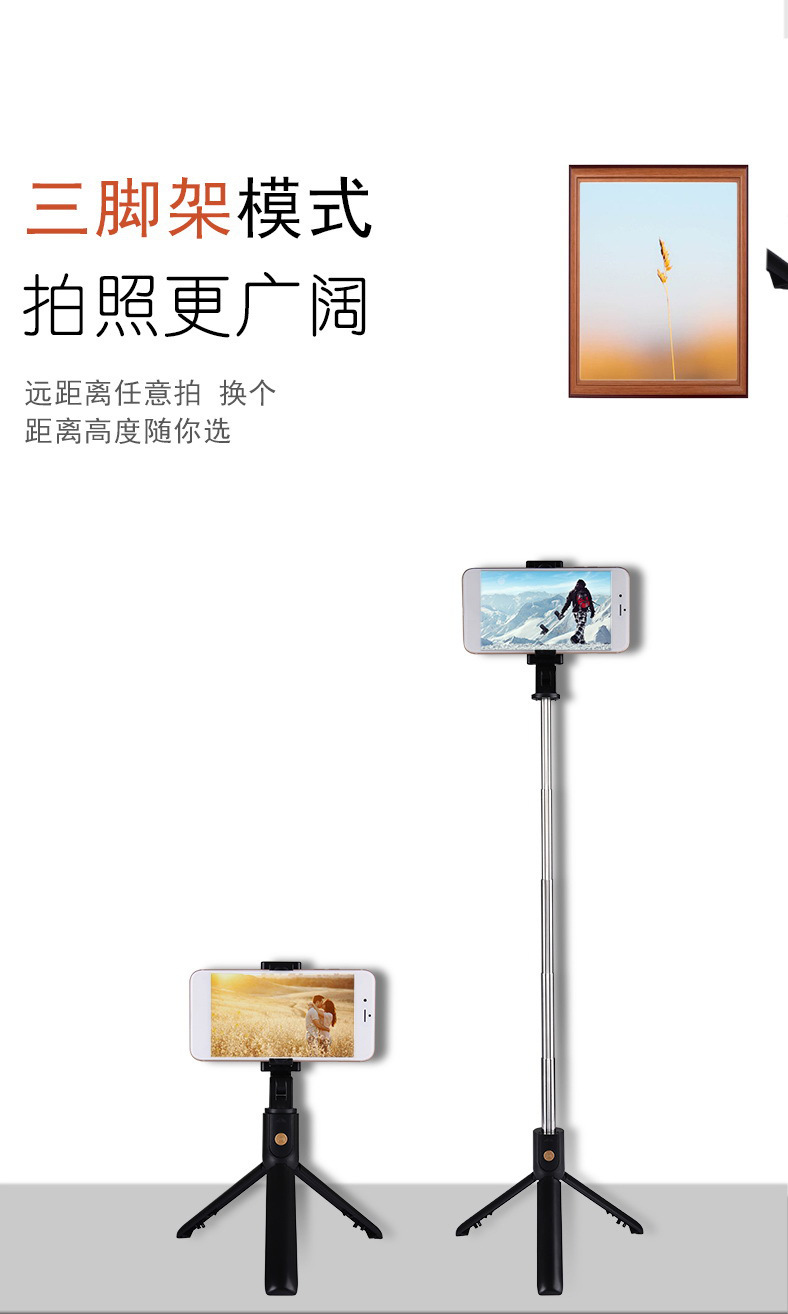
| Product Size | Product size | 35.2*38.3*192-680mm |
| Color | color | 黑色(black) 白(white) |
| Individual Packaging Size | Packing size | 54.5*40*200mm |
| Device Weight | Equipment weight | 150g |
| Outer Box Size | Outer box size | 412*405*290mm |
| Outer Box Weight | G.W. | 16KG |
| Number of items per box | QTY | 100PCS |
| Hardware specifications |
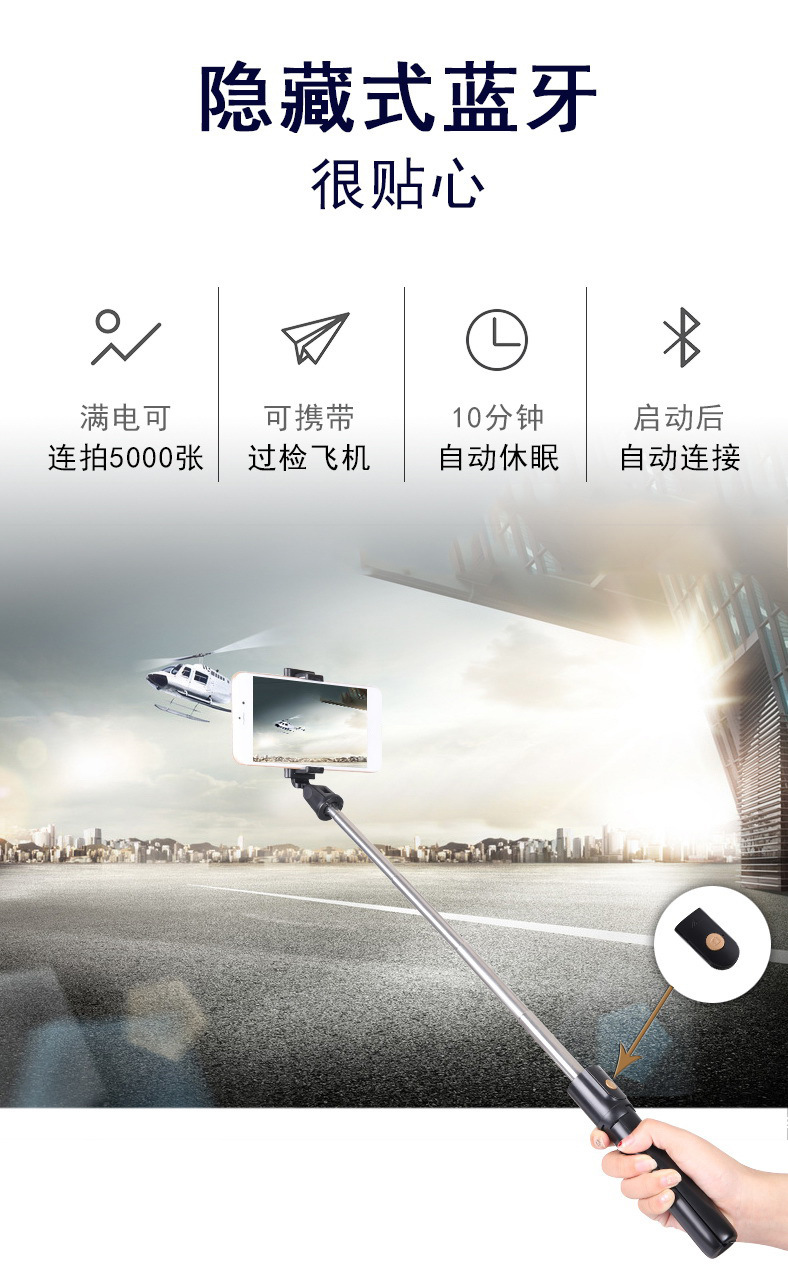
| Bluetooth version | Bluetooth version | Bluetooth 4.0 |
| Bluetooth transmission distance | Bluetooth distance | 10M |
| Battery | Battery | CR1632 (CAN CHANGE) |
| Android system | Android system | Android 4.44 or later versions |
| iOS system | iOS system | iOS 5.1 or later versions |
| Supported phone sizes | Phone size | 3.5-6.2 inches |
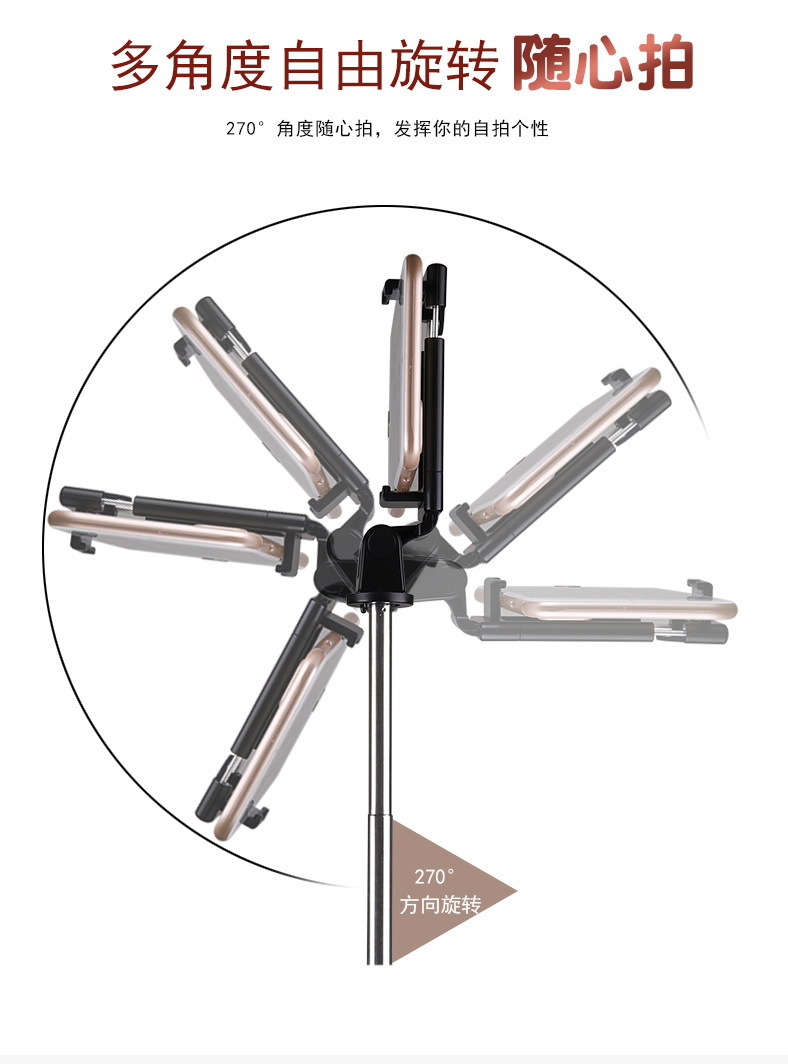
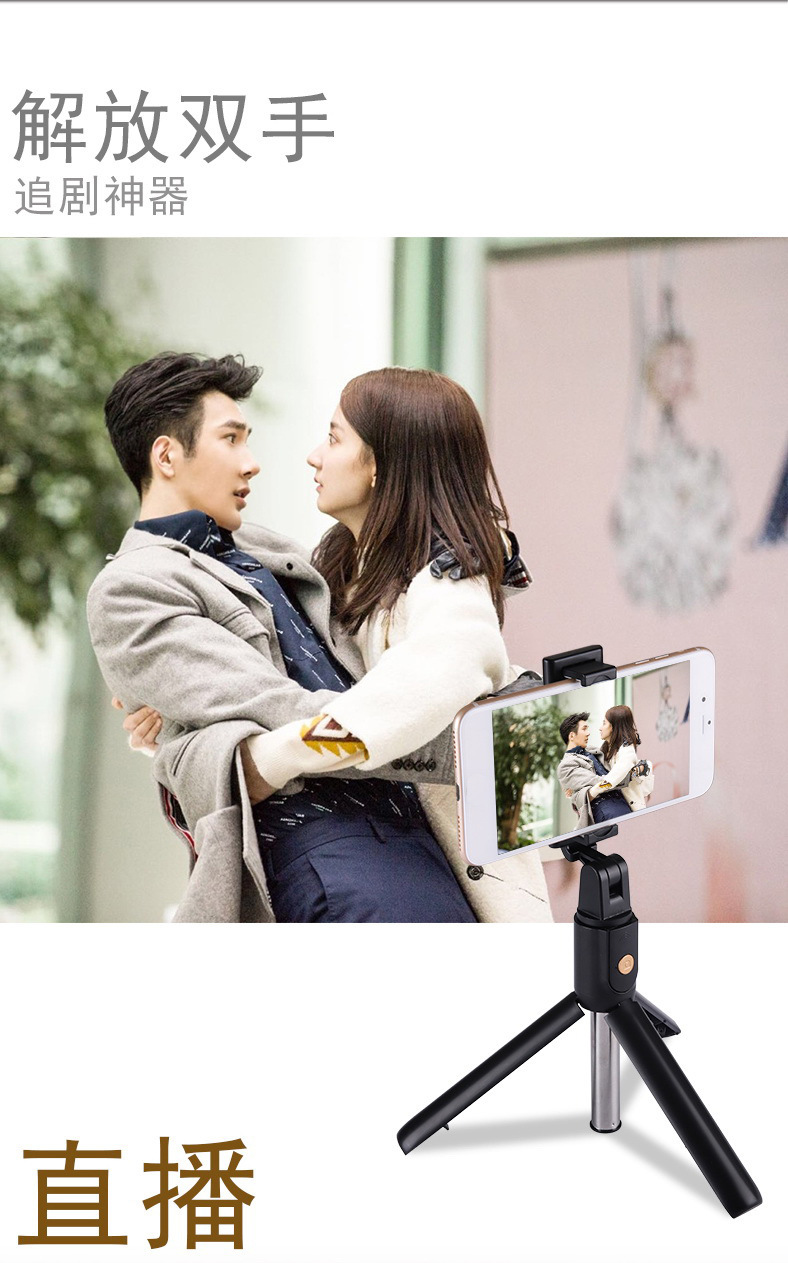
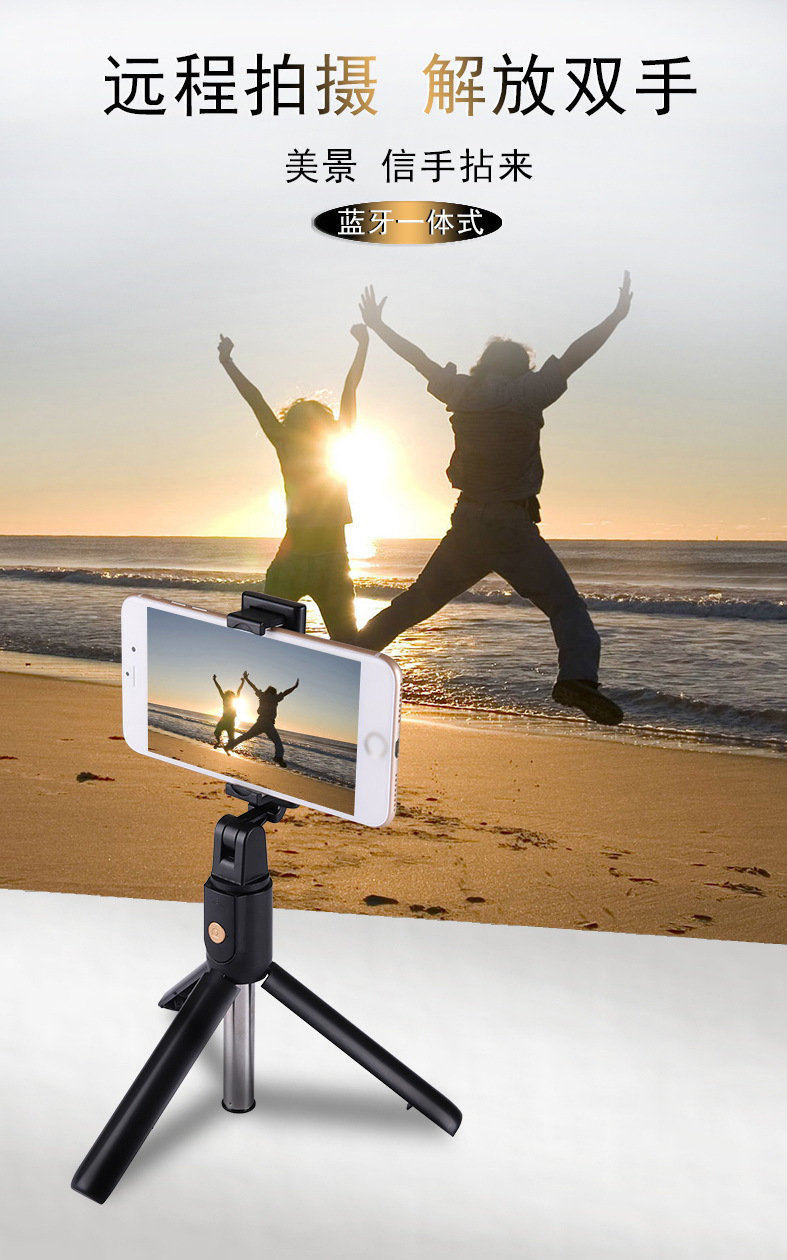
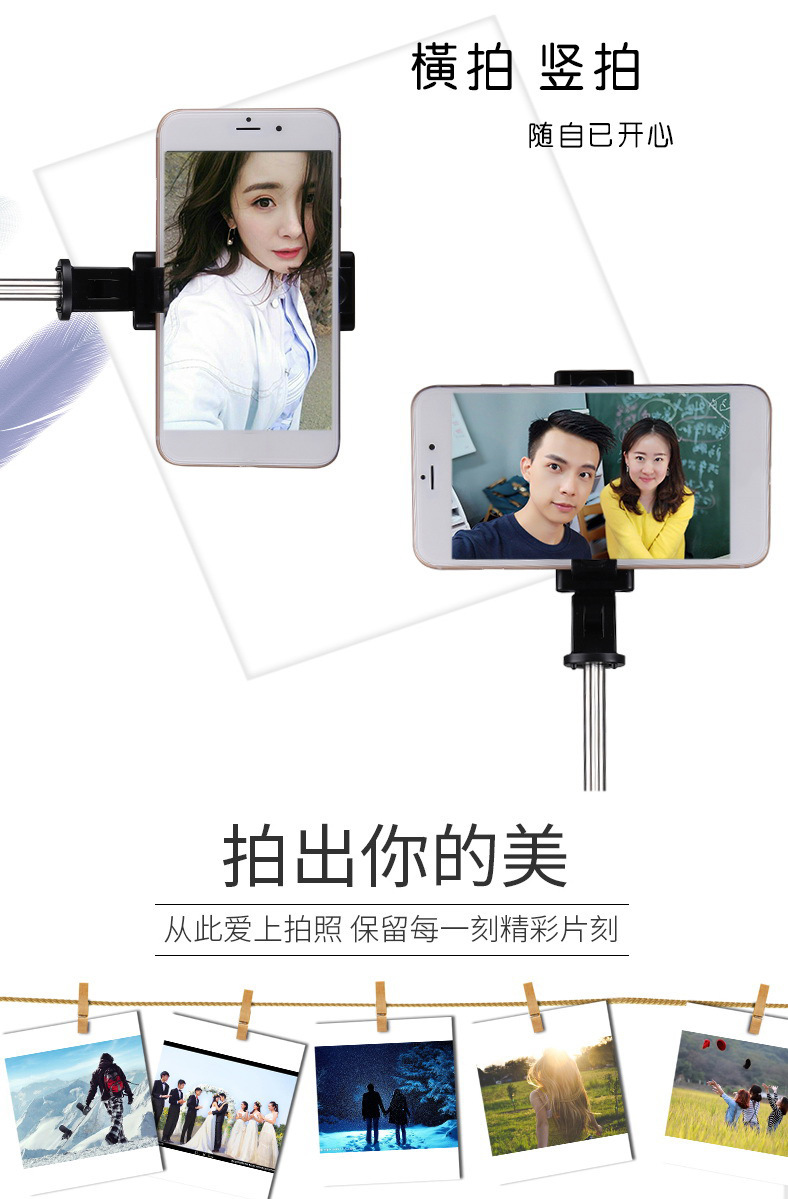
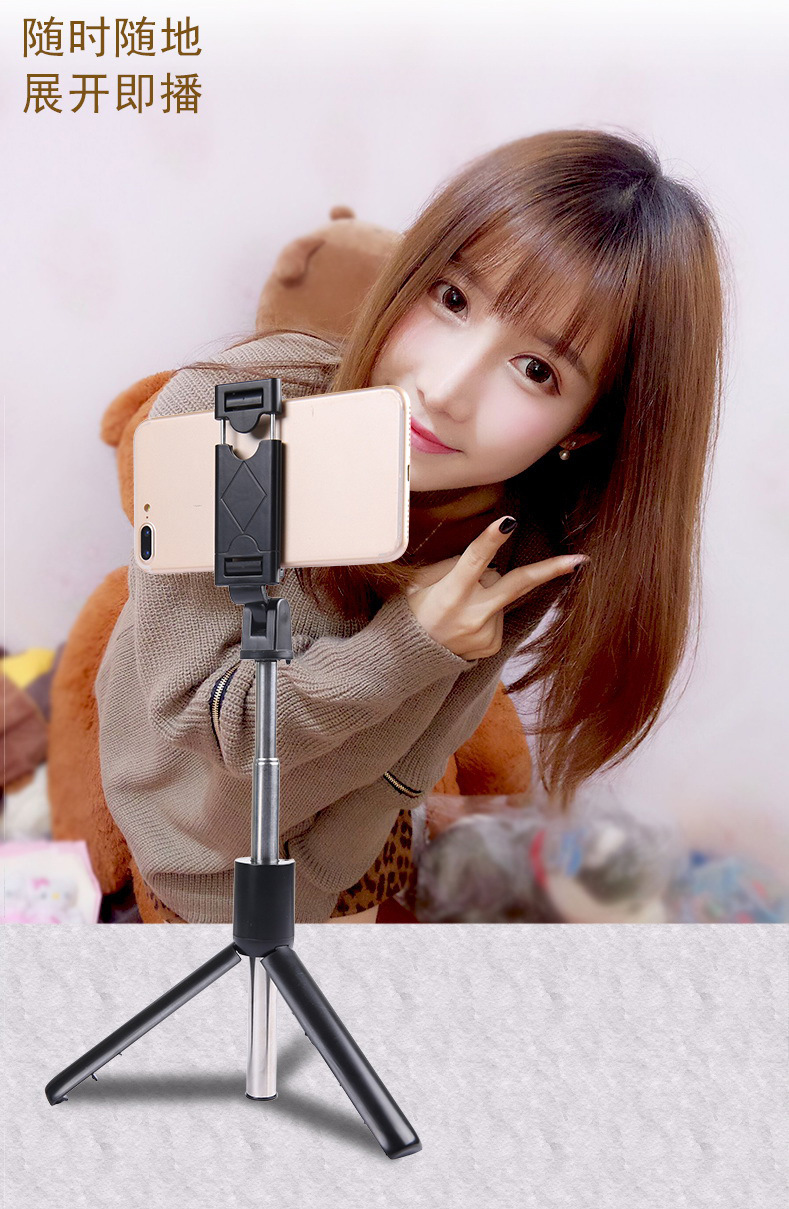
| Bluetooth Selfie Stick, Compatible with Android and iOS, Mobile Phone Holder |
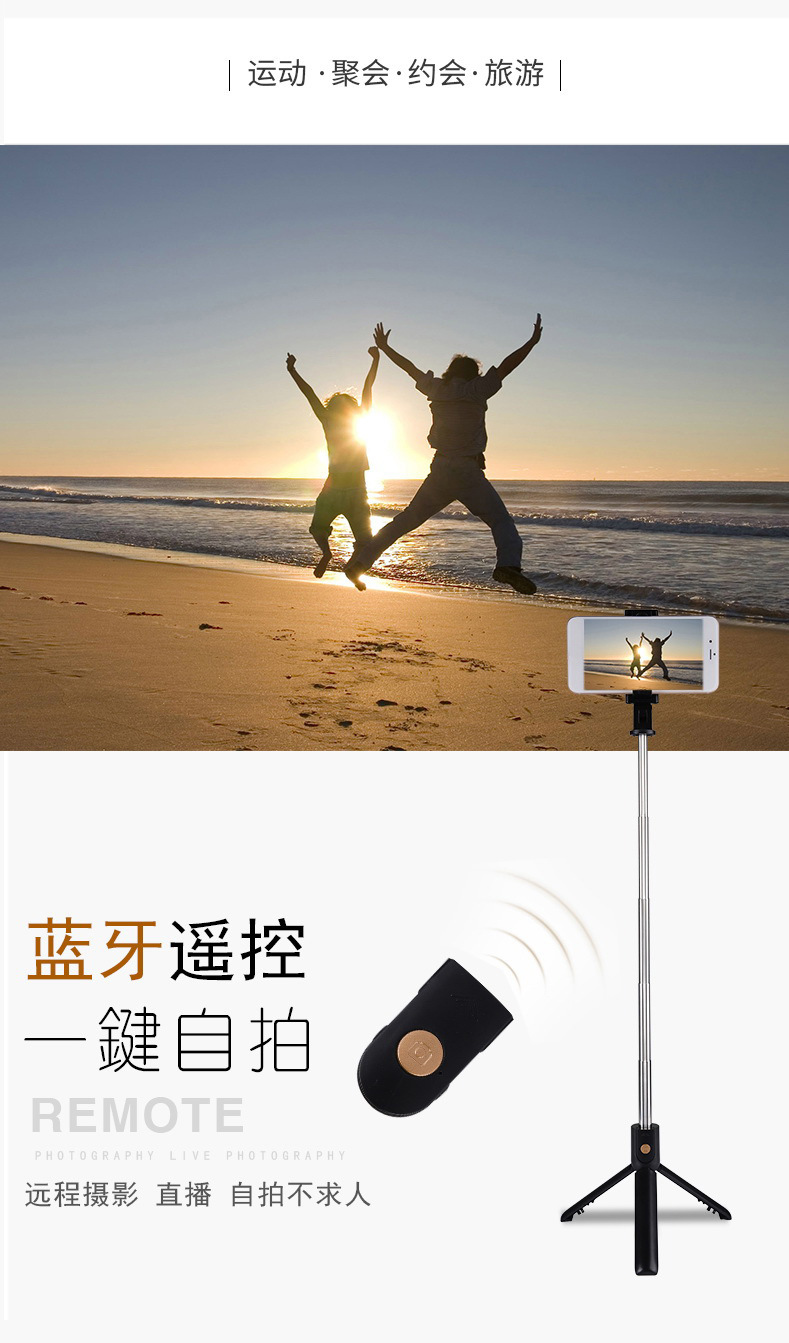
1: Long-press the remote control button to turn on the device. The remote control's blue indicator light flashes.
2: Turn on your phone's Bluetooth, search for a new device named 'SelfieCom', and then connect.
3: After pairing and connecting, open the phone's camera software.
4: Set up the pose and take a photo using the remote control shutter.

Update time:


TOP