
Search history
Clear allSearch by image
XDrag and drop an image here or upload an image
Max 5MB per image
UploadSign In | Join

Search history
Clear allSearch by image
XDrag and drop an image here or upload an image
Max 5MB per image
UploadSign In | Join
X Email Mobile
Price Negotiable


A new item has been added to your Shopping Cart. You now have items in your Shopping Cart.
Instructions:
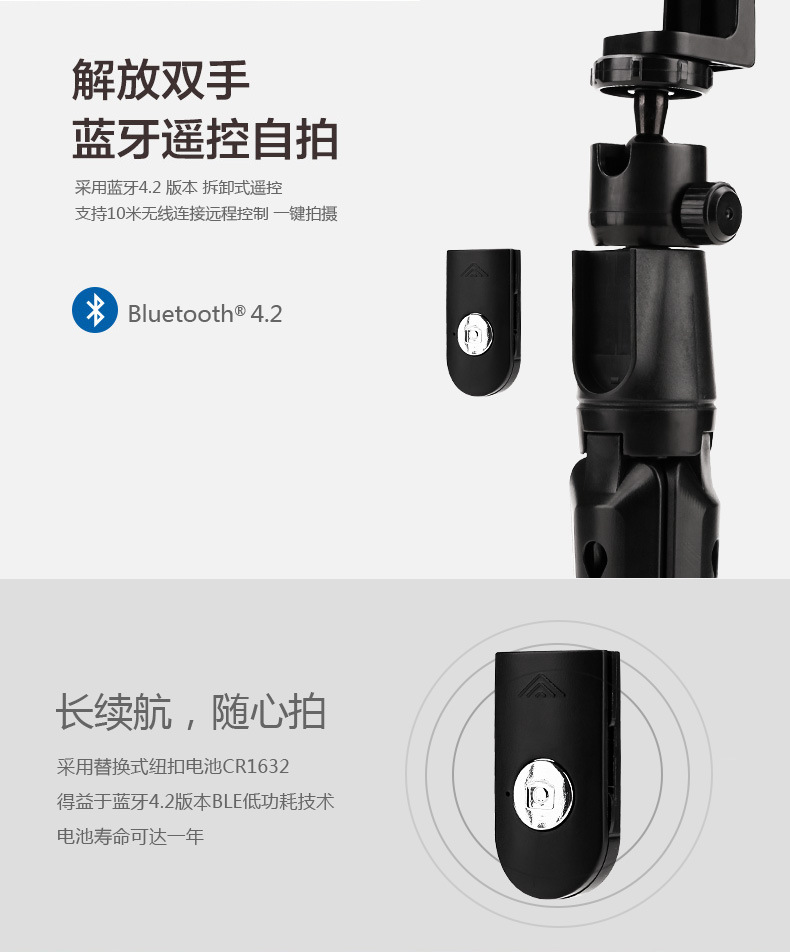
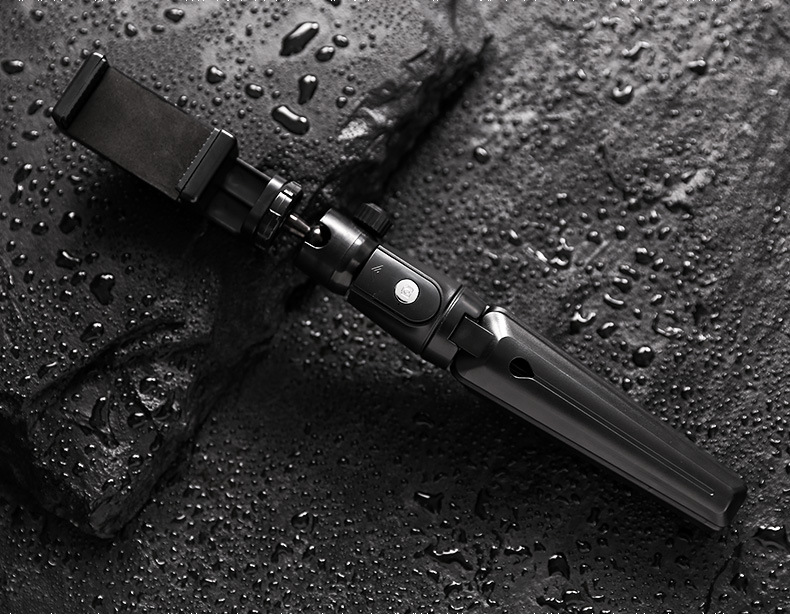
1: Long-press the remote control button to turn on the device. The remote control's blue indicator light flashes.
2: Turn on your phone's Bluetooth, search for a new device named 'SelfieCom', and then connect.
3: After pairing and connecting, open the phone's camera software.
4: Set up the pose and take a photo using the remote control shutter.










Update time:


TOP


