
Search history
Clear allSearch by image
XDrag and drop an image here or upload an image
Max 5MB per image
UploadSign In | Join

Search history
Clear allSearch by image
XDrag and drop an image here or upload an image
Max 5MB per image
UploadSign In | Join
X Email Mobile
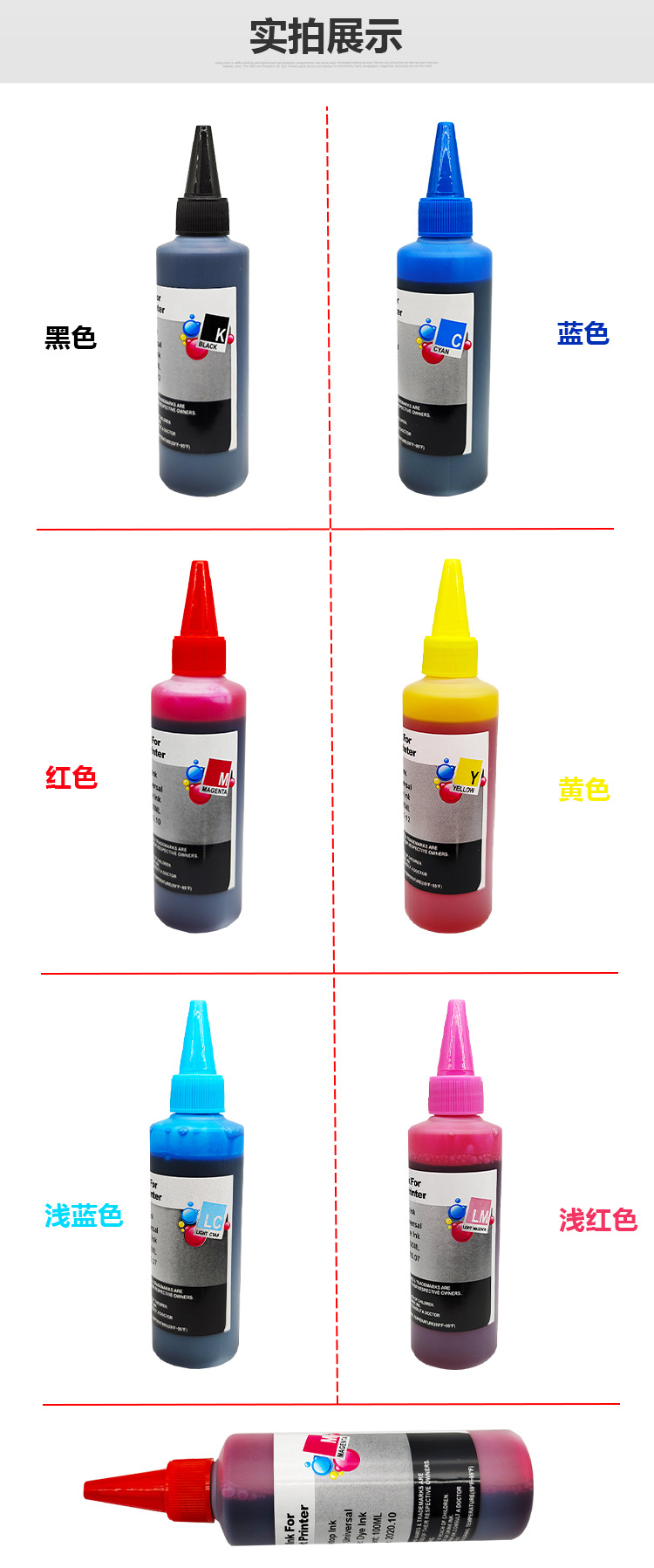
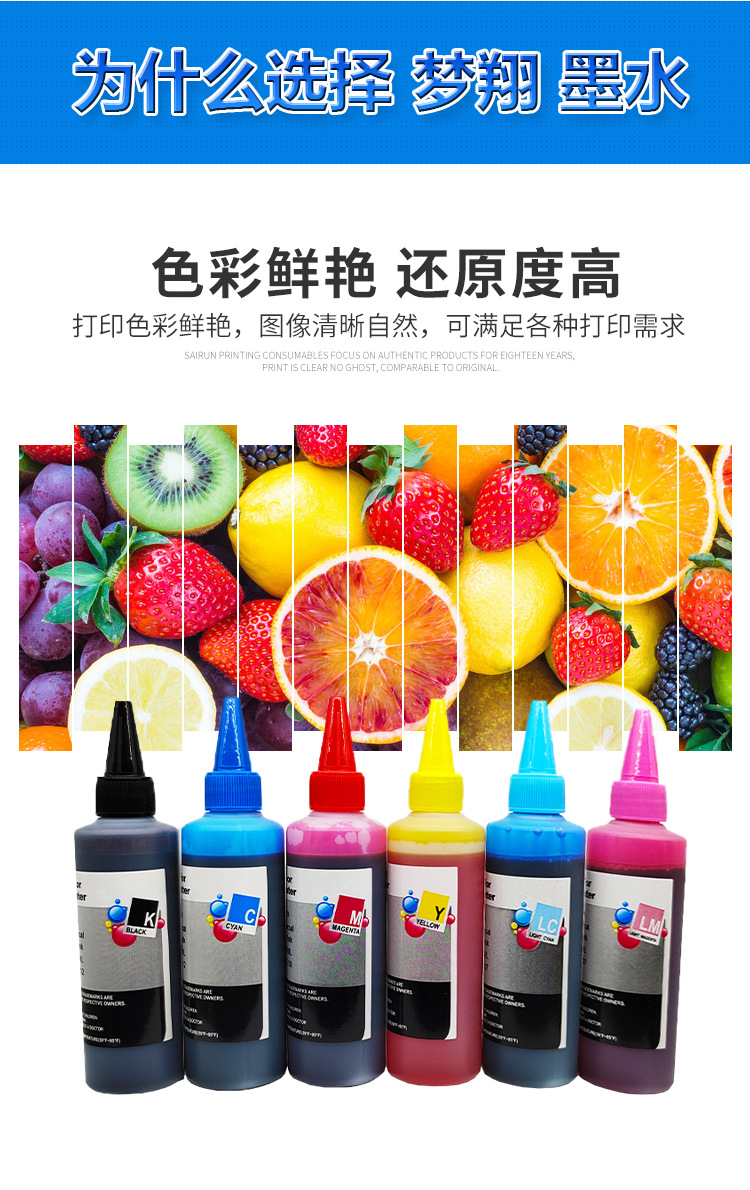
| 100ml black | ¥0.0 | 463423 piece available |
|
| 100ml blue | ¥0.0 | 498405 piece available |
|
| 100ml red | ¥0.0 | 498427 piece available |
|
| 100ml yellow | ¥0.0 | 498402 piece available |
|
| 100ml light blue | ¥0.0 | 499929 piece available |
|
| 100ml light red | ¥0.0 | 499953 piece available |
|


A new item has been added to your Shopping Cart. You now have items in your Shopping Cart.
|
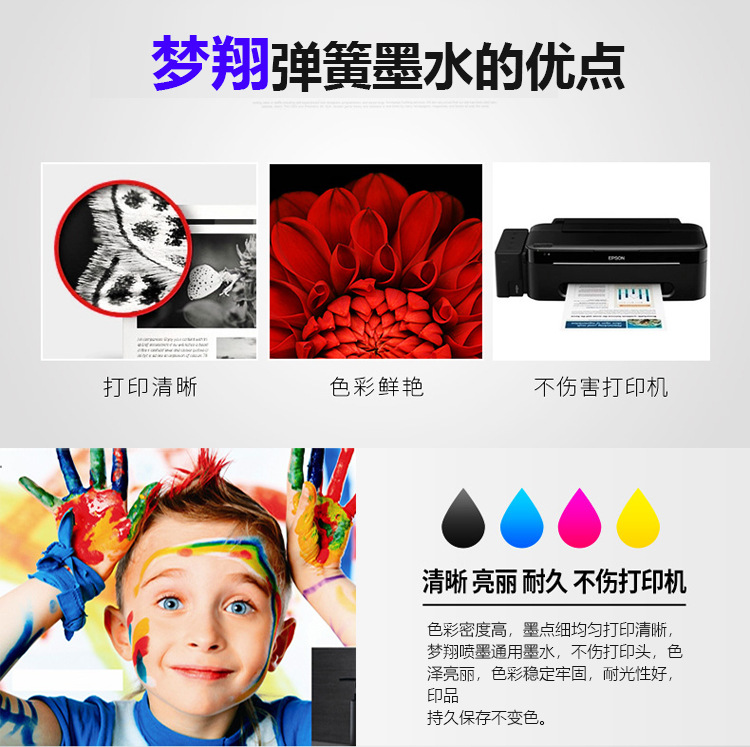
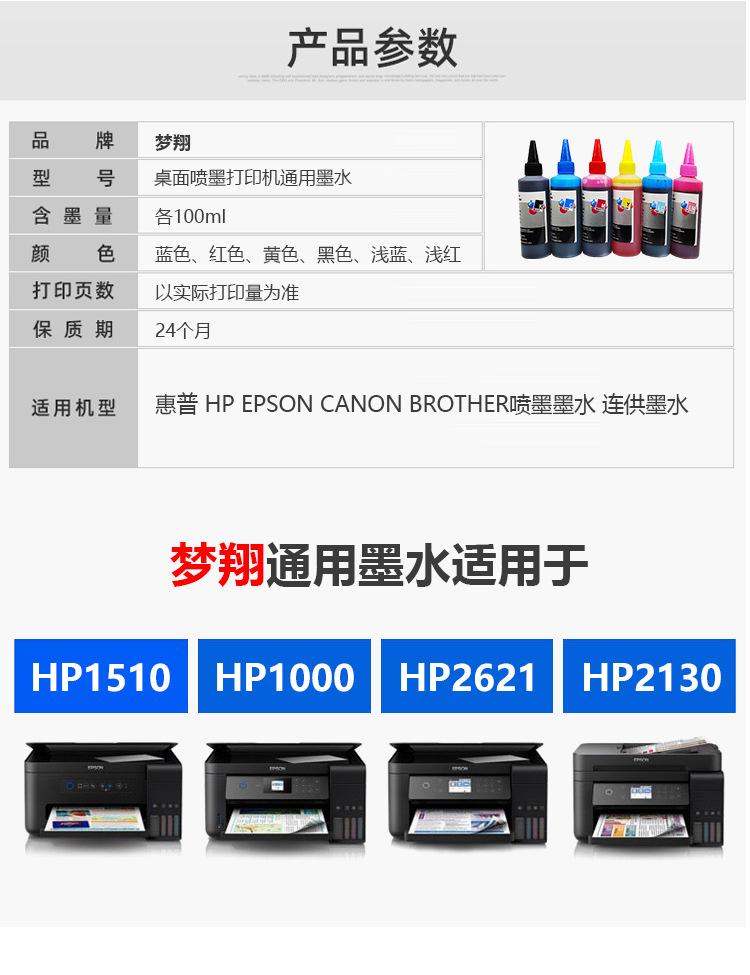
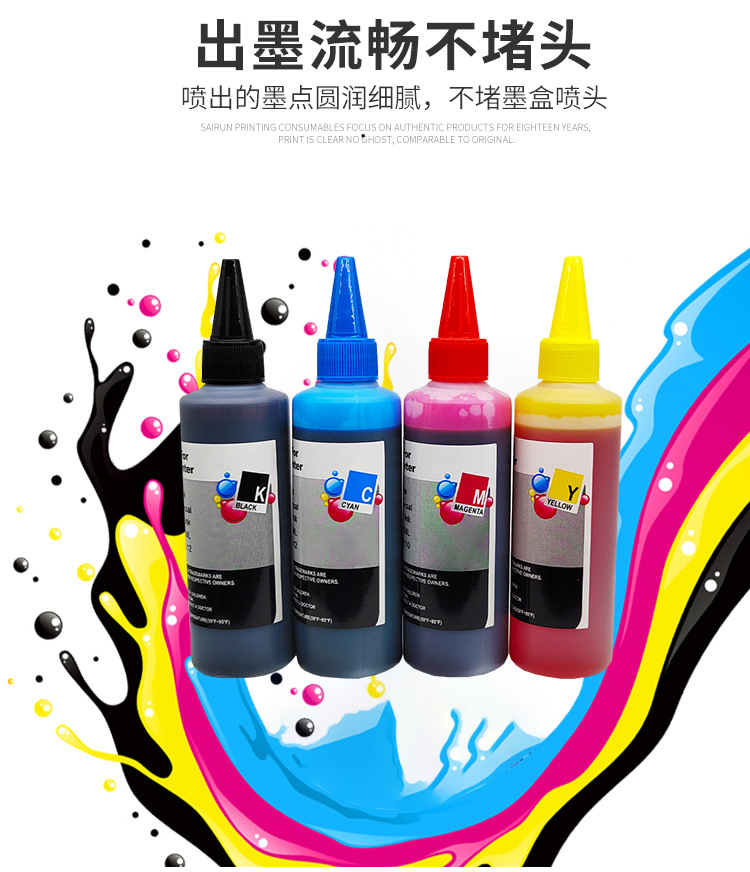
Brand: Dream Soar Suitable for Canon 815, IP2780, MX328, MP259, 288, 236 printers with continuous ink supply. Product Name: Filling Ink, Continuous Ink Supply, Printer Ink Ink capacity: 100ML Suitable for printer models: IP2780, MP288, MP498, MX328, MP259, MP236, etc. Desk printers |


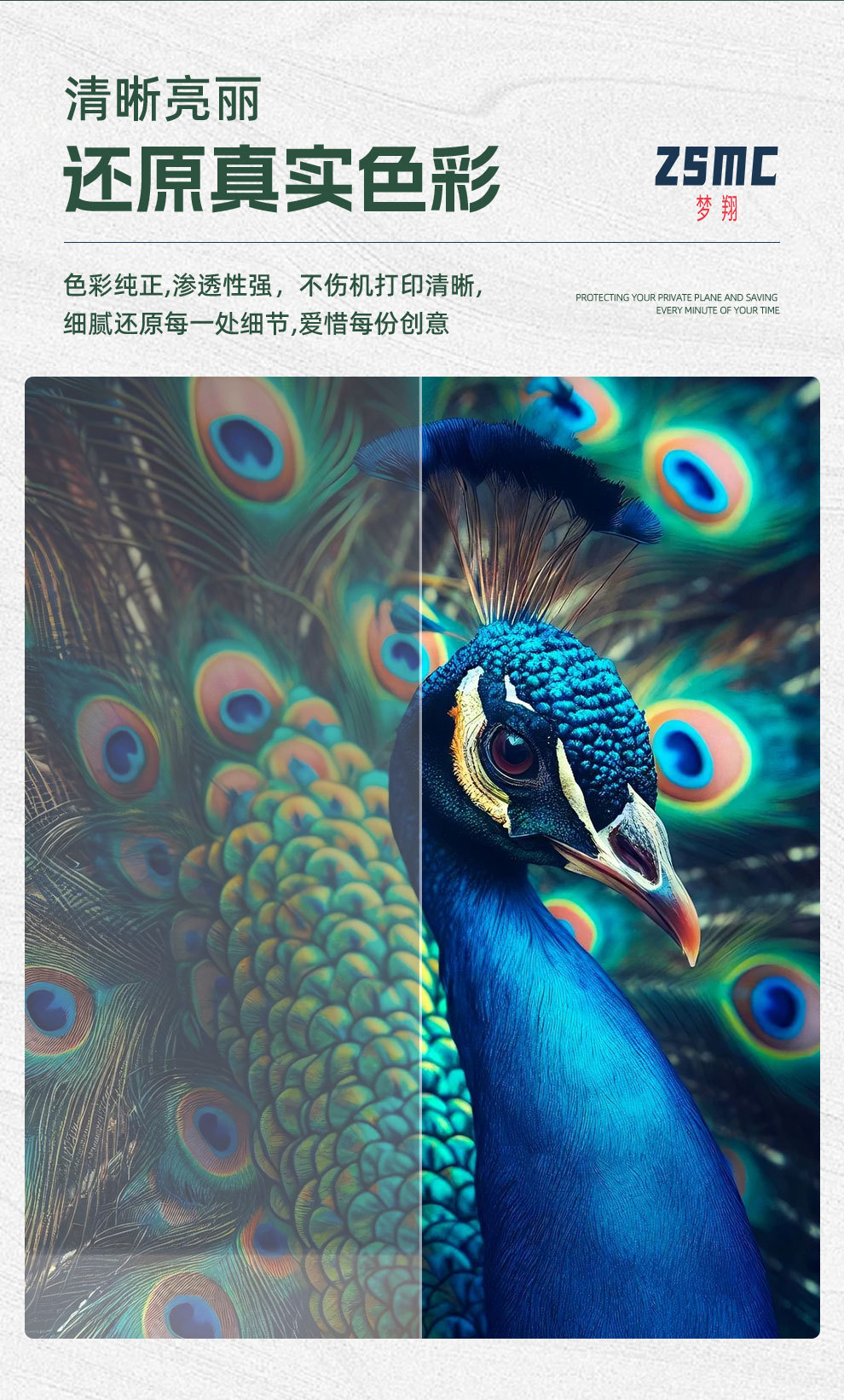

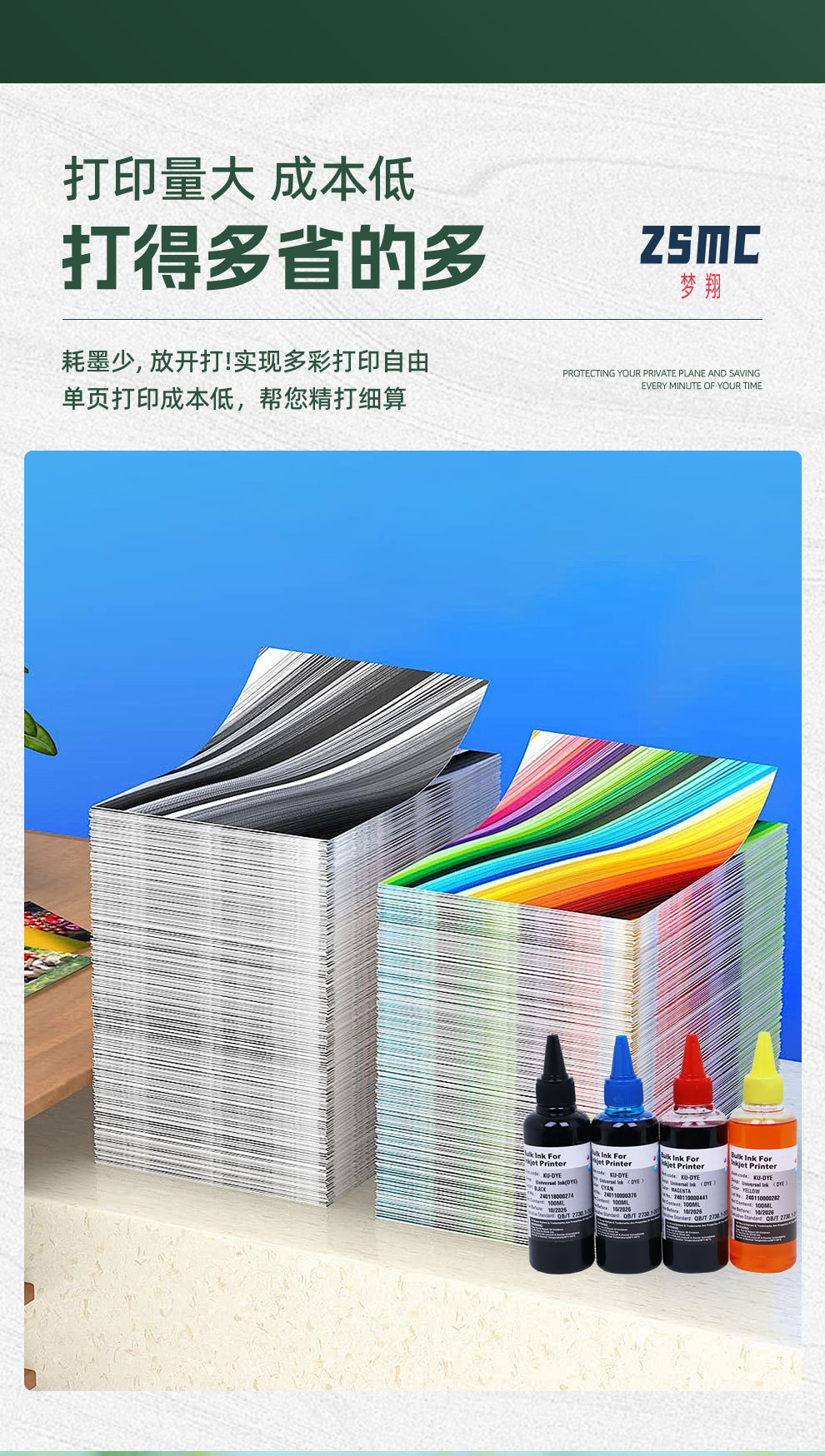


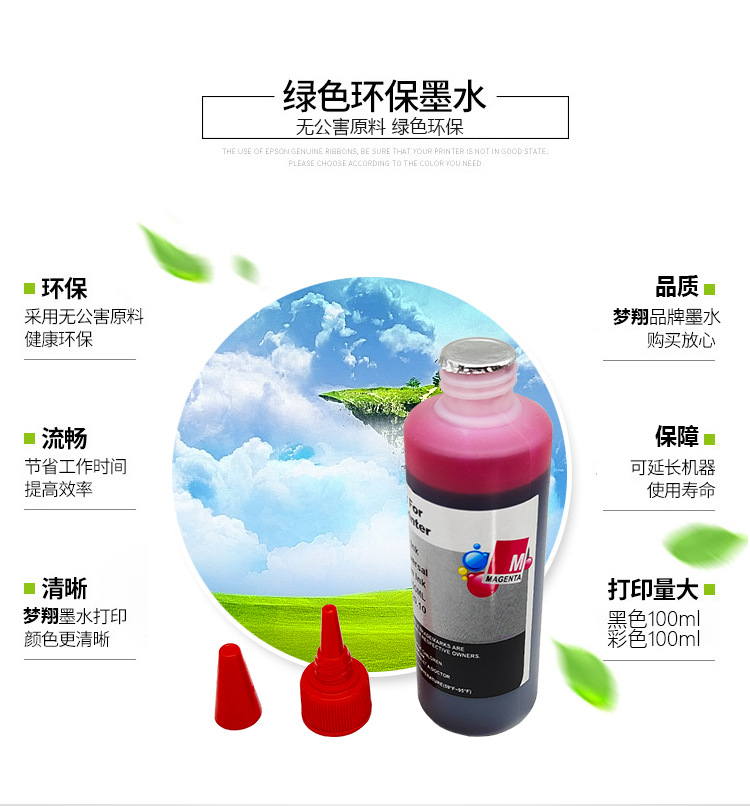
Zhongshan Dream Color Printing Consumables Co., Ltd. has been committed to the production, development, and sales of printing and copying machine consumables. Our full range of products includes inkjet printer cartridges, laser printer toner cartridges, copier toner cartridges, toner, continuous supply systems, ink, and ribbon, among others, totaling over 3,000 varieties in 9 major categories.
Company Purpose
In 2012, adhering to the mission of customer value orientation, Zhongshan Mengcai boldly innovated its business model and introduced an integrated marketing service center in the industry that combines telephone marketing, e-commerce, and leading transaction platforms with a one-stop customized marketing service, from product consultation, ordering to after-sales service. This has greatly improved customer satisfaction.
Company Size
After years of meticulous work, Zhongshan Dream Color Printing Consumables Co., Ltd. has established a marketing network covering the main cities and provinces across the country, and has built a strong sales and technical support team. The company serves more than 1,000 distributors and sales outlets around the world and works together with distributors to make Dream Color a powerful provider of printing solutions in the world.
In today's increasingly fierce market competition, we firmly believe that a full quality-to-price ratio is the fundamental guarantee for our development to reach the next level. We select raw materials with precision, process them with meticulous care, and strictly supervise the testing process, thus ensuring the superior quality of every product.
Corporate Culture
5. Talent philosophy: There are no boundaries to talent standards and no limits to talent needs. Excellent employees are the foundation of corporate development.
6. The fundamental driving force; only the shining ones are the real gold. Talent needs to be discovered and cultivated.
7. Business Ethics Code: Abide by the law, operate with integrity, maintain professional ethics, and compete fairly.
DreamFlying Printing Technology, Creating a Wonderful Life.
9. Corporate product advertising slogan: Dreamwing/ZSMC - The Colors of Dreams
Special Reminder:
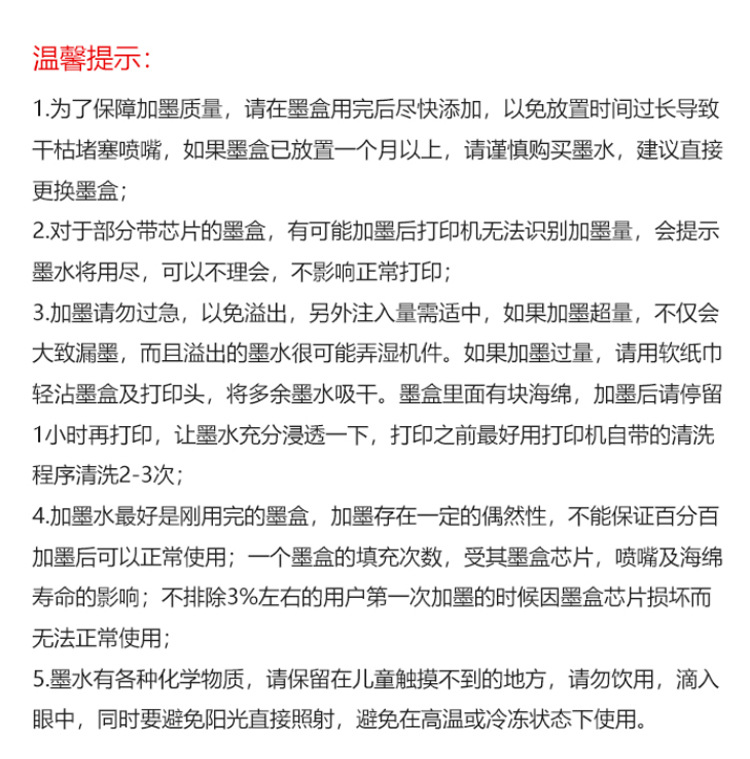
Refilling ink has a certain success rate, not all ink cartridges will necessarily work after refilling, which is related to the condition of the cartridge itself and the experience and technique of refilling. If the cartridge does not work after refilling or stops functioning, it is not covered by the after-sales service.
The five ink filling holes of the black ink cartridge are all connected, and the red ink cartridge has one hole, while the yellow and blue ink cartridges each have two holes (for the experience ink cartridge, there is only one hole).
Black ink cartridge refilling method
1. First, place a tissue or other moisture-absorbing material on the desk to absorb any overflow ink.
2. Gently peel off the label paper on the ink cartridge (do not tear, it still needs to be pasted back) to reveal the ink filling hole.
3. The five small holes arranged under the label are air vent holes and ink injection holes. They can generally be injected with ink, but for safety, please check the holes against light to find the black ink hole to determine the ink injection hole.
4. Remove the extendable bottle with black ink, remove the seal cap, and try to exhaust as much air as possible from the bottle by pointing the needle upwards. Then, insert the needle into the ink filling hole as deeply as possible to fill it. The amount of ink should be controlled at about 1/3 of the ink cartridge capacity (4-5ML is sufficient).
5. Gently shake the ink cartridge (with the ink filling hole facing up) vertically up and down two to three times on the tabletop to fill the ink cartridge with ink.
6. Wipe the ink cartridge nozzle clean with a tissue and reattach the label. Replace the ink cartridge back into the printer and perform 2 to 3 times of "print head cleaning," then perform a test print or nozzle test.
Color ink cartridge refilling method
1. Remove the label on the top of the ink cartridge and you will see five small holes below the label.
2. Distinguish colors: one hole is red, two holes are blue, and two holes are yellow (use a toothpick to insert into the small holes to distinguish the colors).
3. Place a tissue or other moisture-absorbing material on the desk surface to absorb any overflow ink.
4. Gently peel off the label paper on the ink cartridge (do not tear, it still needs to be pasted back), revealing the ink filling hole.
5. The five small holes arranged under the label are air vent holes and ink injection holes. Place the holes against the light to correctly identify the positions of the three colors to be ink-filled (if difficult to distinguish, you can use a toothpick).
6. Remove the expandable bottle with blue (red or yellow) ink, remove the seal cap, and try to exhaust as much air as possible from the bottle by pointing the needle upward. Then, insert the needle into the corresponding color ink injection hole as deeply as possible for filling. The amount of ink should be controlled at about 1/3 of the ink cartridge capacity (each color 2ML is sufficient).
7. Gently shake the ink cartridge (with the ink filling hole facing up) onto the tabletop from above downwards two to three times to fill the ink cartridge with ink.
Special Note:
1, The ink cartridge should not be filled too much; the black ink should not exceed 10ML, and the color ink should not exceed 4ML per color (half for the experience ink cartridge). If it is difficult to control the amount, use the ink filling tool, which has a scale. During the ink filling process, try not to let the circuit part get ink.
After the ink is injected, use the nozzle to stamp the face paper stacked. If the black ink box prints a black rectangle with a small square, and the color is three close-fitting yellow, red, and blue thick lines, it is normal.
3, If there is a break or lack of color in the middle, shake the nozzle down hard until the ink can be ejected with the above method!
If the 4 method doesn't work, place the nozzle down and let it sit for a while. If that doesn't work, you might try a domestic ink extraction tool.
Update time:


TOP


